Swiss poster Video Style
Strict grid, giant grotesk type and one bold accent color.
See it in action with Figma Slides.
From this input to this video
Figma’s product page becomes a launch video combining real product screens with Swiss poster typography.
Create a 30-second product launch video for Figma Slides, a collaborative presentation tool. Use the product page at https://www.figma.com/slides/ as the primary source — pull key visuals, copy, and UI from there. Open with the problem a product design team faces before finding Figma Slides. Then show how Figma Slides solves it in one clear sequence, using the real product visuals. Tone: clear, energetic and practical. End on the logo and the line: Bring your next presentation to life with Figma Slides. Voiceover language: English; if no voiceover, use on-screen captions with background music.
Read the exact input
Prompt
Create a 30-second product launch video for Figma Slides, a collaborative presentation tool. Use the product page at https://www.figma.com/slides/ as the primary source — pull key visuals, copy, and UI from there. Open with the problem a product design team faces before finding Figma Slides. Then show how Figma Slides solves it in one clear sequence, using the real product visuals. Tone: clear, energetic and practical. End on the logo and the line: Bring your next presentation to life with Figma Slides. Voiceover language: English; if no voiceover, use on-screen captions with background music.
Selected style
Swiss poster
Source material
Read the video transcript
Your team designs in Figma. Then presentation day hits. Screenshots get pasted, decks drift out of date, and feedback scatters everywhere. Figma Slides puts the deck where the work already lives. Drop in your designs, and add charts, icons and animations with plugins. Co-create in one file, and dial in the tone of your copy with AI. Run live polls, and every vote saves to your deck. Bring your next presentation to life with Figma Slides.
Make it yours
Fill in your details here, or continue and finish your brief in ngram.
Trusted by teams at


When to use Swiss poster
Let the grid organise the story
Strong alignment and large type create clear hierarchy. Choose the one piece of information that should dominate each scene.
Use an accent with intent
A restrained accent can identify a feature, date or action. Consistent placement makes a sequence of poster-like scenes easier to read.
Supply precise wording
Provide the exact headline, product facts and closing line. Include approved brand colours when the output needs to match an existing campaign.
What to bring
Provide the exact headline, product facts and closing line. Include approved brand colours when the output needs to match an existing campaign.
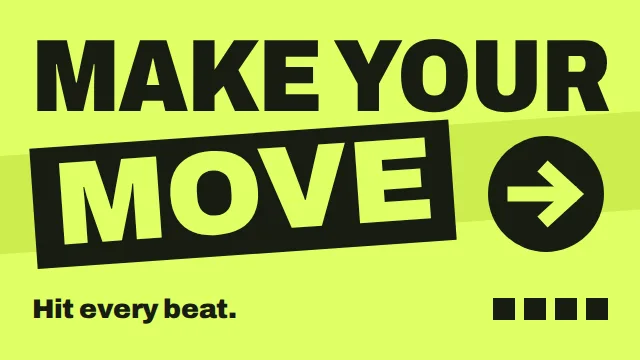
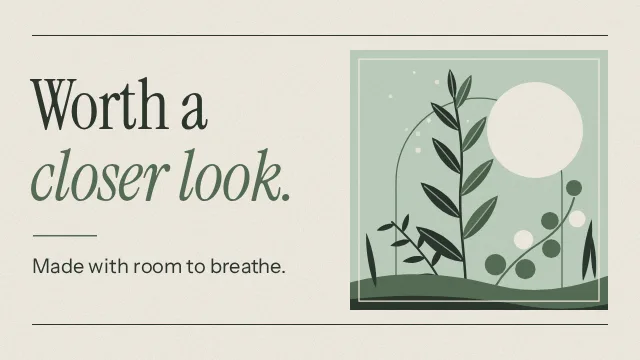
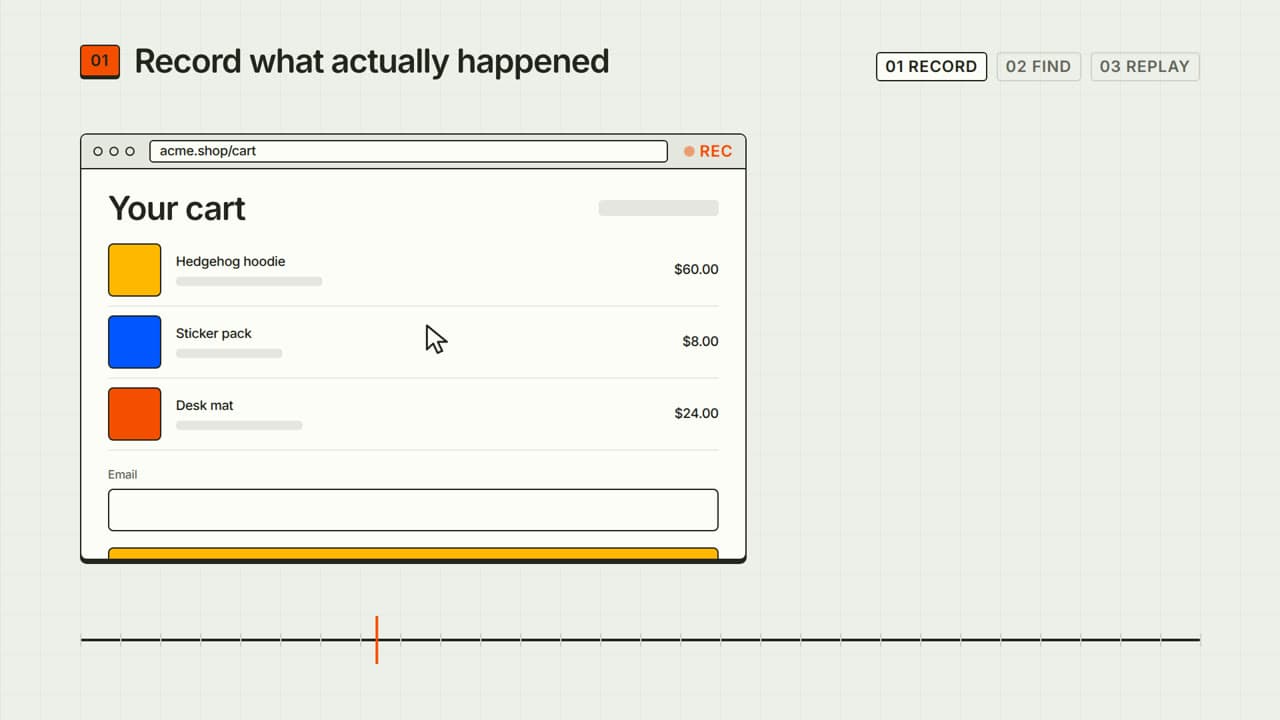
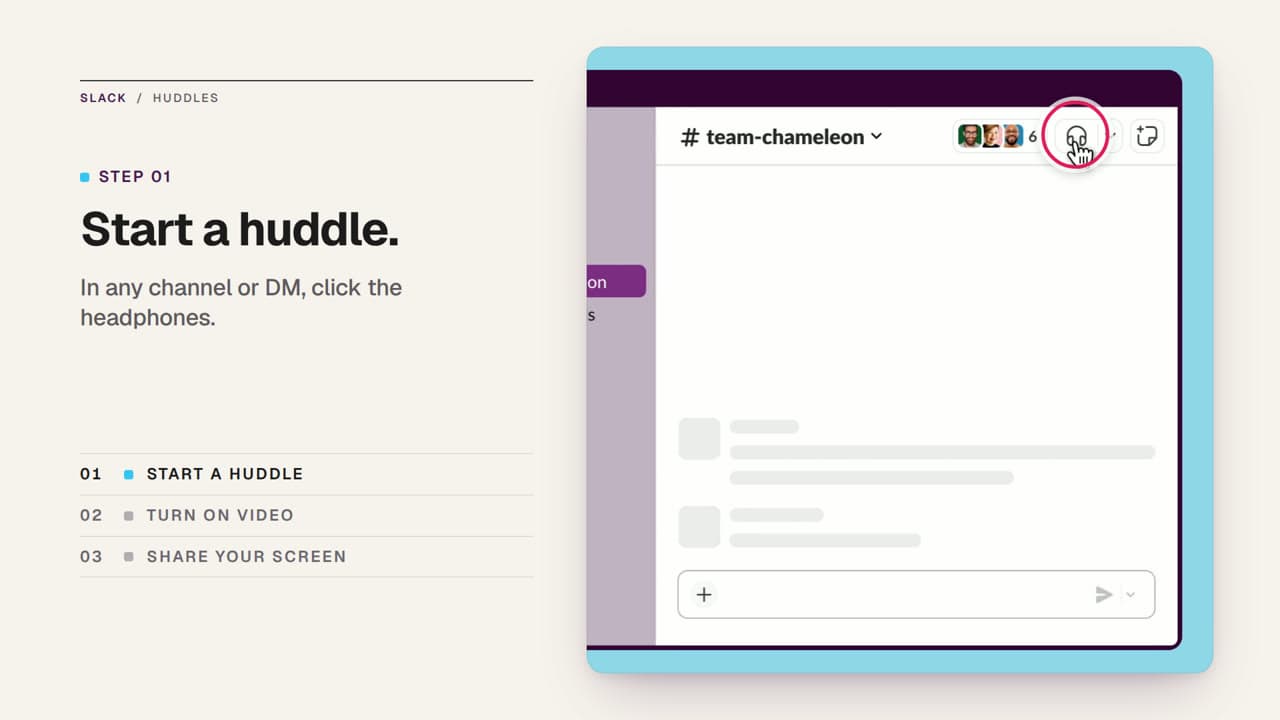
Related video styles
Compare a few directions before you start your draft.
Put this style to work
Refine your video in ngram
Connect your video workflow
whenThe finished product launch video is ready for the launch channel
thenSchedule the product launch video on YouTube for launch day.
whenThe finished product launch video is ready for launch-day sharing
thenPlace the product launch video on the LinkedIn calendar for a one-off post.
whena product launch milestone is reached
thenauto-trigger a launch video render
Style template questions
Will my selected style survive sign-in?
Continue with your brief and chosen style in ngram. You can fill in the remaining details or change your selections before creating the video.
Can I change the style in Studio?
Yes. The selected style is a starting point. You can choose another active style or adjust the video before generation.
Does the template copy the preview video?
Your brief starts a new video using the chosen visual direction. Add your own source material and adjust the settings to make it yours.
What source material should I bring?
Use your own product links, screenshots, recordings or documents. The example’s exact input shows how source material and a filled-in brief work together. Add your own material in ngram before creating the video.
Can I use my brand with this style?
Yes. Set up your Brand Kit first, then select it while creating your video. You can also turn on captions and adjust your video in ngram.