Blueprint Video Style
Technical line drawings on a grid, built piece by piece.
See it in action with Creating your first video in ngram.
From this input to this video
ngram’s first-video guide becomes a four-step tutorial with animated walkthrough scenes.
Create a 30-second step-by-step tutorial video about creating your first video in ngram for product marketers. Source material: https://www.ngram.com/docs/creating-your-first-video (upload slides, paste a URL, or describe the steps). Walk through each step in order: write the brief with the audience, message and desired action; add useful sources and choose a style; approve the plan containing the script; play the preview and request revisions. For each step, show a clear visual, narrate the action in plain language, and add an on-screen label. Tone: clear and encouraging. End with a summary screen of all steps and the line: Create your first video with ngram. Voiceover language: English; if no voiceover, use on-screen captions with light background music.
Read the exact input
Prompt
Create a 30-second step-by-step tutorial video about creating your first video in ngram for product marketers. Source material: https://www.ngram.com/docs/creating-your-first-video (upload slides, paste a URL, or describe the steps). Walk through each step in order: write the brief with the audience, message and desired action; add useful sources and choose a style; approve the plan containing the script; play the preview and request revisions. For each step, show a clear visual, narrate the action in plain language, and add an on-screen label. Tone: clear and encouraging. End with a summary screen of all steps and the line: Create your first video with ngram. Voiceover language: English; if no voiceover, use on-screen captions with light background music.
Selected style
Blueprint
Source material
Read the video transcript
Here's how to make your first ngram video in four steps. First, write your brief: who it's for, your main message, and the action viewers should take. Next, add useful sources, like slides or a link, and pick a style. Then review the plan and its script, and approve it. Finally, play the preview and request revisions in chat. Create your first video with ngram.
Make it yours
Fill in your details here, or continue and finish your brief in ngram.
Trusted by teams at


When to use Blueprint
Build the explanation piece by piece
Line drawings on a grid can show how a system fits together. Start with the whole, then introduce its relevant parts.
Make relationships visible
Use connectors, labels and staged reveals to explain dependencies. State the direction of flow in the brief so motion reinforces it.
Supply the correct structure
Provide the actual workflow, architecture or product documentation. Name the components and the relationship the viewer needs to understand.
What to bring
Provide the actual workflow, architecture or product documentation. Name the components and the relationship the viewer needs to understand.
Related video styles
Compare a few directions before you start your draft.
Technical & data
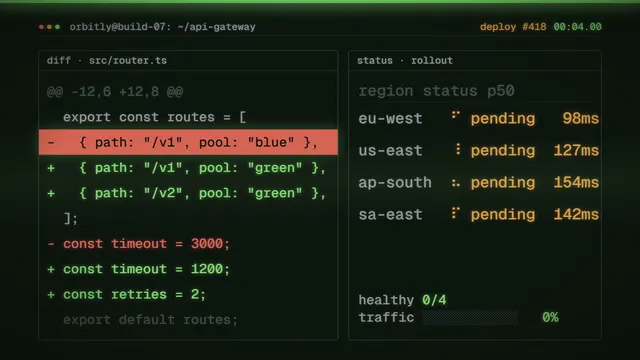
Terminal
Monospace commands on a dark screen with soft phosphor glow.
Preview style
Technical & data
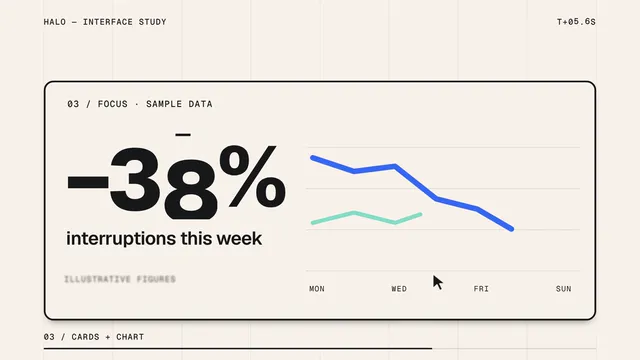
Morphing interface
One clean interface shape that folds, splits and reforms.
Preview style
Technical & data
Exploded view
Flat-shaded 3D parts pulled apart like an assembly manual.
Preview stylePut this style to work
Video workflows for your team
Refine your video in ngram
Connect your video workflow
whenThe finished tutorial video is ready for the YouTube learning channel
thenPlace the tutorial video on the YouTube calendar and publish its post.
whenThe finished tutorial video is ready for a LinkedIn how-to post
thenCompose the tutorial video as a LinkedIn how-to post, then publish it.
whena new user joins your product
thenauto-generate their onboarding tutorial
Style template questions
Will my selected style survive sign-in?
Continue with your brief and chosen style in ngram. You can fill in the remaining details or change your selections before creating the video.
Can I change the style in Studio?
Yes. The selected style is a starting point. You can choose another active style or adjust the video before generation.
Does the template copy the preview video?
Your brief starts a new video using the chosen visual direction. Add your own source material and adjust the settings to make it yours.
What source material should I bring?
Use your own product links, screenshots, recordings or documents. The example’s exact input shows how source material and a filled-in brief work together. Add your own material in ngram before creating the video.
Can I use my brand with this style?
Yes. Set up your Brand Kit first, then select it while creating your video. You can also turn on captions and adjust your video in ngram.