News charts Video Style
Newspaper-style charts with serif headlines and clear annotations.
See it in action with Wise Platform recipient verification.
From this input to this video
A feature announcement built from Wise’s published explanation and real recipient-flow screens.
Create a 30-second feature announcement video for Wise Platform, a international payments infrastructure platform for banks and financial-service providers. The new feature is Global Recipient Verification: recipient validation within an existing Wise Platform payment flow, using automated formatting and logic checks before sending a payment. Open on the problem users had before: incorrect recipient details can cause failed payments, delays and manual follow-up. Show how Global Recipient Verification solves it using motion graphics over the real product UI pulled from https://wise.com/gb/blog/global-recipient-verification — do not invent fake screens. Tone: clear and precise. End on the product logo with the line Explore Global Recipient Verification with Wise Platform. Channel: LinkedIn in landscape 16:9. Voiceover: English; if no voiceover, use on-screen captions and light background music.
Read the exact input
Prompt
Create a 30-second feature announcement video for Wise Platform, a international payments infrastructure platform for banks and financial-service providers. The new feature is Global Recipient Verification: recipient validation within an existing Wise Platform payment flow, using automated formatting and logic checks before sending a payment. Open on the problem users had before: incorrect recipient details can cause failed payments, delays and manual follow-up. Show how Global Recipient Verification solves it using motion graphics over the real product UI pulled from https://wise.com/gb/blog/global-recipient-verification — do not invent fake screens. Tone: clear and precise. End on the product logo with the line Explore Global Recipient Verification with Wise Platform. Channel: LinkedIn in landscape 16:9. Voiceover: English; if no voiceover, use on-screen captions and light background music.
Selected style
News charts
Source material
Read the video transcript
One wrong recipient detail can stop an international payment. It fails, it's delayed, and someone has to chase it by hand. Incorrect recipient details are the single biggest cause of failed payments. Global Recipient Verification checks them first, inside your existing Wise Platform payment flow. Automated formatting and logic checks confirm the payment message is complete and correct, before it's sent. Across a wide range of currencies, with no external provider. Explore Global Recipient Verification with Wise Platform.
Make it yours
Fill in your details here, or continue and finish your brief in ngram.
Trusted by teams at


When to use News charts
Lead with the finding
A chart-focused layout should make the main result easy to identify. State the metric, period and comparison in the brief.
Let charts explain the claim
Use chart labels and annotations that match the supplied data. Separate an observed result from an interpretation or recommendation.
Bring the source data
Provide the numbers, units, dates and source links. Avoid filling a chart-shaped space with invented figures or unsupported trends.
What to bring
Provide the numbers, units, dates and source links. Avoid filling a chart-shaped space with invented figures or unsupported trends.
Related video styles
Compare a few directions before you start your draft.
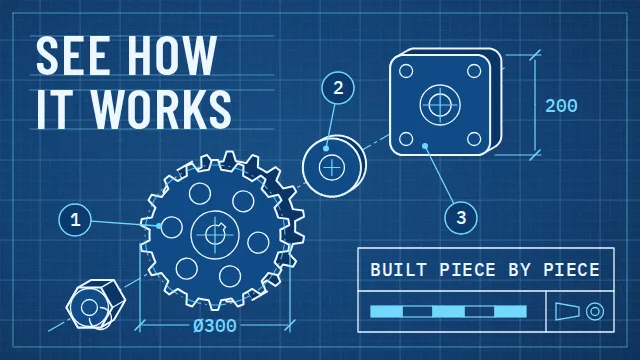
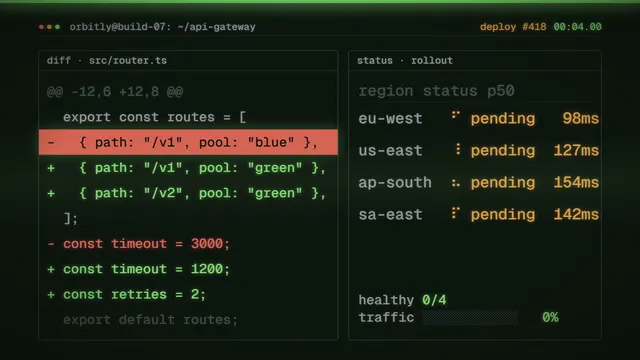
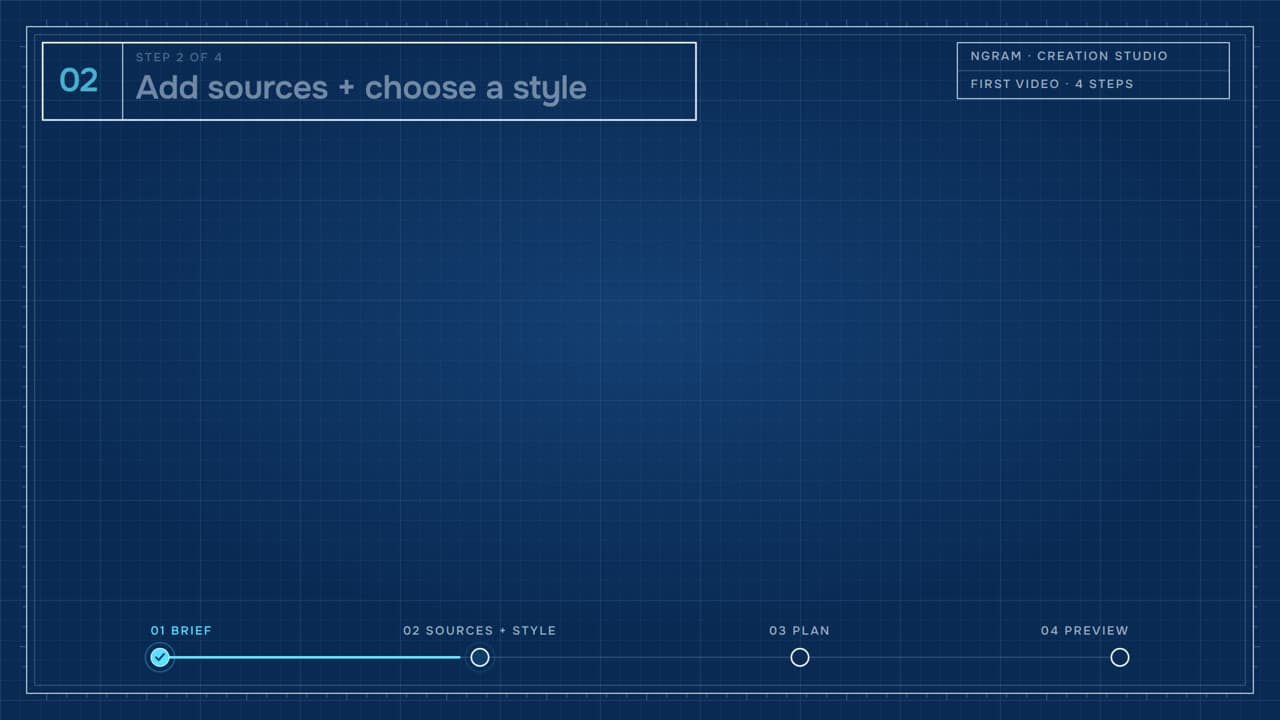
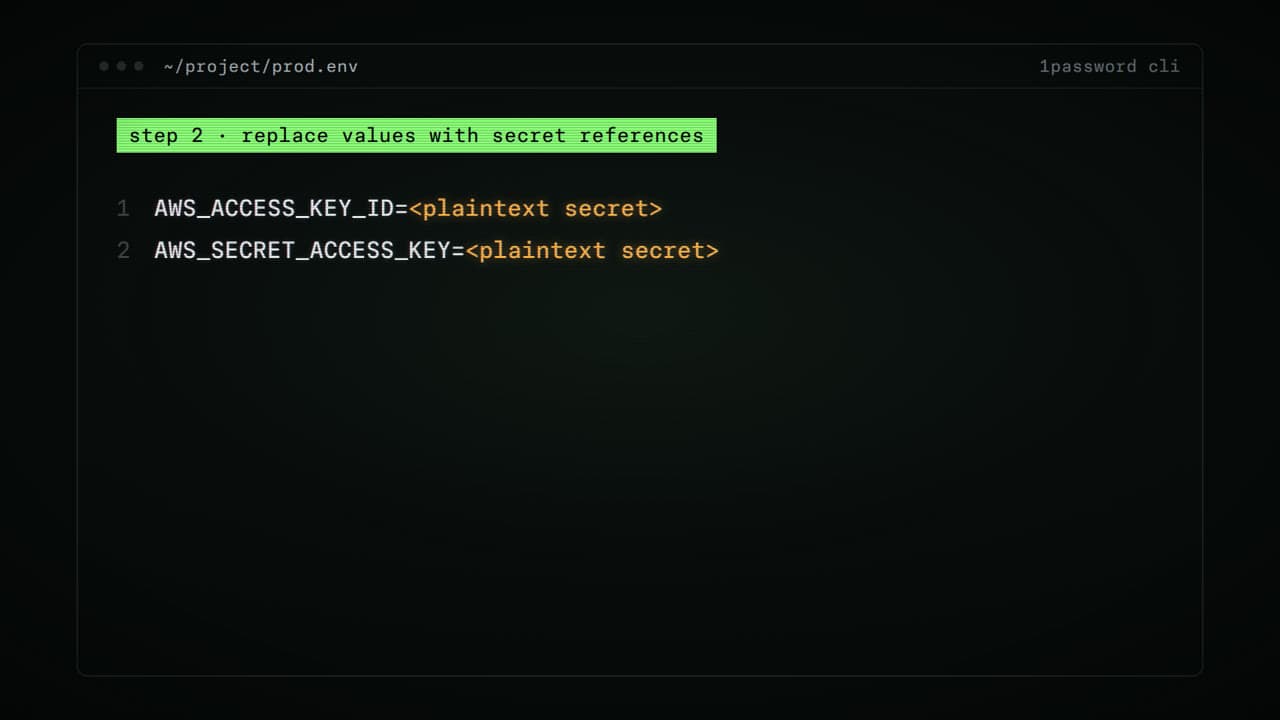
Explore related video examples
Video workflows for your team
Refine your video in ngram
Connect your video workflow
whenThe finished fintech feature announcement video is ready for an X update
thenSet a one-off X update for the fintech feature announcement video.
whenThe finished fintech feature announcement video is ready to share with customers
thenChoose one LinkedIn publish time for the fintech feature announcement video.
whenThe finished fintech feature announcement video is ready for the product channel
thenSchedule the fintech feature announcement video for one YouTube product update.
Start with your existing material
Style template questions
Will my selected style survive sign-in?
Continue with your brief and chosen style in ngram. You can fill in the remaining details or change your selections before creating the video.
Can I change the style in Studio?
Yes. The selected style is a starting point. You can choose another active style or adjust the video before generation.
Does the template copy the preview video?
Your brief starts a new video using the chosen visual direction. Add your own source material and adjust the settings to make it yours.
What source material should I bring?
Use your own product links, screenshots, recordings or documents. The example’s exact input shows how source material and a filled-in brief work together. Add your own material in ngram before creating the video.
Can I use my brand with this style?
Yes. Set up your Brand Kit first, then select it while creating your video. You can also turn on captions and adjust your video in ngram.