Brutalist Video Style
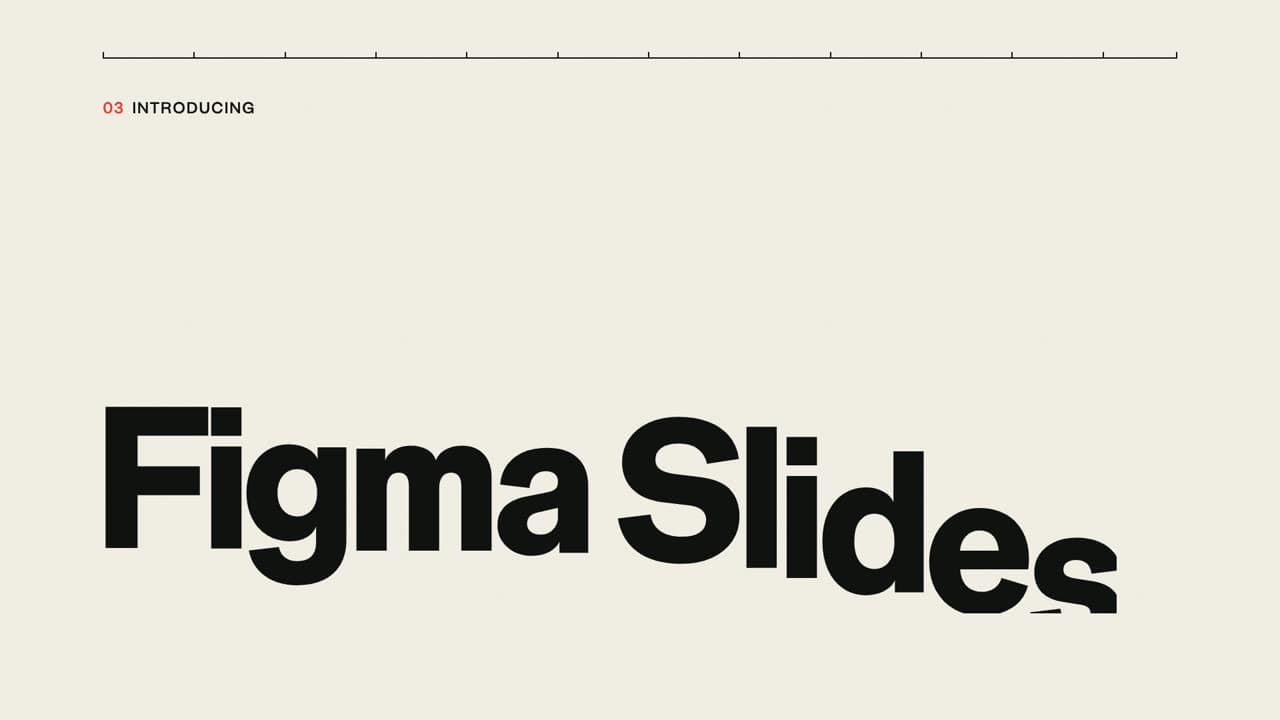
Raw grids, massive type and hard, abrupt layout shifts.
See it in action with Godot: draw a spawn path.
From this input to this video
The official Dodge the Creeps tutorial becomes a walkthrough of Path2D and MobSpawnLocation using the real editor demonstrations.
Create a 30-second product demo video for Godot, a game engine for developers building their first 2D game. Use my uploaded screen recording (or pull screens from https://docs.godotengine.org/en/stable/getting_started/first_2d_game/05.the_main_game_scene.html). Open on the hook: drawing a spawn path around the play area in the official Dodge the Creeps tutorial — the moment in the game or tool where the magic happens. Walk through the documented Path2D workflow: add MobPath, use Add Point to draw the boundary clockwise, close the curve, and add a PathFollow2D child called MobSpawnLocation, narrating each step against the real UI or game screen. Do not fabricate fake UI. Tone: energetic and clear. End on the product name with the line Build your first 2D game with Godot. Visual style: motion graphics with on-screen callouts. If no voiceover, use captions plus background music suited to the game's genre. Use the original screenshots and animated demonstrations from the source, with readable labels and highlights. Preserve the editor and game assets; do not redraw the interface or invent gameplay.
Read the exact input
Prompt
Create a 30-second product demo video for Godot, a game engine for developers building their first 2D game. Use my uploaded screen recording (or pull screens from https://docs.godotengine.org/en/stable/getting_started/first_2d_game/05.the_main_game_scene.html). Open on the hook: drawing a spawn path around the play area in the official Dodge the Creeps tutorial — the moment in the game or tool where the magic happens. Walk through the documented Path2D workflow: add MobPath, use Add Point to draw the boundary clockwise, close the curve, and add a PathFollow2D child called MobSpawnLocation, narrating each step against the real UI or game screen. Do not fabricate fake UI. Tone: energetic and clear. End on the product name with the line Build your first 2D game with Godot. Visual style: motion graphics with on-screen callouts. If no voiceover, use captions plus background music suited to the game's genre. Use the original screenshots and animated demonstrations from the source, with readable labels and highlights. Preserve the editor and game assets; do not redraw the interface or invent gameplay.
Selected style
Brutalist
Read the video transcript
Every creep in Dodge the Creeps spawns from one line. Here's how to draw it. Under Main, add a Path2D node named MobPath. New path tools appear. Pick Add Point, switch on snapping, and click the four corners clockwise, so mobs spawn facing inward. Then hit Close Curve. Loop complete. Add a PathFollow2D child called MobSpawnLocation, to pick a random spot and direction on the path. Build your first 2D game with Godot.
Make it yours
Fill in your details here, or continue and finish your brief in ngram.
Trusted by teams at


When to use Brutalist
Make the hierarchy unmistakable
Large type and raw grids put the central statement first. Choose a short headline that remains readable at a glance.
Use hard changes deliberately
Abrupt cuts can separate claims, examples and actions. Give each frame enough time to communicate before the next shift.
Supply a direct message
Provide the real announcement, essential evidence and final action. Keep claims specific so visual force does not substitute for substance.
What to bring
Provide the real announcement, essential evidence and final action. Keep claims specific so visual force does not substitute for substance.
Related video styles
Compare a few directions before you start your draft.
Put this style to work
Refine your video in ngram
Connect your video workflow
whenThe finished game or companion-app demo is ready for a product-channel upload
thenReview the YouTube destination, then draft the game or companion-app demo post.
whenThe finished game or companion-app demo is ready for an X product update
thenVerify X as the destination, then compose the game or companion-app demo post.
whenThe finished game or companion-app demo is ready for a buyer-facing LinkedIn post
thenReview the LinkedIn destination, then draft the game or companion-app demo post.
Style template questions
Will my selected style survive sign-in?
Continue with your brief and chosen style in ngram. You can fill in the remaining details or change your selections before creating the video.
Can I change the style in Studio?
Yes. The selected style is a starting point. You can choose another active style or adjust the video before generation.
Does the template copy the preview video?
Your brief starts a new video using the chosen visual direction. Add your own source material and adjust the settings to make it yours.
What source material should I bring?
Use your own product links, screenshots, recordings or documents. The example’s exact input shows how source material and a filled-in brief work together. Add your own material in ngram before creating the video.
Can I use my brand with this style?
Yes. Set up your Brand Kit first, then select it while creating your video. You can also turn on captions and adjust your video in ngram.