Sales follow-up video templates
Recap a demo, answer a buyer question or walk through an approved proposal.
Visual direction
Choose a visual style
Preview the composition, motion and pacing, then choose the style for your video.
Type & layout
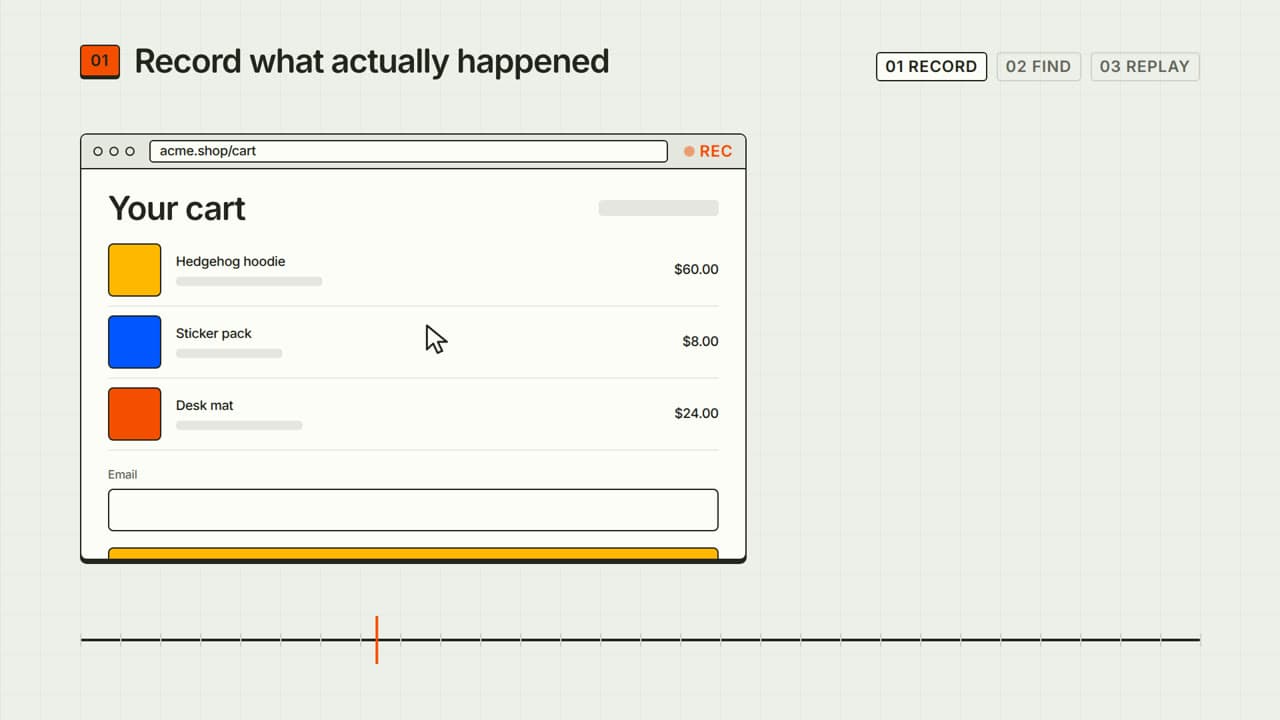
Kinetic type
Bold words, rhythmic motion and a memorable hook.
Preview style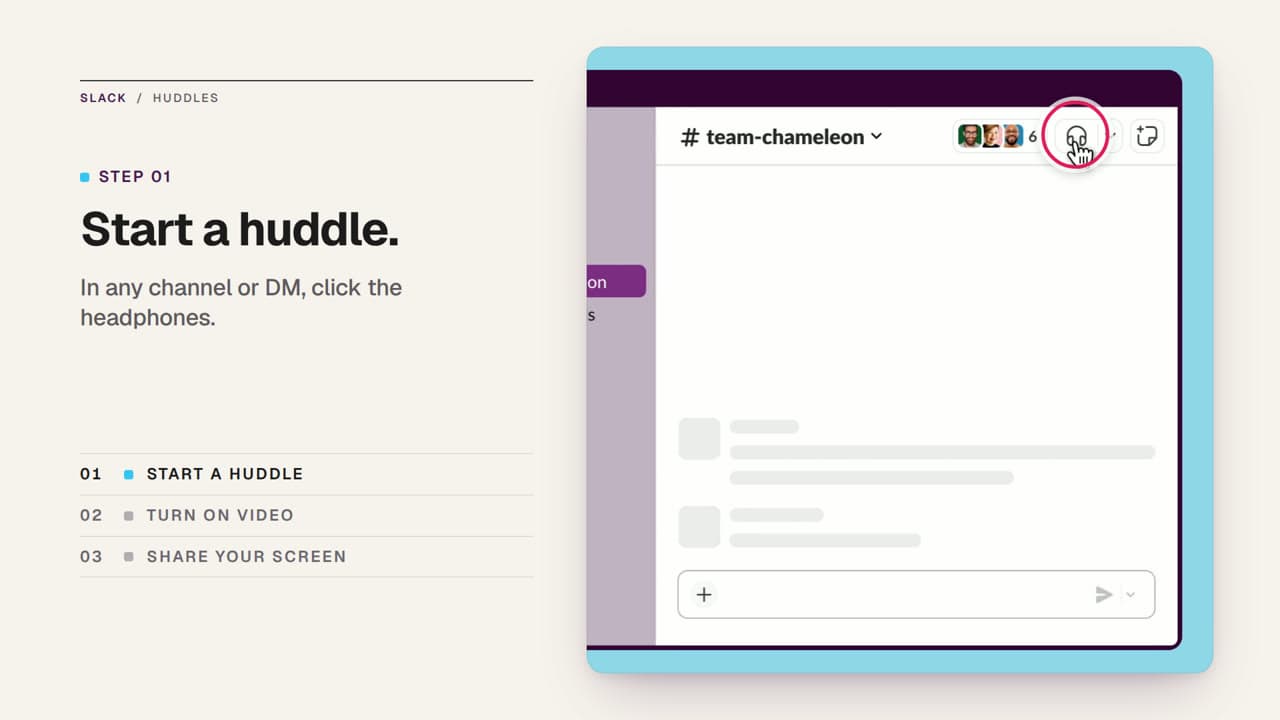
Type & layout
Editorial
Considered typography, imagery and room to breathe.
Preview style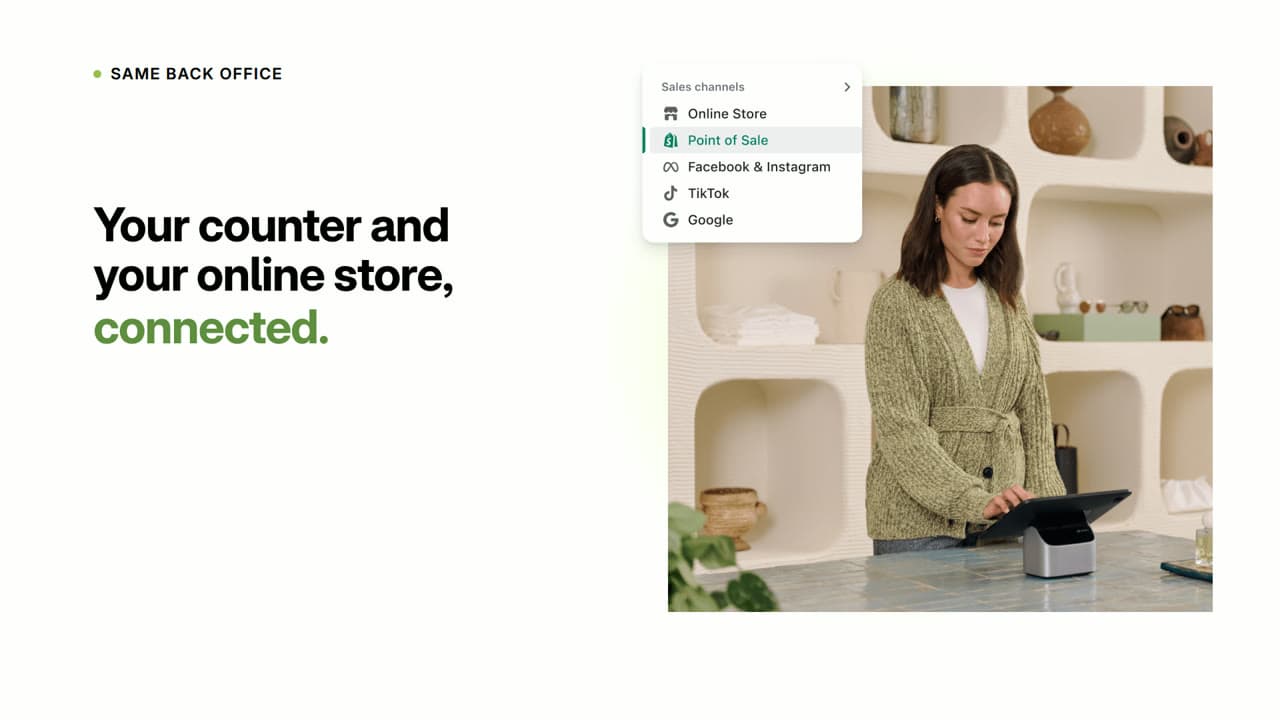
3D & product
Product spotlight
Put your product and its real details in the foreground.
Preview style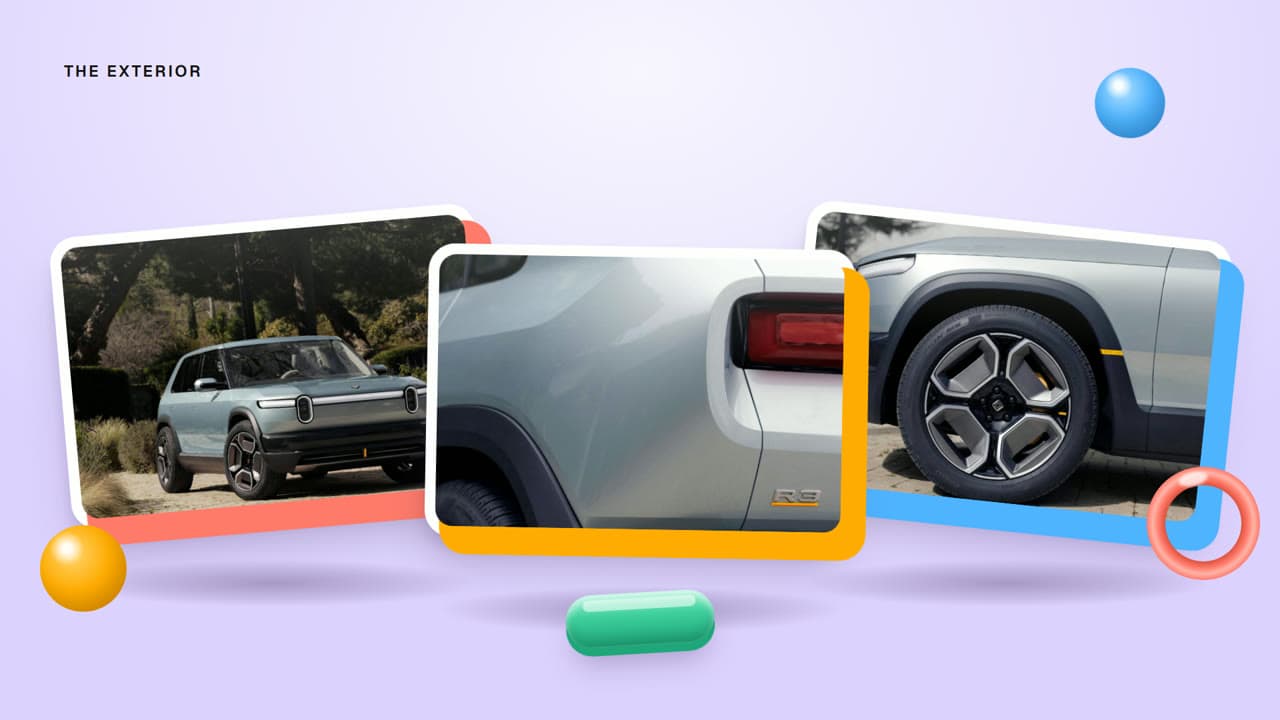
3D & product
3D pop
Bright dimensional shapes with playful, springy motion.
Preview style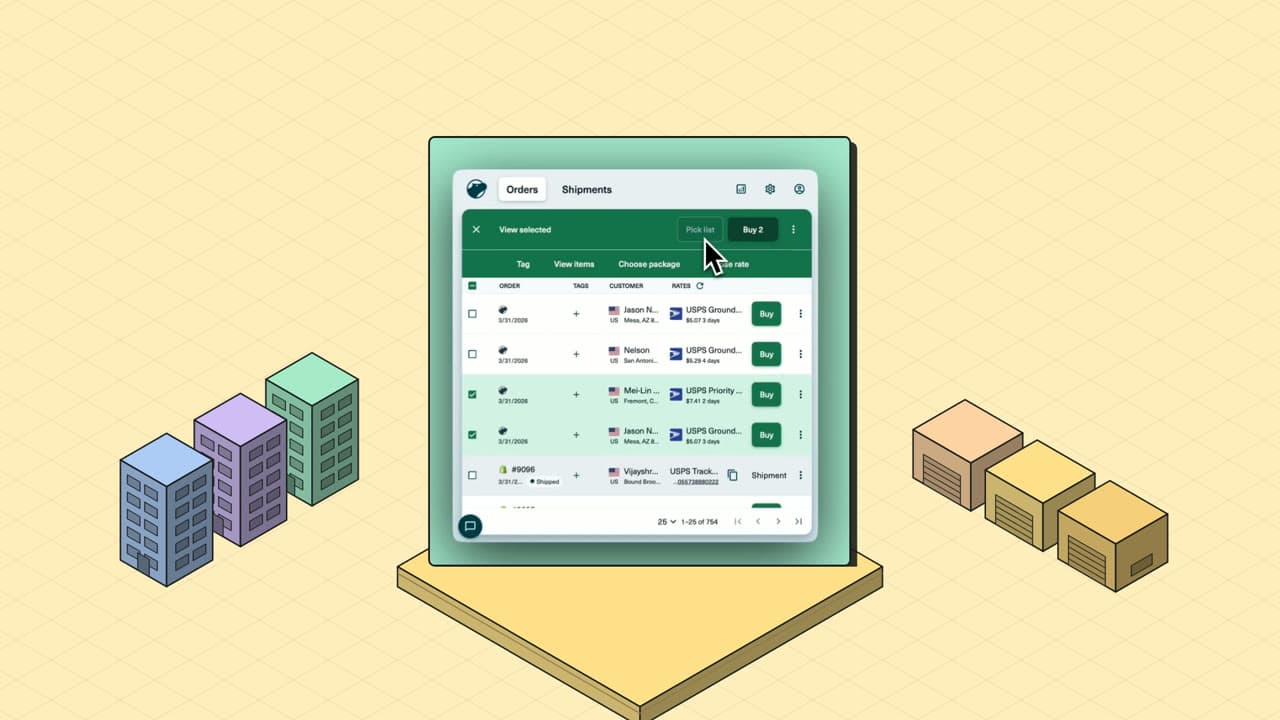
3D & product
Isometric city
A miniature world at a thirty-degree angle, built block by block.
Preview style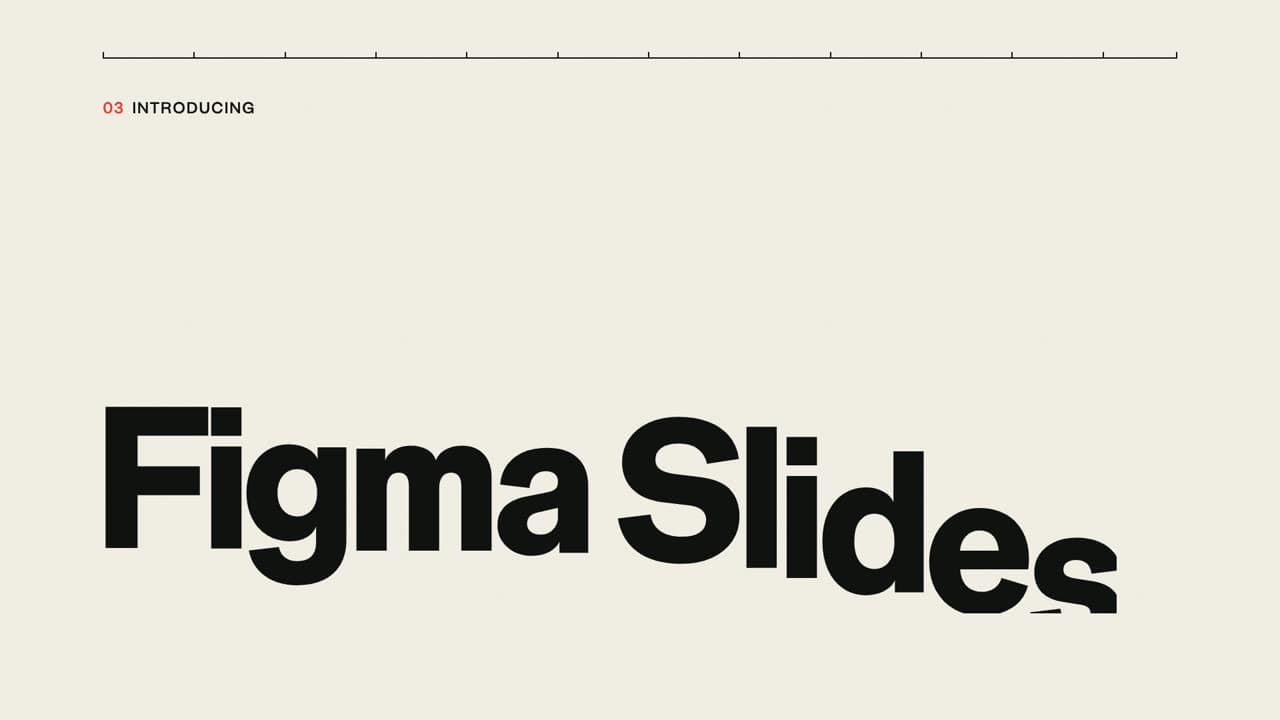
Type & layout
Swiss poster
Strict grid, giant grotesk type and one bold accent color.
Preview style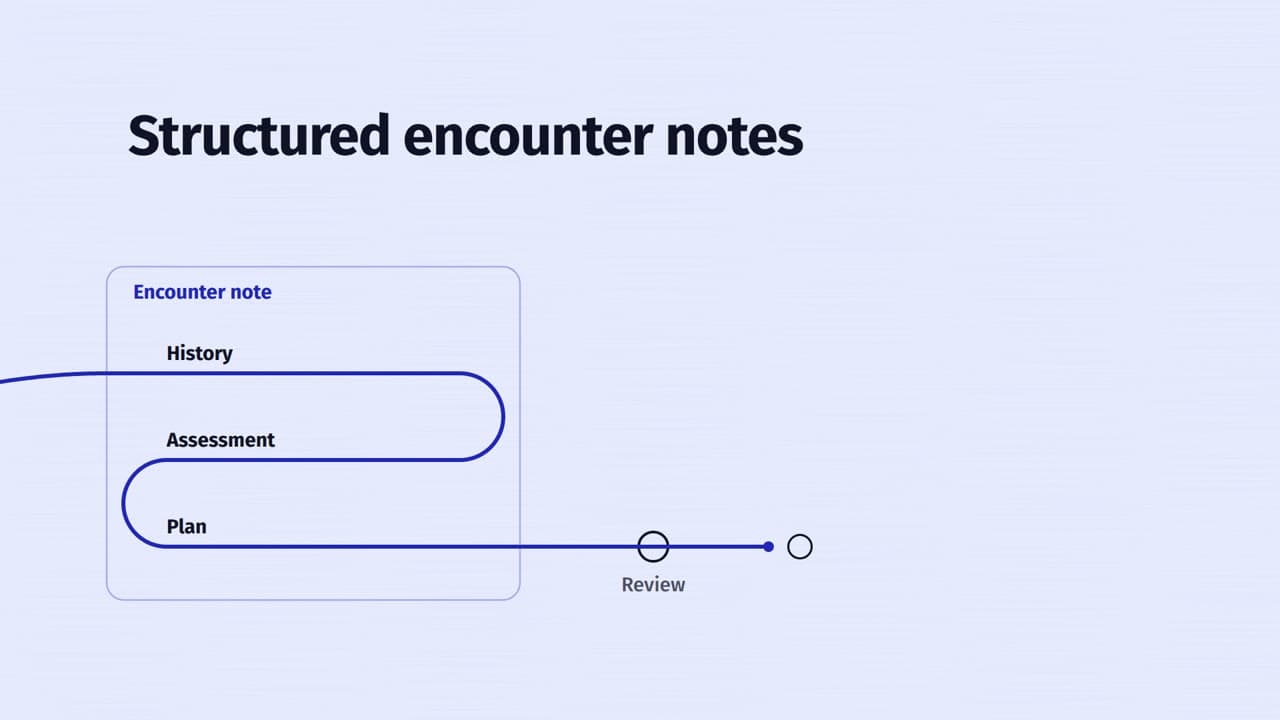
Type & layout
Single line
One continuous drawn line that carries and shapes the type.
Preview style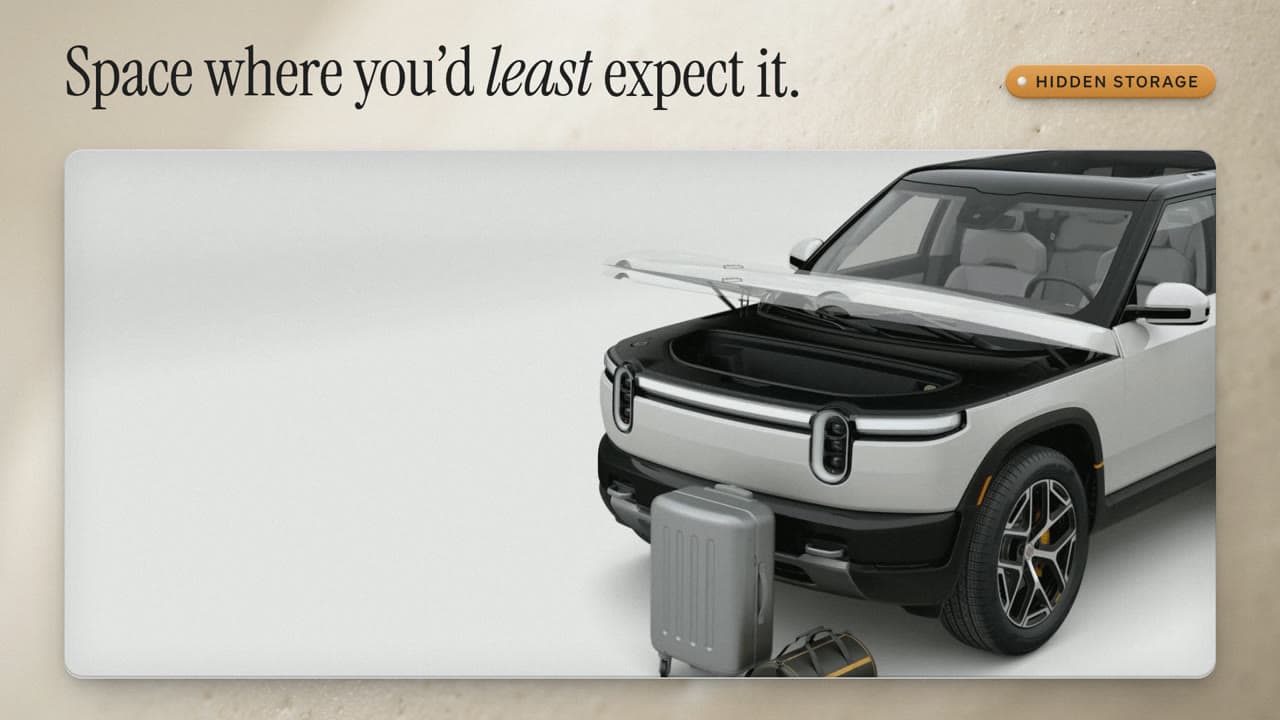
3D & product
Macro close-up
Extreme close-ups of ceramic, glass and metal with shallow focus.
Preview style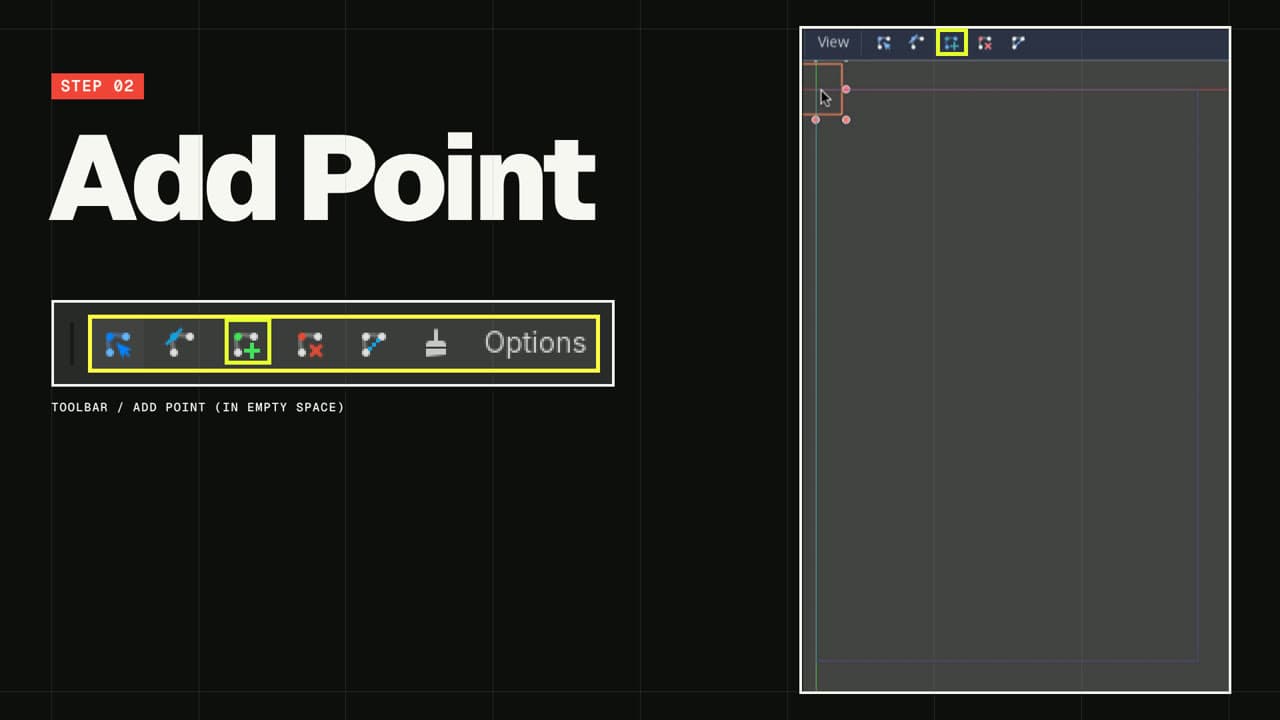
Type & layout
Brutalist
Raw grids, massive type and hard, abrupt layout shifts.
Preview styleStory structure
Choose a starting template
Start from a reusable brief, then adapt the audience, source material, duration and call to action.
 80s
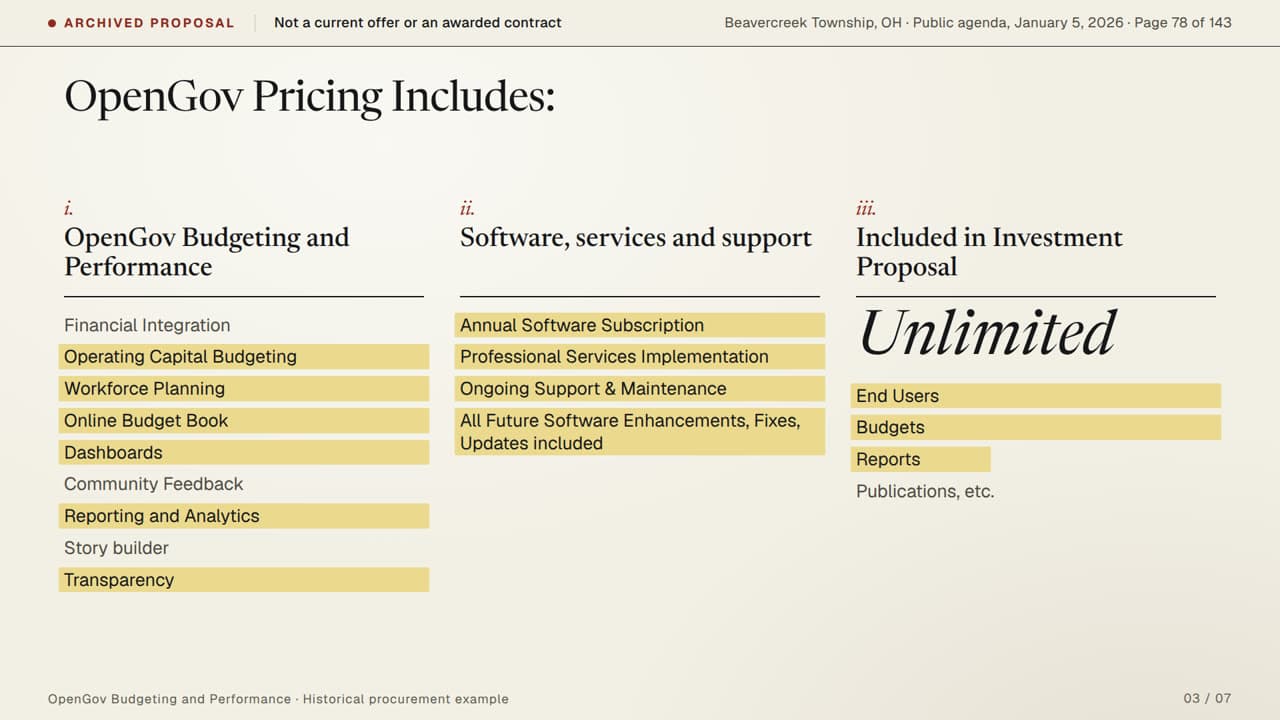
80sProposal Walkthrough Video Template
Guide a buyer through a proposal with scope, deliverables, responsibilities and next steps easy to follow.
Use this template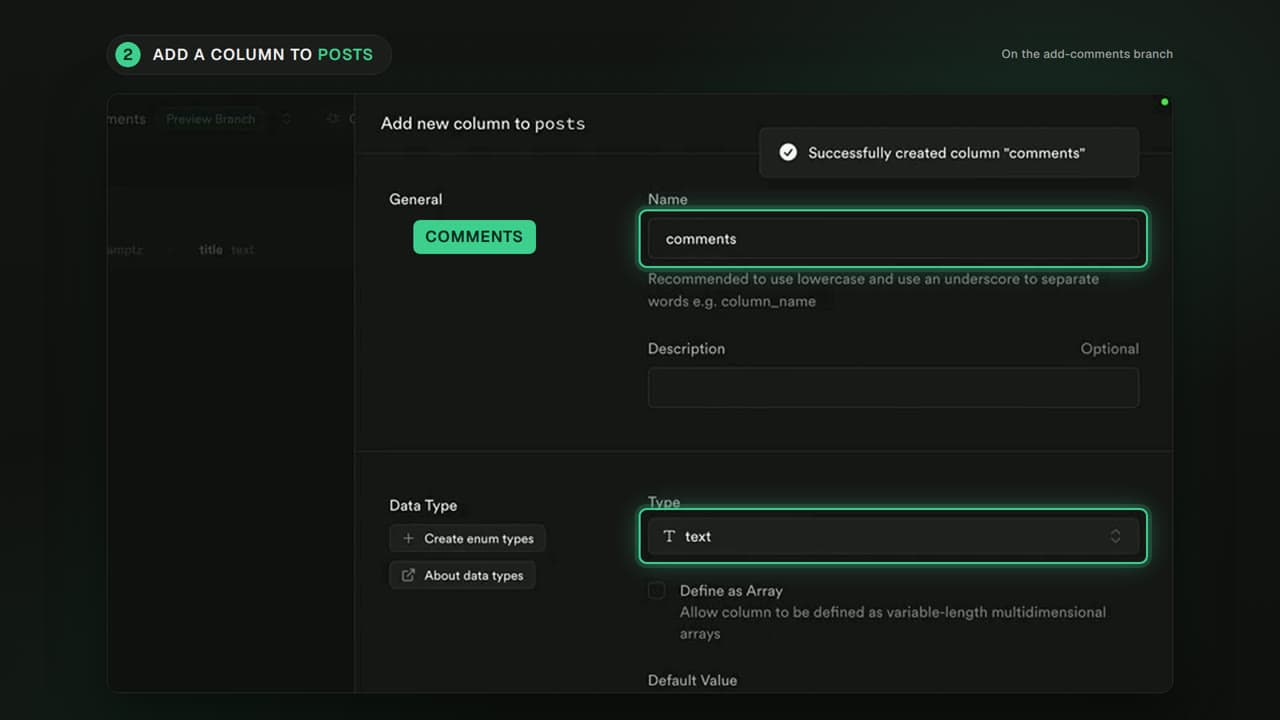 45s
45sSales Demo Follow-up Video Template
Recap a product demo with the audience’s goal, the relevant workflow and a clear next step. Keep the details grounded in the demo and its supporting sources.
Use this template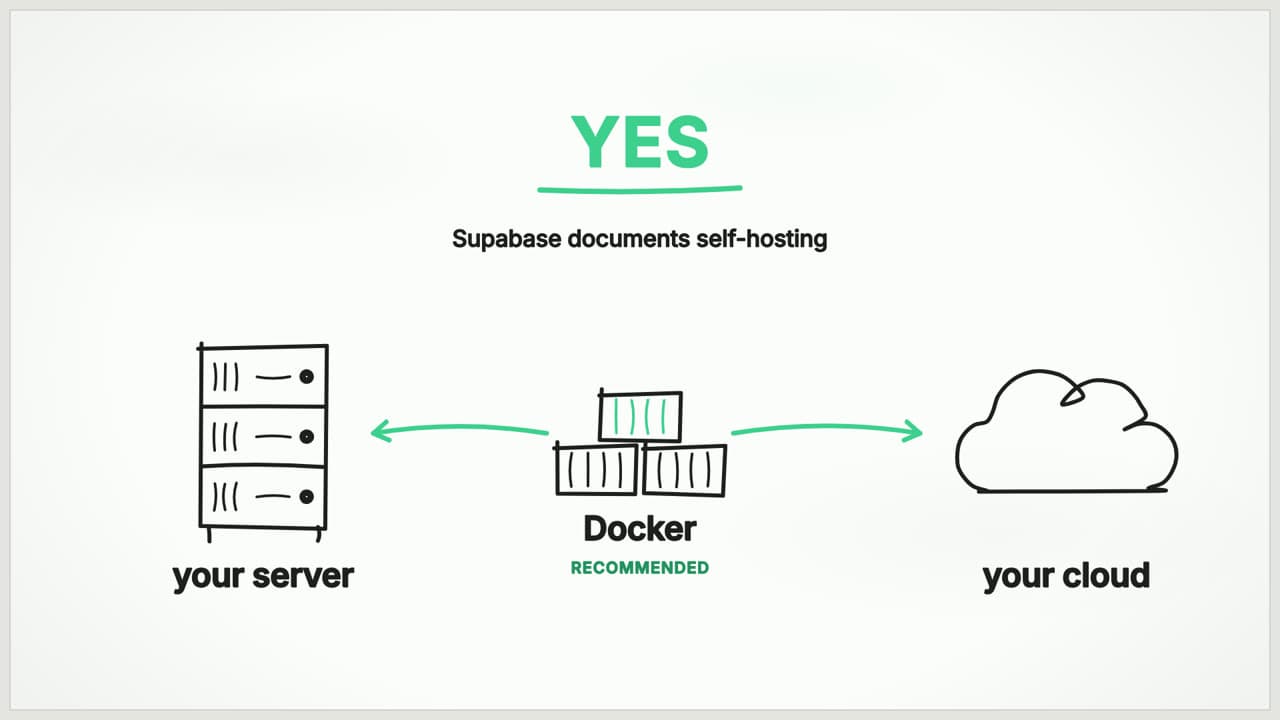 37s
37sSales Objection Answer Video Template
Answer one buyer question with a clear explanation and verifiable evidence. Give sales teams a repeatable structure for useful follow-ups.
Use this templateReady to make your version?
Open Studio with a template or style, then add your own topic and source material.