Ask @ngram-ai for the video you want
Mention @ngram-ai on a pull request, issue or release and ngram replies with an explainer video in the thread, in the style, voice and language you ask for.
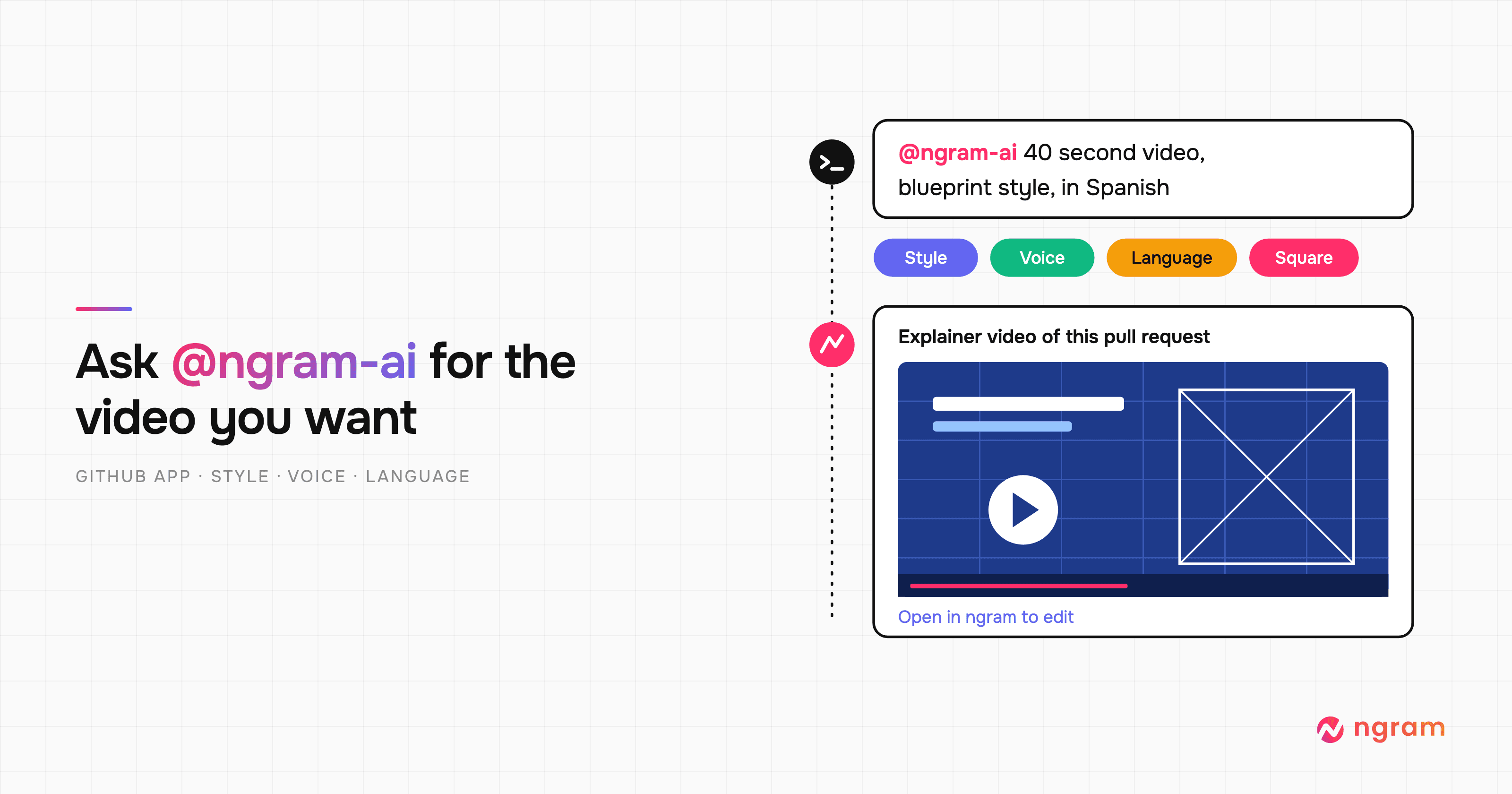

Your team already explains changes in GitHub, in pull request descriptions, issue threads and release notes. Now you can ask ngram to turn any of them into a narrated explainer video without leaving the thread. Mention @ngram-ai in a comment, say how you want the video to look and sound, and ngram replies with the video in the same place.
Get an explainer video in the thread
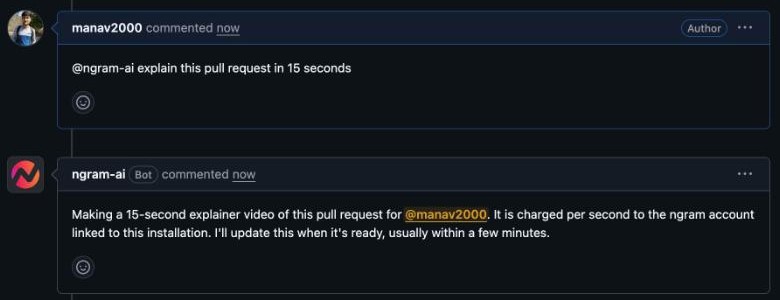
Install the ngram GitHub App from GitHub Marketplace, choose the repositories it can work in, and link your ngram account with Continue with GitHub. Then write a new comment such as “@ngram-ai explain this pull request in 15 seconds”. ngram replies within seconds to say it has started.
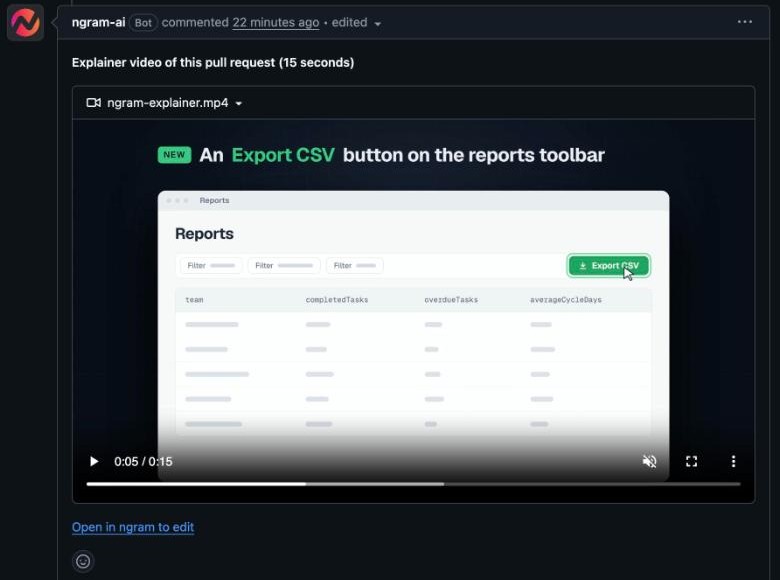
Usually several minutes later, ngram updates the same reply with the video, which plays right in GitHub. Choose Open in ngram to edit to change the script, visuals or voice. On a release, put the mention in the notes before you publish, and ngram adds the video to the notes and attaches it to the release.
Ask for the style, voice and language you want
Write your choices in plain words on the mention line, for example “@ngram-ai 40 second video for our readers, blueprint style, calm female voice, in Spanish”. You can ask for:
- a length from 5 to 120 seconds, and a vertical (9:16) or square (1:1) shape
- a named style such as blueprint or whiteboard, or a look described in your own words
- a voice, mood or pace, such as a calm voice or an upbeat delivery
- a narration language; write the mention in Spanish and the narration follows
- a presenter on camera
Leave them out and ngram designs the look from the change and picks a voice and pace that suit the thread. If the linked account has a default Brand Kit, every GitHub video uses its logo, colors and fonts automatically.
Who can ask and who pays
Only people with write access to the repository can ask for a video, so a public repository can't spend your credits. Each video uses credits from the linked ngram account, charged per second. Any ngram plan works; videos made on an account without a paid subscription carry an ngram watermark.
Past issues
From prompt to play button
More ways to explain with ngram
Brand slides, pasted media, and direct editing
A new way to create videos with ngram
Product Update: Layered Image Editing, Timeline Controls, and GIF Downloads — September 28, 2026
Product Update: Try-On Videos, Scene Trimming, and Precise Image Controls — September 21, 2026
Product Update: Chapter Cards, Brand Color Roles, and Custom Bookends — September 14, 2026
Product Update: Generative Video Beta, Smarter Mode Guidance, and Attachment Previews — September 9, 2026
