ngram Product Update — Issue 027 | made with ngram

About the video
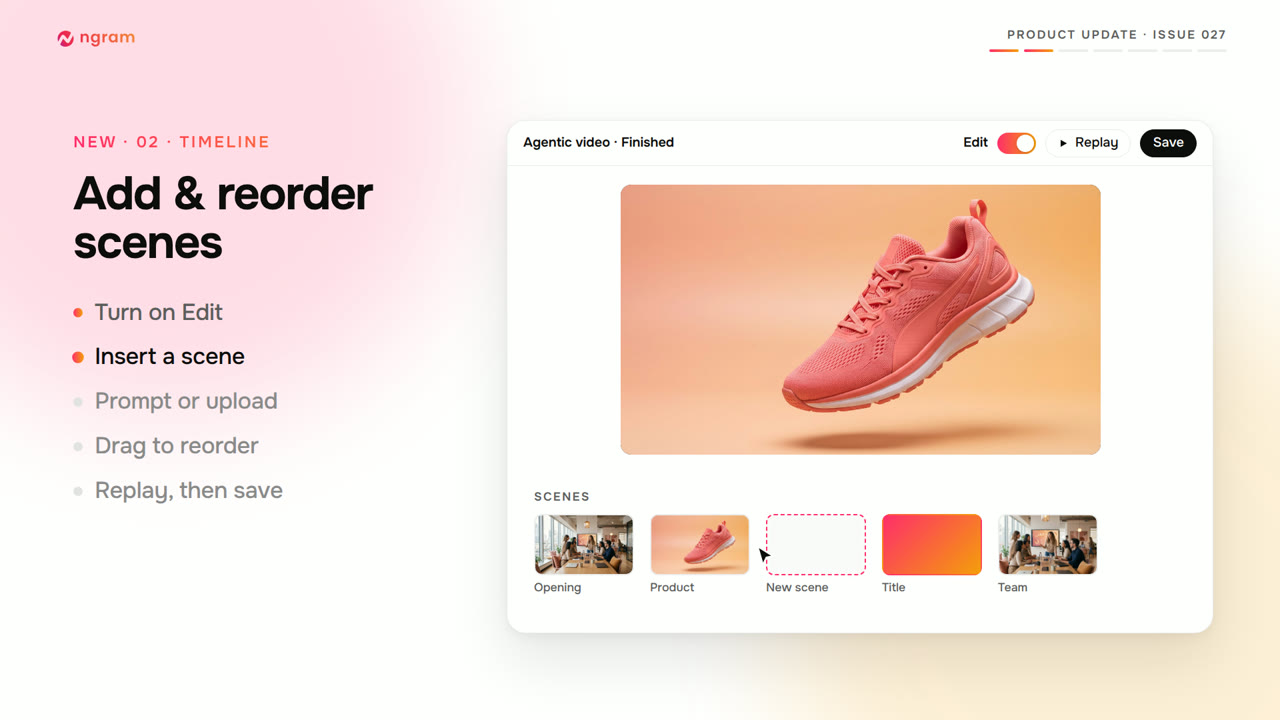
This video was created by ngram to walk through issue 027 of its product updates, using HTML/CSS motion graphics to present new editing controls added to the platform. It opens with a cold-open title card before covering layered image editing for Image Lab results on paid plans, showing how a finished image can be opened in a layer editor, converted to layers, and then moved, resized, rotated, hidden, or reordered, with saves creating a new version on the history timeline so the original stays available. The video then demonstrates adding and reordering scenes in a finished agentic video using a plus button to insert a generated or uploaded scene before or after an existing one, with drag-to-reorder and replay before saving. It covers precise canvas controls, including exact coordinate and rotation input, inline text resizing, and an Arrange panel for stacking order and opacity. Brand-styled captions are shown next, with options to apply brand kit colors, custom colors, or different fonts. The video also explains downloading short agentic videos as GIFs through the share and save menu, describes Claude gaining access to ngram's full video and image toolset with a reconnect or rescan step, and lists reliability fixes such as sturdier Arabic text in downloads and a new top-up-and-continue option when credits run low. It closes by inviting viewers to open ngram Studio and try the new features.
- #product update
- #image editing
- #layer editor
- #video scenes
- #captions
- #GIF export
- #Claude integration