ngram Product Update — Issue 023 | made with ngram

About the video
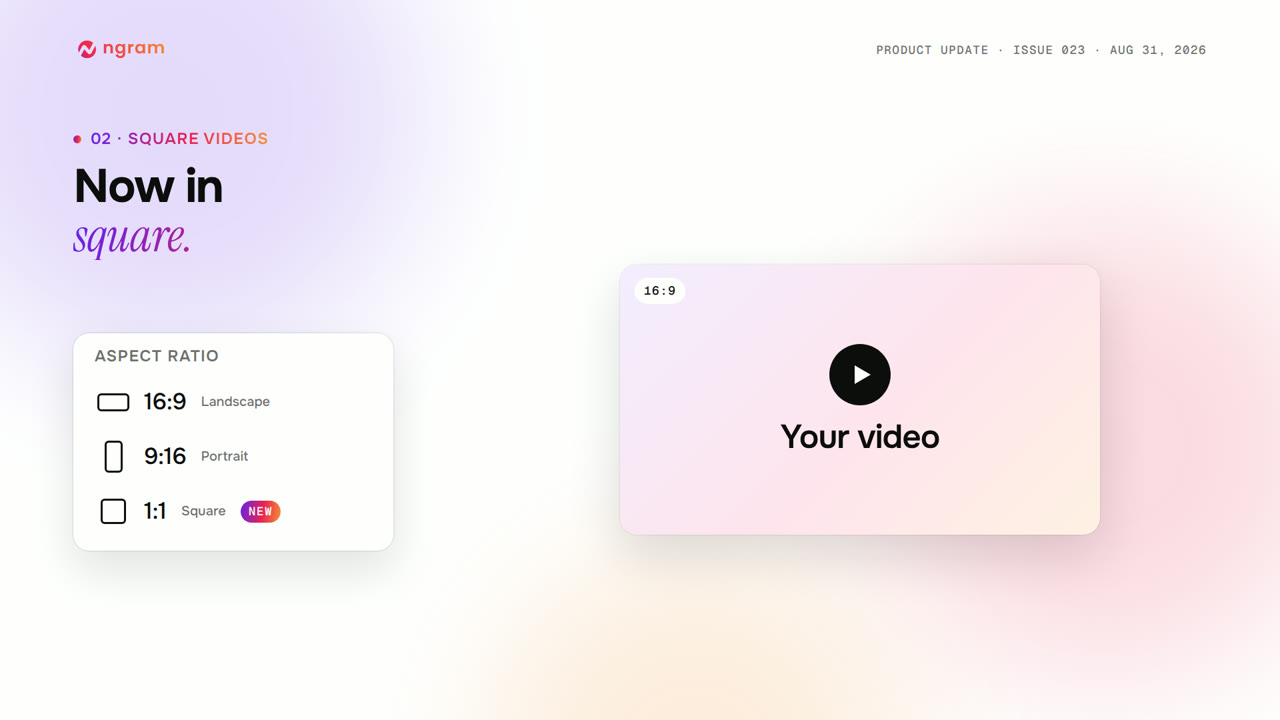
This video was created by ngram to walk through product update issue twenty-three, covering new style templates, square video support, and avatar scene layouts. It opens with a masthead, then shows the new style template gallery on ngram.com, where users can browse looks for product demos, how-to videos, screen recordings, and avatar videos, preview and compare related styles, and select Reuse this style to open Studio with that exact look ready for a new draft. The video then demonstrates the aspect-ratio menu, which now includes a one-to-one square option alongside sixteen-nine and nine-sixteen, carrying consistently through planning, scenes, previews, and export so there is no need to crop afterward. It also covers avatar scene layouts, showing how enabling Edit and selecting Layout lets users reposition the presenter to bottom right, bottom left, either side, or center stage, with portrait videos gaining top and bottom sections, while narration, timing, presenter, content, branding, and audio remain unchanged. The video further mentions additional improvements, including new Clip Studio model options, playable quizzes and action buttons on hosted pages and embeds, better version previews for portrait and square formats, clearer error messaging, and various bug fixes for publishing, previews, uploads, and exports. Using HTML/CSS motion graphics, ngram structured the video into masthead, feature walkthrough, and closing scenes to clearly communicate each update.
- #product update
- #style templates
- #square video
- #avatar layouts
- #aspect ratio
- #release notes
- #ngram studio