ngram Product Update — Issue 026 | made with ngram

About the video
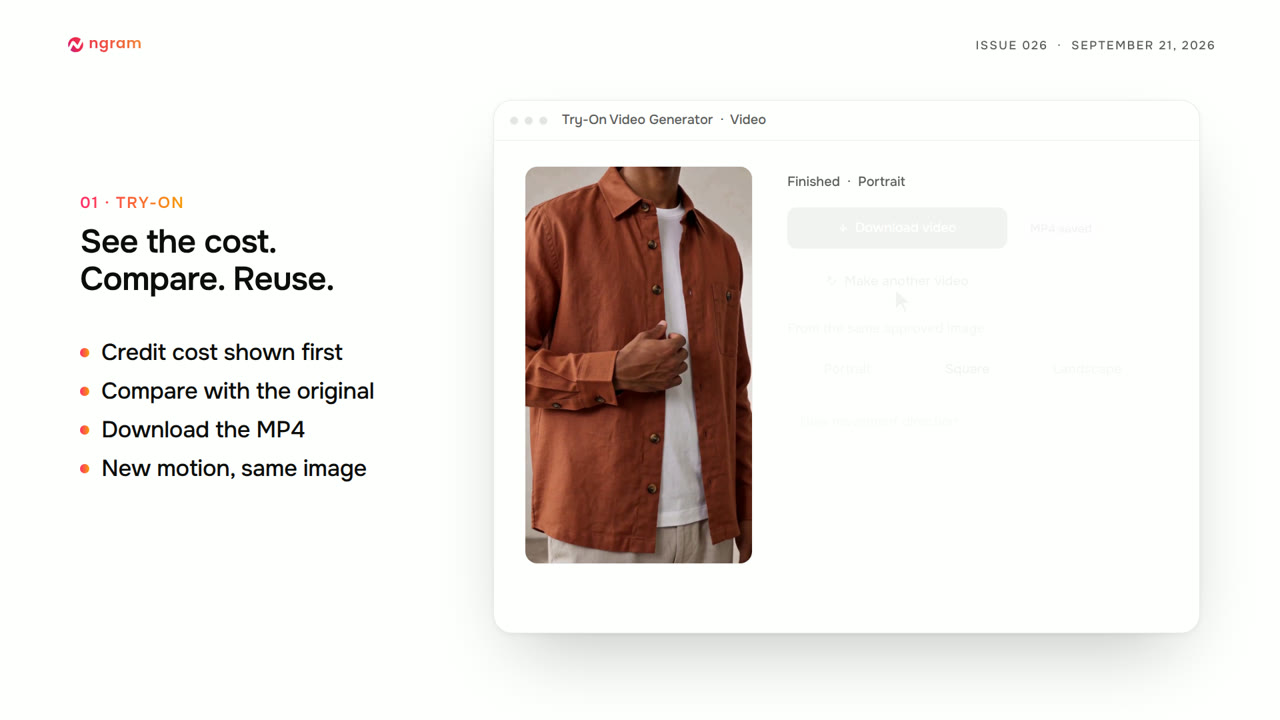
This video was created by ngram to walk through its latest product release, issue 026, covering three main additions: a try-on video generator, direct scene trimming, and precise image controls. Using HTML/CSS motion graphics, the video opens with a masthead before demonstrating the new try-on video generator, which guides users through four steps using product photos or a public product page: selecting product, model, and setting, previewing and approving a still image, then choosing movement, format, and duration before generating the final video. It shows the credit cost displayed before each generation, the ability to compare preview against original, and options to download the finished mp4 or create additional motions from the same approved image. The video then demonstrates editing finished videos by enabling edit mode to trim or split scenes at the playhead, with changes staged until saved. It introduces a new layers panel for searching and locating layers on canvas, including previewing animated layers without altering their timing. Exact image controls are shown, including width presets, position, and rotation in degrees alongside existing drag and resize handles. The video closes by listing fixes improving brand kit text rendering, caption matching between preview and export, narration stability, and screen recorder reliability, before inviting viewers to try these features in studio.
- #product update
- #try-on video generator
- #scene trimming
- #layers panel
- #image controls
- #studio
- #changelog