ngram Product Update 028 — a new way to create videos | made with ngram

About the video
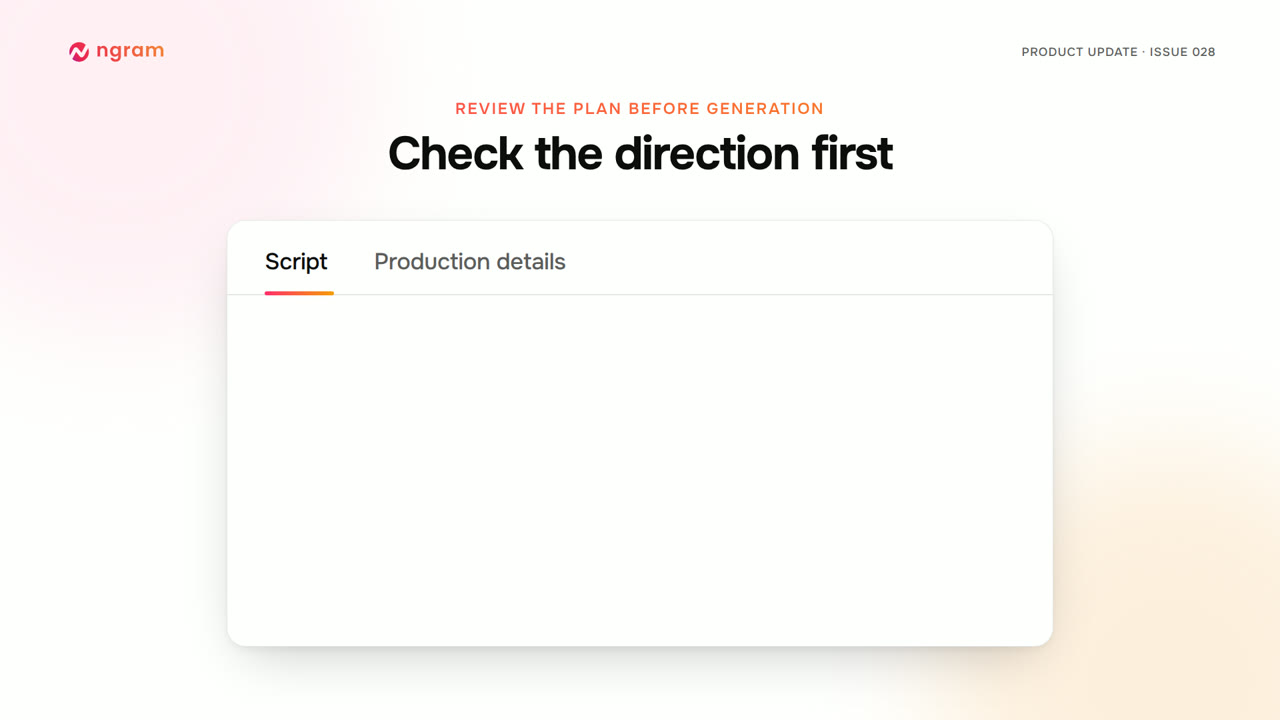
This video was created by ngram to announce a new way to create videos inside ngram, now live as V2, marked Beta, in the experience switch, and set as the new default for accounts that haven't chosen V1. Using HTML/CSS motion graphics, the video walks through the updated workflow: bringing an idea and source material to create a video from a brief, producing launch films and visual explainers with motion and illustration shaped around each story. It shows reading the narration in Script and opening Production details to check the approach before anything is generated, then using Request changes to adjust direction or Approve plan to continue. It demonstrates watching a live preview, attaching change requests to a specific moment with Make changes or describing a revision in chat, and using the Versions menu to revisit earlier outputs and download a chosen version. It notes that videos created in the new experience start with captions off, with the option to turn them on and choose their look before downloading. It also explains that users who prefer the previous experience can switch between V1 and V2 from Home or set a default experience in settings, with V1 conversations remaining intact. The video closes by directing viewers to open ngram, choose V2 on Home, describe the video they need, and explore the Made with V2 gallery to get started.
- #product update
- #ngram v2
- #motion graphics
- #video creation
- #captions
- #changelog