ngram Product Update 029: Brand slides, pasted media, and direct editing | made with ngram

About the video
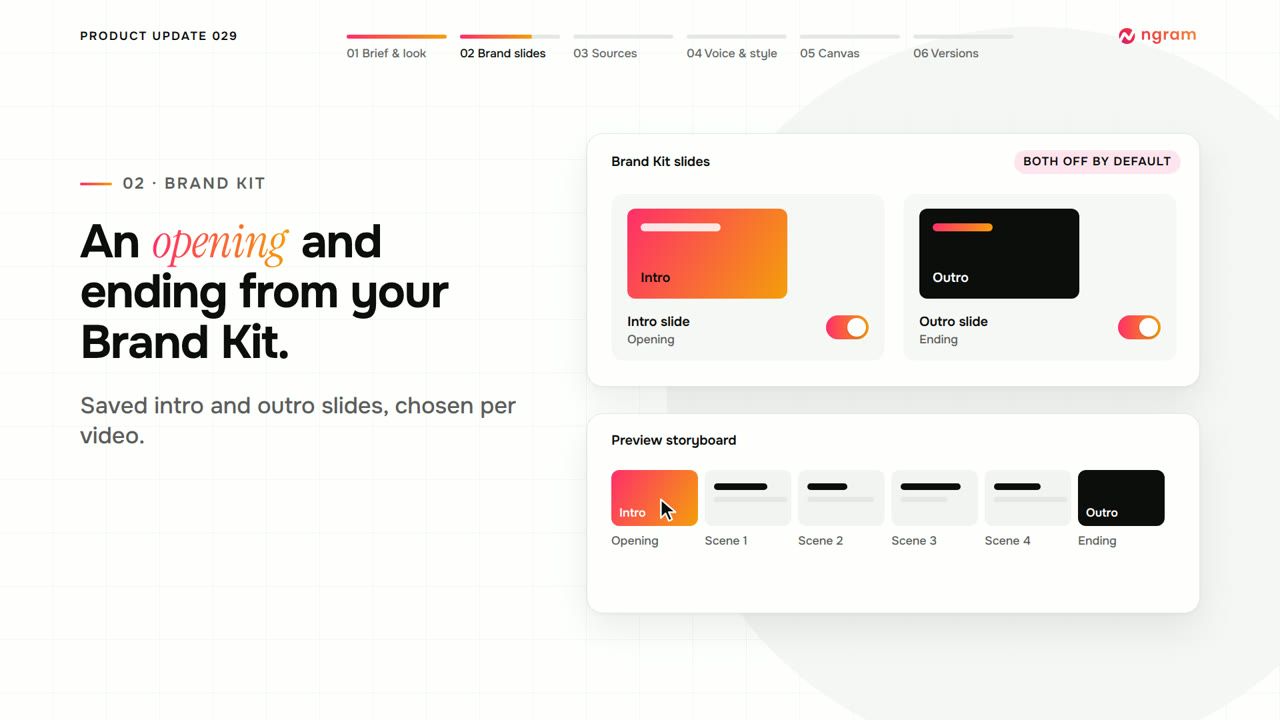
This video was created by ngram to walk through issue 29 of its product update series, covering new workflow features in Creation Studio. Using HTML/CSS motion graphics, it explains how to start a video by choosing Prompt to video or Screen recording, adding source material, and setting format, length, voice, presenter, and style, then previewing a look from the gallery and reviewing the plan before production. It covers how Brand Kit intro and outro slides can be selected before creation, toggled on or off, and swapped or removed later from the storyboard. The video also demonstrates pasting images or video directly into an active chat and specifying how ngram should use that material as evidence, visual reference, or footage, along with how an attended Opus 5.5 chat can hand over the agent's browser for sign-in-protected sites. It shows how to open Video settings mid-project to change style, voice, or presenter through a change request applied to the next revision, and how eligible video owners can edit layers directly on the canvas, changing supported text, moving or resizing images and video, and using width presets before saving and replaying. Finally, it explains how Saved versions let users restore a checkpoint or fork the chat to explore a different direction, closing with an invitation to try these features on the next brief.
- #product update
- #creation studio
- #brand kit
- #video editing
- #canvas editing
- #versioning
- #chat-based editing