ngram Product Update — Issue 022 | made with ngram

About the video
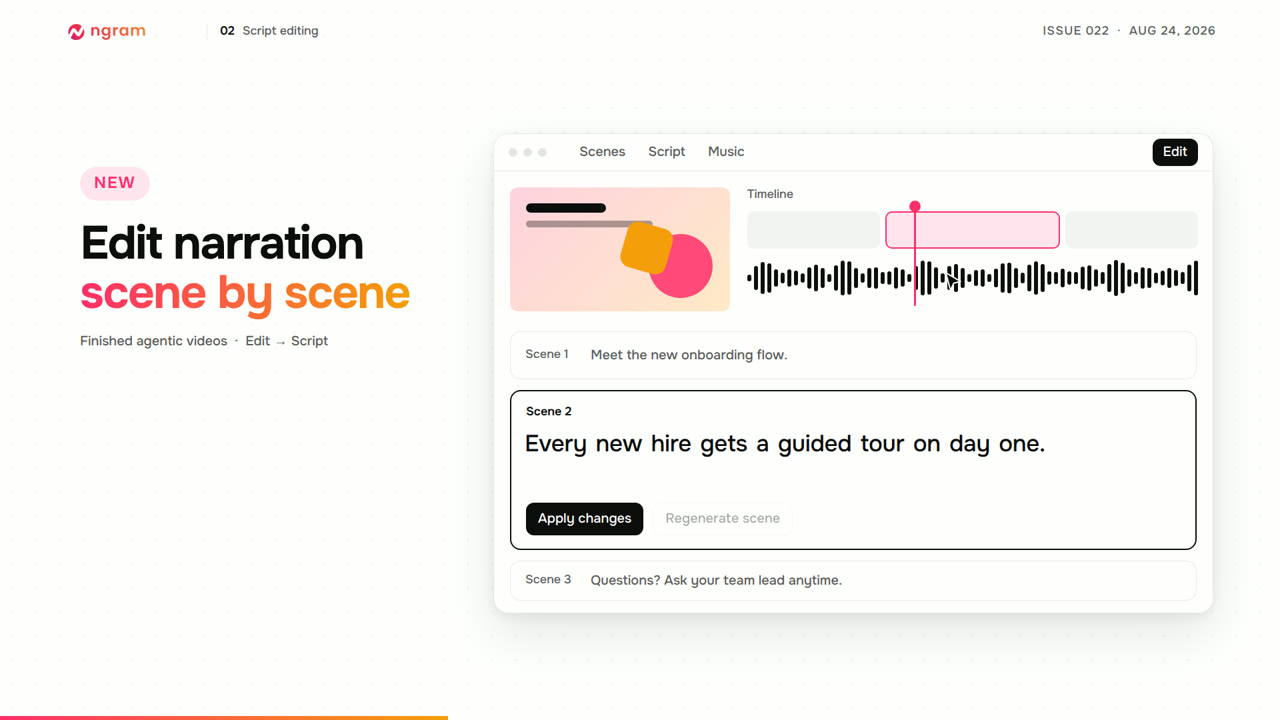
This video was created by ngram to walk through the latest ngram product update, Issue 022, using HTML/CSS motion graphics across a sequence of titled scenes including a masthead, feature walkthroughs, and a closing call to action. The video explains that users can now start a video from a blank canvas, with subscribers on desktop able to open the editor without generating content first, add text or upload their own images and video, edit directly, or ask ngram for help in a connected chat, with projects saved automatically alongside other work. It covers a new Script panel for finished agentic videos, allowing narration to be edited scene by scene, with the current word following playback and an Apply changes option that re-voices a single scene while keeping its visuals, or a Regenerate scene option when timing shifts too much. It introduces Presenter Studio, a new avatar-video style with twelve starting looks, plus a Record action that places recordings directly into the active scene. Other editor improvements include expanded Elements with shapes, GIFs, stickers, clips and memes, a background music volume slider with instant preview, and a Layout rail for Screencast scenes offering several video-plus-panel arrangements. The video closes by summarizing nine additional fixes, including separate email and in-app alert preferences, color-accurate exports, and more durable export jobs, inviting viewers to open ngram and try the update.
- #product update
- #changelog
- #video editor
- #avatar presenter
- #script editing
- #screencast
- #ngram features