Logo Animation Creator by ngram
Logo Animation Creator for every branded video

Drop a logo or click to upload
PNG, JPG, or WebP logos can become a reveal, intro card, outro card, or branded motion scene
What it does
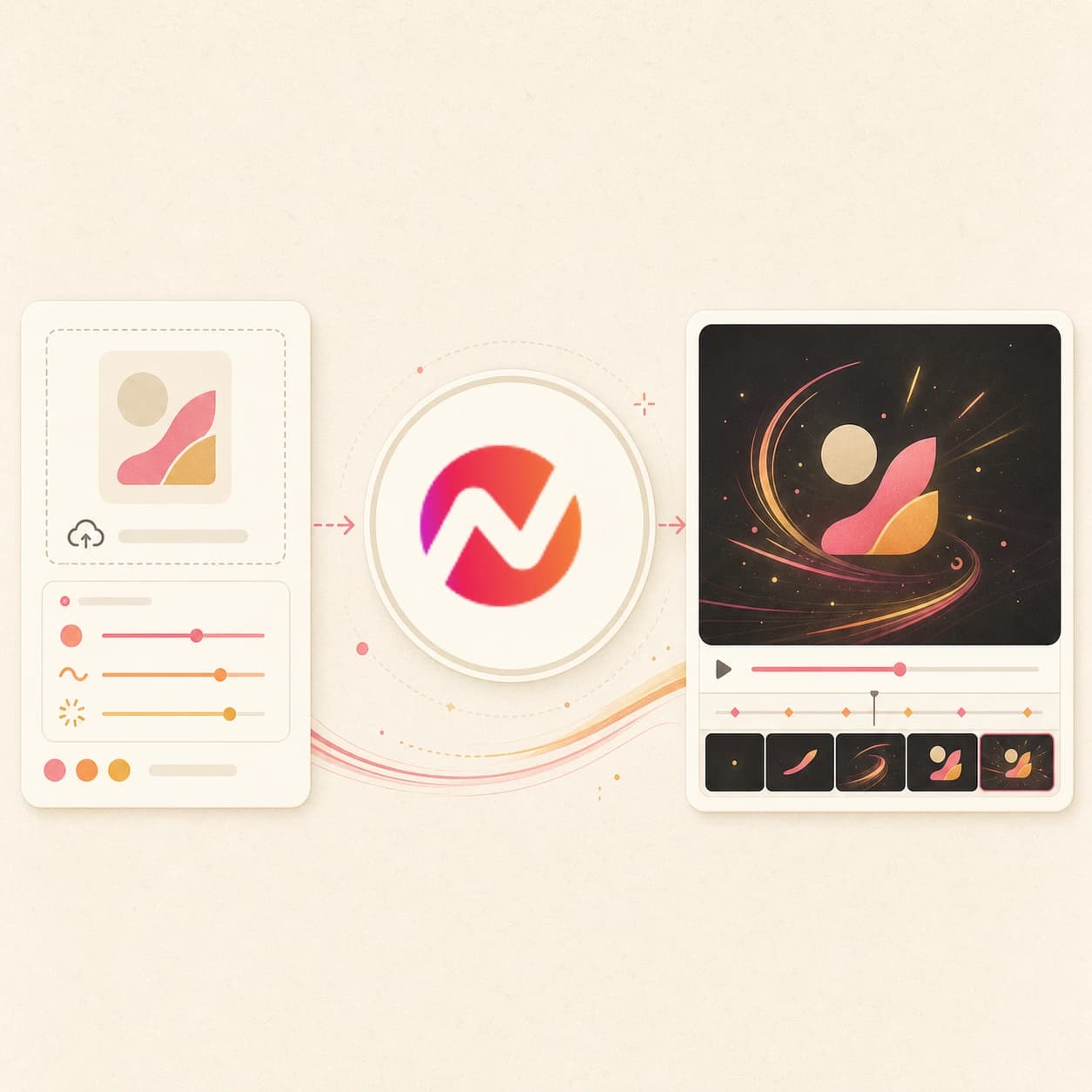
Turn your logo into an animated reveal you can reuse across product launches and campaign videos. Choose a result, bring it into the editor, and keep it with the rest of your brand assets.
Trusted by teams at











How it works
How the Logo Animation Creator works.
Start with a logo file, motion prompt, or brand URL. ngram builds the reveal as an editable video scene instead of a locked template.
Upload the logo or brand source
Add a logo image, product screenshot, brand page, or short prompt so ngram understands the mark, colors, message, and channel.
Source
Direct the reveal
Describe the motion style, pacing, background, end frame, and how the logo animation should connect to the rest of the video.
Motion brief
Generate the editable scene
ngram creates a branded reveal with motion graphics, transitions, optional voiceover or captions, and brand-kit alignment.
Draft
Refine and export
Adjust timing, regenerate a scene, change text, extend the reveal into an intro or outro, then export the finished video.
Export
What it can do
What the Logo Animation Creator creates.
Use it when a logo needs motion for launches, demos, channels, onboarding videos, event reels, or closing cards without building a custom animation from scratch.
Logo-first source input
Start from a logo file, screenshot, brand page, or visual reference so the animation is based on the mark your team actually uses.
Upload logoMotion direction from prompt
Describe a reveal, pulse, wipe, orbit, product-led transition, intro card, or outro card and keep the generated scene editable.
Describe motionBrand kit alignment
Apply workspace colors, fonts, motion style, tone, approved phrases, blocked phrases, and example assets around the logo.
See Brand KitIntro and outro context
Use the animated logo as a standalone reveal or continue into a full video with script, storyboard, voiceover, captions, and scenes.
Make introMotion graphics support
Add lower thirds, title cards, animated labels, product callouts, and transitions that match the same visual system.
Explore motionEditable video output
Keep editing the generated logo scene in ngram instead of downloading a locked template that cannot adapt to the next campaign.
Open editorBuilt for logo-led motion inside editable video projects
When it matters
Where logo animations make the brand moment clear.
Use animated logos when a viewer needs a fast brand cue before a demo, launch, tutorial, event recap, or social cut begins.
Product Launch Video Maker
Build the logo reveal beat for a launch video from product notes, screenshots, or a launch URL, then continue into the full release-day cut.
Open AI video use caseProduct Launch Teaser Video
Create a brief teaser logo reveal that names the product, sets the visual tone, and carries the viewer into the launch reveal.
Open AI video use caseProduct Hunt Launch Video
Make a sharp logo reveal for Product Hunt launch cuts so the product name, problem, and upvote CTA appear before attention drops.
Open AI video use caseMarketing Brand Video
Use the logo animation as the branded open for campaign films, homepage assets, partner videos, and sales-friendly brand stories.
Open AI video use casePMM Product Launch
Give PMM launch assets a consistent logo reveal sequence across the hero video, social cuts, and sales walkthroughs.
Open AI video use caseFeature Announcement Video
Add a quick branded open before the feature reveal so changelog videos and sprint announcements feel part of the same launch system.
Open AI video use caseProduct Demo Video
Start demos with a short logo animation that names the workflow and audience before the walkthrough moves into product screens.
Open AI video use caseProduct Overview Video
Use a branded logo animation to frame what the product does before the overview moves into features, use cases, and proof.
Open AI video use caseCreator YouTube Content Video
Create channel opens that match the creator brand, introduce the topic quickly, and keep the rest of the upload editable.
Open AI video use caseProduct stack
The product stack behind logo animation.
Logo animation works best when the reveal stays connected to brand kit, motion graphics, editing, captions, voiceover, and export controls.
Script Generation
Draft the logo reveal line, scene timing, CTA, and storyboard from prompts, launch pages, docs, decks, screenshots, or recordings.
Learn more about script generationBrand Kit
Carry logo, colors, fonts, motion style, voice, tone, approved phrases, and blocked phrases into every logo animation pass.
Learn more about brand kitMotion Graphics
Generate the title animation, logo reveal, product callouts, lower thirds, and transitions that make the logo reveal readable fast.
Learn more about motion graphicsAI Visuals
Create scene art, brand backgrounds, product imagery, and short visual fills for the logo animation when the source material is thin.
Learn more about AI visualsAI Voiceover
Generate a narrated hook from the same approved script, then change voice or pacing without rebuilding the logo animation.
Learn more about AI voiceoverCaptions & Subtitles
Caption the logo reveal line, restyle the caption treatment with the brand kit, and translate the logo animation for localized cuts.
Learn more about captionsVideo Editing
Tighten the logo animation after generation with chat, visual chat, script edits, scene regeneration, timeline controls, and canvas controls.
Learn more about video editingMore tools
More tools around logo animation.
Use these when the logo reveal needs a full intro, an animated still, a motion graphics layer, or a finished channel video around it.
Create the full video around the logo animation
Move from a branded open into a complete generated project.
AI Video Generator
Generate the full launch, demo, or channel video around the logo animation from a prompt, file, URL, deck, image, or recording.
Open toolText to Video
Paste the full script or outline after the logo animation and let ngram build the rest of the video around the same story.
Open toolURL to Video
Use a launch page, product page, or help article as source context for both the logo reveal beat and the main video.
Open toolVideo Script Generator
Draft the hook, logo reveal line, scene plan, and CTA before sending the script into the logo animation workflow.
Open toolShape the logo animation style
Pick a visual direction that fits the logo reveal.
Animated AI Video Maker
Build an animated logo animation style for explainers, launch videos, and brand opens that need graphic movement.
Open toolAnimation AI Video Maker
Turn a prompt, file, or URL into an animation-friendly video draft when the logo reveal should feel designed rather than recorded.
Open toolImage to Video
Animate a logo, product shot, screenshot, or launch still when the logo animation starts from one strong visual.
Open toolSlideshow AI Video Maker
Use deck material as the logo reveal source when the logo animation needs to introduce a pitch, webinar, training, or launch deck.
Open toolPolish the logo reveal sequence
Finish the generated logo animation with text, sound, captions, and timeline edits.
Add Text to Video
Place the product name, episode title, tagline, lower third, or CTA over the logo animation with editable text layers.
Open toolAdd Music to Video
Add a short background track under the logo reveal and balance it against voiceover or spoken hooks.
Open toolAdd Subtitles to Video
Generate subtitles for narrated logo animations and style the first line to match the rest of the project.
Open toolVideo Editor
Trim the open, adjust timing, swap assets, edit captions, and export the logo animation as part of a larger project.
Open toolConvert
Converters that can feed a logo reveal.
Start from a logo, image, product page, launch page, or brand source, then build the animated mark inside the same ngram project.
Prompt to Video
Describe the logo animation's audience, tone, duration, and channel, then use the generated plan as the logo reveal of a larger video.
Open converterLogo to Video
Turn a logo file into a reveal, title card, or brand open before adding narration, captions, and the rest of the story.
Open converterProduct Page to Video
Use a product page as the source for a branded logo reveal that introduces the product before the video moves into proof.
Open converterWho it is for
Teams that reuse logo animations.
These teams need repeatable brand reveals for launches, demos, social cuts, events, education, and customer-facing videos.
Product Marketing Managers
Create one logo animation treatment for launch videos, social variants, sales walkthroughs, and feature announcement cuts tied to the same release.
See product marketing workflowsGrowth & Marketing Teams
Use logo animation variants to test campaign hooks while the brand treatment, caption style, and export ratios stay consistent.
See growth workflowsFounders
Open founder updates, product launches, and demo videos with a recognizable brand sequence before the message gets specific.
See founder workflowsContent Creators
Make channel opens, episode logo animations, and topic cards that carry the same visual identity across recurring uploads.
See creator workflowsAgencies & Consultants
Generate client-specific logo animation treatments from each brand kit, then reuse the approved open across pitch, case study, and social cuts.
See agency workflowsSales Enablement
Add a short branded open to demo follow-ups, proposal walkthroughs, and persona-specific clips so buyers recognize the source quickly.
See sales enablement workflowsCustomer Success
Open onboarding, QBR, renewal, and feature education videos with the same brand treatment before the customer-specific content starts.
See customer success workflowsE-commerce Teams
Use product imagery, Shopify URLs, and brand rules to create logo reveal beats for product videos, seasonal campaigns, and store updates.
See ecommerce workflowsIntegrations
Automate logo animation requests from your stack.
Route approved brand sources into ngram when a campaign, product page, launch note, or channel asset needs a branded reveal.
Launch brief to logo animation draft
ZapierWhenA launch brief, intake form, or campaign request is approved in the source app.
ThenSend the audience, source URL, brand notes, and logo reveal prompt to ngram so the logo animation draft is created for review.
Approved release note to logo reveal
n8nWhenA release note, product doc, or changelog item reaches an approved state.
ThenCreate a short logo animation that names the update, applies the brand kit, and routes the project link back to the workflow.
Agent-created logo animations
MCPWhenAn AI agent has the launch context and needs a logo animation for a generated project.
ThenInvoke ngram with the prompt, source links, and brand direction so the agent gets an editable video project back.
Capture page context for a logo animation
ChromeWhenYou are viewing a launch page, product page, help article, or channel page that needs a branded open.
ThenSend the page context into ngram and start the logo animation draft without rebuilding the brief by hand.
YouTube
BetaWhenThe team approved the animated logo video; it is ready for YouTube.
ThenDraft the YouTube post and schedule one release for the animated logo video.
Use integrations when logo animation requests need to start from campaign systems, product docs, AI agents, or browser context.
Why ngram
How logo animation workflows differ.
Template tools can create a quick reveal. ngram keeps the logo animation connected to the larger video, brand kit, captions, and export workflow.
| Compare | ngram | Template logo animation makers | Prompt-only clip generators | Manual timeline editors |
|---|---|---|---|---|
| Workflow fit | Starts from a prompt, file, URL, logo, screenshot, recording, deck, or product context. | Good fit when the only task is dropping a logo and title into a fixed animation. | Useful for creating a quick visual clip when brand rules and source context are light. | Strong when a designer or editor already has the assets, timing, and motion direction mapped. |
| How ngram fits | Plans the logo animation with script, storyboard, motion graphics, voiceover, captions, music, and brand treatment in one project. | Usually separate the logo animation asset from the script, product context, captions, and the rest of the video. | May produce a standalone clip that still needs voiceover, captions, title treatment, and export work elsewhere. | Put the user in charge of building the logo animation from tracks, layers, and effects by hand. |
| Best use | Keeps the logo reveal editable through chat, visual chat, script edits, scene regeneration, timeline controls, and MP4 export. | Often require a second editor when the logo reveal needs to become a launch video, demo, or channel cut. | Best when the logo animation is a visual experiment rather than a governed brand open. | Less suited to source-led logo animation drafts where the script, brand, and full video need to stay connected. |
FAQ
Common questions about the Logo Animation Creator
Still curious?
Turn the logo into a brand reveal
Upload a logo, describe the motion, and create an editable reveal that can stand alone or open the next full video.
Start with the mark, then keep refining the animation inside ngram.