Faceless AI Video Maker by ngram
Faceless AI Video Maker for product stories without filming

Name the topic, audience, source message, voiceover style, visual direction, and channel for the faceless draft
What it does
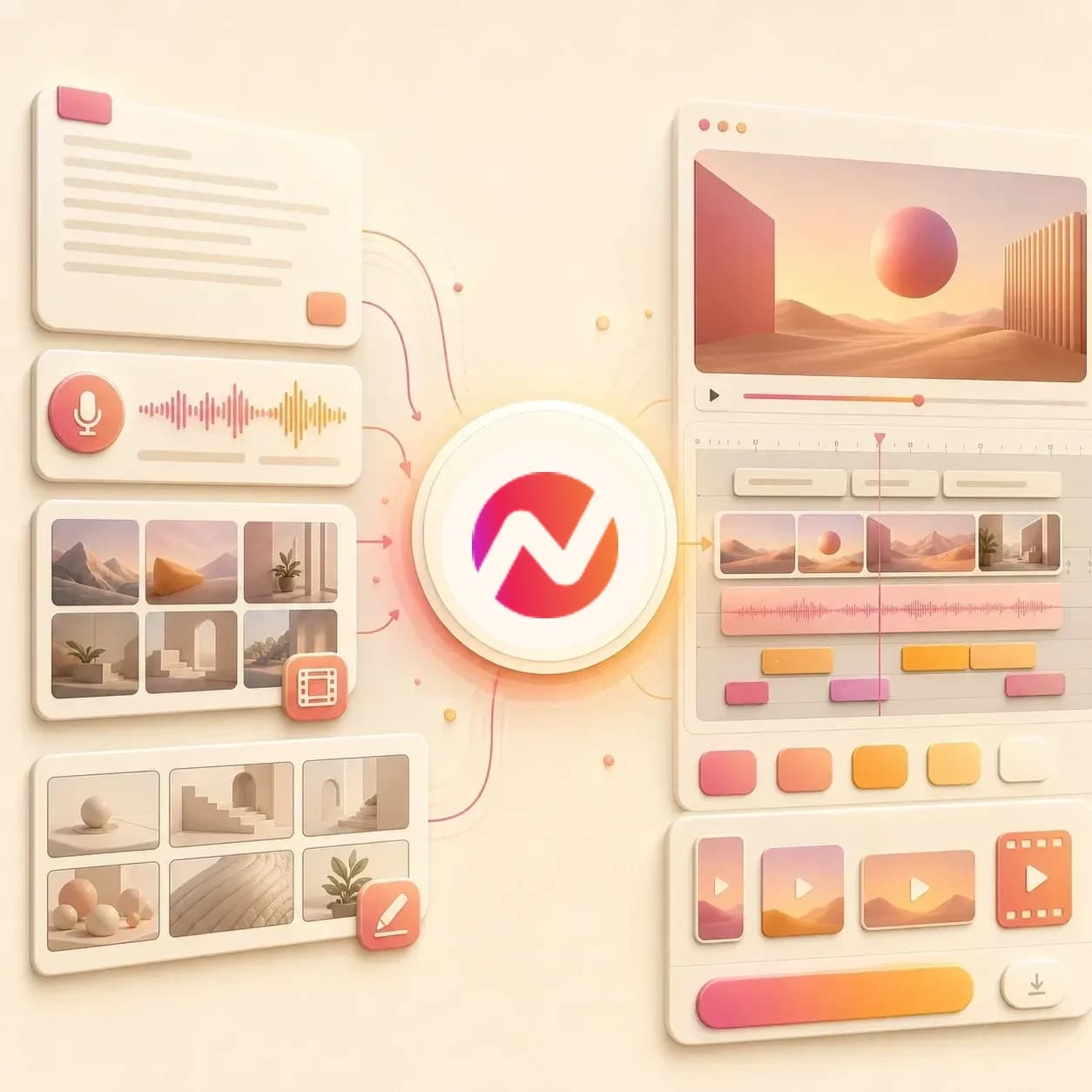
Create a polished product or training video without putting a presenter on camera. ngram turns your source into narrated scenes with captions and keeps the full project editable.
Trusted by teams at












How it works
How the faceless AI video maker works.
Bring the message and source material, review the script and scene plan, then generate a narrated video that does not depend on a filmed presenter.
Add the brief or source
Start from a prompt, script, URL, PDF, screenshot, product page, release note, or other approved source material that explains what the video needs to say.
Source ready
Review the faceless script
ngram drafts the hook, narration, scene outline, visual direction, timing, and CTA so the voiceover-led story is clear before rendering.
Script reviewed
Generate scenes around the voiceover
The draft can combine AI voiceover, captions, generated visuals, b-roll, text overlays, lower thirds, product callouts, motion graphics, music, and branded transitions.
Draft generated
Edit and export the cut
Use chat, script edits, canvas controls, scene regeneration, or the timeline to refine the faceless video. Prepare and review each framing separately before downloading its MP4.
Ready to export
What it can do
What the faceless AI video maker builds.
The tool creates an editable ngram project where narration, visuals, captions, brand, and export settings stay connected to the source message.
Script and storyboard planning
Turn prompts, docs, URLs, screenshots, or rough notes into a voiceover script and scene plan before the faceless video renders.
Learn more about script generationAI voiceover from the script
Generate narration from the approved script, choose a voice, and revise the spoken track when the copy changes.
Learn more about AI voiceoverScene visuals and b-roll
Use source context, screenshots, generated imagery, and reference material to fill each scene without needing a person on camera.
Learn more about AI visualsCaptions that follow narration
Burn in captions that match the voiceover timing and can be styled through the active brand kit.
Learn more about captionsMotion graphics and text overlays
Add lower thirds, callouts, animated labels, product highlights, and scene titles around the narrator's message.
Learn more about motion graphicsBrand kit on every scene
Apply logos, colors, fonts, motion style, tone rules, approved phrases, and CTA guidance across the faceless draft.
Learn more about brand kitBuilt for voiceover-led videos without a filmed presenter
When it matters
Where faceless AI videos fit.
Use a faceless AI video maker when the message needs narration, visuals, and captions but no one needs to be filmed.
AI Video Creator for Business
Turn docs, URLs, or rough notes into faceless business videos with narration, captions, brand treatment, and editable scenes.
Open AI video use caseAI Video Generator for Marketing
Create campaign explainers and product updates without filming a presenter, using source material, voiceover, and branded visuals.
Open AI video use caseProduct Explainer Video
Use product pages, docs, screenshots, and release notes to build a faceless product explainer with voiceover and motion callouts.
Open AI video use caseAI Explainer Video Maker
Explain a process, feature, or concept with narrated scenes, generated visuals, captions, and a clear CTA instead of a talking head.
Open AI video use caseFeature Announcement Video
Turn release notes and PRD context into a faceless announcement with a hook, visual beats, captions, and branded end card.
Open AI video use caseMarketing Social Clips
Create short faceless clips from the same source message with voiceover, captions, text overlays, and format variants.
Open AI video use caseFounder Social Content
Turn founder notes or a written point of view into narrated social clips when recording on camera would slow down the post.
Open AI video use caseTraining Video
Convert SOPs, lesson outlines, and process docs into faceless training videos with voiceover, step labels, and captions.
Open AI video use caseProduct Launch Video Maker
Build a launch narrative from product notes, screenshots, and landing-page copy without waiting for a presenter recording.
Open AI video use caseProduct stack
The ngram features behind faceless videos.
These features carry the faceless video from source material to narration, visuals, captions, brand, editing, and export.
Script Generation
Shape the prompt, file, or URL into the narration and scene plan that drives the faceless AI video maker.
Learn more about scriptsAI Voiceover
Generate the spoken track for the faceless video and keep voice revisions connected to script edits.
Learn more about AI voiceoverAI Visuals
Create scene imagery and visual fills from the storyboard, source material, screenshots, and brand direction.
Learn more about AI visualsCaptions & Subtitles
Add readable captions to the voiceover-led cut and style them with the same brand rules as the video.
Learn more about captionsMotion Graphics
Use text overlays, lower thirds, product callouts, and animated graphics to carry the message without a presenter.
Learn more about motion graphicsBrand Kit
Keep faceless drafts consistent with approved logos, colors, fonts, motion direction, voice, tone, and CTA rules.
Learn more about brand kitVideo Editing
Refine the generated cut through chat, script edits, canvas controls, scene regeneration, and timeline changes.
Learn more about video editingMore tools
More tools for faceless video workflows.
Use these tools when the faceless video needs a stronger script, voice track, captions, source conversion, or final edit.
Source-to-video tools
Start the faceless draft from a prompt, text, URL, or broader AI video workflow.
AI Video Generator
Use the broader AI video workflow when a prompt, file, or URL can become many types of editable business video.
Open toolText to Video
Turn a written idea into a video draft before deciding whether the final cut should stay faceless.
Open toolURL to Video
Use a product page, blog post, or release note as source context for a faceless narrated draft.
Open toolAI Explainer Video Maker
Build an explainer from docs or URLs when the faceless video needs a clearer education structure.
Open toolVoice and caption tools
Prepare the narration and readable text layers that carry faceless videos.
Video Script Generator
Draft the hook, body, scene notes, and CTA before the faceless AI video maker renders scenes.
Open toolAI Voice Generator
Generate narration from approved copy when the faceless video needs a cleaner spoken track.
Open toolAuto Subtitle Generator
Create timed subtitle text for voiceover-led videos so the message works when audio is muted.
Open toolAdd Text to Video
Place section titles, lower thirds, callouts, and visual labels around the narrator's message.
Open toolAdjacent video treatments
Move from faceless narration into animation, presenter-led scenes, or video polish when the job changes.
Animated AI Video Maker
Use animated scenes and motion graphics when the faceless video should lean into a more illustrative visual style.
Open toolAvatar AI Video Maker
Switch to an avatar presenter when a script needs a visible speaker instead of a faceless voiceover.
Open toolGreen Screen AI Video Maker
Clean up presenter footage when the project starts with a real person on camera instead of faceless source material.
Open toolVideo Editor
Trim, rearrange, and polish faceless scenes alongside captions, voiceover, music, and export settings.
Open toolConvert
Start a faceless video from existing material.
The faceless AI video maker works best when the script, source page, or reference file already contains the message.
Prompt to Video
Describe the topic, audience, and visual direction so ngram can plan a faceless video draft from the idea.
Open converterScript to Video
Paste finished narration and let ngram build voiceover, captions, visuals, and motion graphics around it.
Open converterURL to Video
Use a source page as context for the faceless video's script, scene plan, voiceover, and visual treatment.
Open converterWho it is for
Teams that use faceless AI videos.
Faceless videos fit teams that need clear narration and branded visuals without scheduling a presenter recording.
Growth Marketing Teams
Turn campaign briefs, landing pages, and product notes into narrated social or launch cuts with brand treatment.
See growth workflowsContent Creators
Repurpose posts, scripts, and ideas into faceless videos with voiceover, captions, and visual rhythm.
See creator workflowsFounders
Ship founder thoughts and product updates without recording on camera for every new message.
See founder workflowsProduct Marketing Managers
Create product explainers and feature announcements from docs, screenshots, and launch context.
See PMM workflowsSales Enablement
Turn enablement notes, proposal context, and objection-handling scripts into narrated videos for reps.
See sales workflowsHR & Internal Comms
Convert policy docs, onboarding notes, and company updates into faceless videos with consistent narration.
See HR workflowsEducators & Trainers
Build narrated lessons from outlines and docs while keeping captions, scenes, and edits in one project.
See education workflowsAgencies & Consultants
Create client-ready narrated drafts from briefs, reports, and campaign assets without filming talent.
See agency workflowsIntegrations
Route faceless video requests into ngram.
Use live creation integrations to send approved briefs, source files, or URLs into a faceless video workflow.
Approved brief to faceless draft
ZapierWhenA campaign brief, content request, or source doc is approved in an upstream app.
ThenCreate a faceless ngram video draft with the source attached for script, voiceover, captions, and visuals.
Content workflow to narration video
n8nWhenA content workflow reaches the step where a post, doc, or URL should become a narrated video.
ThenSend the source into ngram so the faceless AI video maker can create an editable project.
Agent-created faceless project
MCPWhenAn AI agent has the audience, source material, and narration instructions ready.
ThenCall ngram through MCP so the faceless video can be generated and reviewed in the editor.
Web page to faceless video brief
ChromeWhenA product page, help article, or blog post should become a narrated faceless video.
ThenCapture the page as source context and send it into ngram for script and scene planning.
Why ngram
How faceless video maker workflows differ.
Faceless video can mean a prompt-only clip, a narrated slideshow, or a full editable video project. ngram is built for source-led business drafts.
| Compare | ngram | Prompt-only clip tools | Text-to-speech tools | Manual video editor |
|---|---|---|---|---|
| Workflow fit | Starts from a prompt, reference file, or URL and plans the script before rendering | Useful when the goal is one visual clip or background shot | Good for generating a voice track from finished copy | Best when an editor already has the script, b-roll, captions, music, and scene plan |
| How ngram fits | Creates voiceover-led scenes with captions, b-roll, motion graphics, brand kit, and edit controls | Usually leaves narration, captions, source grounding, brand, and format variants to a separate workflow | Usually does not plan scenes, visual pacing, captions, callouts, or brand treatment around the narration | Requires separate handoffs for writing, voiceover, visual selection, caption styling, and output formats |
| Best use | Keeps the project editable through chat, script edits, scene regeneration, timeline controls, and export settings | Can help with b-roll exploration but may not produce a complete faceless business video | Works best upstream when the team only needs audio, not a finished video project | Fits high-control edits, while ngram fits teams that need a strong faceless draft they can revise |
FAQ
Faceless AI Video Maker FAQs
Practical answers for voiceover-led videos.
Turn source material into faceless voiceover videos
Bring a script, prompt, file, or URL. ngram plans the story, generates voiceover, builds scenes with captions and motion graphics, applies brand kit, and keeps the draft editable.
Use a faceless AI video maker when the message is ready but no presenter recording is needed.
Prompt, file, URL, voiceover, captions, export