Product Update: Eye Contact AI, App Library, and a Faster Video Flow - June 4, 2026
This ngram product update: Eye Contact AI for perfect on-camera gaze, an in-app App Library to launch any tool, Brand Kit import from a URL or PDF, new YOLO and PRO agent modes, a Script-modal voiceover player, caption styling, Video Styles, longer video lengths, and a faster end-to-end flow.
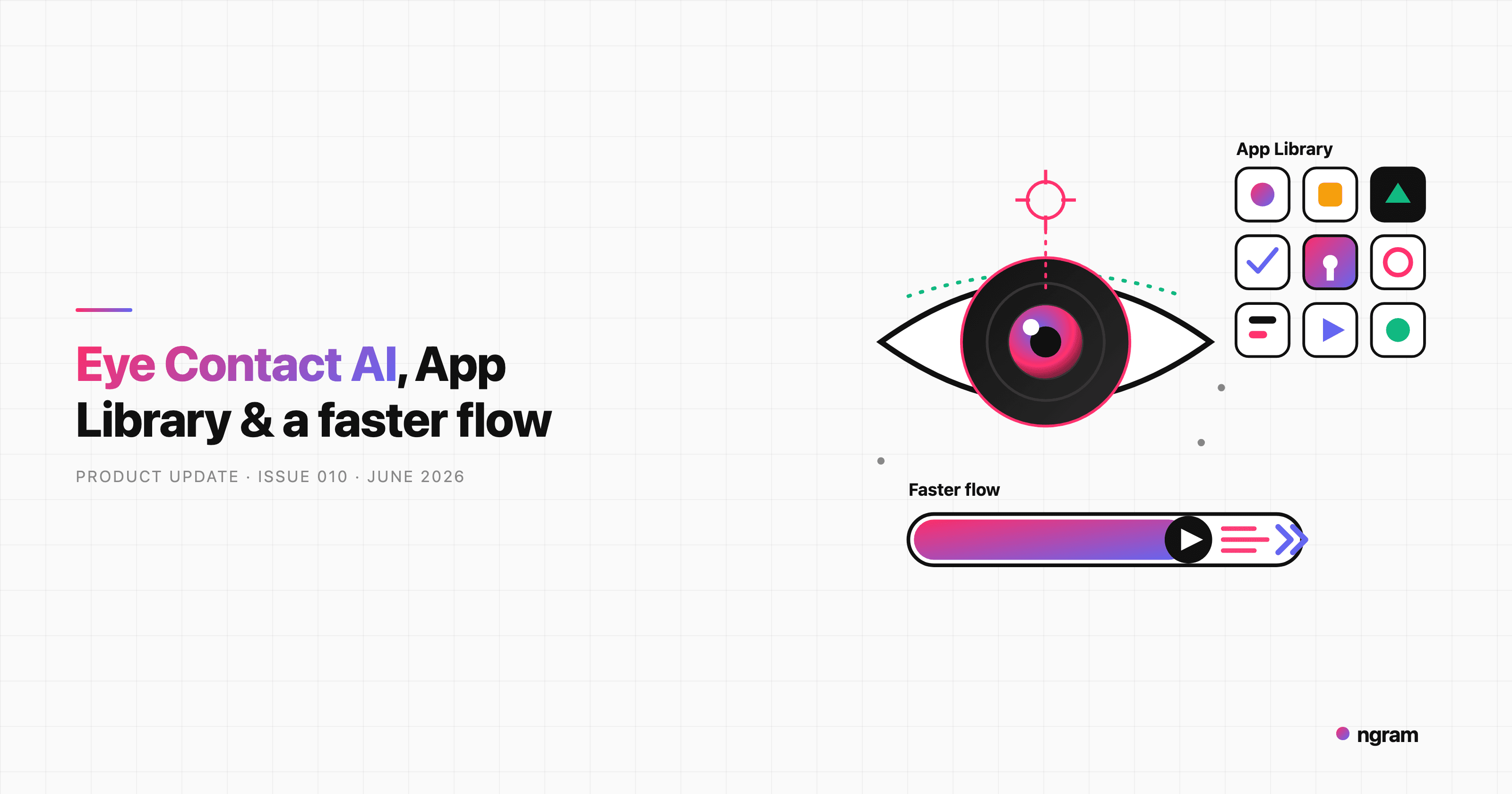


Since our last update we've shipped a new standalone tool, a faster path from prompt to finished video, and a long list of controls that put you more in charge of how ngram works. The headliner is Eye Contact AI, but there's also an in-app App Library, Brand Kit import from a URL or PDF, two new agent modes, and a stack of editing and quality-of-life improvements. Here's everything that's new.
What's New
Look Straight Into the Camera with Eye Contact AI
When someone records a talking-head video while reading from a script or screen, their eyes drift off-camera and it shows. Eye Contact AI fixes that. It redirects the speaker's gaze frame-by-frame so they appear to look directly into the lens, while everything else stays natural.
It's a dedicated tool you can jump straight into at /start/eye-contact-ai. Upload a clip, apply the correction, and download the result. Clips can now run up to 10 minutes (previously capped at 30 seconds), you're charged credits per second of footage, and processing keeps running in the background even if you navigate away. Every Eye Contact charge is linked to its project under Settings, Usage History, so you can see exactly what each correction cost.
Launch Any ngram Tool from the App Library
There's a new Tools entry in the sidebar that opens an in-app App Library at /app/tools. It grids every ngram generator and editor tool in one place, each with its own detail page, and hands you straight off into the agentic chat or editor for that tool. No more bouncing back to the marketing site to find the right starting point. It's on for everyone.
Build Your Brand Kit from a URL or PDF
Setting up a brand kit used to mean entering your colors, fonts, and logo by hand. Now there's an "Import from URL or PDF" flow on /app/brand-kit: paste your website URL or upload your brand-guidelines PDF, and ngram extracts your colors, fonts, and logo automatically. You get a preview and decide what to keep before anything is saved, so every video you generate is on brand from the first try.
Choose How Hands-On You Want to Be: YOLO and PRO Modes
A new mode pill sits at the top of the chat input. YOLO runs the whole video end-to-end, the way ngram has always worked. PRO pauses after the storyboard so you can review and approve the plan before any visuals are generated. Pick YOLO when you want a fast first cut, and PRO when you want a checkpoint before ngram commits to a direction.
Hear Your Voiceover Right from the Script
The Script modal now has a play/pause and seek bar at the top, so you can listen to your video's generated voiceover the moment it's ready instead of hunting for it in the chat. Review the words and hear how they sound in one place.
Style Your Captions
On the video step there's a new card below the preview with a captions on/off switch and a picker of 16 caption styles. Choose the look that fits your video, and your selection now sticks through later edits instead of resetting when the agent makes a change.
Match a Look with Video Styles
Video Styles is a new picker on the create page where you choose a style template built from a real reference video. Cards preview on hover, and the style you pick steers the whole video: script, storyboard, imagery, motion graphics, and music all follow the look you chose.
Two-Minute and Auto Video Lengths
The video-length picker gained a 2-minute preset and an Auto option. Auto lets the script writer pick the right length for your content, up to 30 minutes, instead of you guessing a duration up front.
Manage Your Chats and Account
You can now rename a conversation inline from the chat list, and delete a conversation you no longer need from the trash icon or kebab menu, each with a quick confirmation. There's also a new Delete Account option in Settings: it soft-deletes your account behind a confirmation dialog (with a warning if you own a team) and schedules a full data purge after a retention window.
Keep Characters Consistent Across Scenes
For flow and hybrid animation modes, ngram now generates protagonist reference images up front and feeds them into every keyframe. The result is a presenter or character whose identity stays consistent from scene to scene instead of subtly changing as the video goes on.
Edit AI Images Inside Motion Graphics Scenes
Motion graphics scenes now remember the AI-generated images they use, so you can ask the editor to regenerate or tweak a specific image in plain language and ngram swaps the updated version back into the scene, without rebuilding the whole thing.
Improvements
A Faster Path from Prompt to Video
We removed an extra approval stop in the flow. After you approve the script, generation now continues straight through to the finished video instead of pausing again for a separate storyboard or visual sign-off. There's also an express path that lets you review the script in the Before We Start dialog and hit Generate Video to run the whole pipeline in one go.
Full Voice and Avatar Picker in the Prompt Wizard
The prompt wizard now uses the same full narrator modal as the chatbox, so you can choose your voice, set the language, preview it, and pick a presenter avatar without leaving the wizard. Selecting an avatar switches the video to avatar mode automatically, and a no-voiceover option is right there too.
A Reworked Art-Direction Picker
The pre-generation style step is now an art-direction picker that defaults to a Recommended Paper Cutout look, with clearer named options (3D Pop, Doodle, Cosmic, Whiteboard, Realistic, Illustration, Editorial, Japandi, Auto) and hover-to-play video previews on several of them. It's easier to see what each style actually produces before you commit.
Clearer Credit Messages and a Cleaner Preview Toolbar
When an action needs more credits than you have, the message now tells you roughly how many credits it needs versus how many you've got, and free users see an upgrade option before a top-up. Billing settings highlight your current plan, and the credit-pack dialog shows projected savings versus the next tier. On the video preview, actions were renamed for clarity (Make changes, Download), captions got their own toolbar button, and there's now a one-click Download button right next to Share.
Smarter Before We Start Setup
If your prompt doesn't include a link, Before We Start now asks you to add a product URL (or skip) so ngram can pull in the right brand assets. And if fetching your website stalls, it shows a timeout banner and auto-skips the stuck fetch after 30 seconds with whatever it gathered, instead of blocking you from continuing.
Mobile Polish and Smaller Touches
- Earn free credits without leaving the chat - when a generation runs out of credits, you can now choose to earn free credits by sharing on social, right alongside top-up and upgrade.
- Confirm before a destructive rewrite - if you ask to rewrite the script after a storyboard or video exists, the assistant warns that your scenes, voiceover, and preview will be cleared and waits for your okay.
- Creation cards come alive - the Video, Slide Show, and Image cards on the start screen now play short looping previews instead of a static icon.
- New avatars and filter pills - the avatar picker added more presenters plus filter pills (Official, Casual, Podcast, Creator, Corporate, Educator, Healthcare, Lifestyle) to find the right look faster.
- Edit one scene without rebuilding the storyboard - the agent can now change a single scene's plan, mode, or script surgically instead of regenerating everything.
- Mobile media and credits UI - upload tiles get larger thumbnails with always-visible controls, and the low-credits banner stacks more cleanly on small screens.
- A refreshed watermark badge - the free-tier watermark is now a single logo pill in the top-right corner.
- More languages - Kannada joins the selectable narration languages, written through script generation before voiceover.
Bug Fixes
- Motion graphics export fixed - resolved a regression that made motion-graphics videos render black or time out on export. They export correctly again.
- Navigate your chats during a render - you can switch conversations and start a new chat while a video is generating, instead of the whole list being greyed out.
- Recover a broken conversation in place - if a run breaks, a quiet "conversation ended abruptly, Continue" banner lets you resume the same chat instead of getting an error and a cloned conversation with broken share links.
- Snappier chat input - fixed a re-render loop tied to voiceover sync that made typing in the chat lag.
- Deleted files stay deleted - a file you delete from the media library no longer reappears after a reload, and files you upload before signing up now carry into your account instead of vanishing.
- Smoother audio across scene cuts - fixed abrupt audio jumps at scene boundaries during playback.
- No more forced logo intro and outro - generated videos no longer get an automatic one-second brand-logo intro and outro stitched on.
- Background music mood tabs - the Calm, Upbeat, and Energetic tabs in the music picker now respond on the first click even when a track is already selected.
Past issues

Product Update: Image Lab, Avatar Videos, and Automation APIs - May 5, 2026
Product Update: Video Commenting, Earn Credits, and Team Enhancements - April 13, 2026
Product Update: Slides Animation, Scene Transitions, and Team Billing - April 6, 2026
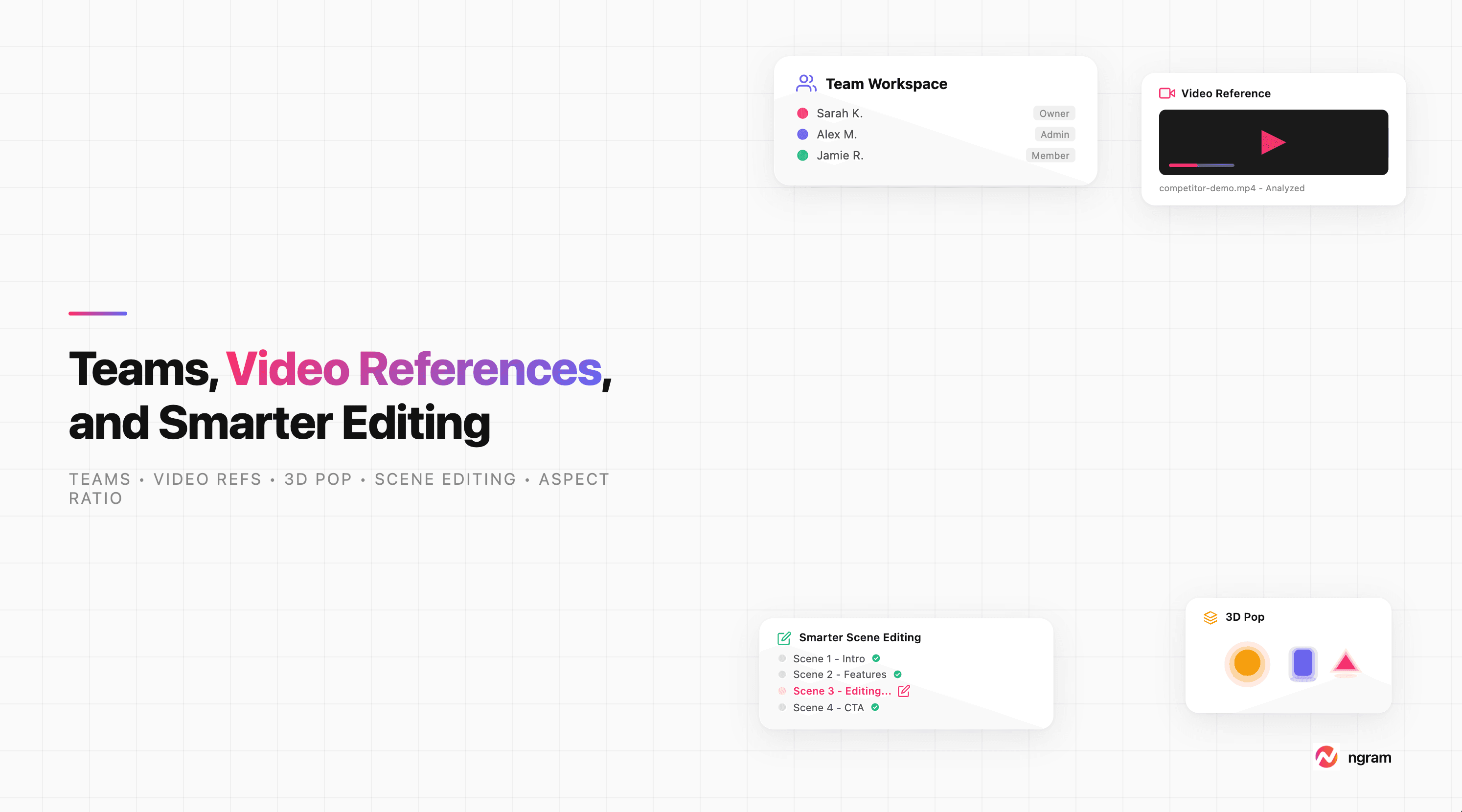
Product Update: Teams, Video References, and Smarter Editing - March 30, 2026
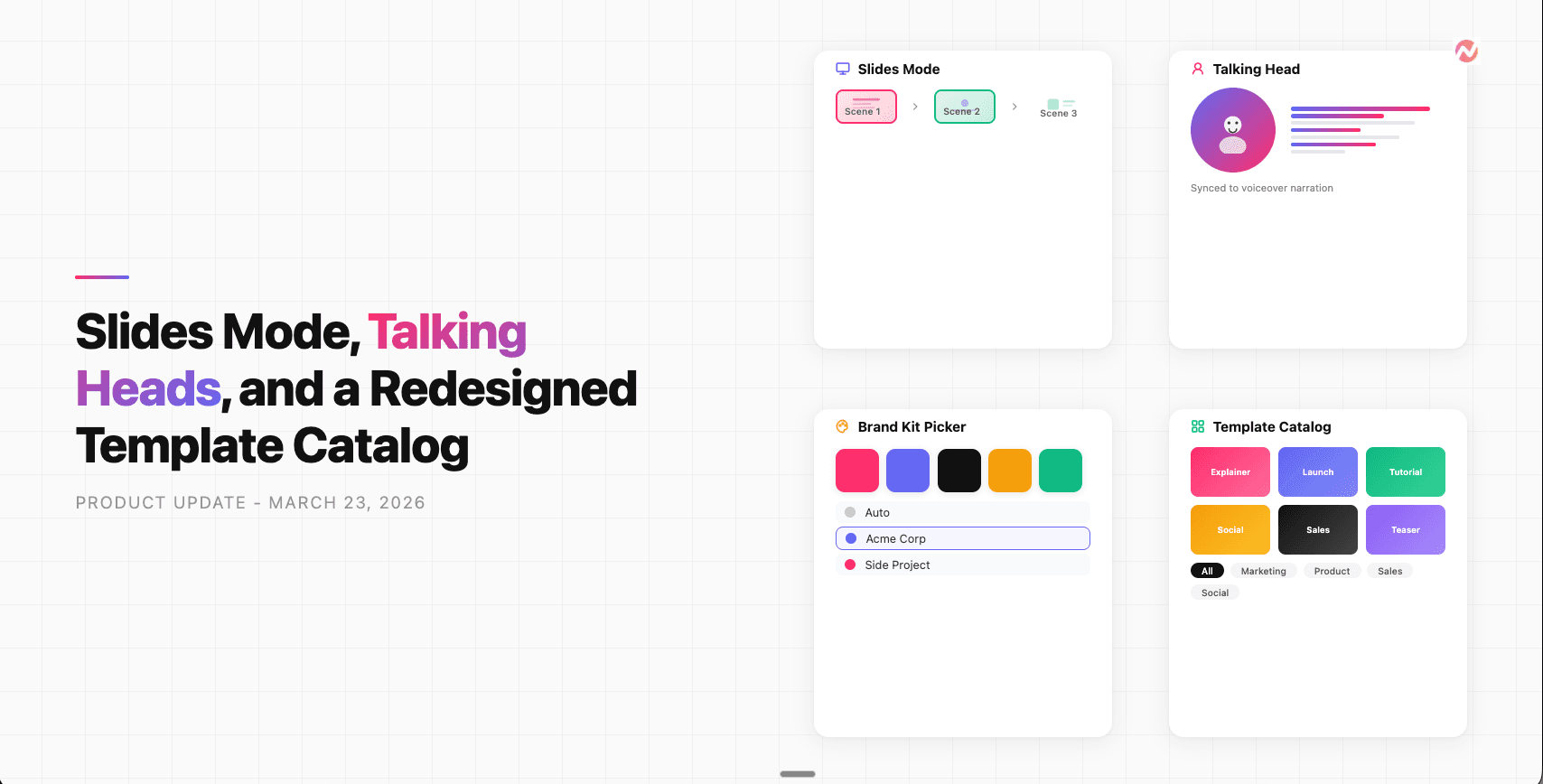
Product Update: Slides Mode, Talking Heads, and a Redesigned Template Catalog - March 23, 2026
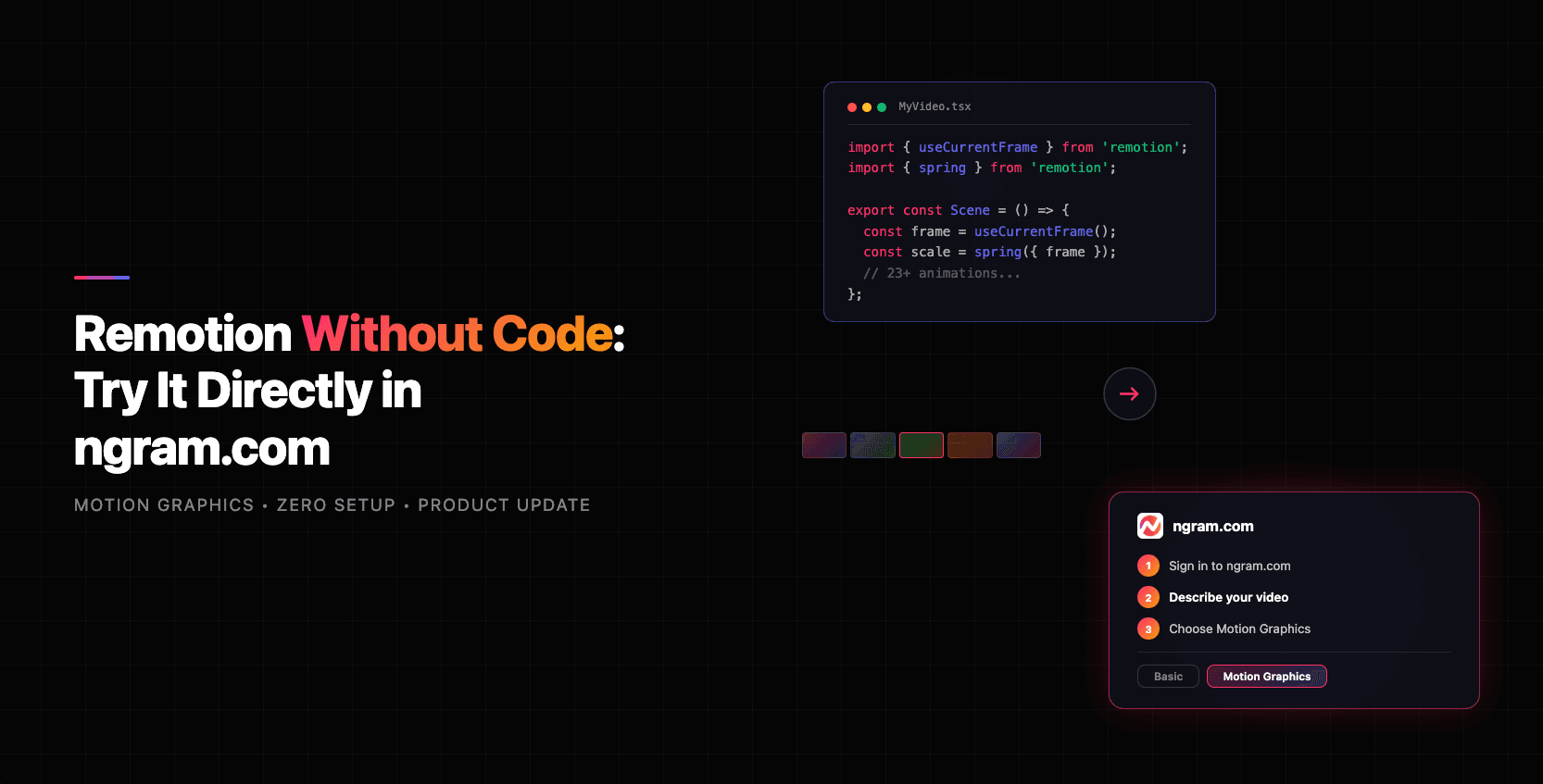
Remotion Without Code: Try It Directly in ngram.com
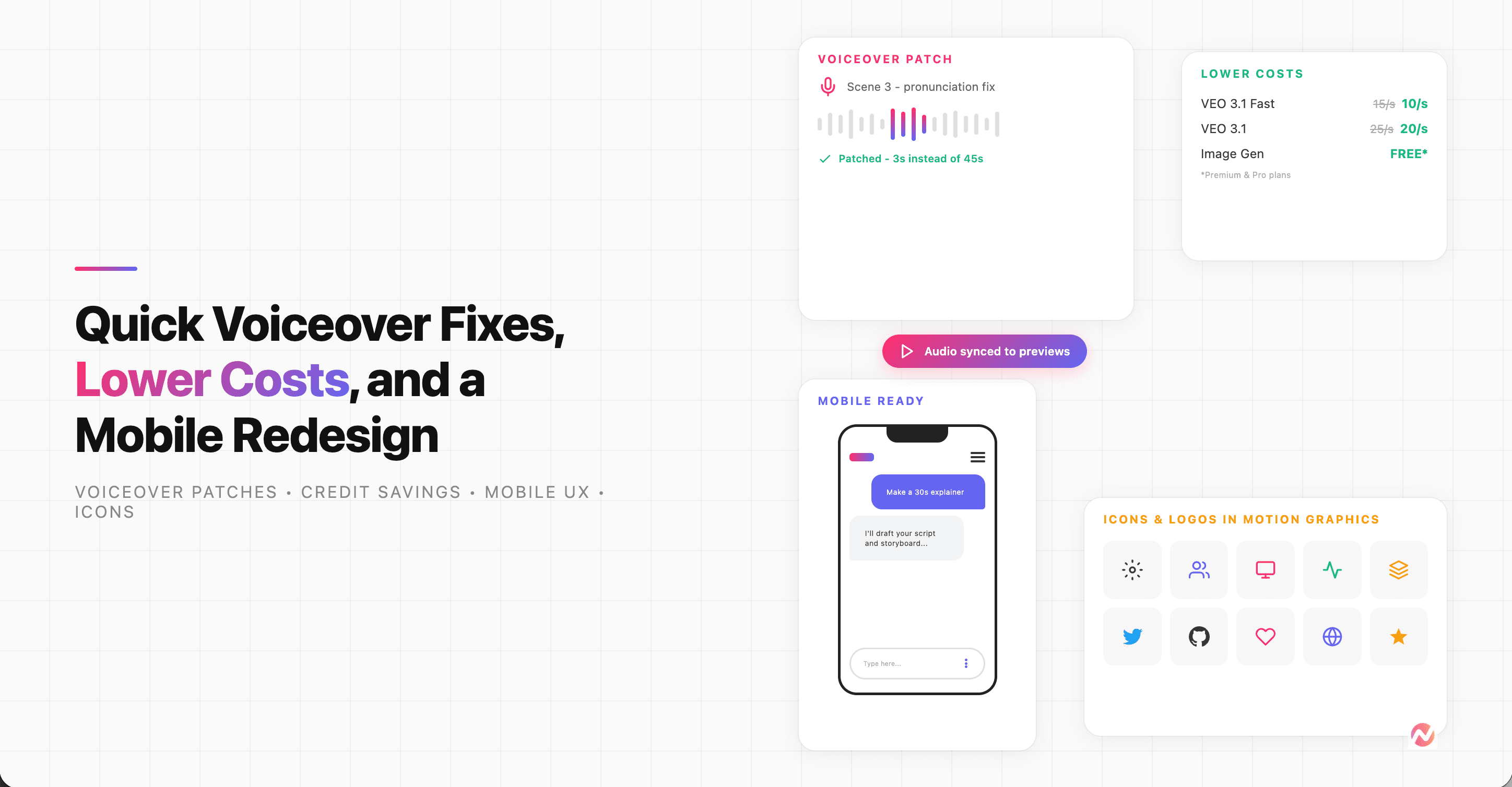
Product Update: Quick Voiceover Fixes, Lower Costs, and a Mobile Redesign - March 16, 2026
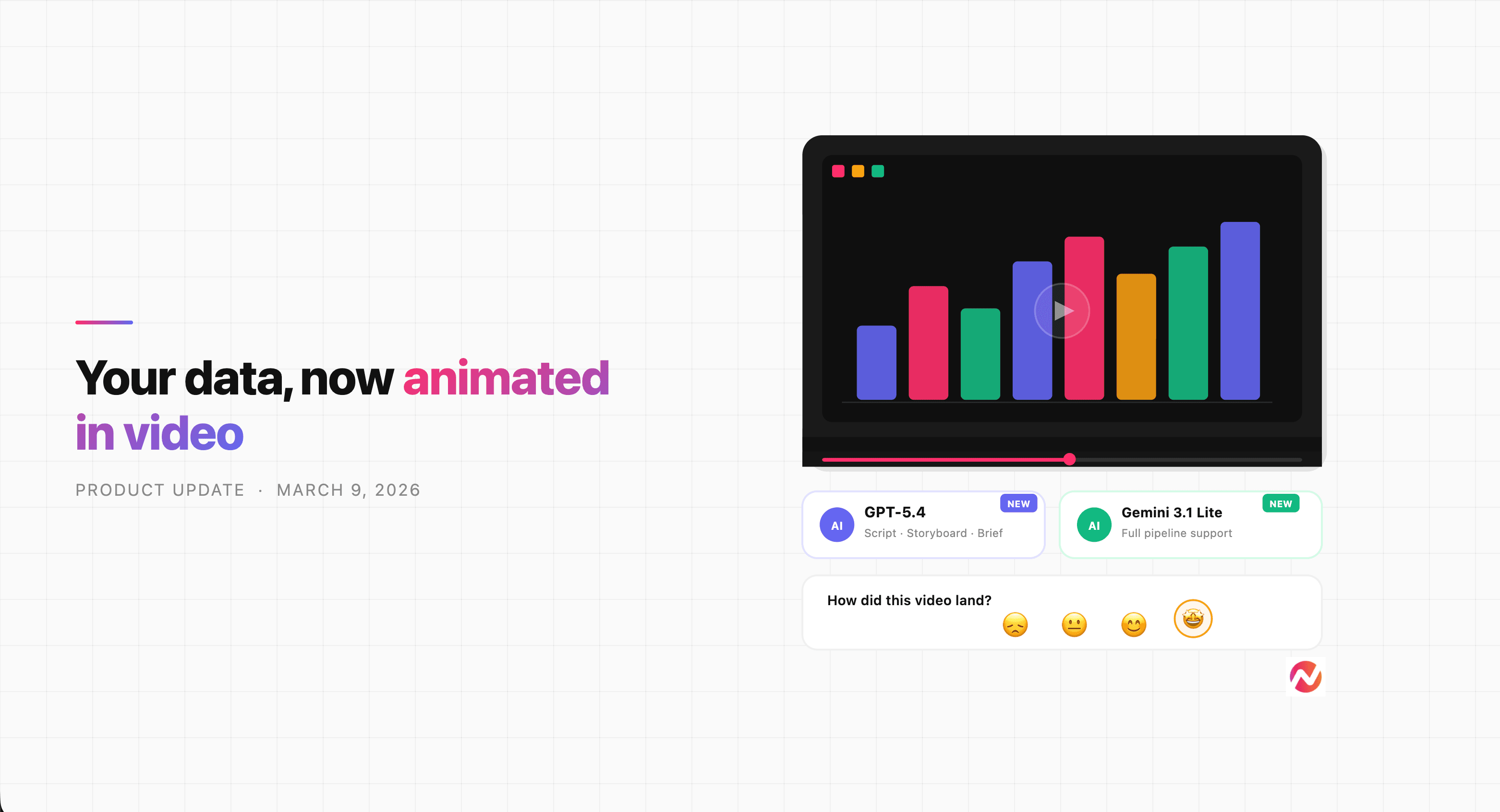
Product Update: Data Charts in Videos, New AI Models - March 9, 2026