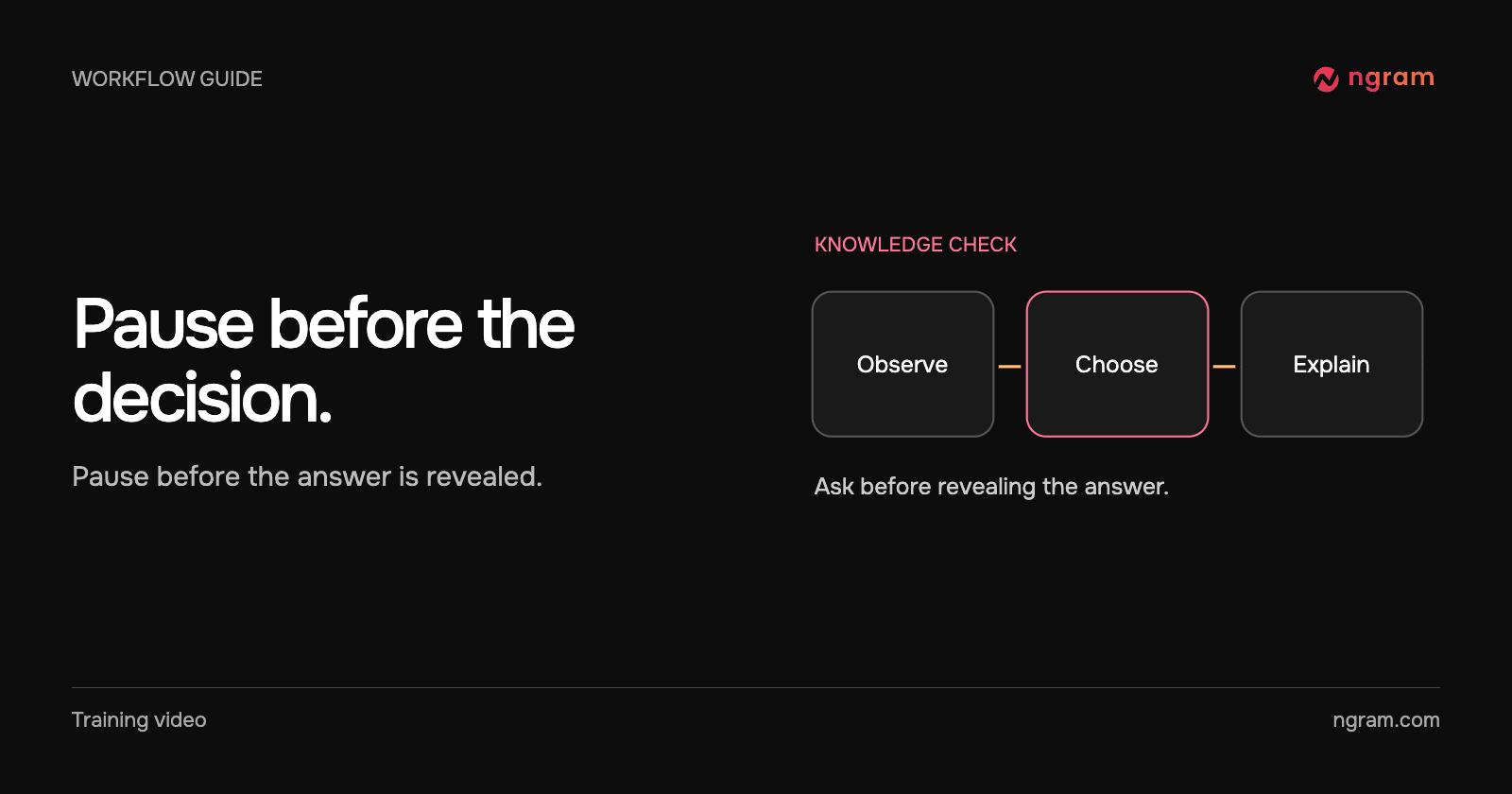

A safety video describes a condition and immediately shows the correct next step. A quiz after the demonstration may test recognition, but it tells you little about what the learner would decide without that prompt. Move the check to the moment before the demonstration gives away the answer.
Start with the approved decision
Ask the procedure owner which decision learners must make at this point and what observable condition justifies it. Use the site’s approved procedure and terminology. A trainer can demonstrate this structure without inventing equipment settings or writing new safety instructions: “Given the condition you just saw, what does our procedure require next?”
If the answer depends on a fact that never appears in the video, add that fact to the scene before writing the question. If several answers could reasonably be correct, revise the scenario or use a discussion prompt.
Put the check where it can change the lesson
Show the condition. Stop just before the next action. Offer realistic choices and explain the reason for the correct response. Then continue the demonstration so the learner sees the selected action in context. A poll can measure confidence or preference, but it does not test whether a learner chose the prescribed action.
The clip shows a handoff question in Studio, not a safety procedure. It demonstrates the feedback pattern: “Alex will send the checklist by Friday” earns a Correct response that identifies the action, owner and due date. In a safety lesson, the procedure owner should supply the corresponding rationale.
Decide what the result will be used for
One correct response in a video tells you about that question. It cannot establish practical competence. If the training program requires an observed demonstration, retain the instructor’s separate assessment and record. For more on planning the actual lesson, see the training video workflow.
Run the lesson where learners will take it
Try the question in Studio, then open the published lesson in a separate session with the same access learners will have. Confirm the intended answer, feedback and continuation. In our interactive video walkthrough, play the published link as a learner and submit an answer. If sharing fails or returns to Not published, put the question in the LMS and use the video as the demonstration.
If that happens before a scheduled class, keep the Studio project for investigation. Export the lesson, place the check at the corresponding point in the LMS and test it with a learner account. Tell the instructor which system holds the response so they know where to follow up.