Back to How to
How to

Who Can Still Watch Your Training Videos After a Customer Pilot Ends?

Audit the watch links, embeds and exported copies shared during a customer pilot. Verify the old visitor path and give the account owner a clear closeout note.

Who Can Still Watch Your Training Videos After a Customer Pilot Ends?
3 min read•Updated at November 2, 2026
Written and edited by
Rishikesh Ranjan
Rishikesh Ranjan
all thing growth @ ngram.com

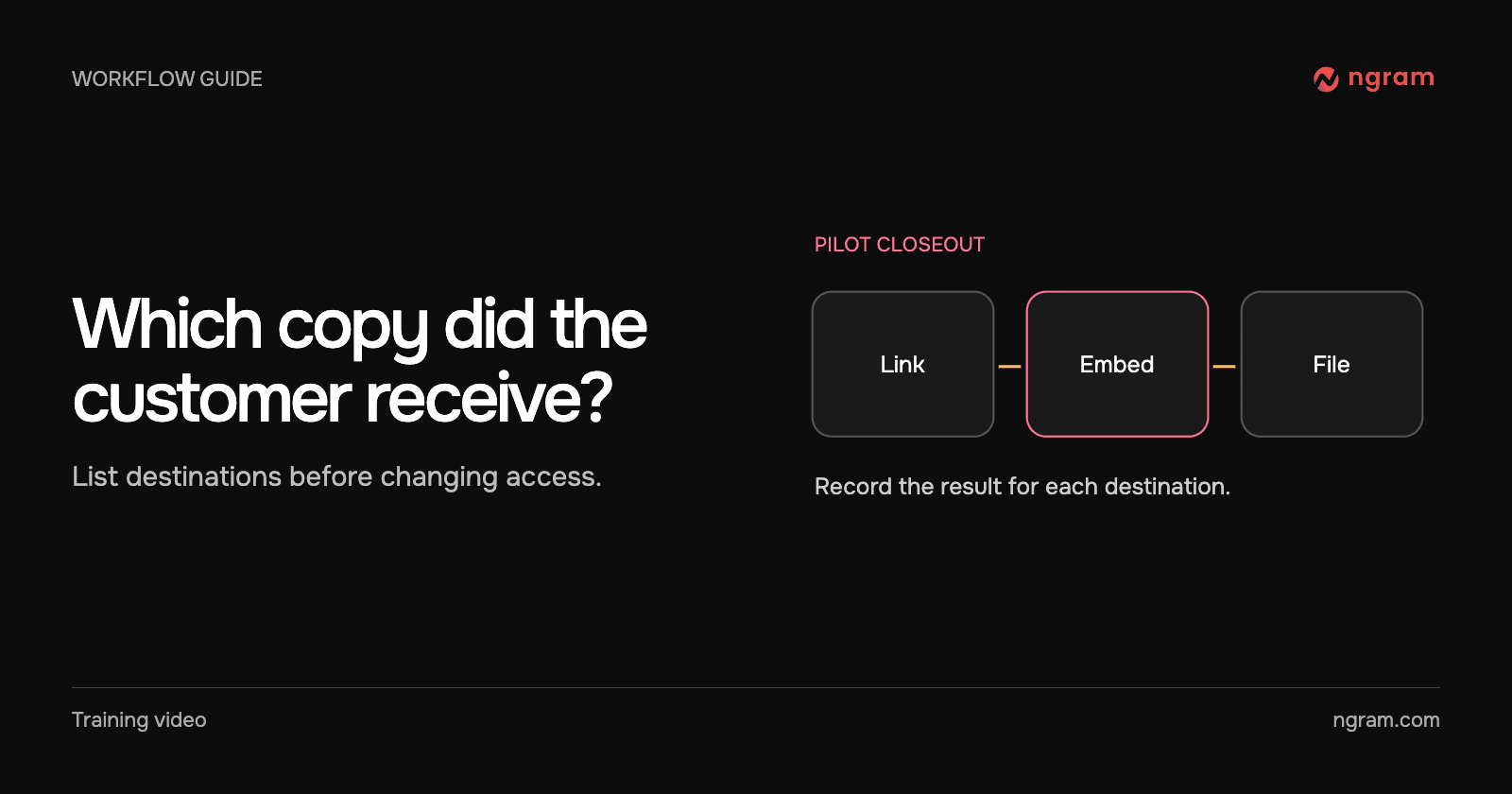
A pilot ends Friday. The customer success manager remembers sharing one lesson but the team remembers three ways to watch: a link in an email, a player on a pilot resource page and a file attached to a training session. Those are three places to check, even if the customer saw the same lesson in each.

Inventory what actually left the team

Start with the handoff email, course page and any downloads the pilot team sent. For each, record the destination, who controls it and who can test it. A message that links to a hosted video is different from a message that includes the MP4 as an attachment.

Ask the account owner whether any material should stay available under the customer’s agreement. A general tutorial might remain public while a pilot-specific configuration lesson expires. Choose that scope before disabling a video shared with more than one audience.

Close the hosted path

On the hosted video, use Settings → Link access → Link expires. Choose the agreed cutoff and Save expiry. Someone needs to open the original watch link outside the owner’s session after the deadline.

In this pilot example, the same watch URL played before the cutoff and later displayed “This link has expired.” That tells the account manager what happens to a visitor using that URL. It does not tell them whether the customer downloaded the file or has a separate copy on another platform.

Test the embed and exported copies separately

Open the customer-facing page that contains the embedded player. Verify what happens there after the cutoff and record the result. For an exported file, identify the owner of the LMS, drive or channel where the copy now lives. Ask that owner to verify access in that system.

If the owner cannot verify a destination, say so in the closeout note. Avoid promising that nobody can watch the video based on testing only one link. The sharing guide helps separate hosted links, embeds and file delivery.

Give the account team a useful closeout note

For each path, write what you checked, when you checked it and what the visitor saw. Name the next contact for any open destination. For a future customer onboarding video, agree on the delivery method and access window at kickoff so the account owner knows exactly what to close.
Related articles

Should Your Support Tutorial Live on YouTube or in Your Help Center?
How to3 min read

Should Your Support Tutorial Live on YouTube or in Your Help Center?

Choose between a public YouTube tutorial and an embedded help-center video by checking the viewer’s starting point, privacy needs and how often the instructions change.

How Tongram
Rishikesh Ranjan
Rishikesh Ranjan
Growth Lead
Nov 2, 2026
Where to Put a Knowledge Check in a Safety Training Video
How to3 min read

Where to Put a Knowledge Check in a Safety Training Video

Place a safety training knowledge check where the learner must make a decision. Write meaningful choices, explain the answer and test the lesson where learners will take it.

How Tongram
Rishikesh Ranjan
Rishikesh Ranjan
Growth Lead
Nov 2, 2026
How to Send the Right Onboarding Video When Sales Hands Off an Account
How to3 min read

How to Send the Right Onboarding Video When Sales Hands Off an Account

Turn a sales handoff into an onboarding video that teaches one first task. Choose between an existing lesson and a new draft, then verify what the customer receives.

How Tongram
Rishikesh Ranjan
Rishikesh Ranjan
Growth Lead
Nov 2, 2026
How to Explain Quarterly Results on Video Without Sharing the Whole Spreadsheet
How to3 min read

How to Explain Quarterly Results on Video Without Sharing the Whole Spreadsheet

Build a quarterly video from a small approved extract. Show the metric, periods and arithmetic, keep the workbook private, and distinguish the result from the next-quarter goal.

How Tongram
Rishikesh Ranjan
Rishikesh Ranjan
Growth Lead
Nov 2, 2026
How to Add a Quiz, Poll, or Clickable Button to a Video
How to3 min read

How to Add a Quiz, Poll, or Clickable Button to a Video

Add a quiz, preference poll or timed button to an ngram video. Check the result in Studio and test the shared destination before assigning it to viewers.

How Tongram
Rishikesh Ranjan
Rishikesh Ranjan
Growth Lead
Nov 2, 2026
How to Create a Video From a Notion Database Row
How to3 min read

How to Create a Video From a Notion Database Row

Connect selected Notion pages to ngram, prepare a request row, set Action to Generate and find the finished video. Check permissions and handle a failed row without starting duplicate jobs.

How Tongram
Rishikesh Ranjan
Rishikesh Ranjan
Growth Lead
Nov 2, 2026

Ready to create your first video?

Turn your source material into a video. Shape the brief, review the plan and make it yours.