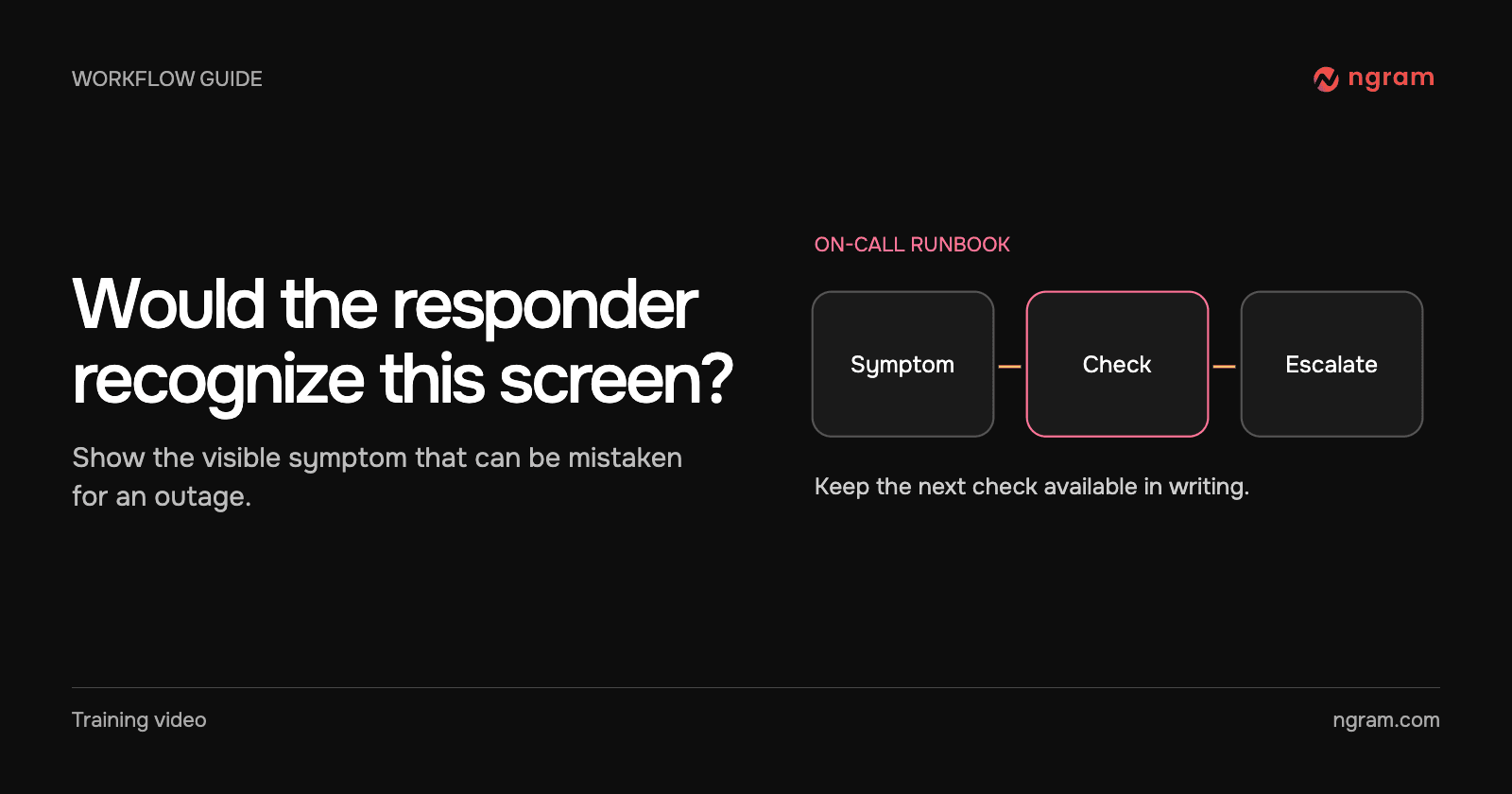

A customer says a training video stopped working. The first responder needs to distinguish an expired pilot link from a playback failure. A short clip can show the exact screen. It cannot tell the responder whether every other video is healthy.
Put the clip at the recognition step
Before its saved cutoff, the real pilot lesson plays. Afterward the same watch URL displays “This link has expired.” The film’s time card gives the saved cutoff. This is an example of expected product behavior, not footage of a service outage. It belongs next to the runbook branch for that exact message.
Write the branch in plain text: open the reported URL in an appropriate viewer session, record the visible message and time, and confirm the configured access window with the responsible owner. If the cutoff is expected, route the access request to that owner. If the message differs or the deadline is in the future, continue the playback checks before drawing a conclusion.
Keep the operational steps available without playing a video
A responder may be on a slow connection or searching from a terminal. Write the safe diagnostic command, expected output, owner and escalation threshold in the runbook. Keep credentials and customer data out of example media. Link to the live hosting feature or sharing guide where responders need current product terminology.
For a video-generation issue, use a separate branch that starts from the existing job and its latest status. The generation recovery guide explains when to inspect a project or retry a failed step. A hosted link that expired is a different symptom and needs a different check.
Give the example a maintenance trigger
Name the team that owns the displayed message. Recheck the clip when the label, access behavior or support escalation changes. Ask a teammate unfamiliar with the incident to choose the next check using the runbook without a live walkthrough. If the clip helps recognition but the teammate cannot find the escalation contact, improve the text rather than recording a longer video.
Place the clip beside that branch in the runbook your responders already use.