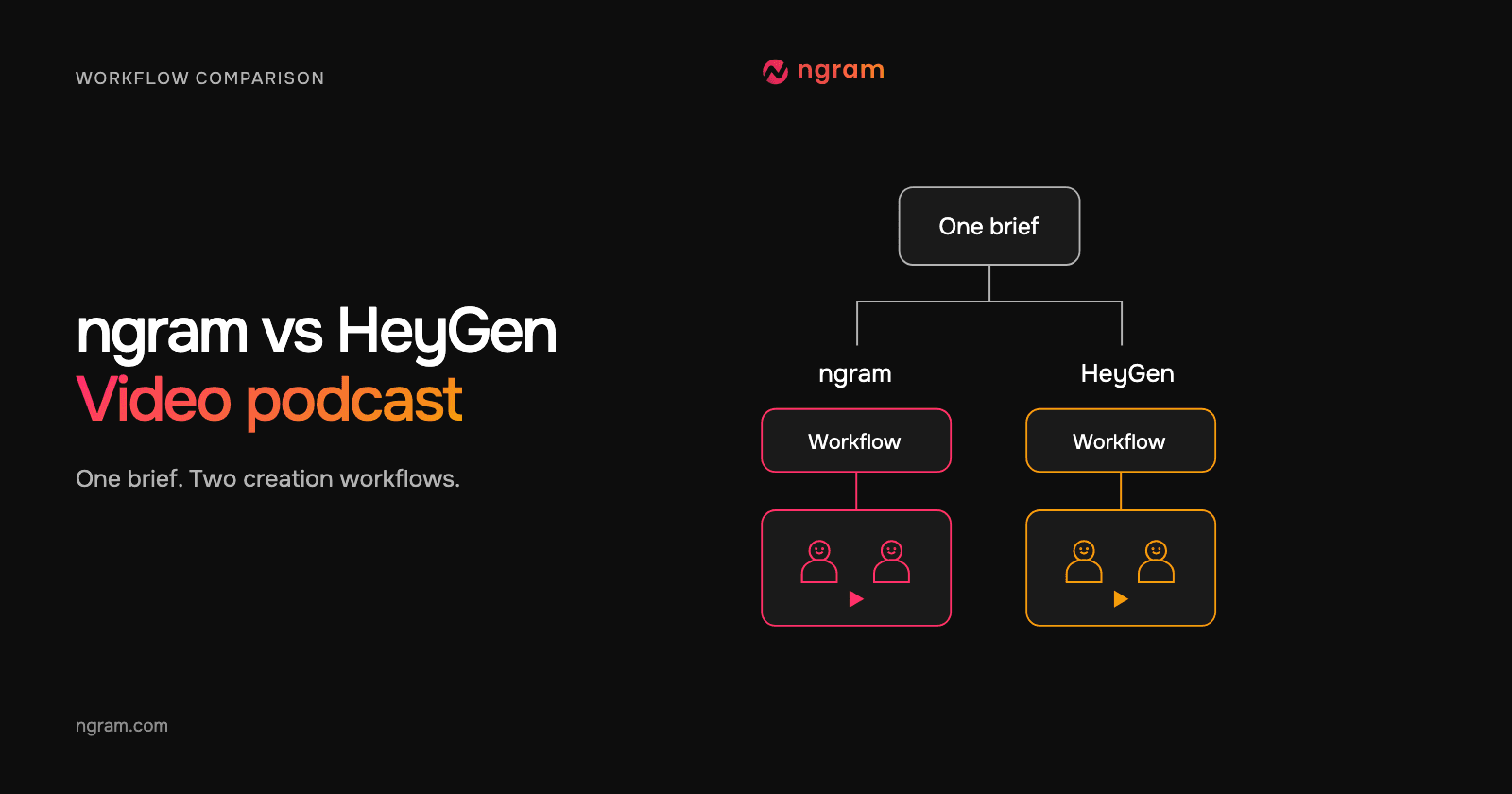

Both ngram and HeyGen can create a scripted video conversation with visible AI speakers. For a short article companion, the useful choice is how you want to direct the cast and review the discussion. ngram’s Conversation workflow starts with a brief and automatic casting; HeyGen’s Video Podcast guide puts Host, Guest and per-speaker voice choices up front.
This article follows one source-backed episode brief. The ngram example is a real generated result. The HeyGen path comes from its official product page and instructions; it is not a second rendered result or a quality and speed test.
For a broader buying decision beyond this podcast task, use the ngram vs HeyGen comparison. Here, the question is narrower: how would a content lead turn one technical article into a discussion between two fictional hosts?
Keep one editorial brief across both workflows
The source is GitHub’s guide to a CI/CD pipeline with GitHub Actions. The audience is a developer setting up a first workflow. We chose three bounded takeaways about build-and-test behavior, workflow templates and investigating failed jobs. The hosts introduce the ideas and send viewers to the complete guide.
Editorial brief
Audience: developers setting up a first CI/CD workflow.
Source: https://github.blog/enterprise-software/ci-cd/build-ci-cd-pipeline-github-actions-four-steps/
Roles: one fictional host asks practical questions; the other explains the selected source facts.
Takeaways: CI builds and tests code changes; the Actions tab offers workflow templates; the visualizer and live logs help identify failed jobs.
Boundaries: paraphrase, preserve qualifications, invent no guest quotations or benchmarks.
Closing action: read the full GitHub guide.
That brief defines the content, not a promise that every product will interpret it identically. Read the proposed dialogue against the source in either workflow. Keep an author’s actual quotation separate from words written for the fictional hosts.
The control choices that change the work
| Decision | ngram Conversation | HeyGen Video Podcast, as documented |
|---|---|---|
| Casting | Describe the roles; Presenter Auto and Voice Auto | Choose Host, Guest and each voice |
| Starting content | Article URL and a discussion brief in this example | Topic, prompt, document or own script |
| Review point | Read and approve the plan before production | Review the preview script and scene before final creation |
| Episode length | 30-second target; this result is about 31 seconds | 1-, 2- or 3-minute target |
| Format in this example | 16:9 | 16:9 or 9:16 |
| Finished evidence here | Actual ngram video, input and editable starter | Documented workflow; no HeyGen output shown |
The HeyGen controls above come from its Video Podcast guide. Its app page also describes starting from a URL or PDF. Confirm the input path shown in your account, and carry the same source facts and host roles into it.
Use ngram when the brief should guide the cast
In ngram, describe the discussion and speaker roles in Video brief. Use Conversation with Opus 5.5, Presenter Auto and Voice Auto. Review the proposed cast and speaking turns in the plan, then approve production. The Conversation guide covers the exact Studio path.
In this result, Nia asks practical questions and Tevita explains the selected points. Their voices are distinct, and the questions lead to the next answer. The repository, workflow and log graphics are illustrations, not recorded GitHub screens. These are fictional hosts explaining an independent source, not GitHub representatives or an actual guest interview.
From this input to this video
Nia asks practical questions and Tevita explains three takeaways from the public GitHub Blog guide. The repository, workflow and log graphics are illustrations, not captured GitHub screens; this is an independent fictional-host summary.
Prompt
Create a 30-second landscape 16:9 scripted video podcast with two fictional AI hosts visible on screen, each with a distinct voice. Use this public article as the factual source: https://github.blog/enterprise-software/ci-cd/build-ci-cd-pipeline-github-actions-four-steps/. Audience: developers setting up their first CI/CD workflow. One host asks practical questions and the other explains these three source-backed takeaways: a CI pipeline builds and tests code changes; the repository's Actions tab offers workflow templates; the workflow visualizer and live logs help identify failed jobs. Use at most 65 spoken words and a natural back-and-forth. Paraphrase the source without invented quotations, guests, benchmarks, or guarantees. End by inviting viewers to read the full GitHub guide. Show me the plan and dialogue for review before production.
Selected style
Conversation
Read the video transcript
Nia: First CI/CD workflow. Where do I start? Tevita: When code changes, a CI pipeline builds it and runs your tests. Nia: Do I write that from scratch? Tevita: You can, but your repository's Actions tab offers workflow templates. Nia: And when a job fails? Tevita: The workflow visualizer shows which job failed, and live logs help you find out why. Nia: Want the details? Read GitHub's full guide.
The actual ngram article discussion
Watch the generated result and inspect its exact source, prompt and settings. Adapt the editable starter for your own article.
Keep the editorial brief fixed
Choose the source, audience, host roles and supported takeaways before deciding how to cast the video.
Review the ngram plan
Use Conversation with Opus 5.5, Presenter Auto and Voice Auto, then check the cast and dialogue before production.
Judge the finished message
Watch the result with sound and verify the claims, speaker turns and closing action against the source.
Make it yours
Fill in your details here, or continue and finish your brief in ngram.
Video generation uses credits. Review your estimate in ngram. MP4 downloads require Basic or higher.
How credits workThe two-host video podcast template shows the same reusable prompt used for the example. Change the audience and takeaways before creating your own version, then check whether each question makes the answer more useful. Use actual recordings when viewers need to see a specific product action.
Use HeyGen when you want to choose Host and Guest first
HeyGen documents an Apps → Create → Video Podcast path. Choose the two speakers and voices, then provide a prompt or document, or enable Use my own script. Generate Preview, inspect the timestamped dialogue and scene, and create the final podcast when ready. Optional scene instructions describe the setting and camera direction.
For the shared brief, give the questioner a clear uncertainty and keep the explainer within the selected facts. If the first draft adds an unsupported claim, revise it before generating the final video. This is the same editorial responsibility in both workflows, even though the controls and review screens differ.
Treat duration and billing as setup decisions
Our ngram brief requested 30 seconds; the completed video runs for 30.67 seconds. HeyGen documents 1-, 2- and 3-minute choices, plus 720p or 1080p. For a one-minute version of this topic, add useful explanation or context supported by the source. A different target length does not establish which product renders faster or costs less.
Review the estimate for the settings you select. HeyGen describes a preview charge followed by a final-video charge that depends on duration and resolution. ngram shows the total estimate for the selected creation settings, and paid plans include MP4 downloads. Compare the complete intended job and billing units before estimating a series budget.
Choose around the part you want to control
Choose ngram when you want to state the source and roles, review the automatic cast and dialogue, and keep refining the video through the same project. Choose the documented HeyGen workflow when selecting the Host, Guest and voices before the preview fits your production process. Both require a source check; neither workflow makes a fictional host an authority on the article.
Start the ngram path with the AI Video Podcast Generator when you have an article or approved discussion brief. For an existing real episode, choose an episode-repurposing workflow and preserve the original speakers’ meaning instead of creating new remarks for them.
Questions about ngram and HeyGen video podcasts
Did both products generate the episode shown here?
The displayed result was generated in ngram. The HeyGen discussion describes its official workflow and does not claim that HeyGen rendered this example. This article makes no side-by-side output-quality or generation-time verdict.
Can I use the same idea in both products?
Use the same source, audience question, host roles and factual boundaries as the editorial brief. Adjust the requested length and product-specific settings, then review the resulting dialogue rather than assuming identical wording or output.
Which matters more: host appearance or source accuracy?
The host choice affects presentation, but the published claims still need support. Identify the passage behind each factual answer before reviewing the visual delivery. A convincing performance does not establish that a statement is true.