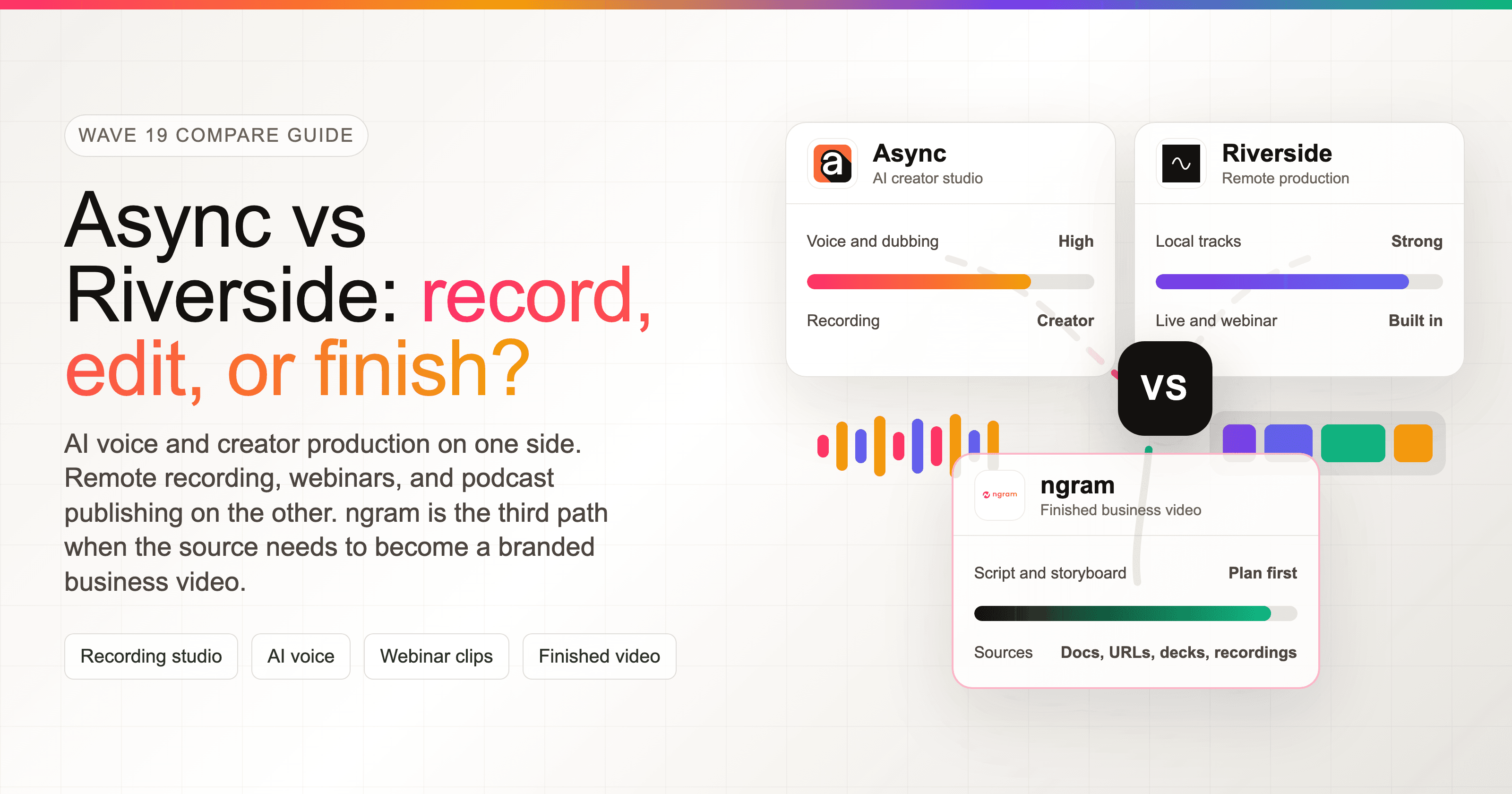


Async vs Riverside is a workflow choice before it is a pricing comparison. Both products sit in the recording-studio category, but they are now pulling in different directions. Async, formerly Podcastle, has become a broad video, audio, and voice platform. Riverside is still built around high-quality remote recording, with editing, clips, live streaming, webinars, and podcast hosting layered around that capture workflow.
Rebrand note: Async is the current live product name for Podcastle, so older Podcastle comparisons are useful only where the same recording and editing product line carried forward.
Riverside domain note: Riverside now uses Riverside.com for the product site. Older Riverside.fm links redirect to the current domain.
The short answer: pick Async if you want one workspace for recording, AI voice, dubbing, subtitles, clips, and generative media. Pick Riverside if your main risk is recording remote guests cleanly, running live shows, hosting webinars, or publishing a podcast. Use ngram if the real job starts after the recording, when a meeting, podcast, webinar, doc, URL, deck, or product recording needs to become a polished, branded business video.
Pricing and feature facts in this guide come from Async's homepage, Async's pricing page, Async's creator pricing help article, Async's rebrand announcement, Riverside's homepage, Riverside's pricing page, and Riverside's async recording page. We also checked current search results for "Async vs Riverside" and older "Podcastle vs Riverside" pages, but we did not use numerical review ratings in the verdict.
Async vs Riverside at a glance
| Dimension | Async | Riverside | Where ngram fits |
|---|---|---|---|
| Best for | Creators and teams that want recording, audio cleanup, AI voice, dubbing, subtitles, clips, and generative media in one workspace | Podcasters, producers, marketers, and event teams that need reliable remote recording, live shows, webinars, and podcast publishing | Teams that already have source material and need a finished branded video from it |
| Core starting point | Record, upload, or generate media, then use AI tools and credits to edit or produce assets | Invite guests, record locally in separate tracks, then edit, clip, host, or stream | Start from a prompt, doc, URL, deck, screenshot set, screen recording, raw video, or webinar recording |
| Recording strength | Audio and video recording with creator-oriented editing and voice tools | Separate local audio and video tracks, with recording-hour limits by plan and async guest capture on Business | Not a multi-guest recording studio |
| AI strength | Voice API, AI video generation models, dubbing and lip sync, subtitles, thumbnails, clips, Magic Dust, and chat-based production | Text-based editing, Magic Clips, captions, AI show notes, Magic Audio, translation, and AI Co-Creator | Script, storyboard, voiceover, captions, brand kit, screen polish, and MP4 export |
| Starting paid price | Essentials is listed at $11.99/month when billed yearly, Pro at $23.99/month when billed yearly | Pro + Live Studio is listed at $24/month when billed annually, Live at $34/month, Webinar at $79/month | Basic is $29/month, with annual billing at $23.20/month |
| Watch-out | Credits vary by AI model, credits reset monthly, and developer voice work is a separate buying motion | Best features cluster around recording, live, webinar, and hosting workflows rather than script-first video creation | ngram is the wrong pick for live streaming, remote guest capture, or podcast RSS hosting |
Core job: AI creator studio vs remote production studio
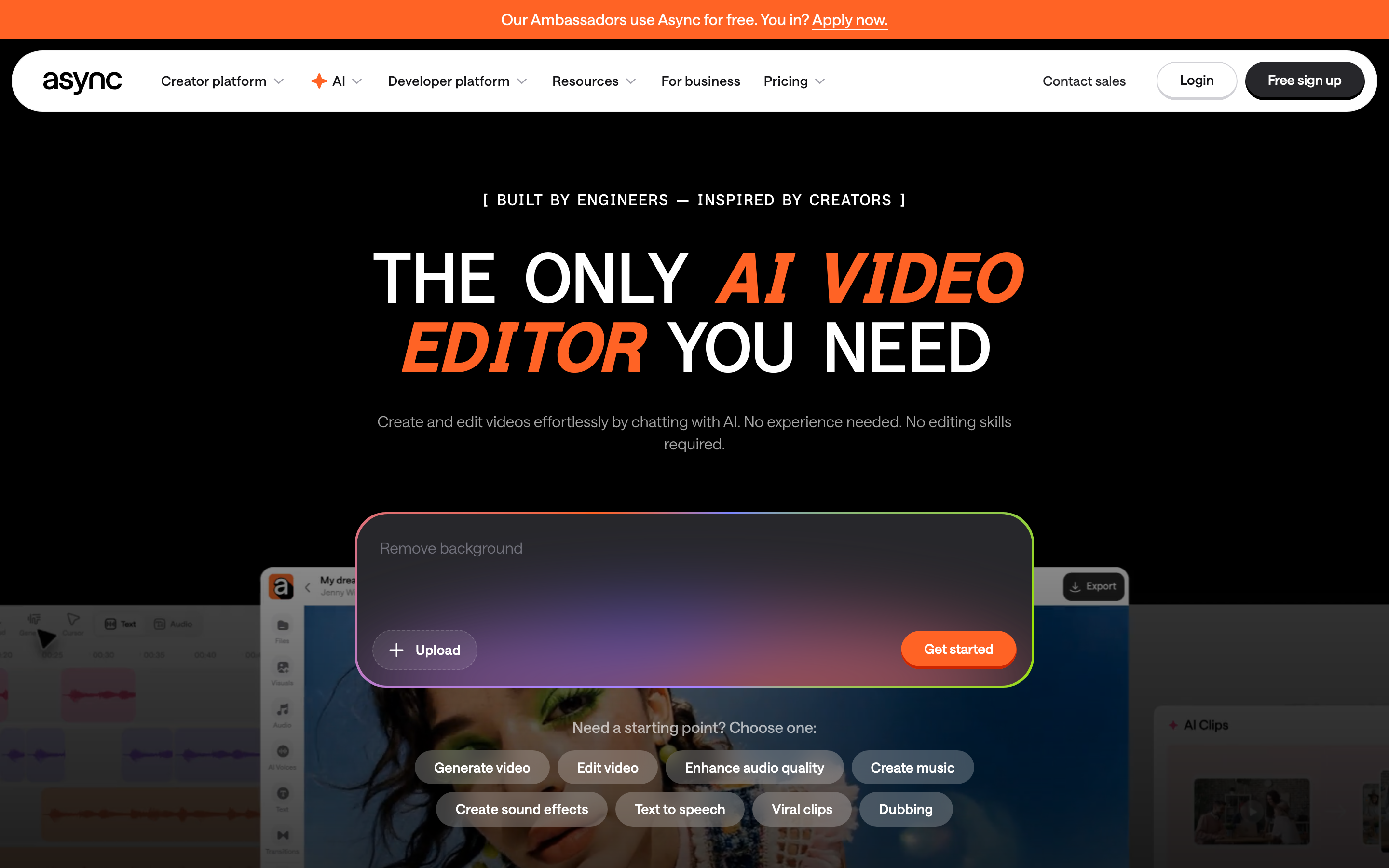
Async describes itself as an all-in-one AI video and audio platform where AI handles video generation, remote recording, editing, subtitles, dubbing, and clips. Its homepage also separates three motions: creators, enterprise content workflows, and a developer voice API for real-time agents and apps. That split matters because Async is no longer only a podcast recorder. It is trying to cover creator production, business content, and voice infrastructure from one brand.
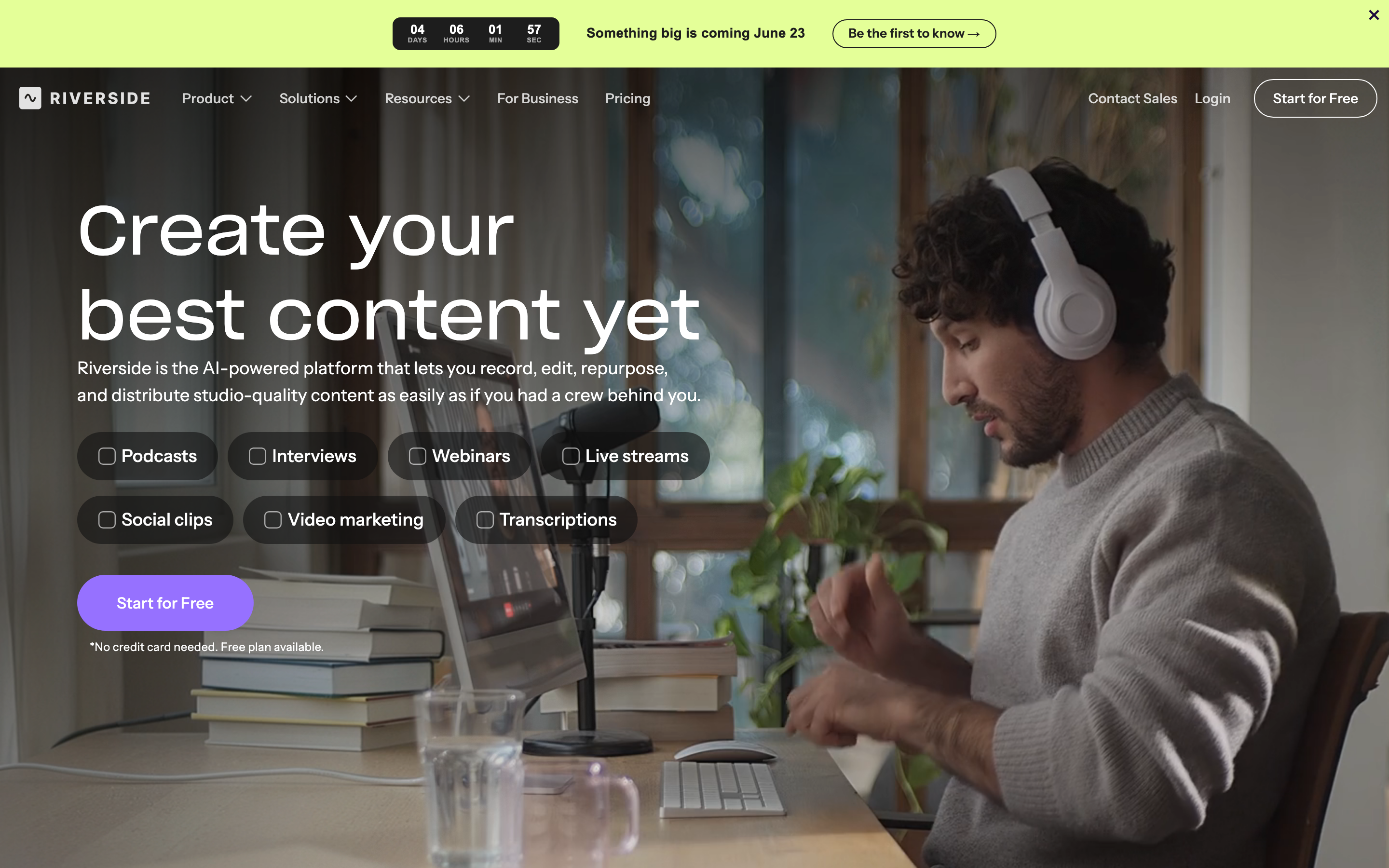
Riverside's homepage still reads like a production studio first. It centers podcasts, interviews, webinars, live streams, social clips, video marketing, and transcriptions. The editing layer is real, with text-based editing, multi-track editing, branded elements, and animated captions, but the anchor is capture: get a high-quality recording, then repurpose and publish it.
Winner for the core job: Riverside for live remote production, Async for AI-heavy creator production. Riverside has the clearer center of gravity for recordings that cannot fail: interviews, shows, webinars, and live events. Async has the broader AI palette if the creator wants to generate, edit, dub, subtitle, voice, and clip inside one workspace.
Where ngram fits
Watch how ngram turns source material into a finished video:
ngram sits outside the recording-studio fight. If your team already has source material, ngram vs Async and ngram vs Riverside both point to the same honest lane: ngram turns existing material into a finished business video. It does not replace Riverside's remote studio or Async's voice API.
Recording quality and guest workflows
Riverside wins the recording section because its product is built around local capture and production control. Riverside's pricing page lists separate audio and video tracks on every plan, with recording-hour allowances that vary by tier. Riverside's public pricing copy can differ between plan cards and comparison tables, so buyers should verify exact monthly hour allowances before procurement. Riverside's async recording page also gives Business customers a way to send guests a link, prompt them with questions or a script, and collect recordings without coordinating a live session.
Async can record audio and video, and its creator pricing article lists recording hours by plan: one lifetime hour on Free, two hours on Essentials, 20 hours on Pro, and 50 hours on Teams. Pro also lists up to 4K recording quality. That is enough for many creators, especially when the same workspace handles audio cleanup, text editing, AI subtitles, and voice work. For a team producing a weekly show with remote guests, Riverside's recording-first product is easier to defend.
Winner for recording: Riverside. Async is credible for creator recording, but Riverside is the safer pick when separate guest tracks, live production, async guest capture, and event workflows are the buying reason.
Where ngram fits: ngram starts after capture. Upload a Riverside or Async export into screen recording to video when the file is a product walkthrough, or use audio to video when a podcast segment needs visual scenes, captions, and a branded frame. ngram should not be sold as the place to record the original interview.
Editing, AI voice, and repurposing
Async's strongest differentiator is the breadth of AI creation wrapped around editing. Its public pages list AI video generation, AI music, remote recording, AI dubbing, subtitles, multilingual voices, one-click clips, text-to-speech, Revoice voice cloning, and a developer voice API. Its creator pricing page also shows model-by-model credit costs for AI video generation, which means the tool has a lot of power but also more credit math to track.
Riverside's editing layer is narrower, but it is tightly matched to recorded content. The homepage says users can search, cut, copy, and paste in the transcript to edit videos. It also lists multi-track editing, brand elements, one-click animated captions, built-in podcast hosting, show notes, titles, chapters, and takeaways. For long recordings, that workflow is practical: capture the show, clean the transcript, pull clips, publish the episode, and reuse the best moments.
Winner for AI depth: Async. Winner for recording-to-publishing flow: Riverside. Async is stronger if you want to make synthetic voice, generate media, dub, subtitle, and experiment with many AI models. Riverside is stronger if the source is a real recording and the next steps are transcript editing, clips, hosting, streaming, or webinar follow-up.
ngram overlaps with both on repurposing, but from a business-video angle. It can take raw video, recordings, decks, screenshots, or URLs, write a script, plan the storyboard, add captions and voiceover, apply a brand kit, and export an MP4. If the output is a sales enablement clip, product demo, internal update, or customer tutorial, ngram is a stronger third option than either recording studio.
Pricing and credit model
Async has the lowest listed creator entry price in this pair. Async's help article lists Essentials at $19.99/month or $11.99/month billed yearly, Pro at $39.99/month or $23.99/month billed yearly, and Teams at $84.99/month or $49.99/month billed yearly. The same help article lists 450 monthly AI credits on Essentials, 1,200 on Pro, and 3,000 on Teams. The pricing page says monthly subscription credits reset at the start of each billing cycle.
Riverside's public pricing is simpler for the core recording buyer. Riverside lists Pro + Live Studio at $24/month billed annually, Live+ at $34/month billed annually, Webinar+ at $79/month billed annually, and Business at custom pricing. The key difference is that plan jumps map to workflow jumps: more separate-track hours, live streaming, webinars, and Business-level controls.
ngram is credit-based too, but the job is different. The Basic plan is $29/month or $23.20/month annually, with higher tiers for more credits, exports, brand kits, and team usage. For a solo creator recording a show, Async Essentials or Riverside Pro can be cheaper. For a GTM or training team turning raw materials into finished videos every week, ngram covers script, storyboard, voiceover, captions, brand, and export in one video-first workflow.
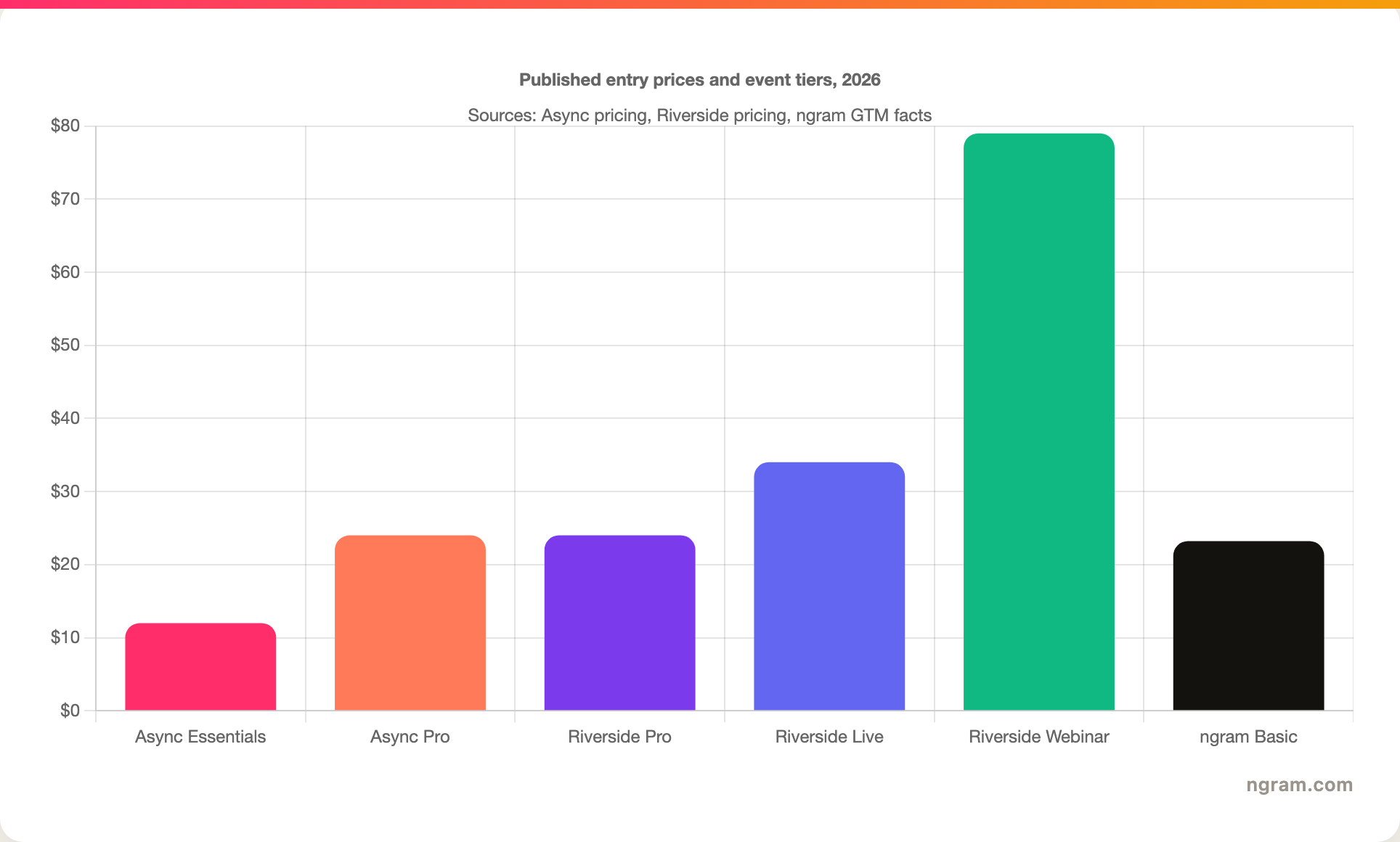
Winner for lowest creator entry price: Async. Winner for recording-plan clarity: Riverside. Winner for finished business video value: ngram. The buyer should compare the cost of the whole workflow, not only the first paid tier.
Live streaming, webinars, hosting, and distribution
This is Riverside's biggest non-recording advantage. Riverside's homepage includes podcast hosting with distribution to Spotify, Apple, YouTube, and other apps. It also promotes webinars and live events, including streaming to LinkedIn, YouTube, Instagram, Twitch, and more, plus audience call-ins, Q&A, chat management, custom branding, clips, summaries, lead generation, HubSpot sync, registration, and reminder emails.
Async has publishing and hosting pieces for creator workflows, including podcast hosting under the Podcastle lineage and content generation around clips, subtitles, and voice. But Riverside's product map is more complete when the buyer needs live programming, a webinar funnel, or a podcast publishing workflow attached to the recording studio.
ngram does not replace that. ngram can host rendered videos and provide share links or embeds, but it is not a webinar platform, live studio, RSS host, or audience registration system. The right ngram role is downstream: send the finished Riverside webinar recording into webinar to clips, or turn the best five minutes of an Async podcast edit into a product-marketing video.
Use-case verdicts
Solo podcast creator: Pick Async if budget, AI voice, subtitles, audio cleanup, and in-editor creation tools matter more than live production. Pick Riverside if guest recording reliability and separate local tracks matter more than AI model variety.
Video podcast or interview show: Pick Riverside if guests join from different locations and the final files need separate audio and video tracks. Async is still viable, but Riverside is the cleaner choice when production quality is the main risk.
Creator experimenting with AI media: Pick Async. Its model menu, voice API, Revoice, AI video generation, dubbing, subtitles, thumbnails, and clips make more sense for creators who want to try synthetic media inside the same account.
Webinar or live event team: Pick Riverside. Live and Webinar plans exist because this is a product motion Riverside actively sells. Async is not the default pick for event registration, audience call-ins, multistreaming, or post-event webinar workflows.
Business team with existing assets: Use ngram. If the source is a doc, URL, deck, screenshot set, recording, or raw video, ngram writes the script, maps the storyboard, applies brand, adds captions and voiceover, and exports a finished cut. That is a different job from recording a podcast.
Methodology
We compared Async and Riverside on the dimensions a buyer would weigh before purchasing: core output, recording workflow, editing and AI depth, pricing, live and publishing workflows, and the best-fit use cases. Official product, pricing, help, and announcement pages were the primary sources. Search results for "Async vs Riverside" were thin and often used the old Podcastle name, so older Podcastle pages were treated as historical context rather than current product proof.
We used no numerical review scores. Public review and forum material informed the questions buyers ask, but product claims in the body come from official sources or ngram's internal product-state and GTM truth files.
Final verdict: which should you choose?
Pick Async if you want an AI creator studio around recording, voice, dubbing, subtitles, clips, and generative media. It is the better choice for creators who want to record and then keep experimenting inside one AI-heavy workspace.
Pick Riverside if you want the stronger remote production studio. It is the better choice for remote interviews, video podcasts, webinars, live streams, separate local tracks, and podcast publishing.
Use ngram if the recording is only the raw material. When your team needs a polished product demo, training video, launch update, sales clip, or customer tutorial, ngram is the better third path because it starts with script and storyboard, then renders the finished branded video.
FAQ
Is Async the same as Podcastle?
Yes. Async is the current live product name for Podcastle. The company announced the rebrand on January 28, 2026, and positioned Async as a unified platform for creators, businesses, and developers. Older Podcastle content should be read with that rebrand in mind.
Is Riverside better than Async for podcast recording?
Riverside is usually the better pick for remote podcast recording with guests because the product centers on separate local audio and video tracks, live production, and podcast publishing. Async is stronger when the podcast workflow also needs AI voice, dubbing, subtitles, and generative media in the same workspace.
Which is cheaper, Async or Riverside?
Async has the lower listed creator entry price. Essentials is listed at $11.99/month when billed yearly. Riverside Pro is listed at $24/month when billed annually. Riverside becomes the clearer value when remote recording, live, webinar, or hosting features are the reason for buying.
Can ngram replace Async or Riverside?
ngram replaces neither tool for recording. ngram is a better option when the job is finished video creation from source material that already exists: a podcast export, webinar recording, product demo, doc, URL, deck, or screenshot set.
Can I use Riverside or Async with ngram?
Yes. Export a recording from Riverside or Async, then upload the file to ngram to create a polished business video, social cut, product walkthrough, training clip, or customer-facing recap with captions, voiceover, brand styling, and MP4 export.








