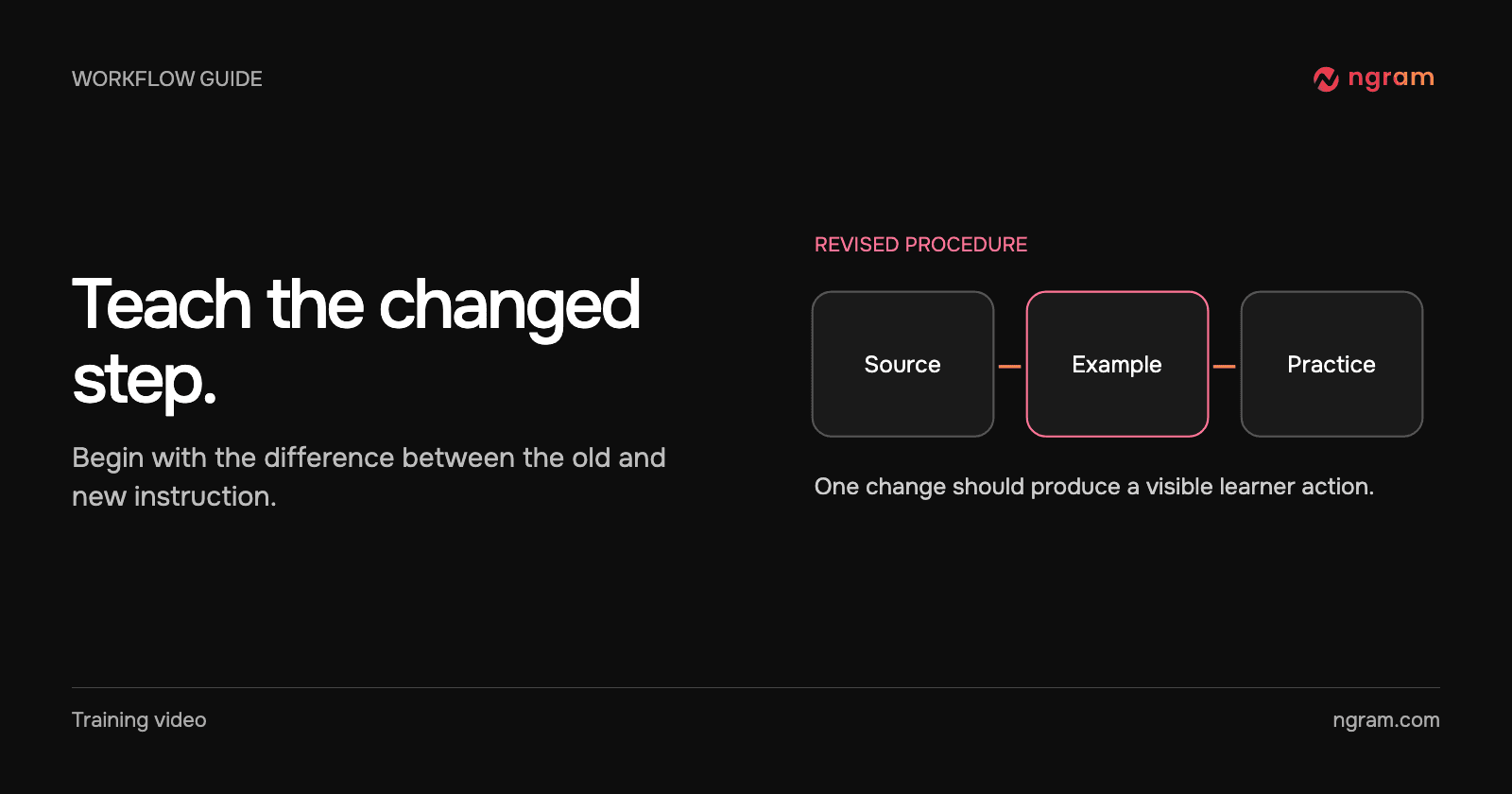

The old handoff procedure said, “Send the kickoff notes.” The revised procedure requires someone to name the account owner and the due date for each next step. Sending an email about the revision may alert the team, yet a new account manager might still submit three next steps with nobody assigned. That gap is a good reason to make a short training video.
Extract the difference from the approved source
Mark the changed sentence in the current SOP. Identify the learner, the trigger and the expected result. Here the learner is the account manager, the trigger is a completed kickoff, and the expected result is a handoff record with a person and date beside every action. Ask the process owner to check the example before scripting it.
When employees only need to look up a deadline or an exception, update the written reference. A video earns its place when showing a completed example helps someone apply the change.
Give the video a teachable brief
Start from training material to video. Paste the approved section or upload the relevant document. Add: “Teach new account managers what changed after kickoff. Show one complete action item, then a second item that has a due date but no owner. Ask what the second item needs.”
Review the script and storyboard. Does the learner see the incomplete item long enough to spot the difference? Does the narration preserve the approved wording? Remove background information that a returning employee does not need to relearn. A separate orientation video may be more helpful for someone new to the entire process.
See a finished handoff instruction
In this short sample, the final instruction is “Name the owner and date.” That is a visible outcome you can compare with the revised SOP. The sample illustrates the resulting lesson; a real team should use its own approved procedure, roles and source materials.
Check a fresh case after playback
Give the learner a different handoff: “Send the support summary by Friday.” Ask what is missing and where it should be recorded. If the learner supplies an owner only after hearing the original example again, improve the contrast between the two cases.
For an LMS that accepts a file, upload the MP4 and put the practice question in the LMS. When learners can answer in a hosted player, use a supported interactive question. The training video workflow covers moving from source material to a reviewed lesson.