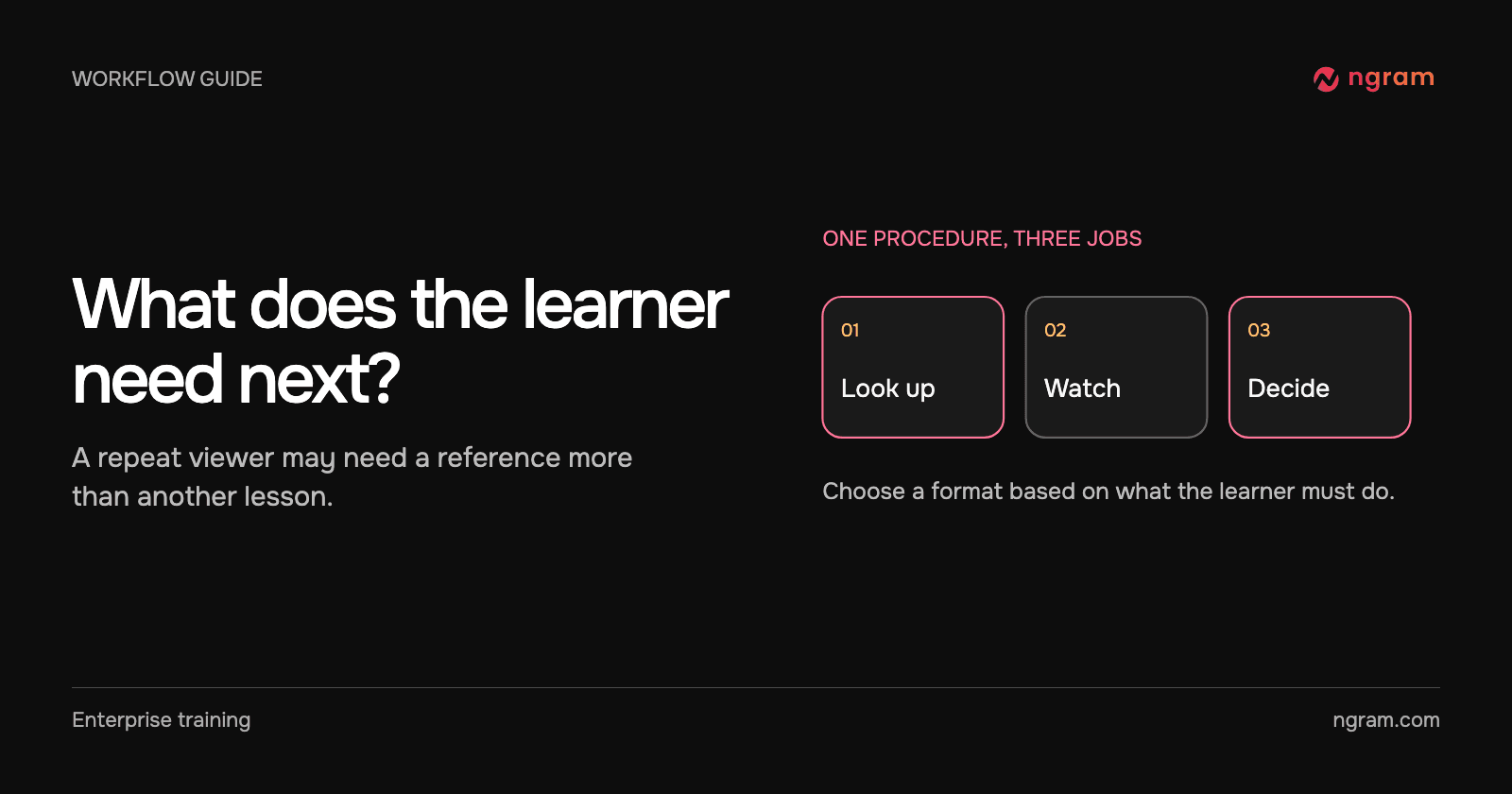

Two employees face the same revised handoff rule. A new account manager has never seen a completed handoff. An experienced colleague understands the process but wants to check the required fields while entering a record. A single training assignment can easily leave one person underprepared and the other sitting through an unnecessary video.
Choose a job aid for lookup during work
Give the experienced colleague a short reference next to the form: each next step needs an owner and due date. Keep exceptions and exact field names searchable. If employees repeatedly ask for a value they can copy, a written aid is likely the best first deliverable.
Put the same procedure into three formats
The changed handoff rule requires an action, owner and date. Give a returning employee a three-field job aid they can keep beside the CRM: “What happens next? Who owns it? When is it due?” They can consult it while working and copy the exact field names. A video would make them scrub through narration every time they forget one field.
Give a new employee a short demonstration. Start with an empty record, show an incomplete handoff, then finish with a note someone else can act on: “Maya will send the checklist by Friday.” Let the learner see where the owner and date appear after saving. The video earns its place because the learner has never seen the finished record.
Give a supervisor a decision exercise. Show a note with an action and two possible owners. Ask whether it is ready to pass along, then explain what would prevent the recipient from acting. That exercise tests a judgment the demo alone cannot establish. Replaying the example word for word would mostly test memory.
Choose the format from the mistake you observe
| Observed difficulty | Best starting format | What the learner does next |
|---|---|---|
| Knows the rule but forgets a field | Job aid | Consults the field names while completing the record. |
| Cannot recognize a good finished note | Demonstration | Recreates a complete note in a fresh record. |
| Understands both examples but chooses the wrong one | Practice question with feedback | Explains which missing detail changes the decision. |
Choose a demo when the finished result is unfamiliar
Show the new account manager an example from start to finish. Pause where an item has a date but no owner and ask them to notice what is missing. Then show the completed handoff. In this example lesson, the closing slide names the two required pieces of information.
The words on the slide make the rule easy to recognize. To teach the procedure itself, add the actual form or a worked record from your own approved source. The training video use case helps define that learner outcome.
Choose a quiz when the learner must decide
Give a different case after the demo. For example: “The action item reads ‘Send customer notes by Tuesday.’ Which field must still be completed?” A question that simply repeats the final slide tests recall. A case with one missing field reveals whether the learner understands the rule.
Place the question in the destination where learners can answer. For a supported hosted interaction, follow the interactive video guide and verify the viewer’s response path. For a plain MP4 upload, use the LMS assessment. A file played offline does not itself collect the answer.
Decide what to maintain when the rule changes again
Keep the SOP as the source of truth. Link the job aid from the workplace where it is needed. Update the demonstration when a field or action changes on screen. Revise the quiz when the correct decision changes, even if the interface looks identical.
Before assigning the material, ask a new hire to complete one fresh handoff and an experienced employee to find the exact rule. Those are different tests. The sharing and publishing guide can help you choose a maintained embed or file handoff once the delivery format is clear.
What a manager can diagnose from a missed step
Ask an experienced employee to use the new handoff rule. If they can repeat it but forget one field during a busy shift, keep the job aid at the point of work. Another explanatory video may add little. If they cannot recognize a completed handoff at all, show a demonstration with one complete and one incomplete note.
If they recognize both but choose the wrong one in an ambiguous case, give them practice with feedback. The choice of format now follows an observed difficulty. It doesn't have to follow the same rule for every member of the team.
Repeat the test after revising the material. This time change the example, the owner and the due date. Success on a different case gives the manager a better reason to trust the training than a learner repeating the exact note they saw on screen.
Choose an owner for the next revision
If the SOP changes the due-date field name next month, the job aid needs a text change, the video may need one new screen, and the quiz needs review only if the correct decision changes. Keep the source rule, owner and change date next to all three deliverables. This lets a maintainer update the affected part without rebuilding the entire training.
Try the materials with someone at the intended experience level. Ask a returning employee to complete a real sample record using the job aid. Ask a novice to reproduce the demo in a clean workspace. Give the supervisor a case they haven't seen. Each format succeeds when its user can perform the corresponding task.