
A customer is borrowing a training video for a two-week pilot. The rep wants one URL customers can use throughout the pilot and a predictable end to that access. Write down the cutoff time and the time zone you gave the customer before changing the video.
Open the hosted video’s settings
In Video library, open the published video that owns the watch link you distributed. Choose Settings and look for Link access. The Link expires control applies to this hosted video. Expiring links start on Premium. If the panel shows an upgrade, opening the player or changing its appearance will not set a deadline.
If the customer received an MP4, a different video link or a file uploaded to another service, find that copy separately. The video hosting overview explains when a hosted link is the right delivery method.
Save the date and time
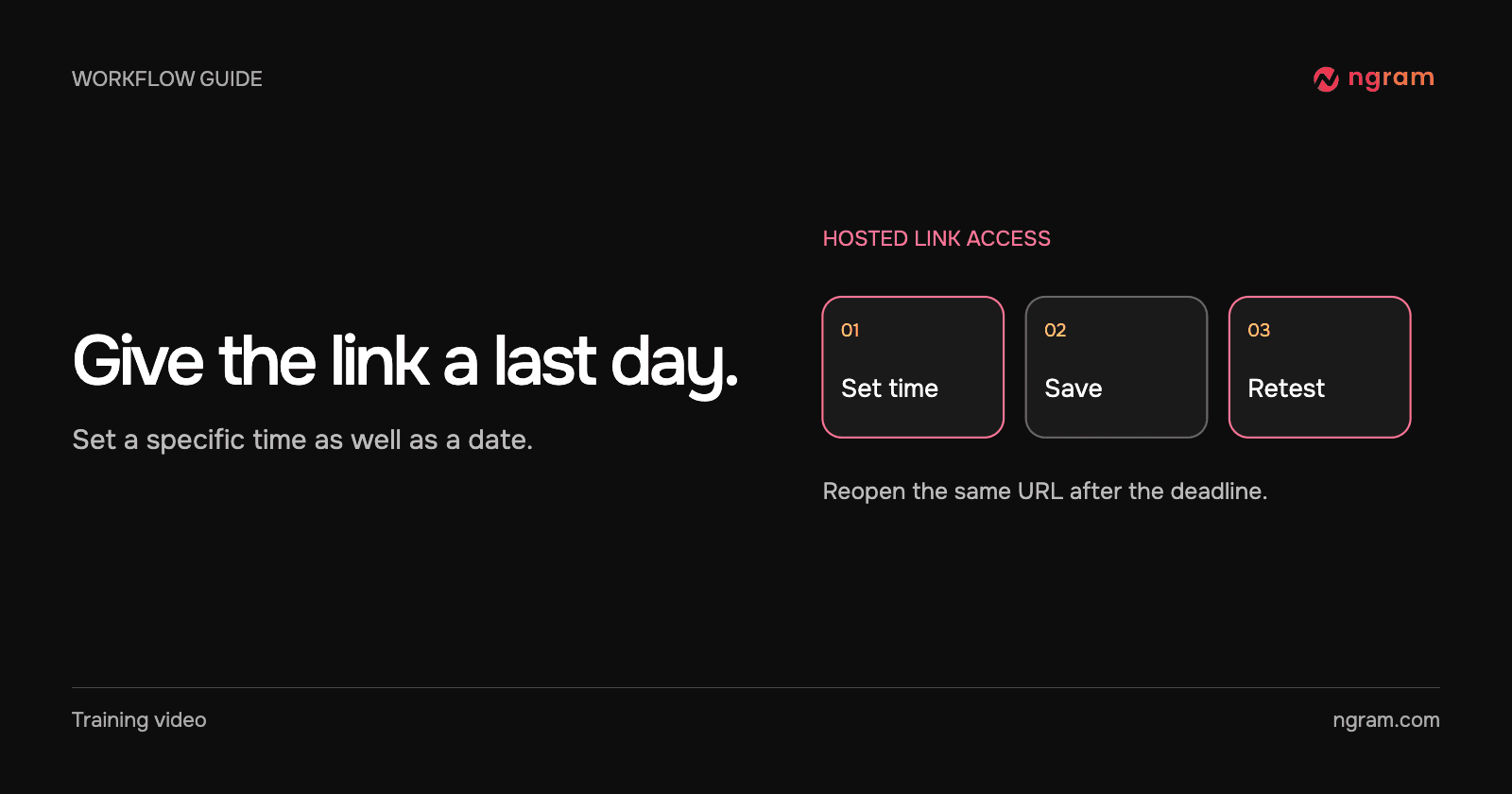
Enter the date and time in Link expires, then choose Save expiry. The field uses local time, so agree on a named time zone when the sender and recipient are in different places. Check the saved value after reopening Settings. Copy the original watch URL somewhere you can test it again.
The “Pilot access window” example played before the deadline. The owner saved November 2 at 1:15 p.m. India Standard Time. After that time, opening the same URL showed “This link has expired” and “Ask the person who shared it for a new link.” The film preserves the before-and-after result. The sample itself remains expired.
Test the link as the recipient
Open the original link in a separate browser session while it should still work. After the cutoff, open that exact URL again. Test the actual article or course page too if that is where the recipient watches. The example confirms the watch page; test your own embedded destination independently. The sharing guide explains how the reader-facing link and embed relate.
Handle an extension deliberately
If the pilot is extended, have the owner decide the new end time, update the hosted video’s Link access settings and verify the visitor experience again before promising access. Someone who already has an exported file has a separate copy. A deadline on this link cannot recall that file.