Back to How to
How to

How to Turn an Expert Interview Into a Training Video Without a Reshoot

Turn an existing expert interview into a training video by selecting a learner decision, retaining the source explanation and adding only the visual support it needs.

How to Turn an Expert Interview Into a Training Video Without a Reshoot
3 min read•Updated at November 2, 2026
Written and edited by
Rishikesh Ranjan
Rishikesh Ranjan
all thing growth @ ngram.com

A team has a forty-minute recording of its operations lead explaining how to assign a difficult support case. The expert is unavailable for another shoot. Before cutting the interview down, ask what a new hire should be able to decide after watching it. “Know our routing process” is too broad. “Recognize when a billing issue needs a specialist” gives the editor a specific passage to look for.

Find the minimum complete answer

Pull the question, the answer and any qualifying sentence that changes the rule. If the expert says “send these cases to billing, except when a refund is already in progress,” the exception belongs in the lesson. Cutting it for pace changes the instruction.

Check the source with the process owner. Does the routing policy still apply? Can the recording be shared with this audience? If a missing answer or a changed policy would make the lesson misleading, collect a written clarification or schedule a short pickup. Reusing footage is useful only when it contains a defensible explanation.

Build a lesson around one decision

Write a brief that names the learner and the available source: “Teach a new support rep when to route a case to billing. Keep the approved interview passage and its exception. Show one qualifying ticket and one that should stay with the original rep. End with a different ticket for practice.” The training video use case connects source material with the action a learner should take.

When the recording already shows the decision, retain that scene. When the expert describes something off camera, use a labeled example or a short diagram. The training material converter is a useful starting point when the current SOP also needs to supply exact language.

See what an insert can do for existing footage

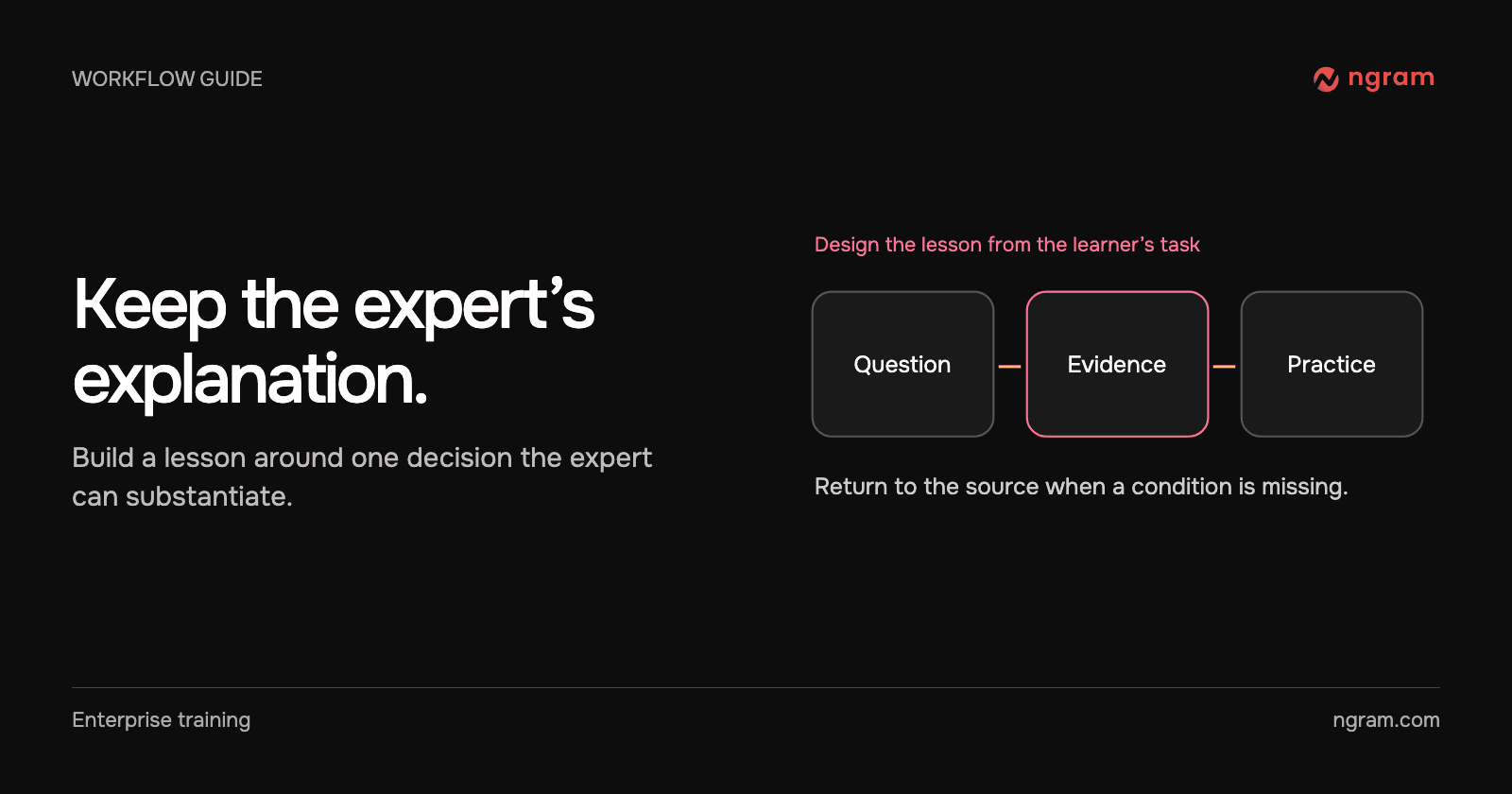
The source here is a lecture, rather than an interview. The instructor stays visible in one passage; a two-column comparison carries the next. The same editorial choice can help an interview: keep the expert where their explanation matters, and cut to the example when the learner needs to see the distinction.

Check for understanding, not just a shorter runtime

After reviewing the cut, give the learner a new ticket that tests the exception. Ask them to select the route and explain why. If they recognize the rule but cannot apply it, revise the example. If they cannot hear the qualifying words, adjust the audio before changing the teaching plan. The audio and captions guide covers that part of the edit.
Related articles

Job Aid, Demo, or Quiz? How to Teach a Procedure That Just Changed
How to3 min read

Job Aid, Demo, or Quiz? How to Teach a Procedure That Just Changed

Choose a job aid, demonstration or quiz for a procedural change. Use the same handoff rule to distinguish lookup, first-time learning and a test of independent judgment.

How Tongram
Rishikesh Ranjan
Rishikesh Ranjan
Growth Lead
Nov 2, 2026
How to Show Technicians What Happens Inside a Sealed Compressor
How to3 min read

How to Show Technicians What Happens Inside a Sealed Compressor

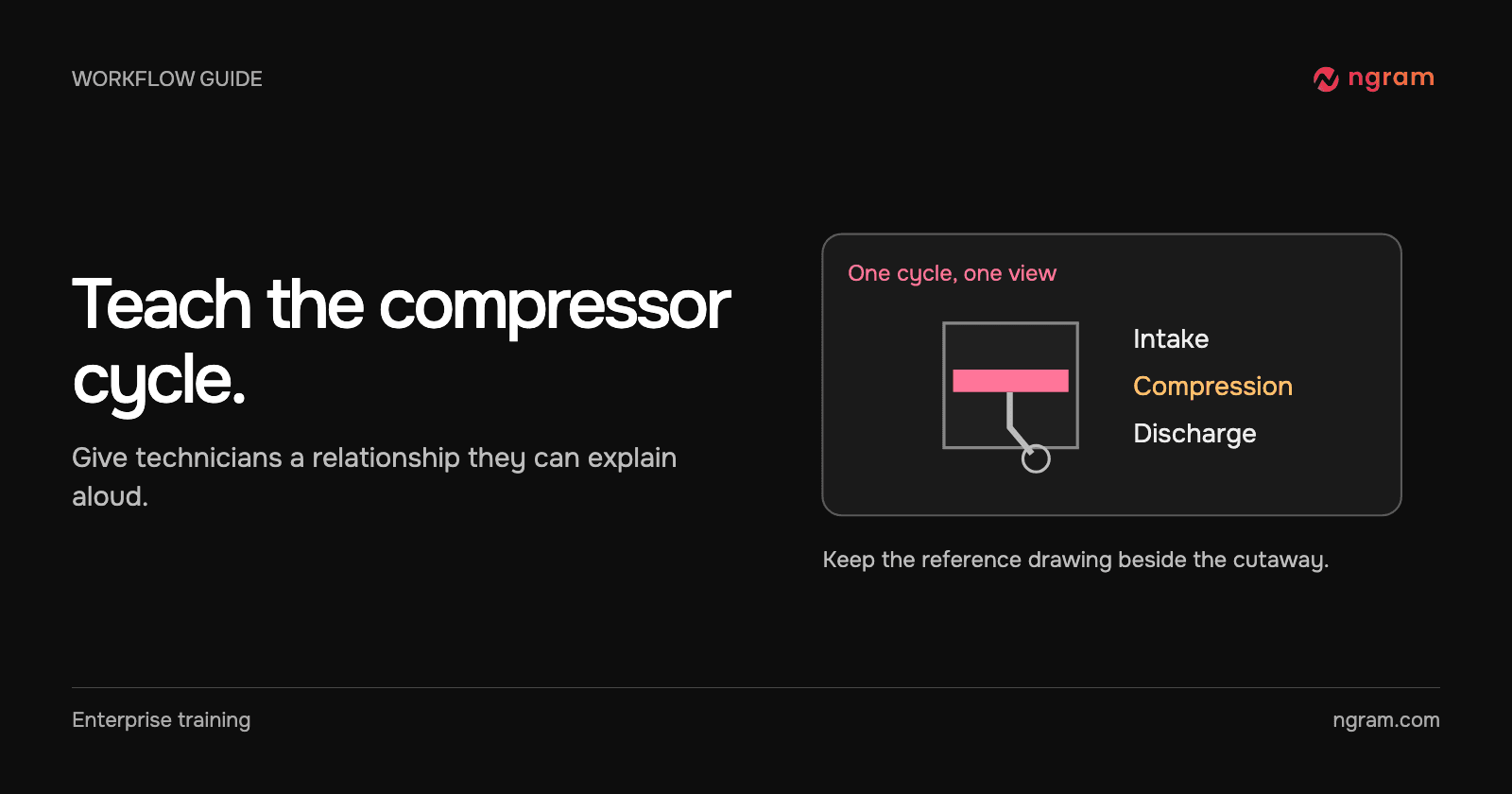
Use a reviewed cutaway to explain a sealed reciprocating compressor. Plan the visible sequence, check it against the manufacturer’s reference and give technicians a reasoning task.

How Tongram
Rishikesh Ranjan
Rishikesh Ranjan
Growth Lead
Nov 2, 2026
How to Add Your Own MP3 as Background Music in a Video
How to3 min read

How to Add Your Own MP3 as Background Music in a Video

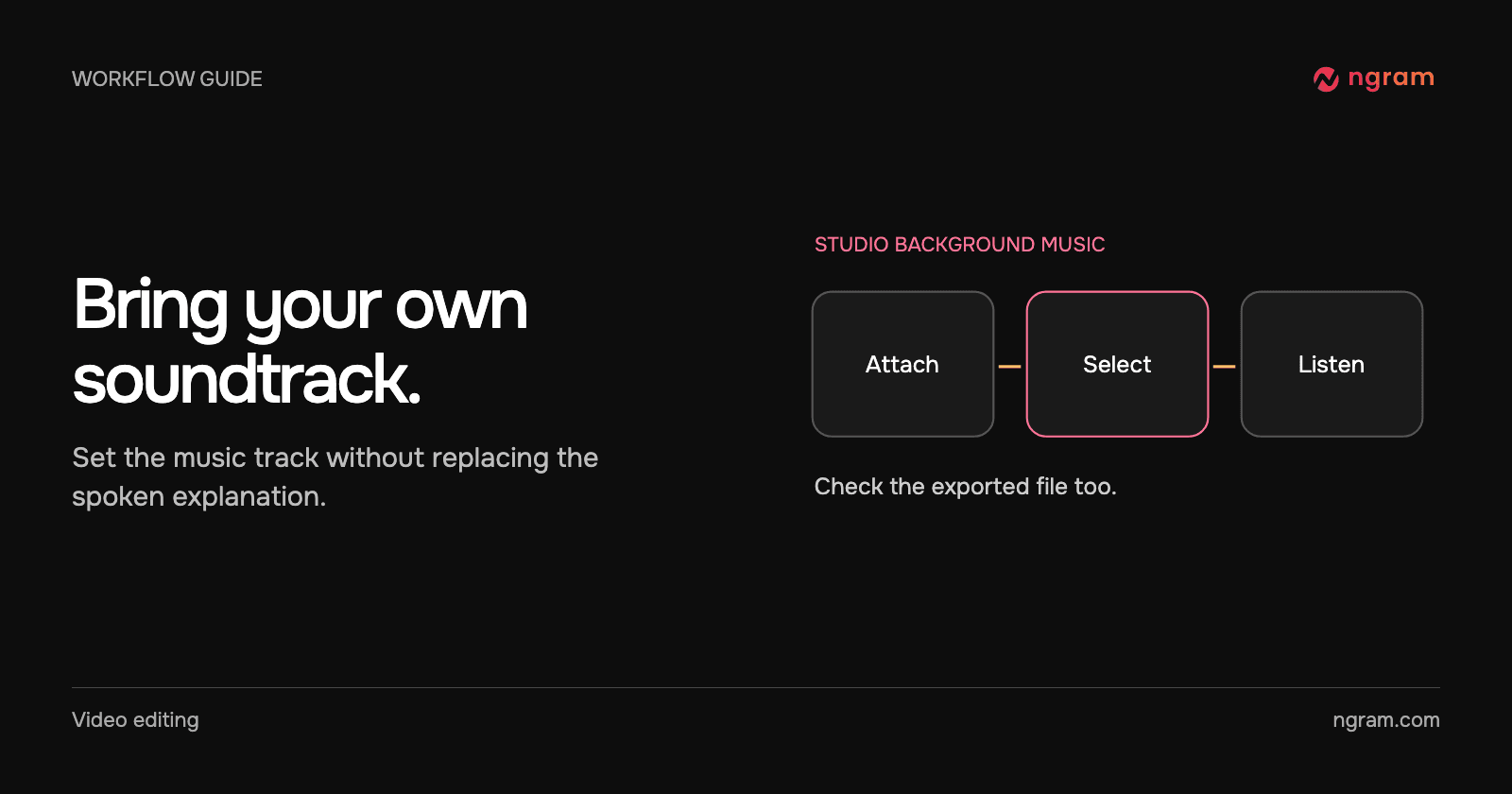
Add an MP3 in ngram Studio, select it as the background music and check it against the narration before exporting the finished video.

How Tongram
Rishikesh Ranjan
Rishikesh Ranjan
Growth Lead
Nov 2, 2026
How to Customize an Embedded Video Player With Your Logo and Colors
How to3 min read

How to Customize an Embedded Video Player With Your Logo and Colors

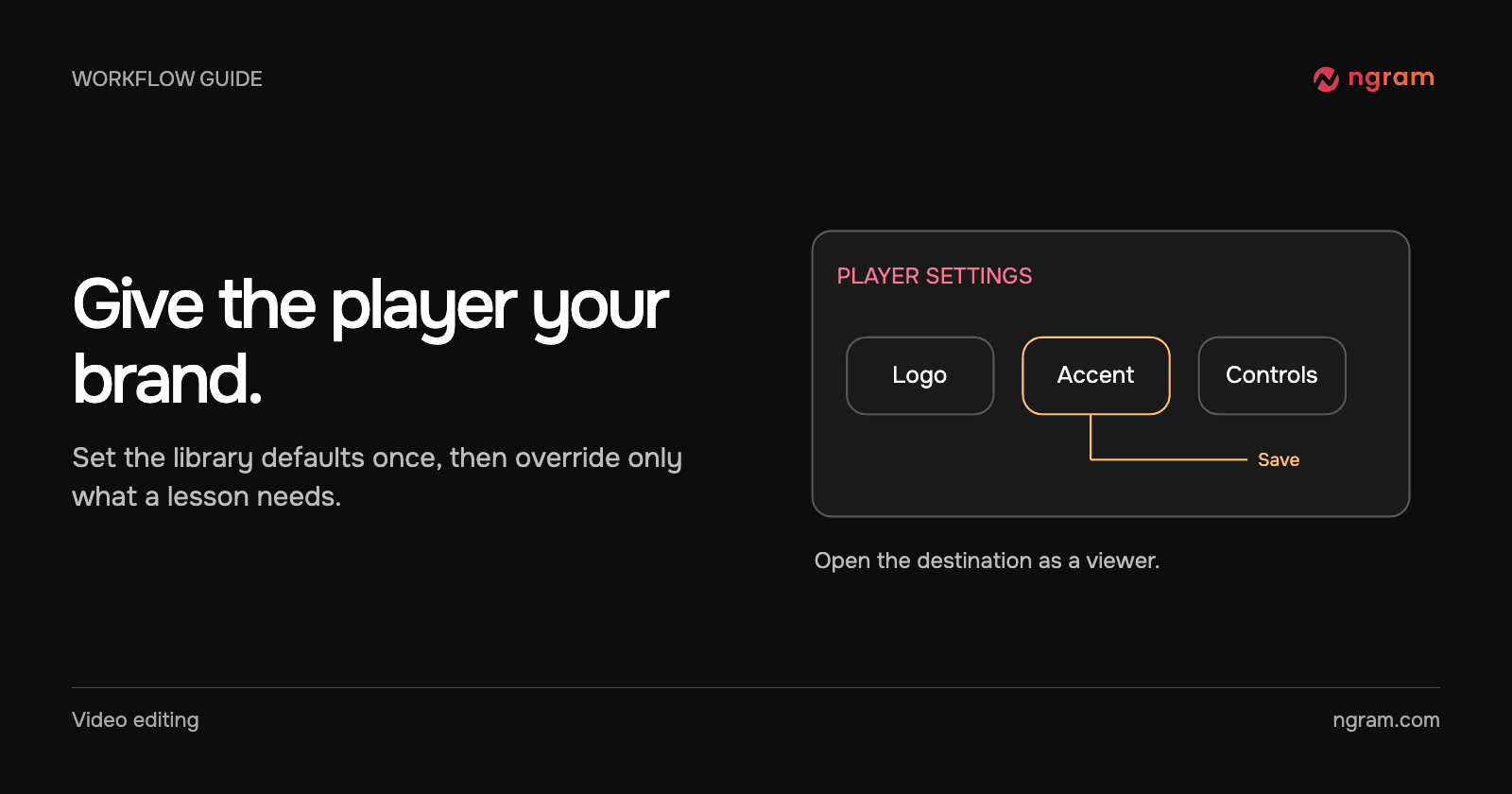
Set a logo, website link and accent color on an ngram video player. Choose between account defaults and a single-video override, then test the embedded result.

How Tongram
Rishikesh Ranjan
Rishikesh Ranjan
Growth Lead
Nov 2, 2026
How to give useful feedback on an AI-generated video
How to6 min read

How to give useful feedback on an AI-generated video

Turn vague video feedback into clear revision requests. Use a timestamp, describe the change, and say what should stay, with worked ngram examples.

ngramVideo Editing
Rishikesh Ranjan
Rishikesh Ranjan
Growth Lead
Oct 19, 2026
How to Make a Follow-Up Release Video With Assets You Already Have
How to3 min read

How to Make a Follow-Up Release Video With Assets You Already Have

Plan a follow-up release video around the new customer action. Reuse current footage from the first launch, replace outdated claims and review the result as a separate edition.

How Tongram
Rishikesh Ranjan
Rishikesh Ranjan
Growth Lead
Nov 2, 2026

Ready to create your first video?

Turn your source material into a video. Shape the brief, review the plan and make it yours.