Back to How to
How to

How to Mix Background Music So Viewers Can Hear Every Word

Balance background music against narration using a repeatable listening test. Compare the same sentence with two different music levels and check the exported cut.

How to Mix Background Music So Viewers Can Hear Every Word
3 min read•Updated at November 2, 2026
Written and edited by
Rishikesh Ranjan
Rishikesh Ranjan
all thing growth @ ngram.com

A lesson sounds fine over its title card. Then the narrator starts speaking and the due date disappears under the music. Turning up the entire video makes both tracks louder. The more useful question is which sound should carry the message at that moment.

Compare one spoken passage twice

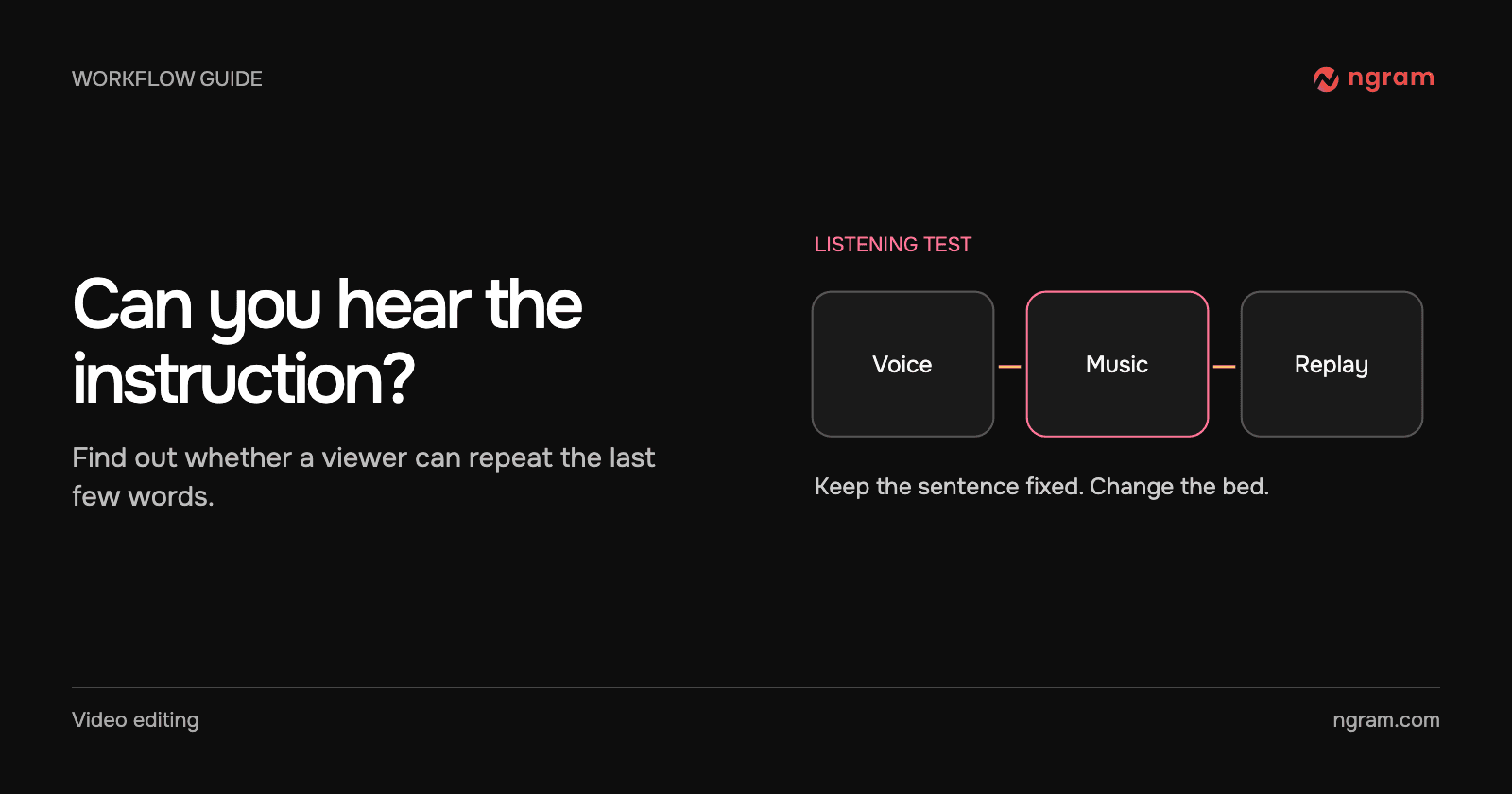
Listen to the example with sound on. Both halves use the same sentence and the same short music file. In the second half only the music level is lower. This is a listening exercise made for the article, not a recording of an editor slider.

Spoken line in both passes: “Name the account owner and the due date.” The second pass lowers the background music while leaving the voice at the same level.

Could you repeat “account owner and the due date” after each pass? If the answer changes, the mix affected the instruction. The right balance depends on the voice, the music arrangement and the listening environment, so copying a single volume number from another video is a poor shortcut.

Make the smallest change that fixes the conflict

First play the voice without music. If the sentence is already unclear, fix the wording, recording or narration. If it becomes unclear only when the soundtrack starts, lower the bed, move a musical accent away from the sentence, or choose a simpler instrumental passage. For a dense procedure, letting a key instruction play without music is a reasonable choice.

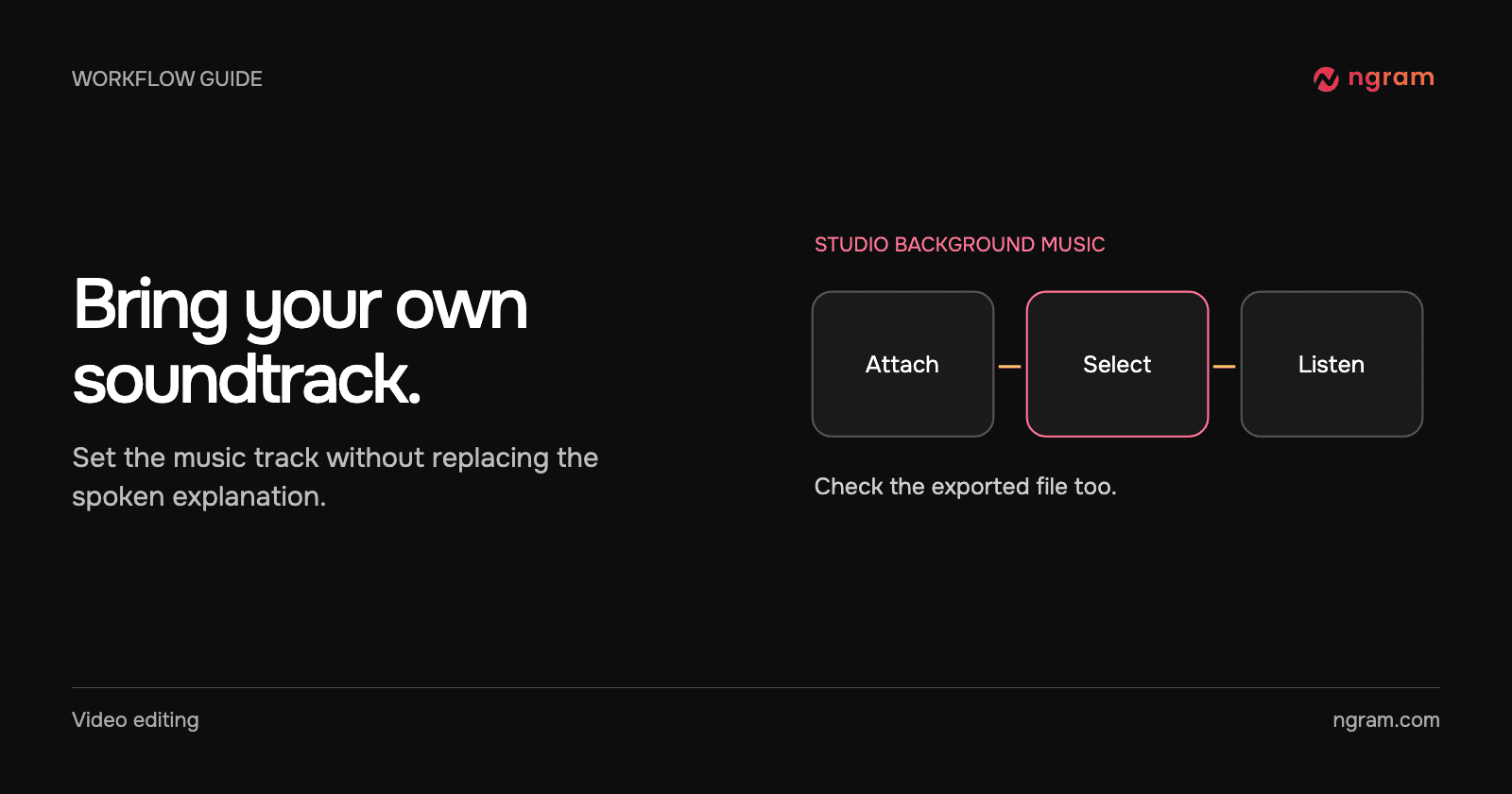
In Studio, attach or select an approved soundtrack. The audio controls guide distinguishes soundtrack selection from voiceover. The captured source preview below shows where to check which MP3 the project received.

Test the mix as a learner hears it

Play the quietest passage and a scene transition at the same listening volume. Try ordinary speakers as well as headphones. Ask a colleague to repeat the action without looking at the subtitles. If they miss a term, change that passage rather than globally raising the voice until the opening becomes uncomfortable.

Use captions when viewers need the words on screen or are watching muted. Then export the video and play the actual file. A good preview is helpful; the delivered audio is what the learner hears.

If the intended song is missing altogether, check the source file first. The MP3 upload walkthrough shows where to find an attached soundtrack before comparing the balance.
Related articles

How to Reuse Footage and Graphics From an Earlier ngram Conversation
How to3 min read

How to Reuse Footage and Graphics From an Earlier ngram Conversation

Reference an owned ngram conversation in a new video brief. Specify the footage or graphics you want to reuse, what changed and what to check in the resulting edit.

How Tongram
Rishikesh Ranjan
Rishikesh Ranjan
Growth Lead
Nov 2, 2026
How to give useful feedback on an AI-generated video
How to6 min read

How to give useful feedback on an AI-generated video

Turn vague video feedback into clear revision requests. Use a timestamp, describe the change, and say what should stay, with worked ngram examples.

ngramVideo Editing
Rishikesh Ranjan
Rishikesh Ranjan
Growth Lead
Oct 19, 2026
How to Add Your Own MP3 as Background Music in a Video
How to3 min read

How to Add Your Own MP3 as Background Music in a Video

Add an MP3 in ngram Studio, select it as the background music and check it against the narration before exporting the finished video.

How Tongram
Rishikesh Ranjan
Rishikesh Ranjan
Growth Lead
Nov 2, 2026
How to Customize an Embedded Video Player With Your Logo and Colors
How to3 min read

How to Customize an Embedded Video Player With Your Logo and Colors

Set a logo, website link and accent color on an ngram video player. Choose between account defaults and a single-video override, then test the embedded result.

How Tongram
Rishikesh Ranjan
Rishikesh Ranjan
Growth Lead
Nov 2, 2026
How to Make a Follow-Up Release Video With Assets You Already Have
How to3 min read

How to Make a Follow-Up Release Video With Assets You Already Have

Plan a follow-up release video around the new customer action. Reuse current footage from the first launch, replace outdated claims and review the result as a separate edition.

How Tongram
Rishikesh Ranjan
Rishikesh Ranjan
Growth Lead
Nov 2, 2026
How to Turn an Expert Interview Into a Training Video Without a Reshoot
How to3 min read

How to Turn an Expert Interview Into a Training Video Without a Reshoot

Turn an existing expert interview into a training video by selecting a learner decision, retaining the source explanation and adding only the visual support it needs.

How Tongram
Rishikesh Ranjan
Rishikesh Ranjan
Growth Lead
Nov 2, 2026

Ready to create your first video?

Turn your source material into a video. Shape the brief, review the plan and make it yours.