Back to How to
How to

How to Reuse Footage and Graphics From an Earlier ngram Conversation

Reference an owned ngram conversation in a new video brief. Specify the footage or graphics you want to reuse, what changed and what to check in the resulting edit.

How to Reuse Footage and Graphics From an Earlier ngram Conversation
3 min read•Updated at November 2, 2026
Written and edited by
Rishikesh Ranjan
Rishikesh Ranjan
all thing growth @ ngram.com

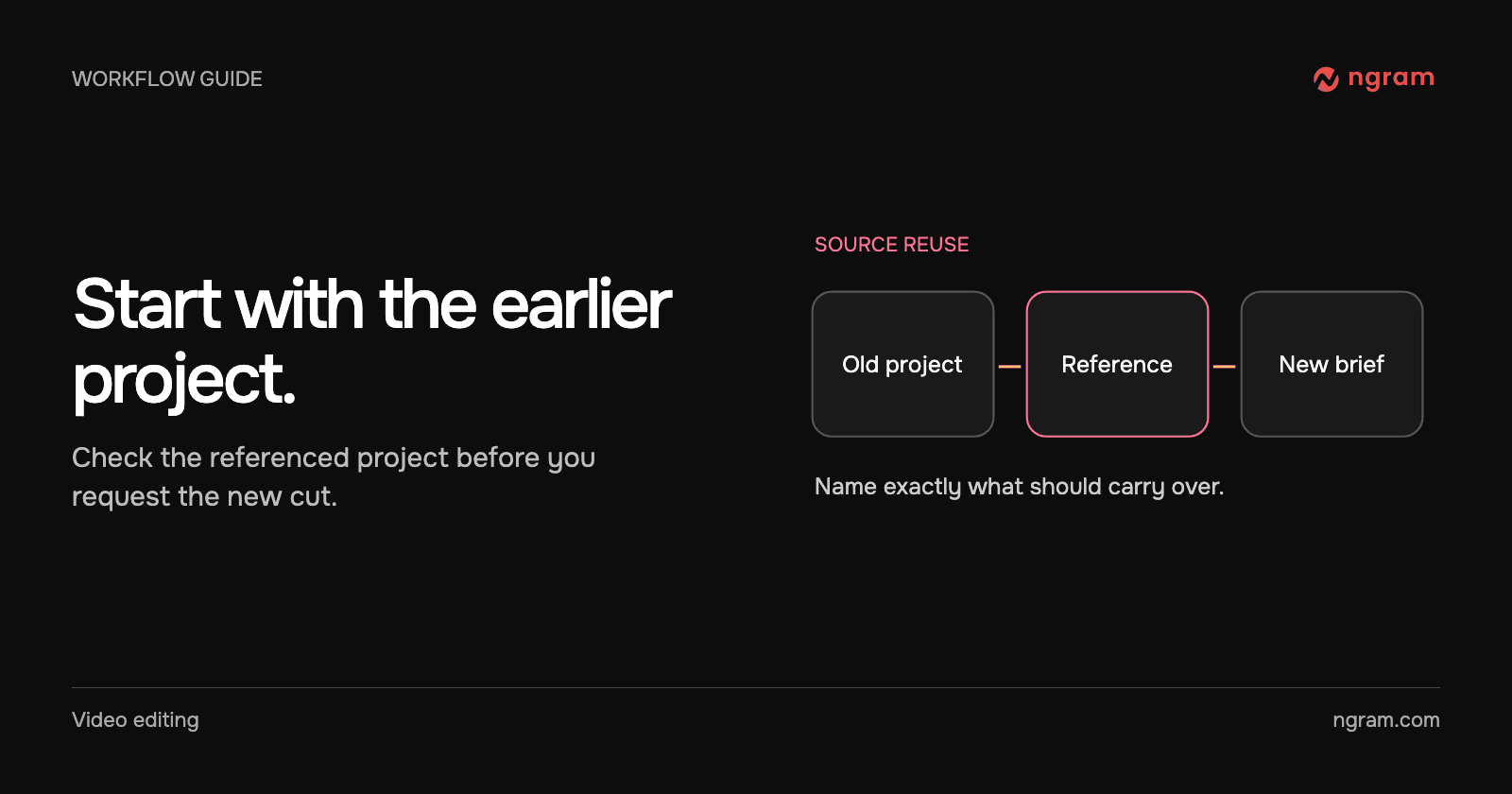
You made a product walkthrough last month. The recording and explanatory graphic are still accurate, but the next video is for customer success rather than new users. Start a new brief with the earlier project as a source. That preserves the original tutorial while giving the new project a point of reference.

Check what the earlier project contains

Open the conversation you own and inspect its latest saved project. Find the scene, screenshot or graphic you want and note what must change. A saved source can contain a mixture of current visuals and outdated claims. Mark the specific material worth carrying forward.

If the current tutorial itself contains an error, reopen it and revise the affected scene. If you need an independent variation of the full project, consider a version or fork. A conversation reference is useful when the new brief needs selected material from an earlier job.

Add the conversation to the new brief

Paste the old conversation link into the new video brief or use the composer’s Conversation command. Check the name shown on the reference before proceeding. In the capture below, the brief identifies an owned project by name, and the reference menu lets the author open or remove it.

Use sources and attachments for entry points and ownership requirements. A project shared by someone else does not become a reusable owned project just because you can watch its video.

Say what to reuse and what to replace

Try this brief: “Use the setup recording from my referenced onboarding lesson and the graphic that explains the account roles. Make a new video for customer success managers. Replace last month’s closing message with the attached release note. Keep the original tutorial separate.”

Review the plan and the resulting scenes. Did the editor use the right recording? Does the graphic still match the interface? If a new cut has inherited an old date or promise, name it and supply the current source. The capture above demonstrates selecting the reference; the final asset choices depend on your brief and project.

Recover when the reference is unavailable

Check that the link identifies the right conversation and that you own it in the signed-in account. If you only need one permitted file, attach it directly instead. Use the revision guide for a targeted correction once the new draft exists.
Related articles

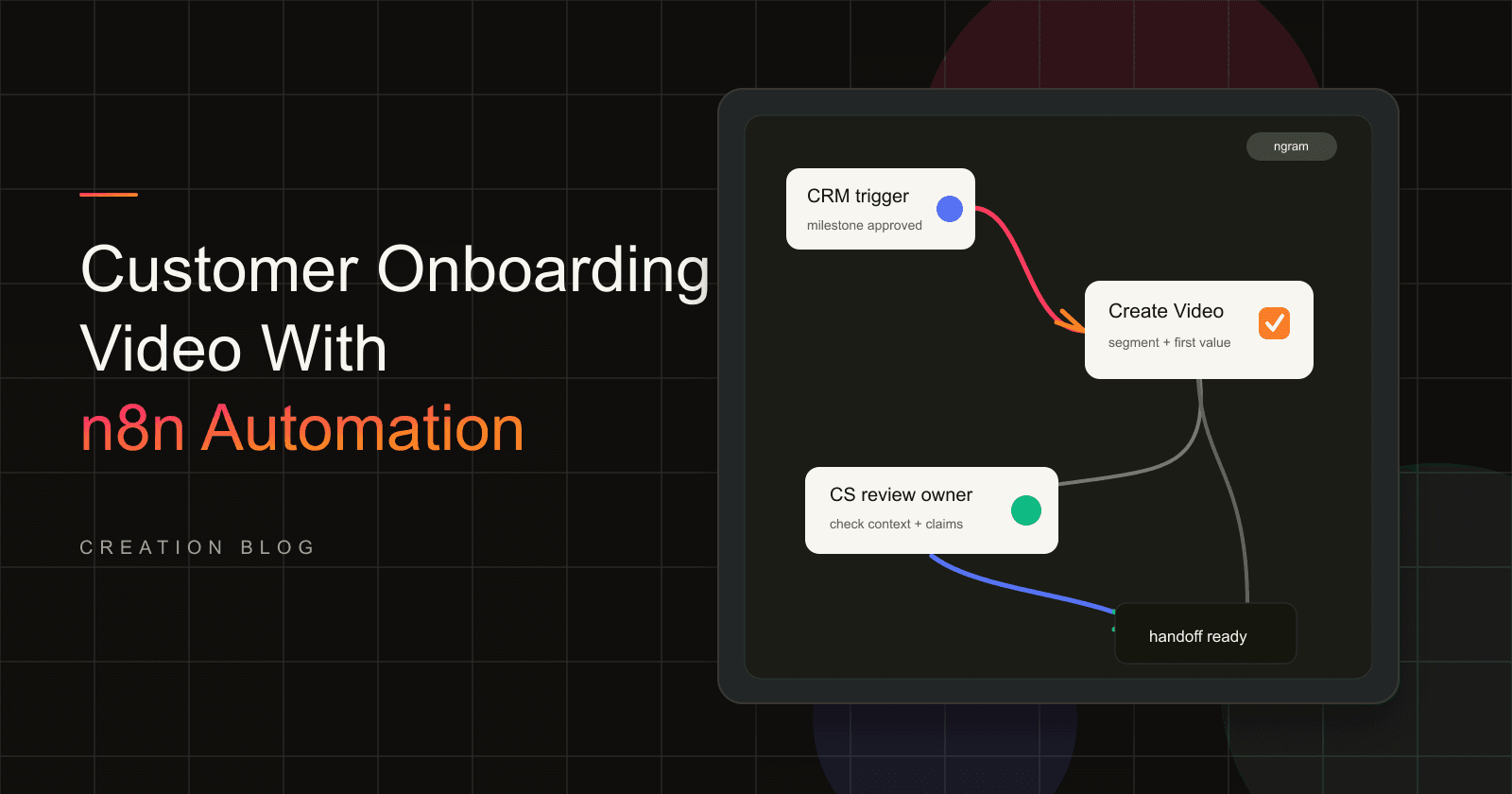
How to Create a Customer Onboarding Video With n8n
How to12 min read

How to Create a Customer Onboarding Video With n8n

Create a customer onboarding video with self-hosted n8n and ngram. Map approved customer context into Create Video, review the draft, and hand off to CS.

ngramHow To
Rishikesh Ranjan
Rishikesh Ranjan
Growth Lead
Sep 1, 2026
How to Mix Background Music So Viewers Can Hear Every Word
How to3 min read

How to Mix Background Music So Viewers Can Hear Every Word

Balance background music against narration using a repeatable listening test. Compare the same sentence with two different music levels and check the exported cut.

How Tongram
Rishikesh Ranjan
Rishikesh Ranjan
Growth Lead
Nov 2, 2026
How to Make a Follow-Up Release Video With Assets You Already Have
How to3 min read

How to Make a Follow-Up Release Video With Assets You Already Have

Plan a follow-up release video around the new customer action. Reuse current footage from the first launch, replace outdated claims and review the result as a separate edition.

How Tongram
Rishikesh Ranjan
Rishikesh Ranjan
Growth Lead
Nov 2, 2026
How to Add Your Own MP3 as Background Music in a Video
How to3 min read

How to Add Your Own MP3 as Background Music in a Video

Add an MP3 in ngram Studio, select it as the background music and check it against the narration before exporting the finished video.

How Tongram
Rishikesh Ranjan
Rishikesh Ranjan
Growth Lead
Nov 2, 2026
How to Create an AppSumo Launch Video From a Deal Page
How to11 min read

How to Create an AppSumo Launch Video From a Deal Page

Turn an AppSumo deal page into a launch video with ngram's AppSumo campaign mode, from offer audit to editor review and deal-asset handoff.

ngramHow To
Rishikesh Ranjan
Rishikesh Ranjan
Growth Lead
Oct 15, 2026
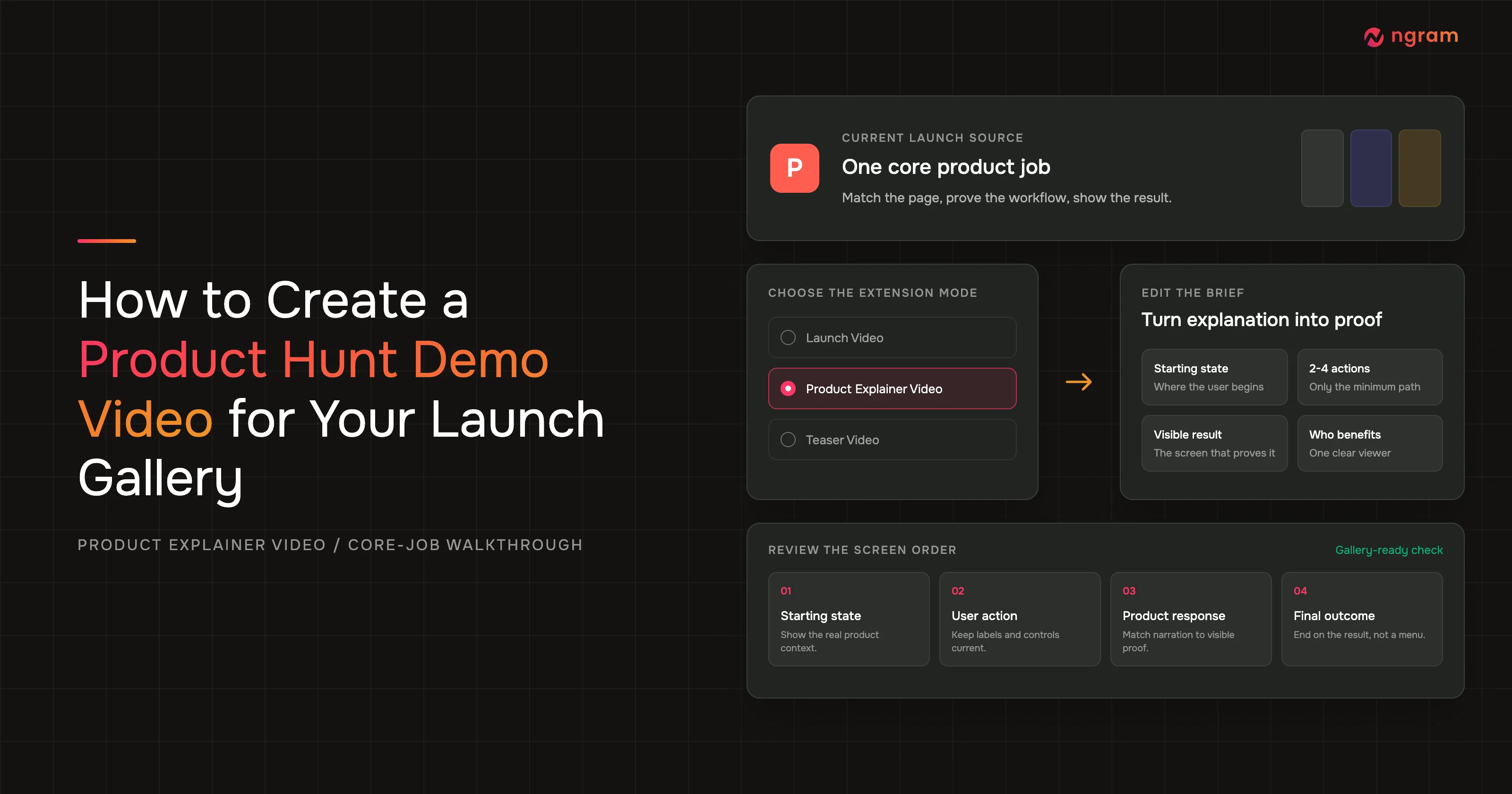
How to Create a Product Hunt Demo Video for Your Launch Gallery
How to13 min read

How to Create a Product Hunt Demo Video for Your Launch Gallery

Create a Product Hunt video for the launch gallery with ngram's Product Explainer Video mode. Edit the brief into a compact walkthrough, render, and run QA.

ngramHow To
Rishikesh Ranjan
Rishikesh Ranjan
Growth Lead
Jul 20, 2026

Ready to create your first video?

Turn your source material into a video. Shape the brief, review the plan and make it yours.