Back to How to
How to

How to Turn a Policy Change Into a Video That Shows Employees What to Do

Use the approved policy to teach the changed action, the exception and where to ask for help. A real hosted-video expiry illustrates the difference between a rule and what a customer sees.

How to Turn a Policy Change Into a Video That Shows Employees What to Do
3 min read•Updated at November 2, 2026
Written and edited by
Rishikesh Ranjan
Rishikesh Ranjan
all thing growth @ ngram.com

A policy announcement says that pilot training links should stop working at the end of the pilot. An account manager still needs to know which link to change, what time to enter and what a customer will see later. Those are the parts that belong in a demonstration.

Write the source passage and the employee’s decision side by side

Here is a fictional policy for the exercise: “For a customer pilot, the account owner sets the training link to expire at the agreed local cutoff. An extension requires approval from the pilot owner.” Do not use this example as your company’s policy. Start from the actual approved passage, its effective date and the person who can explain an exception.

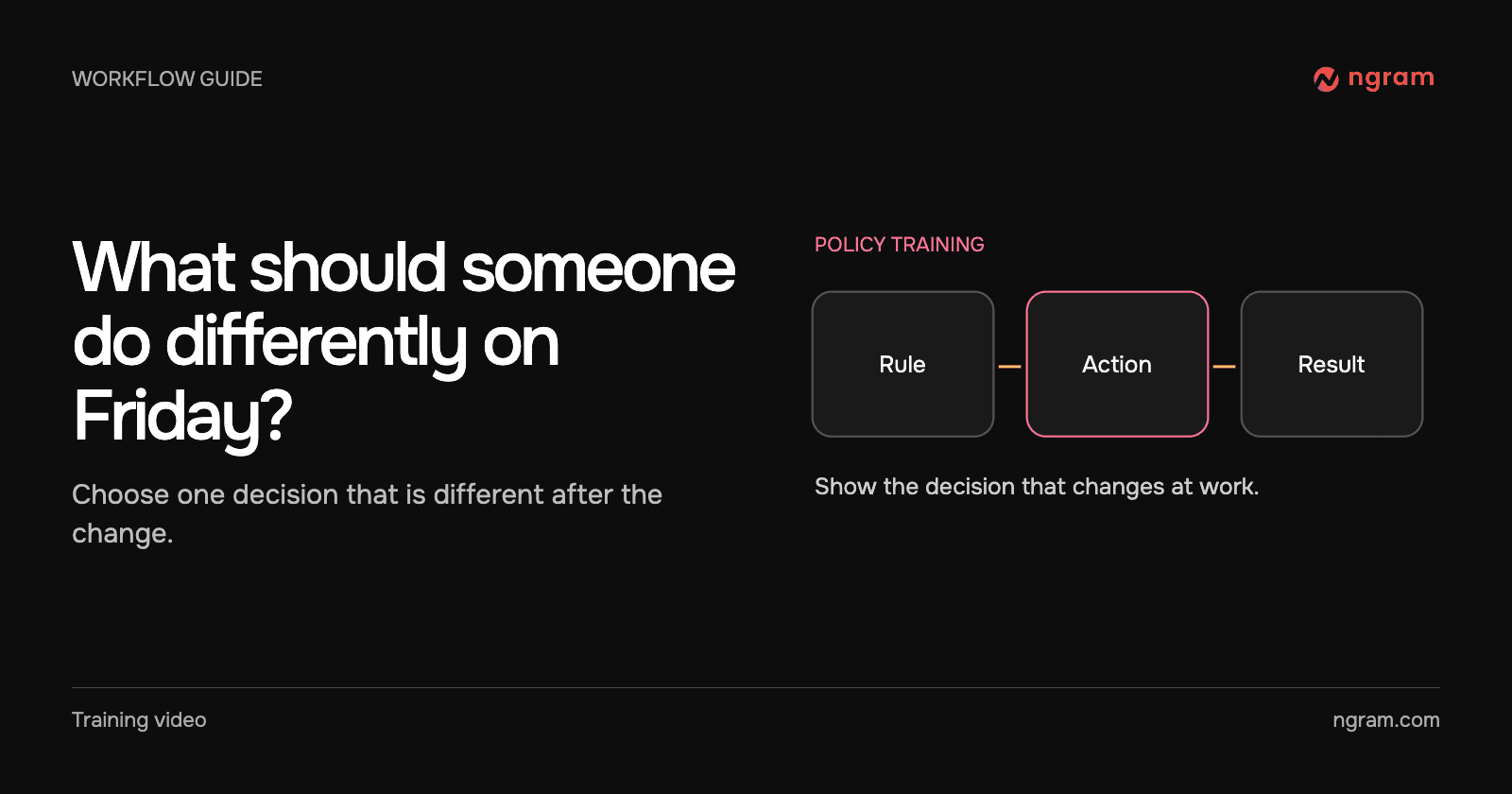
Under the passage, write the employee’s job in ordinary language: “I need to set the cutoff we agreed with the customer, test the link and know whom to contact if the pilot is extended.” If there is no action that changes for the audience, a written announcement is usually enough.

Demonstrate the decision’s visible result

The film shows a real hosted lesson playing before its cutoff and the same watch URL displaying “This link has expired” afterward. A text card identifies the saved time. The policy passage above is fictional; the viewer-side behavior in the film is real. A learner can now distinguish the expected end of the pilot from a broken video player.

The hosted video guide gives the account owner the feature context. Keep the exact date, time zone and approval contact in the written procedure where an owner can change them without rerecording the lesson.

Write the exception as a separate scenario

Ask “The pilot starts two days late. Can sales extend the deadline?” Answer from the approved rule, not from what the interface lets a user do. In this exercise, the employee asks the pilot owner before changing access. If the policy does not specify who approves exceptions, resolve that with its owner before filming.

For a longer training video, use a question at the point where employees must choose between changing a setting themselves and asking for approval. Avoid turning every paragraph of the policy into narration.

Review the lesson with the policy owner

Play the clip next to the source passage. Can an employee identify the triggering event, action, expected result and escalation contact? Check the job with a colleague from the intended role. If they can repeat the rule but cannot act on it, revise the scene. Keep the sharing and publishing instructions with the operational guide for people who need the exact control.
Related articles

How to Turn Support Call Notes Into a Follow-Up Video for One Customer
How to3 min read

How to Turn Support Call Notes Into a Follow-Up Video for One Customer

Turn approved support notes into one customer follow-up with a clear task, an owner and a follow-up day. Check the finished video against the approved account summary.

How Tongram
Rishikesh Ranjan
Rishikesh Ranjan
Growth Lead
Nov 2, 2026
How to Use Chapters to Make a Long Training Video Easy to Navigate
How to3 min read

How to Use Chapters to Make a Long Training Video Easy to Navigate

Add useful chapter titles and timestamps to a hosted training video. Name procedures learners return to, verify their start times and recheck the list when the cut changes.

How Tongram
Rishikesh Ranjan
Rishikesh Ranjan
Growth Lead
Nov 2, 2026
How to Send the Right Onboarding Video When Sales Hands Off an Account
How to3 min read

How to Send the Right Onboarding Video When Sales Hands Off an Account

Turn a sales handoff into an onboarding video that teaches one first task. Choose between an existing lesson and a new draft, then verify what the customer receives.

How Tongram
Rishikesh Ranjan
Rishikesh Ranjan
Growth Lead
Nov 2, 2026
How to Explain Quarterly Results on Video Without Sharing the Whole Spreadsheet
How to3 min read

How to Explain Quarterly Results on Video Without Sharing the Whole Spreadsheet

Build a quarterly video from a small approved extract. Show the metric, periods and arithmetic, keep the workbook private, and distinguish the result from the next-quarter goal.

How Tongram
Rishikesh Ranjan
Rishikesh Ranjan
Growth Lead
Nov 2, 2026
How to Add a Quiz, Poll, or Clickable Button to a Video
How to3 min read

How to Add a Quiz, Poll, or Clickable Button to a Video

Add a quiz, preference poll or timed button to an ngram video. Check the result in Studio and test the shared destination before assigning it to viewers.

How Tongram
Rishikesh Ranjan
Rishikesh Ranjan
Growth Lead
Nov 2, 2026
How to Create a Video From a Notion Database Row
How to3 min read

How to Create a Video From a Notion Database Row

Connect selected Notion pages to ngram, prepare a request row, set Action to Generate and find the finished video. Check permissions and handle a failed row without starting duplicate jobs.

How Tongram
Rishikesh Ranjan
Rishikesh Ranjan
Growth Lead
Nov 2, 2026

Ready to create your first video?

Turn your source material into a video. Shape the brief, review the plan and make it yours.