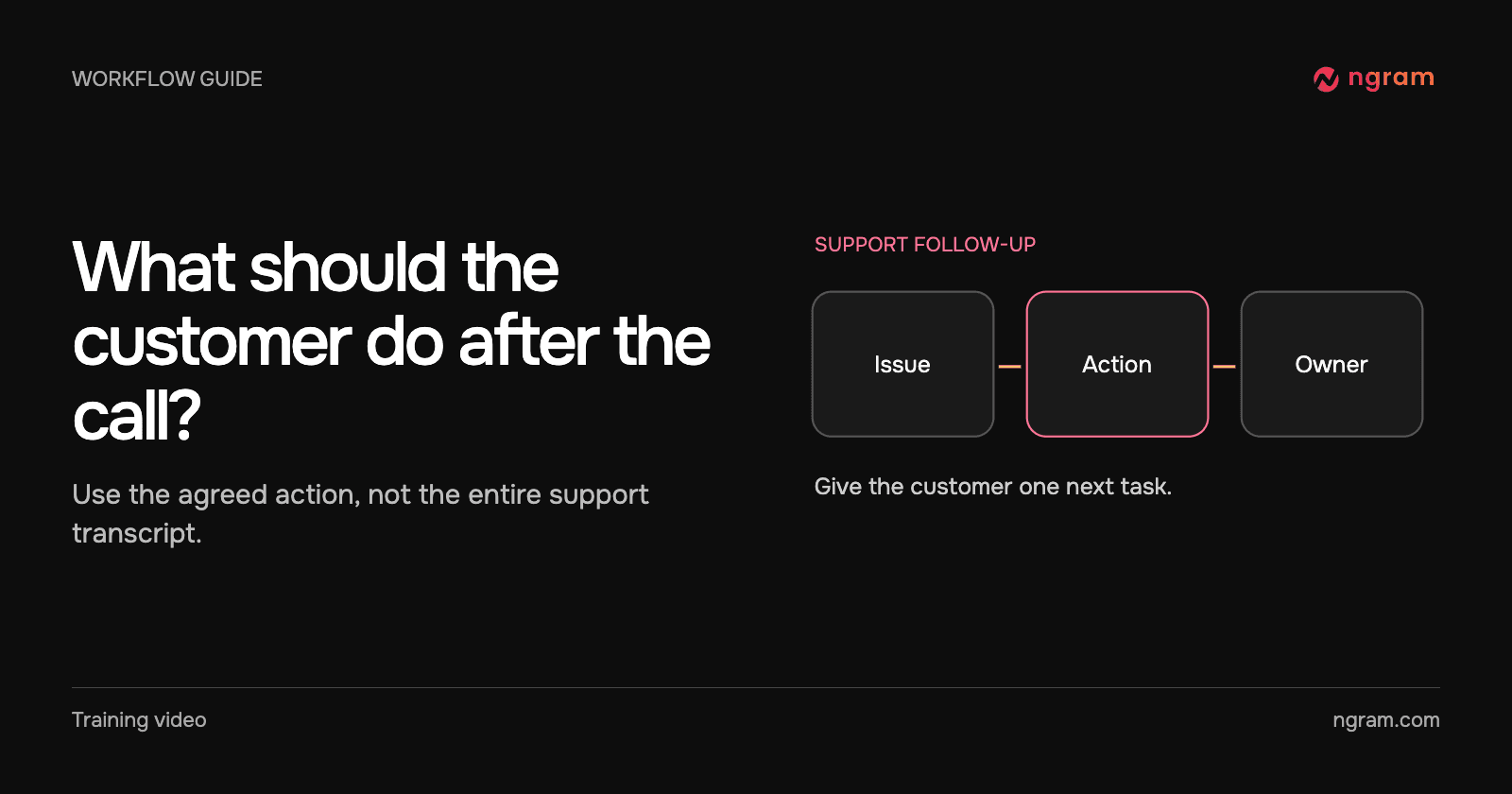

A customer could not find the onboarding checklist. The call ended with a clear next action, but the full transcript is a poor follow-up. The customer needs the guide, the two items to complete and the day someone will check in.
Extract the account-safe summary
In this fictional example, the approved facts are short: the customer could not find the onboarding checklist; they should open the Getting started guide and complete the first two items; their account owner will check progress Friday. No names, account IDs or private conversation transcript are needed to teach that action.
Write that summary alongside the guide link you intend to send. If the support notes contain an unresolved guess or a promise nobody confirmed, leave it out or return to the account owner. The source attachments guide helps distinguish the material needed for the video from notes that should stay with the support team.
Make the message for one customer
Ask for a short follow-up addressed to someone who has just finished the call. State the problem once, name the guide, then give the action in the order the customer should take it. Close with who will check progress and when. Avoid a general product tour or an invitation to complete every onboarding step at once.
The finished example names the missing onboarding checklist, then shows three items: open the Getting started guide, complete item 1 and complete item 2. The final card gives Friday’s progress check to the account owner. Compare the cut with your approved summary before sending a real customer follow-up.
Decide whether to include an actual screen
A narrated reminder can help when the customer already saw the screen on the call. If they still cannot find the checklist, add the approved guide link in the message. For a video that must show where to click, supply current product footage and verify that the customer’s role sees the same interface. The customer onboarding workflow helps keep that follow-up scoped to one task.
Check the destination before sending
Open the video from a viewer session appropriate to the customer. Check permissions and playback, then send the text link to the Getting started guide next to the video. An owner can change a written guide link without recording a new clip. Use the sharing guide to choose the right delivery method and record where the customer will find the follow-up.
On Friday, the account owner should check the actual onboarding state. Receiving or watching the video by itself does not establish that the first two items are complete.