
Table of Contents
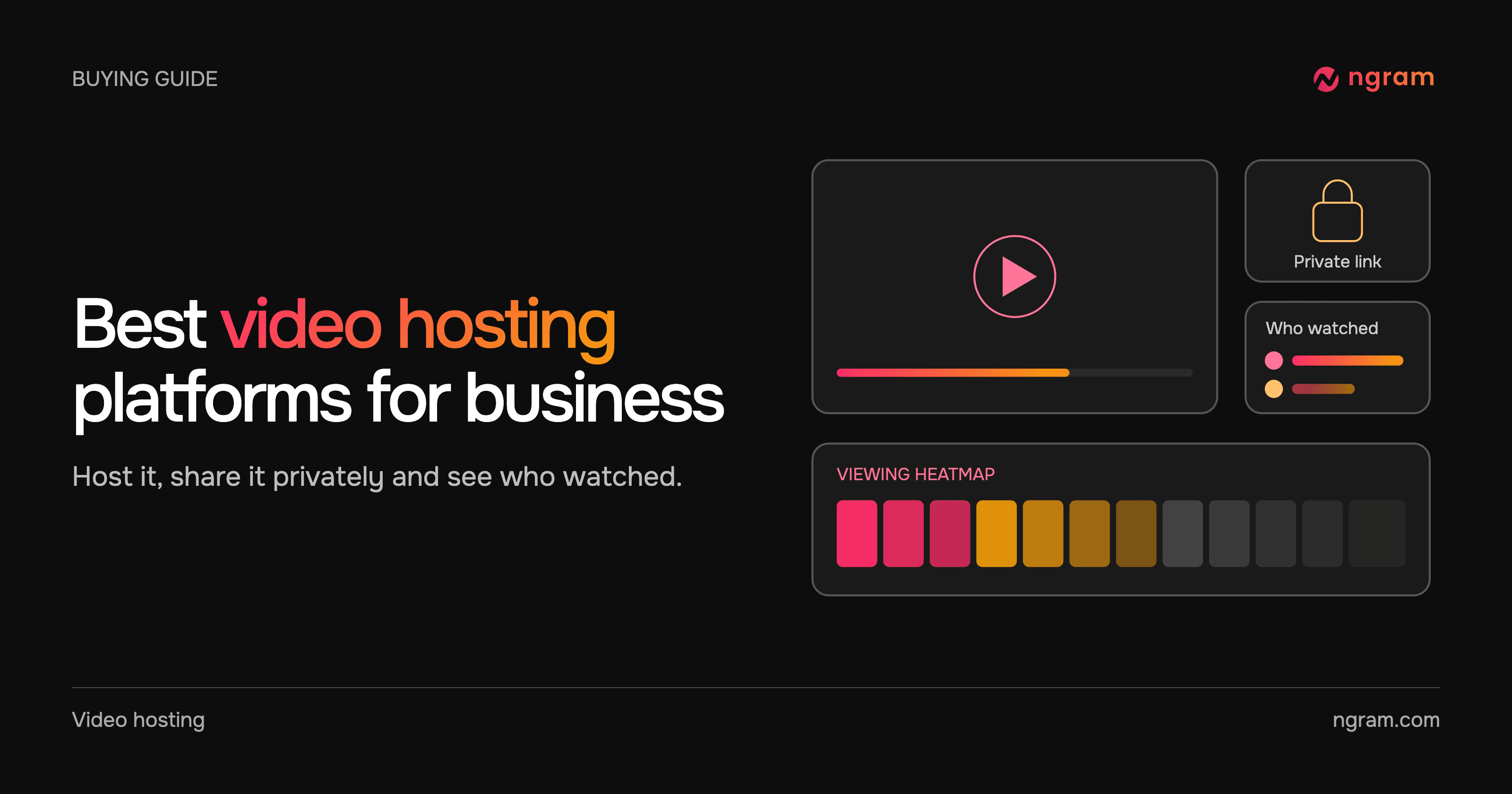
The best video hosting platform for business is the one that covers what happens after the video exists: who can open it, whether the player looks like your site, and what you learn from the people who watched. ngram covers that and also makes the video from a document, product page or recording, then updates it on the same link when something changes. Wistia, Vimeo, Vidyard and SproutVideo are strong hosts too, built around marketing embeds, a large library, sales follow-ups and white-label private hosting.
What a business video host has to do
A business video is usually sent or embedded for a reason: a demo recap for a buyer, a tutorial in a help center, an onboarding video for new customers or an explainer on a product page. The host decides who can open it, whether it looks like your brand, how quickly it starts and whether you learn anything from the people who watched.
Compare hosts on four things. Access covers public, unlisted, password-protected and expiring links. Presentation covers the player's colors, logo and branding. Measurement runs from play counts to who watched and which parts. Change is whether you can replace the video without breaking the link or the embed. The table covers each of them.
Video hosting platforms compared
21 capabilities · 5 platforms. ✓ Available · ✓* Qualified support · ✕ Not included · ? Not confirmed in public documentation. Plan levels are shown where the vendor documents them. Scroll across and down to compare.
| Capability | ngram | Wistia | Vimeo | Vidyard | SproutVideo |
|---|---|---|---|---|---|
| Generate a new video from a document, page or prompt | ✓ | ✕ | ? | ✓* | ? |
| Public watch link | ✓ | ✓ | ✓ | ✓ | ✓* |
| Website embed | ✓ | ✓ | ✓ | ✓ | ✓ |
| Unlisted link | ✓ | ✓ | ✓ | ✓ | ? |
| Password-protected video | ✓ | ✓ | ✓ | ✓ | ✓ |
| Expiring link | ✓ | ✓ | ✓* | ✓ | ✓* |
| A tracked link for each recipient | ✓ | ✓* | ? | ✓* | ? |
| Plays and unique viewers | ✓ | ✓ | ✓ | ✓ | ✓ |
| Audience retention graph | ✓ | ✓ | ✓ | ✓ | ✓ |
| Heatmap for each viewer | ✓ | ✓ | ? | ✓* | ✓ |
| Email gate or lead form | ✓ | ✓ | ✓ | ✓ | ✓ |
| Clickable call to action in the player | ✓ | ✓ | ✓ | ✓ | ✓ |
| Quizzes and polls in the video | ✓ | ? | ✓* | ? | ? |
| Player colors, logo and controls | ✓ | ✓ | ✓ | ✓ | ✓ |
| Remove the platform's branding | ✓ | ✓ | ✓* | ✓* | ✓ |
| Automatic captions and transcript for uploads | ✓ | ✓ | ✓ | ✓* | ✓* |
| Chapters | ✓ | ✓ | ✓ | ✓ | ? |
| Replace the video and keep its link | ✓ | ✓ | ✓ | ✓* | ✓ |
| Traffic source, device and geography | ✓ | ✓ | ✓ | ✓* | ✓* |
| Export viewer data to CSV | ✓ | ✓ | ✓* | ✓ | ✓* |
| Adaptive streaming | ✓ | ✓ | ✓ | ? | ✓ |
ngram shows the retention curve after 100 qualified sessions, and videos longer than 15 minutes do not show percent watched or retention yet. Matching marks do not mean identical workflows.
Starting prices
| Platform | Starting price |
|---|---|
| ngram | Free; Basic $29/month; Premium $59/month; Ultimate $299/month |
| Wistia | Free; Business $79/month billed annually |
| Vimeo | Free; Creator from $9/month billed annually; Studio for businesses $400/month billed annually |
| Vidyard | Free; paid plans per seat, with Teams and Enterprise priced on request |
| SproutVideo | Seed $15/month, or $12/month billed annually |
Storage, bandwidth and seat allowances differ by product, so a lower entry price is not a like-for-like comparison.
1. ngram: make, host and measure business video
ngram starts before hosting. Bring a prompt, a document, a product page or a recording, describe the audience and the next step, and approve the plan that contains the script. ngram generates the video with your Brand Kit, and you refine it by asking in chat. Nothing has to be exported and uploaded to another tool.
The finished video lives in Projects › Hosted videos with a watch link and an embed. Every plan, including Free, can publish a public link and embed it on a website, with plays, unique viewers and play rate for each video, a transcript on the watch page and editable chapters. Hosted videos start fast and adjust to each viewer's connection.
The example below is a tutorial made from GitHub's Actions quickstart, the kind of video a help center embeds. Watch it, then adapt the brief for your own product.
From this input to this video
GitHub’s quickstart becomes an illustrated walkthrough of creating a workflow and finding its run logs.
Prompt
Create a 60-second role-based tutorial video for GitHub Actions (https://docs.github.com/en/actions/get-started/quickstart). The audience is developer users. Cover these modules in order: create the workflow file shown in GitHub’s quickstart in a repository where Actions is enabled; copy the quickstart workflow and commit it; open the Actions tab, select the workflow run, then inspect the job and step logs. For each module, show the UI step on screen, narrate what the developer does and why it matters, then move to the next. Tone: clear, practical and encouraging. End with a brief summary screen listing all modules covered and the line: Create your first workflow with GitHub Actions. Voiceover language: English; apply the brand kit if one is set.
Selected style
Editorial
Source material
Read the video transcript
Let's run your first GitHub Actions workflow. Three short modules, and you're done. In a repository where Actions is enabled, click Add file, then Create new file. Name it dot github, slash workflows, slash github-actions-demo dot yml. GitHub only discovers workflows saved in that folder. Next, copy the quickstart YAML into the file. It runs on every push, on an Ubuntu runner, and echoes a few details about your repository. Click Commit changes. That commit is a push, so your workflow starts right away. Now open the Actions tab. Select GitHub Actions Demo, then click the run your commit triggered. Choose the Explore-GitHub-Actions job and expand any step to read its log. This is exactly what ran, and where you'll debug later. Create, commit, inspect. Create your first workflow with GitHub Actions.
Make a tutorial you can embed and keep current
See a real tutorial made from GitHub's Actions quickstart. Adapt the brief for your own product, then embed it from Hosted videos.
Bring the source
Paste the help article or product page the tutorial explains, or upload a recording of the task.
Adapt the brief
Name the product, the audience and the task the viewer should finish. Select your Brand Kit in ngram.
Approve, embed and update
Approve the plan containing the script, then copy the embed from Hosted videos. When the product changes, ask ngram and choose Update.
Make it yours
Fill in your details here, or continue and finish your brief in ngram.
Video generation uses credits. Review your estimate in ngram. MP4 downloads require Basic or higher.
How credits workWhen the product changes, tell ngram what changed, review the new version and choose Update. The same link and every embed then play it, so a help article or a sent email never points at an outdated video. Videos made elsewhere can be uploaded on Basic and higher, and a new upload can replace the live version on the same link.
Basic ($29/month) adds unlisted links, uploads with automatic captions, a transcript and chapters, and removes the “Made with ngram” badge. Premium ($59/month) adds passwords, expiring links, a tracked link for each recipient that names the viewer, player colors and logo, a branded share page, CSV export of contacts and retention analytics with a heatmap for each viewer. Ultimate ($299/month) adds email gates and lead forms, clickable buttons, quizzes and polls, scene drop-off, and traffic source, device and geography reports. See video hosting and pricing for the full plan details.
2. Wistia: marketing video hosting with lead capture
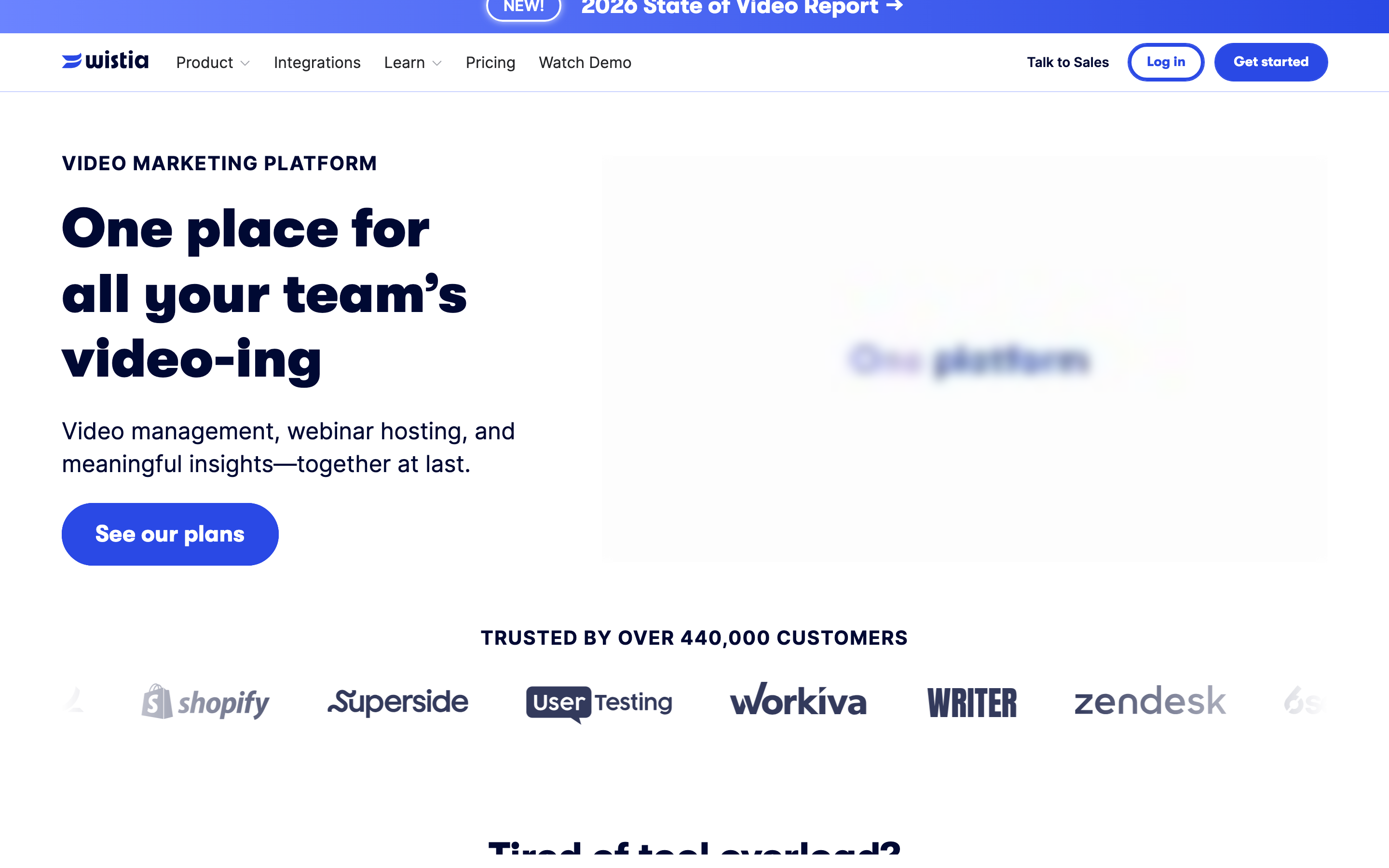
Wistia is built for marketing teams that host video on their own website. Every plan, including Free, includes a customizable ad-free player, password protection and automatic captions, transcripts and chapters. Business adds engagement graphs, a heatmap for each viewer, CTAs and forms, expiring links, CSV export and the option to remove Wistia branding. Replacing a video keeps its link, embed code and stats.
Free includes one user, 25 GB of storage and 200 GB of bandwidth. Business is $79/month billed annually with three users and 1 TB of bandwidth, and extra users are $25 each. Wistia identifies viewers who fill in its forms or arrive from an email-campaign link. For a closer look at the two products, read ngram vs Wistia.
3. Vimeo: hosting for a large video library
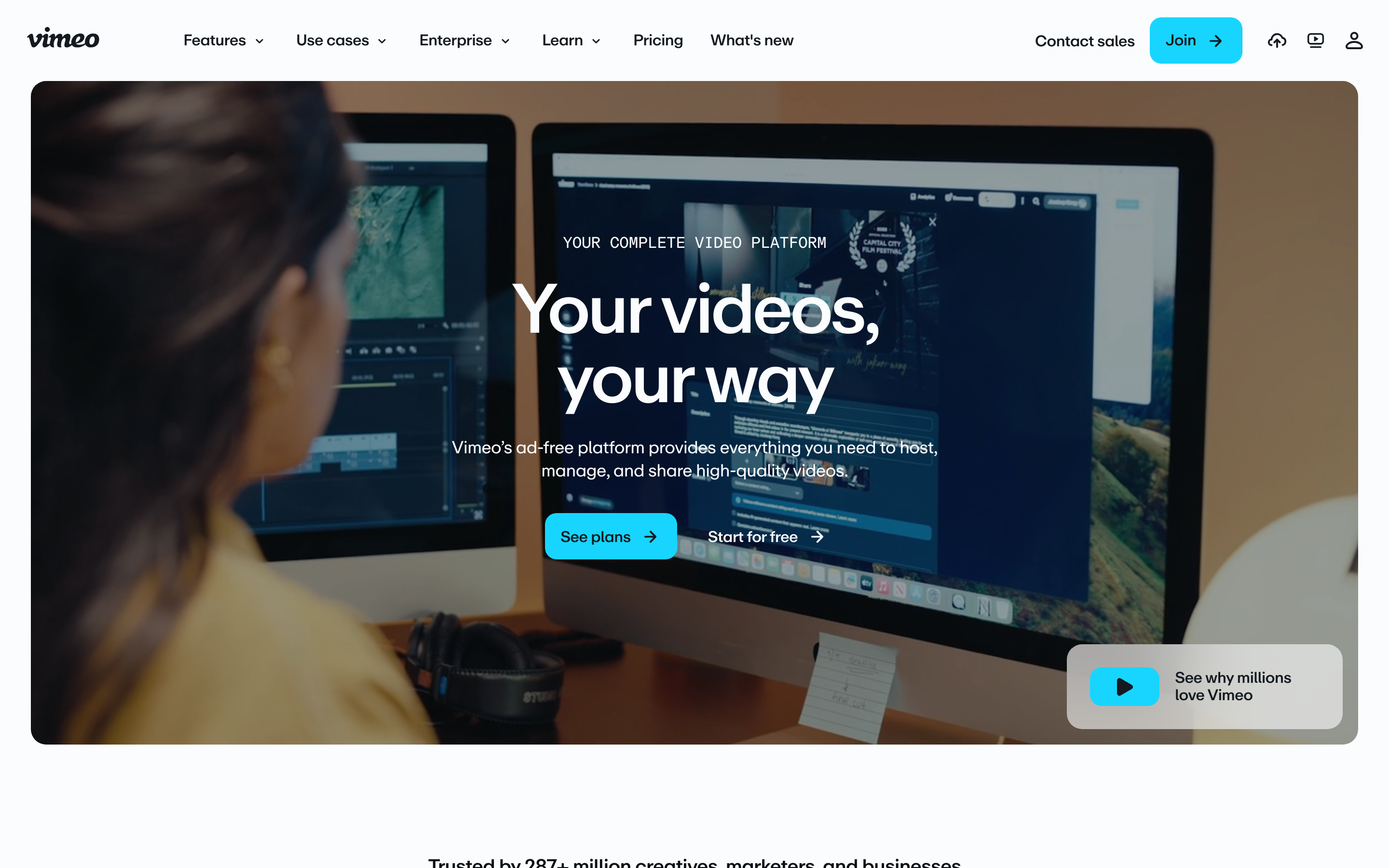
Vimeo suits teams that manage many videos. Every plan, including Free, can embed videos and includes automatic captions, editable transcripts and chapters. Paid plans add unlisted and password-protected links, player customization, retention graphs and CSV export, and Professional adds lead capture forms and custom calls to action. Replacing a file keeps the video's URL and embed.
Vimeo's 2026 plans are Free, Creator, Core and Professional for individuals, and Studio for businesses at $400/month billed annually with 10 seats. Creator starts at $9/month billed annually. If you are moving away from Vimeo, these Vimeo alternatives compare the options by job.
4. Vidyard: sales video with viewer insights

Vidyard is designed around sales teams. Reps share a video from a sharing page or an embed, and Video Insights shows who watched, how much of the video they watched and which parts they replayed. Tracked links come from sharing through Vidyard's email integrations. Vidyard also offers password access, expiry dates, email gates, call-to-action banners and chapters, and its Video Agent creates AI avatar videos from a script.
The Free plan allows up to five embeddable videos. Paid plans are priced per seat: Starter is self-serve, while Teams and Enterprise are priced on request. Replacing a video keeps its embed code and sharing URL but resets its analytics.
5. SproutVideo: private, white-label video hosting
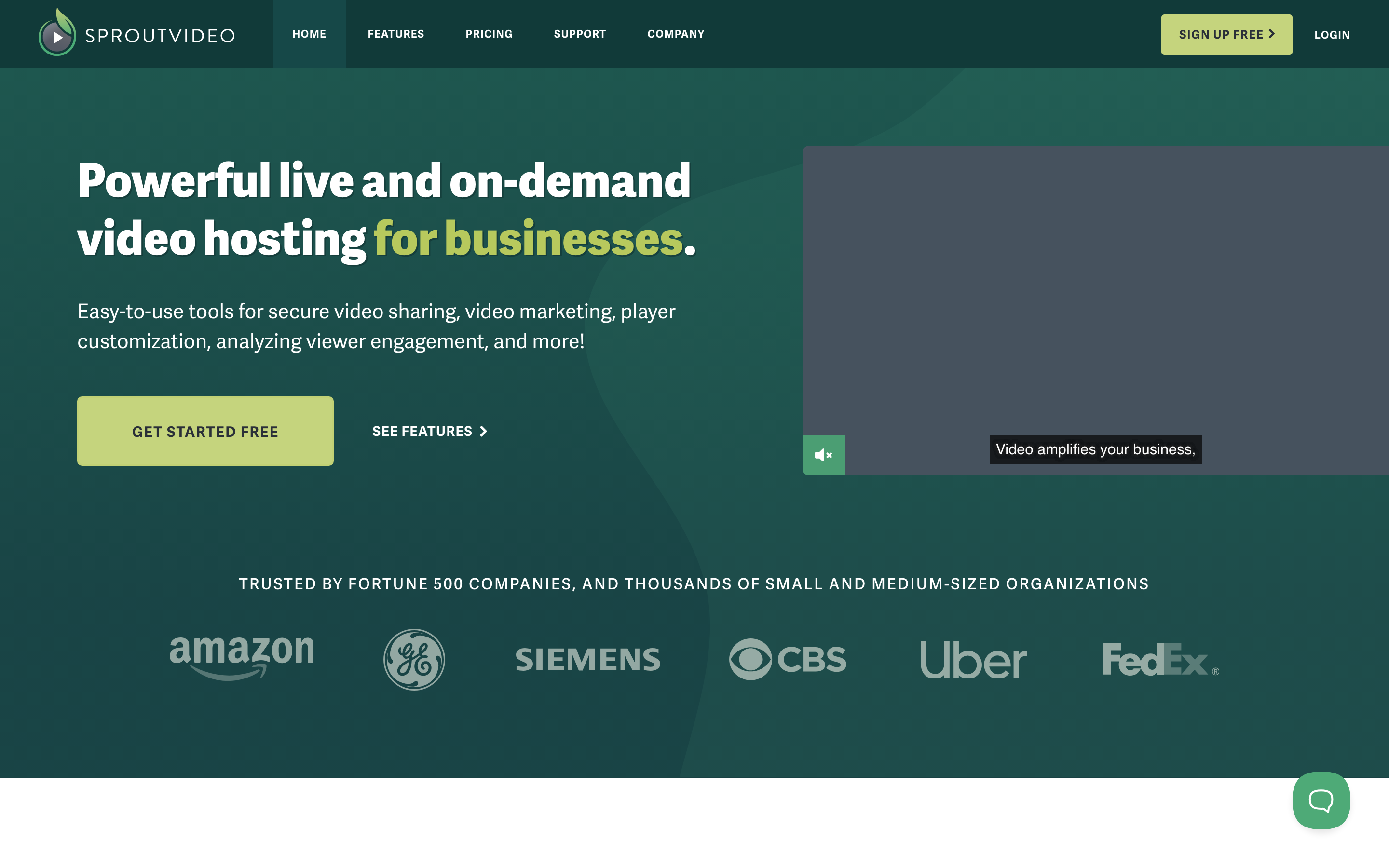
SproutVideo suits teams that want white-label hosting with access controls on every plan. Seed already includes password protection, a heatmap for each viewer, lead capture forms, in-player calls to action, player customization, automatic captions and adaptive streaming. Its analytics break views down by location, device and embedding site, and replacing a video keeps its URL, embed codes and analytics.
Seed is $15/month, or $12/month billed annually, with 150 GB of storage and 1,800 GB of bandwidth. Sprout is $45/month ($35 billed annually), Tree $95 ($72) and Forest $295 ($195). Usage beyond the included allowance is billed monthly. Expiring access uses signed embed codes on Tree and above, which a developer sets up.
How to choose a video host for your business
Start with where the video goes and who opens it. For a help center or product page, check the embed, the player branding and whether you can replace the video without editing every page. For videos you send to buyers or customers, check unlisted and password-protected links and whether you can see each person's viewing. For gated content, check email gates and lead forms.
Then look at how the video gets made and kept current. If your team already records and edits video, any of these hosts can hold the file. If videos are slow to make or go out of date as the product changes, a host that also creates and updates the video saves the most time, and that is where ngram fits.
Frequently asked questions
What is the best video hosting platform for business?
For teams that make product, sales and training videos, ngram covers the most of the job: it creates the video, hosts it with private links and who-watched analytics, and updates it on the same link. Wistia is a strong choice for website marketing embeds, Vimeo for a large library, Vidyard for sales reps and SproutVideo for white-label private hosting.
What is the most secure way to host private business video?
Use password-protected or expiring links rather than relying on an unlisted link, because anyone with an unlisted link can watch. ngram adds passwords, expiry dates and a tracked link for each recipient on Premium. Wistia and SproutVideo include password protection on every plan.
Which video hosts show who watched?
ngram names each viewer of a recipient link on Premium and shows a heatmap of what they watched. Wistia identifies viewers who fill in its forms or arrive from email-campaign links, Vidyard shows viewers of its tracked links, and SproutVideo includes a heatmap for each viewer on every plan.
Can I replace a hosted video without changing the embed code?
Yes, on all five platforms. ngram, Wistia, Vimeo and SproutVideo keep the link and the embed, and Vidyard keeps them but resets the video's analytics. In ngram you can also make the change by asking, then choose Update.
Is there a free video hosting platform for business?
ngram Free includes 1,000 credits/month, with a public link, a website embed and view analytics for every video you make. Wistia and Vimeo also have Free plans, and Vidyard's Free plan allows five embeddable videos.
Start from the tutorial template to make a help center video, then publish it from Hosted videos.