
Table of Contents
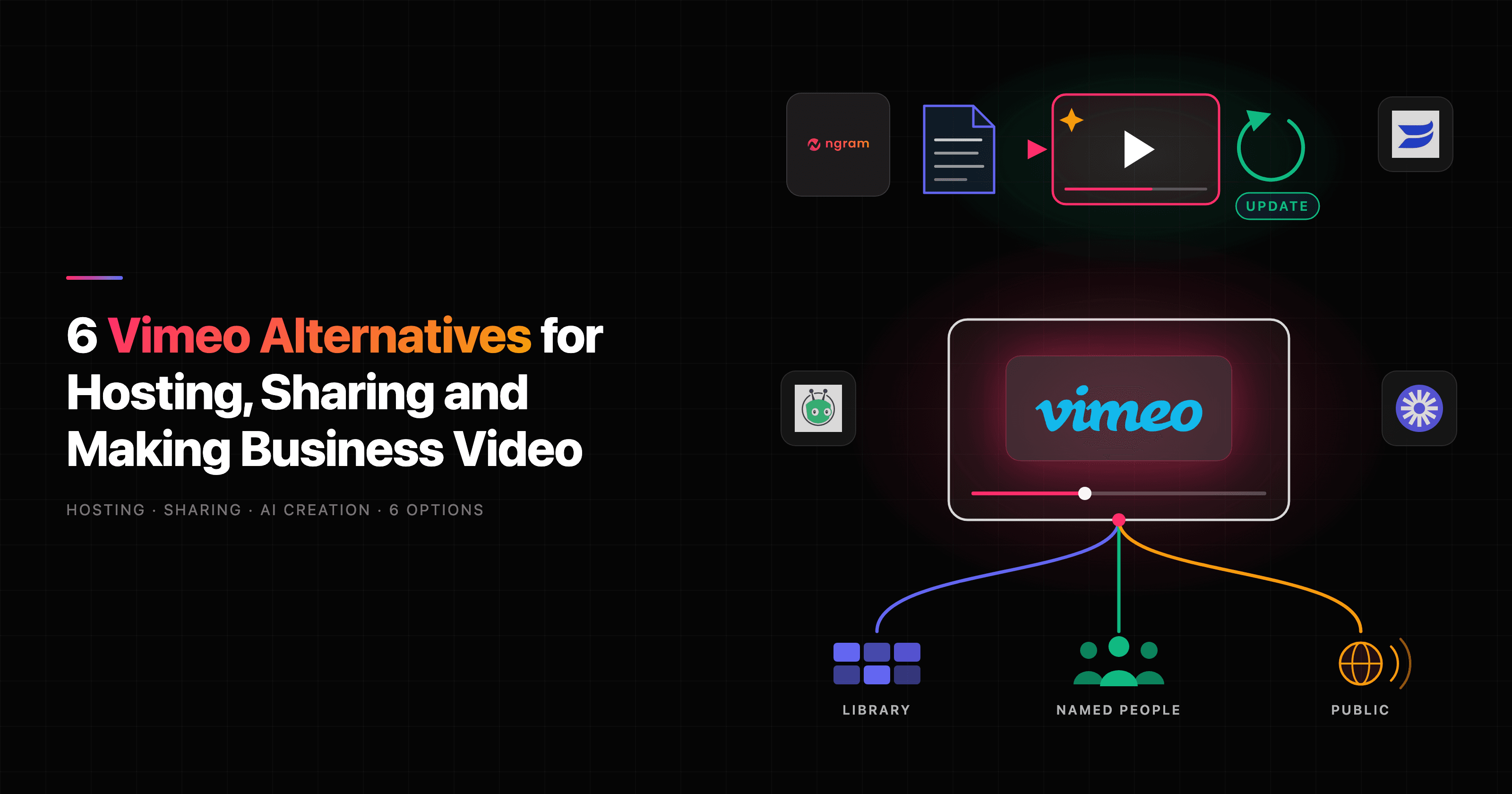
Pick a Vimeo alternative by the job you need it for. Wistia and SproutVideo replace a hosting library, with marketing tools and tighter access control respectively. ngram generates the whole video from a prompt, document or recording and hosts it; ask for a change and choose Update, and the same link plays the new version. Vidyard and Loom suit sales and screen-recorded messages, and YouTube suits free public reach.
Start with the part of Vimeo you want to change
Vimeo does a lot. Paid plans include ad-free hosting, unlisted and password links, domain-level embed privacy, player customization, engagement analytics, version history and replacing a file without changing its URL. Standard adds lead capture and calls to action. Advanced adds livestreamed events, webinars and marketing-automation integrations.
So the useful question is which job you are moving. A marketing team replacing embeds on its website needs a different tool from a sales team that sends a demo recap to five people, or a team that wants the video made for it from a document. A team that mostly records its screen needs something else again.
Vimeo has a Free plan, then Starter, Standard and Advanced priced per seat, plus a custom Enterprise plan. Prices depend on your region and billing term, so check Vimeo's pricing page for the current amount before comparing.
When staying with Vimeo makes sense
Keep Vimeo if you run livestreams or webinars, sell videos by subscription, or manage a large library with showcases, shared folders and team review. Its self-serve plans include 2 to 7 TB of storage and accept files up to 300 GB. Check which of those features you actually use before planning a migration.
Vimeo alternatives at a glance
| Tool | Worth evaluating for | Starting price reference |
|---|---|---|
| Wistia | Marketing video hosting, lead capture and attribution | Free; Business $79/month billed annually |
| SproutVideo | Private hosting, viewer login and live streaming | Seed $15/month or $12/month billed annually |
| ngram | Generating the video and changing it by asking | Free; Basic $29/month; Premium $59/month |
| Vidyard | Sales video with viewer insights and AI avatars | Starter $89/seat/month or $59/seat/month billed annually |
| Loom | Screen-recorded messages and team feedback | Free Starter; Business $18/user/month |
| YouTube | Free public reach and search discovery | Free |
Monthly and annual commitments are labeled separately. Seats, storage and usage allowances differ by product, so a lower entry price is not a like-for-like comparison.
1. Wistia: marketing video hosting and lead capture
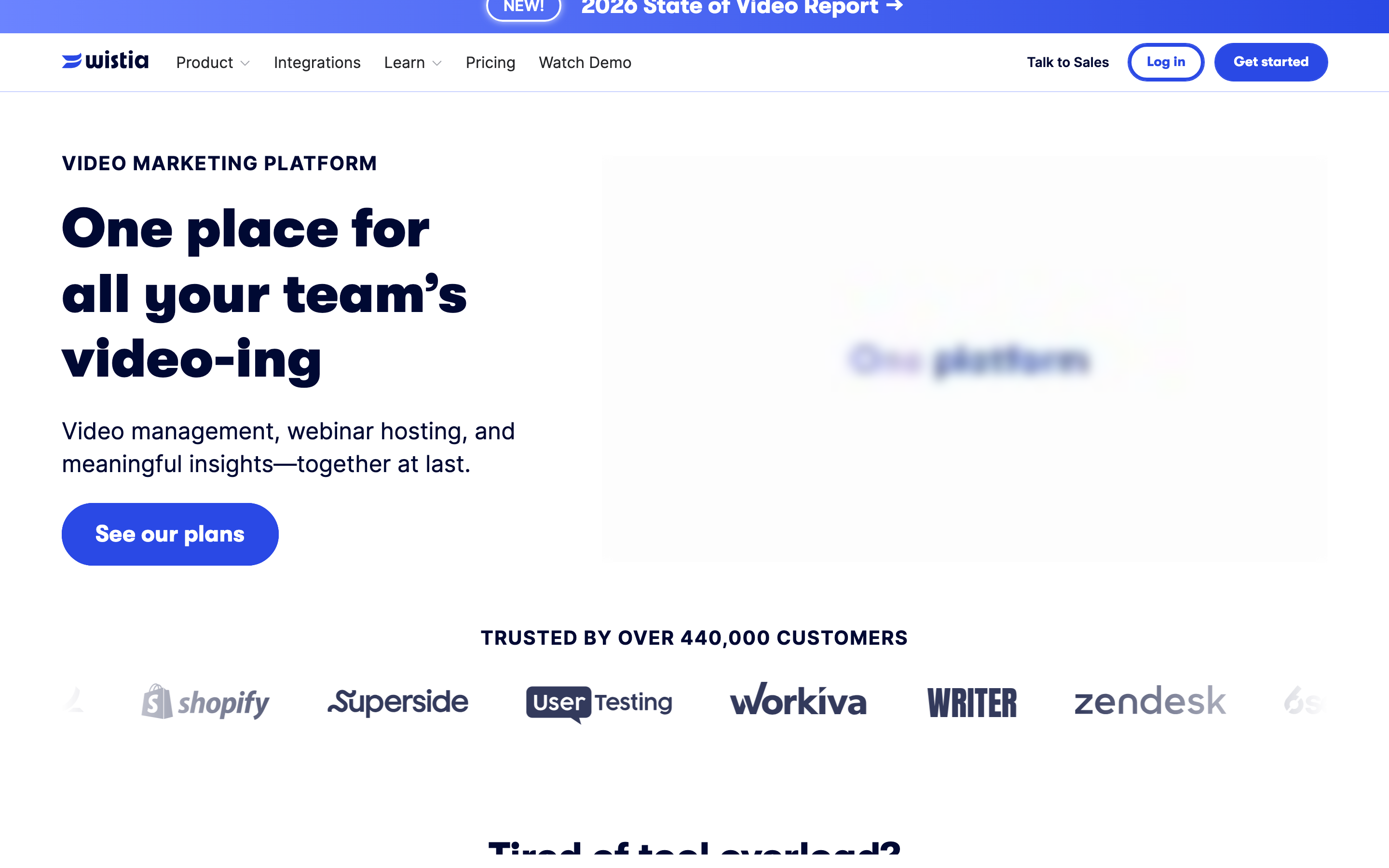
Wistia is the closest swap for a marketing team that hosts website video. Every plan, including Free, has private sharing and password protection. Wistia identifies viewers who fill in a Wistia form, arrive from an email campaign link or are logged in, with a page per viewer showing their sessions and engagement. You can replace a video and keep its embeds and links. Business adds CTAs and forms, playlists and engagement heatmaps, and Business + Signals connects video to your marketing platform.
Business is $79/month billed annually and starts with three users, 250 GB of storage and 1 TB of bandwidth; extra users are $25 each. Business + Signals is $329/month billed annually. Free includes one user and 25 GB. Wistia also includes agentic and transcript-based editing on every plan, and sells webinars as a separate product.
2. SproutVideo: private hosting with viewer login
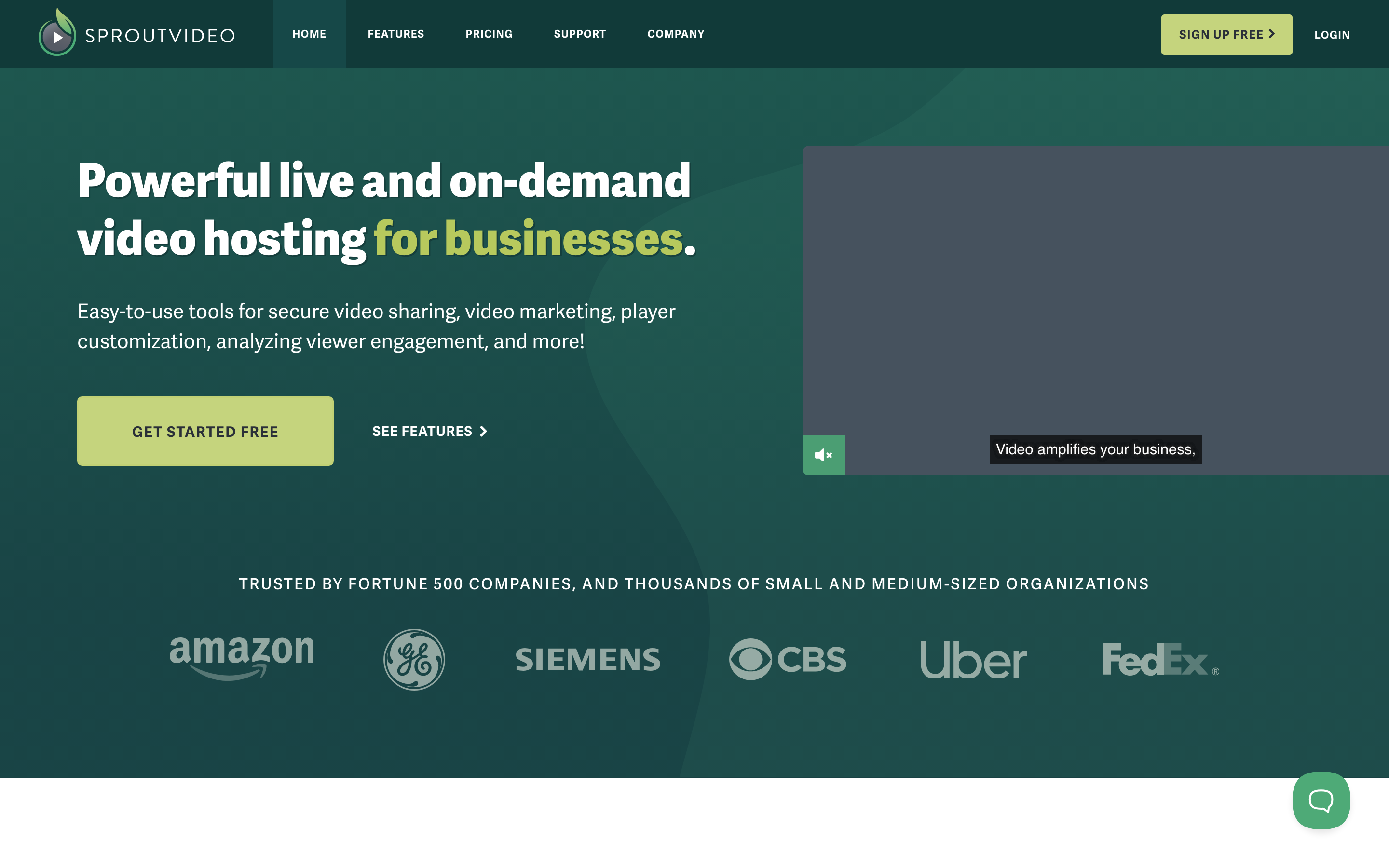
SproutVideo suits teams that want white-label hosting with tight access control. Every plan includes engagement heatmaps, viewer tracking, lead capture, in-player calls to action, password protection, playback whitelists and viewer access logs.
Seed is $15/month, or $12/month billed annually, with 150 GB of storage and two team seats. Sprout ($45, or $35 annually) adds restricted viewer login, a customizable video website and live streaming. Tree adds dynamic watermarks and signed embeds; Forest adds viewer SSO and geo and IP restrictions. Usage above the included storage and bandwidth is billed per GB, and every plan has a 30-day trial.
3. ngram: generate the video and change it by asking
ngram starts before hosting. Bring a prompt, recording, product page, document or deck, describe the audience and next step, approve the plan containing the script, and ngram generates the whole video. The finished video is hosted in Projects › Hosted videos (Beta) with a link and an embed, so you do not export it and upload it somewhere else.
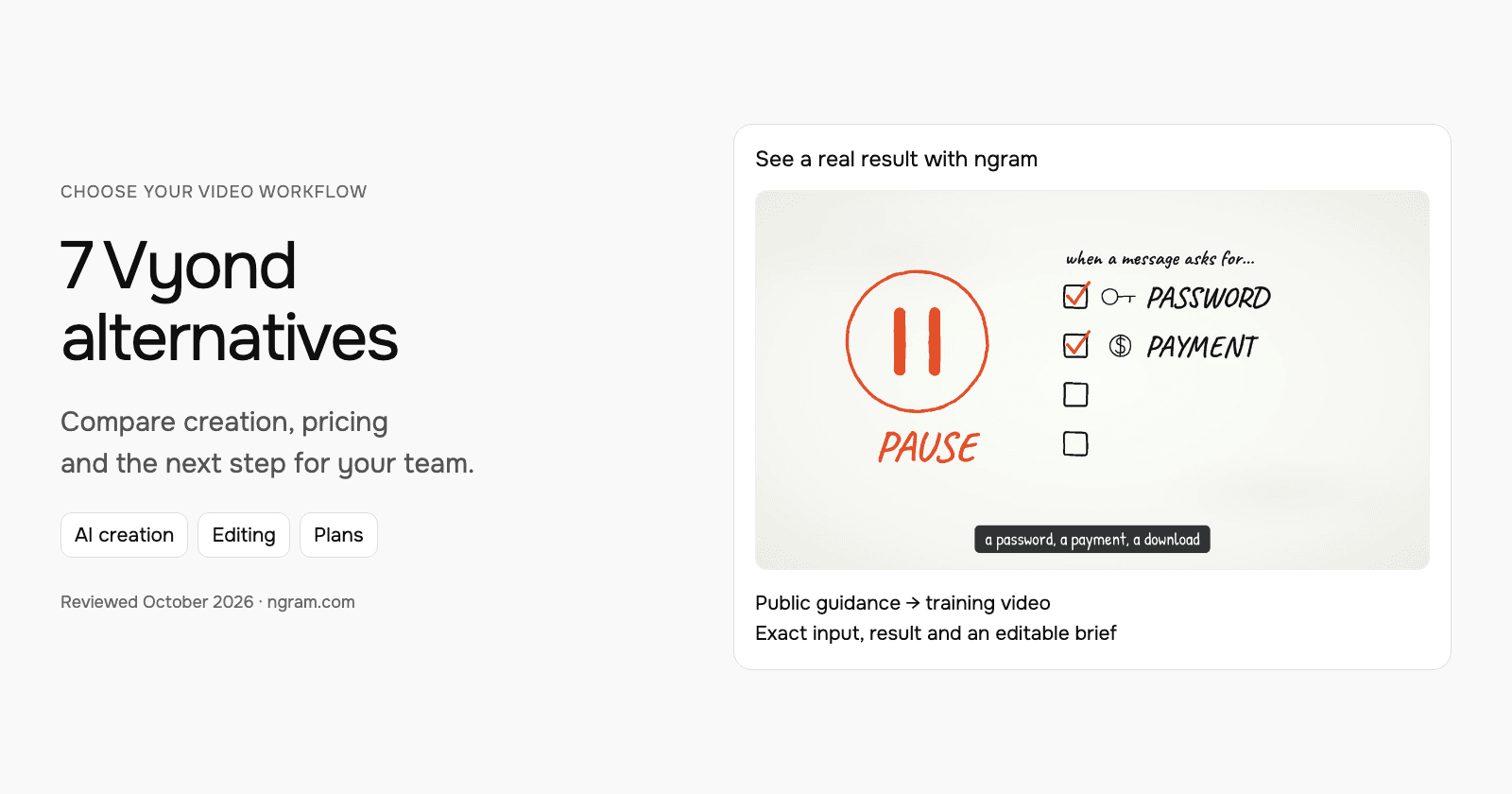
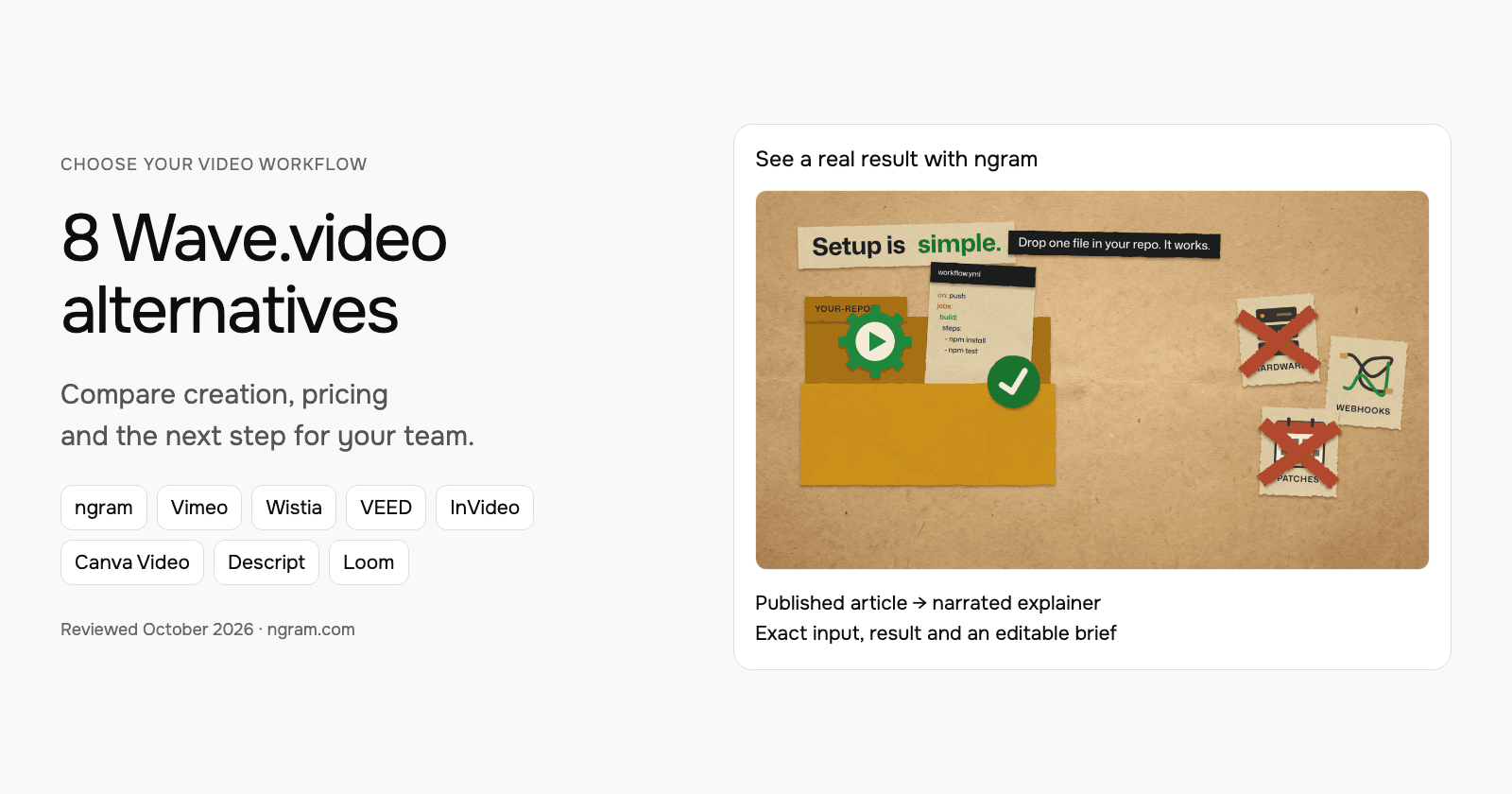
The example below is a follow-up made from Supabase's public demo and documentation. Watch the result, then adapt the brief for your own call.
From this input to this video
A recap of Supabase’s public demo: create a branch, change the schema, review and merge. The closing action is a suggested next step.
Prompt
Create a 45-second follow-up video after a demo of Supabase Branching for developers who watched Supabase’s public branching demo. Use these approved demo materials, meeting notes or public product sources: the official demo https://www.youtube.com/watch?v=AMQqhHxz5UI and current documentation https://supabase.com/docs/guides/deployment/branching. Recap the audience goal: test database schema changes separately before merging them into production. Show the workflow discussed: in Jon Meyers’s demo, create an add-comments branch, add a comments column to the posts table, review the changes and merge the branch; recap the real demonstrated workflow rather than implying a private customer meeting. Use this verified supporting detail: the demo shows the comments column in the main branch only after the merge completes. Address this open question using only the supplied answer: Does a branch copy production data? No: the demo and documentation describe an isolated branch with the schema but without production data. Keep commercial terms exactly as stated in the source. End with this next step: as a suggested next step, read the current branching guide and evaluate the workflow in a test project; no buyer commitment is recorded. Describe it as agreed only when the source records that agreement; otherwise present it as a suggestion. Use actual product screenshots or recordings from the supplied sources for UI demonstrations. Tone: helpful and practical. Voiceover language: English.
Selected style
Product spotlight
Read the video transcript
Here's a quick recap of Jon Meyers's Supabase Branching demo. The goal: test database schema changes separately, before they touch production. First, he created a branch called add-comments. On that branch, he added a comments column, type text, to the posts table. Then he reviewed the changes: a diff showing exactly what would run against main. And he merged the branch. The comments column appeared in main only after the merge completed. One open question: does a branch copy production data? No. The demo and the docs describe an isolated branch with the schema, but without production data. A suggested next step: read the current branching guide, and evaluate the workflow in a test project.
Make a follow-up you can send to each person
See a real follow-up made from Supabase's public demo and documentation. Adapt the brief for your own call, then share it from Hosted videos.
Bring the source
Upload the recording you have, such as the original file you published to Vimeo, or paste a public product page.
Adapt the brief
Fill in the product, audience, open question and next step. Attach your files and select your Brand Kit in ngram.
Approve, share and update
Approve the plan containing the script and share the video from Hosted videos. To change it later, ask ngram and choose Update.
Make it yours
Fill in your details here, or continue and finish your brief in ngram.
Video generation uses credits. Review your estimate in ngram. MP4 downloads require Basic or higher.
How credits workWhen the product or the message changes, tell ngram what changed in chat, review the result and choose Update. Every link and embed then plays the new version, without re-recording in another tool and uploading again. On Premium and higher you can also give each person their own link and see their name and how much they watched, or add a password or an expiry date.
Free includes 1,000 credits/month with a public link and embed. Basic is $29/month and adds unlisted links and uploads of videos made elsewhere, up to 4 GB each. Premium is $59/month and adds per-recipient links, passwords, expiry dates, player customization and retention analytics. Email gates and forms are on Ultimate. ngram does not run live events, so keep a webinar tool for those. See video hosting and pricing, or read the full ngram vs Vimeo comparison.
4. Vidyard: sales video with viewer insights
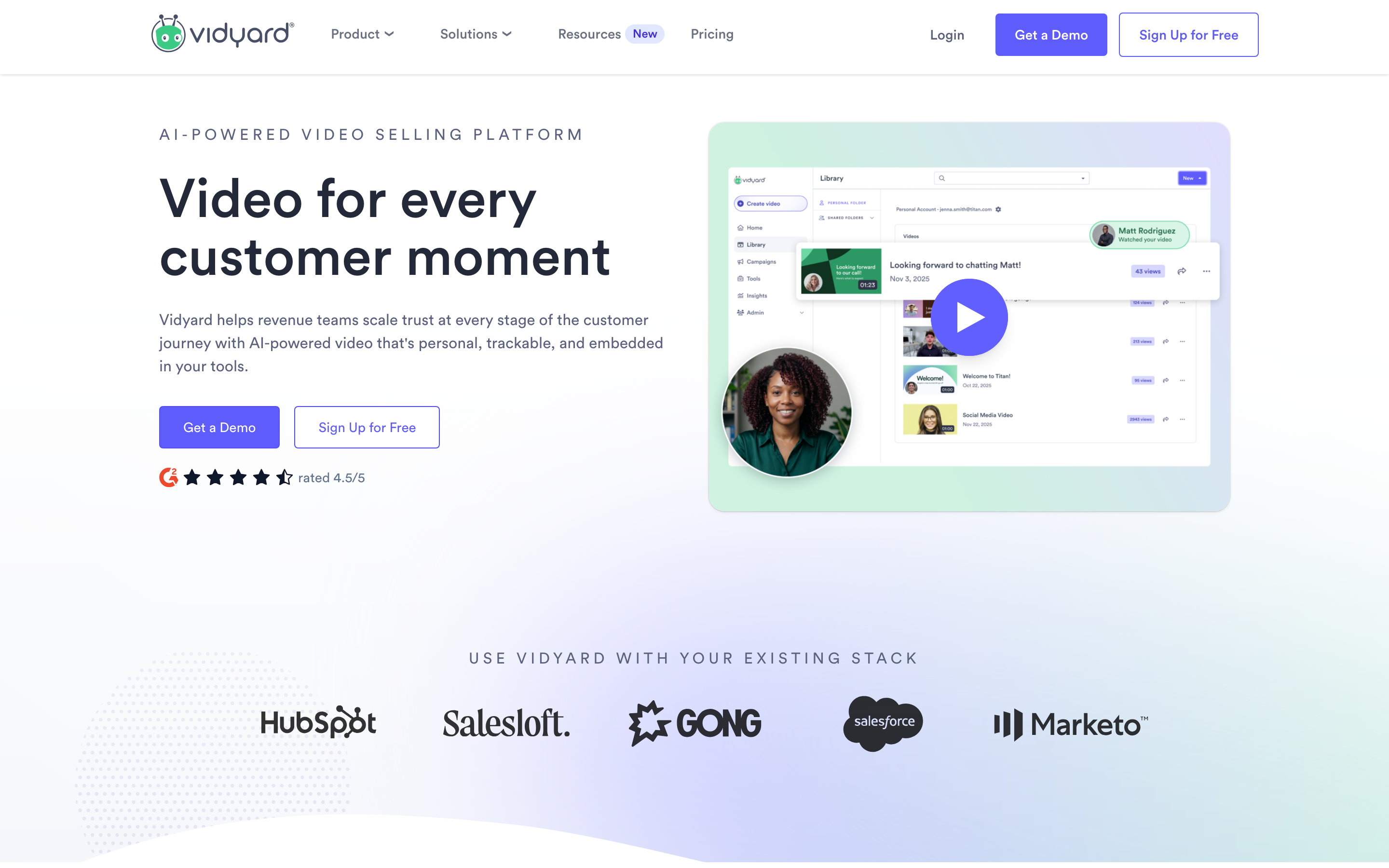
Vidyard is built around sales. Reps record personal messages and share them from a sharing page or embed. From Starter, Video Insights shows each identified viewer, when and where they watched, the percentage watched, replays and CTA clicks. Starter also adds password-protected videos, with an optional expiry or use limit per password.
Starter is $89 per seat per month, or $59 per seat per month billed annually; Teams and Enterprise are custom. The Free plan includes 15 AI avatar videos, and the Video Agent add-on generates personalized videos automatically. On Teams you can replace a video and keep its embed code and sharing URL, though replacing it resets the video's analytics.
5. Loom: screen-recorded messages and team feedback
Loom fits when the video is you showing your screen. Recording, transcripts, comments and reactions make it quick for teammates and customers to reply. Viewer Insights names logged-in viewers, and Business can require an email to view. Passwords start on Business.
Starter is free with 25 recordings of up to five minutes. Business is $18 per user per month and adds unlimited videos, uploads and downloads, and branding removal; Business + AI is $24 and adds AI titles, summaries, chapters and editing by transcript. Loom is a recorder first, so compare its library and embeds with what your Vimeo site uses before moving.
6. YouTube: free public reach
YouTube suits videos you want people to find. Public videos can appear in search and on your channel. Unlisted videos can be watched by anyone with the link without a Google Account, and private videos can be shared with people you invite by email.
It costs nothing to host, and it is built for public reach rather than branded players or lead capture. You can publish there for reach and keep a business host for embeds and sent videos.
How to move from Vimeo without breaking links
List the videos that matter first: the ones embedded on your site, linked in emails or sent to customers. Note their privacy setting, password, player settings and any lead form. A new host gives each video a new link and embed code, and viewing history stays with Vimeo.
Upload the original files to the new host, rebuild the player and privacy settings, then swap the embed code on one page and check it plays before you change the rest. Keep Vimeo running until every important link is replaced.
You do not have to move everything. You can keep your library and events on Vimeo and make new videos in ngram, either hosting them there so you can update them by asking, or downloading the MP4 on a paid plan to upload to Vimeo. For another hosting comparison, see ngram vs Wistia.
How this comparison was reviewed
Reviewed November 6, 2026 using each vendor's official pricing, product and help pages, linked here. Recommendations describe the work each product supports. We did not run a timed or scored test of competitor output. The ngram example shows a real result and its exact input.
Frequently asked questions
What is the best Vimeo alternative for business video?
It depends on the job. For marketing embeds and lead capture, evaluate Wistia. For private hosting with viewer login, SproutVideo. For sales sends with viewer insights, Vidyard. If you want the video generated from your material and changed by asking after you share it, ngram makes and hosts it in one place.
Which Vimeo alternatives show who watched?
Several do, in different ways. Vidyard shows identified viewers and their percentage watched from Starter. Wistia identifies viewers from forms, email campaign links and logins. Loom names logged-in viewers and can require an email to view, and SproutVideo includes viewer tracking and access logs. ngram names each viewer of a per-recipient link on Premium and higher. Vimeo names Enterprise team members, event registrants and viewers who fill in a lead form.
Can I keep the same link when I update a video?
Yes, with Vimeo, Wistia, Vidyard (on Teams) and ngram, replacing a video keeps its link and embeds. In ngram you can also make the change itself by asking: tell ngram what changed, review it and choose Update. For an uploaded video, upload a new version and make it live.
Is there a free Vimeo alternative?
YouTube is free for public and unlisted videos. ngram Free includes 1,000 credits/month with a public link and embed for every video you make. Wistia also has a Free plan with one user and 25 GB.
Does ngram replace Vimeo for live events?
No. ngram does not stream live. Run the event on Vimeo or a webinar tool, then upload the recording to ngram to make a recap or clips.
Start from the follow-up template and adapt the brief for your next send.
Current product sources
Vimeo pricing and plan comparison