Your first GitHub Actions workflow | made with ngram

About the video
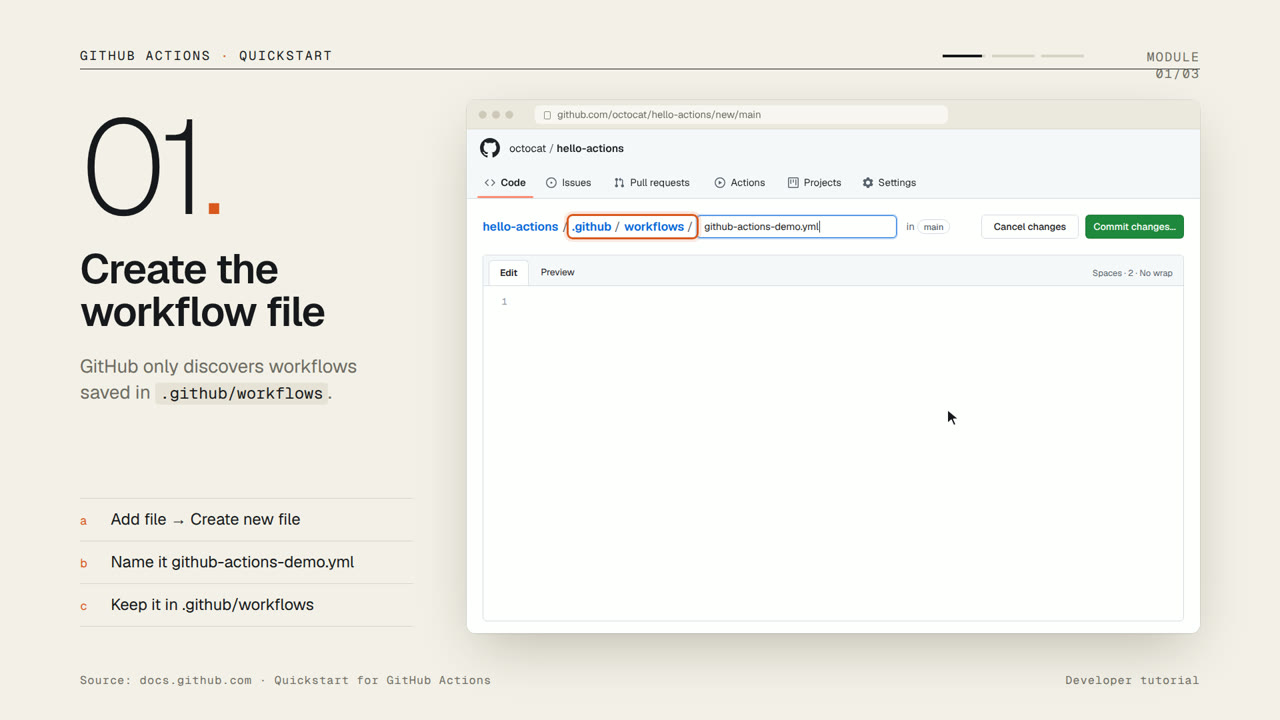
This video was created by ngram to walk developers through setting up their first GitHub Actions workflow in a repository where Actions is already enabled. Using HTML/CSS motion graphics styling, ngram built the video from a structured script across five scenes: an intro, three numbered tutorial steps, and a summary. The walkthrough shows creating a new file at the required .github/workflows path, naming it correctly so GitHub can discover it, and copying in the quickstart YAML that runs on every push using an Ubuntu runner. It then covers committing the change, which immediately triggers the workflow since a commit counts as a push. The final step demonstrates opening the Actions tab, selecting the triggered run, choosing the job, and expanding individual steps to read their logs for debugging. The video closes with a quick recap reinforcing the three core actions: create, commit, and inspect. Viewers come away knowing exactly where workflow files belong, how a push-triggered run gets kicked off, and how to navigate the Actions tab to review job output. ngram produced the video by converting the provided script and scene breakdown into timed on-screen narration and motion graphics matching each tutorial step.
- #github actions
- #ci/cd
- #yaml
- #devops
- #github
- #automation
- #tutorial