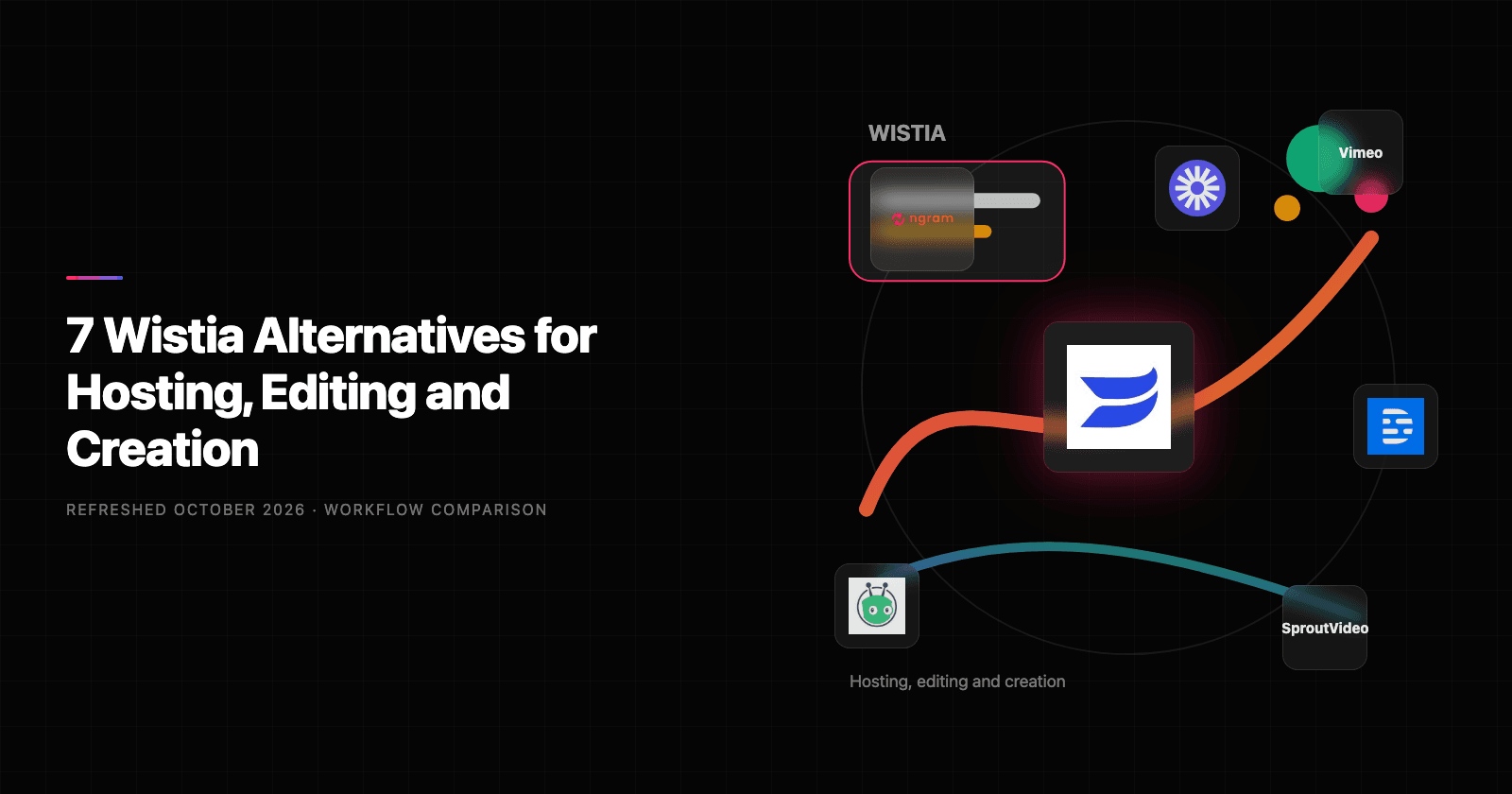

Compare Wistia alternatives around the part of the workflow you need to move. Vimeo and SproutVideo are hosting candidates, Vidyard connects video to sales activity, and Loom suits screen explanations. Descript and VEED offer editing and AI creation; ngram turns source material into a new planned video.
Start with your current Wistia workflow
Wistia now offers Remix for chat-led and multi-source editing, alongside hosting and marketing measurement. Business and Business + Signals serve different analytics needs, while webinars have a separate offering. Decide whether you need a hosting migration, an editing workflow or a different way to create the video.
Business costs $99/month or $79/month equivalent annually, starting with three users, 250 GB storage and 5,000 monthly credits. Business + Signals is $412 or $329 and adds marketing integrations and attribution. Free includes one user, 25 GB and 3,000 lifetime credits.
Alternatives at a glance
| Tool | Worth evaluating for | Starting paid reference |
|---|---|---|
| ngram | New explanations from source material | Free; Basic $29/month or $278.40/year |
| Vimeo | Ad-free hosting, review and events | Free; regional Starter, Standard and Advanced plans |
| Vidyard | Sales video with CRM-connected activity | Starter $89/user/month; $59 equivalent annually |
| SproutVideo | Private hosting and controlled embeds | Seed $15/month; $12 equivalent annually |
| Loom | Screen explanations and async discussion | Business $18/user/month; $15 equivalent annually |
| Descript | Transcript-led editing and AI creation | Hobbyist $24/user/month; $16 equivalent annually |
| VEED | Browser editing, captions and AI creation | Free and paid plans; check current checkout |
Monthly and annual commitments are labeled separately. These plans include different seats and usage; a lower entry price is not a like-for-like cost comparison.
1. ngram: create a new explanation from the source
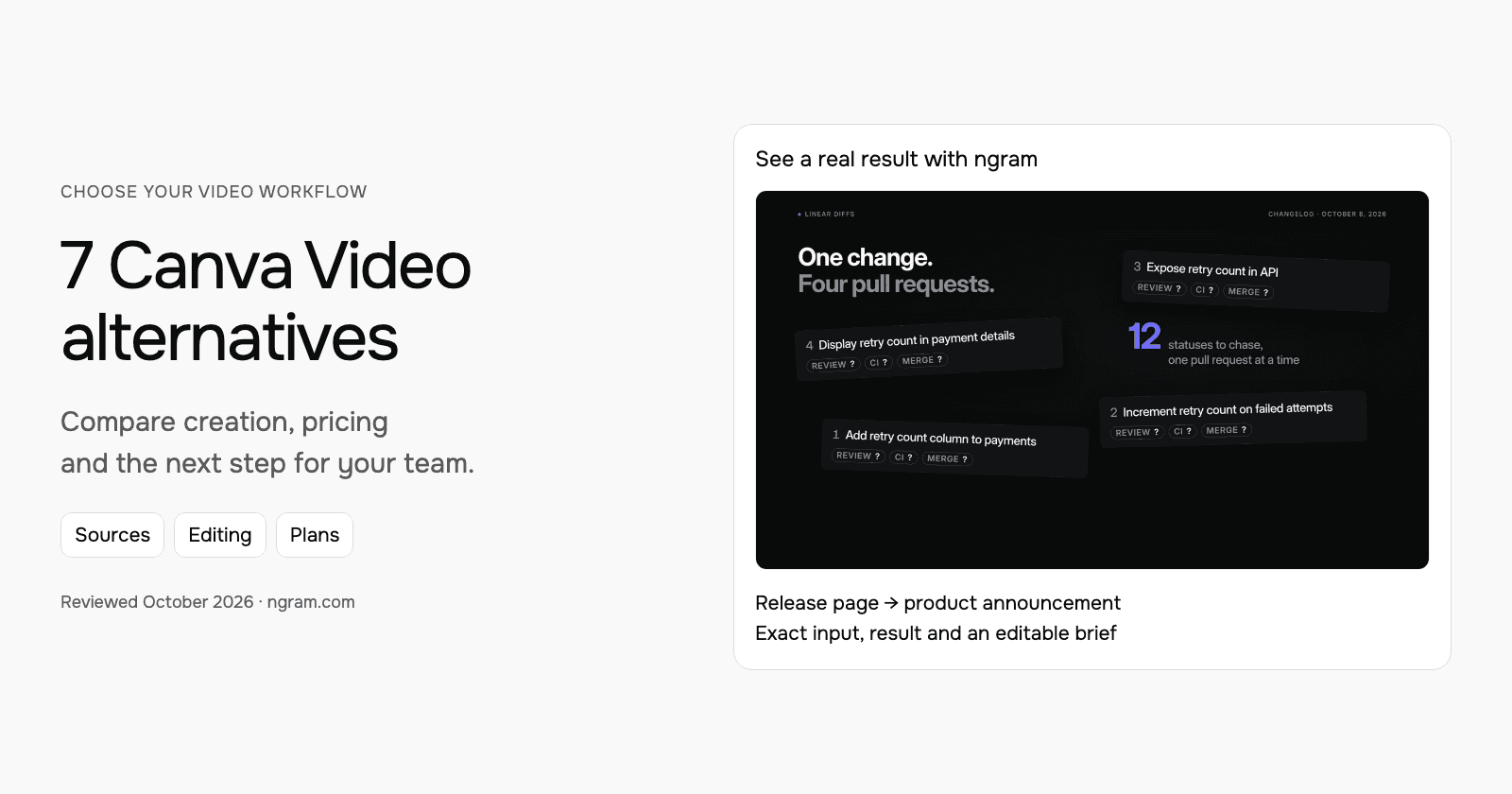
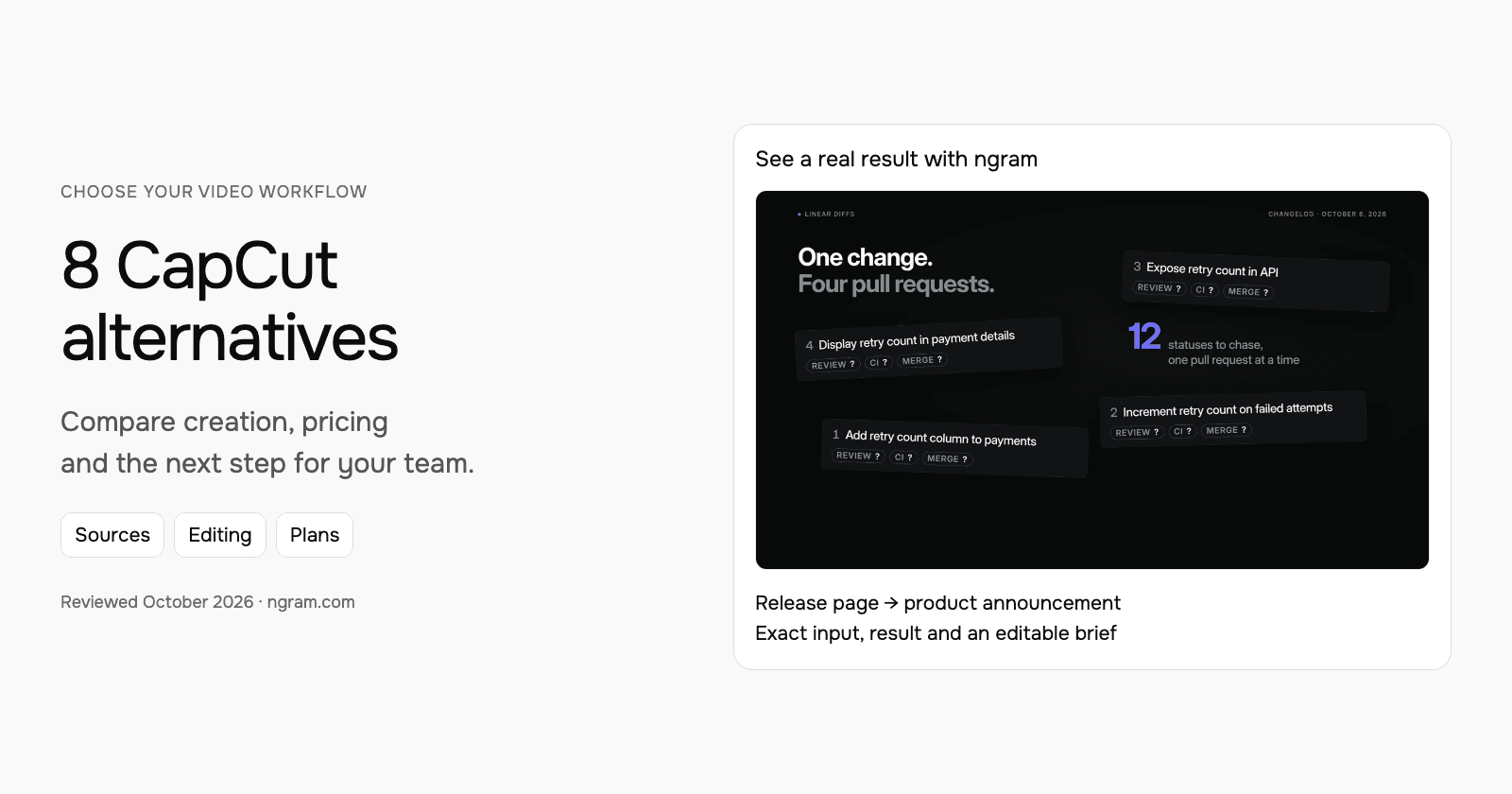
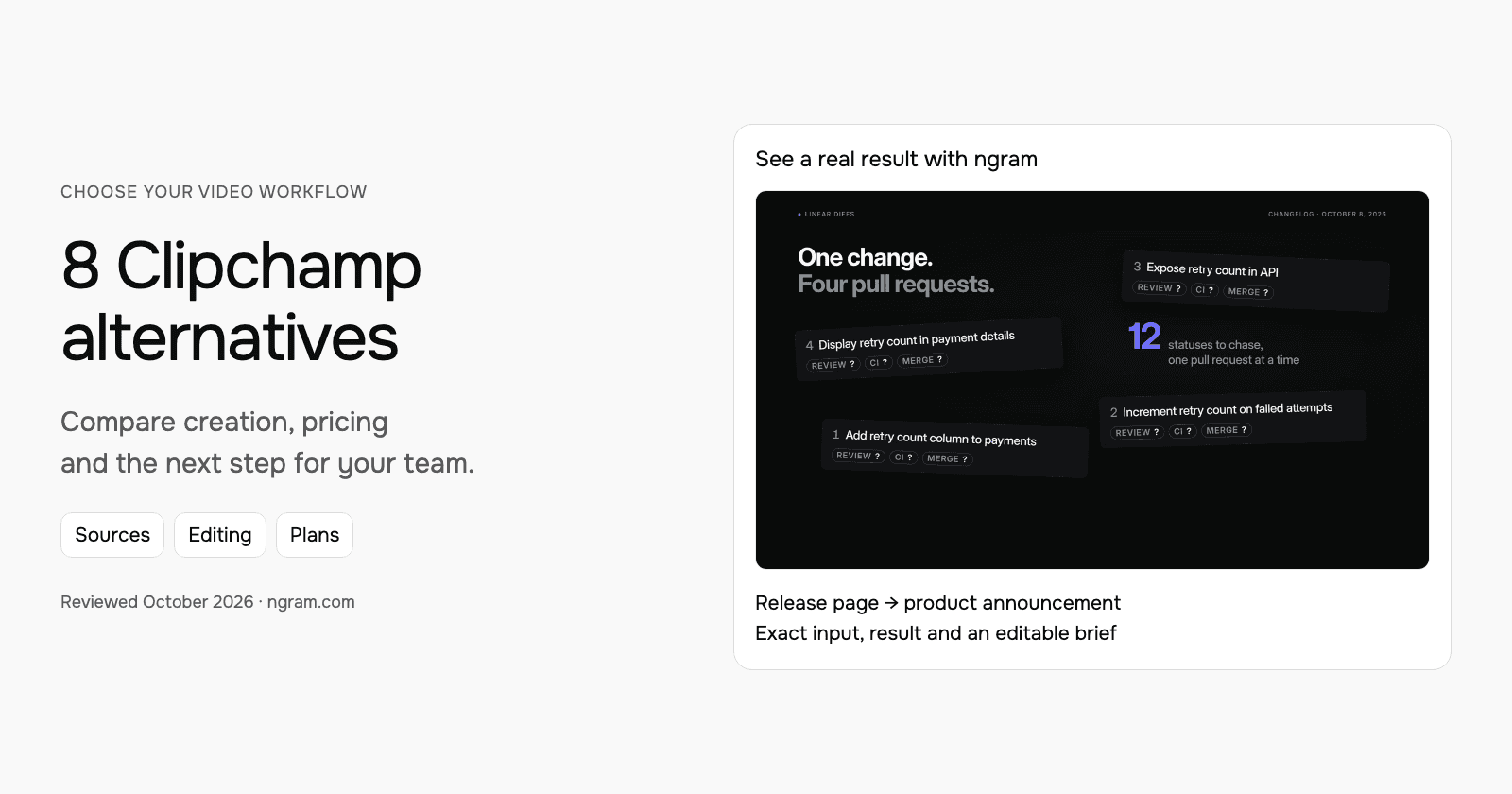
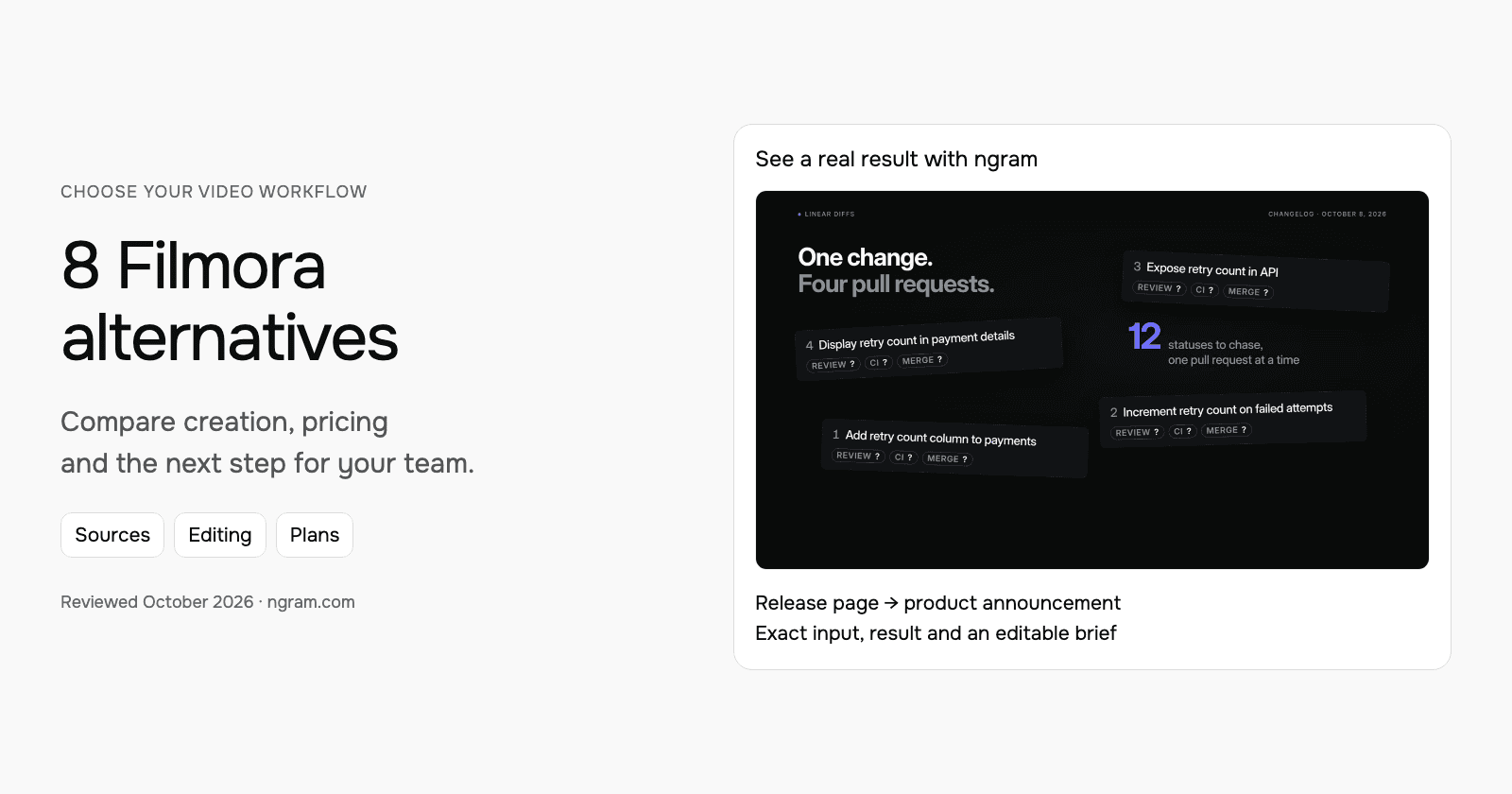
Bring a product page, PDF, PowerPoint, screenshots or recording to ngram with the audience and message. The real example below turns the public Linear Diffs release page into a product announcement. Inspect the actual input, style, transcript and output, then adapt the brief for your next release.
From this input to this video
An announcement using Linear’s October 8 release and actual product imagery to show the workflow.
Prompt
Create a 30-second feature announcement video for Linear, a product development platform for engineering teams reviewing stacked code changes. Use this release source: https://linear.app/changelog/2026-10-08-stacked-pull-requests. The new feature is stacked pull requests in Linear Diffs: the October 8, 2026 release shows every pull request in a stack with its review, CI and merge status. Open on the problem users had before: following the status of related pull requests across a stack. Show how stacked pull requests in Linear Diffs solves it — use motion graphics over the real product UI or a provided URL screenshot; do not invent fake screens. Tone: clear and practical. End on the product logo with the line Explore stacked pull requests in Linear Diffs. Channel: LinkedIn in landscape 16:9. Voiceover language: English; if no voiceover, use on-screen captions and light background music.
Selected style
Editorial
Read the video transcript
Stacked pull requests keep big changes small. But following a stack meant jumping between pull requests, checking each review, each CI run and each merge on its own. Now Linear Diffs shows the whole stack in one place. See where you are, move through every pull request, and read review, CI and merge status at a glance. Related PRs are grouped into a single row in Reviews, with their issue and project context. Explore stacked pull requests in Linear Diffs.
Make a feature announcement from the release source
See an actual announcement for Linear Diffs, made from its public release page and a filled brief. Adapt the same starting point for your next product update.
Bring the release
Paste your public release page or bring approved notes. For a Wistia recording, download an authorized MP4 and upload it in ngram.
Adapt the brief
Fill in the product, audience, change and next step. Choose a style and aspect ratio; attach your files and select your Brand Kit in ngram.
Approve and refine
Review the plan containing the script and approve generation. Ask for changes or another version after inspecting the result.
Make it yours
Fill in your details here, or continue and finish your brief in ngram.
Video generation uses credits. Review your estimate in ngram. MP4 downloads require Basic or higher.
How credits workSelect the style, aspect ratio and length for your video. Set up and select your Brand Kit in the composer, enable captions when wanted, and approve the plan containing the script. Review the result and request revisions through chat or use the editing controls. To make another format, select its settings and ask for another version.
ngram pricing includes 1,000 credits/month on Free. Basic costs $29/month with monthly billing and includes 3,000 credits per cycle; annual billing is $23.20/month equivalent with 36,000 credits supplied upfront. The base rate for premium AI video generation is 10 credits per second, with a cheaper model at 3. Share publicly or embed on Free; use a paid plan for MP4 downloads and Basic or above for unlisted links.
2. Vimeo: ad-free hosting, review and events
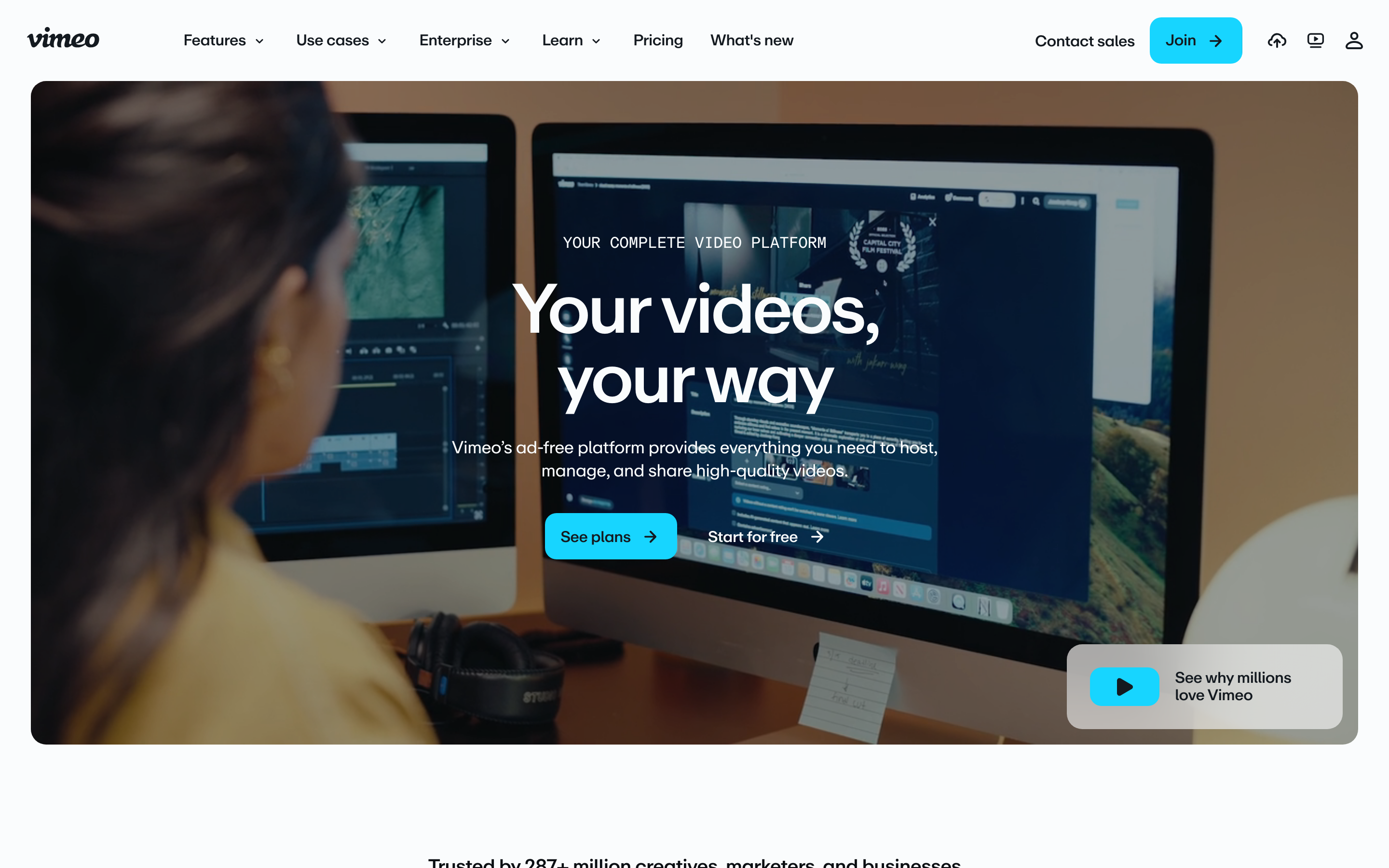
Vimeo offers ad-free hosting and review, with Starter covering player customization, password/unlisted sharing and engagement analytics. Standard adds player branding, lead capture and CTAs; Advanced adds live events, polls and chat.
It also offers AI tools, including transcript editing and translation, with summaries and other advanced functions depending on plan and credits. It is worth evaluating both the editing and publishing workflow.
Use the regional pricing selector for the billing term and currency. The checked plans list one, five and ten users respectively, with 2, 4 and 7 TB storage; each lists 2 TB monthly bandwidth. Confirm the selected plan and AI allowance before moving a library.
3. Vidyard: sales video with CRM-connected activity
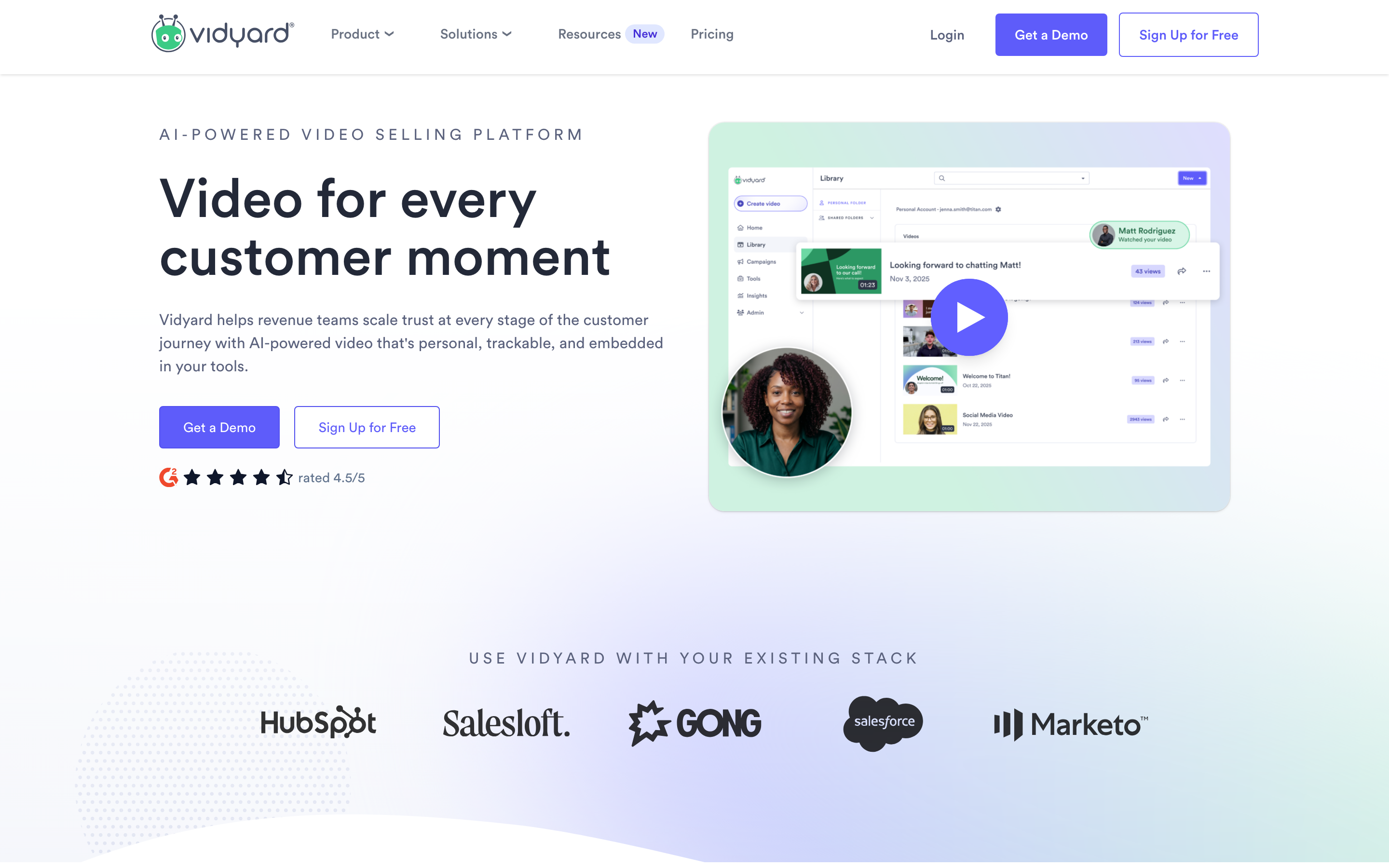
Vidyard combines recording, hosting, viewer tracking and sales workflows. Video Agent adds personalized AI creation; teams can evaluate generated outreach as well as human-recorded messages.
Starter is $89/user/month or $59/month equivalent annually. The Video Agent add-on is $29 or $24 respectively. Free includes five recordings and 15 AI videos per month; larger team requirements use quoted plans.
Confirm the CRM integration, approval and reporting behavior on the selected plan. A Starter price does not establish that every team integration is included. If you reuse a recording elsewhere, check download permissions and keep the original hosting/reporting context.
4. SproutVideo: private hosting and controlled embeds
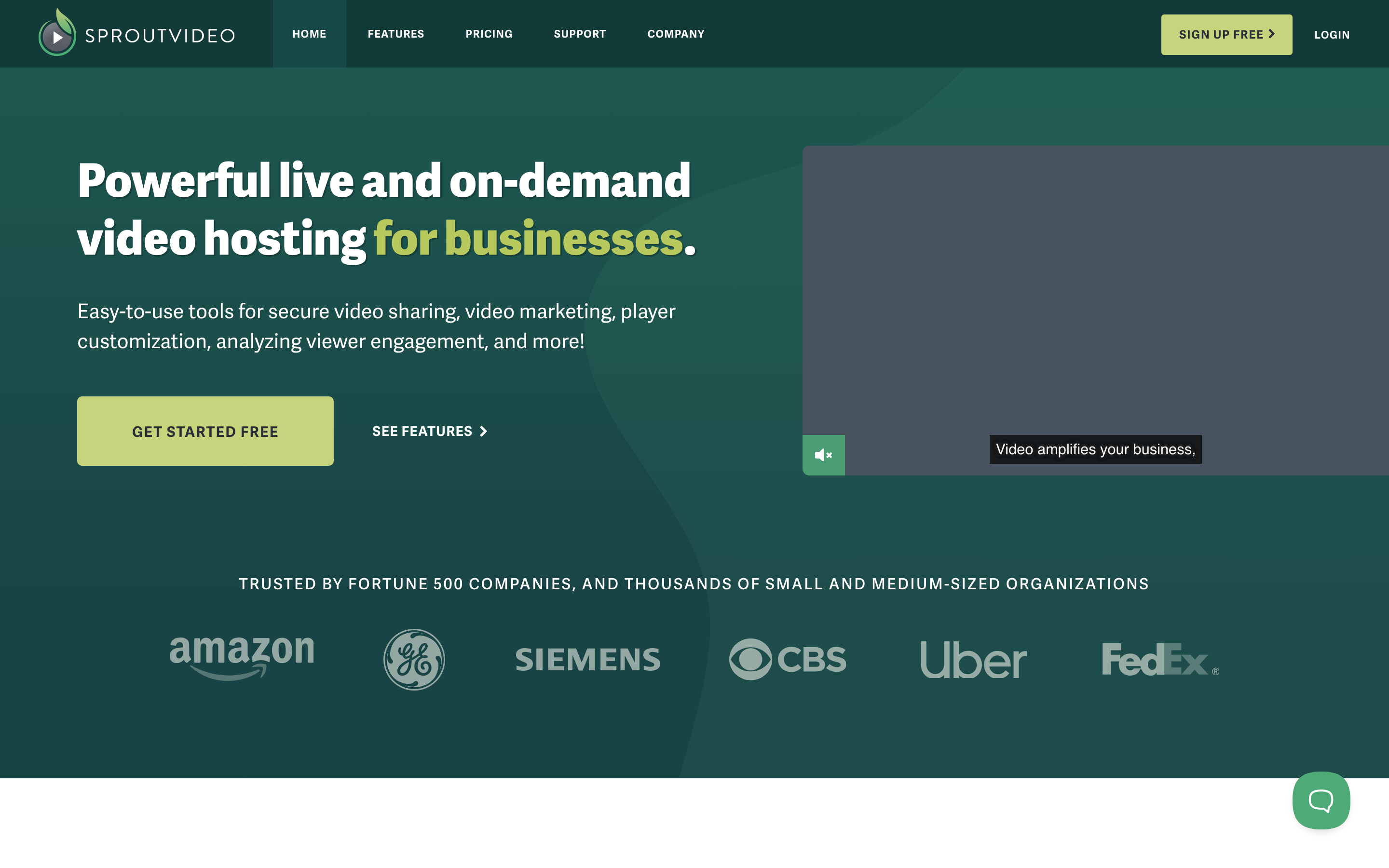
SproutVideo is worth evaluating for white-label hosting, viewer analytics, lead capture and calls to action. It offers a 30-day trial. Seed is $15/month or $12/month equivalent annually and includes two team seats.
Seed includes 150 GB storage. Bandwidth is 150 GB per month on monthly billing or 1,800 GB pooled across the annual term. Additional usage is charged separately; the absence of a hard usage cap is not an unlimited included allowance.
Sprout adds restricted viewer login and a video website. Tree adds signed embeds and dynamic watermarks; Forest adds viewer SSO and geographic/IP playback restrictions. Match those controls to the audience that needs access, distinguishing team seats from viewer accounts.
5. Loom: screen explanations and async discussion
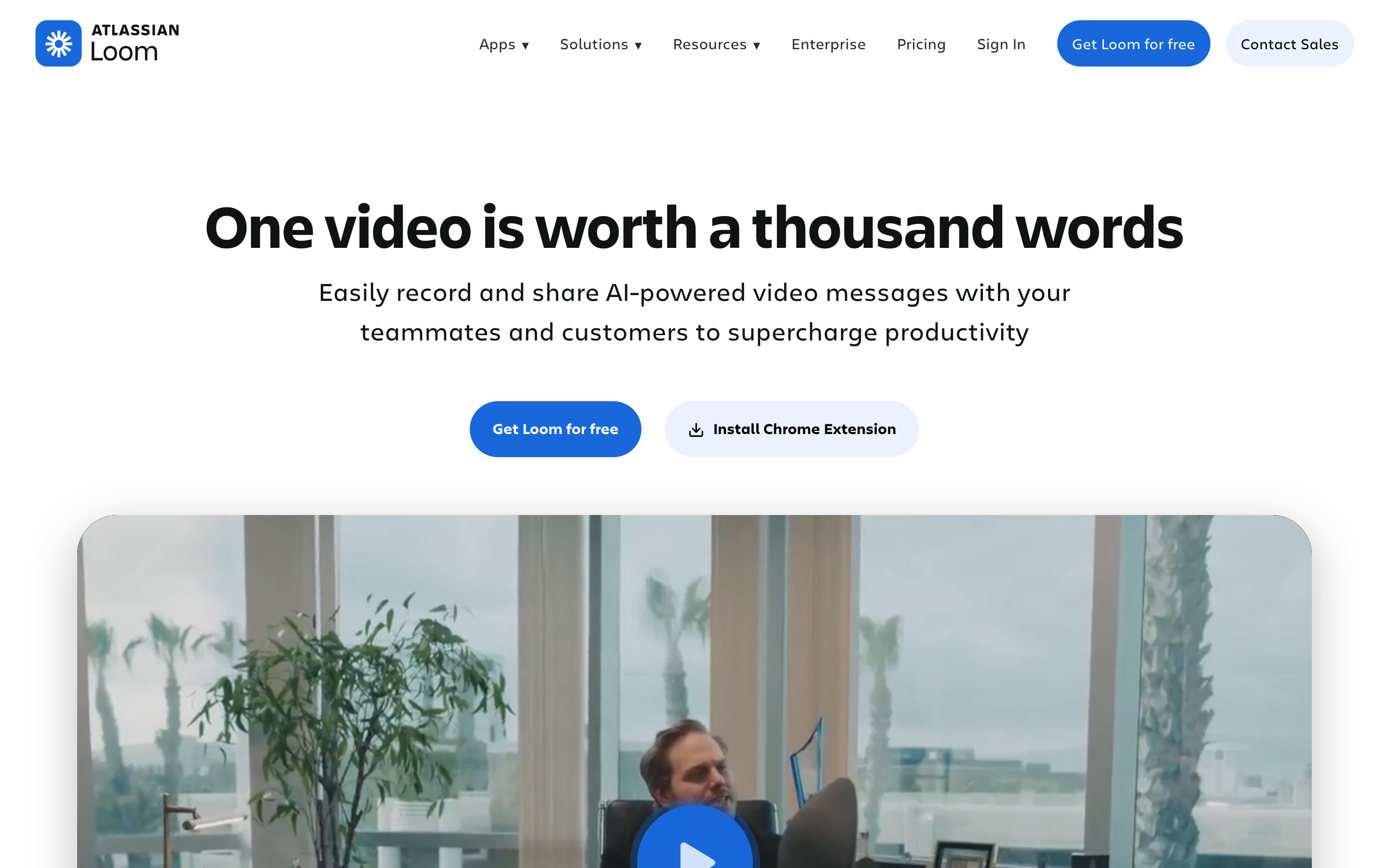
Loom suits an explanation that starts with showing the screen. Recording, transcripts, comments and a shared library help a teammate or customer understand the exact workflow being demonstrated.
Business costs $18/user/month or $15/month equivalent annually; Business + AI is $24 or $20. Starter allows 25 videos per person with a five-minute recording limit. Paid tiers add uploads/downloads; AI editing follows its plan entitlement.
Test the actual correction you make most often: removing a detour, explaining a changed screen or replying to a comment. Loom offers editing and AI assistance, so avoid assuming every update requires a full re-recording. Check enterprise eligibility for specific CRM integrations.
6. Descript: transcript-led editing and AI creation
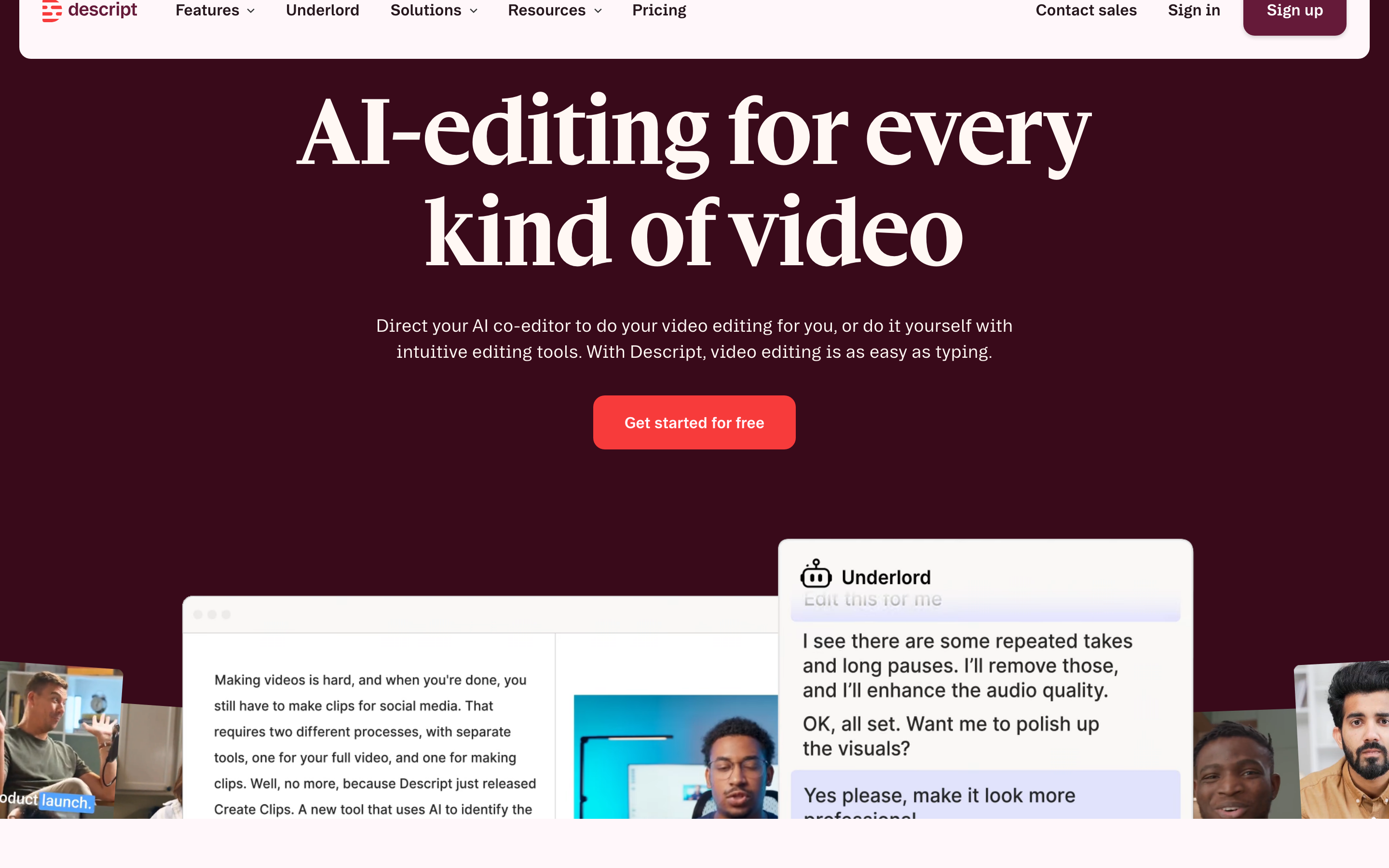
Descript links speech to an editable transcript, with scenes and timeline controls for arranging the result. Studio Sound, captions and filler-word tools suit recorded interviews, lessons and webinars.
AI Video Maker and Underlord also create videos from prompts, scripts or supported source material. A new recording is not required for every project. Paid users can use its API, MCP, CLI or Zapier workflow.
Hobbyist costs $24/user/month or $16/month equivalent annually, with ten media hours and 400 AI credits. Creator is $35 or $24 with 30 hours/800 credits; Business is $65 or $50 with 40 hours/1,500 credits. Compare both allowances for the work you expect to repeat.
7. VEED: browser editing, captions and AI creation
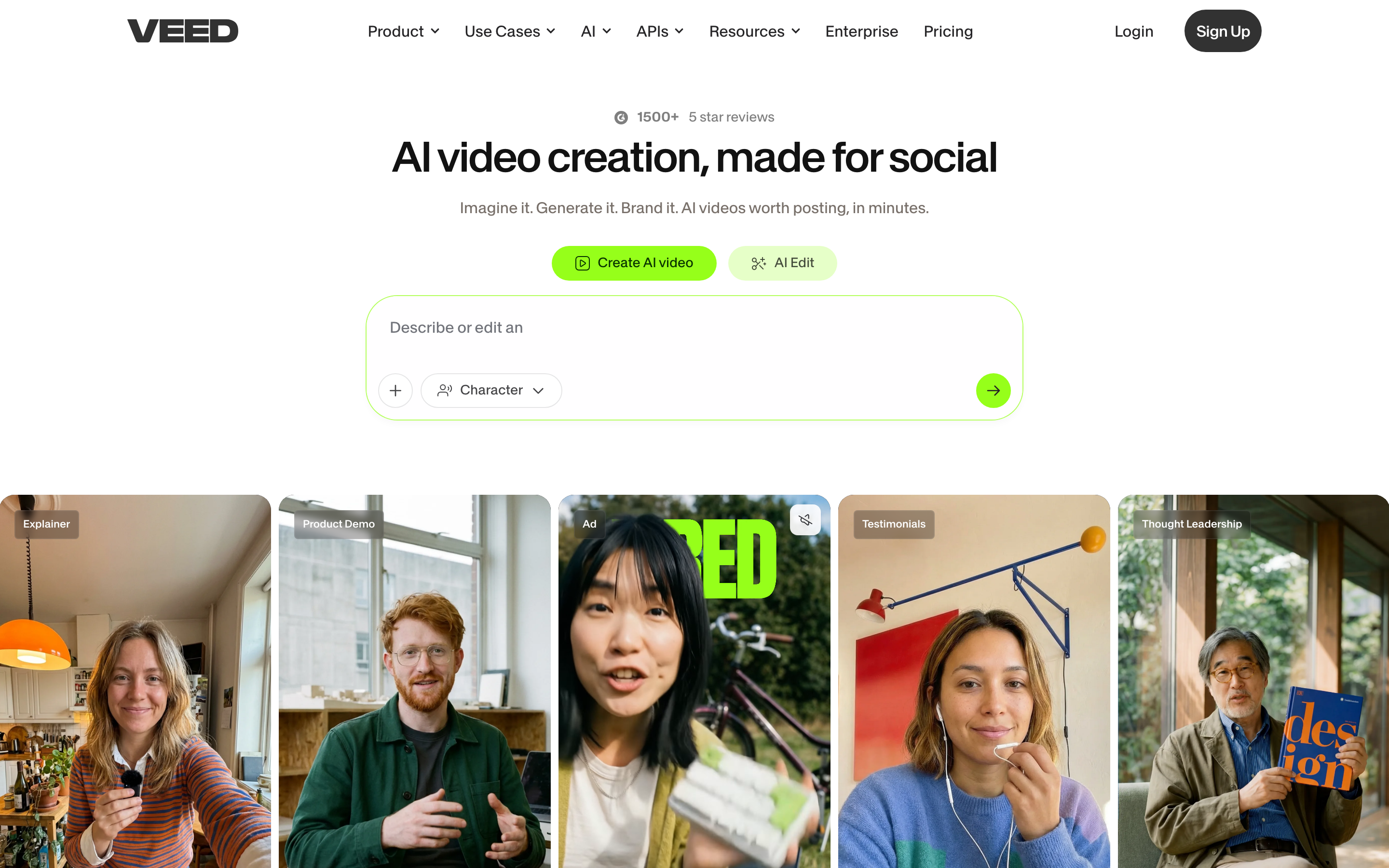
VEED combines a browser editor, recording, captions, translation and AI creation. AI Studio can draft a video and offers a script-review path; users can then continue refining the edit.
Compare current plan allowances for exports, stock, AI credits and translation. Credits and translation usage are separate measures, so the presence of a feature does not tell you how much recurring work is included.
For automation, evaluate the separately documented API and Fabric/MCP offering instead of assuming a web subscription covers every integration. Try the caption revision, framing change and export your campaign needs before moving the workflow.
Choose around the work your team repeats
For a hosting move, compare Vimeo and SproutVideo on the player, access controls, bandwidth, lead capture and reporting your site actually uses. Include live events only if they are part of the required workflow.
For revenue teams, test Vidyard’s sales integration. For internal screen explanations, try Loom. These are different jobs from replacing every marketing embed on the website.
For production, compare Descript’s transcript-led editing, VEED’s browser workflow, Wistia Remix and ngram’s source-based brief. Keep the publishing platform that already serves your audience while you evaluate how to create the next video.
Bring the useful material with you
For a Wistia source video, the media management guide describes Download from the manage-page menu. Owners and Managers have download access by default; other users need permission. Keep captions, source files and the existing publishing records with the team responsible for them.
If you move the hosting library, inventory the embeds, URLs, access controls, lead forms, integrations and reporting first. Check a replacement embed on the actual website before changing every reference. A downloaded video does not carry its former player configuration or viewer history.
An exported video supplies footage for a new video; it does not move the original editable project or sales automation. Keep a useful sending or hosting tool and upload the new MP4 there when that suits the workflow. If the source changes, tell ngram what changed and ask it to revise the video.
Continue with ngram vs Wistia, ngram vs Descript and ngram vs VEED.
How this comparison was reviewed
Reviewed October 17, 2026 using official product, help and pricing sources linked here. Recommendations describe the work each product supports. We did not run a timed or scored competitor-output test. The ngram example shows an actual result and its exact input.
Frequently asked questions
Do I need to move my Wistia library to create videos in ngram?
You can keep your publishing workflow. Create the video in ngram and download its MP4 on a paid plan, then upload it to the host you use. A full library move is a separate decision involving embeds, permissions and reporting.
How should I compare the price for a team?
Use the same billing commitment and required workflow. Count creator seats, included generation or personalization usage, hosting and integrations. Keep separately priced products and overages in the total.
Can I try ngram before changing my current workflow?
Yes. Free includes 1,000 credits/month, public sharing and website embeds. Create a relevant video from your source material, then use a paid plan for MP4 downloads when you want to publish through another tool.
Does ngram apply my branding and captions?
Set up your Brand Kit and select it in the composer for the current video. Turn captions on when wanted, then review and approve the plan containing the script.
Can I make another version for a different channel?
After generating the first video, select the new duration or aspect ratio and ask ngram for another version. A public link shows the current version; save a download if you need to retain a separate fixed version.
Create your first video with ngram, explore product demo videos, or talk to sales.