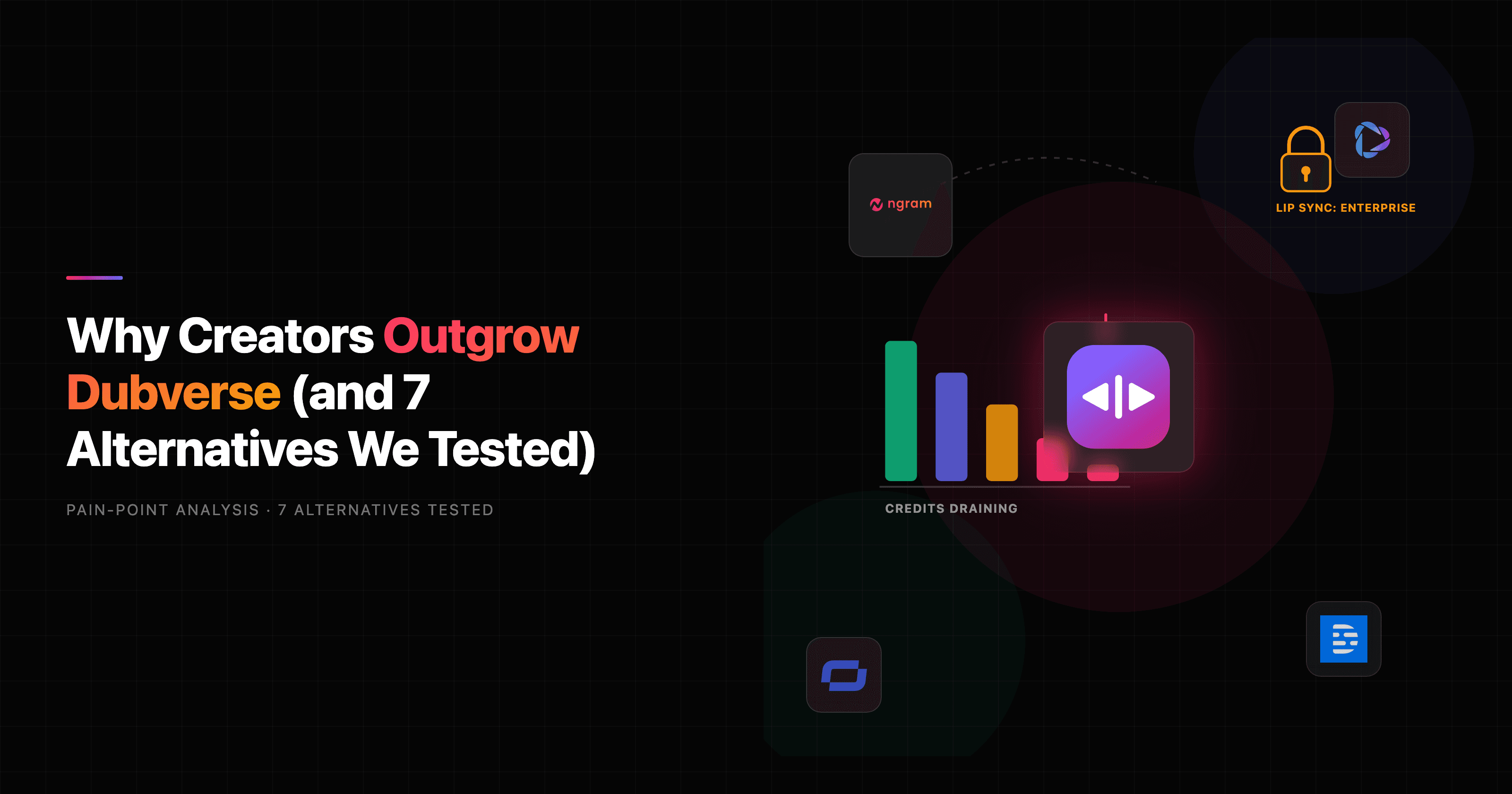

If you are hunting for a Dubverse alternative, the trigger is usually the same: 50 credits vanish faster than you expected, and the feature you actually wanted (clean lip sync) turns out to be locked behind the Enterprise plan. Dubverse alternatives have become a busy search because the tool is genuinely good at one job and frustrating at another. This guide tests 7 of them, ranks them by the job you are trying to finish, and is honest about where Dubverse still wins.
Let us give Dubverse its due first. It is a clean, fast AI dubbing, text-to-speech, and subtitle platform with real strength in Indian regional languages, and it bills in INR or USD, which matters a lot if you are based in India. For dropping a translated voice track and captions onto an existing video, it does the job in minutes. The AI video dubbing market grew from $1.15B in 2025 to a projected $1.35B in 2026 at a 17.7% CAGR (Business Research Insights), and Dubverse rode that wave for a reason.
But here is where users hit walls. On Trustpilot and Gartner Peer Insights, reviewers flag text-to-speech voices that sound robotic in some languages, lip sync that misses on regional translations, slow processing on large files, and friction when they need to edit after a dub is generated. The most common complaint is economic: dubbing costs 4 credits per minute and the 50-credit plans drain quickly, so individual creators feel nickel-and-dimed. The deeper question, though, is whether you need a tool that dubs an existing file, or one that builds the finished, localized video in the first place. That split decides which alternative is right for you.
Why creators are outgrowing Dubverse
Dubverse is good software. The reasons people leave are specific, and they show up again and again across review sites.
Credits deplete faster than expected - Dubbing is 4 credits per minute, subtitles 1 credit per minute, and TTS 2 credits per minute, on plans that start at 50 credits. A handful of 10-minute videos can wipe a month's allowance, and reviewers on AppSumo and G2 repeatedly say the credit math is hard to predict. For anyone localizing regularly, the per-minute meter is the number-one friction point.
Lip sync is gated to Enterprise - The Pro ($18/mo) and Supreme ($30/mo) plans do not include proper lip sync; it sits on the custom Enterprise tier. For talking-head content where mouths need to match the new language, that is the exact feature most buyers came for, and it is the one they cannot reach without a sales call.
Voice quality is inconsistent across languages - Reviewers praise the natural voices in some languages but call them robotic in others, especially vernacular and regional outputs. One Trustpilot reviewer put it bluntly that the text-to-speech voices were "completely unrealistic and very robotic." Quality that swings by language is a real problem when your audience is the one you are localizing for.
It dubs videos, it does not make them - This is the big one. Dubverse takes a video you already have and translates the audio and captions. If your real job is producing the source video, then localizing it, you are still stuck doing the hard part (script, visuals, editing) somewhere else first. Several alternatives below collapse those two steps into one.
With those four pain points in mind, here are the 7 Dubverse alternatives we tested, starting with the one that changes the workflow entirely.
1. ngram
Watch how ngram turns an idea into a finished video:
ngram is the strongest Dubverse alternative for one specific slice: teams that need to create and localize a finished business video in a single workflow, not just dub a file they already have. Where Dubverse starts with an existing video, ngram starts with a doc, a URL, a deck, a prompt, or a screen recording, writes the script, plans the storyboard, and generates a narrated, on-brand video. Localization is then a step inside the same tool rather than a separate round trip.
That reframing matters because most localization work is downstream of video that does not exist yet. With ngram you describe the video, approve the script and storyboard, and get a cut you can translate without leaving the editor.
What makes ngram stand out
Once a video is built, ngram localizes it across the whole frame, not just the audio track. It translates the script, the burned-in captions, and the on-screen text (titles, callouts, lower-thirds), then regenerates multilingual voiceover with ElevenLabs and MiniMax voices. For avatar and talking-head videos, lip movements are regenerated to match the translated voiceover, so the presenter's mouth tracks the new language without an Enterprise upsell.
The inputs are the real differentiator. You can paste release notes, point at a product page, upload a PPTX deck, or drop in a raw screen recording, and ngram turns any of them into a video. Already have footage? Upload it and ngram transcribes it, then can re-voice, re-caption, and translate it. That covers the dub-an-existing-file job too, just inside a tool that also makes the original.
Key features:
- Generate then localize in one place - Build the video from source material, then translate script, captions, on-screen text, and voiceover without exporting to a separate dubbing tool.
- Multilingual voiceover - Studio voices in a broad set of languages via ElevenLabs and MiniMax, no recording session required.
- Avatar lip sync across languages - For talking-head and avatar videos, lips re-sync to the translated audio, included rather than gated.
- Voice cloning - Clone your own voice (consent required) for branded narration that carries across languages.
- Plan first, generate second - Review the script and storyboard before anything renders, so you fix direction early instead of re-dubbing later.
- MP4 export - The same localized video in 16:9, 9:16, and 1:1 with captions, ready for each channel.
Pros
- ✅ Builds the source video and localizes it in one workflow, removing the separate dubbing round trip
- ✅ Lip sync for avatar and talking-head videos is included, not locked behind Enterprise
- ✅ Translates the full frame (script, captions, on-screen text, voiceover), not just the audio
Cons
- ❌ Not a high-volume, drop-a-file-and-go dubbing specialist for arbitrary uploaded videos at per-minute scale
- ❌ Web-based only, no native mobile app, and no INR billing or India-regional-language specialism
Who is ngram best for?
Product marketing, growth, sales enablement, and customer success teams who need the same message as a launch video, a social cut, and a localized variant. If your work starts before the video exists, ngram fits. For a detailed head-to-head, see our ngram vs Dubverse comparison. ngram has a generous free plan, with paid plans starting at $29 per month.
Ready to try ngram? Create your first video in under 5 minutes. Start free
2. Rask AI
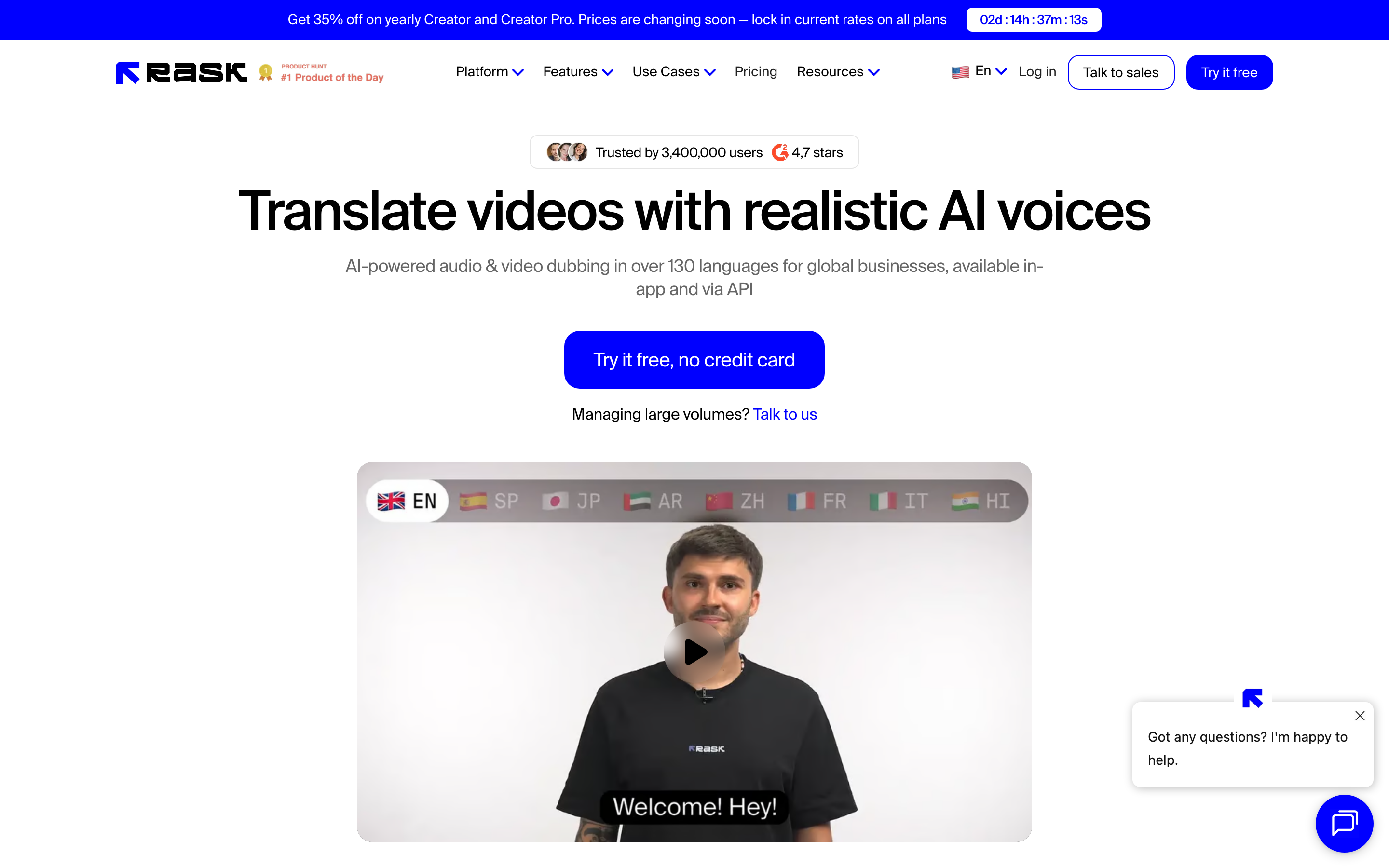
If your job genuinely is dubbing existing videos at volume, Rask AI is the closest like-for-like upgrade from Dubverse. It is a localization specialist that translates and dubs video or audio across 130+ languages, with voice cloning and lip sync as headline features rather than gated extras.
Rask AI has grown fast among YouTubers and media teams precisely because it solves the two things Dubverse buyers complain about: broad language coverage and lip sync that you can actually reach. Reviewers consistently mention the multi-speaker detection and the ability to keep a creator's own voice across languages.
Key features
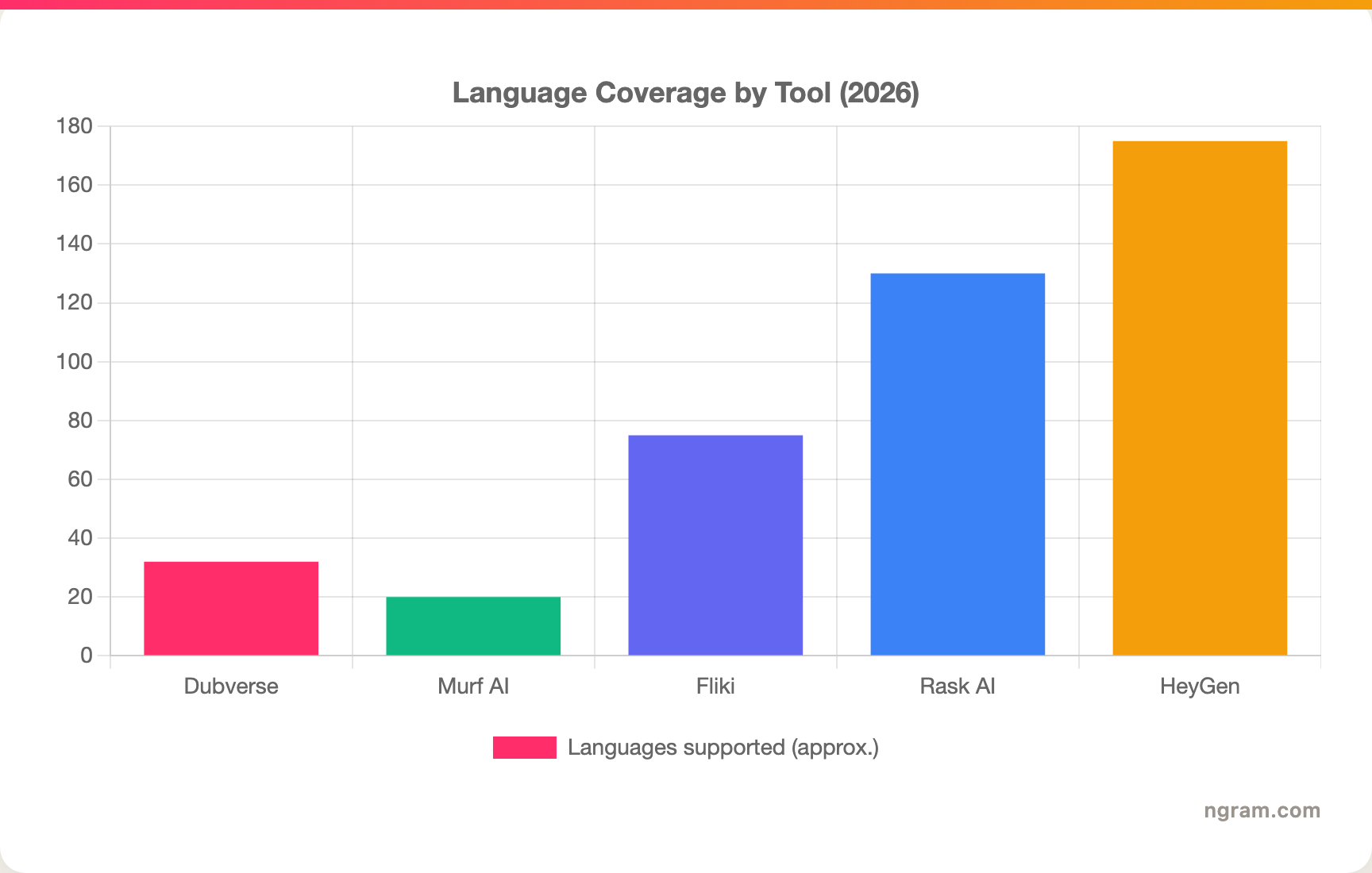
- 130+ language dubbing - Far wider coverage than Dubverse's roughly 30, useful for creators chasing exotic or long-tail markets.
- Lip sync - Available without an Enterprise call, the gap most Dubverse users feel.
- Voice cloning - Carry one creator's voice across every translated version.
- Multi-speaker detection - Separates voices in a conversation before dubbing each one.
- Shorts and clips - Turns long videos into short vertical clips alongside the dub.
What users say
On G2 and Reddit, creators describe Rask AI as the tool they moved to when Dubverse's language list or lip sync fell short. The praise centers on coverage and natural-sounding clones; users localizing into many markets call it the most complete option. The honest gripes are familiar to the category: pricing scales with minutes, so heavy users watch the meter, and a few reviewers note that lip sync still wobbles on fast speech. For a creator who lives in localization, though, most say the output quality justifies it.
Best for
YouTubers, course creators, and media teams dubbing a steady stream of existing videos into many languages. Pricing is minute-based with a free trial to start. Weighing the two engines? See our ngram vs Rask AI comparison.
Pros
- ✅ 130+ languages, the widest coverage in this roundup
- ✅ Lip sync and voice cloning available without an Enterprise tier
- ✅ Multi-speaker handling for interviews and conversations
Cons
- ❌ Minute-based pricing adds up fast for high-volume localizers
- ❌ Dubs existing footage only; it does not generate the source video
3. HeyGen
HeyGen approaches localization from the avatar side. It is best known for AI presenters that speak any script, and its video translation feature dubs talking-head content with lip sync that matches the new language. If your videos feature a person speaking to camera, HeyGen's translation often looks more convincing than a pure audio dub.
HeyGen has become a default for marketing and L&D teams who want a branded presenter delivering localized content without a film crew. The avatar library is large, and custom avatars let a real spokesperson appear in languages they do not speak.
Key features
- Video translation with lip sync - Re-voices and re-syncs a talking-head video into 175+ languages and dialects.
- AI avatars - A deep library plus custom avatars cloned from a short recording.
- Instant avatars - Spin up a presenter from a webcam clip.
- Brand controls - Logos, colors, and templates applied across videos.
- API access - Generate avatar videos programmatically.
What users say
Reviewers on G2 praise HeyGen for making spokesperson-style localization fast and believable, and the translation feature gets specific shout-outs for natural mouth movement. The common critique is that the avatar look can feel slightly uncanny on close inspection, and that costs climb on higher tiers as you add minutes and custom avatars. For presenter-led content, most reviewers say it is the strongest option in the category.
Best for
Marketing and training teams localizing talking-head and spokesperson videos where lip sync sells the result. Pricing has a limited free tier with paid plans scaling by credits. Comparing avatar engines? Read our ngram vs HeyGen comparison.
4. Murf AI
Sometimes you do not need a dubbed video, you need a clean voice track. Murf AI is a text-to-speech and voiceover studio with a large library of lifelike voices across 20+ languages, and it is a strong pick when the deliverable is audio rather than a finished video.
Murf is popular with e-learning teams, explainer-video producers, and podcasters who want studio-quality narration without a recording booth. Where Dubverse bundles TTS into a dubbing flow, Murf treats voice as the main event, with finer control over pitch, pace, and emphasis.
Key features
- 120+ AI voices - A wide range of accents and styles across 20+ languages.
- Voice editing controls - Adjust pitch, speed, pauses, and emphasis per word.
- Voice cloning - Recreate a specific voice for consistent narration.
- Murf Studio - Sync voiceover to slides, video, or music in one canvas.
- API - Generate speech programmatically for apps and tools.
What users say
Users on G2 and Capterra consistently rank Murf among the most natural TTS tools, with particular praise for the editing controls that let you fix a flat read without re-recording. The honest limitations: it is a voice tool, so it does not handle on-screen visuals or full video dubbing, and the highest-quality voices sit on paid tiers. For narration and TTS specifically, reviewers say it punches above the bundled TTS in dubbing tools like Dubverse.
Best for
E-learning, explainer, and podcast teams who need polished voiceover or TTS, not a dubbed video. Murf has a free tier with paid plans for longer projects and commercial use.
5. Fliki
Fliki sits between Dubverse and a full video maker. It turns text, scripts, or blog posts into narrated videos, and it also dubs existing videos into 75+ languages. For creators who want both jobs (make a short video and localize it) in one affordable tool, Fliki is a practical middle ground.
Fliki's appeal is breadth at a low entry price. It ships with stock visuals, a big voice library, and a simple text-to-video flow that gets a passable social clip out the door quickly.
Key features
- Text to video - Paste a script or blog URL and get a narrated video with matched visuals.
- Video dubbing - Translate and re-voice existing videos in 75+ languages.
- 2,500+ voices - A large TTS library across many languages.
- Stock media library - Built-in footage and images to fill scenes.
- AI avatars - Optional presenters for talking-head clips.
What users say
Reviewers describe Fliki as fast and cheap for short-form and faceless content, and the dubbing feature gets credit for being easy to reach. The trade-off, noted repeatedly on Reddit and Trustpilot, is polish: auto-matched visuals can feel generic, and fine control is limited compared to a dedicated editor. For quick, localized social videos on a budget, though, most users find it good value.
Best for
Solo creators and small teams who want to both generate and dub short videos cheaply. Fliki has a free tier with affordable paid plans.
Here is how the language coverage stacks up across the tools in this roundup, since reach is often the deciding factor:
---
Looking for the fastest way to create and localize professional videos? ngram turns your docs, URLs, and recordings into polished videos, then translates them across script, captions, and voiceover in minutes. Try ngram free
---
6. Synthesia
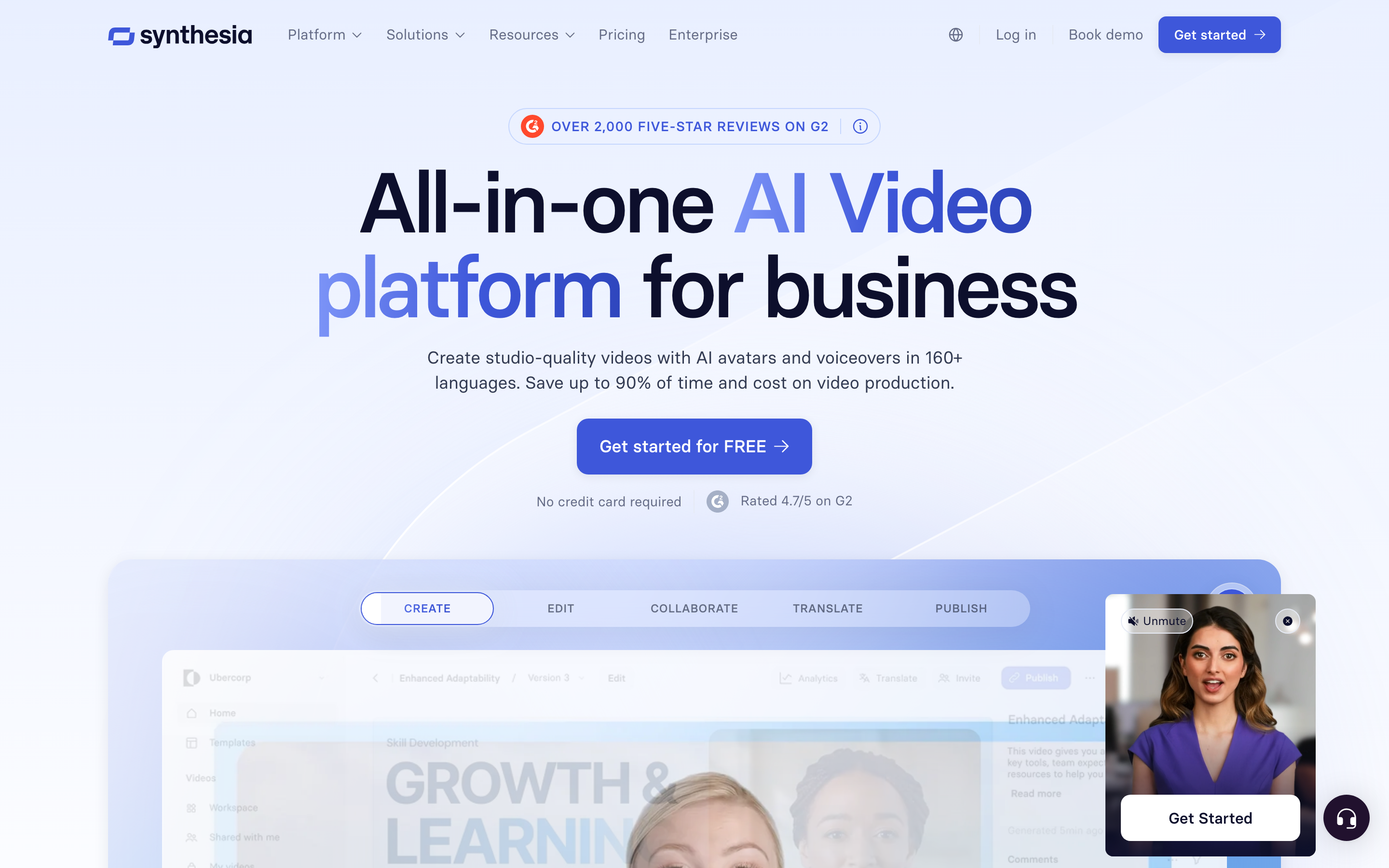
Synthesia is the enterprise standard for avatar-led video, and like HeyGen it handles localization through presenters who speak the translated script. It is built for scale: large organizations use it to produce training and communications videos in many languages from a single script.
Synthesia's strength is consistency and governance. With 230+ avatars, 140+ languages, and shared brand templates, big teams keep every localized video on-brand without a studio. It is less a dubbing tool and more a localized-video factory.
Key features
- 230+ avatars - A broad library plus custom avatars of real people.
- 140+ languages - Generate and localize a script across a wide language set.
- Brand kits and templates - Enforce consistency across a large content library.
- Collaboration and approvals - Workspaces built for enterprise review cycles.
- API - Programmatic video generation at scale.
What users say
Enterprise reviewers on G2 praise Synthesia for turning text into watchable training video without filming, and for the breadth of avatars and languages. The recurring critiques are price (it is among the pricier options) and the same avatar uncanniness that affects the category. Teams that need many localized videos fast, with governance, generally find the cost justified. For one-off dubs of existing footage, it is overkill.
Best for
Enterprise L&D and internal comms teams producing localized training and updates at scale. Pricing starts with a limited free tier and climbs for studio and enterprise use. Comparing it directly? See our ngram vs Synthesia comparison.
7. Descript

Descript comes at localization from the editing side. It is a transcript-first editor that lets you cut and refine video by editing the words, and it added dubbing in 30+ languages along with AI avatars and voice cloning. If you already record content and want translation as one feature inside a deeper editor, Descript fits.
Descript is the home base for podcasters, interviewers, and creators who record first and refine later. Its dubbing is solid for English-led content, and the transcript workflow makes post-edit fixes painless, which directly addresses the editing-friction complaint about Dubverse.
Key features
- Transcript-based editing - Delete a sentence in the text and the footage cuts with it.
- Dubbing in 30+ languages - Translate and re-voice recorded content.
- Overdub voice cloning - Recreate a voice for narration fixes.
- Studio Sound - Strong audio cleanup that rebuilds a voice, not just EQ.
- AI avatars - Optional presenters and avatars from your own photo.
What users say
Reviewers love Descript for the transcript model and for audio quality, calling Studio Sound a standout. For localization specifically, the dubbing is rated good but not as broad as a specialist like Rask AI. The honest limitation: Descript is built to refine recordings, so if you have no footage yet, it does not help you make the source video. For editing-plus-occasional-dubbing, it is a favorite.
Best for
Podcasters, interviewers, and creators who record first and want translation inside a transcript editor. Descript has a free tier with paid plans per seat. For the full breakdown, read our ngram vs Descript comparison.
8. Kapwing
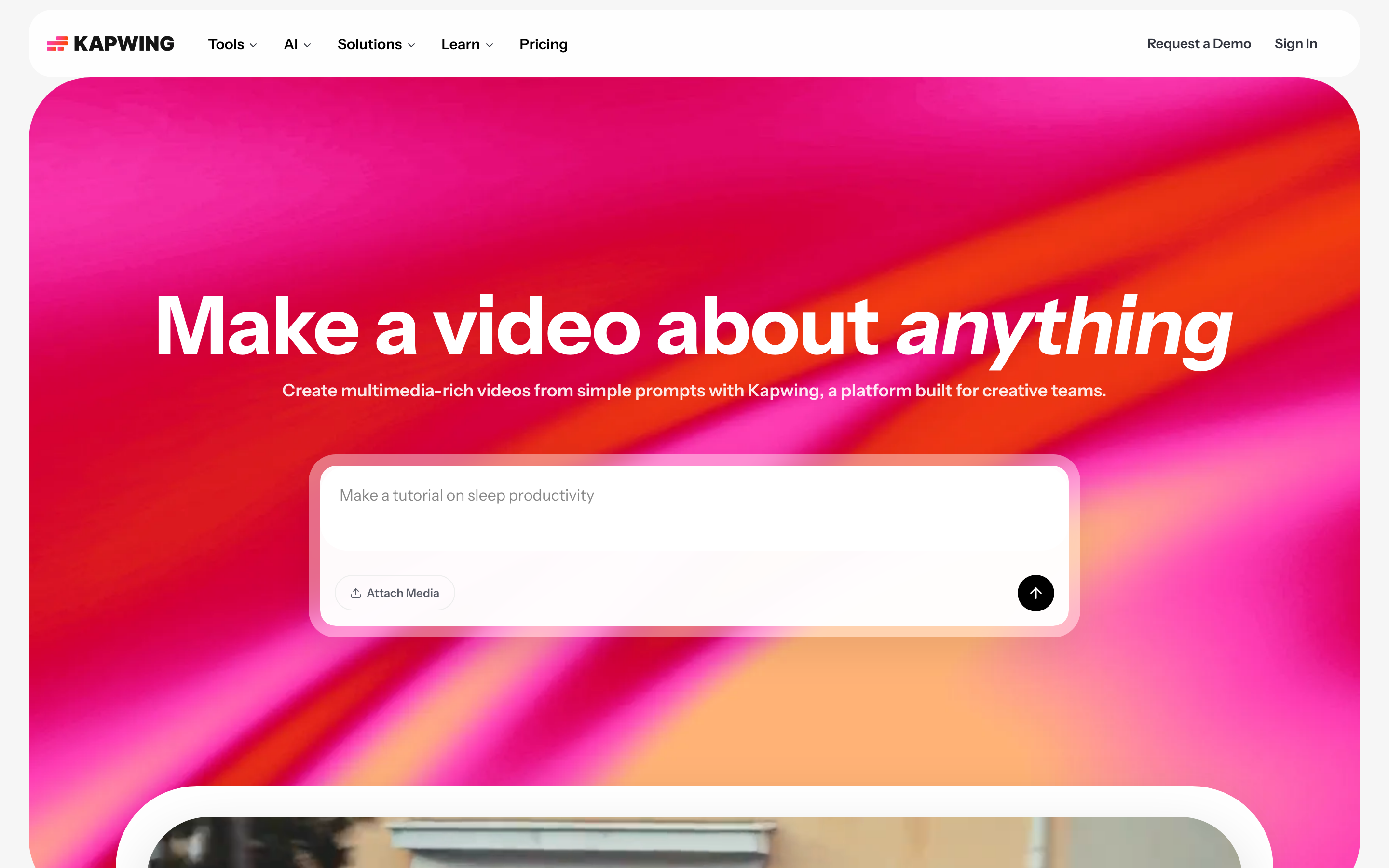
Kapwing is a browser-based video editor with a friendly subtitle and translation workflow. It is not a dedicated dubbing engine, but its auto-subtitle, translate-subtitle, and AI voice features cover the lighter end of localization, and the editor is approachable for people who do not want a specialist tool.
Kapwing is popular with social and marketing teams who edit a bit of everything in one place. Its subtitle accuracy and one-click translate make it a quick fix for captioning and light dubbing without learning a new app.
Key features
- Auto subtitles and translation - Generate captions and translate them in 70+ languages.
- AI voice and dubbing - Re-voice clips into other languages for lighter localization.
- Full browser editor - Trim, resize, and brand videos alongside subtitling.
- Templates - A large library for social formats.
- Team workspaces - Shared projects and brand assets.
What users say
Users like Kapwing for being an all-rounder: subtitles, resizing, and quick edits in one browser tab. For localization, reviewers find it convenient rather than best-in-class, with dubbing quality that trails the specialists. The trade-off is breadth over depth, which is exactly what casual localizers want. For a team that occasionally needs captions and a light dub, it is hard to beat on convenience.
Best for
Social and marketing teams who want subtitles, translation, and editing in one approachable browser tool. Kapwing has a free tier with watermarks and paid plans for full features.
How we evaluated these Dubverse alternatives
We did not just list tools. We tested them, read user reviews across G2, Capterra, Trustpilot, AppSumo, and Reddit, and compared them across five weighted criteria tuned for localization work:
| Criteria | Weight | What we looked at |
|---|---|---|
| Voice & language support | 30% | Language count, voice naturalness, and how quality holds up across languages |
| Features | 25% | Lip sync, voice cloning, subtitles, and whether the tool also builds the source video |
| Ease of use | 20% | Time to a usable result and how painful post-dub edits are |
| Value | 20% | Whether per-minute or credit pricing stays predictable as volume grows |
| Support & Community | 5% | Docs, responsiveness, and an active user base |
We also factored in:
- Real user reviews from G2, Capterra, Trustpilot, AppSumo, and Reddit (qualitative sentiment, not numerical scores)
- Market presence and company stability
- Integration ecosystem with common content and marketing tools
- Industry trends, including the shift toward generating and localizing video in one workflow
Localization tools live or die on whether quality holds across languages and whether the bill stays predictable, so those two carry the most weight here.
Frequently asked questions
What is the best Dubverse alternative?
It depends on the job. For high-volume dubbing of existing videos across many languages, Rask AI is the closest upgrade. For avatar and talking-head localization, HeyGen and Synthesia lead. For creating and localizing a finished business video in one workflow, ngram is the strongest fit because it builds the source video, then translates script, captions, on-screen text, and voiceover together.
Is there a free Dubverse alternative?
Yes. ngram, Fliki, Murf AI, Descript, and Kapwing all have free tiers, though most cap length or add a watermark. Rask AI and HeyGen offer limited free trials rather than ongoing free plans. For ongoing free use, Fliki and Kapwing are the most generous for light localization work.
Why is Dubverse lip sync behind the Enterprise plan?
Dubverse includes dubbing, subtitles, and TTS on its Pro and Supreme plans, but proper lip sync sits on the custom Enterprise tier. That is a common reason buyers look elsewhere, since tools like Rask AI and HeyGen include lip sync on standard plans, and ngram includes lip sync for avatar and talking-head videos without a sales call.
How does ngram compare to Dubverse?
Dubverse dubs and subtitles videos you already have. ngram generates the video first, from a doc, URL, deck, or recording, then localizes the whole frame, script, captions, on-screen text, and voiceover, with lip sync for avatar videos. Pick Dubverse if you only need to translate existing files at per-minute scale; pick ngram if your work starts before the video exists.
What is the cheapest Dubverse alternative?
For light use, Fliki and Kapwing have the lowest entry prices and usable free tiers. Murf AI is affordable if you only need voiceover. ngram starts at $29 per month and bundles generation plus localization, which can be cheaper overall than paying per minute once you account for the source-video work you would otherwise do elsewhere.
Can I move from Dubverse to another tool easily?
Yes. Export your finished or source videos as MP4 and upload them to most alternatives. Rask AI, HeyGen, Descript, and ngram all accept video uploads for translation or editing. ngram can also skip the migration entirely, since it builds new localized videos from text, docs, URLs, or recordings rather than from an imported dub.
Which one should you pick?
The localization landscape in 2026 splits cleanly by where your work starts. If you already have a stack of videos and need them dubbed into many languages at volume, Rask AI is the specialist upgrade from Dubverse, and Dubverse itself is still a fair pick for Indian regional languages billed in INR. If your videos feature a presenter, HeyGen and Synthesia localize talking-head content convincingly. If you only need audio, Murf AI is the cleanest voice studio. But if your real job is producing the video and then localizing it, ngram is the strongest fit, because it collapses both steps into one workflow instead of making you build the source somewhere else first. A 5-minute test is the fastest way to know which side of that line you are on.
---
Try ngram free, your first localized video in under 5 minutes. Turn docs, URLs, or recordings into polished videos, then translate script, captions, and voiceover without touching a separate dubbing tool. Start free