
Table of Contents
When to switch from Vyond
| If you need to… | ngram | Vyond |
|---|---|---|
| Generate visuals that follow the approved script and scene direction | Yes · Advantage Supply the narration and specify what the scenes should teach. Choose a visual style and review the plan before generation. | Limited Vyond Go Script-to-video follows the selected layout. Vyond says visual descriptions added alongside the script do not drive that mode. Adjust scenes in Vyond Studio. |
| Direct a recurring animated cast scene by scene | Limited Guide generated scenes with the brief and relevant reference assets, then revise individual moments. | Yes · Advantage Use Vyond Studio’s character and scene controls to stage recurring characters, props and layouts. |
| Review a draft plan from a source document | Yes Upload the source and approve the plan containing the script. | Yes Upload the source in Vyond Go and edit the generated summary before generation. |
For the full workflow and plan differences, see ngram vs Vyond.
What Vyond offers today
Vyond: Vyond Go creates from prompts, scripts, documents and URLs; document and URL workflows include a summary review before generation. Its broader studio adds character animation, avatars and recording. Vyond reports that 65% of the Fortune 500 use its platform. Compare the creative workflow and governance your team needs, rather than treating it as a cartoon-only editor.
Yes. Vyond Go’s document and URL paths let you review the source summary before creating the video. Its API can create supported Vyond Go and avatar videos according to your subscription; the current help article directs users to support to enable API-token access.
| Plan | Billing reference | Scope |
|---|---|---|
| Vyond | Starter $99/month or $699/year; Professional $199/user/month or $1,199/user/year. | Selected monthly billing; see allowances below |
Enterprise and Agency are annual offers at $1,649 and $1,999 per user/year, with multi-seat pricing available. Starter includes 10,000 credits and 100 downloads per month; Professional 20,000 credits and 200 downloads. Enterprise advertises virtually unlimited credits; Agency lists 400,000/month. Features and usage remain plan-dependent. Annual totals are quoted to avoid treating rounded monthly equivalents as exact.
Alternatives at a glance
| Tool | Useful starting point | Price reference |
|---|---|---|
| ngram | A narrated video from a reusable source brief | Free; Basic $29/month or $278.40/year |
| Synthesia | Develop the outline, scenes and learning experience | Check recurring Starter pricing at checkout |
| Powtoon | Combine AI creation with animated presentations | Check the term and credit renewal schedule. |
| Animaker | Create and direct animated characters | Check regional plan and export allowance. |
| Canva Video | Video inside a shared design workflow | $15/user/month; $120/user/year |
| Invideo | Agent-led creation from a brief | Starter includes 400 credits per seat/month. Check local renewal price. |
| Renderforest | Produce videos and wider brand assets | Check regional plan, credits and licensing. |
Regions, billing terms, seats and generation allowances differ. Compare the selected plan and its usage units, not just the entry amount.
ngram: turn approved guidance into a lesson
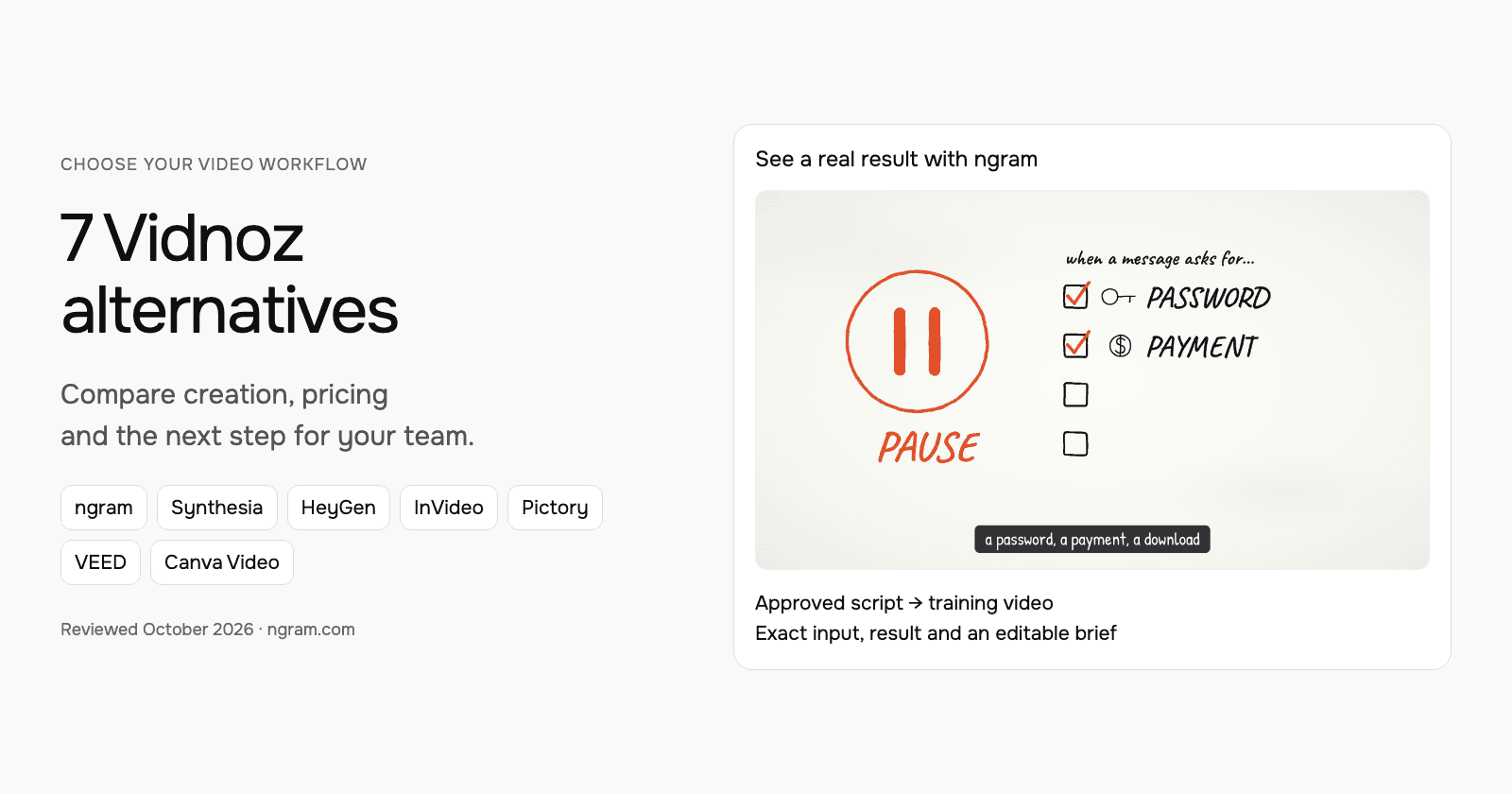
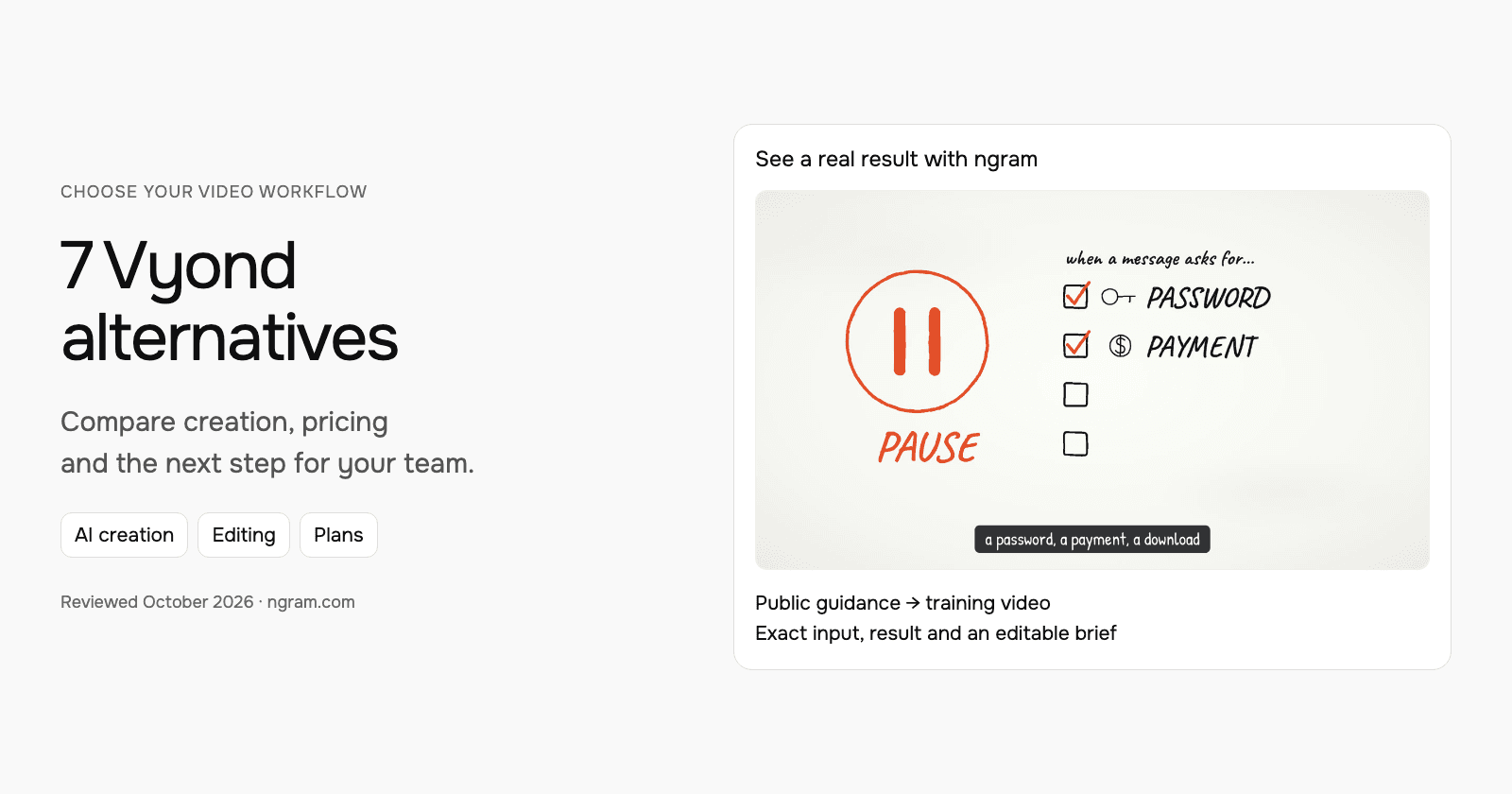
Watch the actual training video based on NIST phishing guidance. The source, filled prompt, selected settings and result are shown together. Adapt the brief for your audience and message.
From this input to this video
A script based on NIST’s published guidance becomes a whiteboard training video with captions.
Prompt
Create a 45-second animated cybersecurity training video that teaches recognizing and reporting phishing using NIST’s small-business guidance at https://www.nist.gov/itl/smallbusinesscyber/guidance-topic/phishing to small-business employees. Use my script verbatim for the voiceover — do not rewrite it: An urgent message can make a risky click feel necessary. Phishing impersonates a trusted sender to steal information or deliver harmful software. Pause when a message asks for a password, a payment, a download or immediate action. Check the sender, and verify the request through a contact method you already trust. Do not use the message’s own link or phone number to verify it. Report suspicious messages using your organization’s process. If you already clicked, tell your security contact promptly. Pause, verify and report. Read NIST’s phishing guidance and learn your team’s reporting process. Explain the idea with the warning signs and verification steps in the NIST guidance and reinforce each key term with clear on-screen labels. Visual style: whiteboard. Tone: calm and practical. Open with a short real-world hook, walk through the concept step by step, then close on a one-line recap and this call to action: Read NIST’s phishing guidance and learn your team’s reporting process. Add captions for muted playback.
Selected style
Whiteboard
Read the video transcript
An urgent message can make a risky click feel necessary. Phishing impersonates a trusted sender to steal information or deliver harmful software. Pause when a message asks for a password, a payment, a download or immediate action. Check the sender, and verify the request through a contact method you already trust. Do not use the message’s own link or phone number to verify it. Report suspicious messages using your organization’s process. If you already clicked, tell your security contact promptly. Pause, verify and report. Read NIST’s phishing guidance and learn your team’s reporting process.
Create a lesson from your approved script
The example uses a script based on public NIST guidance. Replace its subject and wording with the lesson your team needs, then choose how it should look.
Prepare the lesson
Use an approved script, a public lesson source or an uploaded PDF/PowerPoint. Export authorized footage from Vyond as source material when helpful; keep its editable original there.
Set the direction
Fill in the audience, topic, script and call to action below. Select a style, then attach your materials and choose your Brand Kit in ngram.
Review and deliver
Approve the plan containing the script. After generation, review the result, request changes and share it. On a paid plan, download the MP4 for your learning platform.
Make it yours
Fill in your details here, or continue and finish your brief in ngram.
Video generation uses credits. Review your estimate in ngram. MP4 downloads require Basic or higher.
How credits workChoose the style, aspect ratio and duration, then attach supporting files in ngram. Select your configured Brand Kit and enable captions when wanted. Approve the plan containing the script, then refine through chat or the timeline editor.
ngram pricing includes 1,000 credits/month on Free. Basic costs $29/month with monthly billing and includes 3,000 credits per cycle; annual billing is $23.20/month equivalent with 36,000 credits supplied upfront. The base rate for premium AI video generation is 10 credits per second, with a cheaper model at 3. Share publicly or embed on Free; use a paid plan for MP4 downloads and Basic or above for unlisted links.
For equipment training, the visual question may be how a part moves or joins rather than what a character says. Machine anatomy with Opus 5.5 can illustrate that relationship from a brief and optional references. Specify the component names and review the finished movement against the approved instructions. See the technical-animation setup and worked example.
Synthesia: develop the outline, scenes and learning experience
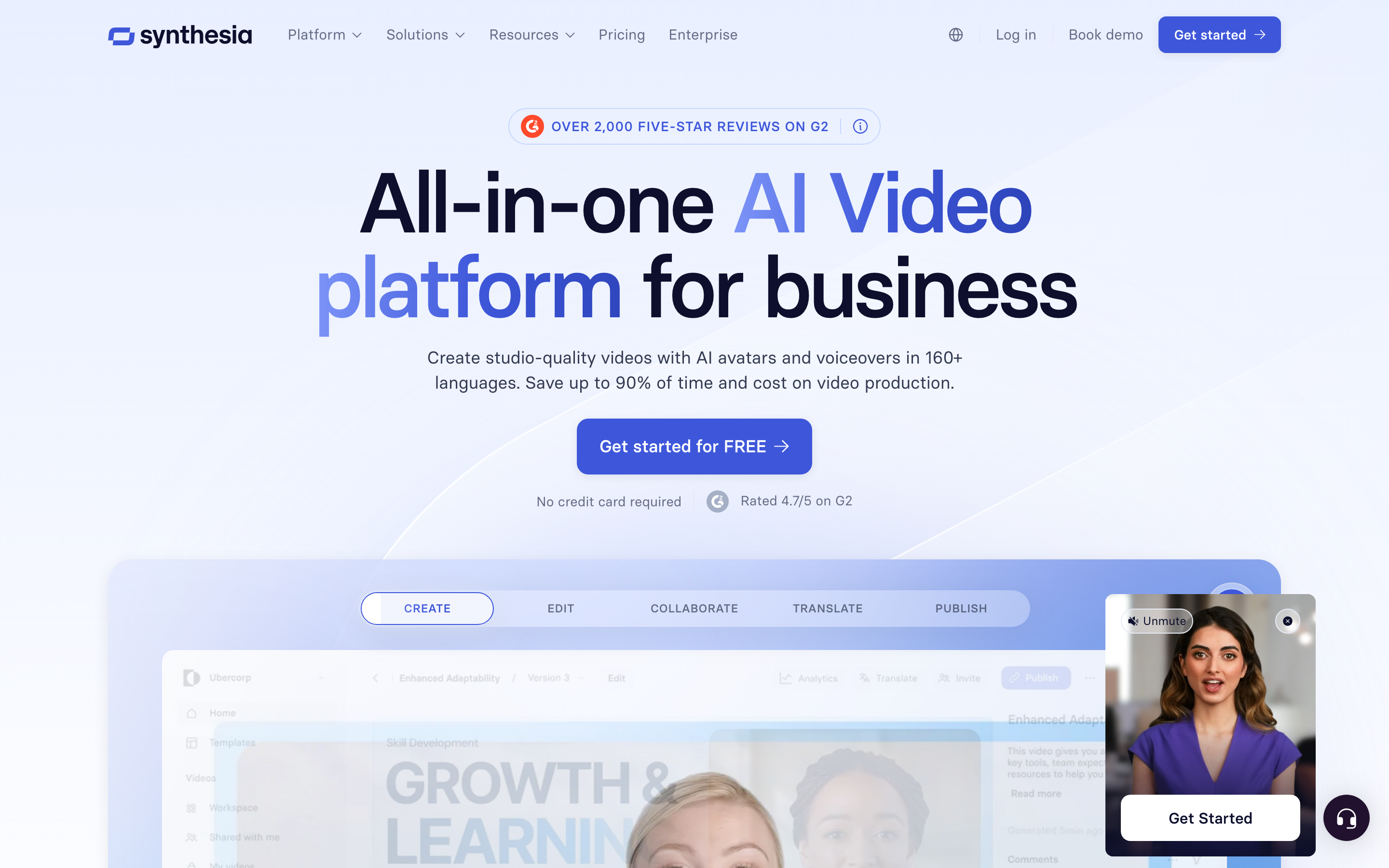
Synthesia Assistant accepts a prompt, files and URL context, then creates an editable outline. Storyboard and Canvas views support scene authoring, and chat can revise scripts and visuals. Its creation workflow includes generated assets and motion graphics.
The AI Screen Recorder provides recording, transcription and scene editing. Recorded product steps can accompany a presenter, so it should not be characterized as a script-only avatar tool.
Current plans meter generated assets with credits. Pro includes interactivity, while Enterprise lists SCORM and Brand Kits. Roleplay learner seats have separate pricing. For training, compare creation, practice and course delivery as distinct requirements.
Sessions includes live avatar roleplays and conversational surveys. The Interactive Avatars API supports real-time experiences in your own product: you bring the language model and speech-to-text, and Synthesia renders the avatar, with optional text-to-speech. Evaluate these separately from recorded-video generation.
| Plan | Billing reference | Scope |
|---|---|---|
| Synthesia Starter, US list | $29/month; $18/month equivalent annually | 1,250 monthly paid credits, plus free allowance |
| Synthesia Pro, US entry tier | $89/month; $64/month equivalent annually | 6,000 monthly paid credits, plus free allowance |
Synthesia prices vary by region. Its current cards use Pro, even where legacy signup parameters still say Creator. Generated assets consume credits; a credit total does not guarantee a fixed finished-video duration. Annual allowances and paid roleplay seats are separate from the monthly figures shown here.
Powtoon: combine AI creation with animated presentations
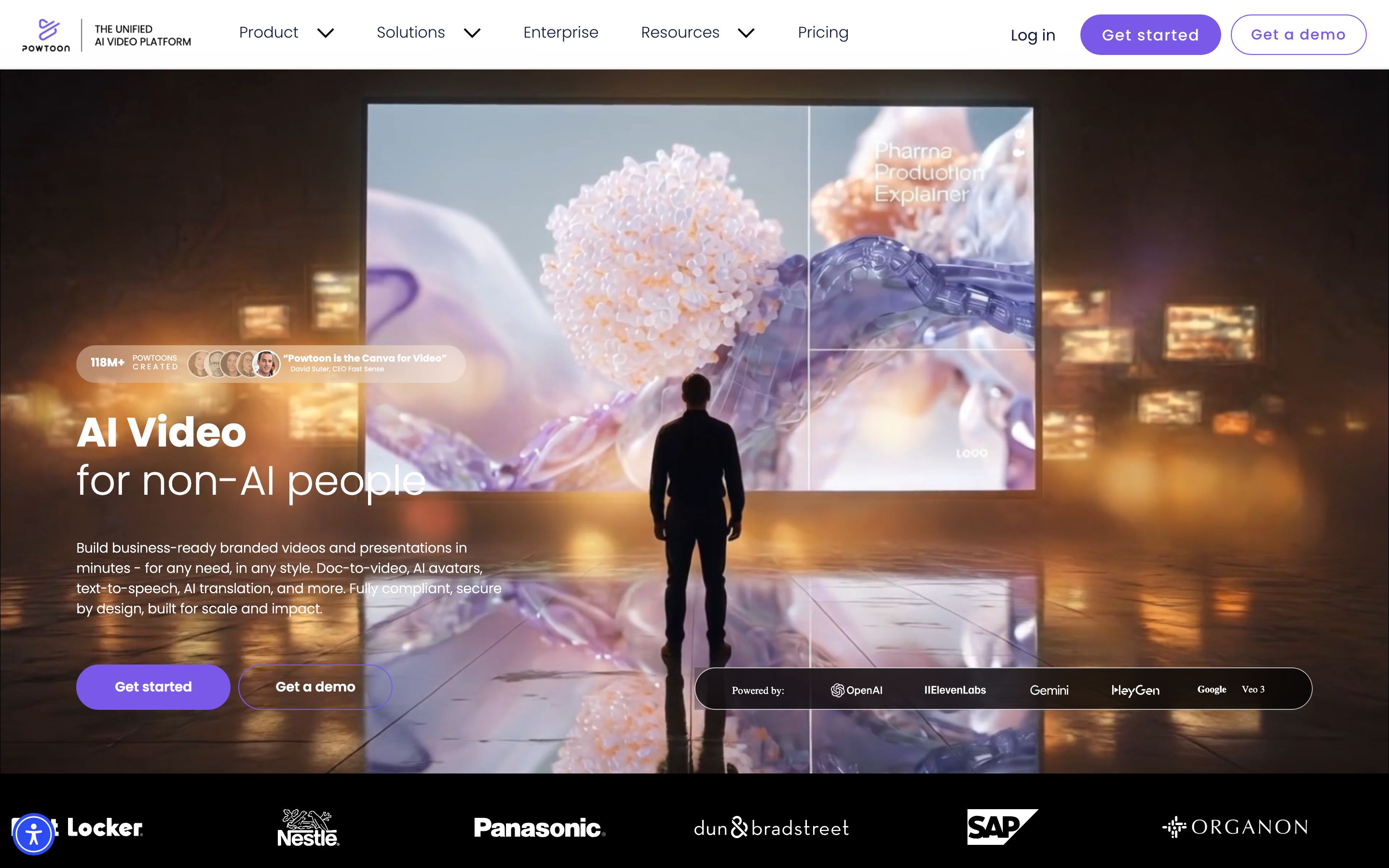
Powtoon: Powtoon’s Anything to Video workflow turns uploaded documents into a draft script and then a video you can edit. Its animation studio, PowerPoint workflows and integrations remain useful for training and internal communication. Powtoon reports more than 30 million users; it now offers much more than manual slide animation.
Yes. Anything to Video accepts PDF, DOCX or PPTX files up to 20 MB or ten pages. Choose the treatment, generate a script and review or regenerate it before generating the video. Open the result in the editor for further changes.
| Plan | Billing reference | Scope |
|---|---|---|
| Powtoon | Monthly: Lite $49; Professional $99; Advanced $199. | Selected monthly billing; see allowances below |
Annual billing displays $15/$40/$125 per month equivalent; the Professional $40 offer is promotional. Monthly plans include 150/350/800 AI credits per month; annual cards instead list 300/500/1,200 AI credits per year. Compare those allowances as well as export access. Lite supports five premium exports/month; Professional and Advanced add broader premium export access and editing features. Team and Enterprise offers are quoted separately.
Animaker: create and direct animated characters
Animaker: Animaker now combines conversational AI animation with its character builder and editing tools. Its homepage reports more than 35 million users and a stock library of over 100 million assets. The decision is about the kind of control you need: a character-led scene, or a business explanation built around your source and audience.
Yes. Its current workflow starts with an idea or prompt, asks follow-up questions and generates an animation with characters, narration and transitions. Use Advanced Edit to fine-tune the result. Manual scene building is one option, not the whole product.
| Plan | Billing reference | Scope |
|---|---|---|
| Animaker | India monthly billing: Basic ₹2,199; Starter ₹3,699; Pro ₹6,499. | Selected monthly billing; see allowances below |
Annual totals are ₹14,999/₹24,999/₹42,999 for Basic/Starter/Pro. Basic includes five premium downloads per month and HD; Starter ten and Full HD; Pro thirty and 2K. Paid exports are watermark-free. AI-video credits are 1,500/3,000/5,000 per month, with separate generative-asset and clip allowances. Enterprise is custom priced for team branding, collaboration and 4K. Prices vary by region.
Canva Video: video inside a shared design workflow
Canva Video combines video editing with design assets, layouts and collaboration. Its AI creation tools can help generate and revise material, so choose it for the design workflow and controls rather than an assumption that all assembly is manual.
Canva pricing showed US Pro at $15/user/month or $120/year and Business at $21 or $210/year. Pro includes five Brand Kits. Compare the current AI allowance and team controls in the plan you will use.
Canva offers developer integrations, including Connect APIs and MCP. Keep the design and its source assets in Canva when you export a video for reuse; the export gives ngram footage for a new explanation, not the original editable design.
| Plan | Billing reference | Scope |
|---|---|---|
| Canva Pro, US | $15/user/month; $120/user/year | Design subscription; five Brand Kits |
The software bundle and AI allowance differ from dedicated video-generation credits.
InVideo: agent-led creation from a brief
InVideo uses Agent Two to create and revise videos from instructions. Its current workflow combines source context, generated visuals, narration and editing; the older description of a stock-template assembler is incomplete.
Invideo Starter lists 400 credits per seat per month. Check the renewal price for your region and billing term. Invideo credits cover agent processing and generated media. Manual timeline edits and export do not use credits.
Remote Agents connects the creation workflow to supported AI clients. Evaluate the actual source, edit and publishing task; the presence of an agent does not establish a measured quality or speed advantage.
| Plan | Billing reference | Scope |
|---|---|---|
| Invideo Starter | Check the current renewal price | 400 credits per seat per month |
Creation models and actions use different credits. Compare the selected tier, renewal terms and complete brief.
Renderforest: produce videos and wider brand assets
Renderforest offers AI video creation, storyboard previews, Smart Edit scene changes and a timeline for uploaded and generated media. Its logos, mockups, graphics and website tools serve a wider creative workflow.
The Long AI Video path can create a narrated sequence and offers Get Storyboard before full generation. Direct editing supports trimming, reordering and audio changes. Its documented developer interface has separate API-enabled subscription and rendering eligibility.
| Plan | Billing reference | Scope |
|---|---|---|
| Renderforest | India monthly: Lite ₹799; Pro ₹2,499; Business ₹3,999. | Selected monthly billing; see allowances below |
The annual offer displays ₹499/₹1,499/₹2,999 per month equivalent, paid upfront. Monthly credits are 800/2,400/6,000; annual credits are 9,600/28,800/72,000. AI model, duration and resolution affect consumption; template-export resolution is a separate limit. Some advertised unlimited options apply only to specific models or template exports. Prices and offers can vary by region.
Choose by the work you repeat
For an animated presentation, compare Powtoon. For a character builder with conversational AI creation and detailed edits, inspect Animaker. Keep Vyond when its scene controls, recurring characters and governance fit your training program.
For a source-based lesson with a reusable brief, inspect ngram’s real NIST example. For presenter-led learning and practice, compare Synthesia’s creation, interactivity and roleplay products.
For video alongside shared campaign design, compare Canva Video. For connected agent creation, inspect InVideo. For a wider package of logos, websites, mockups and AI video, compare Renderforest.
Bring your existing material into the next brief
Keep the editable source project and its assets in the original tool. Export footage you are allowed to reuse and upload it to ngram. Use an approved script, public source, PDF or PowerPoint when you want to rebuild the explanation around a new message.
Review names, narration, scene details and the call to action before sharing. Keep existing links working until the replacement is ready. A video export carries footage; editable scenes, comments, analytics and hosting permissions stay with the original tool.
For another version, change the duration or aspect ratio and ask ngram to create it after the first video. When your source changes, tell ngram what was updated and request the revision.
Continue with ngram vs Vyond, the editable example brief, PDF to video, training video workflows or integrations and automation.
Frequently asked questions
Which Vyond alternative should I choose?
For an animated presentation, compare Powtoon. For a character builder with conversational AI creation and detailed edits, inspect Animaker. Keep Vyond when its scene controls, recurring characters and governance fit your training program. For a source-based lesson with a reusable brief, inspect ngram’s real NIST example. For presenter-led learning and practice, compare Synthesia’s creation, interactivity and roleplay products.
Can I keep using Vyond alongside ngram?
Yes. Keep the original project there and upload authorized exported footage to ngram when you want a new explanation. Add your audience and message, then approve the proposed plan containing the script.
What should I compare for a training workflow?
Check the source inputs, narration, character or presenter controls, revisions and the delivery your learning platform accepts. Download an MP4 from a paid ngram plan and add it to your learning platform. Compare any course-package or interaction requirements with the specific vendor plan.
How should I compare prices?
Use the same billing term and creator count. Check generation credits, video minutes, export access and team controls separately. An annual monthly equivalent is not a monthly subscription, and credits are not interchangeable between vendors.
Can I share an ngram video for free?
Free includes 1,000 credits/month with public sharing and embeds. Paid plans allow MP4 downloads; unlisted links start with Basic.