One approved source becomes a month of marketing video
Use a video repurposing tool to turn a webinar, blog post, customer interview, or product recording into channel-ready cuts. Keep the source message intact while each version gets its own script, framing, captions, and call to action.
Or pick a video type to get started
Video generation uses credits. Review your estimate in ngram. MP4 downloads require Basic or higher.
How credits workTrusted by teams at


Marketing Content Repurposing videos made with ngram
Real videos created by teams using ngram for marketing content repurposing.


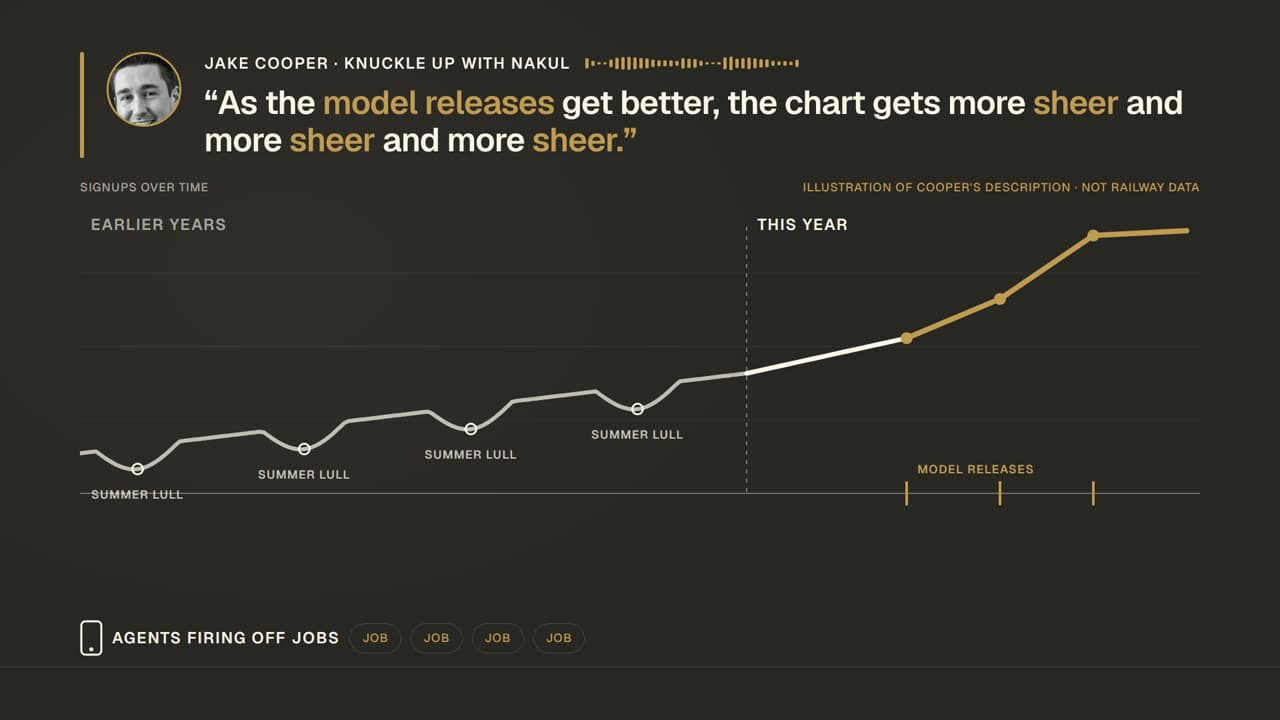
“We already did the hard work. The webinar, article, and interview are sitting there. We just never turn them into the next four weeks of distribution.”
- Monday
The marketing team publishes a webinar or long-form article. It contains the proof, customer language, and product story the campaign needs.
- Tuesday
Someone opens a timeline to find clips, write new captions, resize footage, and ask design for a fresh version of the same message.
- Thursday
The campaign moves on. The source lives in a recording folder or CMS while the team starts the next launch from a blank page.
Repurpose the source, not the busywork
One recording gets one post
One source supplies a planned set of channel versions
Every resize starts a new editing request
Each audience version starts from the same approved source
Campaign copy drifts between channels
The core message stays connected to the original material
Start with the source your team already approved
Choose the material that already contains the story. ngram extracts the useful context, drafts a reviewable script, and gives each destination its own edit.
Repurpose a webinar or interview
Upload the webinar, interview, podcast, or event recording and identify the moment for the next cut. Ask ngram to preserve the speaker’s original words while adding key-point labels or full-screen graphics between footage segments. Choose cleaned-up, replacement, or muted speech only when that fits the source and the intended campaign version.
Webinar to ClipsRepurpose a blog or campaign page
Paste a published blog URL, campaign page, or approved brief. ngram uses the page as source material for a script and storyboard, then produces a new video version for the next channel.
Blog to VideoA connected set of campaign video versions
Each cut has a purpose and destination. The underlying message stays traceable to the source your team already approved.
Review the plan containing the script before render, then create separate edits for the channels and audiences that need a different version.
Build a repeatable content loop
Keep source material in circulation
A webinar, customer interview, or strong article becomes the start of the next distribution cycle instead of a one-time event. Each new video starts from material your team can verify and reuse.
Start with approved context.
Use the original recording, URL, or document as the basis for the script instead of rebuilding the message from memory.
Make the destination explicit.
Create different edits for a LinkedIn post, email, landing page, or product update so framing and calls to action match the job.
From source material to the next campaign cut
Bring the source into the project
Upload the recording or provide the page, document, and campaign context that contains the message you want to reuse.
Review a version for each destination
Adjust the script, scene plan, captions, and call to action for the channel and audience before the video renders.
Export or publish the finished cut
Export the finished video or publish it through a connected social channel when that workflow fits your team's calendar.
The work stays connected to the source
One source, useful versions for every team that needs the story.
Product Marketing
Turn launch briefs, customer proof, and release messaging into a coherent video system. PMM can review the narrative before every destination gets its own version.
Growth & Marketing
Adapt a strong source into channel-specific campaign cuts instead of requesting a separate production cycle for every placement.
Sales Enablement
Reuse the product story marketing has already approved in prospect-facing follow-up videos, with the deal-stage context added before the cut is shared.
Product Managers
Start from release notes, a workflow recording, or a product brief and give marketing a reviewable story before launch communication fragments across channels.
Customer Success
Reuse approved product education in onboarding and adoption moments, then make the new edit specific to the customer outcome the CSM needs to reinforce.
Support Teams
Turn existing help content and repeat questions into clear visual answers that can be shared in a ticket, embedded in a help center, or used in a product update.
Developer Relations
Keep technical launch context usable after the first announcement by turning docs, talks, and screen recordings into developer-focused walkthroughs.
Keep the campaign moving after the first cut
These related jobs use the same approved source in a more specific moment of the marketing workflow.
Bring the existing source into the next video workflow.
Choose the source that contains the approved message, then adapt the output for its destination.
Make each version fit its channel and audience.
Choose a production path that reuses the work
| Manual recut | Template editor | ngram | |
|---|---|---|---|
| Starting point | New editing project | Blank template | Existing recording, URL, or document |
| Message review | After the edit | Inside the template | Script and storyboard before render |
| Channel versions | Separate production requests | Manual copies | Separate planned edits from the same source |
| Brand treatment | Applied per project | Applied per template | Applied through Brand Kit |
| Next reuse | Find the original files again | Duplicate the template | Start from the next approved source |
Keep the approved work connected to where it ships.
Use connected workflows where they fit the team’s review process. Social publishing is currently in Beta.
whenA campaign source is approved in the team’s existing workflow
thenStart a video project with the approved context available for the reviewer

whenA self-hosted content workflow marks a source ready for repurposing
thenCreate a video job with the source and destination context passed into the workflow
whenA marketer is reviewing a published page or source in the browser
thenOpen a new ngram project with that page available as the starting context
whenA LinkedIn cut is approved for the campaign calendar
thenUse the Beta publishing workflow to compose and schedule the connected company-page post
whenAn X video version is ready for its campaign date
thenUse the Beta publishing workflow to prepare the scheduled post for the connected account
whenA longer campaign version is ready for the channel
thenUse the Beta publishing workflow to prepare the post for the connected YouTube channel
Will it work for my situation?
What is a video repurposing tool?
Can we turn a webinar into marketing clips?
Can we turn a blog post into a video?
How do we keep repurposed videos on brand?
Can the team publish a finished repurposed video?
Put the next source to work again
Start with the webinar, article, or recording your team already approved. Turn it into the next useful version before the message goes stale.