Cartoon AI Video Maker by ngram
Cartoon AI Video Maker for a distinct product story

Name the audience, message, tone, cartoon style direction, source context, and channel
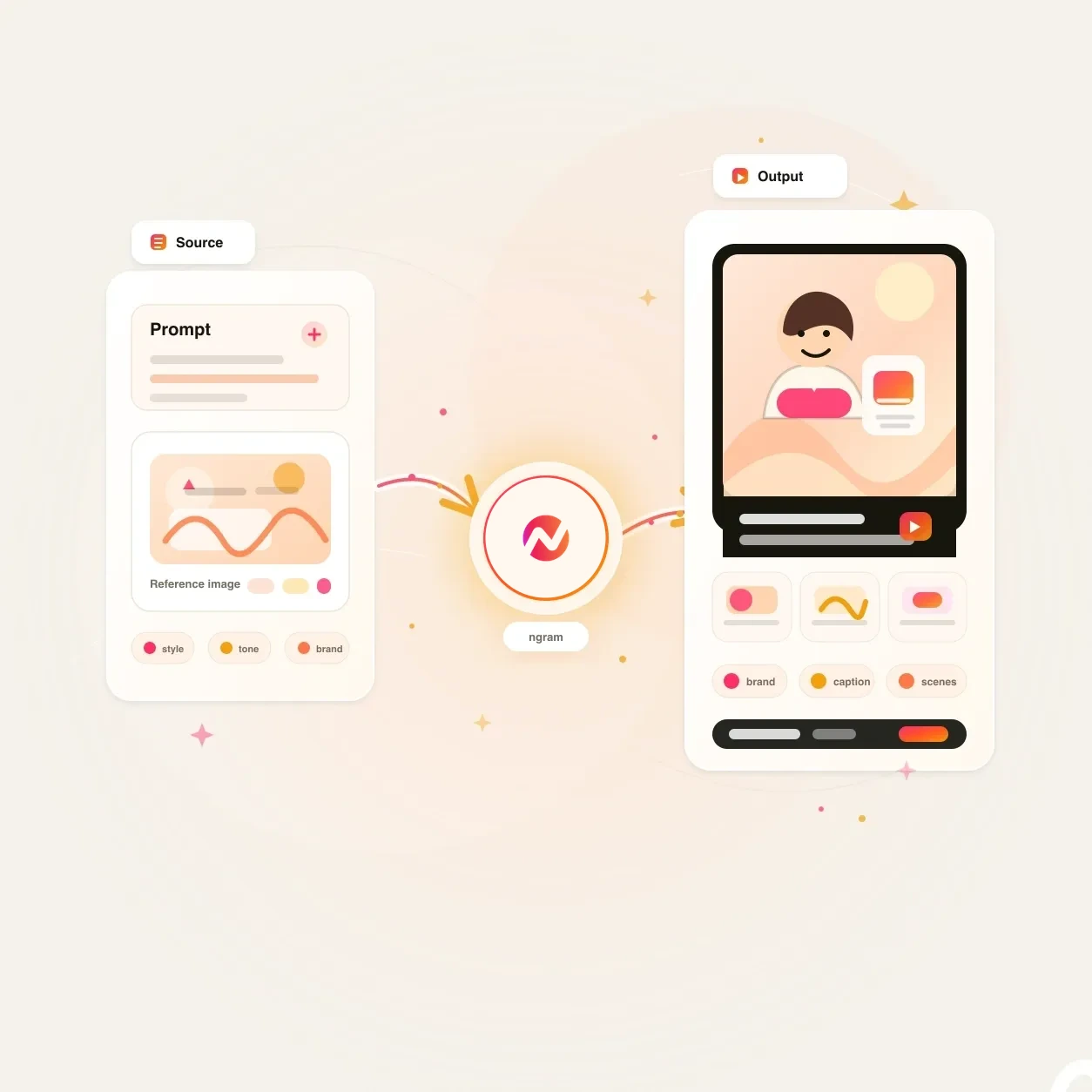
What it does
Give a product story a cartoon visual direction without losing the source message or brand. Review the storyboard, refine the scenes, and adapt the finished project for campaign formats.
Trusted by teams at












How it works
How the Cartoon AI Video Maker works.
Give ngram the message and source material, review the plan, then refine the generated cartoon-like video draft inside the same project.
Bring the idea or source
Start with a prompt, script, URL, PDF, deck, screenshot, screen recording, raw clip, or audio reference. ngram reads the source for message, audience, tone, and useful visual cues.
Source ready
Review the script and storyboard
ngram drafts the script, scene plan, visual direction, timing, and CTA before rendering. You can steer the cartoon-like style while the story is still easy to change.
Plan reviewed
Generate stylized scenes
The draft can combine AI visuals, generated video clips, motion graphics, transitions, voiceover, captions, music, and brand treatment into a cartoon-style video project.
Draft generated
Edit and export
Revise scenes through chat, edit the script, adjust captions, regenerate individual scenes, and localize the video. Prepare and review each framing separately before downloading its MP4.
Ready for channels
What it can do
What the Cartoon AI Video Maker builds.
Create a stylized video draft without leaving the normal ngram video workflow. The page frames cartoon-like direction around script, scene visuals, voice, captions, brand, and export.
Script and storyboard planning
Turn a prompt, doc, URL, deck, or recording into a script and scene plan before ngram renders the cartoon-like video draft.
Learn more about script generationCartoon-like scene direction
Generate visual direction for characters, backgrounds, scene art, and B-roll using the source message and active brand style as constraints.
Learn more about AI visualsMotion graphics and callouts
Add animated titles, labels, product callouts, lower thirds, smart zooms, and transitions so the cartoon-style draft still explains the point clearly.
Learn more about motion graphicsVoiceover from the approved script
Generate narration from the same script that drives the storyboard, then change the voice or revise timing without leaving the project.
Learn more about AI voiceoverCaptions for sound-off viewing
Burn captions into the video, style them with the brand kit, and translate caption text when the cartoon-like draft needs localized cuts.
Learn more about captionsBrand kit on every pass
Apply logos, colors, fonts, motion style, image style, voice, tone, approved phrases, and blocked phrases across the generated video.
Learn more about brand kitBuilt for stylized source-led video drafts
When it matters
Where a Cartoon AI Video Maker fits.
Use it when the team needs a stylized video draft from real source material, with enough structure to review before export.
AI Explainer Video Maker
Turn a doc, URL, or rough brief into a cartoon-like explainer with a planned script, scene visuals, voiceover, and captions.
Open AI video use caseProduct Explainer Video
Use cartoon-style scenes to explain a product concept from screenshots, launch notes, or a walkthrough while keeping each scene editable.
Open AI video use caseAI Video Generator for Marketing
Turn campaign briefs, landing pages, and product URLs into stylized marketing videos with captions, voiceover, and brand treatment.
Open AI video use caseProduct Launch Video Maker
Give ngram release notes, screenshots, and product context, then generate a cartoon-like launch video draft for the announcement.
Open AI video use caseFeature Announcement Video
Convert changelog copy and feature notes into a stylized announcement with scene visuals, caption timing, and a reviewable CTA.
Open AI video use caseMarketing Social Clips
Create short cartoon-like cuts from one source message, then resize the same draft for social feeds and paid tests.
Open AI video use caseSocial Media Clips
Use the Cartoon AI Video Maker for short-form videos where a simple visual style, captions, and a fast hook matter most.
Open AI video use caseAd Creative Video
Generate stylized ad variants from a brief, product page, or still image, with hooks, captions, callouts, and brand direction included.
Open AI video use caseTraining Video
Turn SOPs, lessons, or screen recordings into cartoon-like training modules with narration, captions, step labels, and editable scenes.
Open AI video use caseProduct stack
The product stack behind cartoon-style video drafts.
These feature pages cover the parts of ngram that turn source material into a stylized, branded, editable video project.
Script Generation
Plan the cartoon-like video before render: script, storyboard, scene timing, visual direction, and CTA all come from the source material.
Learn more about script generationAI Visuals
Generate the scene art, backgrounds, character-like visual cues, and supporting imagery the cartoon-style draft needs.
Learn more about AI visualsMotion Graphics
Layer animated titles, lower thirds, transitions, product callouts, and smart zooms onto the stylized draft.
Learn more about motion graphicsAI Voiceover
Generate narration from the approved script and keep voice edits tied to scene timing, captions, and later revisions.
Learn more about AI voiceoverCaptions & Subtitles
Burn captions into the cartoon-like draft, style them with the brand kit, and translate caption text for localized versions.
Learn more about captionsBrand Kit
Carry logos, colors, fonts, image style, motion style, voice, tone, approved phrases, and blocked phrases into each generated pass.
Learn more about brand kitVideo Editing
Use chat, visual chat, script editing, scene regeneration, timeline controls, and canvas controls to revise the stylized draft.
Learn more about video editingMore tools
More tools around cartoon-style video creation.
Use these tools when the cartoon-like draft starts from a narrower source, or when it needs a specific layer of polish before export.
Start from a focused source
Pick the entry point that matches the material you already have.
AI Video Generator
Use the broader generator when the cartoon-like draft should include prompts, docs, URLs, decks, images, recordings, and scripts in one plan.
Open toolAnimated AI Video Maker
Use the animation sibling when the goal is a broader animated video draft rather than a specifically cartoon-like style direction.
Open toolText to Video
Paste a script, outline, or campaign note when the cartoon-style video already has the words and needs scenes around them.
Open toolImage to Video
Animate a product still, illustration, or generated frame before placing it inside the larger cartoon-like draft.
Open toolBuild the visual style
Create or refine the visual assets that can feed a stylized video draft.
AI Image Generator
Create cartoon-like scene art, thumbnail concepts, product cards, and social graphics that can become source material for the video.
Open toolMeme AI Video Maker
Use the meme sibling when the cartoon-style cut needs a sharper social joke, reaction format, or caption-led payoff.
Open toolAdd Text to Video
Place title cards, labels, speech-style text, product callouts, and CTA cards on top of the generated scenes.
Open toolVideo Editor
Trim scenes, rewrite the script, adjust clips on the timeline, and ask chat to revise the cartoon-like draft.
Open toolVoice, captions, and localization
Use these when the stylized video needs narration, subtitles, a presenter, or a translated version.
Video Script Generator
Draft the hook, body, scene notes, and CTA before the Cartoon AI Video Maker turns the plan into a video.
Open toolAI Voice Generator
Generate narration from the approved script when voice direction needs to be decided before the stylized draft renders.
Open toolAdd Subtitles to Video
Generate timed subtitles for the cartoon-like video, edit the wording, and style the captions with the active brand kit.
Open toolVideo Translator
Translate script, captions, on-screen text, voiceover, and lip sync when the video needs localized cuts.
Open toolConvert
Converters that feed cartoon-style video drafts.
Start from the source format that already holds the idea, then let ngram plan a stylized video around it.
Prompt to Video
Write the idea, audience, channel, and cartoon-style direction in plain language, then turn the prompt into a storyboarded video draft.
Open converterText to Video
Use a script, outline, launch note, or article copy as the source for stylized scenes, narration, captions, and export.
Open converterURL to Video
Paste a product page, release note, help article, or landing page and let ngram plan the cartoon-like draft from the page content.
Open converterWho it is for
Teams that use cartoon-style video drafts.
These teams often need a lighter visual style, but still need source grounding, brand control, edits, and exports.
Product Marketing Managers
Turn launch briefs, positioning docs, screenshots, and release notes into stylized explainers for launches, enablement, and web pages.
See product marketing workflowsGrowth & Marketing Teams
Create cartoon-like campaign cuts from landing pages, ad briefs, and source copy, then export variants for social, web, and paid channels.
See growth workflowsContent Creators
Turn scripts, sponsor briefs, tutorial notes, and raw recordings into stylized videos that fit a channel calendar without rebuilding each cut.
See creator workflowsEducators & Trainers
Turn lessons, SOPs, and screen recordings into cartoon-like training videos with narration, captions, and step-by-step scene structure.
See educator workflowsAgencies & Consultants
Build repeatable stylized video drafts from client briefs, brand kits, and campaign assets without separating strategy from production.
See agency workflowsFounders
Turn product notes, pitch material, and launch context into a cartoon-like update when the team needs a clear video without a production queue.
See founder workflowsCustomer Success
Turn onboarding decks, feature education notes, and help material into stylized videos customers can watch before the next meeting.
See customer success workflowsSales Enablement
Create stylized explainers, demo follow-ups, objection responses, and proposal walkthroughs from approved sales material.
See sales enablement workflowsIntegrations
Automate cartoon-style video creation.
Live ngram integrations can send source material into the Cartoon AI Video Maker flow and route approved videos back to the tools where teams work.
Brief to cartoon-style draft
ZapierWhenA campaign brief, intake form, or launch request asks for a cartoon-style video
ThenSend the prompt, audience, source links, and style direction into ngram so the video draft can start
Approved doc to storyboard
n8nWhenA lesson, release note, or enablement doc moves to an approved state in your workflow
ThenPush the source into ngram, generate the cartoon-like storyboard, and route the project link for review
Agentic cartoon video
MCPWhenAn AI agent has a prompt, source file, or URL and needs an editable cartoon-like video project
ThenInvoke ngram through MCP with the source context and style direction, then return the project or render status
Page capture to stylized video
ChromeWhenA product page, release note, help article, or landing page should become a cartoon-like video
ThenSend page context into ngram from the browser so the draft starts with the real source copy
WhenThe finished cartoon-style video is cleared for LinkedIn.
ThenWrite the LinkedIn post for the cartoon-style video; publish it when ready.
YouTube
BetaWhenThe team approved the cartoon-style video; it is ready for YouTube.
ThenCompose the YouTube post for the cartoon-style video, then publish it now.
Use these routes when cartoon-style video creation needs to run from intake forms, workflows, agents, browser capture, or publishing surfaces.
Why ngram
How cartoon video maker workflows differ.
Some workflows make short visual clips. Others start with templates. ngram is built for source-led business videos that use cartoon-like direction and stay editable after the first draft.
| Compare | ngram | Prompt-only clip tools | Template animation editors | Manual illustration workflow |
|---|---|---|---|---|
| Workflow fit | Accepts prompts, files, URLs, screenshots, screen recordings, raw video, and decks as source material for the stylized draft. | Best when the deliverable is a standalone cartoon-like clip or B-roll shot rather than a full business video. | Best when the team already knows the exact format and only needs to replace text, colors, and media. | Best for bespoke illustration or motion work where a specialist owns each scene, transition, timing choice, and revision. |
| How ngram fits | Plans the script and storyboard before rendering, then generates scenes with AI visuals, motion graphics, voiceover, captions, music, and brand treatment. | Often starts with a prompt and leaves script structure, narration, captions, brand, and channel versions to a separate workflow. | Usually asks the user to choose the structure first instead of deriving a script and storyboard from source material. | Requires separate handoffs for script, storyboard, design, voiceover, captions, edits, and export versions. |
| Best use | Keeps the project editable through chat, visual chat, script editing, scene regeneration, timeline controls, localization, and MP4 export. | Works well for visual exploration, but product and marketing teams still need a reviewable story around the clip. | Useful for repeatable formats, but less direct when a product page, deck, or recording needs to become a new stylized story. | Fits high-control projects, while ngram fits teams that need a strong cartoon-style draft they can revise immediately. |
FAQ
Common questions about the Cartoon AI Video Maker
Still curious?
Give ngram the source, get a stylized draft
Start with a prompt, file, or URL. ngram plans the story, directs cartoon-like scenes, adds voiceover and captions, applies brand direction, and keeps the video editable.
Open the Cartoon AI Video Maker now, then finish the project in ngram.
Prompt, source, scenes, voice, captions, export