Meme AI Video Maker by ngram
Meme AI Video Maker for brand-aware social moments

Write the joke, audience, source context, channel, and brand guardrails for the agent
What it does
Turn a timely idea into a social video that still fits the product and brand. Keep the joke, product context, captions, and edit under review before it reaches the campaign.
Trusted by teams at












How it works
How the meme AI video maker works.
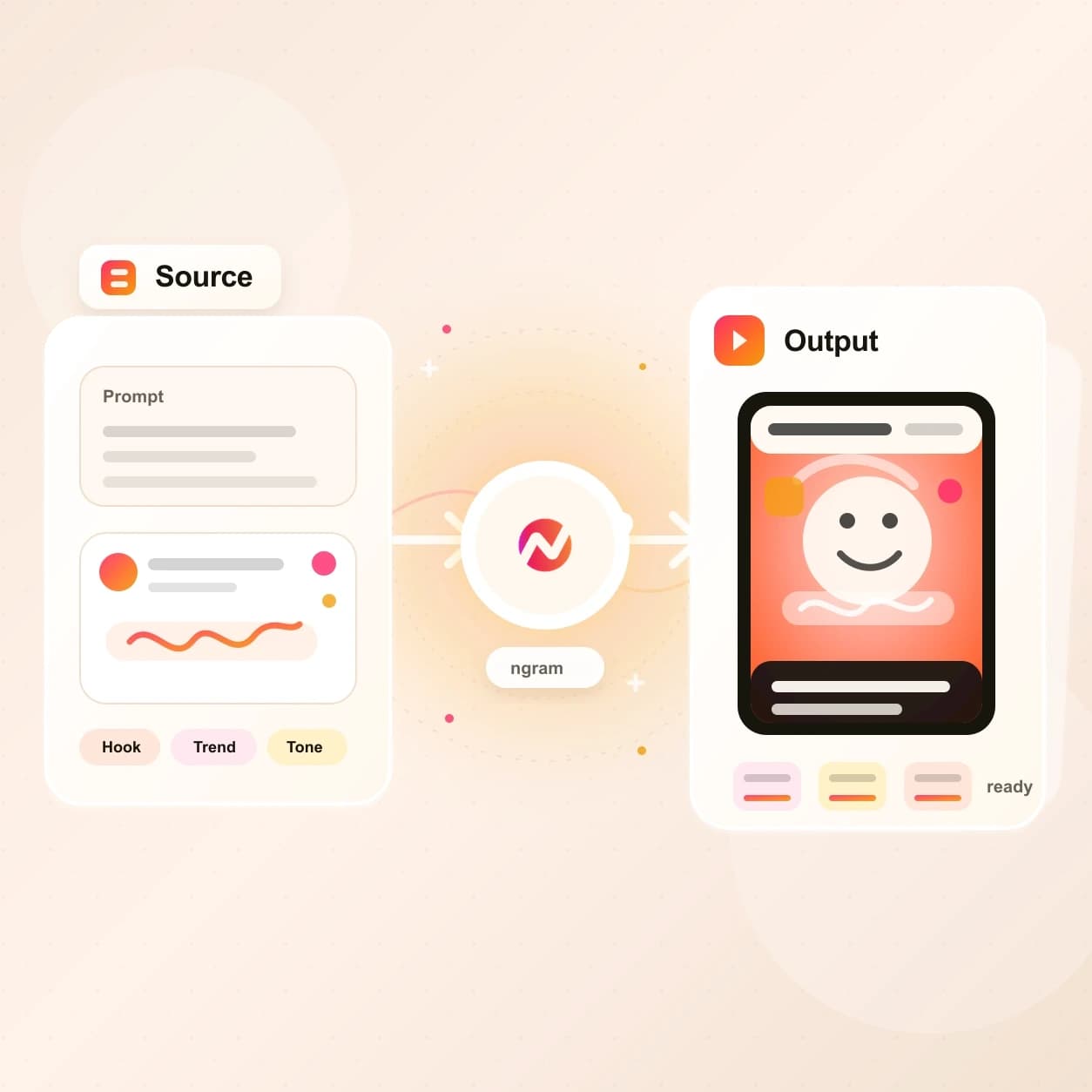
The agent treats the meme as a video brief: it reads the source, drafts the setup and payoff, builds scenes, then leaves the cut editable.
Bring the premise and source
Describe the joke, audience, product point, and channel. Add a screenshot, clip, document, deck, or URL when the meme needs source material.
Source ready
Review the setup and payoff
ngram drafts the script, storyboard, captions, visual direction, timing, and CTA so the meme has a point before the render starts.
Beat approved
Generate the branded cut
The project gets scene visuals, motion graphics, captions, optional voiceover, music direction, and brand treatment in one editable video draft.
Draft generated
Tune timing and export
Adjust the joke, text layers, caption timing, scene order, voice, and aspect ratio before exporting the social cut.
Ready to post
What it can do
What the Meme AI Video Maker builds.
Create a meme-style video without losing the business context. ngram keeps the joke tied to the script, source material, brand kit, captions, and export path.
Setup and punchline planning
Turn a rough idea into a script and storyboard that name the audience, product point, visual beat, caption text, and CTA before rendering.
Learn more about script generationReference-aware scenes
Use screenshots, product stills, clips, docs, or pages as context so generated scenes point back to the actual message.
Learn more about AI visualsCaptioned joke timing
Generate captions and on-screen lines that carry the setup, reaction, and payoff for feeds where the video starts muted.
Learn more about captionsAnimated text and callouts
Add title cards, reaction text, product labels, lower thirds, and motion callouts that land on the beat instead of sitting as flat text.
Learn more about motion graphicsBrand-safe style
Apply logos, colors, fonts, tone, approved phrases, blocked phrases, intros, and outros so the meme still looks like work your team can ship.
Learn more about brand kitVoiceover when the bit needs a speaker
Generate narration from the script, choose a voice, and keep the audio tied to captions, scene timing, and later edits.
Learn more about AI voiceoverBuilt for social clips that still need brand control
When it matters
Social workflows for a meme AI video maker.
These use cases fit teams turning product moments, founder takes, campaign ideas, and social posts into short videos with a sharper hook.
Marketing Social Clips
Use the Meme AI Video Maker when a campaign needs a fast social cut with a clear joke, captions, and a brand-approved CTA.
Open AI video use caseSocial Media Clips
Turn a prompt or source asset into a short-form meme video that can be resized and captioned for social distribution.
Open AI video use casePMM Social Content
Give product marketers a way to turn launch copy, webinar moments, and positioning points into social clips with a lighter tone.
Open AI video use caseGrowth Social Clips
Generate meme-style variants from the same campaign idea so growth teams can test hook, caption, and visual direction faster.
Open AI video use caseFounder Social Content
Turn a founder note, product opinion, or build-in-public update into a short video that sounds human and still respects the brand kit.
Open AI video use caseCreator Social Clips Video
Use existing clips, scripts, or channel ideas as source material for social videos where captions and timing carry the bit.
Open AI video use caseAgency Social Content Video
Let agencies turn client briefs into meme-style social drafts while keeping every account's brand kit, tone, and export needs separate.
Open AI video use caseMarketing Ad Creative
Use meme-style concepts as ad creative tests, then keep the scene plan, caption text, and aspect ratios editable in ngram.
Open AI video use caseLinkedIn Video
Turn a LinkedIn post idea into a captioned meme video that can still carry a product point, founder take, or launch message.
Open AI video use caseProduct stack
The product stack behind meme-style videos.
A meme video still needs planning, captions, brand control, editing, and export. These ngram features keep those pieces in one project.
Script Generation
Plan the setup, payoff, caption beats, and CTA before the Meme AI Video Maker renders the first social cut.
Learn more about script generationAI Visuals
Generate scene imagery, reaction frames, B-roll, and supporting visuals that fit the source material behind the joke.
Learn more about AI visualsMotion Graphics
Animate punchline text, lower thirds, product callouts, scene transitions, and title cards inside the meme video project.
Learn more about motion graphicsCaptions
Make the meme readable with sound off by pairing spoken lines, reaction text, and burned-in captions in the same timeline.
Learn more about captionsBrand Kit
Keep logos, colors, fonts, motion style, voice, tone, approved phrases, and blocked phrases attached to every generated draft.
Learn more about brand kitAI Voiceover
Give a meme video narration, character lines, or a short spoken setup without recording a new take by hand.
Learn more about AI voiceoverVideo Editing
Tighten the joke after generation with chat, visual chat, the script editor, timeline controls, scene regeneration, and canvas edits.
Learn more about video editingMore tools
More tools around meme-style video creation.
Use these tools when the meme idea starts from another source, needs stronger text and captions, or has to become a smaller distribution asset.
Start from a source
Use a narrower entry point when the source material is already clear.
AI Video Generator
Use the full generator when the meme video is one part of a broader product, launch, or campaign draft.
Open toolText to Video
Turn a written joke, post draft, or launch script into a storyboard before adding meme-style timing.
Open toolImage to Video
Animate a screenshot, reaction image, product still, or campaign graphic before adding captions and payoff text.
Open toolVideo Script Generator
Draft the hook, setup, punchline, and CTA when the meme idea is still a note instead of a video plan.
Open toolShape the joke on screen
Tune the words, captions, music, and timing after the first cut exists.
Add Text to Video
Place punchline text, reaction labels, product callouts, and end-card CTAs on top of the generated meme video.
Open toolVideo Caption Generator
Generate animated captions for meme videos where the line-by-line timing decides whether the bit lands.
Open toolAdd Music to Video
Add background music under a social cut and balance the track against voiceover or caption-led pacing.
Open toolVideo Editor
Trim the pause before the payoff, swap a scene, rewrite a caption, or ask chat to make the cut sharper.
Open toolRepurpose and localize
Turn the finished meme video into lighter assets or regional cuts.
Video to GIF
Convert the strongest reaction moment into a looping GIF for docs, email, Slack, or lightweight social posts.
Open toolAdd Subtitles to Video
Burn in clean subtitles when the meme video includes speech and needs a more direct accessibility pass.
Open toolVideo Translator
Translate captions, on-screen text, script, and voiceover when the same joke needs a localized version.
Open toolVideo Compressor
Shrink a caption-heavy meme video for email, Slack, web uploads, or quick stakeholder review.
Open toolConvert
Converters that feed meme-style social videos.
Start from the source your team already has, then let the same video-generation workflow carry the meme video into captions, brand, and export.
Prompt to Video
Start with a one-line meme premise and let ngram expand it into a script, storyboard, and branded video draft.
Open converterImage to Video
Animate a screenshot, product still, or reaction image so the Meme AI Video Maker has a visual frame to build around.
Open converterURL to Video
Use a product page, release note, or help article as source context for a meme video with a real business point.
Open converterWho it is for
Teams that use meme-style video without losing the message.
These teams need the reach of a social joke and the control of a branded video workflow.
Product Marketing Managers
Turn launches, positioning takes, and feature moments into meme videos that still carry the product point and CTA.
See product marketing workflowsGrowth & Marketing Teams
Generate social test concepts from campaign briefs, then compare hooks without rebuilding every cut by hand.
See growth workflowsContent Creators
Turn creator notes, clips, and post ideas into captioned meme videos while keeping the source project editable.
See creator workflowsAgencies & Consultants
Build client-specific meme drafts from briefs and brand kits without mixing tone, colors, or claims across accounts.
See agency workflowsFounders
Turn a founder take or build-in-public post into a social clip that feels sharper than a plain text update.
See founder workflowsE-commerce Teams
Use product pages, images, and campaign copy as source material for meme-style clips around launches and promotions.
See ecommerce workflowsProduct Managers
Turn changelog moments, roadmap updates, and product screenshots into internal or customer-facing social clips.
See product workflowsSales Enablement
Create lighter demo follow-ups or objection-handling clips that still keep the pitch, captions, and CTA clear.
See sales workflowsIntegrations
Automate meme-style video requests.
Use live integrations to trigger, route, review, and publish meme video work from the systems where campaign ideas already start.
Brief to meme video
ZapierWhenA campaign brief, content request, or approved social idea lands in an upstream app.
ThenSend the prompt, audience, and source material into ngram so the Meme AI Video Maker can draft the project.
Social backlog to draft
n8nWhenA social idea moves to ready in a self-hosted content workflow.
ThenTrigger ngram, attach the source context, and route the generated meme video draft back for review.
Agentic meme video creation
MCPWhenAn AI agent has the product context, the joke premise, and the audience.
ThenInvoke ngram through MCP with the prompt and sources so the agent gets back a branded video project.
Capture page context
ChromeWhenYou are reading a product page, release note, or article that could become a social joke.
ThenSend the page context into ngram and use it as source material for the meme video brief.
WhenThe meme-style video is approved and ready for LinkedIn.
ThenDraft the LinkedIn post and schedule one release for the meme-style video.
X (Twitter)
BetaWhenThe meme-style video has cleared review for X.
ThenCompose the X post, then put the meme-style video on a one-off schedule.
YouTube
BetaWhenThe team has reviewed the meme-style video for YouTube.
ThenCompose the YouTube post for the meme-style video, then set its one-off schedule.
Use MCP and browser capture when meme video ideas start inside agents, docs, or live product pages.
Why ngram
How meme video workflows differ.
Some workflows make a quick visual joke. ngram is built for meme-style video that still needs source context, brand control, captions, and export options.
| Compare | ngram | Meme template editor | Generic AI clip generator | Manual social edit |
|---|---|---|---|---|
| Workflow fit | Accepts prompts, file references, and URL sources as context for the meme video brief. | Starts from preset layouts that work when the joke already fits a known format. | Turns a prompt or image into a short generated clip that can work as a visual moment or B-roll. | Gives an editor direct control over every cut, caption, text layer, and timing choice. |
| How ngram fits | Plans the setup and payoff with a script and storyboard, then generates scenes with voiceover, captions, motion graphics, and brand treatment. | Usually centers on text and image placement rather than a full video plan with voiceover, captions, and brand guardrails. | Often leaves script, captions, narration, brand review, and export formatting to another tool. | Works well when the team already has footage, a finished script, and time for manual revisions. |
| Best use | Keeps the video editable after generation through chat, visual chat, script edits, timeline controls, and MP4 export. | Compare this path when you need one quick visual meme more than a reusable branded video project. | Compare this path when raw clip generation matters more than a planned social video workflow. | Compare this path when precision editing matters more than turning source material into a first draft. |
FAQ
Common questions about the Meme AI Video Maker
Still deciding?
Turn the joke into a branded social video
Start with a prompt, file reference, or URL source. ngram drafts the setup, builds scenes, adds captions and voiceover, and keeps the project editable for final timing.
Open the Meme AI Video Maker and finish the full project in ngram.
Prompt, references, captions, brand, export