3D pop Video Style
Bright dimensional shapes with playful, springy motion.
See it in action with Rivian R3: a first look.
From this input to this video
Official exterior and cabin photography becomes a 30-second launch film with dimensional shapes and a clear closing action.
Create a 30-second 16:9 launch video for Rivian R3, aimed at drivers exploring electric crossovers on YouTube. Use the official product page https://rivian.com/r3 for the actual vehicle, service, product visuals, and factual claims. Open with the real R3 exterior from Rivian’s product imagery, then reveal the R3 vehicle design by showing the actual exterior and cabin imagery published by Rivian, without delivery-date, range or price claims. Use a playful dimensional accents around the original vehicle photography, with no altered or reconstructed car treatment that fits the source material. Close with Explore Rivian R3. If the launch is software, use supplied real interface screens rather than invented UI. If it is a vehicle or rental service, use approved vehicle imagery. Do not invent specifications, customer outcomes, or pricing.
Read the exact input
Prompt
Create a 30-second 16:9 launch video for Rivian R3, aimed at drivers exploring electric crossovers on YouTube. Use the official product page https://rivian.com/r3 for the actual vehicle, service, product visuals, and factual claims. Open with the real R3 exterior from Rivian’s product imagery, then reveal the R3 vehicle design by showing the actual exterior and cabin imagery published by Rivian, without delivery-date, range or price claims. Use a playful dimensional accents around the original vehicle photography, with no altered or reconstructed car treatment that fits the source material. Close with Explore Rivian R3. If the launch is software, use supplied real interface screens rather than invented UI. If it is a vehicle or rental service, use approved vehicle imagery. Do not invent specifications, customer outcomes, or pricing.
Selected style
3D pop
Source material
Read the video transcript
Meet Rivian R3. An all-new electric crossover, built for bold adventures in the city and beyond. Walk around it: a friendly face, a glowing rear light bar, and wheels with real attitude. Step inside a calm, bright cabin, with soft seats and thoughtful details everywhere you look. Your next adventure starts here. Explore Rivian R3.
Make it yours
Fill in your details here, or continue and finish your brief in ngram.
Trusted by teams at


When to use 3D pop
Give objects presence
Bright dimensional shapes make a small number of ideas easy to recognise. Use one main object or metaphor per scene.
Use movement for emphasis
Springy entrances and changes in scale can punctuate a launch message. Keep essential wording on screen long enough to read.
Identify the real product
Provide a product URL or photographs and the specific capability to explain. Clarify which objects represent concepts and which must match the product.
What to bring
Provide a product URL or photographs and the specific capability to explain. Clarify which objects represent concepts and which must match the product.
Related video styles
Compare a few directions before you start your draft.
3D & product
Product spotlight
Put your product and its real details in the foreground.
Preview style
3D & product
Isometric city
A miniature world at a thirty-degree angle, built block by block.
Preview style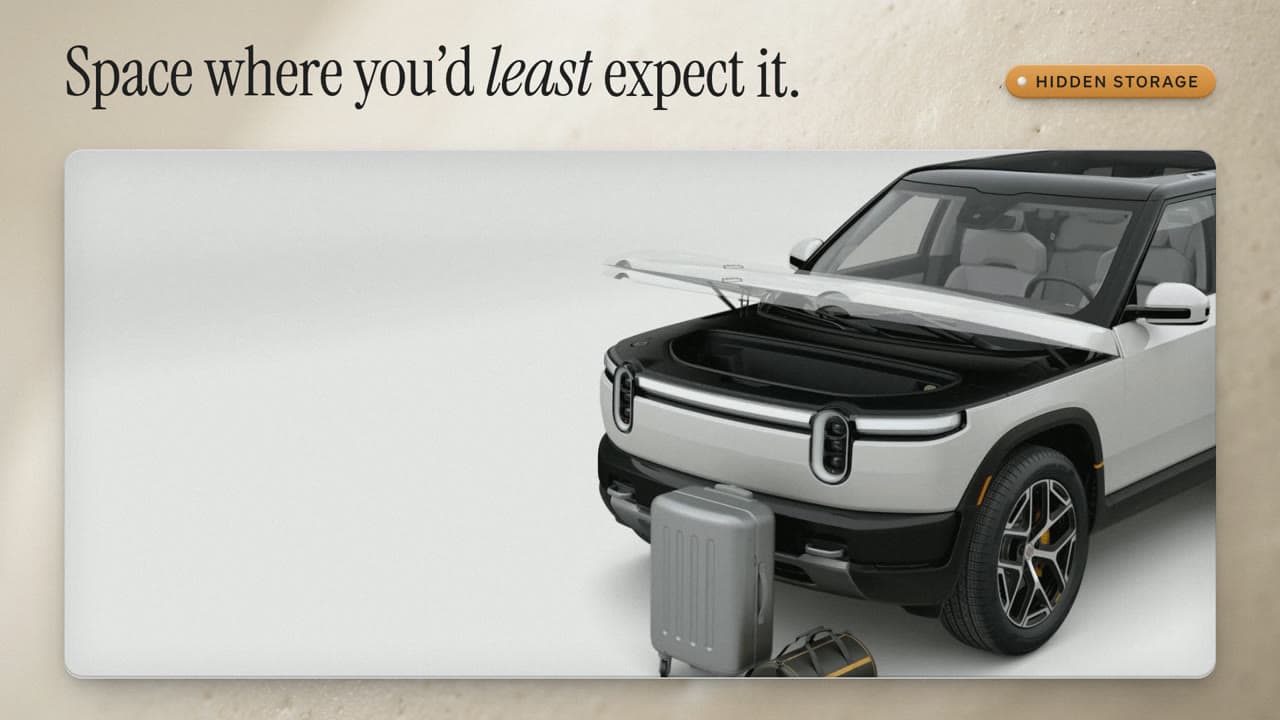
3D & product
Macro close-up
Extreme close-ups of ceramic, glass and metal with shallow focus.
Preview styleExplore related video examples
Put this style to work
Refine your video in ngram
Connect your video workflow
whenYou have the brief and source material for your videos in an AI assistant
thenUse the ngram connector to create the video with your available credits.
whenYou need to show a real workflow in your browser
thenCapture a screen recording to use as source material for your video.
Tools for your next video
Style template questions
Will my selected style survive sign-in?
Continue with your brief and chosen style in ngram. You can fill in the remaining details or change your selections before creating the video.
Can I change the style in Studio?
Yes. The selected style is a starting point. You can choose another active style or adjust the video before generation.
Does the template copy the preview video?
Your brief starts a new video using the chosen visual direction. Add your own source material and adjust the settings to make it yours.
What source material should I bring?
Use your own product links, screenshots, recordings or documents. The example’s exact input shows how source material and a filled-in brief work together. Add your own material in ngram before creating the video.
Can I use my brand with this style?
Yes. Set up your Brand Kit first, then select it while creating your video. You can also turn on captions and adjust your video in ngram.