Back to How to
How to

Should Your Support Tutorial Live on YouTube or in Your Help Center?

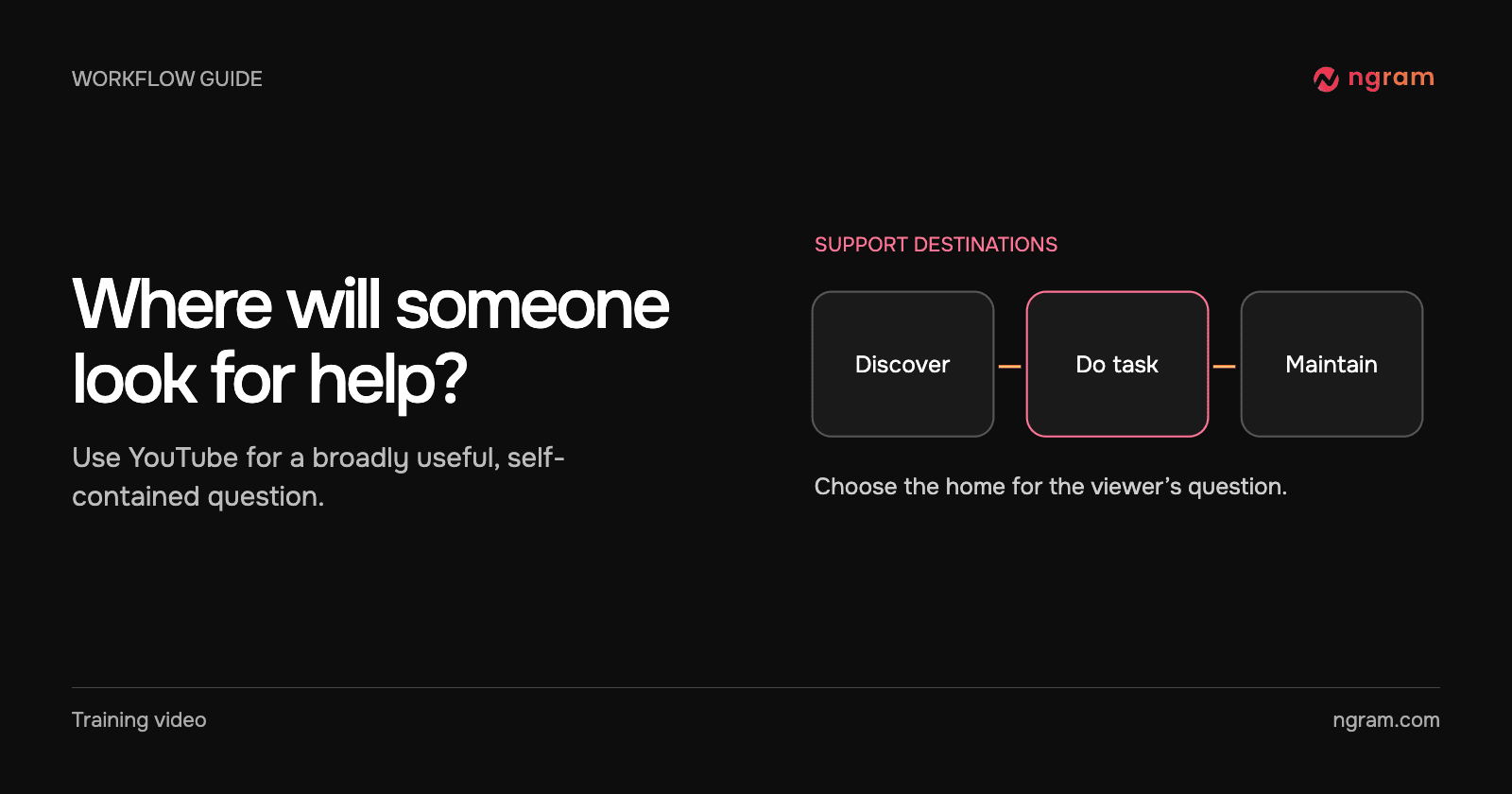
Choose between a public YouTube tutorial and an embedded help-center video by checking the viewer’s starting point, privacy needs and how often the instructions change.

Should Your Support Tutorial Live on YouTube or in Your Help Center?
3 min read•Updated at November 2, 2026
Written and edited by
Rishikesh Ranjan
Rishikesh Ranjan
all thing growth @ ngram.com

A customer opens a ticket because the export button moved. They need the exact steps for their account today. Someone searching “how do I upload my first video?” has a different starting point. The right home for the tutorial depends on which reader you are serving.

Choose YouTube for the question people ask before they know your product

A self-contained explanation can make sense to someone browsing a public channel. Give it a title that names the task, demonstrate the whole path without private details and identify what viewers should be able to do afterward. Before promoting it, open the destination page and check its audience and playback.

For a concrete example, YouTube Creators publishes How to Upload Videos with YouTube Studio. The topic makes sense on its own and the viewer can follow it while using the product. If you prepare posts from ngram, its YouTube integration explains where to select the channel and visibility. The public tutorial here is an editorial example, not a claim that it was published through ngram.

Choose the help center for precise instructions and exceptions

A support article can put the clip next to the current button label, a command to copy and the rule for accounts that see a different screen. Use a video for the part readers need to recognize, then keep the searchable answer and any exceptions in plain text. The help-center video workflow explains how to choose that moment.

In this hosted example, the owner changes which version of a handoff lesson is live. The revised instruction plays through the original embed. That is useful when one help article should remain the destination after a screen or procedure changes.

Use both when each version earns its place

YouTube’s written upload guide links its public tutorial and explains details that are easier to scan in writing. A support team can make a similar choice: a public introduction answers the broad question, and the help article carries exact steps, exceptions and current links.

Name a maintainer for each destination. When a UI label changes, open the actual help article and the public video separately. A replaced hosted embed does not update a separate video uploaded to a channel. Use the sharing guide to distinguish an embedded player from an exported file uploaded elsewhere.
Related articles

How to Give Customer Tutorials a Consistent Look Across Authors
How to3 min read

How to Give Customer Tutorials a Consistent Look Across Authors

Give customer tutorials a consistent opening, closing and review standard across authors, while leaving each lesson free to demonstrate its own task clearly.

How Tongram
Rishikesh Ranjan
Rishikesh Ranjan
Growth Lead
Nov 2, 2026
Who Can Still Watch Your Training Videos After a Customer Pilot Ends?
How to3 min read

Who Can Still Watch Your Training Videos After a Customer Pilot Ends?

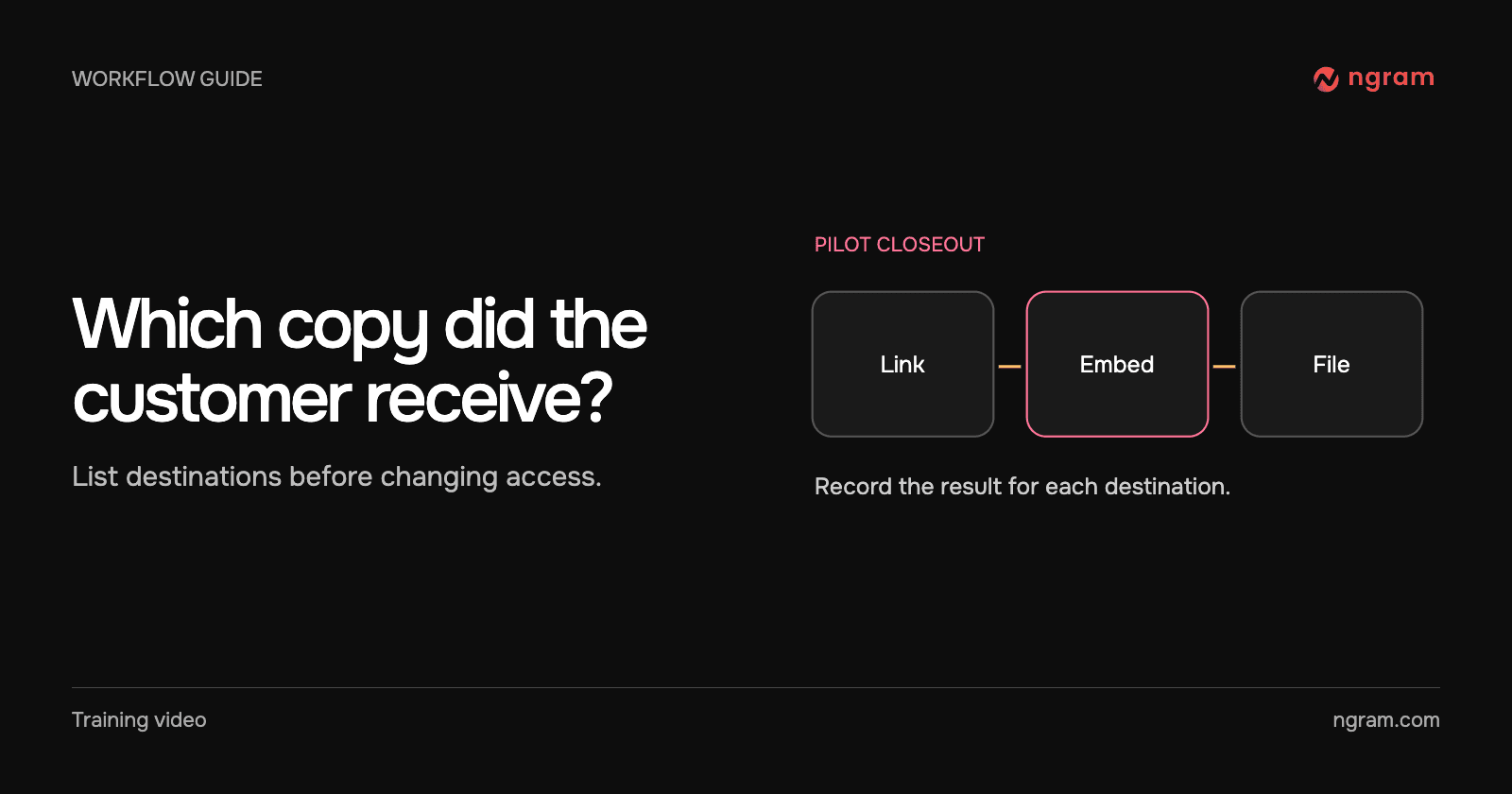
Audit the watch links, embeds and exported copies shared during a customer pilot. Verify the old visitor path and give the account owner a clear closeout note.

How Tongram
Rishikesh Ranjan
Rishikesh Ranjan
Growth Lead
Nov 2, 2026
How to Send the Right Onboarding Video When Sales Hands Off an Account
How to3 min read

How to Send the Right Onboarding Video When Sales Hands Off an Account

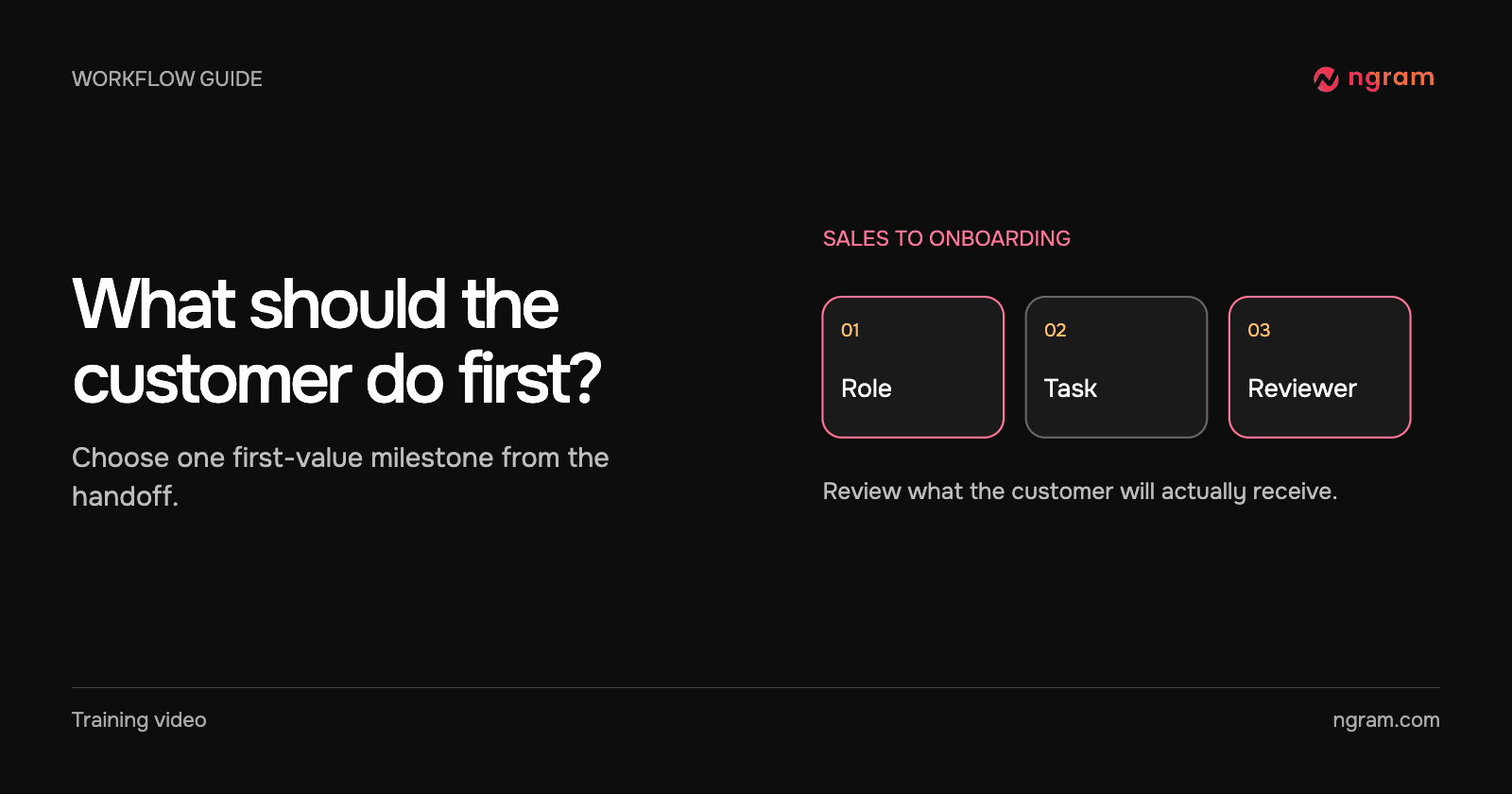
Turn a sales handoff into an onboarding video that teaches one first task. Choose between an existing lesson and a new draft, then verify what the customer receives.

How Tongram
Rishikesh Ranjan
Rishikesh Ranjan
Growth Lead
Nov 2, 2026
How to Explain Quarterly Results on Video Without Sharing the Whole Spreadsheet
How to3 min read

How to Explain Quarterly Results on Video Without Sharing the Whole Spreadsheet

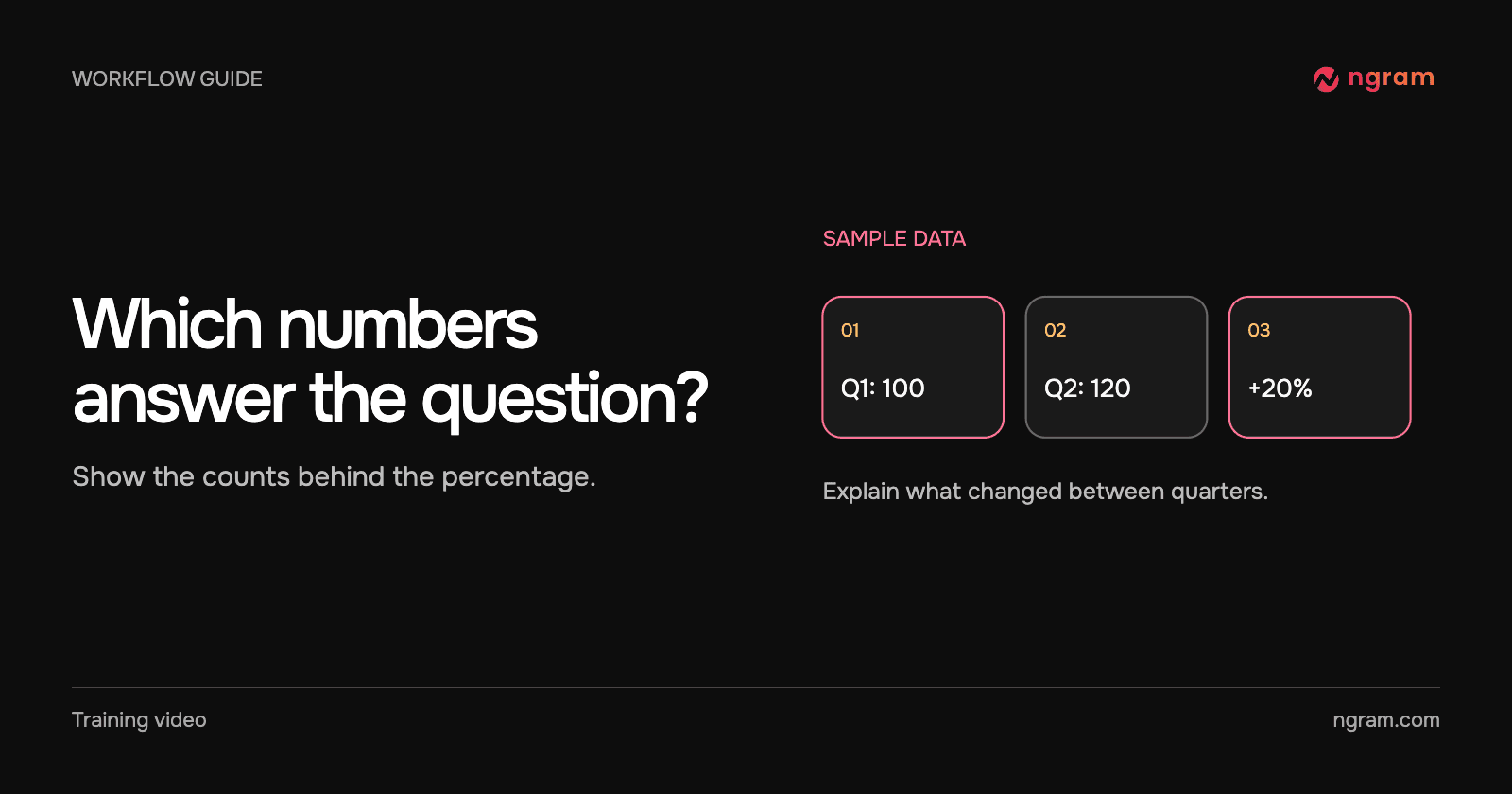
Build a quarterly video from a small approved extract. Show the metric, periods and arithmetic, keep the workbook private, and distinguish the result from the next-quarter goal.

How Tongram
Rishikesh Ranjan
Rishikesh Ranjan
Growth Lead
Nov 2, 2026
How to Add a Quiz, Poll, or Clickable Button to a Video
How to3 min read

How to Add a Quiz, Poll, or Clickable Button to a Video

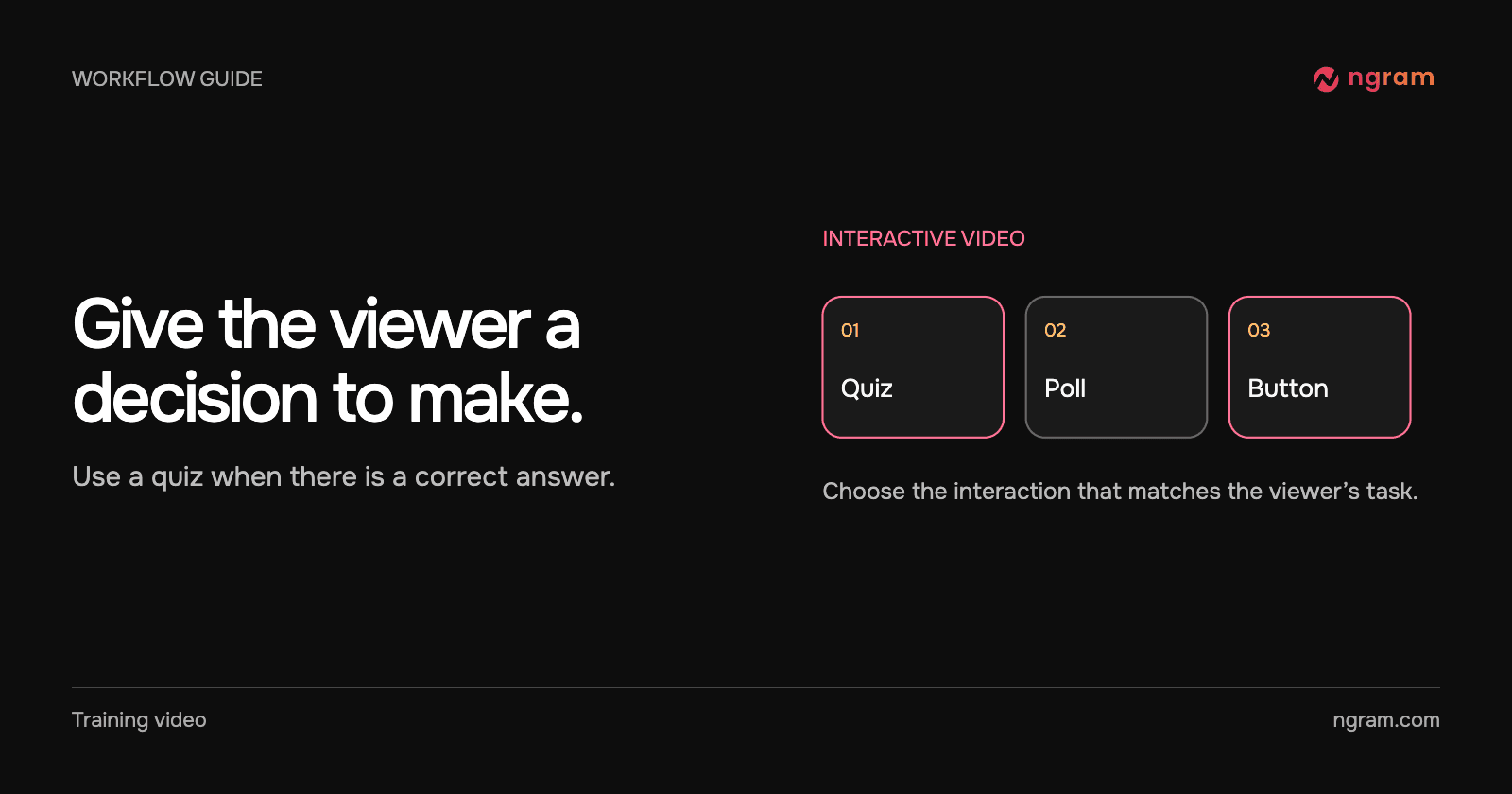
Add a quiz, preference poll or timed button to an ngram video. Check the result in Studio and test the shared destination before assigning it to viewers.

How Tongram
Rishikesh Ranjan
Rishikesh Ranjan
Growth Lead
Nov 2, 2026
How to Create a Video From a Notion Database Row
How to3 min read

How to Create a Video From a Notion Database Row

Connect selected Notion pages to ngram, prepare a request row, set Action to Generate and find the finished video. Check permissions and handle a failed row without starting duplicate jobs.

How Tongram
Rishikesh Ranjan
Rishikesh Ranjan
Growth Lead
Nov 2, 2026

Ready to create your first video?

Turn your source material into a video. Shape the brief, review the plan and make it yours.