
Lumen5 alternatives offer different ways to turn written content, recordings and ideas into video. Lumen5 itself now includes editable scripts, voiceover review, uploaded media and AI visuals alongside stock and templates. Choose an alternative around the work you need to repeat: source-based explanations, timeline edits, shared design assets or presenter-led learning.
What Lumen5 offers today
Lumen5: Lumen5 turns articles, PDFs, pasted text and ideas into videos. Choose the template and format, then use the AI script composer or keep your written script. Review and revise the voiceover before converting it to video. This workflow offers a review point before assembly, alongside controls for the resulting scenes.
Stock footage is one visual source, alongside uploaded media and current AI image, video and animation tools. Bring your own product footage when it supports the story. The relevant test is whether the template and scene controls explain your subject clearly, not whether every scene uses stock.
Basic lists custom colors and a font library; Starter adds expanded stock and 1080p. Professional adds uploaded fonts, custom watermarks and more workspaces. Team offers bespoke brand templates, permissions, approvals, SSO and DAM integrations. Voice cloning and translation have plan-specific allowances.
For an organization, Lumen5 documents Team/Enterprise workflow controls and DAM integrations. Match the required integration and permissions to the package in the vendor’s enterprise material.
| Current Lumen5 plan | Billing reference | Included scope |
|---|---|---|
| Basic | $29/month; $19/month equivalent annually | Monthly 1 animation minute and 20 voiceover minutes |
| Starter | $79/month; $59/month equivalent annually | 1080p; monthly 2 animation minutes and 60 voiceover minutes |
| Professional | $199/month; $149/month equivalent annually | Uploaded fonts/custom watermark; monthly 5 animation minutes and 180 voiceover minutes |
Monthly prices were Basic $29, Starter $79 and Professional $199, with annual monthly equivalents of $19, $59 and $149. Team is custom-priced. Paid plans list unlimited videos, but AI usage is allocated separately: monthly animation minutes are 1/2/5 and voiceover minutes 20/60/180. Annual allocations are 12/24/60 animation and 240/720/2160 voiceover minutes. Compare the chosen billing period and export requirements rather than assuming unlimited AI generation.
Alternatives at a glance
| Tool | Useful starting point | Price reference |
|---|---|---|
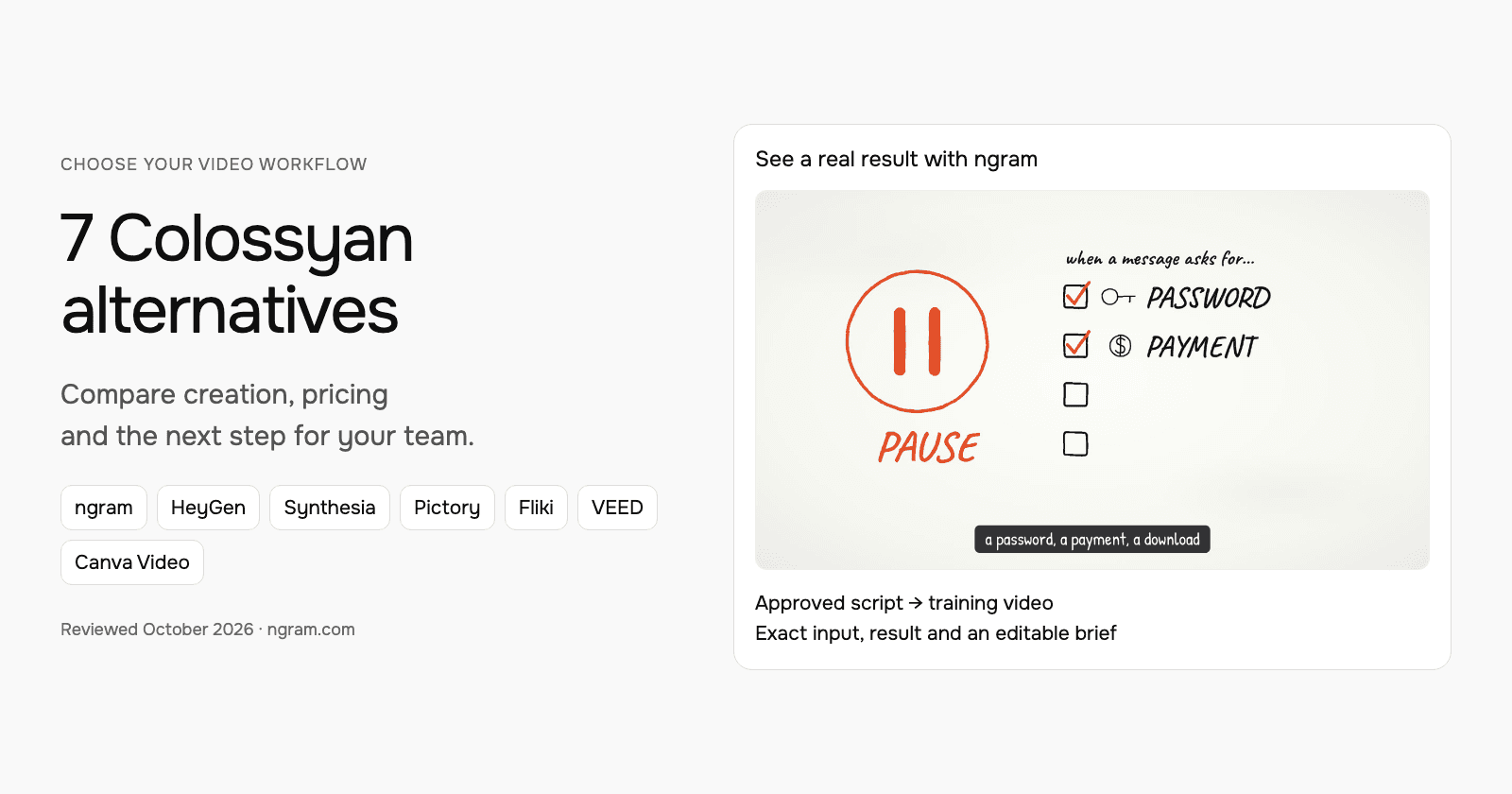
| ngram | A source-based explanation with an approved plan | Free; Basic $29/month or $278.40/year |
| Pictory | Written and recorded content in an editable storyboard | $29/month; $25/month equivalent annually |
| InVideo | Agent-led creation from a brief | $9/month |
| VEED | Browser editing and AI-assisted production | Check current regional offer |
| Canva Video | Video inside a shared design workflow | $15/user/month; $120/user/year |
| Synthesia | Develop the outline, scenes and learning experience | $29/month; $18/month equivalent annually |
| Kapwing | Kai creation with collaborative browser editing | $24/member/month; $16/month equivalent annually |
Annual commitments, regional offers, seats and usage units differ. These entry references are not equal bundles.
ngram: turn a published article into an explainer
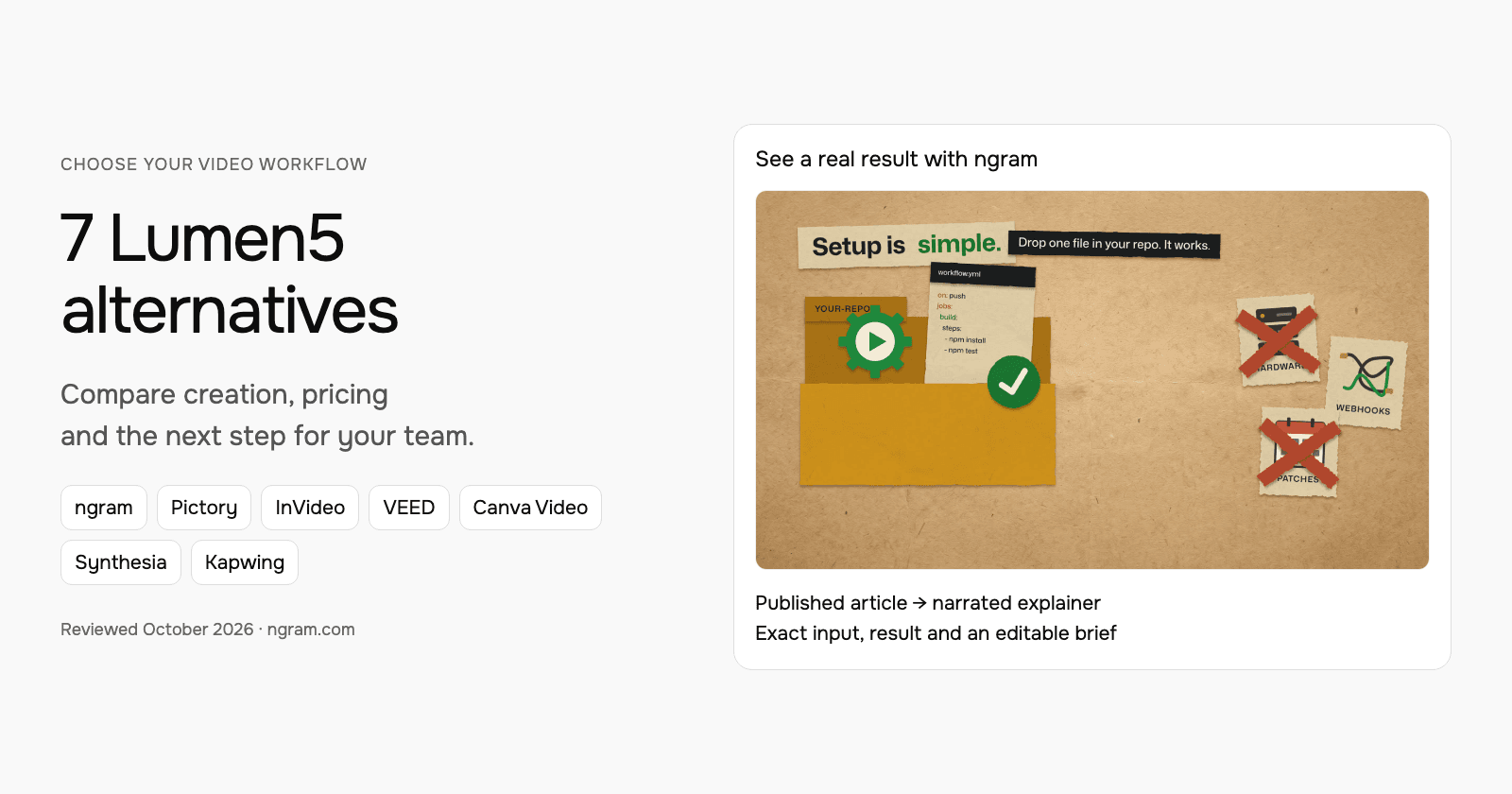
See the actual ngram result made from GitHub’s CI/CD guide. The example includes its filled prompt, source, paper-cutout style and transcript. Watch it, then adapt the starter for your own article. It is not an imported Lumen5 project or a competitor output test.
From this input to this video
GitHub’s published article becomes a paper-cutout explainer of its four-step workflow.
Prompt
Turn this blog post at https://github.blog/enterprise-software/ci-cd/build-ci-cd-pipeline-github-actions-four-steps/ into a 30-second explainer video. Pull the key takeaways and summarize them as short, punchy paper-cutout scenes. Keep the article's own tone: friendly and practical. Format it for LinkedIn in landscape 16:9. Close on a call to action to read the full GitHub guide.
Selected style
Paper cutout
Read the video transcript
CI/CD used to belong to DevOps experts. With GitHub Actions, it lives right in your repo. Setup is simple: drop one file in your repo, and it works. No hardware to buy, no webhooks to wire. Then, four steps. Pick a repository. Open the Actions tab and choose a workflow. Push a change to trigger it. And watch it run in the visualizer and live logs. Start small, and make it work for you. The payoff: trusting your code works after you merge. Read the full guide on the GitHub Blog.
Turn a published article into an explainer
Watch the actual ngram video made from GitHub’s CI/CD guide. Read its input, then adapt the brief for your own article.
Bring the article
Paste a public article URL or provide its text. Upload exported footage from Pictory when it helps tell the story.
Adapt the brief
Fill in your audience, takeaways and call to action. Choose the style, duration and aspect ratio, then attach any files and select your Brand Kit in ngram.
Approve and refine
Review the plan containing the script, approve generation and inspect the result. Request revisions or another version when needed.
Make it yours
Fill in your details here, or continue and finish your brief in ngram.
Video generation uses credits. Review your estimate in ngram. MP4 downloads require Basic or higher.
How credits workFill in the audience, takeaways and next step. Choose the style, aspect ratio and duration. In ngram, attach supporting files, select your configured Brand Kit and enable captions when wanted. Approve the plan containing the script, then inspect and refine the result through chat or the editor.
ngram pricing includes 1,000 credits/month on Free. Basic costs $29/month with monthly billing and includes 3,000 credits per cycle; annual billing is $23.20/month equivalent with 36,000 credits supplied upfront. The base rate for premium AI video generation is 10 credits per second, with a cheaper model at 3. Share publicly or embed on Free; use a paid plan for MP4 downloads and Basic or above for unlisted links.
Pictory: written and recorded content in an editable storyboard
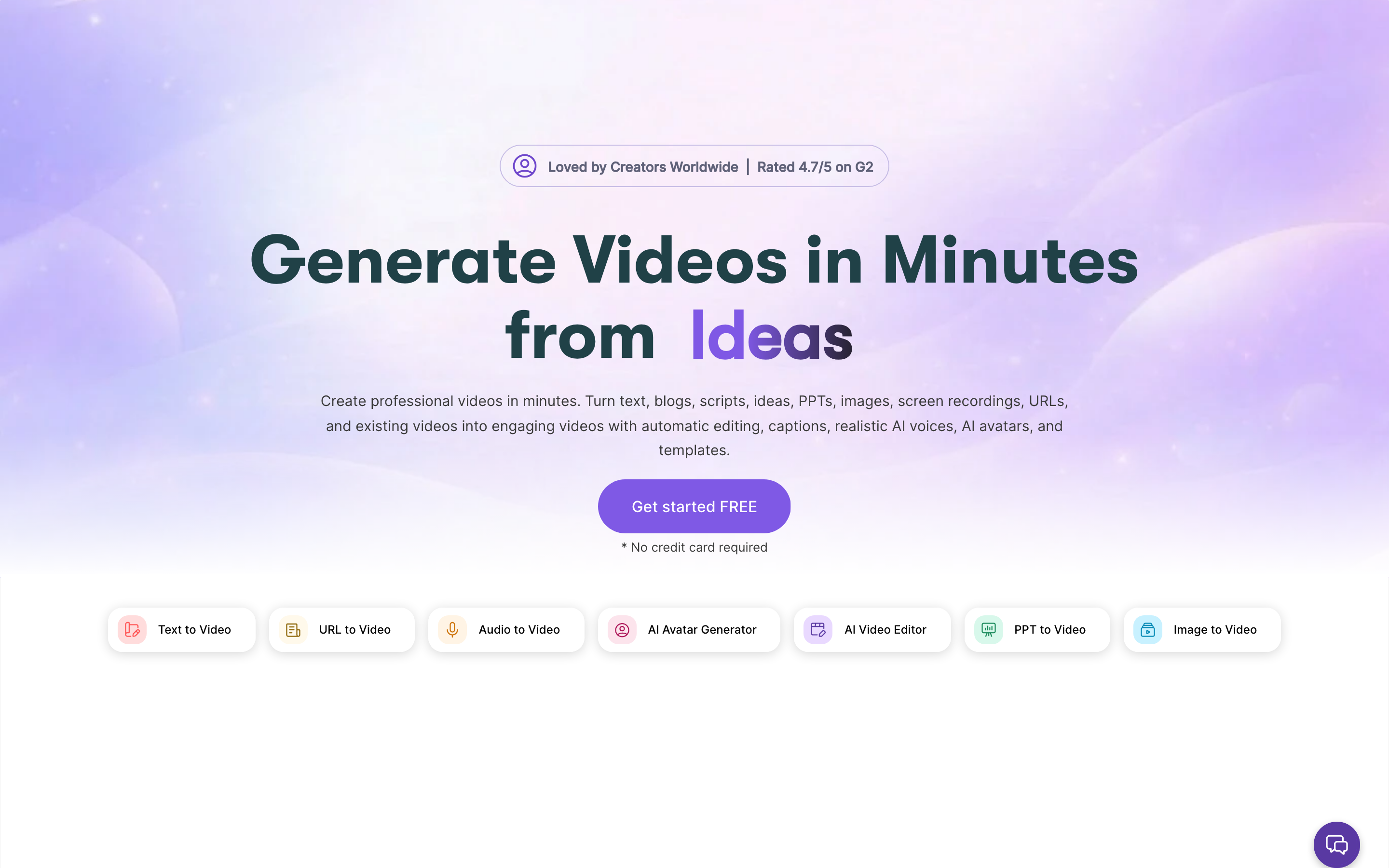
Pictory creates from ideas, scripts, webpages, documents, slides and recordings. Its storyboard combines narration, stock or generated visuals and your media. Highlights and text-based editing also support repurposing longer recordings.
Its current avatar workflow adds a stock or custom presenter to scenes with editable placement and appearance. Professional includes custom avatars and voice cloning. Enterprise Pictory Central adds hosting, chapters, quizzes, calls to action and SCORM; these are not ordinary Starter entitlements.
The API offering also describes an MCP Integrator. Evaluate its separate commercial terms when automating creation. A Studio subscription, premium voice allowance and generative-media balance cover different operations.
| Plan | Billing reference | Included scope |
|---|---|---|
| Pictory Starter | $29/month; $25/month equivalent annually | One user; monthly 200 video minutes and 100 AI credits |
| Pictory Professional | $59/month; $35/month equivalent annually | One user; monthly 600 video minutes and 500 AI credits |
| Pictory Team | $199/month; $119/month equivalent annually | 3+ users; monthly 1,800 video minutes and 2,400 AI credits |
Annual offers use annual allowances, including a current Professional credit promotion. Compare the selected card rather than multiplying monthly allowances mechanically. The 14-day trial is watermarked at 720p; paid plans support 1080p.
InVideo: agent-led creation from a brief
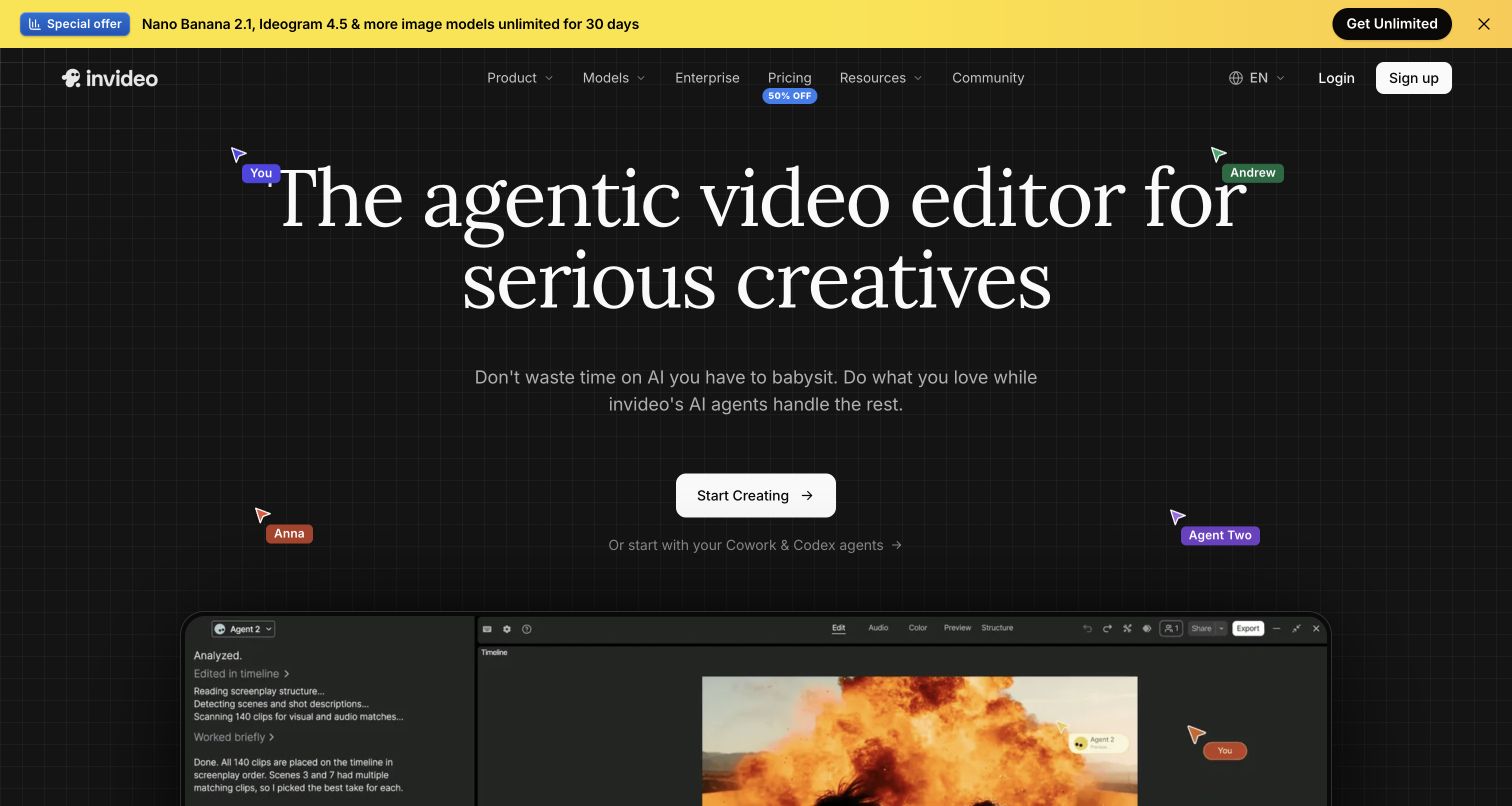
InVideo uses Agent Two to create and revise videos from instructions. Its current workflow combines source context, generated visuals, narration and editing; the older description of a stock-template assembler is incomplete.
Pricing uses credits, with Basic at $9/month for 190 and Pro at $30 for 1,000 in the checked monthly configuration. Model and task affect consumption. Check the renewal amount on promotional offers and the allowance for your chosen workflow.
Remote Agents connects the creation workflow to supported AI clients. Evaluate the actual source, edit and publishing task; the presence of an agent does not establish a measured quality or speed advantage.
| Plan | Billing reference | Included scope |
|---|---|---|
| InVideo Basic | $9/month | 190 monthly credits |
Creation models and actions use different credits. Compare the selected tier, renewal terms and complete brief.
VEED: browser editing and AI-assisted production
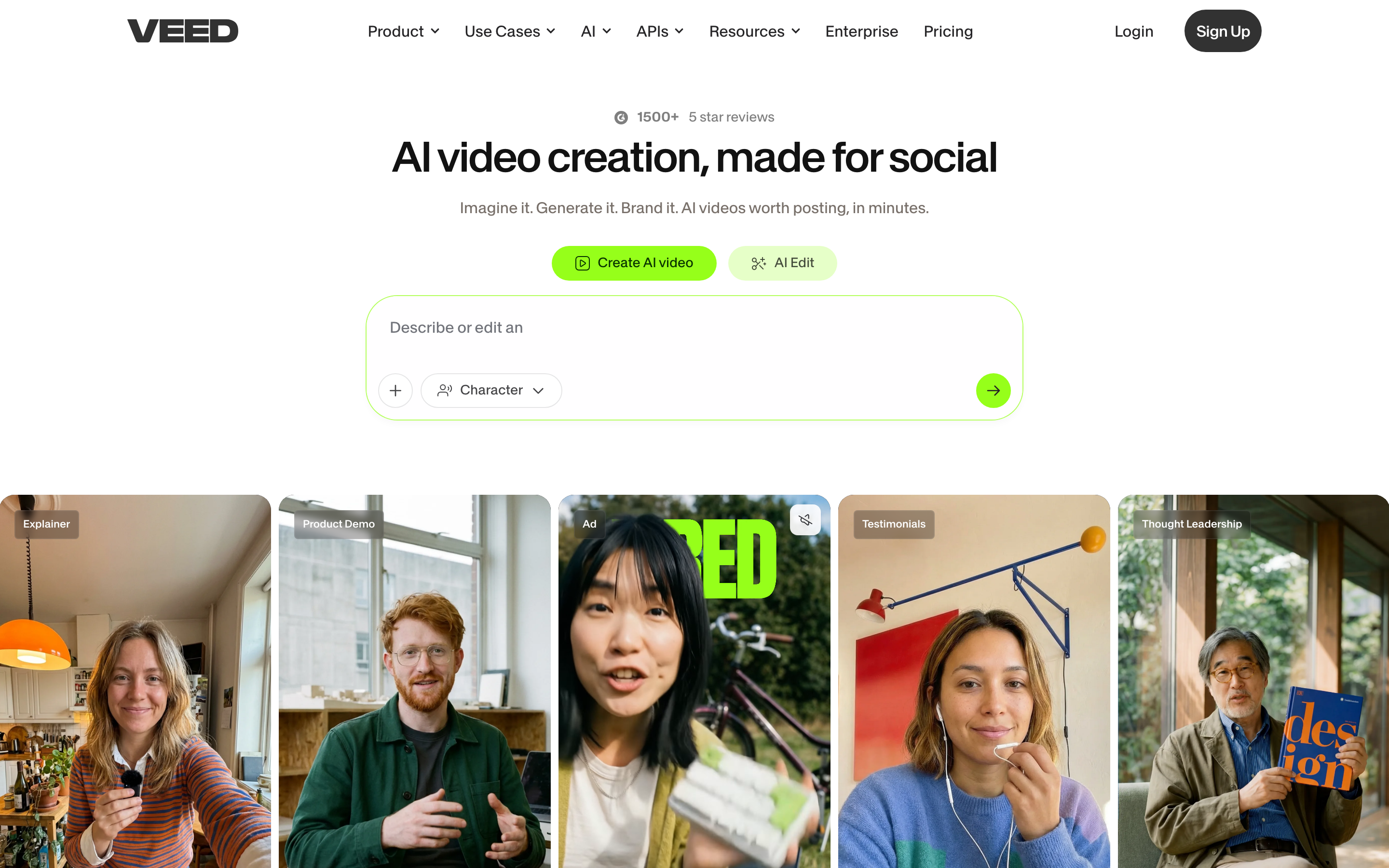
VEED combines browser editing, captions, recording and AI creation. AI Studio includes script review and generated scenes, so evaluate it for a new video as well as post-production on existing footage.
Use its current pricing for the required exports, brand controls, collaboration and AI allowance. The public page did not expose a reliable fixed price in this review, so this shortlist does not repeat an older entry price.
VEED also has developer API/MCP offerings, with Fabric as a separate generation product. A browser-editor subscription should not be assumed to include every developer operation. Keep the original editing project when exporting footage for another creation tool.
| Plan | Billing reference | Included scope |
|---|---|---|
| VEED editor | Check current regional offer | Plan-specific exports, collaboration and AI usage |
Compare the actual editor plan and separate developer product when relevant.
Canva Video: video inside a shared design workflow
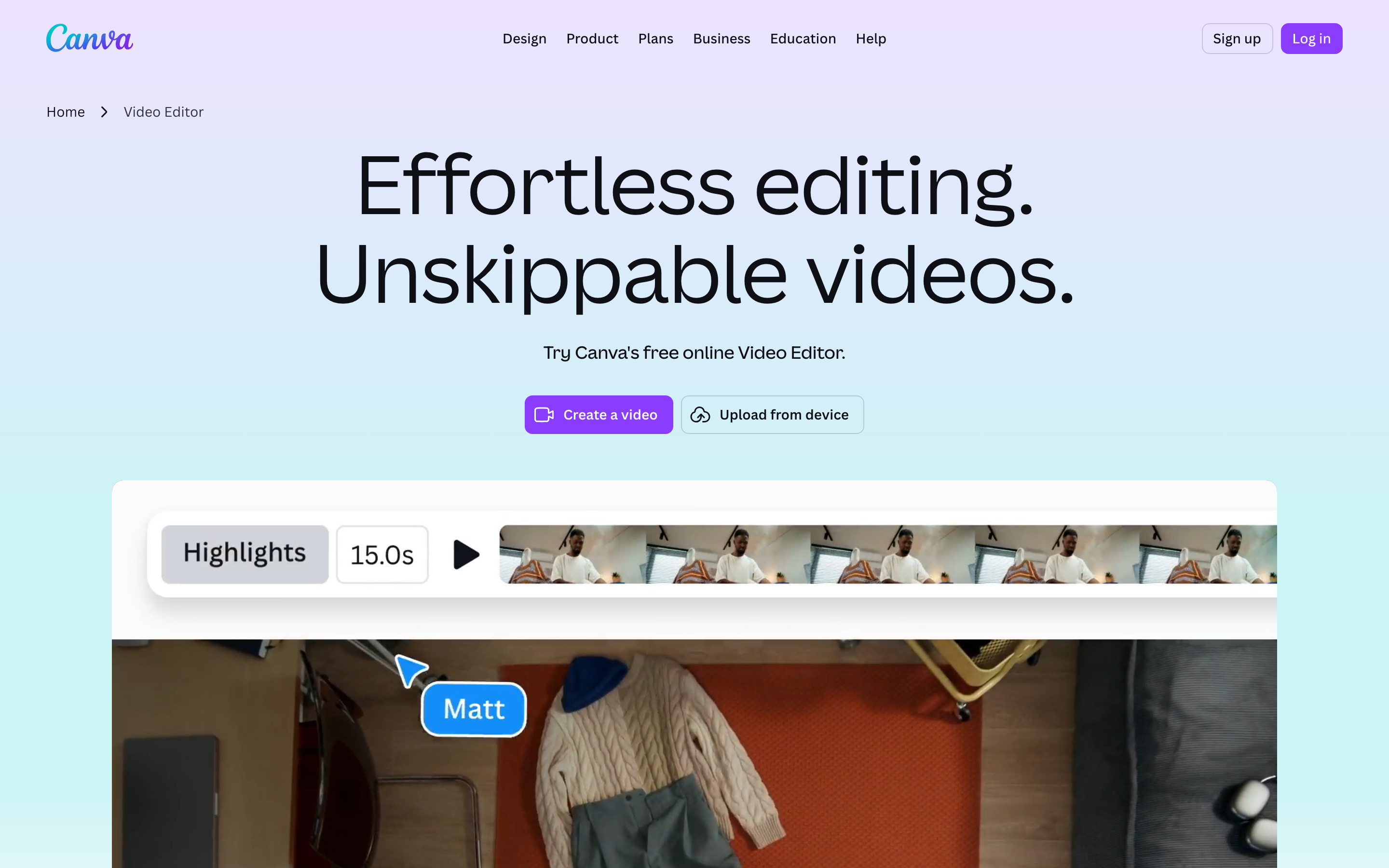
Canva Video combines video editing with design assets, layouts and collaboration. Its AI creation tools can help generate and revise material, so choose it for the design workflow and controls rather than an assumption that all assembly is manual.
Canva pricing showed US Pro at $15/user/month or $120/year and Business at $21 or $210/year. Pro includes five Brand Kits. Compare the current AI allowance and team controls in the plan you will use.
Canva offers developer integrations, including Connect APIs and MCP. Keep the design and its source assets in Canva when you export a video for reuse; the export gives ngram footage for a new explanation, not the original editable design.
| Plan | Billing reference | Included scope |
|---|---|---|
| Canva Pro, US | $15/user/month; $120/user/year | Design subscription; five Brand Kits |
The software bundle and AI allowance differ from dedicated video-generation credits.
Synthesia: develop the outline, scenes and learning experience
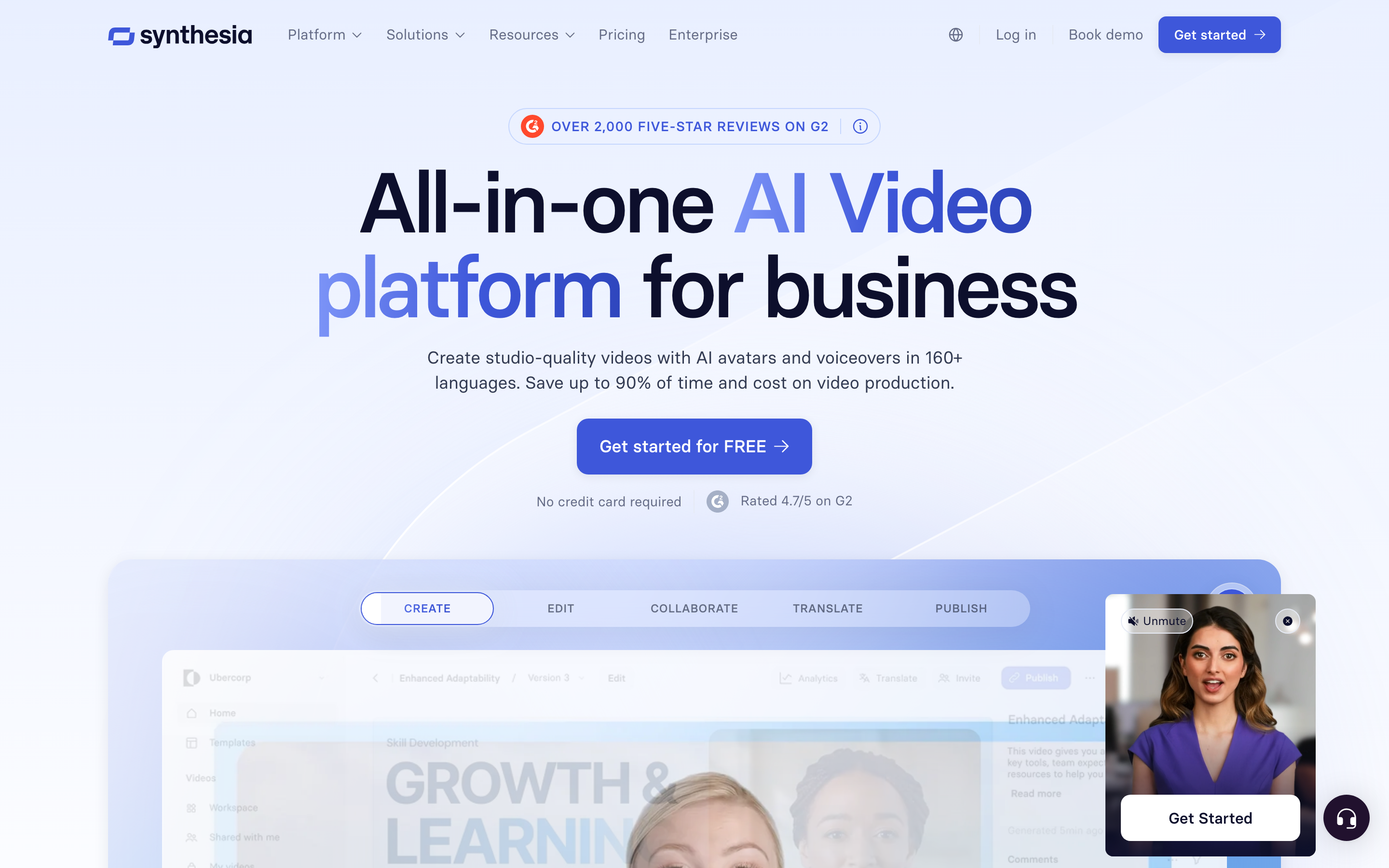
Synthesia Assistant accepts a prompt, files and URL context, then creates an editable outline. Storyboard and Canvas views support scene authoring, and chat can revise scripts and visuals. Its creation workflow includes generated assets and motion graphics.
The AI Screen Recorder provides recording, transcription and scene editing. Recorded product steps can accompany a presenter, so it should not be characterized as a script-only avatar tool.
Current plans meter generated assets with credits. Pro includes interactivity, while Enterprise lists SCORM and Brand Kits. Roleplay learner seats have separate pricing. For training, compare creation, practice and course delivery as distinct requirements.
Sessions includes live avatar roleplays and conversational surveys. The Interactive Avatars API supports real-time experiences in your own product: you bring the language model and speech-to-text, and Synthesia renders the avatar, with optional text-to-speech. Evaluate these separately from recorded-video generation.
| Plan | Billing reference | Included scope |
|---|---|---|
| Synthesia Starter, US list | $29/month; $18/month equivalent annually | 1,250 monthly paid credits, plus free allowance |
| Synthesia Pro, US entry tier | $89/month; $64/month equivalent annually | 6,000 monthly paid credits, plus free allowance |
Synthesia prices vary by region. Its current cards use Pro, even where legacy signup parameters still say Creator. Generated assets consume credits; a credit total does not guarantee a fixed finished-video duration. Annual allowances and paid roleplay seats are separate from the monthly figures shown here.
Kapwing: kai creation with collaborative browser editing
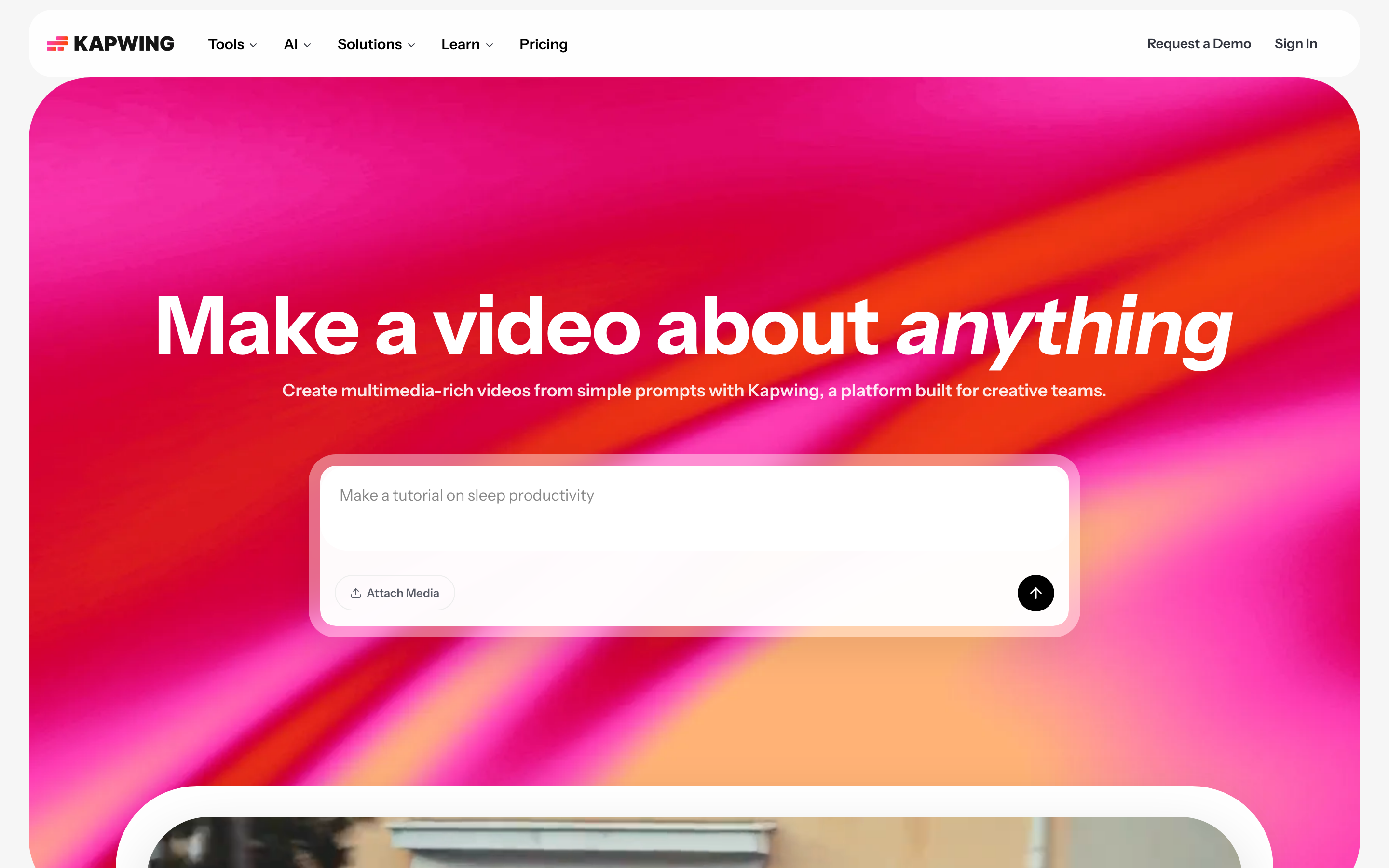
Kapwing’s Kai creates and edits from prompts, PDFs, reference images, video and audio. You can continue revising in chat or use the direct browser editor. It is more than a manual timeline or a caption utility.
The August release introduced autonomous mode: approve estimated credit spend, follow the task checklist and progressive canvas updates, and interrupt when needed. References to specific attached filenames help direct the edit. Earlier storyboard instructions should not be treated as the only current creation flow.
Pro includes a shared collaborative workspace, Brand Kit, custom fonts and 4K export. Business adds custom voice clones, lip sync and credit top-ups. Subtitle, dubbing, cleanup and generation tools all draw from the applicable credit balance, so budget the repeated operations.
| Plan | Billing reference | Included scope |
|---|---|---|
| Pro | $24/member/month; $16/month equivalent annually | 1,000 credits/month; 4K; shared workspace and Brand Kit |
| Business | $64/member/month; $50/month equivalent annually | 4,000 credits/month; custom voice clones and lip sync |
Free supports watermarked 720p videos up to four minutes per export. Paid plans price per member. Credits cover different operations, so the advertised subtitle and dubbing maxima are alternative uses of the balance rather than independent simultaneous allowances.
Choose by the work you need to repeat
For an article explanation, try ngram’s real source-to-video starter and compare its plan review with Lumen5’s script-to-template process. Pictory offers another source-to-storyboard path across articles, slides and recordings.
For editing with an agent, compare InVideo’s shared timeline with Kapwing’s Kai and browser editor. For captions and mixed-media work, evaluate VEED’s current creation and editing tools. None of these should be chosen on an outdated manual-only description.
For a campaign that also needs graphics and presentations, Canva Video keeps assets in the design workspace. For presenter-led learning, evaluate Synthesia’s current Video Agent, editor and plan-specific delivery. Choose based on the actual review and distribution you need.
Bring existing material into the next workflow
Keep your editable originals in their source tools. Export authorized footage and upload it to ngram as source material, or start from a public article URL and a filled brief. Tell ngram the audience, message and action, then approve the proposed plan.
Updated the article? Tell ngram what changed and ask for a revision. Need another format? After the first video, select the new duration or aspect ratio and request another version. Each version should be reviewed before publishing.
Explore ngram vs Lumen5, the blog-to-video template, blog-to-video conversion, training videos or video workflow integrations.
How this roundup was reviewed
We reviewed the official product, help, pricing and developer sources cited in each section. The recommendations describe current workflow fit, not a scored or timed competitor-output test. The real ngram example shows its actual input. No weighted ranking or anonymous review consensus is used to establish a universal winner.
Frequently asked questions
Which Lumen5 alternative should I choose?
For an article explanation, try ngram’s real source-to-video starter and compare its plan review with Lumen5’s script-to-template process. Pictory offers another source-to-storyboard path across articles, slides and recordings. For editing with an agent, compare InVideo’s shared timeline with Kapwing’s Kai and browser editor. For captions and mixed-media work, evaluate VEED’s current creation and editing tools. None of these should be chosen on an outdated manual-only description.
Can I keep using Lumen5 alongside ngram?
Yes. Keep the original projects where you edit them, and bring exported footage or the underlying article into ngram for a new explanation. Review the plan containing the script before generating.
Which alternative fits training videos?
Compare the content, presenter, review and delivery requirements. ngram provides a source-based video workflow and paid MP4 downloads for your learning platform. Synthesia, HeyGen and Colossyan offer learning features with plan-specific eligibility; check SCORM and interaction requirements separately.
How should I compare pricing?
Use the same billing term and creator count. Budget for the voice, media generation, revisions, export and delivery operations you need. Credits, voice hours and video minutes are not interchangeable units.
Can I share a video on ngram Free?
Free includes 1,000 credits/month and supports public sharing and embeds. Use a paid plan for MP4 downloads; unlisted links start with Basic.
Create your first video with ngram, or talk to sales.