
Table of Contents
Pika alternatives for the whole creative workflow
A product launch can call for a moving product shot, a narrated explainer, an avatar-led introduction and a shorter social edit. ngram handles these in one workspace, including standalone image and clip generation. You can keep your real product assets, generate supporting visuals and carry the same message through production, revisions and delivery.
Pika and the alternatives below also offer overlapping creation and editing tools. Compare the source material you want to use, how you will make changes and the plan needed to deliver the finished video.
Compare creative capabilities
| Capability | ngram | Pika | Runway | Kling AI | Luma | Synthesia | HeyGen | InVideo | CapCut |
|---|---|---|---|---|---|---|---|---|---|
| Generate new images from text | |||||||||
| Generate new footage from text | |||||||||
| Animate a supplied image | |||||||||
| Use your own video footage | |||||||||
| Speak a written script with an AI voice | |||||||||
| Assemble clips into a finished video | |||||||||
| Revise a video with plain-language instructions | |||||||||
| Create portrait and landscape videos | |||||||||
| Trim a video clip | |||||||||
| Download the finished video |
What Pika offers
Pika combines Video Studio, Product Ad, Image Studio and Speech Studio with native editing apps. Video Studio accepts text and supported image, video or audio references; Product Ad creates an ad from a product image and brief. Its official MCP connection also opens a timeline for timing changes, regenerated clips, transitions and music.
The Pika plans are Free, Starter, Creator and Fancy. Monthly Starter costs $10 for 600 credits, Creator $35 for 2,600, and Fancy starts at $95 for 8,550. Annual equivalents start at $8, $28 and $76 per month, paid upfront. All paid plans include commercial use; Free includes no monthly credits or commercial license.
Top-up credits work in Pika Create and its native MCP workflow. They do not apply to the API, iOS app or old Pika site. Model, duration, resolution and audio settings affect the credits used.
1. ngram: create, edit and deliver your video
ngram covers the complete workflow: develop a script and visual direction, generate the media, assemble the video, make precise changes, translate or dub it, then deliver the result. Bring a prompt, public webpage, PDF, presentation, images, footage or an authorized recording. For a product ad, use the actual product photographs and approved claims; for a tutorial, keep the screen recording that shows the real steps.
You can also generate the individual assets yourself. ClipStudio creates clips from text, a starting image, first and last frames or supported reference assets. ImageLab creates and edits images. Use these for a concept, scene variation or supporting shot, then bring the selected media into the finished video.
Choose a compatible premium model when you want to review the script and scene plan before production. Set the audience, style, length and aspect ratio, apply a configured Brand Kit, and approve the direction. A cheaper model can start production directly.
Add an AI voice or presenter from ngram’s avatar library, or use a custom voice and avatar with the required access and consent. Conversation supports multiple speakers. Keep your own recorded speech where it matters, add an uploaded MP3 or background music, and control captions, including wording and styling. Depth Captions can place selected words behind the subject in supported presenter treatments.
Revise the result through chat, transcript edits, comments tied to moments or the inline editor. Replace a scene, change the narration, adjust timing, add titles, reuse brand bookends or make another language and aspect-ratio version. For recorded footage, request cleanup, gaze correction or a blur over specified personal information, then review the result. Saved versions and reusable conversation context help you return to an earlier direction.
Share a watch link or embed, download an MP4 on a paid plan, or use hosted pages with available CTA and access controls. The social calendar and hosted interactive experiences are in Beta. Connected apps and the API support video creation within their access and credit limits; video creation using an API key requires Basic or above.
ngram pricing includes 1,000 credits each month on Free. Basic is $29/month with 3,000 credits; annual billing is $278.40 with 36,000 credits upfront. Premium AI video generation has a base rate of 10 credits per second, with a cheaper model at 3. Paid plans include unlimited downloads. Ultimate includes unlimited Brand Kits, custom voices and custom avatars; enterprise arrangements have separate scope.
A product ad made with ngram
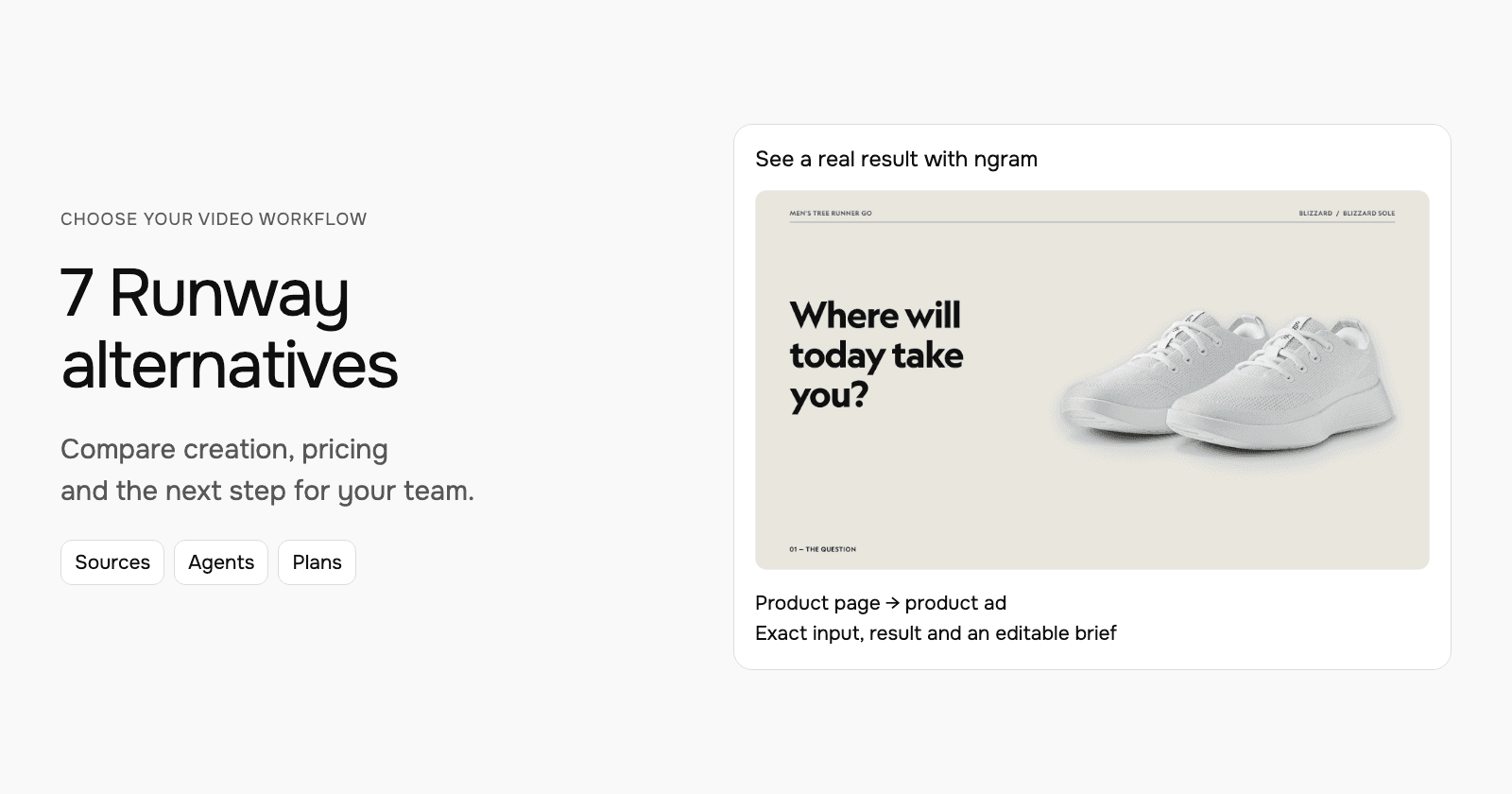
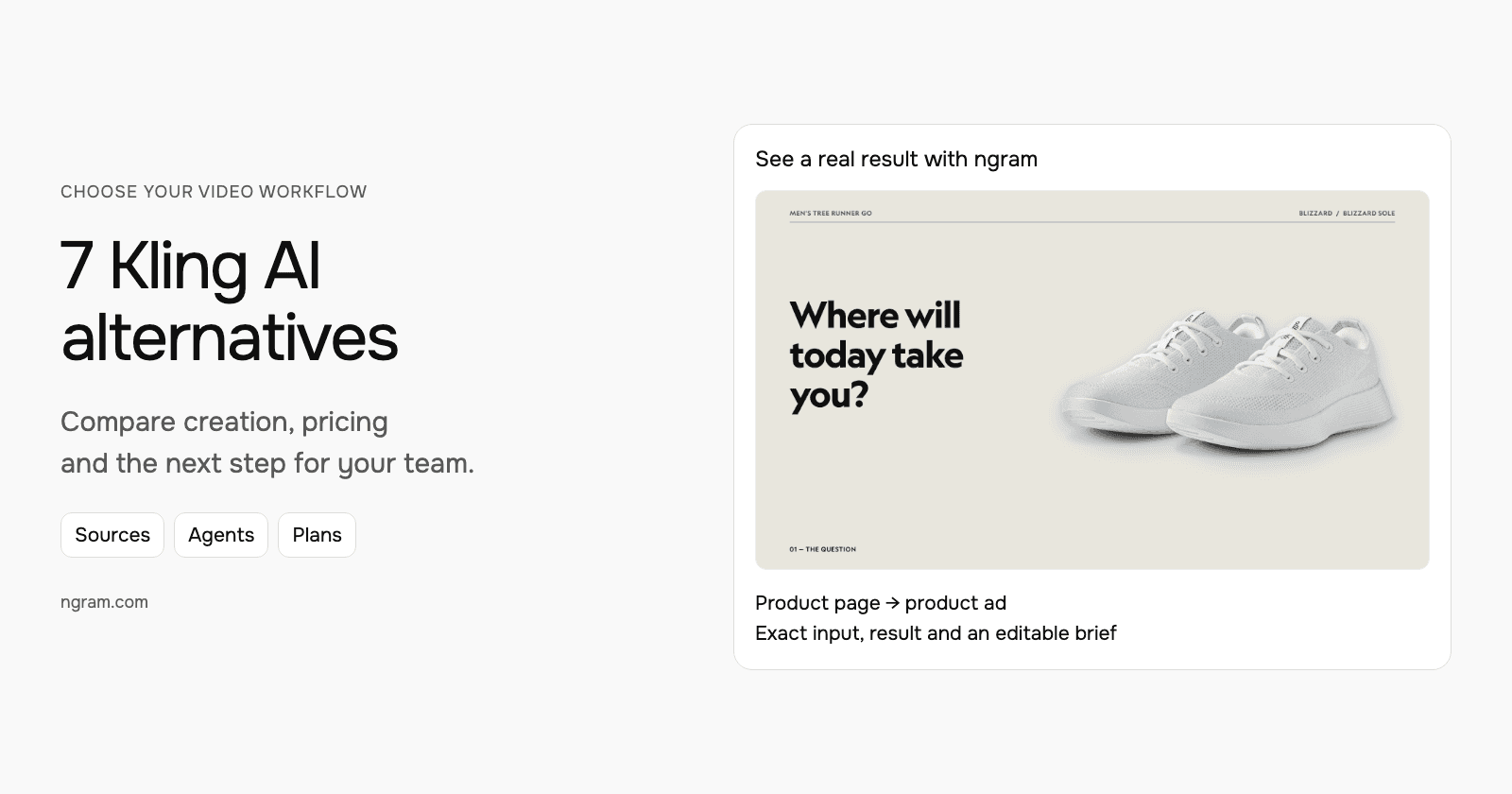
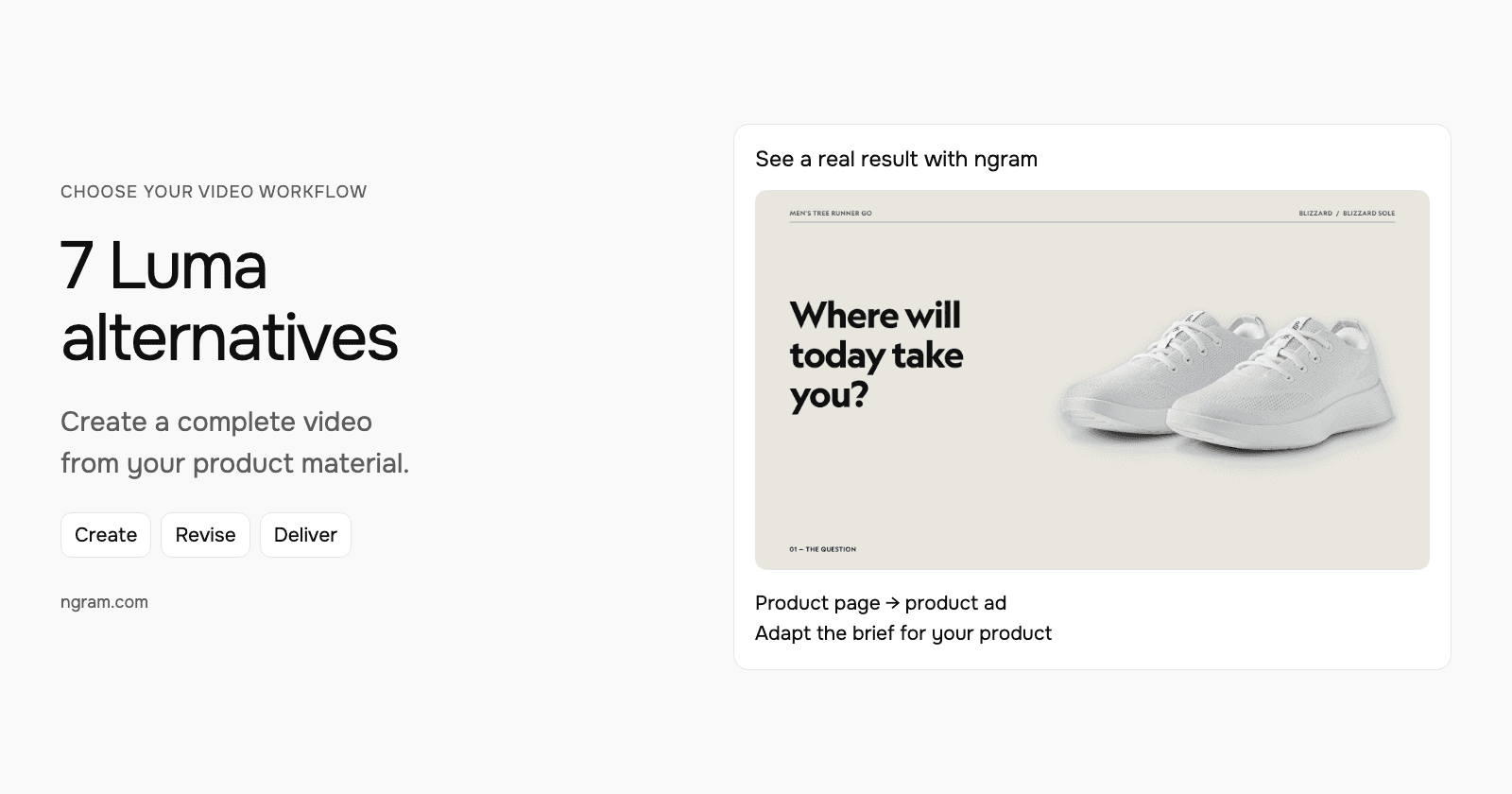
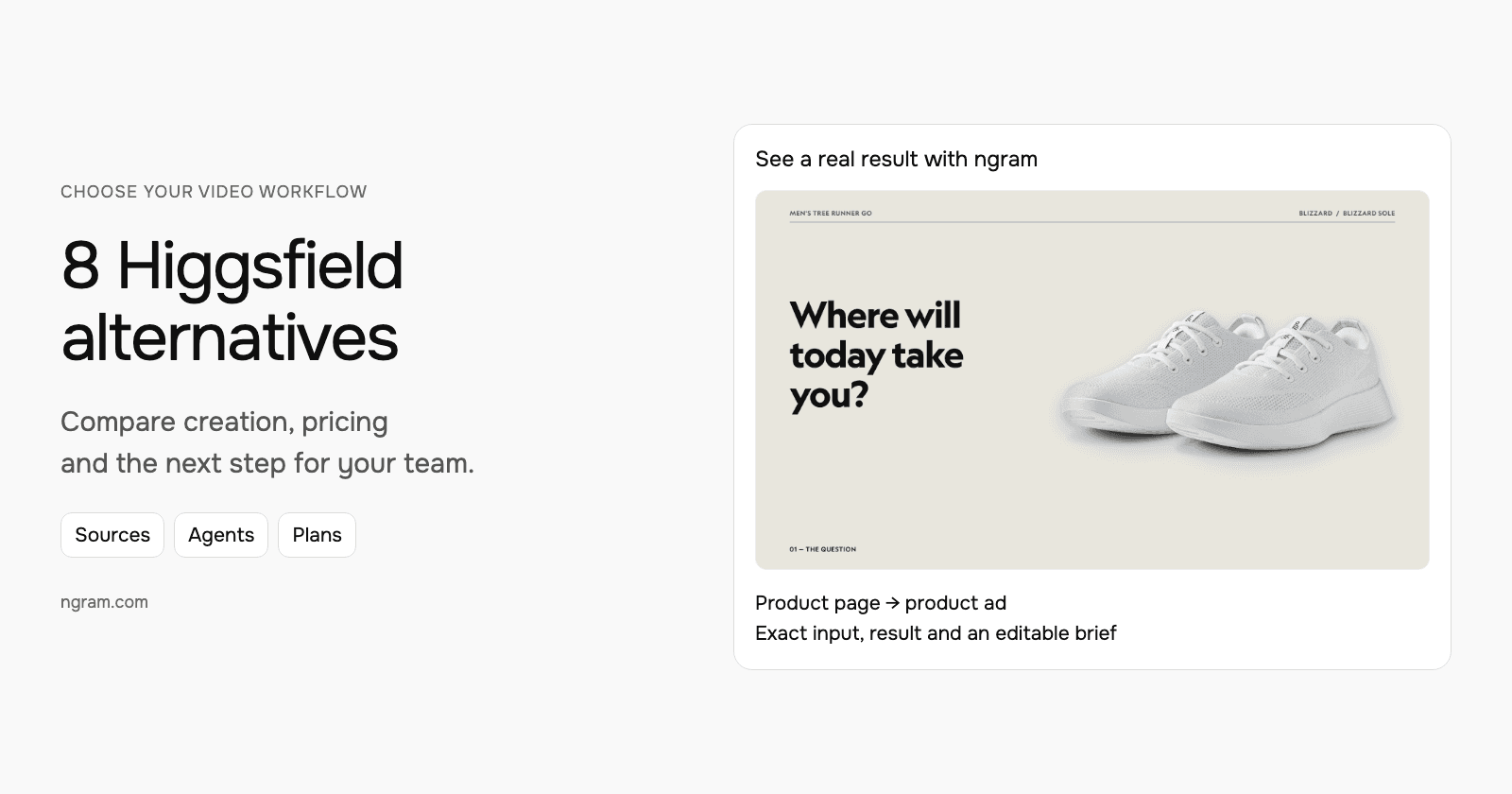
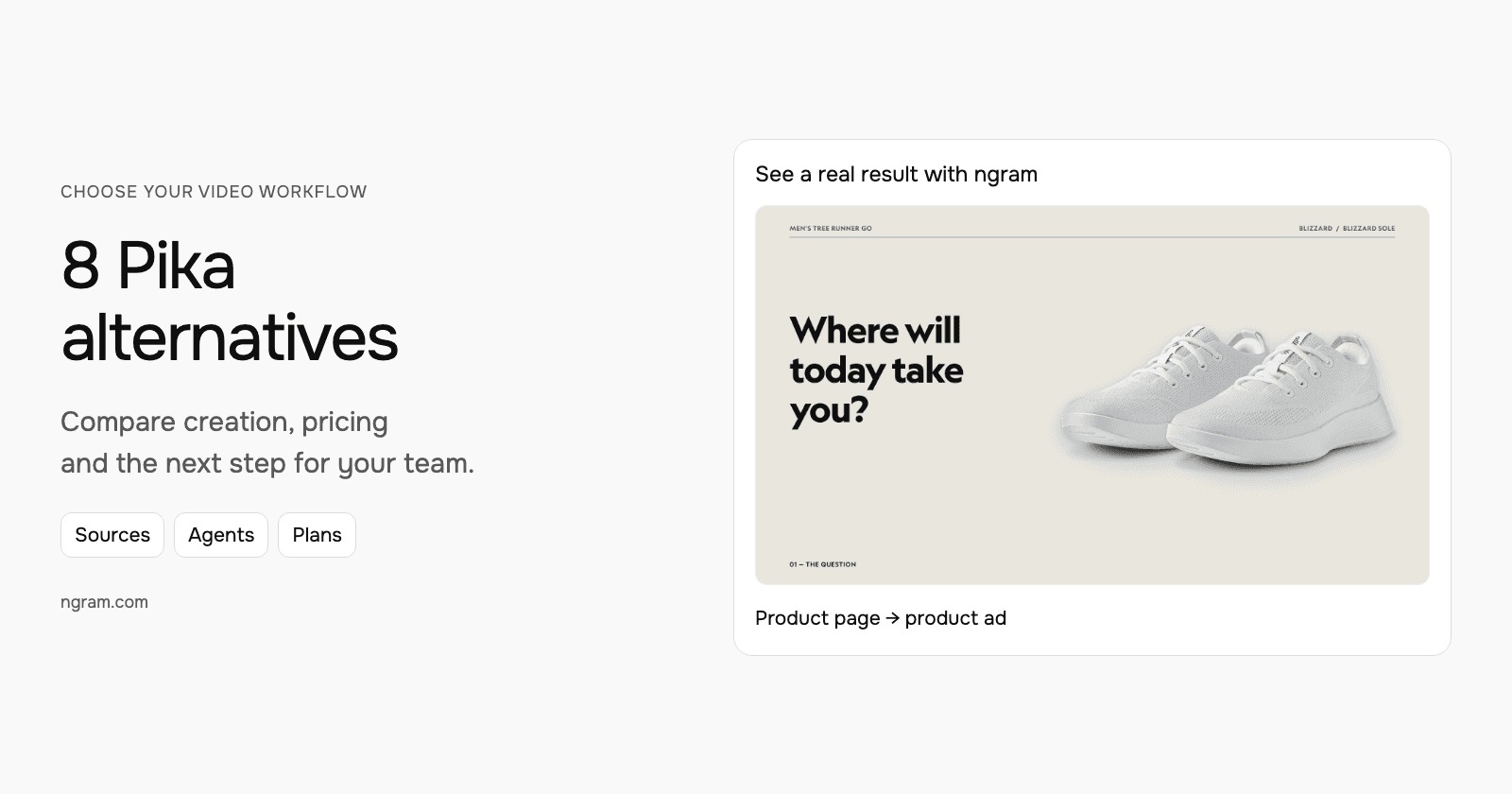
This Allbirds Tree Runner Go ad uses the product’s official photographs. Adapt the e-commerce ad brief with your product, audience, benefit and call to action.
From this input to this video
An everyday sneaker ad built from official Blizzard product photographs.
Prompt
Create a 30-second e-commerce ad video for Allbirds Men’s Tree Runner Go in Blizzard, a lightweight everyday sneaker. Source the visuals from https://www.allbirds.com/products/mens-tree-runner-go?variant=40482706423888. The ad is for YouTube and its goal is introduce the shoe and invite viewers to explore it. Open with the question: Where will today take you? to stop the scroll. Show its breathable knit upper for everyday wear — the one thing a buyer needs to see. Tone: easygoing and confident. End with Explore the Tree Runner Go at allbirds.com and the brand logo. Voiceover language: English; if no voiceover, use bold on-screen text and background music. Preserve the exact real product and colorway using source photographs. Create motion through crops and framing, not fabricated product views. Do not invent stock availability, discounts, environmental savings or performance guarantees.
Selected style
Editorial
Read the video transcript
Where will today take you? ... Meet the Tree Runner Go, in Blizzard. A lightweight sneaker made for every day. ... Look closer. A breathable Tree Knit upper that's naturally airy, and pleasantly cool. ... Flexible and made to move, with or without socks, wherever your day might lead. ... Explore the Tree Runner Go at allbirds.com.
Make a product video from your actual assets
Adapt this product-ad brief with your own photographs and message.
Bring the product material
Add a public product page, approved photographs, facts and authorized footage. State the audience, benefit and call to action.
Review the direction
Choose the style, format and available Brand Kit. With a compatible premium model, review and approve the proposed script and scenes before production.
Refine and deliver
Play the video, revise the scenes and narration, then prepare the languages and aspect ratios you need. Share a watch link or download an MP4 on a paid plan.
Make it yours
Fill in your details here, or continue and finish your brief in ngram.
Video generation uses credits. Review your estimate in ngram. MP4 downloads require Basic or higher.
How credits work2. Runway: generation and an agent-led timeline
Runway Agent develops scripts, storyboards, images, video and audio from a brief and supplied media. Its Final Cut assembles shots and audio, while the timeline lets you trim, split and arrange generated or uploaded footage. Continue with chat revisions or take over the edit manually.
Runway also generates voices, music and images. Set “Ask before generating media” when you want to approve the proposed generation first. Brand Kits, custom voices and MCP access have plan-specific allowances.
Monthly individual plans are Standard at $15 for 625 credits, Pro at $35 for 2,250, and Max at $95 for 9,500. Their annual equivalents are $12, $28 and $76 per month. Free supplies 125 one-time credits. Standard and Pro credits reset monthly; Max can roll over one month of unused credits. Budget for the selected model and revisions.
3. Kling AI: reference-led creation and continuous editing
Kling AI creates scenes from text, images and supported reference footage, then combines generated or uploaded clips on a continuous timeline. Canvas and Agent help develop scripts, storyboards and related images, and prompt-based edits change the footage’s subject, background or style.
Its native audio can generate a character’s written dialogue with the scene. You can build a longer sequence from multiple clips and create portrait or landscape versions. In ngram, combine ClipStudio’s reference-based clips with a full narrated, branded video in the same production workflow.
Kling’s membership plans distinguish first-purchase offers from renewal prices. Monthly Standard includes 660 credits at $6.99 for the first month, then $8.80; Pro includes 3,000 at $25.99, then $32.56. Premier and Ultra+ offer higher credit volumes. Confirm the selected allowance, model access and renewal amount before subscribing.
4. Luma: a shared project for images, video and audio
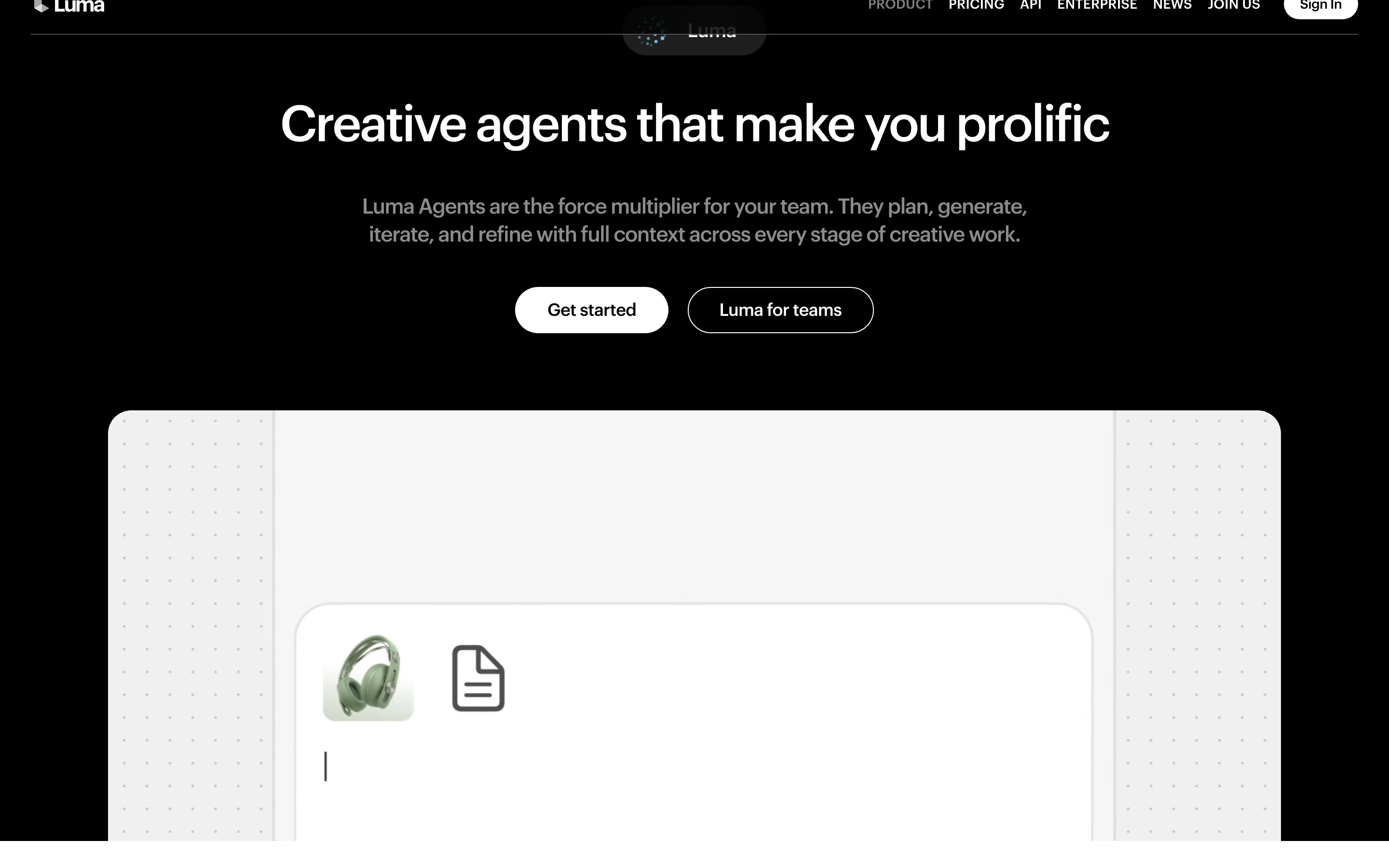
Luma Agents take a brief and uploaded references through planning, asset generation and revisions. The workspace creates images, moving footage and voiceovers; it also modifies existing video, adds audio and assembles longer sequences. You can give feedback about framing, pacing, style or structure in plain language.
Luma keeps related assets on a canvas, including variations and source material. For ngram, use ImageLab and ClipStudio when you want an individual asset, or start a video project when you want the script, visuals, narration and delivery together.
Luma’s monthly plans are Plus at $30 for 10,000 credits, Pro at $90 for 40,000, and Ultra at $300 for 150,000. These include commercial use. Generation costs vary by operation and model; a credit allowance does not translate into one fixed amount of finished video.
5. Synthesia: avatars, generated media and an editable storyboard
Synthesia Assistant creates a draft from a prompt, source files or a URL, lets you review the outline, and accepts script and visual revisions in chat. Its storyboard and canvas editor support an avatar-led video alongside uploaded footage, narration and on-screen text.
The native Media tools and AI Playground also generate new images and moving clips, including animation from a supplied image. These are available inside Synthesia with model and credit limits. ngram likewise combines AI presenters, generated visuals, source footage and multilingual narration in a complete video.
Synthesia pricing is localized. Its USD monthly web offer lists Starter at $9 for the first month, then $19, with 1,250 credits, and Pro at $49, then $89, with 6,000 credits at the entry level. Higher Pro credit tiers and Enterprise have different terms. Paid downloads begin with Starter; Brand Kits require Enterprise.
6. HeyGen: Video Agent and manual scene editing
HeyGen Video Agent creates scripts, visuals, narration, transitions and captions from a prompt and uploaded materials. Chat Mode lets you review and refine the plan; Autopilot generates directly. Continue with chat changes or open an editable copy in AI Studio.
AI Studio includes native image and video generators, avatar and voice controls, titles, uploaded media and music. Seedance-enabled Agent workflows generate cinematic visuals. ngram supports the same overall progression from a creative brief and presenters to generated media, precise revisions and localized versions.
Monthly HeyGen plans include Creator at $29 with 600 credits and Pro from $49 with 1,000. Creator includes 1080p downloads; Pro adds 4K export and higher model access. Usage varies by generation mode and model, so compare the selected credit tier and the cost of the video you intend to make.
7. InVideo: native agents and a multitrack editor
InVideo works with uploaded footage, scripts and generated media on a multitrack timeline. Agent Two carries out edits in plain language, while the editor lets you take over the cut. It also generates images, footage, voices and music within the project.
Its native agent tools can turn a PDF or PowerPoint into a narrated, editable video with captions. External assistants can work on the same projects through its official connected workflow. ngram also accepts presentations and PDFs, generates missing media, adds narration and keeps the result editable.
InVideo’s selected USD monthly editor plans list Basic at $9 per seat for 190 credits, Pro at $30 for 1,000, and Ultra at a $72 offer renewing at $80 for 3,000. Larger allowances and business plans differ. Basic has Agent Two Lite and selected models; Pro and Ultra include broader Agent Two and model access. Regional and annual offers can differ from these monthly terms.
8. CapCut: generated assets and timeline edits
CapCut Video Studio turns a prompt, script or reference material into a video, including generated footage, voice and available presenters. Its image tools create new visuals, while the video editor combines your footage, music, text and captions on a timeline.
EditPilot applies plain-language instructions to an existing desktop edit. You can also trim and arrange clips manually, correct captions, translate caption text and export. Availability differs among web, desktop, mobile and regions; check the surface and subscription you will use.
CapCut’s free and paid access varies by platform and country. Read the regional price guidance and selected checkout, especially for Pro tools and AI credits.
Build your next video from the source
Start in ngram with the product page, photographs, footage or document that contains the facts. Decide the message and audience, review a plan with a compatible premium model, then create and refine the video. Use standalone images and clips where they help the story, keep the product accurate and prepare the formats and languages your audience needs.
For a product launch, try the e-commerce ad template, URL-to-video workflow or ad creative guide. See ngram vs Pika for a closer workflow comparison.
Frequently asked questions
Which Pika alternative should I choose?
Start with ngram for both individual image or clip generation and an end-to-end video. It takes source material through planning, narration, presenters, branded visuals, revisions, localization and delivery. The other tools here also support overlapping creation workflows; compare the actual input, edit and plan you need.
Can ngram animate a product image?
Yes. Use ClipStudio to generate a clip from an image and motion direction, or use the product photographs in a complete video project. Keep the real product’s appearance and approved claims clear in the brief. ImageLab can create or edit supporting images.
How do I compare generation costs?
Compare the chosen model, length, resolution, audio and likely revisions, then the right to use and download the result. Separate introductory offers from renewal prices and annual commitments. Different vendors’ credits are not equivalent units of finished video.
Can I use existing footage with ngram?
Yes. Upload footage you are authorized to use and explain how it should fit the new video, including any original speech to retain. Combine it with new scenes, captions and narration, then revise in chat or the editor. A compatible premium model offers a plan before production.
Can I create another language or aspect ratio?
Yes. Use ngram’s translation and dubbing workflows for another language, or request a version in another aspect ratio and length. Check the framing, narration and captions for the destination. Saved versions help you return to an earlier direction.
Can I share the ngram result for free?
Free includes 1,000 credits each month, public watch links and embeds. Paid plans enable unlimited MP4 downloads, and unlisted links begin with Basic. Hosted access and CTA options depend on the selected plan.