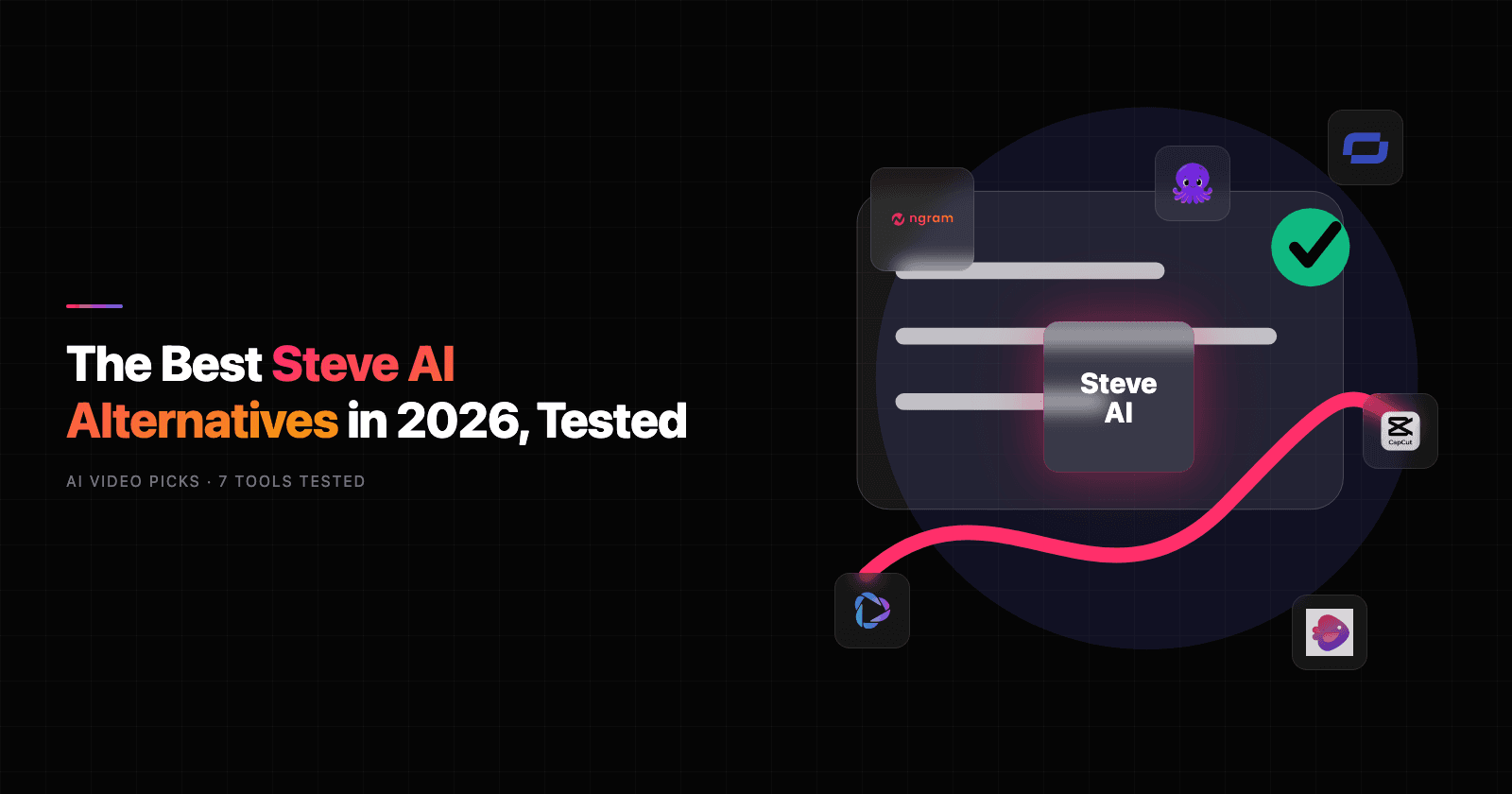


Steve AI alternatives are getting more serious in 2026 because the category moved beyond script-to-template videos. Steve AI still appeals to teams that want animated explainers from text, but public discussions now center on render reliability, output polish, credits, and whether animated scenes can carry business messages that need to look current.
The bigger shift is workflow. Teams want a tool that can read source material, plan the story, apply brand rules, create voiceover and captions, and produce versions for sales, training, launch, and social channels.
This refresh keeps ngram first, then compares Synthesia, HeyGen, InVideo AI, Pictory, Fliki, and CapCut against June 2026 vendor pages, SERPs, reviews, and Reddit sentiment.
Where Steve AI falls short in 2026
Steve AI still deserves credit for the workflow it made familiar. The issue is that teams now expect video tools to travel further: from source material to script, from recording to polish, from one export to many audience-specific variants.
Animated output can feel boxed in - Steve AI is strongest when the desired video fits its animation and explainer patterns. Teams looking for customer-facing product stories often want richer source ingestion, stronger brand treatment, or more realistic presenters.
Credits and render limits shape the real cost - Steve AI pricing shows add-ons, video-minute limits, image allotments, and resolution differences across plans. The headline price is not enough for teams producing weekly campaigns.
Editing depth matters after generation - The first cut is rarely the final cut. Users comparing Steve AI alternatives often want script edits, scene regeneration, recording polish, localized versions, and export control.
That is why this refresh compares workflow fit, output quality, pricing shape, user sentiment, and team readiness instead of treating every alternative as a simple feature checklist.
Quick comparison
| Tool | Best For | Starting Price | Key Differentiator |
|---|---|---|---|
| ngram | Business video from docs, recordings, URLs, and prompts | ngram pricing | Plan-first video generation |
| Synthesia | Enterprise avatar and training videos | Free, paid from $29/mo | Mature avatar library |
| HeyGen | Realistic avatars and localization | Free, paid from $29/mo | Avatar-first production |
| InVideo AI | Faceless prompt-to-video workflows | Free, credit-based paid tiers | Stock-led generation |
| Pictory | Blog and long-form content repurposing | Trial, paid plans vary | Content repurposing |
| Fliki | Voice-first text-to-video | Free, paid from $28/mo monthly | Voice and languages |
| CapCut | Short-form social editing | Free, Pro varies by region | Mobile social editing |
1. ngram
Watch how ngram turns an idea into a finished video:
ngram is the strongest Steve AI alternative when the job is not only making a clip, but turning source material into a finished business video. For teams leaving Steve AI, the key difference is that ngram starts from business context instead of only a template prompt.
The product starts from business context. You can provide a prompt, PDF, URL, deck, screenshot, screen recording, or raw video. ngram extracts the message, writes a script, builds a storyboard, and lets the team review the plan before rendering. That planning step is the difference between a quick asset and a video that can carry a launch, training module, support answer, or sales follow-up.
ngram also covers the production pieces teams usually stack across several tools: captions, AI voiceover, basic avatars, custom faces, custom voices, product callouts, smart zooms, screen-recording polish, branded intros and outros, background music, MP4 export, hosted watch pages, and an embeddable player. It is not a traditional desktop editor, and it is not only a template library. It is built for teams that bring messy source material and need a clear video fast.
Key features:
- Source-to-video workflow - Start from docs, URLs, decks, screenshots, recordings, raw video, or prompts.
- Script and storyboard first - Review the message and scene plan before rendering.
- Screen-recording polish - Add cursor smoothing, click emphasis, smart zooms, step labels, and transitions.
- Brand controls - Apply logos, colors, fonts, approved phrases, intros, outros, and tone.
- Localized variants - Translate scripts, captions, on-screen text, and voiceovers.
- Publishing paths - Export finished videos as MP4 or host them on a shareable watch page.
Pros
- Built for business context - ngram asks what the video is for, who will watch it, and where it will ship.
- Works from existing assets - Source material can be a doc, URL, deck, screenshot, or rough recording.
- One message can become many outputs - Launch clips, training versions, social cutdowns, decks, thumbnails, and carousels can come from the same source.
Cons
- Not a pure template editor - If you only want to drop photos into a preset slideshow, a template tool may feel faster.
- Not a pro NLE replacement - Editors who need deep color grading or compositing should keep Premiere, Resolve, or Final Cut.
Who is ngram best for?
ngram is best for product marketing, growth, sales, customer success, L&D, and founder-led teams creating videos from business material every week. Check ngram pricing for current commercial terms instead of relying on a stale pricing snapshot. To convert blog posts to video specifically, start from the dedicated converter page.
Ready to try ngram? Create your first business video from a doc, recording, URL, or prompt. Start free
2. Synthesia
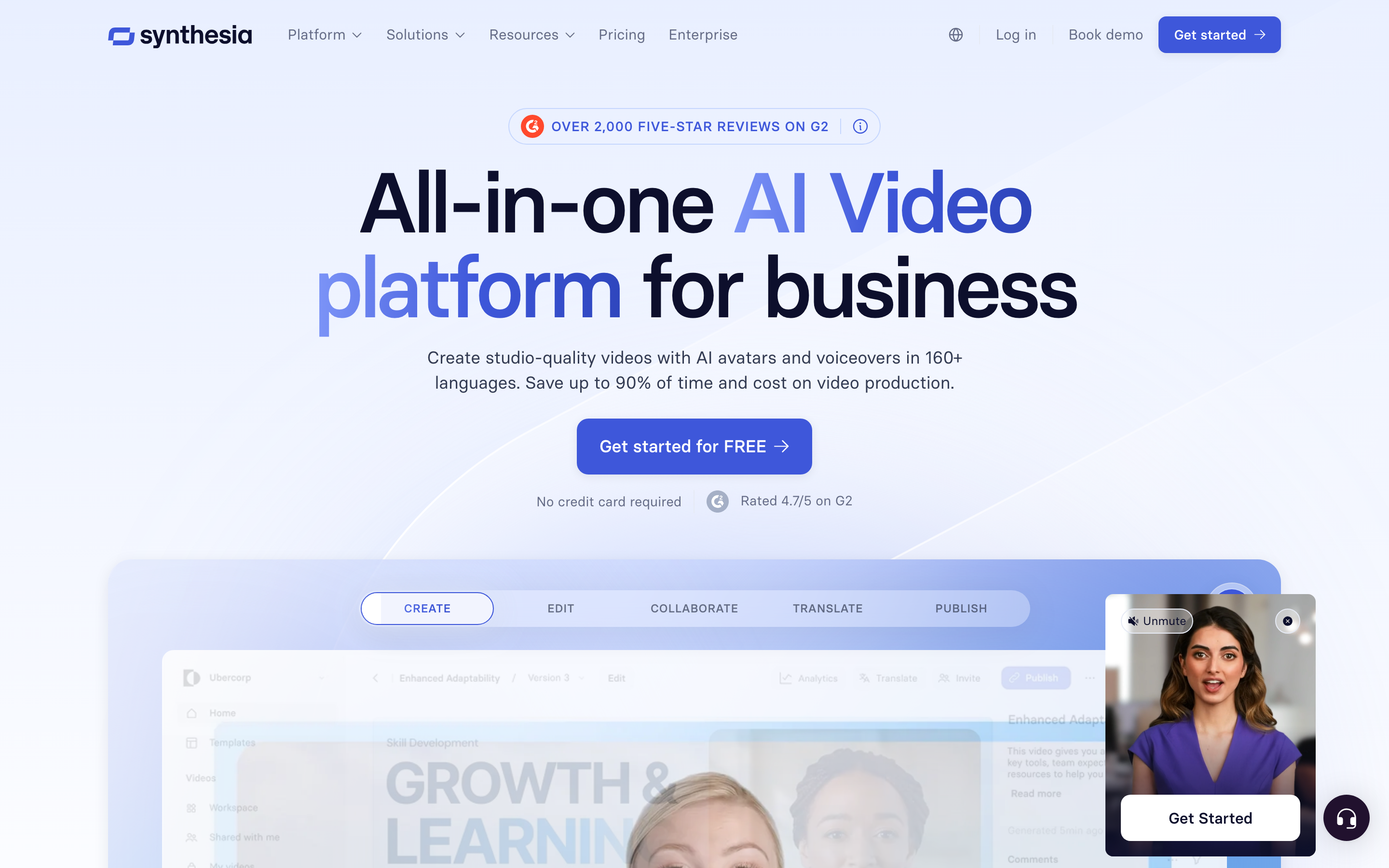
Synthesia is a safe upgrade when teams need professional AI presenters for training, enablement, or internal communication. Its public pricing page highlights a free Basic tier, Starter at $29 per month, Creator at $89 per month, and Enterprise for scaled teams.
Key features
- AI avatars - Use stock or custom on-brand presenters.
- AI dubbing - Localize video for multilingual teams.
- Brand kits - Apply logos and visual identity.
- Interactive videos - Create structured learning experiences.
- Enterprise controls - Use SSO, collaboration, and governance.
What users say
Reviewers consistently praise Synthesia for polished presenter videos, clean localization, and enterprise training fit. Complaints tend to focus on credit planning, plan jumps, and avatar sameness when every team uses similar scenes.
Pros
- Clear fit for its core workflow - Buyers who match the native use case ramp quickly.
- Faster than a blank editor - Templates, AI, capture, or stock assets reduce setup time.
- Useful ecosystem - Sharing, exports, libraries, or integrations support repeat work.
Cons
- Workflow boundaries show up at scale - Teams hit friction when they need a different output shape.
- Pricing or credits need checking - Current plan limits matter more than the headline price.
Best for
Corporate training, compliance, and internal enablement teams that want avatar-led video at scale.
Pricing note: Synthesia publishes a free Basic tier and paid plans from $29 per month.
3. HeyGen
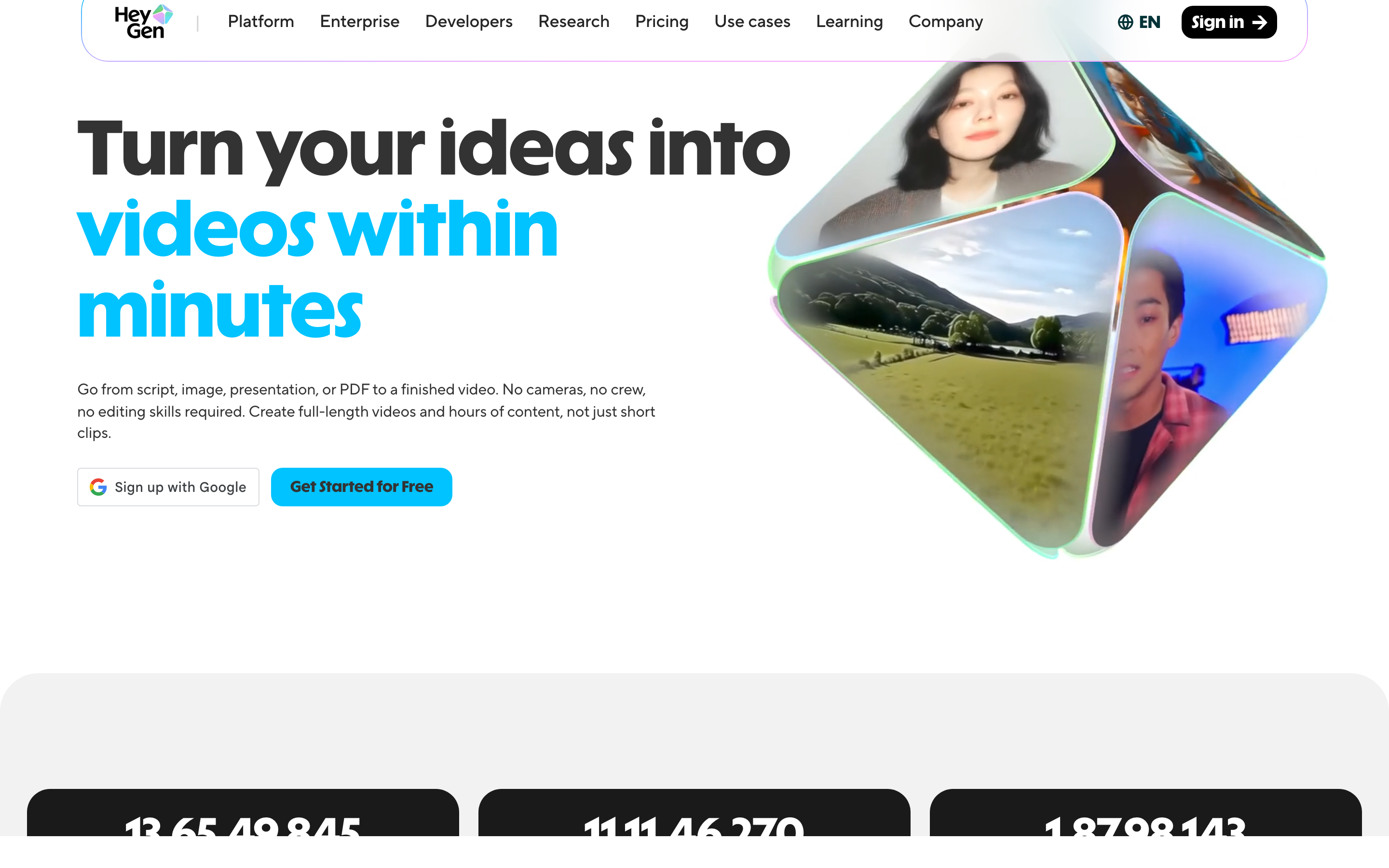
HeyGen is a strong option when presenter realism, custom avatars, and localization matter more than template variety. Current pricing research shows a free tier and Creator plans around $29 per month, with higher tiers for credits and collaboration.
Key features
- Avatar generation - Create stock, instant, or custom presenters.
- Video translation - Translate and dub presenter videos.
- Voice cloning - Match speaker identity.
- Templates - Create marketing, sales, and education formats.
- API options - Connect avatar creation to repeatable workflows.
What users say
Users like HeyGen when they need credible face-led videos quickly. Recent Reddit criticism focuses on credit transparency and support friction when advanced avatar features consume credits faster than expected.
Pros
- Clear fit for its core workflow - Buyers who match the native use case ramp quickly.
- Faster than a blank editor - Templates, AI, capture, or stock assets reduce setup time.
- Useful ecosystem - Sharing, exports, libraries, or integrations support repeat work.
Cons
- Workflow boundaries show up at scale - Teams hit friction when they need a different output shape.
- Pricing or credits need checking - Current plan limits matter more than the headline price.
Best for
Marketing, sales, and education teams that want realistic AI presenters without building an animation workflow.
Pricing note: HeyGen has a free tier and paid creator plans commonly listed from $29 per month.
4. InVideo AI
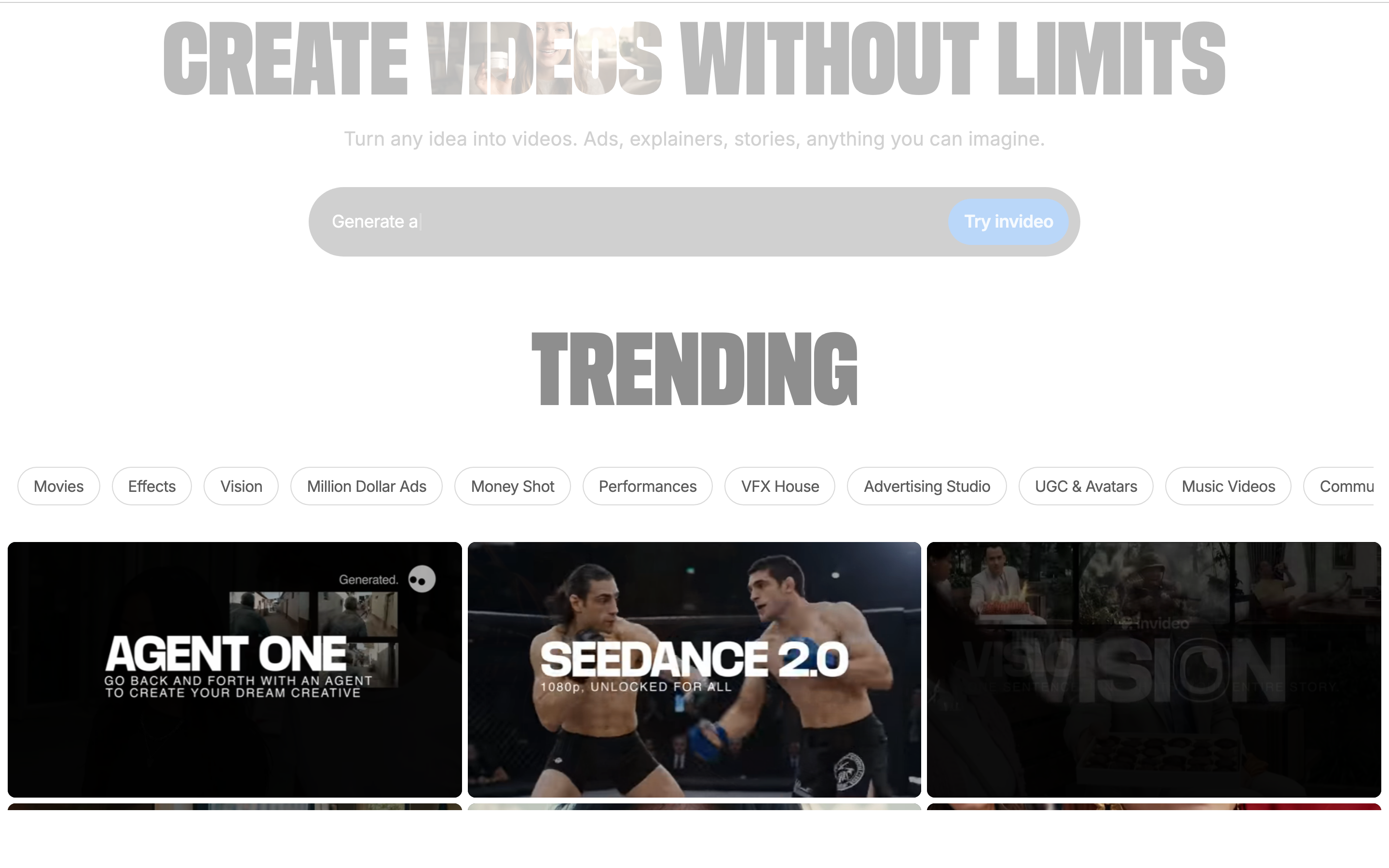
InVideo AI fits prompt-to-video, faceless YouTube, listicle, and stock-led social workflows. It can write scripts, pull stock footage, add voiceover, and assemble a first draft from an idea.
Key features
- Prompt-to-video - Generate a full draft from an idea.
- Stock footage - Use large media libraries.
- AI voiceover - Create narration for social clips.
- Templates - Move quickly on creator formats.
- Credit tiers - Scale generation by plan.
What users say
Users praise the speed from idea to draft. Recent complaints focus on confusing credit consumption, regeneration costs, and output that needs manual cleanup.
Best for
Creators and small marketing teams producing frequent stock-led videos from scripts or prompts.
Pricing note: Public references show free access and paid tiers that vary by AI credits and generation minutes.
5. Pictory
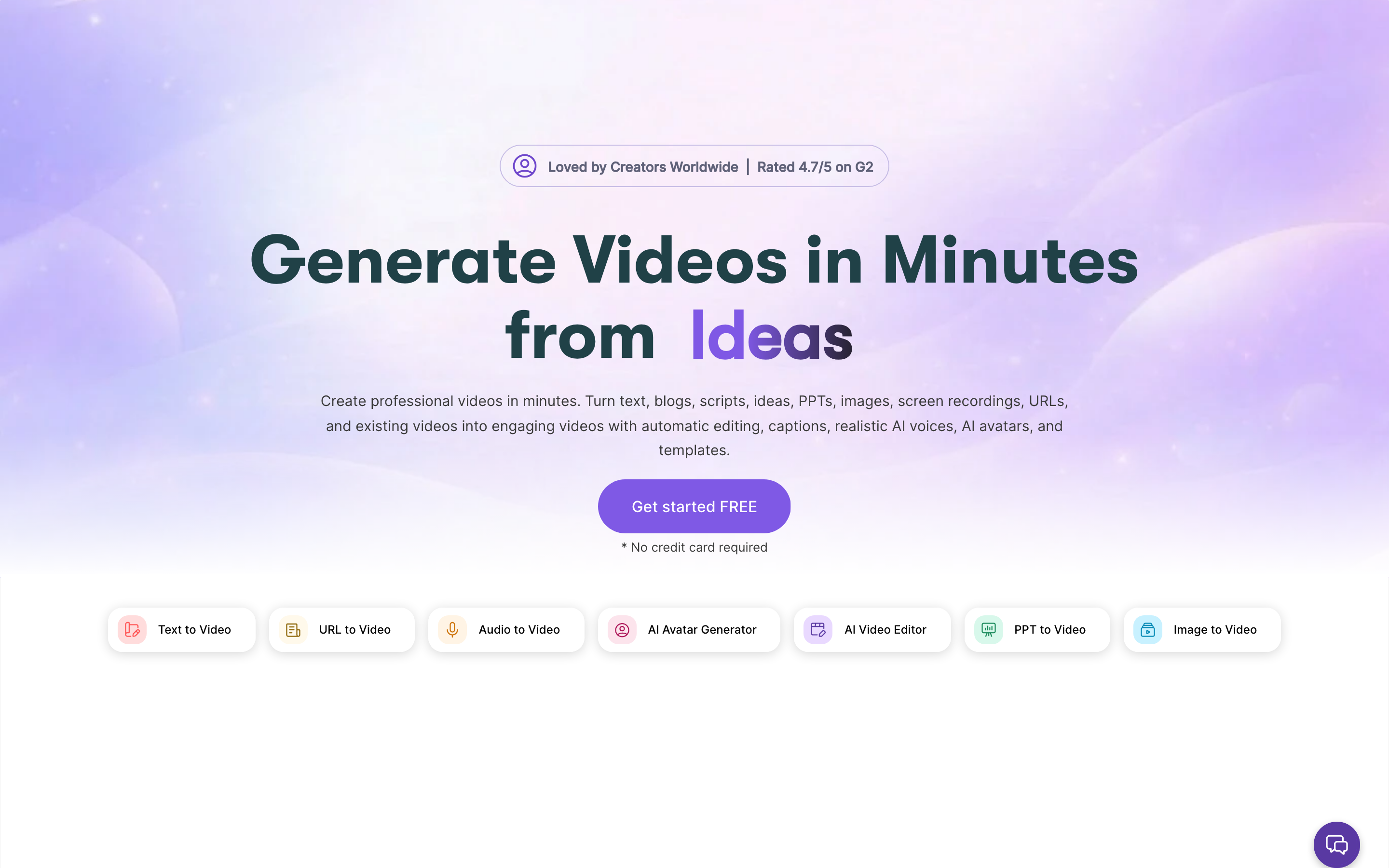
Pictory is practical when the source is a blog, webinar, script, or long recording. It is less about avatars and more about repurposing content already written or recorded.
Key features
- Article-to-video - Repurpose written content.
- Script-to-video - Create narrated videos from scripts.
- Auto captions - Caption clips quickly.
- Stock media - Match text with visuals.
- Brand kit - Keep repeatable identity.
What users say
Users like Pictory for fast repurposing and captions. The common limitation is that generated footage can feel generic unless the editor swaps visuals and tightens the story.
Best for
Content teams that already publish blogs, webinars, or long videos and need derivative clips.
Pricing note: Pictory offers trials and paid plans. Verify current video caps, duration limits, and team seats.
6. Fliki
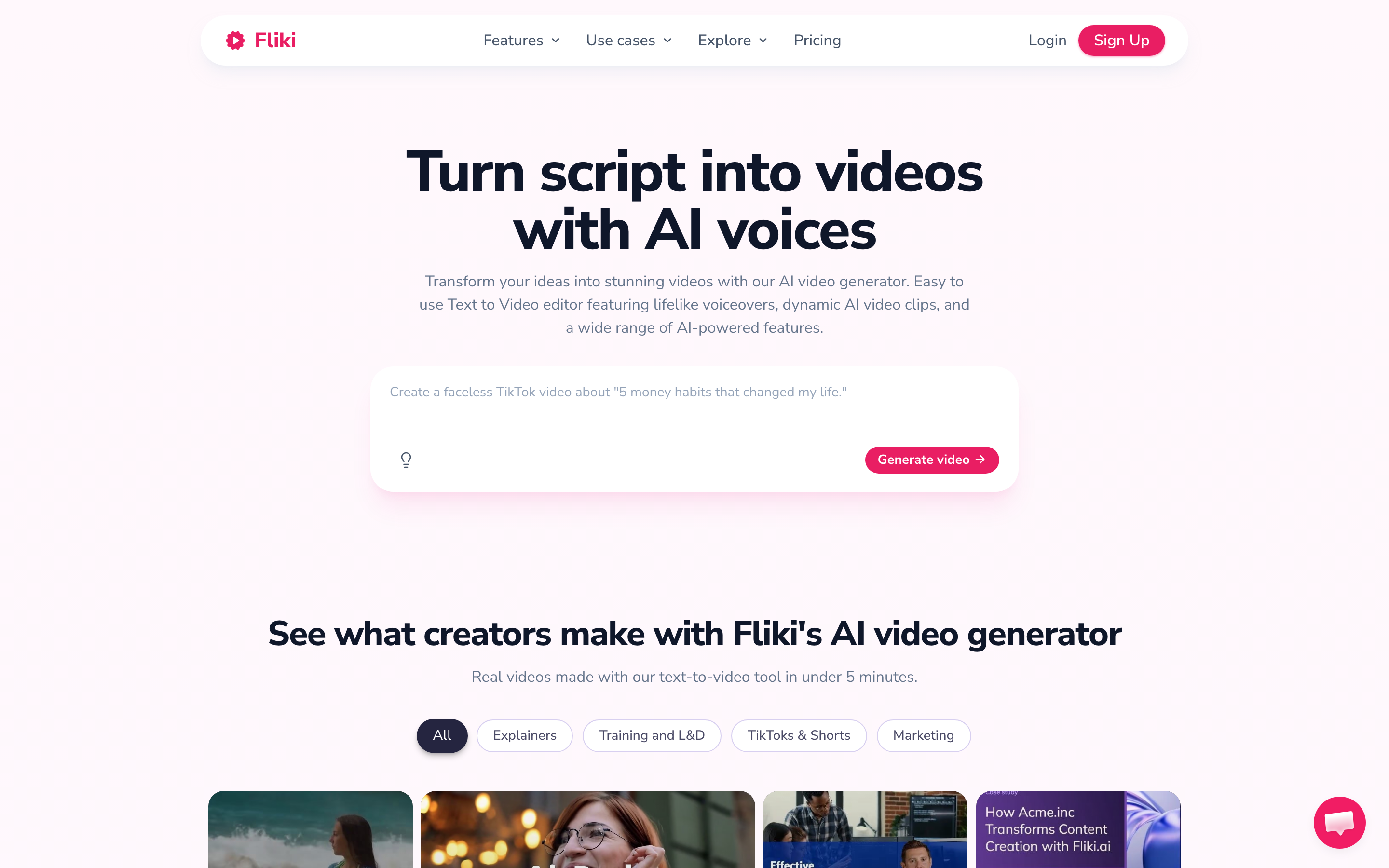
Fliki fits buyers who care most about voiceover, language coverage, and text-to-video from scripts, ideas, blogs, product pages, or PPTs. Its pricing page lists a free tier and Standard at $28 monthly, discounted on annual billing.
Key features
- Text-to-video - Create videos from written sources.
- Voice library - Use broad AI voice options.
- Translation - Translate content into many languages.
- Voice cloning - Use branded narration on paid plans.
- Supporting assets - Create thumbnails and social content.
What users say
Users like voice quality and language breadth. The tradeoff is that output still needs editorial review when visual specificity and brand polish matter.
Best for
Creators, educators, and marketers producing voice-led explainers and localized videos.
Pricing note: Fliki publishes a free tier and paid Standard pricing from $28 per month monthly, with annual discounts.
7. CapCut

CapCut is the social editing fallback. It is not a source-to-video planner, but it is strong for short-form clips, captions, templates, effects, and TikTok-native formats.
Key features
- Mobile editor - Edit quickly across phone and desktop.
- Auto captions - Create social subtitles.
- Effects library - Use transitions and motion effects.
- Templates - Start from trend-led formats.
- Cloud storage - Move projects across devices on paid plans.
What users say
Creators love CapCut for speed and social-native templates. Recent Reddit complaints focus on price changes, checkout confusion, and features moving behind paid tiers.
Best for
Solo creators and social teams that want hands-on editing and trend templates.
Pricing note: CapCut has a free tier, with paid pricing and Pro packaging varying by region and platform.
---
Need a video that feels finished, not assembled? ngram turns source material into a planned, branded video workflow. Try ngram
---
How we compared these Steve AI alternatives
We refreshed this post in June 2026 with live SERP checks, vendor pricing pages, public review language, Reddit threads, and the current ngram product-state file. Google Ads Keyword Planner was unavailable because credentials were missing, so keyword volume and CPC claims were not used.
| Criteria | Weight | What we looked at |
|---|---|---|
| Workflow fit | 25% | Whether the product matches the job behind the query, not only the category label. |
| Output quality | 25% | Render polish, editing control, captions, brand fit, and customer-ready presentation. |
| AI depth | 30% | How much scripting, storyboarding, editing, voice, avatar, localization, and repurposing is handled by AI. |
| Value clarity | 15% | Public pricing, credit limits, seat rules, output caps, and cost predictability. |
| Team readiness | 5% | Collaboration, brand controls, permissions, hosting, exports, and governance. |
We used qualitative sentiment only. Numerical star ratings were intentionally excluded because scores age quickly and hide the reason behind user praise or complaints.
Frequently Asked Questions
What is the best Steve AI alternative in 2026?
ngram is the best Steve AI alternative for teams that need finished business video from docs, recordings, screenshots, URLs, or prompts. Pick a specialist if your workflow is limited to animated explainers or quick AI scripts.
Is there a free alternative to Steve AI?
Several tools in this list offer limited free plans or trials, but free tiers usually add watermarks, export caps, low resolution, or tight credit limits. Use a free plan to test workflow fit, then verify the current pricing page before migrating a team.
How should I compare Steve AI competitors?
Start with the source material you already have. A template editor, screen recorder, avatar studio, and product demo platform solve different jobs, even when every pricing page says AI video.
When should I keep Steve AI?
Keep Steve AI if Steve AI already gives you the animation style, export quality, and volume you need. Switching only makes sense when the missing workflow costs more time than the migration.
Which Steve AI alternative is best for teams?
For team workflows, prioritize brand controls, review loops, permissions, hosting, export formats, and clear pricing. ngram is strongest when one source message needs multiple business-ready videos
Our verdict
The best Steve AI alternative depends on the job behind the search. If you need one narrow tool for one repeatable task, one of the specialists above may be the cleanest choice.
If your team starts with messy source material and needs a polished customer-facing or employee-facing video, ngram is the strongest overall fit. It handles planning, scripting, storyboarding, brand treatment, editing, variants, and publishing in one workflow.
Stay with Steve AI if you are happy with animated explainer output and do not need deeper planning, brand, localization, or screen-recording workflows. Switch when your team needs the message, format, and audience to change without rebuilding every video from scratch.
---
Try ngram free. Turn raw recordings, docs, URLs, or screenshots into polished business videos with script, storyboard, captions, and brand controls. Start free