
Table of Contents
Bring the next approved script, recording or article and choose what the audience should see. ngram can make a narrated lesson, a visual walkthrough, or a scripted conversation from those inputs. Start with the production job below, then check which alternatives support the delivery your team needs.
When to choose ngram over HeyGen
| If you need to… | ngram | HeyGen |
|---|---|---|
| Refine a generated video with chat and direct editing | Yes · Advantage Pin a moment to revise it in chat. Open an eligible composition in the inline editor to adjust layers directly. | Yes Refine a scene in Video Agent. For precise manual edits, the recommended workflow is to edit a copy in AI Studio. |
| Make an article into a two-person conversation | Yes · Advantage Give the brief the speaker roles. Conversation mode proposes the cast, voices and dialogue for review. | Yes Assign the host and guest first. Video Podcast can write the script from a prompt or document. |
| Export SCORM for course delivery | No Download the MP4 on a paid plan and package it in your LMS. | Yes · Advantage Business lists SCORM export and LMS integrations. |
For the full workflow and plan differences, see ngram vs HeyGen.
What HeyGen offers today
HeyGen Video Agent accepts uploaded documents, images and video. Chat Mode offers plan review; Autopilot is a different creation path. You can revise through chat or edit a copy in AI Studio. It is broader than a presenter reading text.
Its July release describes HyperFrames motion graphics and website/Figma-based workflows. Avatar and translation features remain useful reasons to evaluate HeyGen, but source-based creation and planning are no longer distinctions that belong only to another tool.
Current pricing includes Brand Kit on Creator and Pro, with SCORM/LMS and interactive features listed on Business. Its developer platform covers REST, CLI and MCP operations; API pricing is separate from the web subscription.
LiveAvatar is HeyGen’s separate platform for real-time interaction, with its own credits and models. A Creator video plan is not a LiveAvatar allowance, and the avatar assets are not automatically cross-compatible. The current setup guide says Starter stopped accepting new customers on September 25, 2026; use its current plans for a new deployment.
A May 2026 G2 review described spending credits on prototypes and getting unexpected voice changes after revisions. HeyGen’s current Video Agent guide documents plan refinement before generation and targeted edits. Compare the charge for the particular revision you make often. The dedicated Video Podcast preview and final render have separate charges.
Alternatives at a glance
| Tool | Useful starting point | What to check before switching |
|---|---|---|
| ngram | A planned video from approved material | MP4 downloads require a paid plan. Apply a reusable Brand Kit on Premium or Ultimate. |
| Synthesia | Develop the outline, scenes and learning experience | SCORM and applying a Brand Kit in Assistant require Enterprise. |
| D-ID | Create presenter scenes and conversational video | Lite covers personal use. Use a plan with commercial rights for business videos. |
| DeepBrain AI | Choose avatar or faceless production in AI Studios | New plans use the same credits for export, dubbing and AI media generation. |
| Elai.io | Turn knowledge into editable presenter lessons | SCORM export and Panopto integration are listed on Enterprise. |
| Colossyan | Plan the video and build the course | Confirm SCORM limits for Video and Learn separately, including the version your LMS requires. |
| InVideo | Agent-led creation from a brief | Agent work and generated media draw from the plan’s credits. Costs vary by model and task. |
Check the cost of one real project before moving your team. The plan examples below show different billing terms, usage allowances and output rights.
ngram: create a lesson from approved material
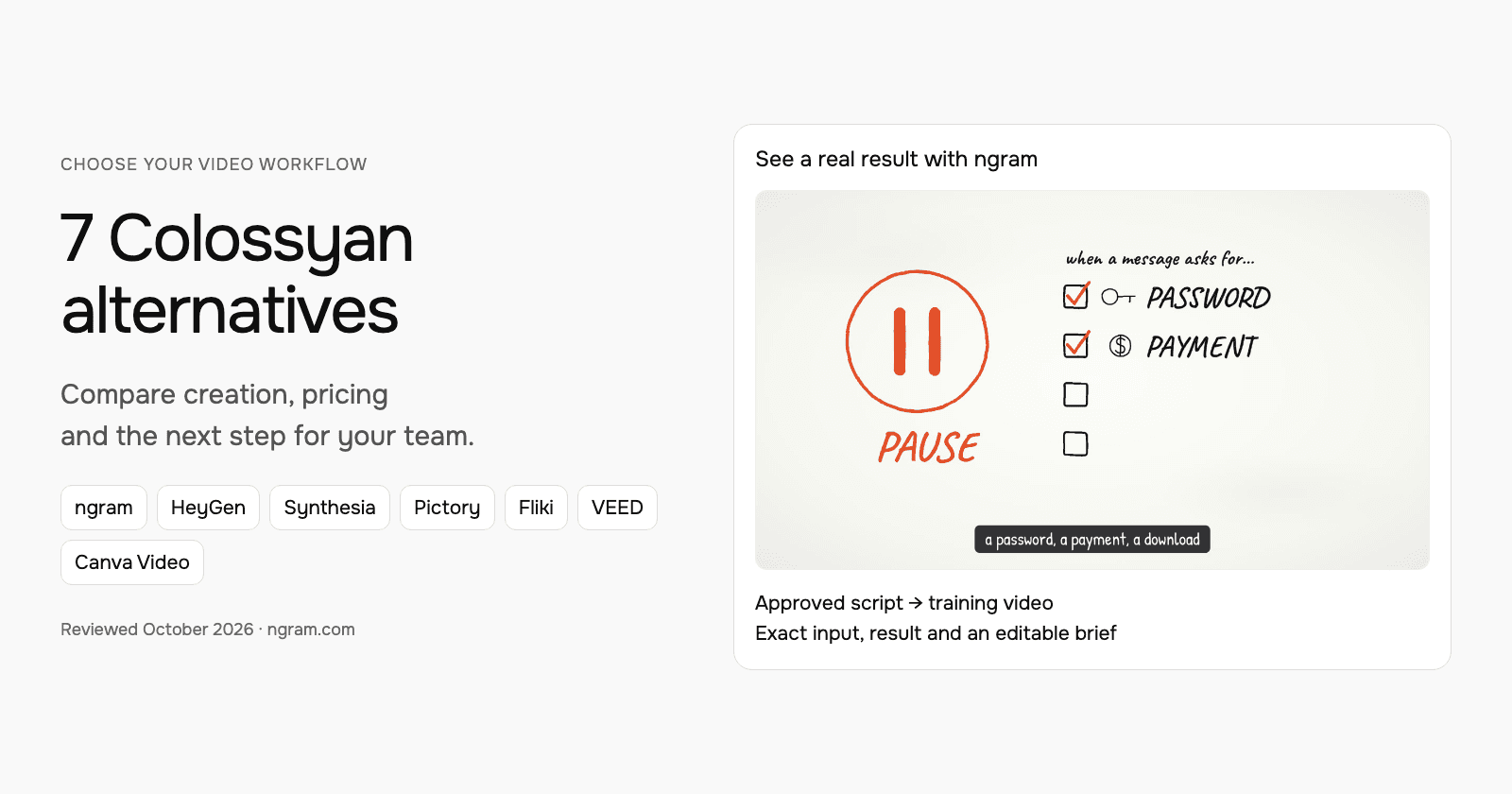
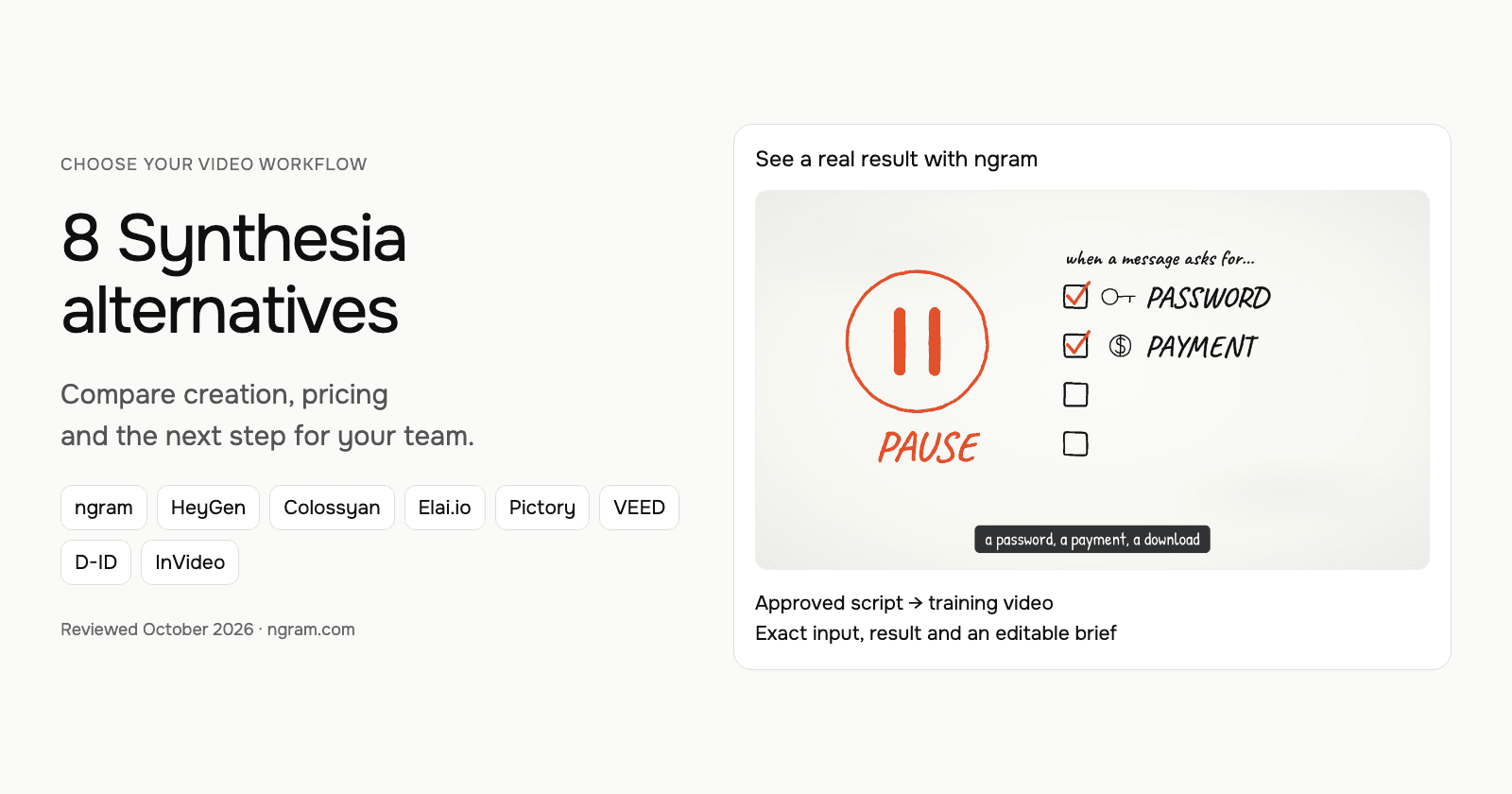
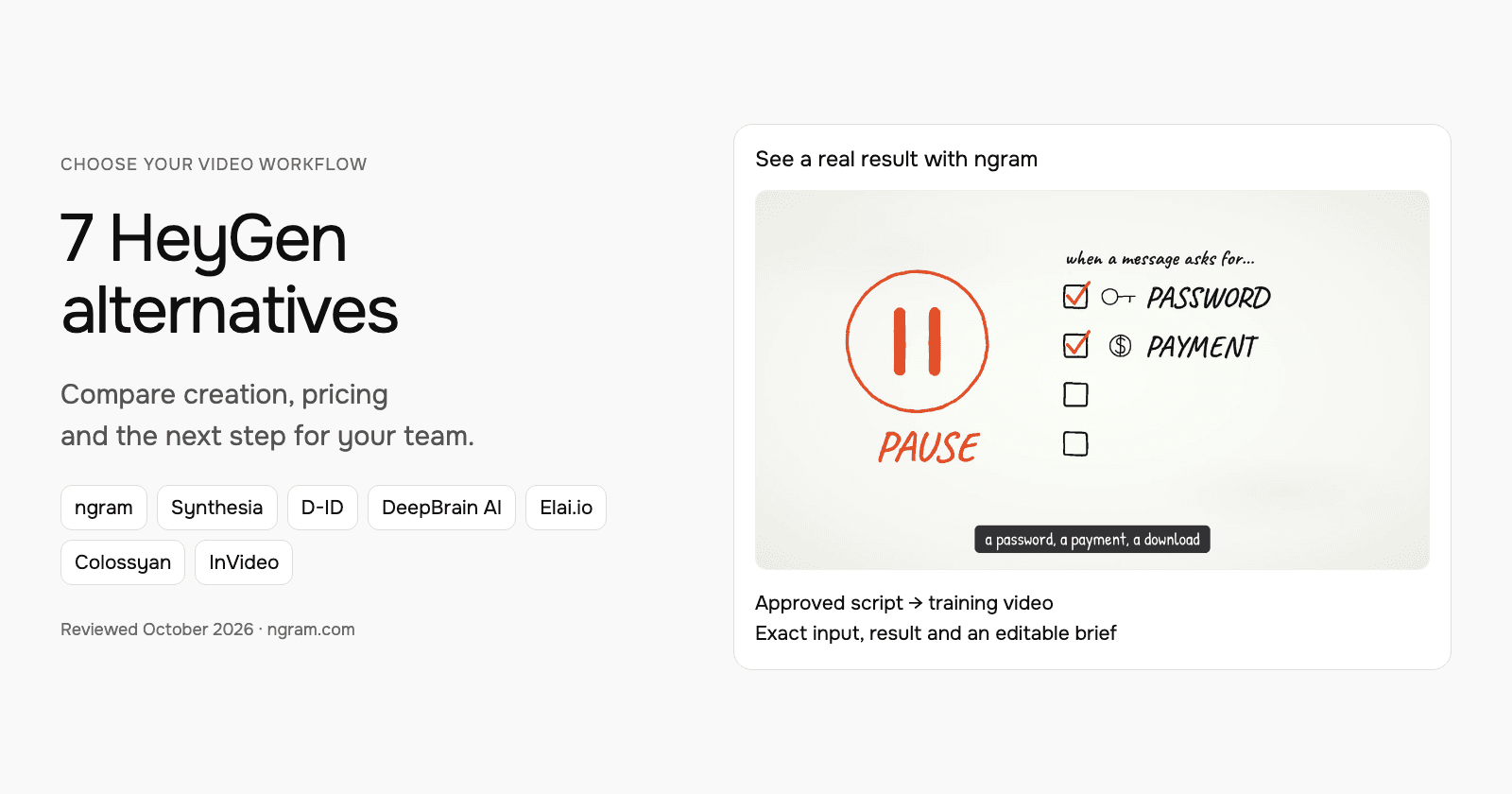
This real ngram example uses a script based on public NIST phishing guidance. Watch the lesson, read its exact input and transcript, and adapt the brief for your own training material. It demonstrates script-based creation, not an imported HeyGen project.
From this input to this video
A script based on NIST’s published guidance becomes a whiteboard training video with captions.
Prompt
Create a 45-second animated cybersecurity training video that teaches recognizing and reporting phishing using NIST’s small-business guidance at https://www.nist.gov/itl/smallbusinesscyber/guidance-topic/phishing to small-business employees. Use my script verbatim for the voiceover — do not rewrite it: An urgent message can make a risky click feel necessary. Phishing impersonates a trusted sender to steal information or deliver harmful software. Pause when a message asks for a password, a payment, a download or immediate action. Check the sender, and verify the request through a contact method you already trust. Do not use the message’s own link or phone number to verify it. Report suspicious messages using your organization’s process. If you already clicked, tell your security contact promptly. Pause, verify and report. Read NIST’s phishing guidance and learn your team’s reporting process. Explain the idea with the warning signs and verification steps in the NIST guidance and reinforce each key term with clear on-screen labels. Visual style: whiteboard. Tone: calm and practical. Open with a short real-world hook, walk through the concept step by step, then close on a one-line recap and this call to action: Read NIST’s phishing guidance and learn your team’s reporting process. Add captions for muted playback.
Selected style
Whiteboard
Read the video transcript
An urgent message can make a risky click feel necessary. Phishing impersonates a trusted sender to steal information or deliver harmful software. Pause when a message asks for a password, a payment, a download or immediate action. Check the sender, and verify the request through a contact method you already trust. Do not use the message’s own link or phone number to verify it. Report suspicious messages using your organization’s process. If you already clicked, tell your security contact promptly. Pause, verify and report. Read NIST’s phishing guidance and learn your team’s reporting process.
Create a lesson from your approved script
The example uses a script based on public NIST guidance. Replace its subject and wording with the lesson your team needs, then choose how it should look.
Prepare the lesson
Use an approved script and source material. Export slides or documents you want to include as a supported upload, such as PowerPoint or PDF.
Set the direction
Fill in the audience, topic, script and call to action below. Select a style, then attach your materials and choose your Brand Kit in ngram.
Review and deliver
Approve the plan containing the script. After generation, review the result, request changes and share it. On a paid plan, download the MP4 for your learning platform.
Make it yours
Fill in your details here, or continue and finish your brief in ngram.
Video generation uses credits. Review your estimate in ngram. MP4 downloads require Basic or higher.
How credits workChoose the style, aspect ratio and duration, then on Premium or Ultimate, select your configured Brand Kit in the composer. Turn captions on when wanted and approve the plan containing the script. Review the result, request a change in chat or use the editing controls. For another format, change its settings and ask for another version.
ngram pricing includes 1,000 credits/month on Free. Basic costs $29/month with monthly billing and includes 3,000 credits per cycle; annual billing is $23.20/month equivalent with 36,000 credits supplied upfront. The base rate for premium AI video generation is 10 credits per second, with a cheaper model at 3. Share publicly or embed on Free; use a paid plan for MP4 downloads and Basic or above for unlisted links.
Synthesia: develop the outline, scenes and learning experience
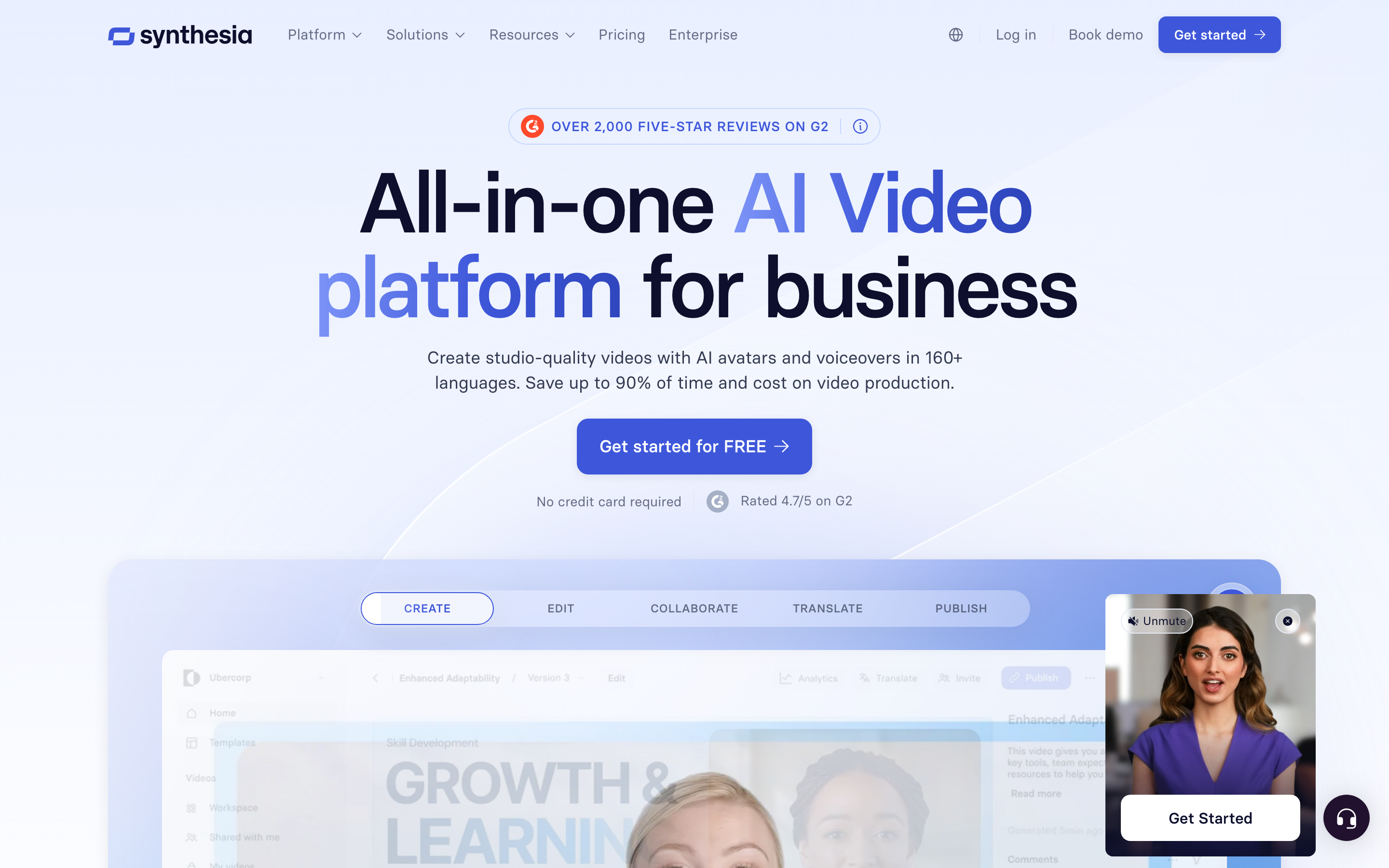
Synthesia Assistant accepts a prompt, files and URL context, then creates an editable outline. Storyboard and Canvas views support scene authoring, and chat can revise scripts and visuals. Its creation workflow includes generated assets and motion graphics.
The AI Screen Recorder provides recording, transcription and scene editing. Recorded product steps can accompany a presenter, so it should not be characterized as a script-only avatar tool.
Current plans meter generated assets with credits. Pro includes interactivity, while Enterprise lists SCORM and Brand Kits. Roleplay learner seats have separate pricing. For training, compare creation, practice and course delivery as distinct requirements.
Sessions includes live avatar roleplays and conversational surveys. The Interactive Avatars API supports real-time experiences in your own product: you bring the language model and speech-to-text, and Synthesia renders the avatar, with optional text-to-speech. Evaluate these separately from recorded-video generation.
| Plan | Billing reference | Included scope |
|---|---|---|
| Synthesia Starter, US list | $29/month; $18/month equivalent annually | 1,250 monthly paid credits, plus free allowance |
| Synthesia Pro, US entry tier | $89/month; $64/month equivalent annually | 6,000 monthly paid credits, plus free allowance |
Synthesia prices vary by region. Its current cards use Pro, even where legacy signup parameters still say Creator. Generated assets consume credits; a credit total does not guarantee a fixed finished-video duration. Annual allowances and paid roleplay seats are separate from the monthly figures shown here.
D-ID: create presenter scenes and conversational video
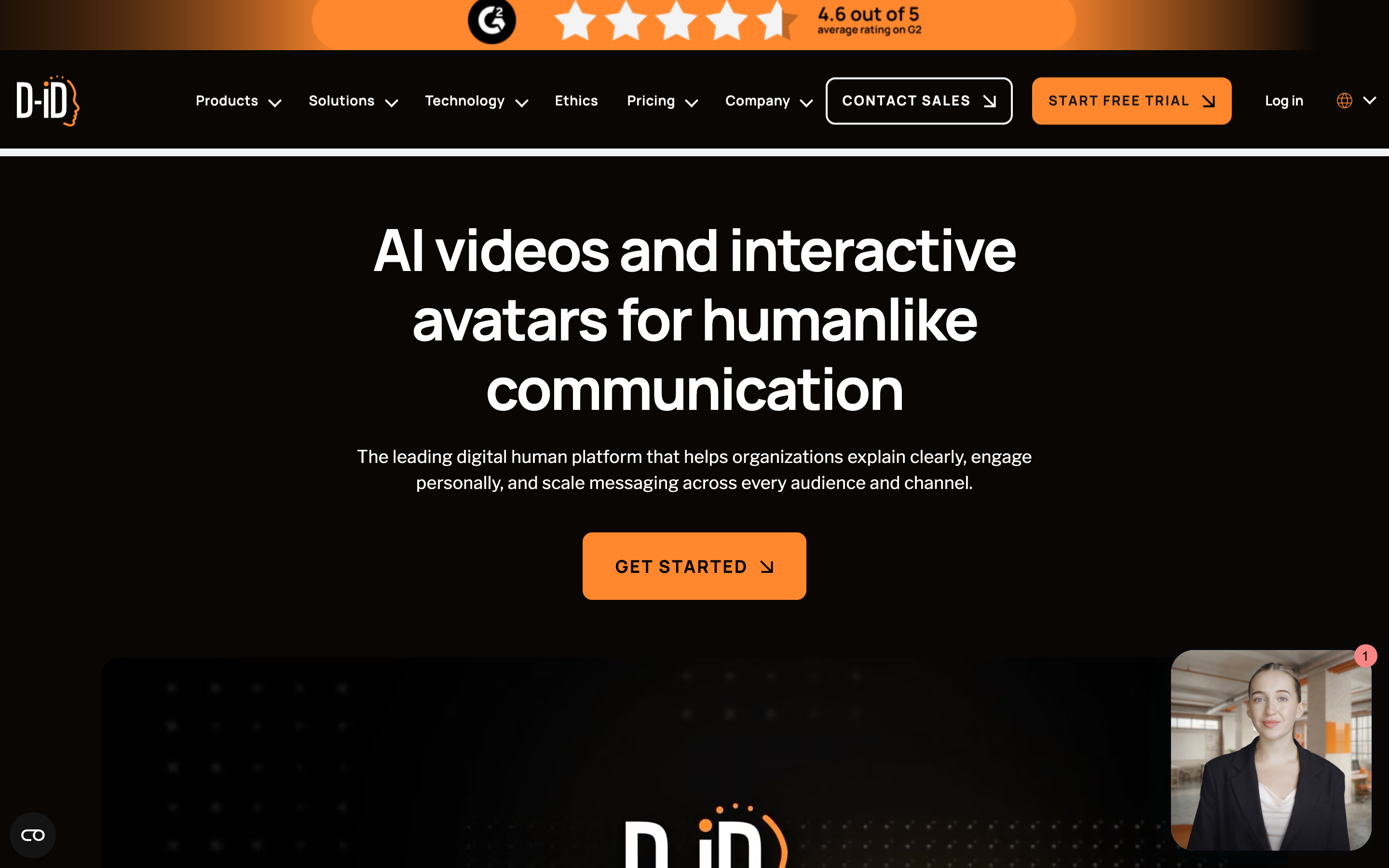
D-ID Studio starts with a template or blank canvas, a presenter and a script or recorded audio. Customize backgrounds, text, graphics and uploaded media across scenes before rendering. This is broader than a single photo animation.
Agentic Videos connect a video to questions and answers grounded in the content and connected knowledge. Its visual AI agents provide another route to a live avatar experience. For a deployment, evaluate how the avatar reaches the required knowledge and what the viewer can actually do.
The Studio plan table lists API access across tiers, including Trial. Its MCP documentation describes an API/docs connection for assistant workflows. Check the selected Studio or separate API allowance before budgeting the integration.
| Plan | Billing reference | Included scope |
|---|---|---|
| D-ID Lite, base allowance | $5.90/month; $56/year | 10 minutes/month; personal use; D-ID watermark |
| D-ID Pro, base allowance | $29/month; $191/year | 15 minutes/month; commercial use; AI watermark |
| D-ID Advanced, base allowance | $196/month; $1,293/year | 100 minutes/month; custom logo |
D-ID Trial lasts 14 days with three minutes. Minutes round up to 15-second intervals and unused monthly minutes do not roll over. The first-month unlimited promotion is subject to fair use; it is not the ordinary ongoing allowance. A lower Lite price also buys a personal-use license, so it is not the commercial plan equivalent.
DeepBrain AI: choose avatar or faceless production in AI Studios
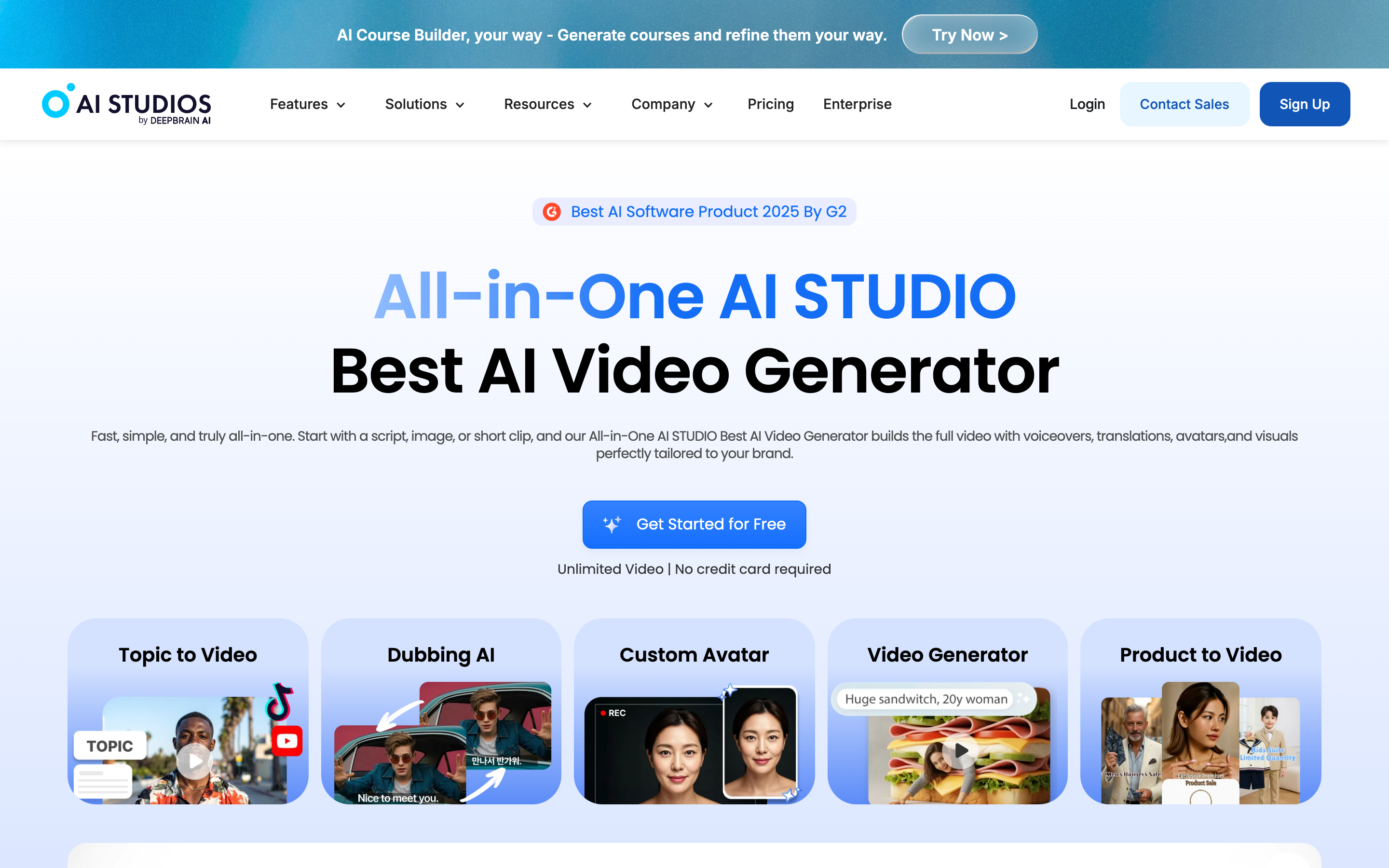
AI Studios’ AI Helper starts with an idea or script and chosen format. It offers presenter or faceless creation, stock or generated media, and an editable draft. PPT/PDF import and screen recording are also documented in the product.
The preview checks voice and scene animation before export; full avatar motion appears in the rendered output. Its video editing controls trim, loop and adjust the volume of uploaded, stock or generated clips. Scene and layer controls support further revisions.
Team pricing includes Brand Kit, custom fonts and interactive videos. Enterprise adds SCORM export and quizzes. The separate Interactive Avatar subscription serves live conversational sessions, and should not be counted as part of the ordinary video-generation allowance.
| Plan | Billing reference | Included scope |
|---|---|---|
| AI Studios Personal | $29/month; $24/month equivalent annually | New plan: 700 credits/month shared across export, dubbing and media generation |
| AI Studios Team | $69/seat/month; $55 equivalent annually | New plan: 1,000 monthly credits per seat, pooled across the team. Two-seat minimum. |
Free allows three videos/month of up to one minute. Paid plans advertise unlimited AI-video counts, with separate duration, priority, dubbing and generative allowances. Personal includes 60 monthly generative credits or 720 annually; Team has 150 per seat monthly or 1,800 annually, pooled. These credits do not measure the same work as another product’s finished-video allowance.
Elai.io: turn knowledge into editable presenter lessons
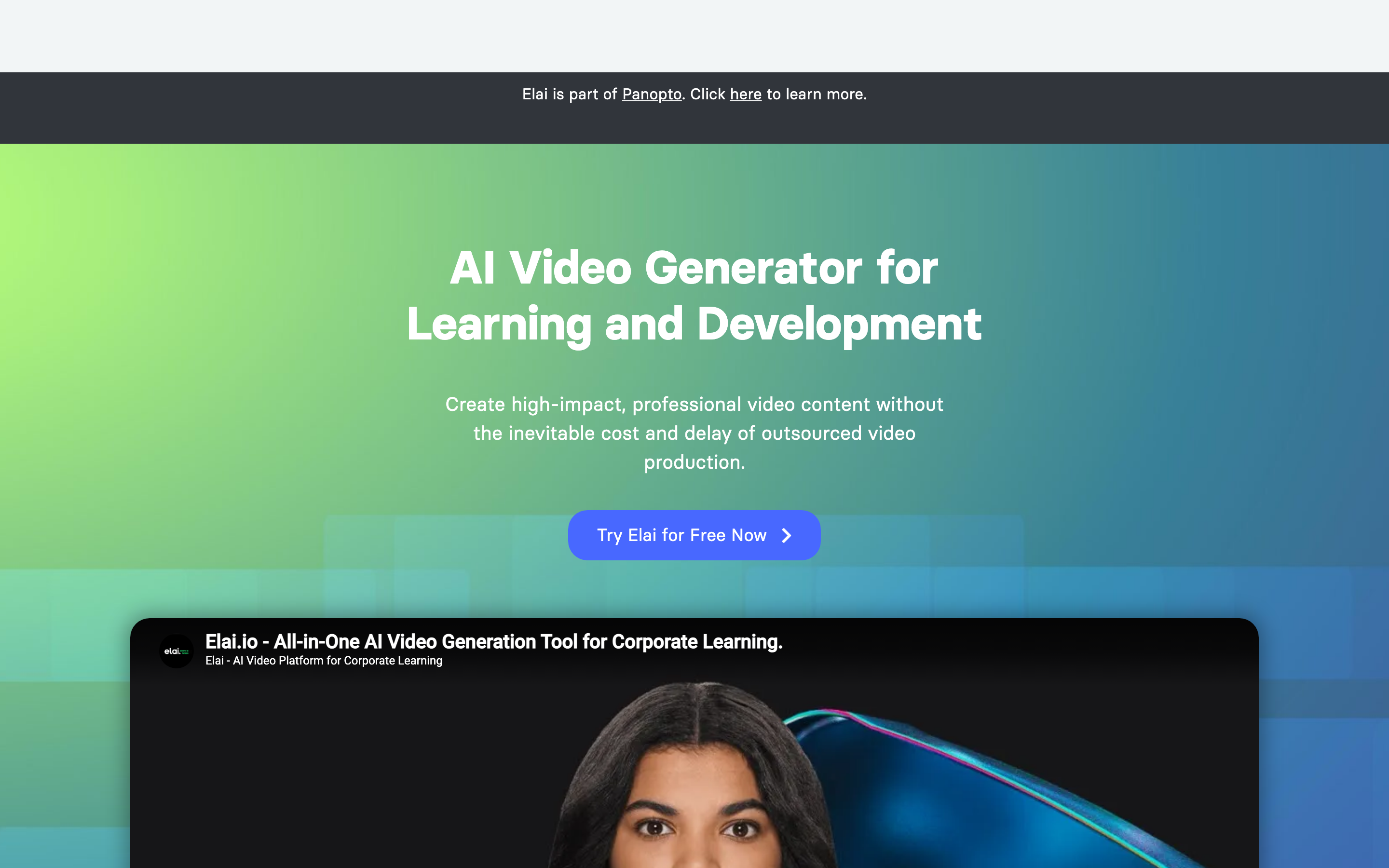
Elai’s features include AI-generated text that you review before converting it into slides, along with URL and presentation inputs. Screen recordings, uploaded media and animations can accompany the presenter. It supports horizontal and vertical formats; it is not limited to a static slide or a completed script.
Creator and Team provide different authoring allowances and collaboration. Creator has one user and 15 minutes/month. Team has three editors, three guests and 50 minutes/month, with Brand Kit in the comparison table. A Selfie Avatar and Voice Clone are included in the annual Team offer.
For a learning program, evaluate the interactive controls and Enterprise SCORM/Panopto delivery. Its API documentation provides paid and trial access for video/personalization workflows. Trial API access should not be treated as permanent Free access.
| Plan | Billing reference | Included scope |
|---|---|---|
| Elai Creator | $29/month; $23/month equivalent annually | One user; 15 video minutes/month |
| Elai Team | $125/month; $100/month equivalent annually | Three editors and three guests; 50 minutes/month |
Elai charges minutes when a video renders, including edited versions of an existing project. Extra minutes are listed at $2/minute with an active paid subscription. Budget the revisions and translations you need; the annual Team avatar/voice bonus is not a monthly-plan entitlement.
Colossyan: plan the video and build the course
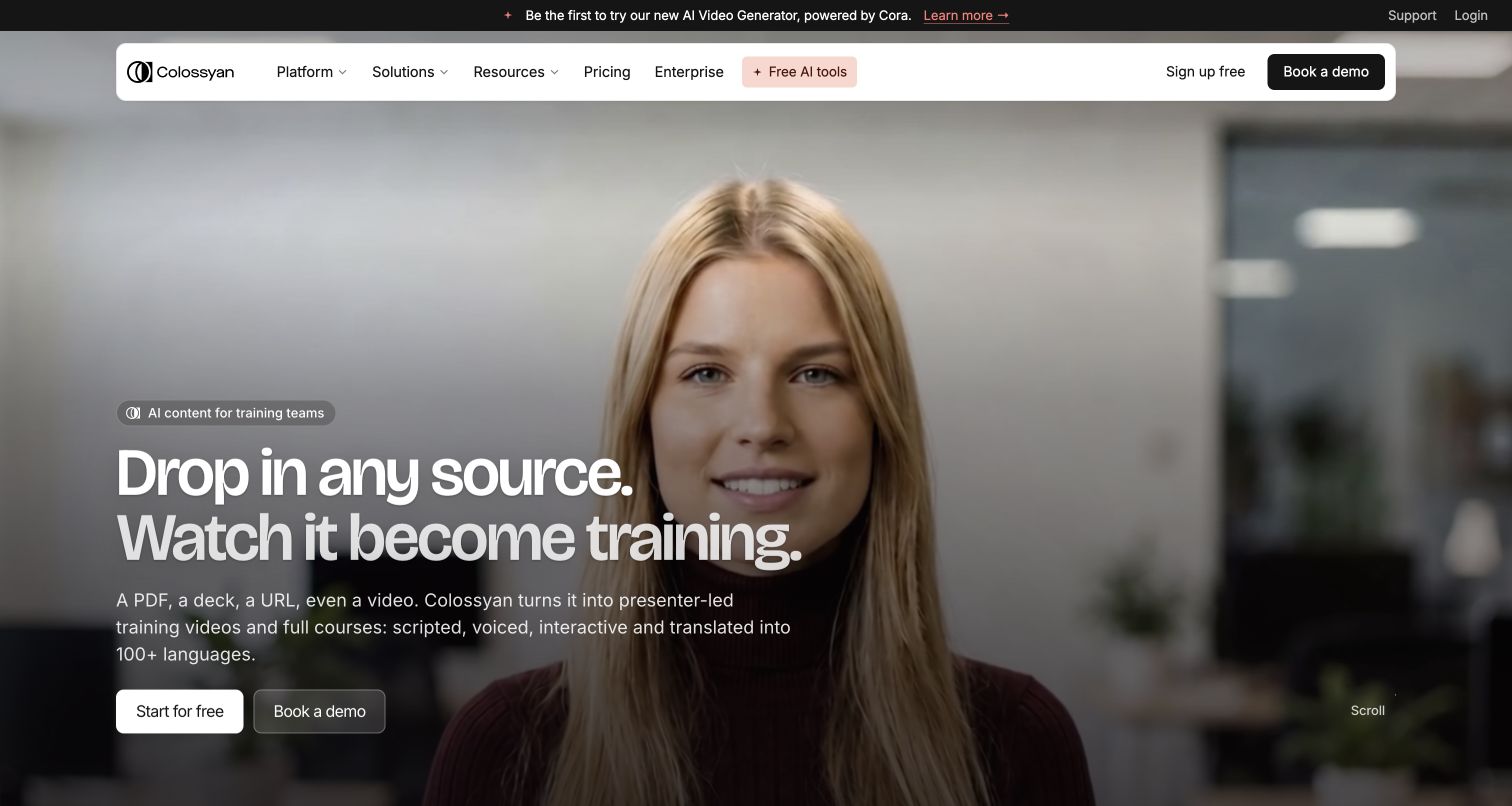
Colossyan’s Cora reads your source, proposes an approach and prepares an editable scene plan. You approve before rendering. Documents, slides, public URLs and scripts can start the process. Planning and source-based creation are central to its current product.
Colossyan offers video authoring and full courses in separate products. Its SCORM guide distinguishes SCORM 1.2 for Learn from SCORM 1.2 or 2004 for Video. Check the export allowance and package type for the product and plan you select.
Brand Kits and course creation appear in current plans, with separate allowances for generation, translation and interactive videos. Cora does not automatically build the interactive elements described on its feature page; add those in the editor after preparing the plan.
| Plan | Billing reference | Included scope |
|---|---|---|
| Colossyan Professional | $59/month equivalent annually | One editor; monthly 30 NEO + 10 NEO2 minutes. Verify the SCORM allowance for your product and plan. |
Professional extra editors cost $45/month or $30/month equivalent annually, with up to three editors. Annual video minutes arrive upfront; unused monthly minutes do not roll over. NEO and NEO 2 are separate allowances. Unlimited downloads do not mean unlimited generation.
InVideo: agent-led creation from a brief
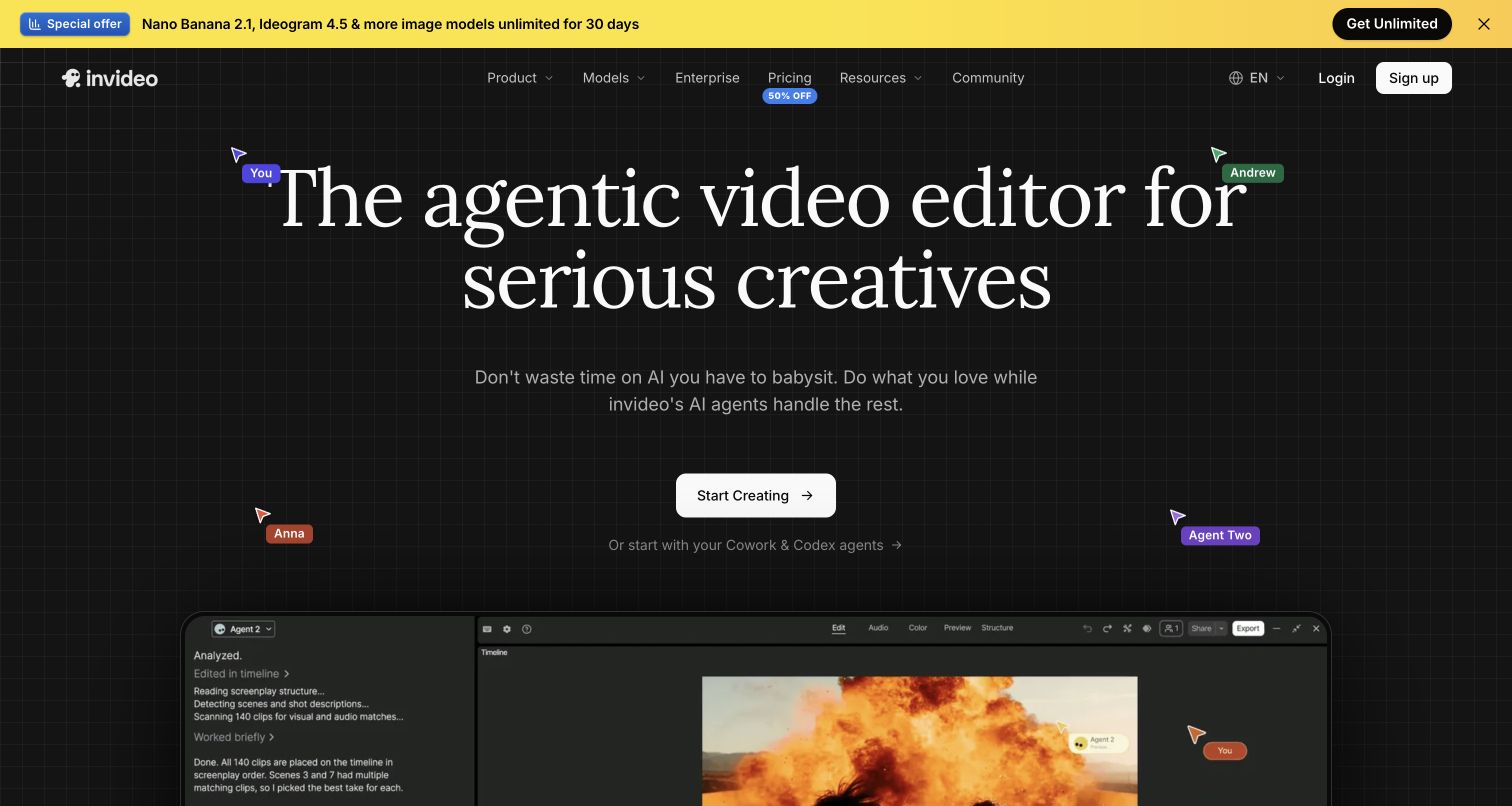
InVideo uses Agent Two to create and revise videos from instructions. Its current workflow combines source context, generated visuals, narration and editing; the older description of a stock-template assembler is incomplete.
Invideo’s credit guide explains the charges for agent work and generated media. Check the current seat price, model allowance and renewal price before switching.
Remote Agents connects the creation workflow to supported AI clients. Evaluate the actual source, edit and publishing task; the presence of an agent does not establish a measured quality or speed advantage.
| Plan | Billing reference | Included scope |
|---|---|---|
| Invideo Starter | Check the current seat price | Compare the included credits and model access |
Creation models and actions use different credits. Compare the selected tier, renewal terms and complete brief.
Choose by the work you need to repeat
For workplace learning, compare Synthesia, Colossyan and Elai on course delivery, assessments and the authoring process. Check the exact plan for SCORM and learner features before comparing entry prices.
For a live avatar, compare D-ID and the separate live offerings from HeyGen, Synthesia and DeepBrain AI. A recorded-video plan does not automatically cover live sessions, knowledge connections or developer usage.
For recurring business videos, compare a real source brief in ngram, HeyGen and InVideo. Include one correction and a second aspect-ratio version in your evaluation. Keep the product that makes the repeated work easiest for your team.
Research context
Wyzowl’s 2026 survey found that 91% of responding businesses use video for marketing. Grand View Research forecasts the AI video-generator market at about $3.44 billion by 2033. These findings explain interest in the category; they do not establish which product fits a particular team.
Bring useful source material into ngram
Keep the editable original and download the relevant finished video using your existing plan’s export permissions. Upload that file to ngram with the audience, key message and next action. The export supplies footage; your original timeline, avatar identity, viewer history and course settings remain with the source product.
You can also start with the approved script, a public webpage, an uploaded PDF or PowerPoint. Review the proposed plan and check the result against the source. After changing your original material, tell ngram what changed and ask it to revise the video. Download the MP4 on a paid plan and add it to your learning platform, or share publicly and embed on Free.
Continue with ngram vs HeyGen and HeyGen vs Synthesia, the training-video template, PDF to video or training-video use cases.
Frequently asked questions
Is plan review unique to a HeyGen alternative?
No. HeyGen Video Agent Chat Mode offers plan review, while Autopilot follows a different path. ngram also asks you to approve the plan containing the script. Compare the actual input and revision process rather than choosing from an outdated feature checklist.
Which alternative should I choose for training?
Choose around the lesson and delivery requirements. Compare the applicable Synthesia, Colossyan, Elai or other learning-oriented plan when you need a tracked course. Try ngram to create a video from approved material, then add its MP4 to your learning platform and configure the learning activities there.
Can I try ngram for free?
Free includes 1,000 credits per month, public sharing and website embeds. Paid plans enable MP4 downloads; unlisted links start at Basic. Use the generation estimate for the model and video you choose.
Will my original editable project transfer?
Keep the original project in its source app. Uploading an exported video supplies footage for a new creation. Reuse approved scripts and source files as well, and set up publishing links or learning-system reporting in the destination where needed.
How do I apply branding and captions?
Set up your Brand Kit and select it in the composer for the video. Enable captions when you want them, approve the plan containing the script, and review the finished result before sharing.
Is an interactive video the same as a live avatar?
No. A recorded video can contain buttons or questions, while a live avatar responds during a session. Compare the specific product, knowledge connection, session allowance and deployment terms for a live experience.