
Fliki vs. the Alternatives: Which AI Video Tool Fits Your Workflow?
Fliki is one of the easiest ways to turn text into a voice-led video. The friction shows up when the project needs more than a script, a voice, and a stock-media pass. This refreshed guide compares the Fliki alternatives that still make sense in June 2026, with ngram first because it solves the broader business-video job.
Fliki deserves credit for the workflow it made accessible. The problem is fit: a tool can be good and still be the wrong place to create a launch video, customer tutorial, sales follow-up, training asset, or polished product explainer.
What's pushing teams beyond Fliki
Credit planning - Fliki's public pricing page explains credits, export lengths, and plan limits in detail. That matters because teams often need to know whether a revision burns time, credits, or both.
Voice is only one layer - Fliki is strongest around voices and text-to-video. Product marketers usually need source ingestion, storyboard review, brand controls, screen polish, and variants too.
Avatar expectations changed - HeyGen, Synthesia, Colossyan, and DeepBrain AI now make avatar quality and localization the center of the product rather than an add-on.
Business videos need review loops - A good first draft is not enough for launches, training, sales, or customer education. Teams need an editable plan before rendering.
The pattern is clear: the best Fliki alternatives are not identical replacements. They are better fits for specific jobs.
Quick comparison table
| Tool | Best for | Starting price | Key differentiator |
|---|---|---|---|
| ngram | Business video from source material | See /pricing | Docs-to-story workflow |
| HeyGen | AI avatars and localization | Free; Creator $29/mo | Avatar realism |
| Synthesia | Enterprise avatar training | Free; paid plans | L&D governance |
| Pictory | Script and URL videos | Trial; Starter $25/mo | Repurposing engine |
| InVideo AI | Prompt-to-video generation | Free tier; paid plans | AI agent workflow |
| VEED.io | Browser editing and captions | Free tier; paid plans | Caption editor |
| Murf AI | Voiceover-first production | Free trial; paid plans | Voice library |
| Colossyan | Training avatars | Free trial; paid plans | Scenario training |
1. ngram
Watch how ngram turns an idea into a finished video:
ngram is the strongest Fliki alternatives pick when the job is business video, not another isolated editing or recording task. You can start from a prompt, PDF, URL, screenshot, screen recording, raw video, or deck, then review the script and storyboard before rendering.
What makes ngram stand out
ngram is built around an agentic chat interface. Tell ngram the audience, channel, goal, source material, and tone, and it plans the message before generating scenes. That matters for Fliki switchers because most alternatives start from either a timeline, a capture, or an avatar. ngram starts from intent.
The current product supports script generation, storyboard generation, scene planning, captions, AI voiceover, basic avatars, custom faces, custom voices, talking-head lip sync, eye contact correction, motion graphics, product callouts, smart zooms, screen-recording polish, AI image generation, AI video generation, brand kits, translation, MP4 export with separate channel-cut preparation, hosted video pages, and embeddable players.
The practical difference is control. Teams can bring a product recording, release note, SOP, support article, deck, or rough idea and get a structured first cut. Then they can revise with chat, direct script edits, scene regeneration, visual chat, canvas controls, or the timeline editor when detail matters.
Key features:
- Source-aware creation - Prompts, PDFs, URLs, screenshots, screen recordings, raw videos, decks, and Shopify product URLs can become video inputs.
- Plan-first workflow - Script, storyboard, scenes, visuals, timing, and CTA are reviewable before rendering.
- Screen-recording polish - Cursor smoothing, click emphasis, dead-air trimming, smart zooms, labels, and transitions turn rough captures into watchable walkthroughs.
- Brand kits - Logos, colors, fonts, motion style, voice, and tone apply across generated videos.
- Localization and variants - Translate scripts, captions, on-screen text, and voiceover, then export across MP4 export.
- Publishing options - Export finished videos as MP4, publish hosted watch pages, or embed the player; separate media tools can convert supplied media to GIF, WebM, PNG, or JPG.
Pros
- ✅ Strong fit for product marketing, sales, support, training, and customer education videos.
- ✅ Handles both planning and production, so teams do not start from a blank timeline.
- ✅ Uses the material teams already have instead of forcing a single input format.
Cons
- ❌ Not the right pick if you only want manual color grading, VFX compositing, or a single-purpose screen recorder.
- ❌ Pricing should be checked on the live ngram pricing page because commercial terms are not part of the product-state docs.
Who is ngram best for?
ngram is best for teams that need polished videos from business material: launch notes, product recordings, screenshots, help docs, decks, customer education content, or sales context. If your current Fliki workflow stops at capture or a rough generated draft, ngram is the tool that carries the message through structure, brand, voice, captions, and export. If article repurposing is the job you hired Fliki for, ngram's blog to video converter does it from a post URL, with a storyboard review before render.
Ready to try ngram? Create your first video from the material you already have. Start free
2. HeyGen
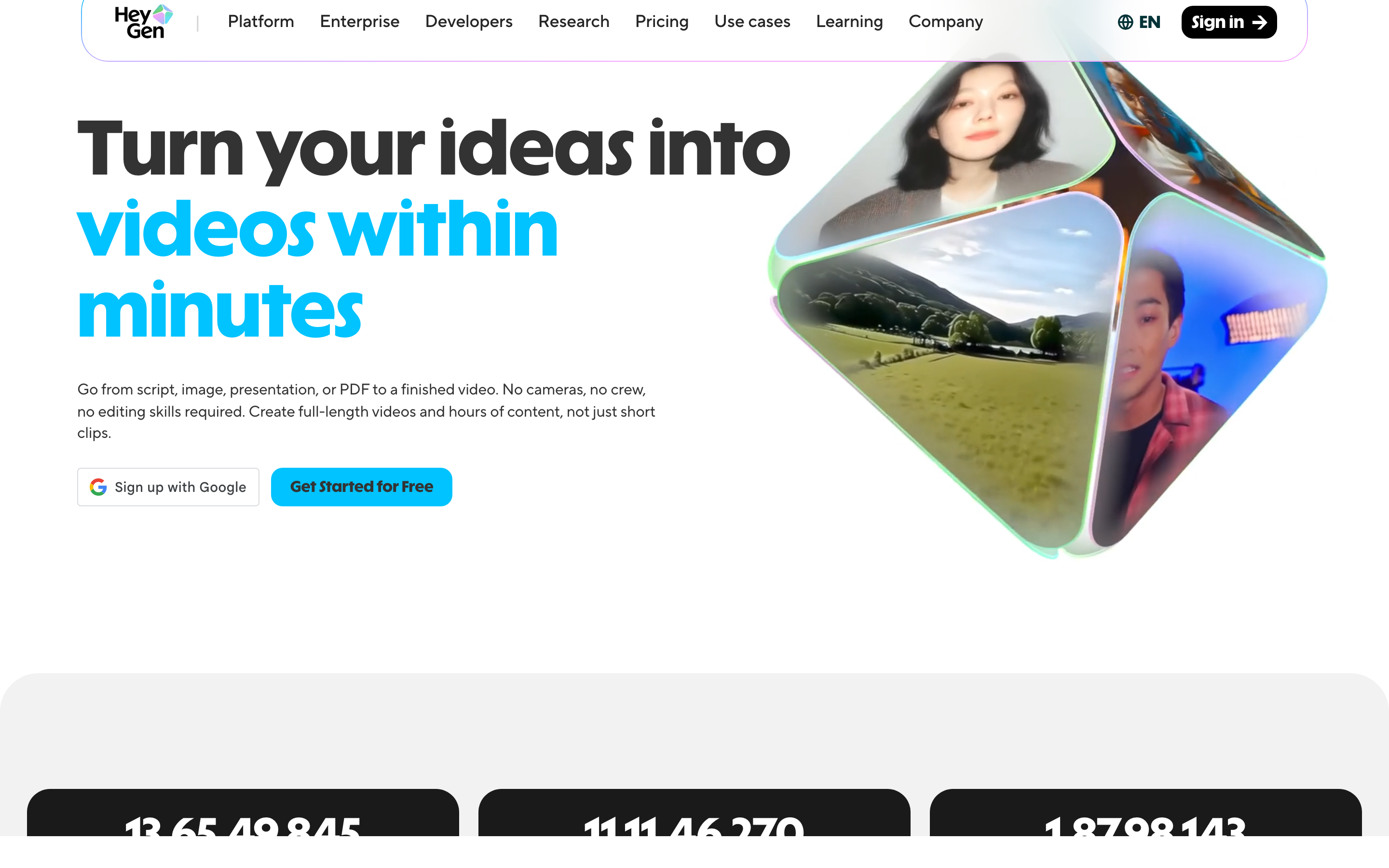
HeyGen is best understood as a tool for avatar-led videos and localization. It belongs in this roundup because it solves a clear slice of the video job rather than trying to be every workflow at once.
Key features
- Stock and custom avatars - A practical capability for this workflow.
- Voice cloning - Create reusable voice profiles with consent.
- Translation - Turn subtitles or narration into other languages.
- 1080p and 4K exports - Export quality for web and social delivery.
- Team plans - Workspace controls for repeated team production.
What users say
HeyGen users tend to praise avatar realism and fast localization. The caution is budget control: credit-based video generation still needs planning if you iterate heavily. The most useful review pattern is not praise or complaint alone, but fit: happy users know exactly which job they hired HeyGen to do. Frustrated users usually expected it to replace a broader planning, editing, hosting, or team-review workflow.
Pros
- ✅ Clear fit for best for marketing and sales teams that want presenter-led ai videos.
- ✅ Mature enough that buyers can find current public pricing, docs, and review sentiment.
- ✅ Solves a distinct job instead of copying every competitor feature.
Cons
- ❌ May require a second tool when the video needs planning, brand, captions, and variants in one workflow.
- ❌ Plan limits, credits, or admin setup should be checked before moving a team workload.
Best for
Best for marketing and sales teams that want presenter-led AI videos.
3. Synthesia
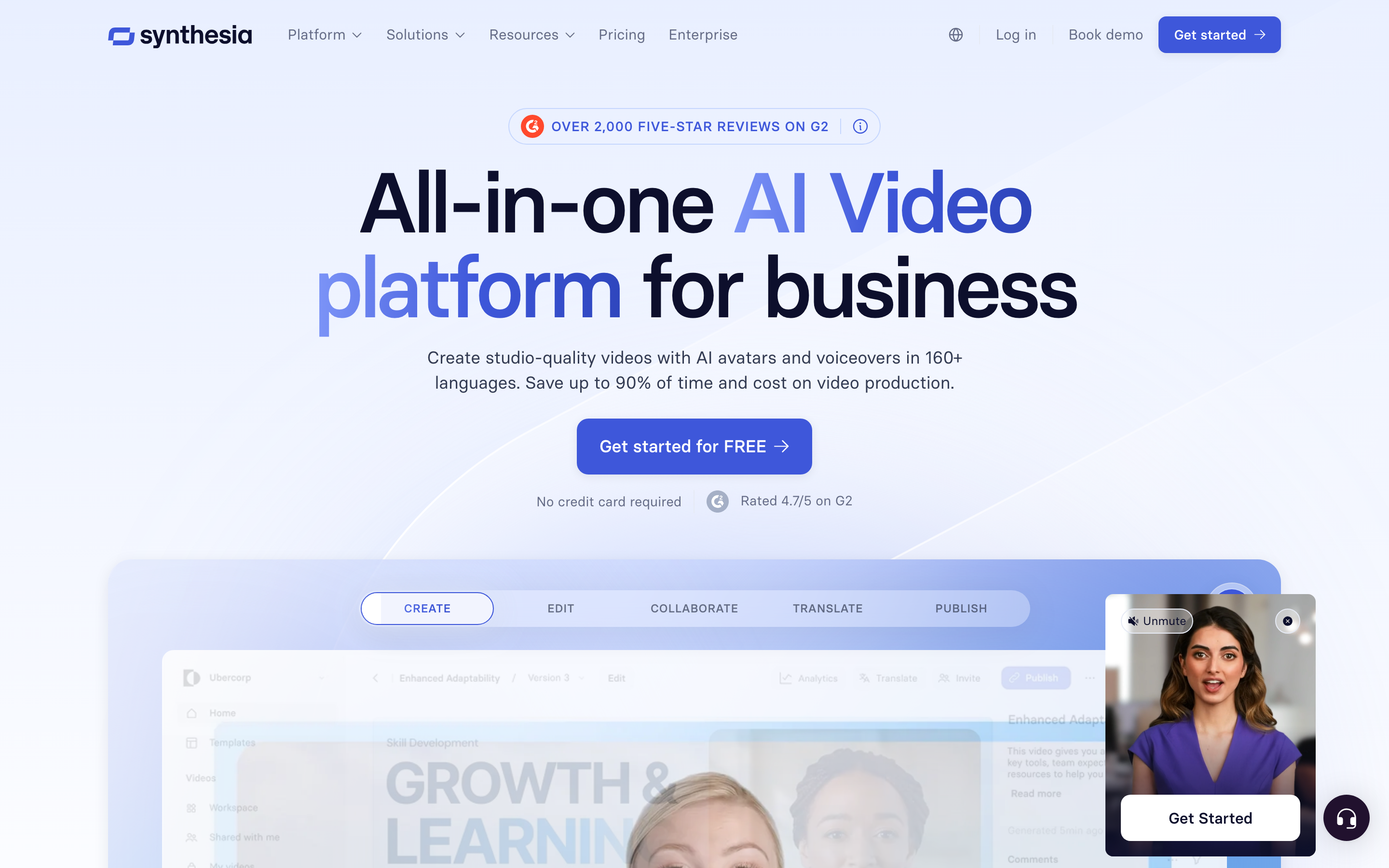
Synthesia is best understood as a tool for structured AI avatar video for enterprise teams. It belongs in this roundup because it solves a clear slice of the video job rather than trying to be every workflow at once.
Key features
- 240+ avatars on enterprise - A practical capability for this workflow.
- Dubbing - Create localized audio tracks.
- Brand kits - Reusable logo, color, and font controls.
- Collaboration - Team workflows for projects that outgrow a solo timeline.
- SCORM export - A practical capability for this workflow.
What users say
Synthesia is trusted by large training and enablement teams because the product wraps avatar creation in governance. Smaller teams may find the workflow heavier than Fliki for quick social videos. The most useful review pattern is not praise or complaint alone, but fit: happy users know exactly which job they hired Synthesia to do. Frustrated users usually expected it to replace a broader planning, editing, hosting, or team-review workflow.
Best for
Best for training, HR, and enterprise knowledge programs.
4. Pictory
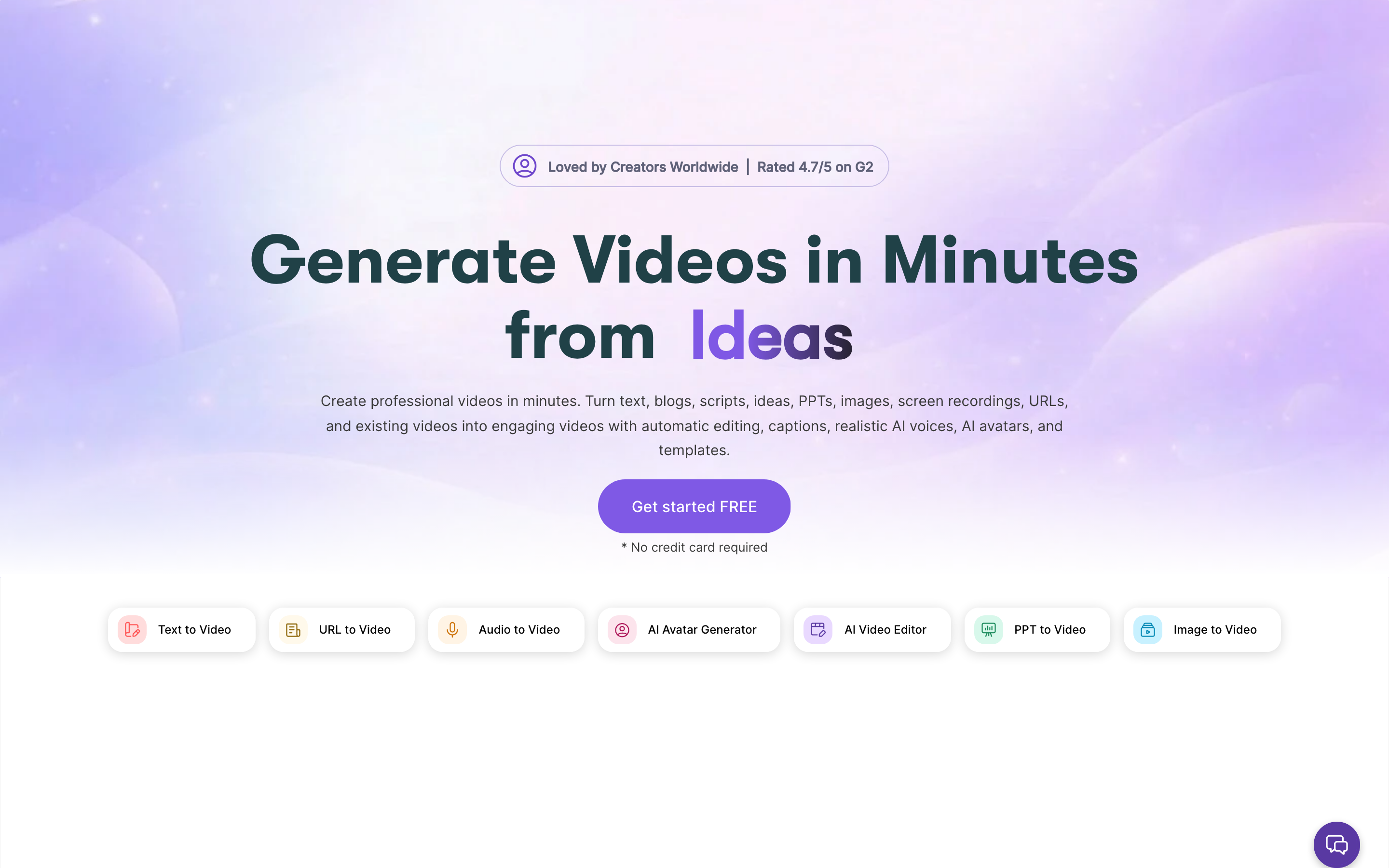
Pictory is best understood as a tool for turning scripts, URLs, and long content into videos. It belongs in this roundup because it solves a clear slice of the video job rather than trying to be every workflow at once.
Key features
- Script-to-video - A practical capability for this workflow.
- URL-to-video - A practical capability for this workflow.
- Captions - Automatic or assisted text overlays for social and accessibility.
- Stock libraries - A practical capability for this workflow.
- Highlights - A practical capability for this workflow.
What users say
Pictory's strength is repurposing. Users like turning webinars and blog posts into usable clips, but the visual output can still need human editing for high-stakes brand work. The most useful review pattern is not praise or complaint alone, but fit: happy users know exactly which job they hired Pictory to do. Frustrated users usually expected it to replace a broader planning, editing, hosting, or team-review workflow.
Best for
Best for content marketers repurposing long-form assets.
5. InVideo AI
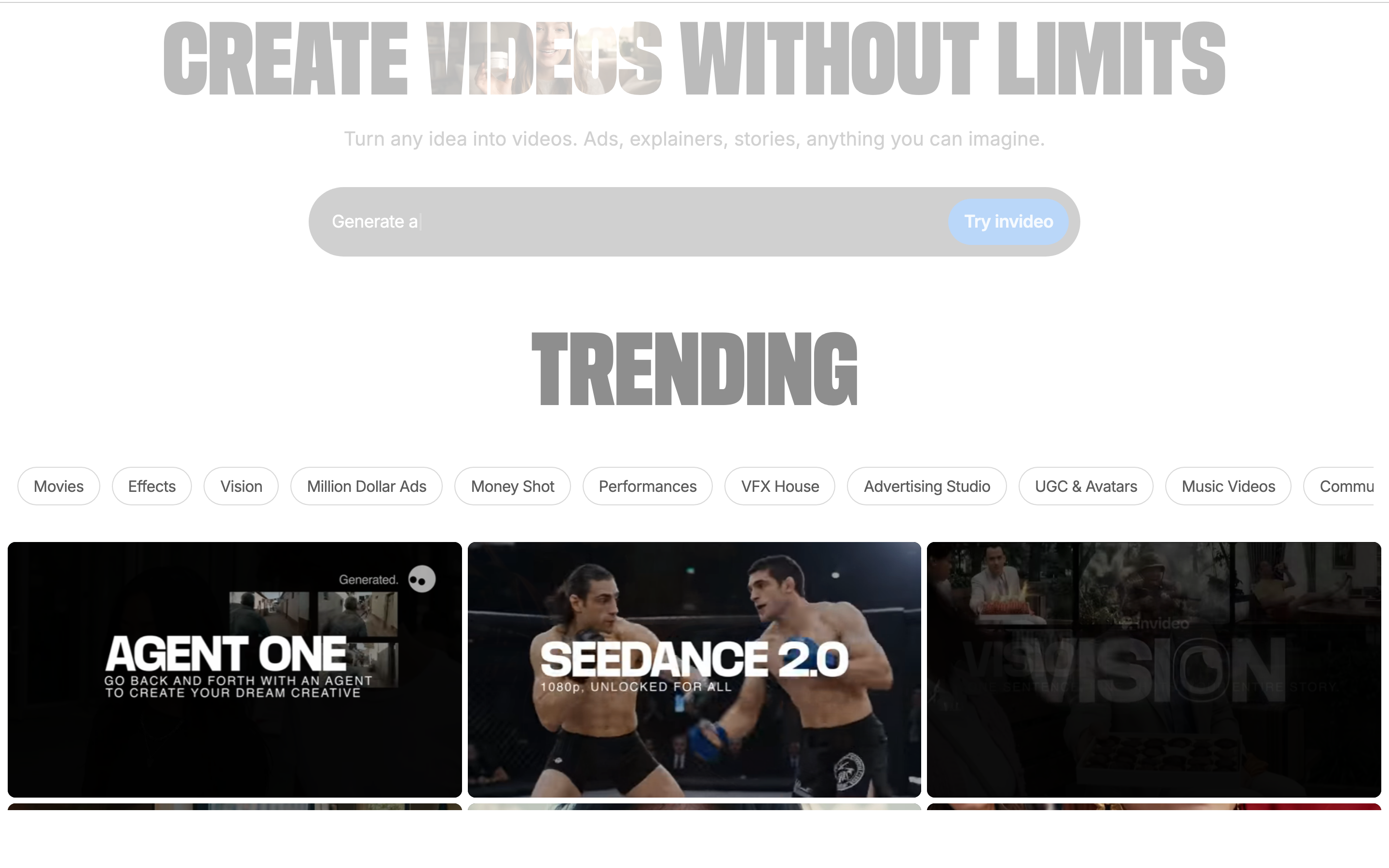
InVideo AI is best understood as a tool for prompt-driven video generation. It belongs in this roundup because it solves a clear slice of the video job rather than trying to be every workflow at once.
Key features
- AI agent - A practical capability for this workflow.
- Stock providers - A practical capability for this workflow.
- Multiple generation models - A practical capability for this workflow.
- Voice and music tools - A practical capability for this workflow.
What users say
InVideo AI moved toward an agent-style creation flow, which makes it feel broader than classic template editors. Teams should still check model credit rules before using it for weekly production. The most useful review pattern is not praise or complaint alone, but fit: happy users know exactly which job they hired InVideo AI to do. Frustrated users usually expected it to replace a broader planning, editing, hosting, or team-review workflow.
Best for
Best for fast ideation and prompt-to-video experiments.
6. VEED.io
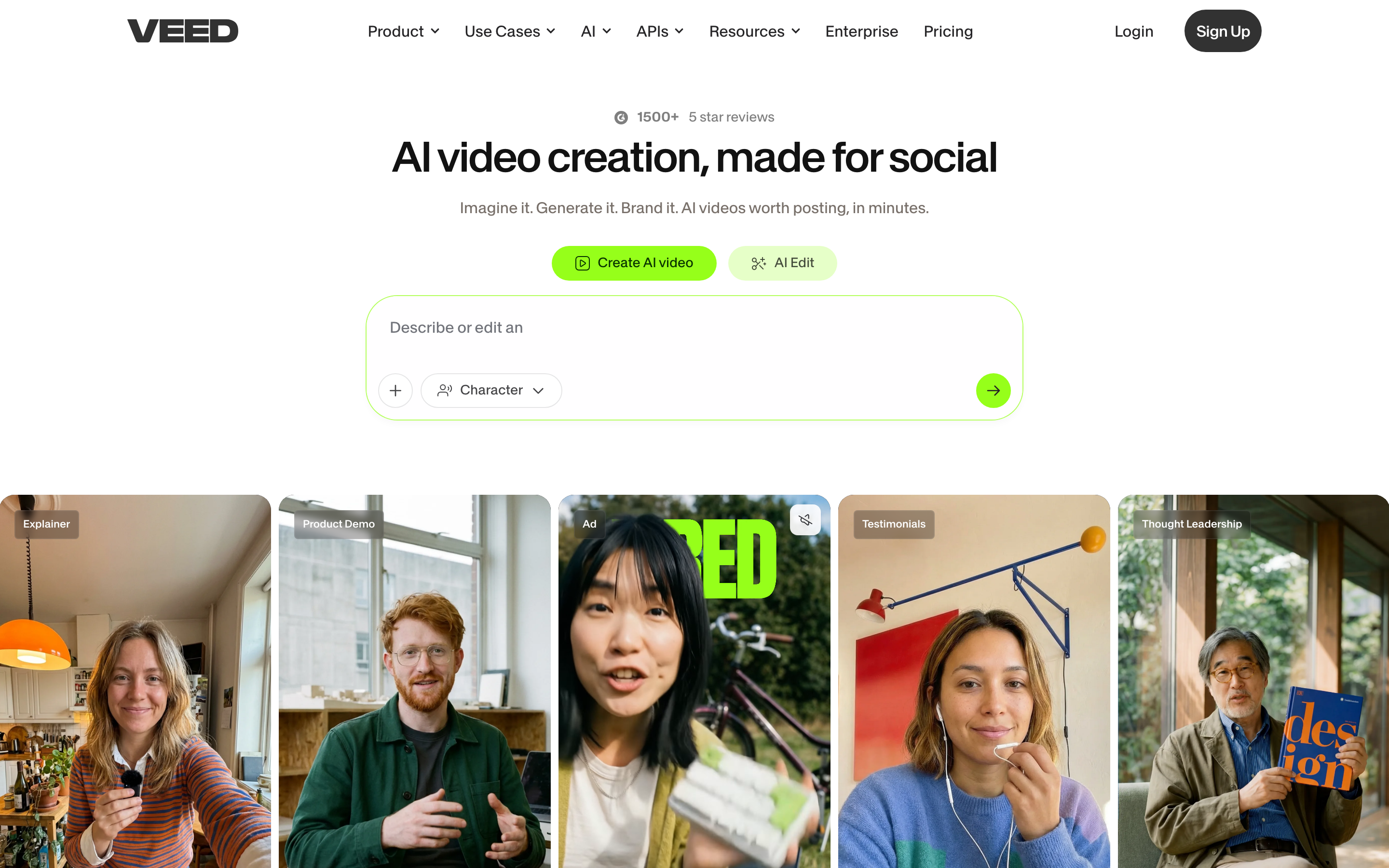
VEED.io is best understood as a tool for captions and browser editing. It belongs in this roundup because it solves a clear slice of the video job rather than trying to be every workflow at once.
Key features
- Auto subtitles - Generate captions from spoken audio.
- Translation - Turn subtitles or narration into other languages.
- Screen recording - A practical capability for this workflow.
- Avatars - A practical capability for this workflow.
- AI background tools - A practical capability for this workflow.
What users say
VEED is popular when subtitles, resizing, and simple browser edits matter more than deep storyboard planning. Users like the speed but should watch plan limits for long exports. The most useful review pattern is not praise or complaint alone, but fit: happy users know exactly which job they hired VEED.io to do. Frustrated users usually expected it to replace a broader planning, editing, hosting, or team-review workflow.
Best for
Best for social and education clips that need captions first.
7. Murf AI
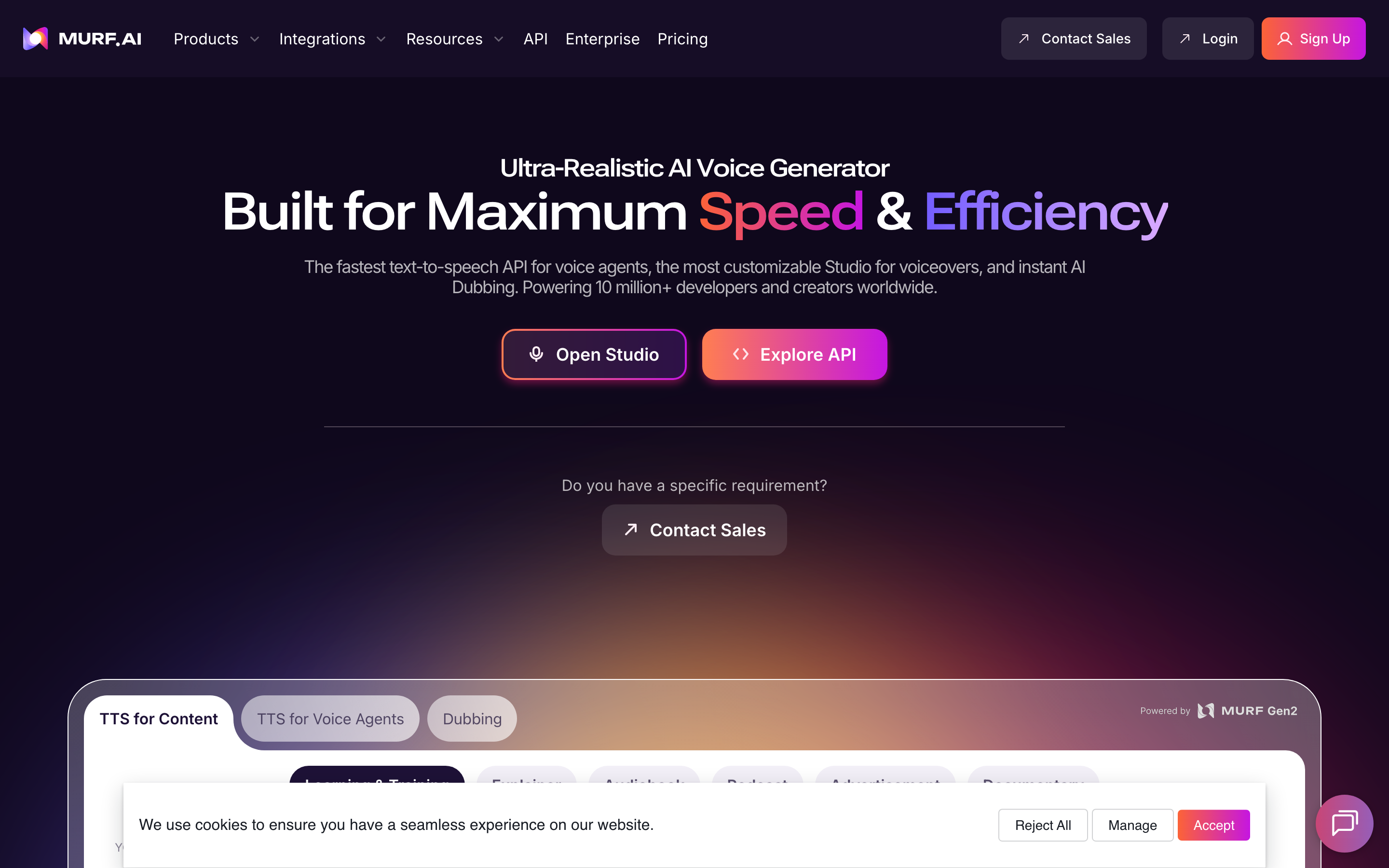
Murf AI is best understood as a tool for voiceover production. It belongs in this roundup because it solves a clear slice of the video job rather than trying to be every workflow at once.
Key features
- AI voices - A practical capability for this workflow.
- Voice cloning - Create reusable voice profiles with consent.
- Dubbing - Create localized audio tracks.
- Pronunciation controls - A practical capability for this workflow.
- Audio editing - A practical capability for this workflow.
What users say
Murf is a better Fliki alternative when voice quality is the whole job. It is not a full video production workflow, so teams usually pair it with another editor. The most useful review pattern is not praise or complaint alone, but fit: happy users know exactly which job they hired Murf AI to do. Frustrated users usually expected it to replace a broader planning, editing, hosting, or team-review workflow.
Best for
Best for narration, training audio, and product walkthrough voiceovers.
8. Colossyan
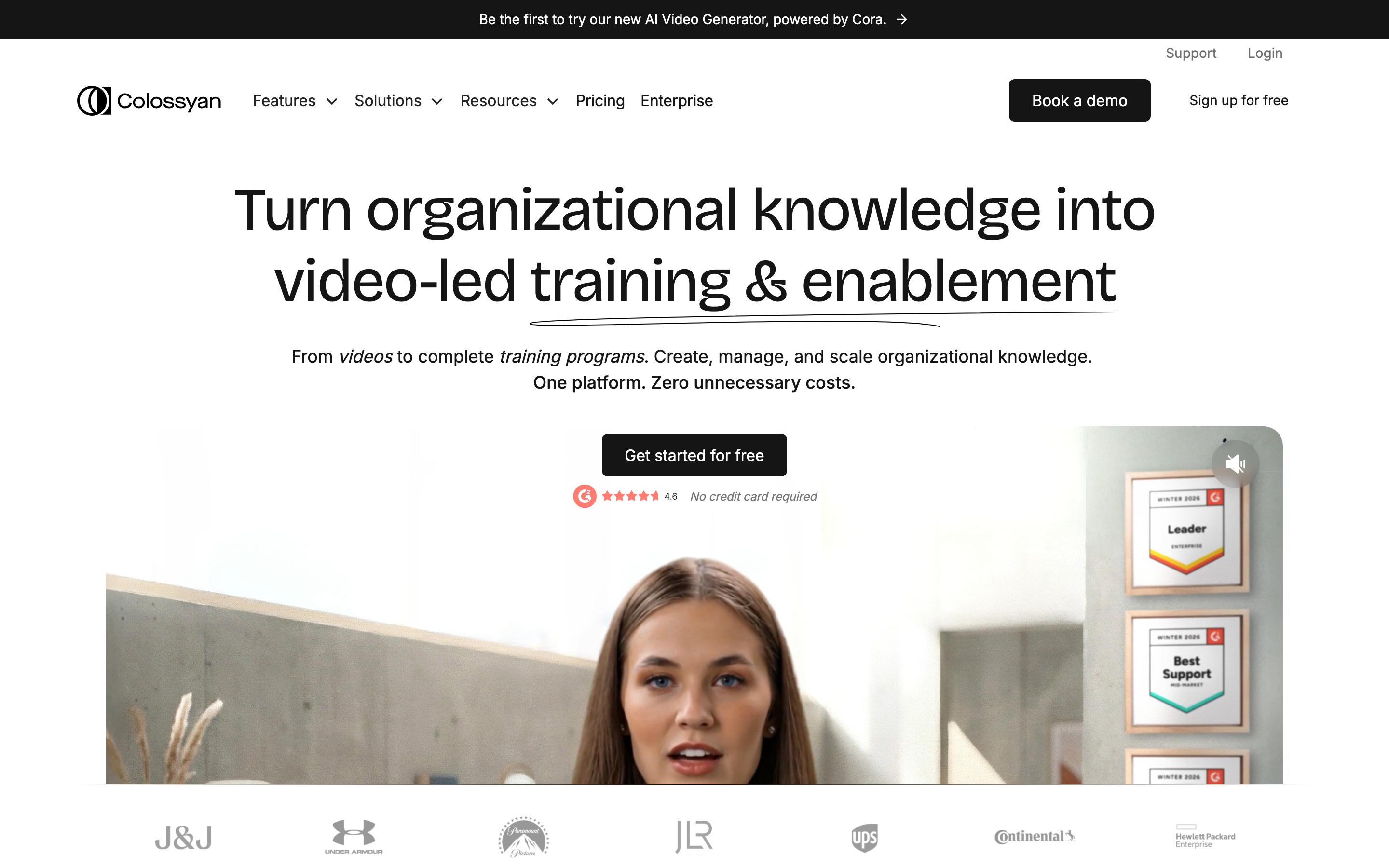
Colossyan is best understood as a tool for training and scenario-based AI video. It belongs in this roundup because it solves a clear slice of the video job rather than trying to be every workflow at once.
Key features
- Avatars - A practical capability for this workflow.
- Branching scenarios - A practical capability for this workflow.
- Translations - Localize scripts and speech for different regions.
- Brand kits - Reusable logo, color, and font controls.
- Workspace review - A practical capability for this workflow.
What users say
Colossyan receives strong feedback from L&D teams that need repeatable training content. It is less suited to fast creator-style social clips than Fliki or VEED. The most useful review pattern is not praise or complaint alone, but fit: happy users know exactly which job they hired Colossyan to do. Frustrated users usually expected it to replace a broader planning, editing, hosting, or team-review workflow.
Best for
Best for internal training and compliance videos.
---
Looking for the fastest route from source material to finished video? ngram turns recordings, docs, URLs, screenshots, and prompts into planned, branded videos. Try ngram free
---
How we compared these tools
We weighted source-material support, voice quality, video output control, avatar quality, localization, and credit clarity. The SERP is heavy on AI-video listicles, so the refresh separates voice-first tools from full business-video workflows.
We reviewed current SERP results, official product pages, public pricing pages, screenshots available in the local alternatives asset library, and qualitative review/forum patterns. We did not use numerical star ratings because ratings hide the workflow details buyers care about.
| Criteria | Weight | What we looked at |
|---|---|---|
| Workflow fit | 30% | Whether the tool solves the real job behind the Fliki search. |
| Output quality | 25% | How polished the resulting video, guide, recording, or asset can be. |
| Source support | 20% | Whether the tool accepts the material teams already have. |
| Pricing clarity | 15% | Whether the public pricing and limits are easy to understand. |
| Team readiness | 10% | Collaboration, brand control, integrations, and governance. |
Frequently asked questions
What is the best Fliki alternative in 2026?
ngram is the best Fliki alternative for teams that need to turn docs, URLs, screen recordings, screenshots, and prompts into planned business videos. HeyGen or Synthesia may be better if the core requirement is a talking AI avatar.
Is Fliki still good for voiceovers?
Yes. Fliki remains useful for voice-led text-to-video and multilingual narration. The reason teams compare Fliki alternatives is usually workflow breadth, credit predictability, or avatar quality.
Which Fliki alternative has the best avatars?
HeyGen and Synthesia are the strongest avatar-led alternatives for most teams. Colossyan is compelling for training scenarios, and DeepBrain AI fits teams that want a studio-style avatar platform.
Can ngram replace Fliki?
ngram replaces Fliki when the project starts from business source material and needs a storyboard, branded scenes, captions, voiceover, and MP4 export. Fliki remains useful for quick voice-led creator videos.
Which Fliki alternative is best for training videos?
ngram, Synthesia, and Colossyan are the best fits for training videos. Pick ngram for source-to-video workflows, Synthesia for enterprise avatars, and Colossyan for scenario-based training.
Our verdict
Fliki is still a practical voice-led creator tool. The stronger 2026 choice depends on the workflow: HeyGen for avatars, Pictory for repurposing, VEED for caption-heavy edits, and ngram for business teams that want the whole video planned from source material before rendering.
---
Try ngram free. Bring the raw material, describe the outcome, and let ngram draft the script, storyboard, scenes, captions, voiceover, and export-ready video. Start free