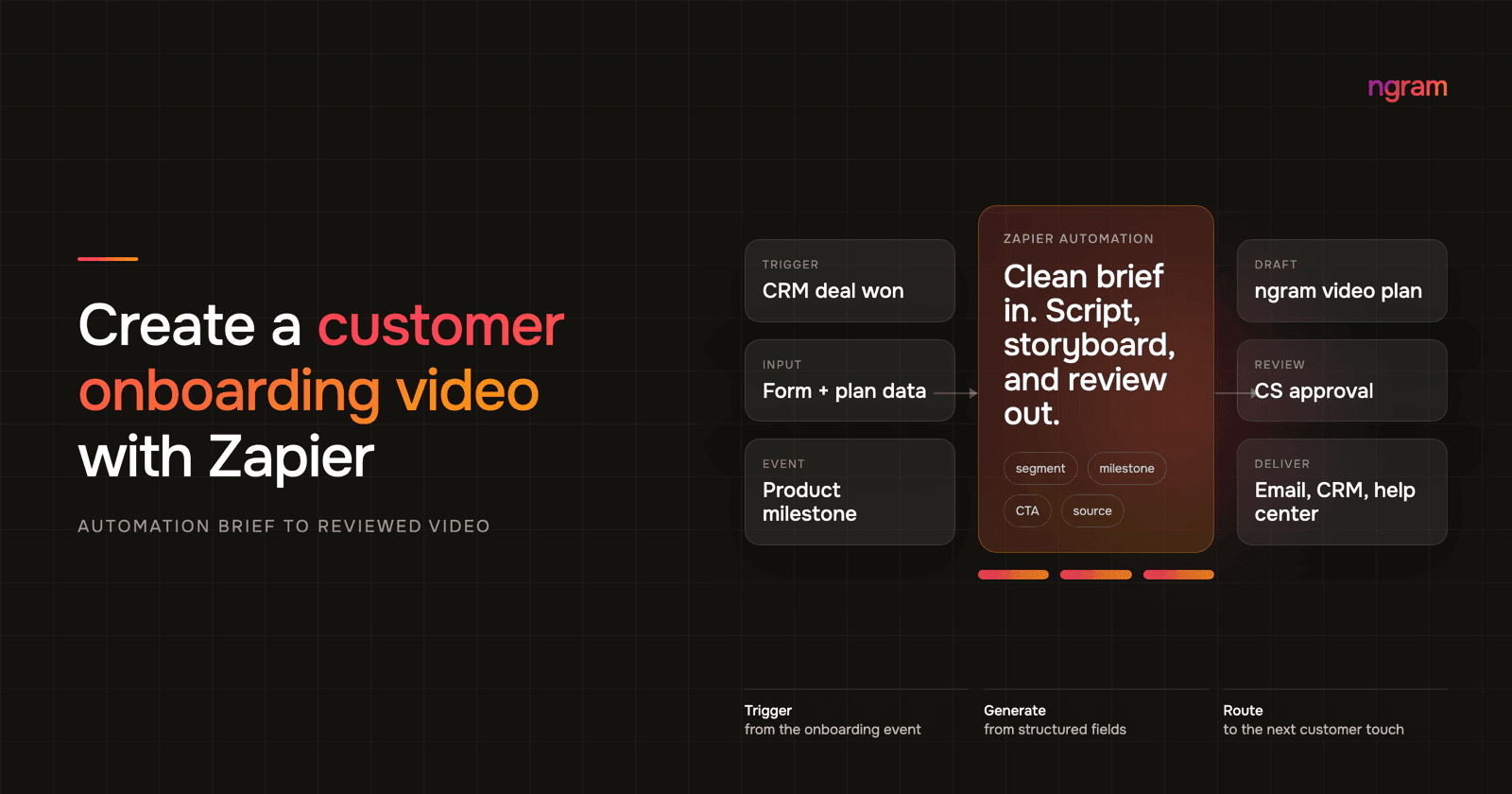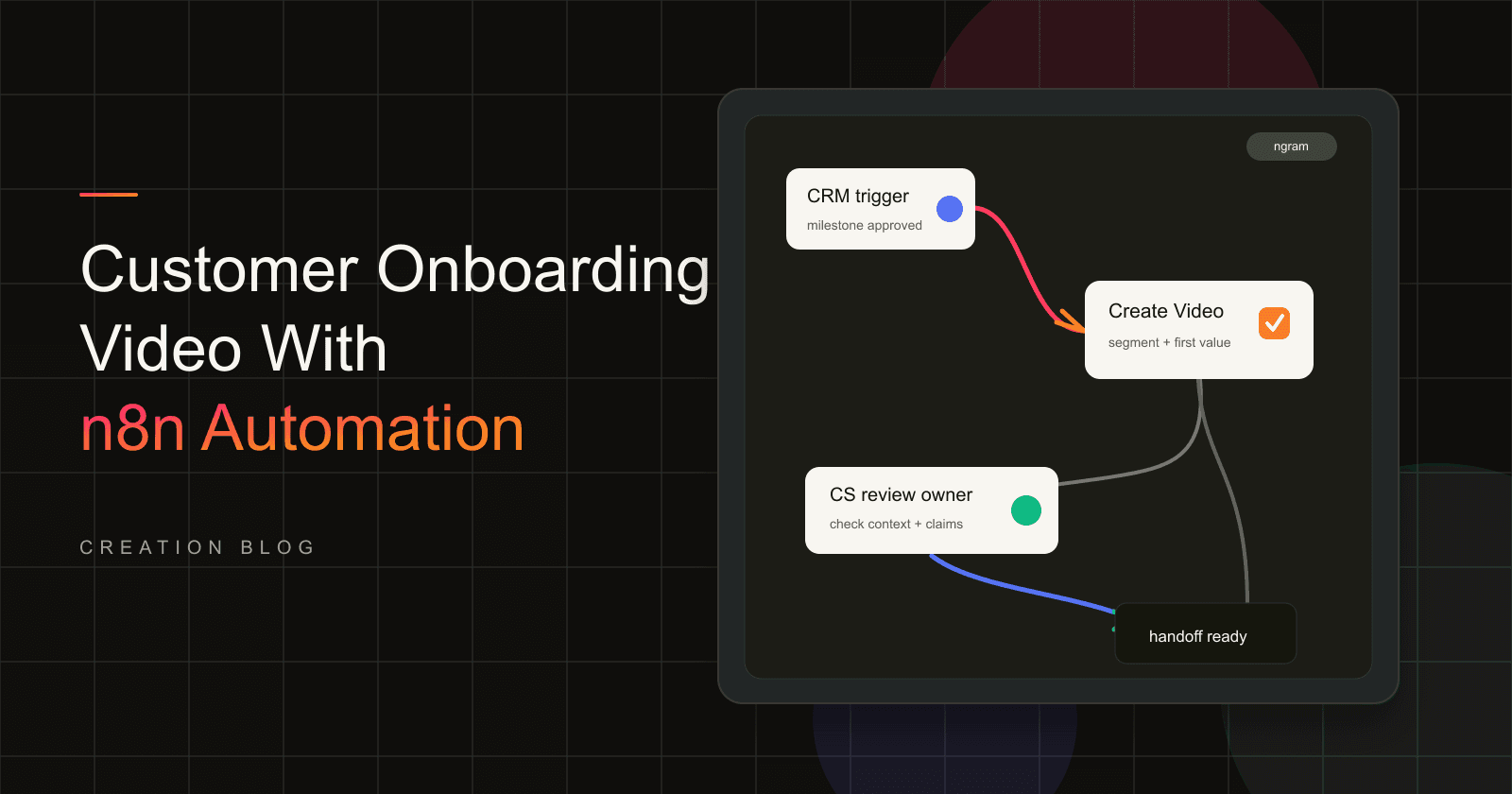

Customer onboarding usually fails in the handoff. Sales knows the promise, implementation knows the setup path, CS knows the first value milestone, and the customer gets another long email that tries to hold all of it together. n8n video generation gives automation owners a cleaner option when those facts already exist in approved systems.
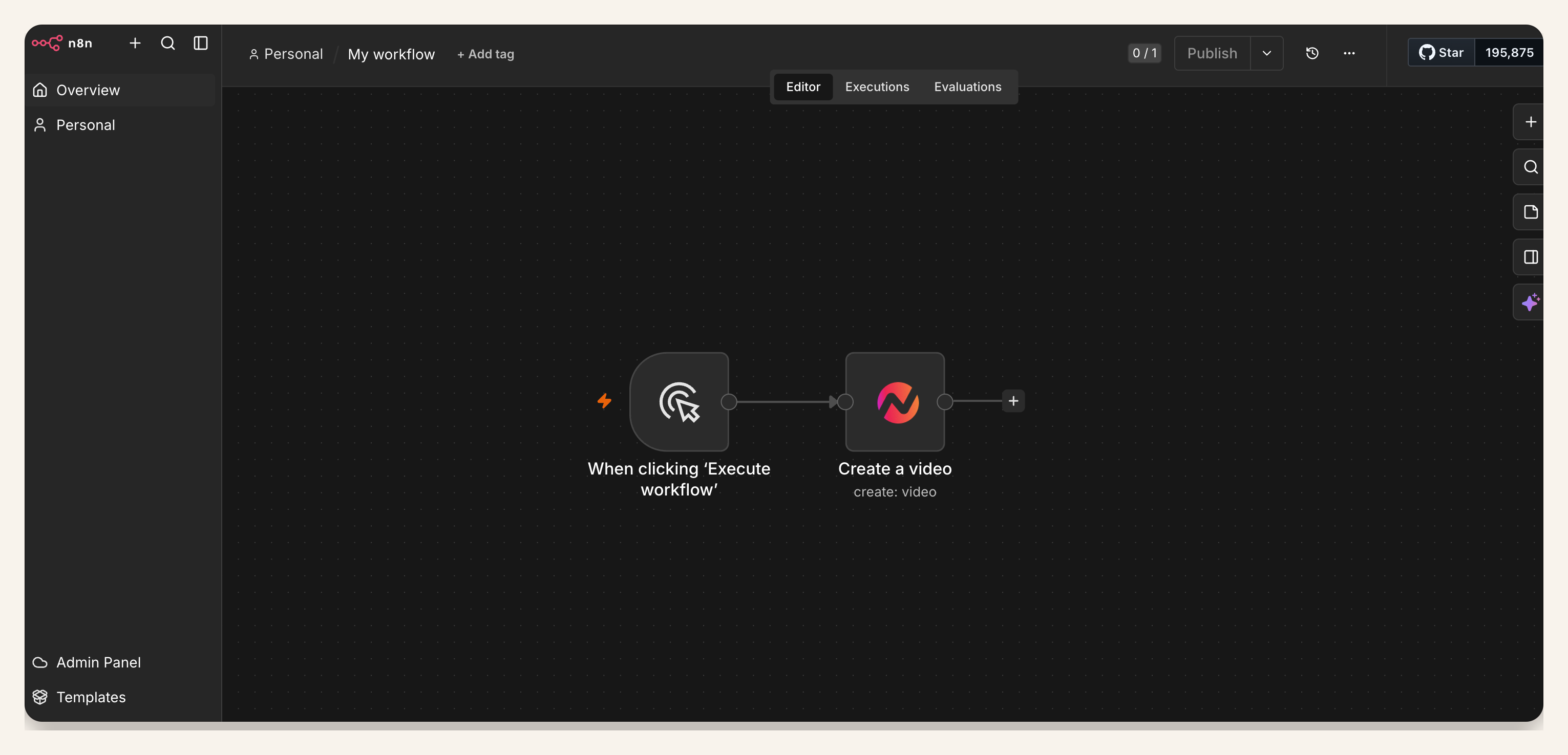
This guide shows a practical customer onboarding video workflow for self-hosted n8n or n8n Cloud: trigger from a CRM event, intake form, or milestone; create an ngram bearer API key in Account & Settings → API Keys; add the verified ngram Create Video node; map customer fields into the brief; and send the draft to the CS owner for review.
The goal is not automatic publishing. The goal is to remove repeated explanations while keeping customer context, product claims, privacy, and handoff judgment under human control.
Why onboarding video matters now
Onboarding video matters because the customer needs first-value clarity, not another generic welcome asset. Wyzowl's 2026 Video Marketing Statistics found that 93% of video marketers say video improved user understanding, 57% say video reduced support queries, 63% of consumers prefer a short video when learning about a product or service, and 23% of video marketers have created customer onboarding videos.
The onboarding risk is just as direct. OnRamp's 2025 customer onboarding report surveyed 161 CS and onboarding leaders and reported that 48% of customers abandon onboarding if they do not see value quickly, while 65% of companies using digital onboarding reduced time to value by at least 25%.
Activation benchmarks point to the same operating problem. Userpilot's activation benchmark measured a 37.5% average activation rate and 37% median activation rate across 62 B2B companies. Pendo's 2025 retention benchmarks found that software products keep 39% of users after month one and about 30% after month three on average.
That is why a customer onboarding video should be segment-specific. A startup admin, enterprise IT lead, and department manager may all be starting the same product, but each needs a different first path, proof point, permission note, and CTA.
| Data point | What it means for onboarding video | Source |
|---|---|---|
| 93% say video improved user understanding. | The first onboarding asset should explain the workflow, not only welcome the account. | Wyzowl 2026 |
| 57% say video reduced support queries. | Repeated setup explanations are good candidates for an approved video draft. | Wyzowl 2026 |
| 23% have created customer onboarding videos. | The format is established but still open for teams that can personalize by segment. | Wyzowl 2026 |
| 48% abandon onboarding if value is not clear quickly. | The video needs a first-value milestone, not a broad product tour. | OnRamp 2025 |
| 37.5% average activation across 62 B2B companies. | Most users do not reach activation, so the workflow should route each segment to a specific first task. | Userpilot 2024 |
| 39% month-one retention and about 30% month-three retention. | Onboarding content should support the customer after kickoff, not only during signup. | Pendo 2025 |
What this n8n video generation workflow creates
The workflow creates a review-ready onboarding video draft from approved customer context. Use the ngram n8n integration when self-hosted n8n is already where your team watches CRM events, form submissions, implementation tasks, and customer milestones.
A good first version has five parts: a trigger that means the customer is ready, an ngram bearer API key created in Account & Settings → API Keys, the Create Video node, mapped customer fields, and a review handoff to the CS owner. If your source is a customer-facing page or setup guide, pair the same pattern with url to video inputs so the video starts from approved material instead of a loose prompt.
The handoff should land with a person. ngram can draft the script, storyboard, voiceover, captions, and visuals from the mapped brief, but CS still checks customer privacy, entitlement details, product wording, and whether the next step matches the account.
Prerequisites for n8n video generation
- A self-hosted n8n or n8n Cloud instance where the verified ngram community node is available. Confirm it appears and is enabled in the Nodes panel before use.
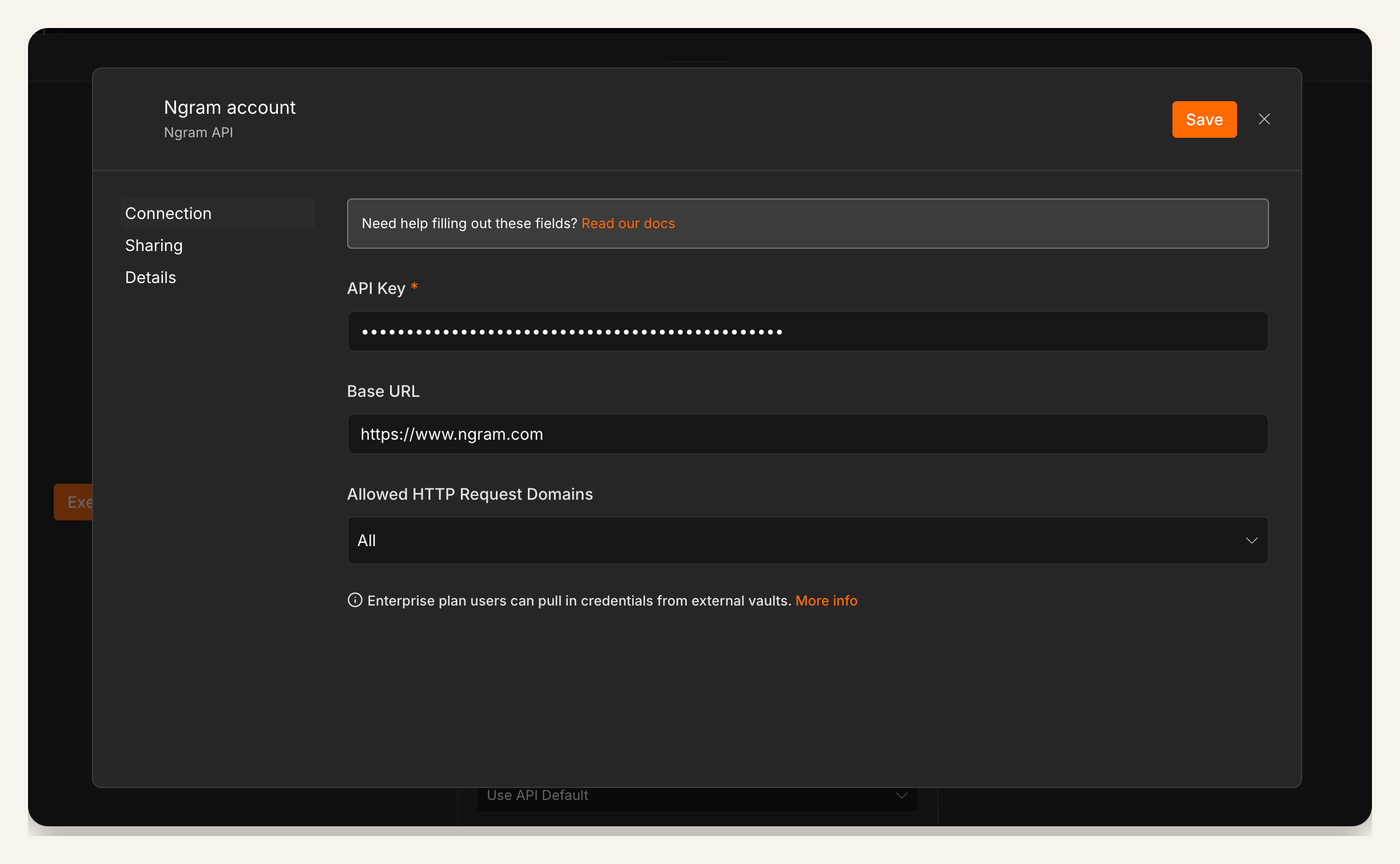
- An ngram bearer API key created in Account & Settings → API Keys and stored in n8n Credentials for the workflow owner.
- An approved trigger source, such as CRM stage reached, onboarding form approved, implementation milestone completed, or kickoff task created.
- A review destination, usually a Slack channel, CRM task, Linear issue, or CS queue owned by the account team.
- A privacy rule for fields that must never reach a customer-facing draft, such as internal health notes, commercial terms, or private implementation comments.
How to create the workflow
1. Choose the trigger that means the customer is ready
Do not trigger an onboarding video from every signup or every account update. Pick a state that means the customer context is approved: form submitted and reviewed, CRM onboarding stage reached, plan selected, workspace provisioned, or first implementation milestone completed.
For high-touch accounts, a manual n8n trigger is a good starting point. It lets the CSM confirm the customer segment and first-value target before the workflow starts.
2. Normalize the customer fields before Create Video
n8n workflow reliability depends on boring field hygiene. Before the Create Video node, normalize the account name, customer segment, role, use case, first-value milestone, source URL, tone, CTA, review owner, and blocked claims.
Use defaults only when they are safe. A missing segment can fall back to a general onboarding path. A missing plan entitlement or privacy flag should fail into review, not generate a customer-facing draft.
3. Add the ngram API key
In n8n, store the ngram credential in the credential manager and attach it to the Create Video node. Treat it like a production integration secret. Limit workflow edits to the team that owns onboarding operations.
Create a bearer API key in Account & Settings → API Keys, then store it in n8n Credentials and document who owns rotation.
4. Configure the Create Video node with a narrow job
The node should request one onboarding video for one customer segment and one first-value milestone. Good prompts are specific: customer role, setup goal, source material, tone, target length, CTA, and what not to mention.
Keep the output review-ready, not customer-ready. This is the difference between self-hosted video automation that scales CS work and automation that creates brand or privacy risk.
5. Map the fields that make the video useful
A usable onboarding brief needs more than a customer name. Map these fields into the Create Video node: customer segment, role, use case, first-value milestone, approved source material, product area, required steps, CTA, tone, review owner, and exclusions.
If the video uses narration, keep voice direction explicit. For example, a technical admin setup video may use a direct tone and AI voiceover to make the steps easier to follow without asking the CSM to record every version.
6. Route the draft to the CS owner
After Create Video runs, send the draft link and source fields to the CS owner. Include the account name, customer segment, source record, first-value milestone, and a short review checklist. The owner should know why this video exists before opening it.
For teams building a broader onboarding library, tie this workflow back to the customer onboarding video use case so segment-specific drafts reuse the same structure, captions, and brand expectations.
7. Start with one segment, then expand
Run the first workflow for one customer segment and one milestone. Once the review output is dependable, add branches for enterprise admin setup, SMB quick start, integration-specific setup, or role-based paths.
Keep each branch narrow. A short video that gets one customer to first value beats a fifteen-minute tour that tries to cover every product area.
Field-map audit for customer onboarding video workflows
We audited four common onboarding triggers against the fields a useful video brief needs: segment, role, first-value milestone, approved source, CTA, and review owner. The audit is not a universal benchmark. It is a planning check for teams deciding where the first workflow should start.
| Trigger source | Brief completeness | Best first use | Risk to catch |
|---|---|---|---|
| Approved onboarding intake form | High | Segment-specific welcome and first setup path | Form answers may include private context. |
| CRM onboarding stage | Medium | Lifecycle handoff after close | Stage names rarely explain first value. |
| Implementation milestone | High | Next-step walkthrough after setup is ready | Milestone labels may be internal shorthand. |
| Raw signup event | Low | Generic welcome only | Too little context for a useful video. |
Methodology: ngram workflow analysis, July 2026. We scored each trigger qualitatively against six required brief fields and used the result to choose a safe first workflow pattern.
QA checklist for n8n video generation workflows
- Trigger: fires only when customer context is approved.
- Fields: includes segment, role, first-value milestone, source material, CTA, review owner, and exclusions.
- Credential: stored in n8n credentials, owned by the right team, and documented for rotation.
- Privacy: removes private customer notes, internal health scores, contract details, and implementation comments.
- Accuracy: checks product names, UI labels, plan availability, permissions, and setup steps.
- Review: sends the draft link to the CS owner before any customer handoff.
- Fallback: routes missing context, failed runs, or unclear account states to a human queue.
Common mistakes
- Starting from raw signup data. It usually lacks segment, first-value goal, and product context.
- Mapping only a prompt. Customer onboarding video needs structured fields, not a vague instruction to make a welcome clip.
- Treating community-node availability as automatic. The verified ngram node supports self-hosted n8n and n8n Cloud, but confirm it appears and is enabled for your instance.
- Sending drafts straight to customers. The workflow should create a first cut and route it to review.
- Using one generic video for every account. Start with segment-specific paths before deeper personalization.
FAQ
Can n8n create a customer onboarding video automatically?
n8n can trigger the workflow, move approved fields, call ngram Create Video, and send the draft link to review. Keep a human review step before customer handoff because onboarding videos can include product claims, plan details, and private customer context.
Does this workflow work on n8n Cloud?
Yes. The verified ngram community node supports self-hosted n8n and n8n Cloud. Confirm it appears and is enabled in your instance before relying on it for a live workflow.
What should trigger the onboarding video?
Use a trigger that represents a real onboarding state: approved intake form, CRM stage reached, implementation milestone completed, plan selected, workspace provisioned, or kickoff task created. Avoid noisy triggers such as every login, every field update, or every signup without context.
What fields should I map into Create Video?
Map customer segment, role, use case, first-value milestone, approved source material, product area, required setup steps, tone, CTA, review owner, and exclusions. Add plan or permission details when they change what the customer should see.
Should every customer get a personalized onboarding video?
Start with segment-specific onboarding video paths before one-to-one personalization. Wyzowl reports that 23% of video marketers have created customer onboarding videos, so the format is familiar enough to operationalize, but narrow enough that a focused workflow can stand out.
Where should the reviewed video go?
Send the reviewed link to the place that owns the next customer action: CS queue, welcome email draft, CRM task, kickoff checklist, help-center workflow, or implementation project. The workflow should make the next action obvious to both the CSM and the customer.
How do I measure whether the onboarding video works?
Track whether the customer completes the first-value milestone after the handoff. Also track review time, repeated support questions, activation rate, account-team usage, and whether CS keeps sending the video after the first week.