Back to How to
How to

How to Turn Listing Photos Into a Narrated Property Tour

Turn approved listing photos and property facts into a narrated tour. Choose a buyer viewpoint, plan the room order and check every detail before sharing.

How to Turn Listing Photos Into a Narrated Property Tour
3 min read•Updated at November 2, 2026
Written and edited by
Rishikesh Ranjan
Rishikesh Ranjan
all thing growth @ ngram.com

A buyer sees a kitchen photo, a bedroom photo and a front porch, but cannot tell which rooms connect or whether the house fits their needs. A narrated tour can make the relationship between the photographs clearer. Start with one property and one buyer question rather than collecting your most attractive images from several listings.

Assemble the current listing material

Use photos you are permitted to publish and the current listing details for that exact property. Match each image to its room before uploading. Include an approved floor plan if one is available. If a photograph does not establish what sits beyond a doorway, do not ask the narration to invent the connection.

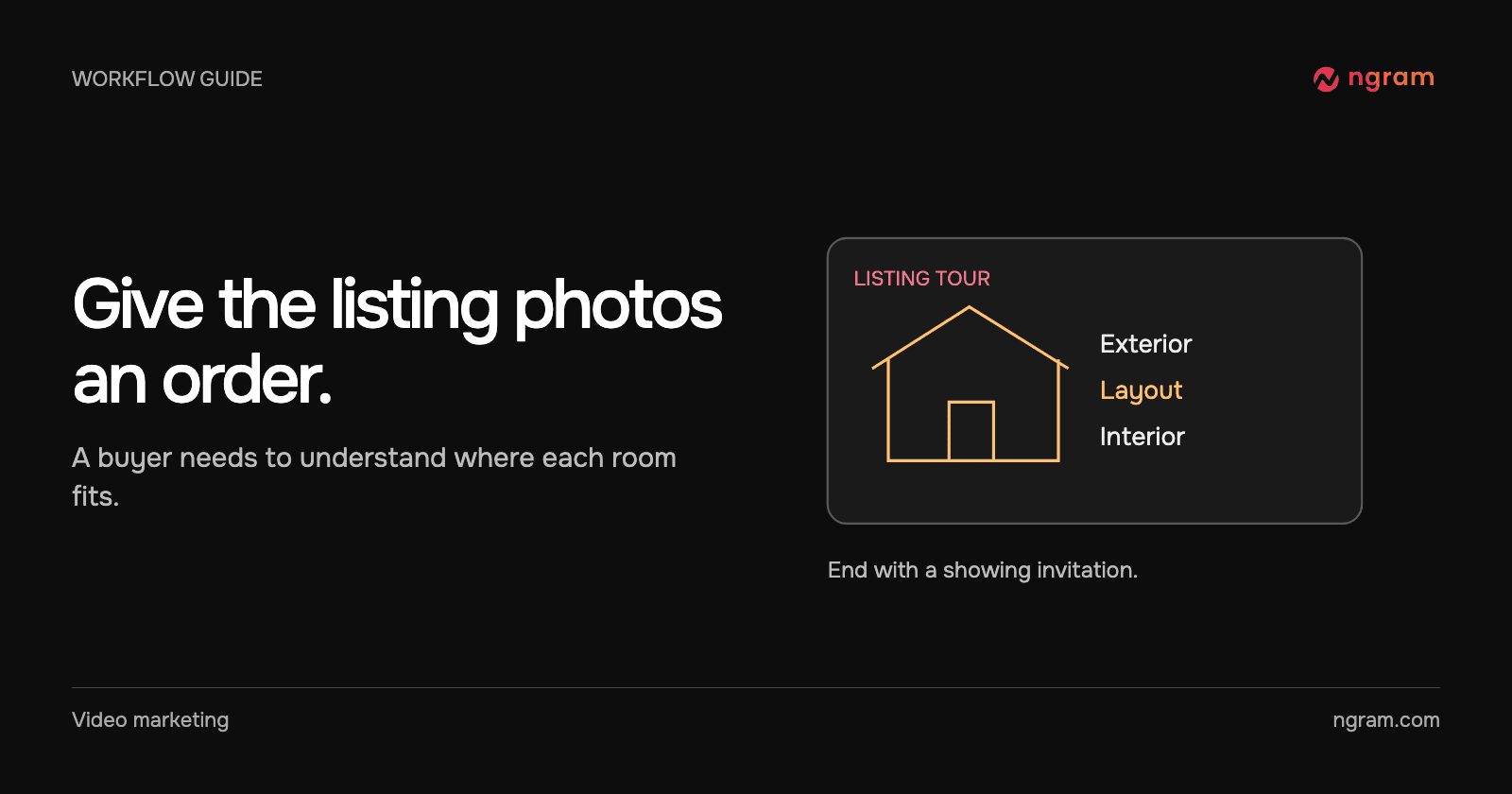
Choose an order that gives the viewer bearings: exterior, layout, the interior feature most relevant to the buyer and a final invitation to see the property. If the buyer needs a continuous account of how the spaces connect, obtain an actual walkthrough recording.

Write narration that adds something to the image

A line that says “here is the bedroom” contributes little when the bedroom is already on screen. Use the approved layout or listing facts to explain its position or intended use. Example brief: “Make a short tour from the attached listing photos. Introduce the exterior, use the approved plan to orient the buyer, then show the primary bedroom. Use only the supplied facts. Finish with the agent’s current showing contact.”

The listing-to-video converter starts from the property source. The real estate video maker is useful when you already have a clear audience and brief.

Watch the order of the example tour

The Oakline Realty example opens on a Craftsman exterior, shifts to a labeled floor plan, shows an interior room and closes with a showing invitation. The layout gives context to the photographs. The contact card gives interested buyers a next action after the tour ends.

Verify the cut before distributing it

Check that every image belongs to the listing, the displayed room counts and dimensions agree with the current listing sheet, and the final contact information is accurate. Play the tour on a phone to see whether the overlays cover the property detail they describe.

Use property video ad examples to compare openings when making an ad cut. If the client needs market context instead of a showing, use local market figures and make a separate update; a listing tour answers a different question.
Related articles

How to Make Reusable Intro and Outro Slides for Your Videos
How to3 min read

How to Make Reusable Intro and Outro Slides for Your Videos

Create editable intro and outro slides in Brand Kit, save them as templates and select the right opening or closing for each new video.

How Tongram
Rishikesh Ranjan
Rishikesh Ranjan
Growth Lead
Nov 2, 2026
How to Make a Feature Announcement Video (2026 Guide)
How to7 min read

How to Make a Feature Announcement Video (2026 Guide)

A step-by-step guide to making a feature announcement video that gets watched, with a 6-step process, the right length, distribution tips, and 2026 video data.

ngramVideo Marketing
Rishikesh Ranjan
Rishikesh Ranjan
Growth Lead
Aug 26, 2026
How to Create Explainer Videos for Your Startup with ngram (2026)
How to15 min read

How to Create Explainer Videos for Your Startup with ngram (2026)

Learn how startups can create professional explainer videos in minutes using ngram's AI-powered video creation platform - no editing skills or big budgets required.

ngramExplainer Video
Kyra Rachitsky
Kyra Rachitsky
Content & Insights
Oct 15, 2026
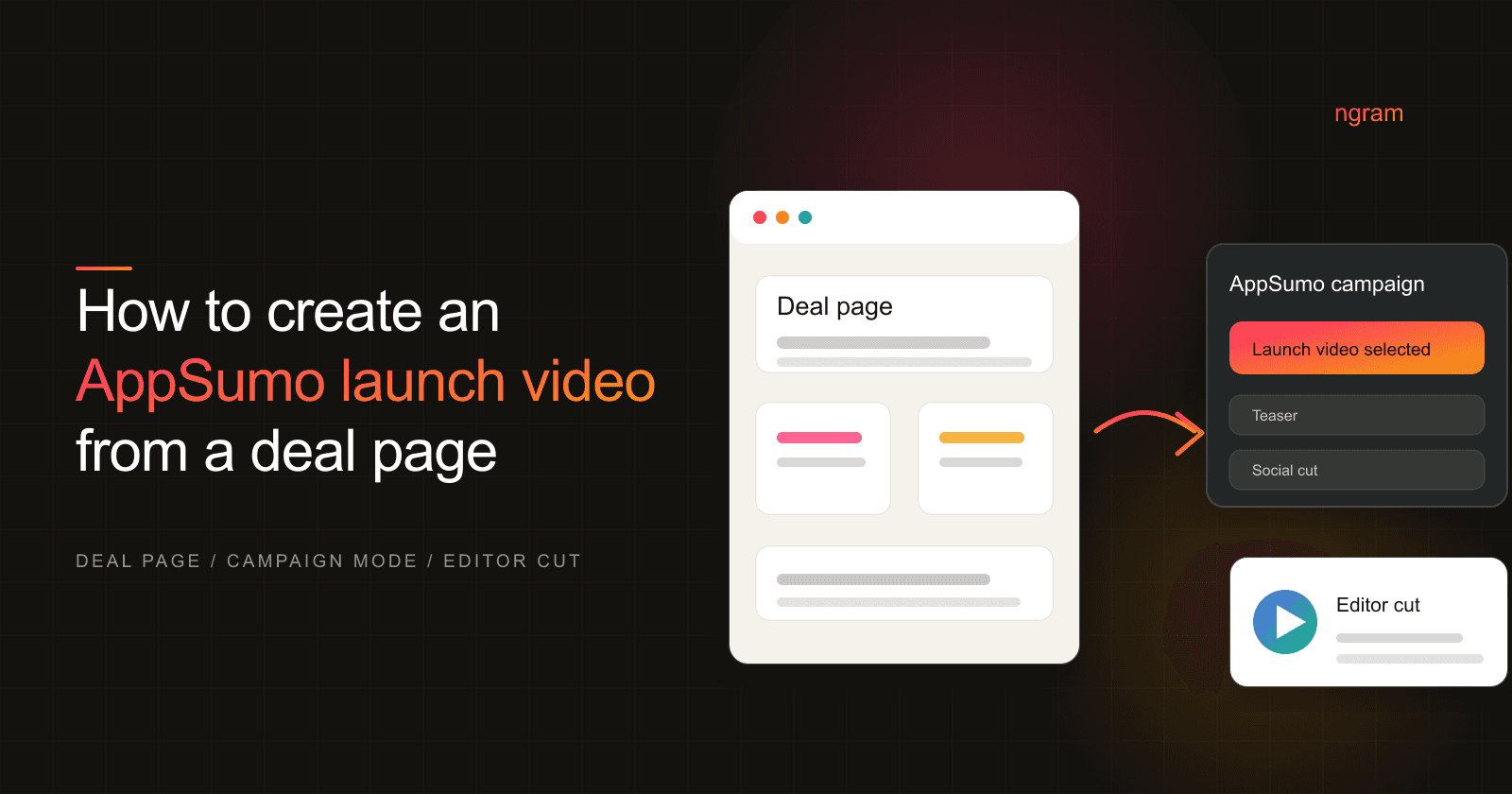
How to Create an AppSumo Launch Video From a Deal Page
How to11 min read

How to Create an AppSumo Launch Video From a Deal Page

Turn an AppSumo deal page into a launch video with ngram's AppSumo campaign mode, from offer audit to editor review and deal-asset handoff.

ngramHow To
Rishikesh Ranjan
Rishikesh Ranjan
Growth Lead
Oct 15, 2026
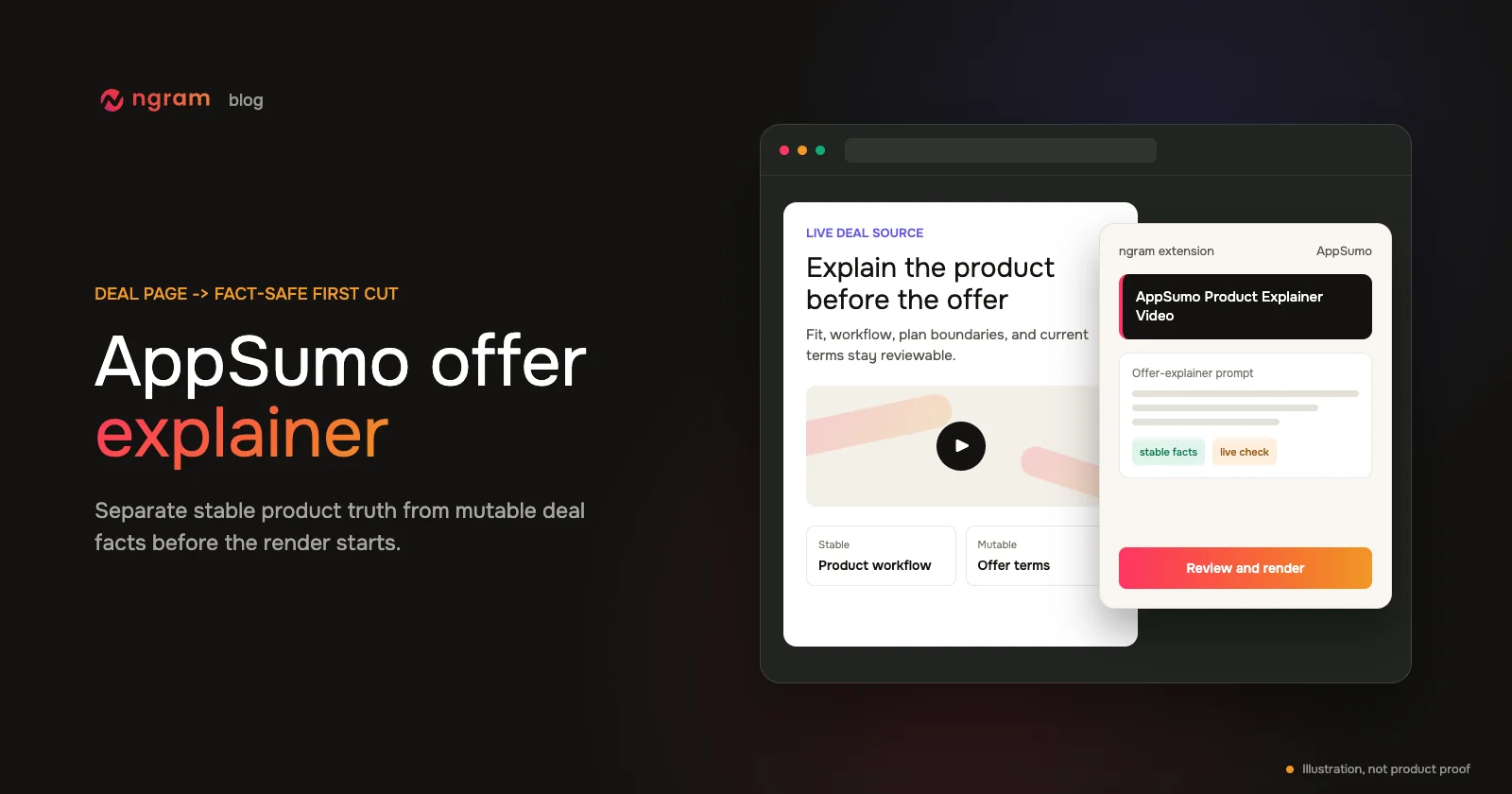
How to Create an AppSumo Offer Explainer Video From a Deal Page
How to13 min read

How to Create an AppSumo Offer Explainer Video From a Deal Page

Create an accurate AppSumo video from a deal page by separating stable product facts from mutable offer facts, rendering in ngram, and running a line-by-line deal review.

ngramHow To
Rishikesh Ranjan
Rishikesh Ranjan
Growth Lead
Jul 20, 2026
How to Create an AppSumo Promo Video From a Deal Page
How to12 min read

How to Create an AppSumo Promo Video From a Deal Page

Create an AppSumo promo video from a live deal page with verified offer details, a focused teaser brief, render monitoring, and a final deal-term review.

ngramHow To
Rishikesh Ranjan
Rishikesh Ranjan
Growth Lead
Jul 20, 2026

Ready to create your first video?

Turn your source material into a video. Shape the brief, review the plan and make it yours.