
An engineering note says, “We now reconcile duplicate records.” A customer asks a different question: “If two contacts have the same email, which one will my team see?” Build the launch video around that question. Otherwise, the film may explain the architecture accurately and still leave the customer unsure what changed.
Choose the change someone can verify
Ask the product owner for one before-and-after case with approved example data. Identify who encounters it, what they do, and which result they can check. For a duplicate-record feature, you might show the two sample inputs and the resulting review screen. Confirm exactly what the system does when fields disagree before putting a claim in the narration.
If the launch concerns internal maintenance and customers do not need to change how they work, written release notes may be enough. Reserve video for a change that benefits from seeing a sequence, a screen or a relationship.
Divide the explanation into evidence and interpretation
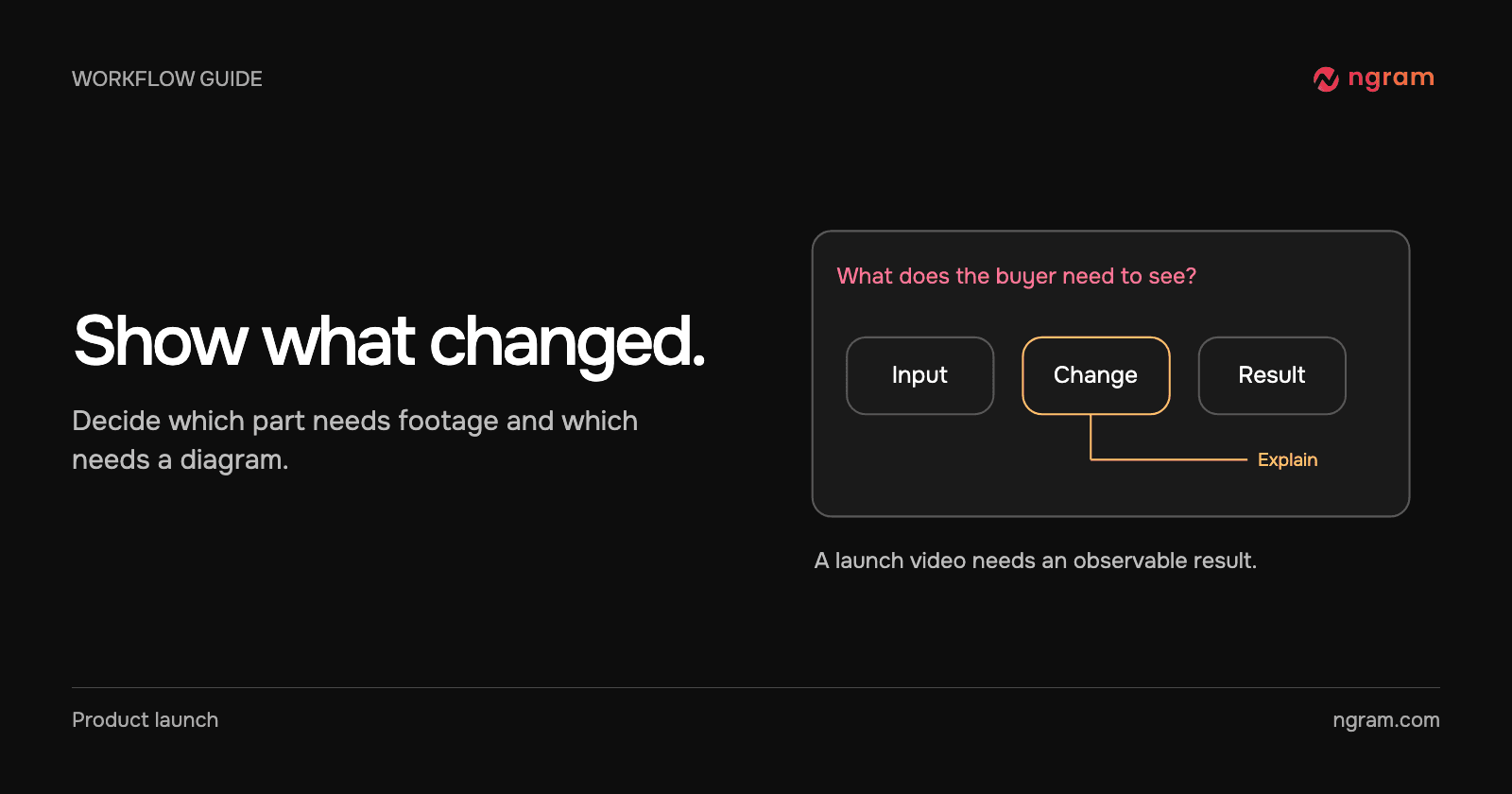
Use real screenshots or a recording for controls people must locate. Use labels to identify the important change. If the explanation involves a rule that happens off screen, use a diagram and label it as an explanation. Keep the rule separate from the observed result: a drawing of two records merging is not a demonstration of how your product handles conflicting data.
Try this brief: “Introduce duplicate review to support leads. Use the attached screenshots to show two sample contacts before review and the resulting customer record. Use the approved note for the conflict rule. End by showing where a lead can inspect the result.” The feature announcement workflow can help frame the release for existing users.
Decide when to leave the footage
In the Glass example, a full-frame graphic gives the relationship between sources more space than the shot of the person at a laptop. That is a useful editing choice when the mechanism is hard to see. A motion graphic can make a relationship visible without suggesting that an invented screenshot is part of the product.
Test the launch with one question
After watching, could the intended viewer say what changed and what to do next? If they remember the product name but cannot find the control, replace a general scene with an actual screen. If they can find the control but still cannot explain the result, slow down the comparison. Review the script and storyboard before generating another cut; a missing fact belongs in the plan.