
A product teaser video is usually requested when the launch owner already has enough to say, but not enough time to turn it into a sharp video brief. The campaign record is in Airtable, the release note is in Notion, the product page draft is in a CMS, and the launch channel owner wants something short enough to review today.
Zapier is useful when those source fields already exist. A Zap can watch for the approved record, pass the right values into ngram, and start a teaser video draft without another round of copy-paste.
The goal is not to publish automatically. The goal is to create a hook-first draft that a product marketer, founder, or launch owner can review before it becomes a website, email, or social asset.
Why a product teaser video matters before launch
A teaser video has a different job than a demo, explainer, or full launch video. The teaser creates curiosity around one promise. It is shorter, narrower, proof-light, and built around the first hook. The demo proves the workflow. The explainer teaches the category. The launch video can carry more context. The teaser earns the next click.
The attention window is tight. Nielsen Norman Group found that users often leave web pages within 10 to 20 seconds unless a page communicates a clear value proposition quickly. Source: Nielsen Norman Group on web-page attention.
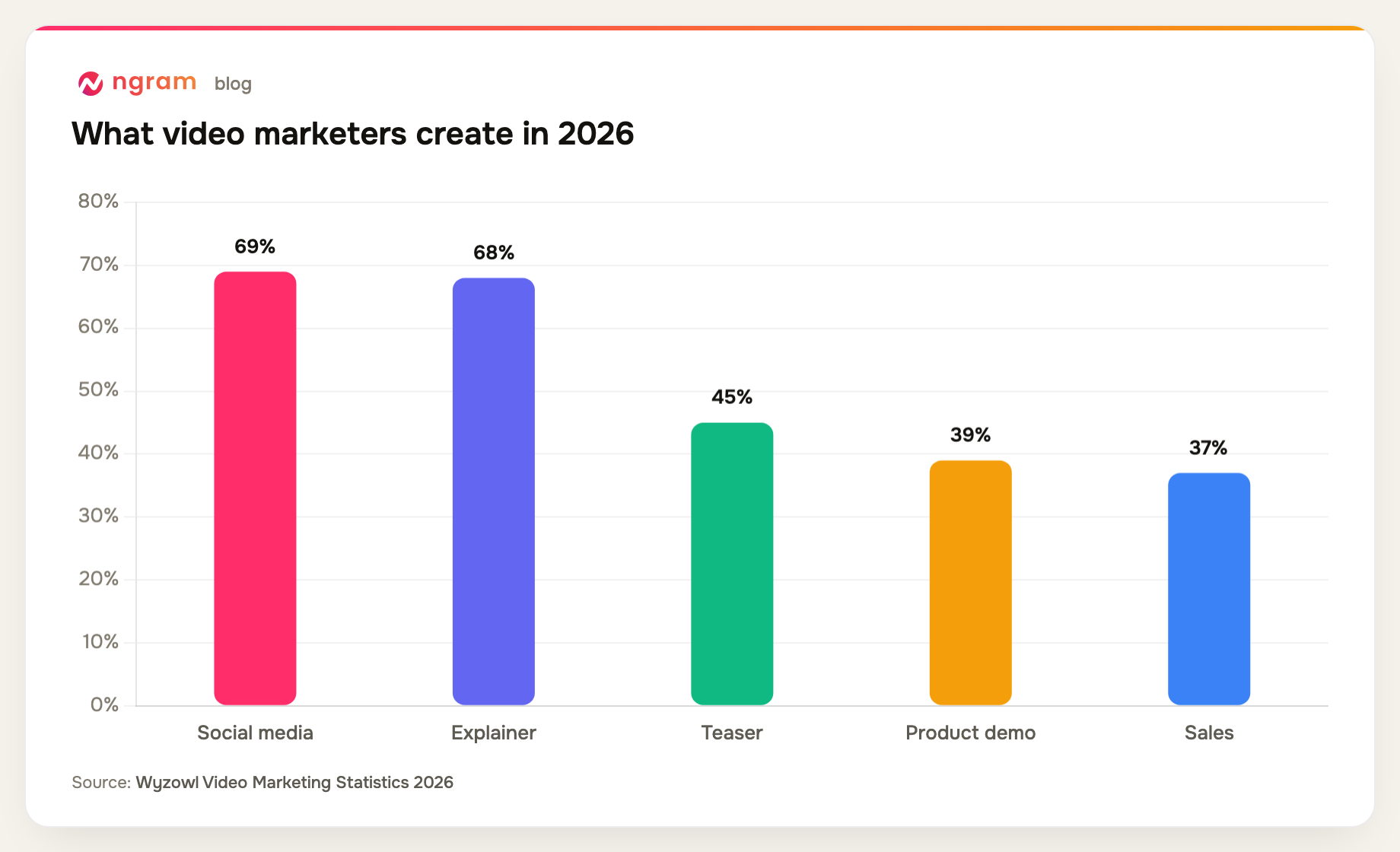
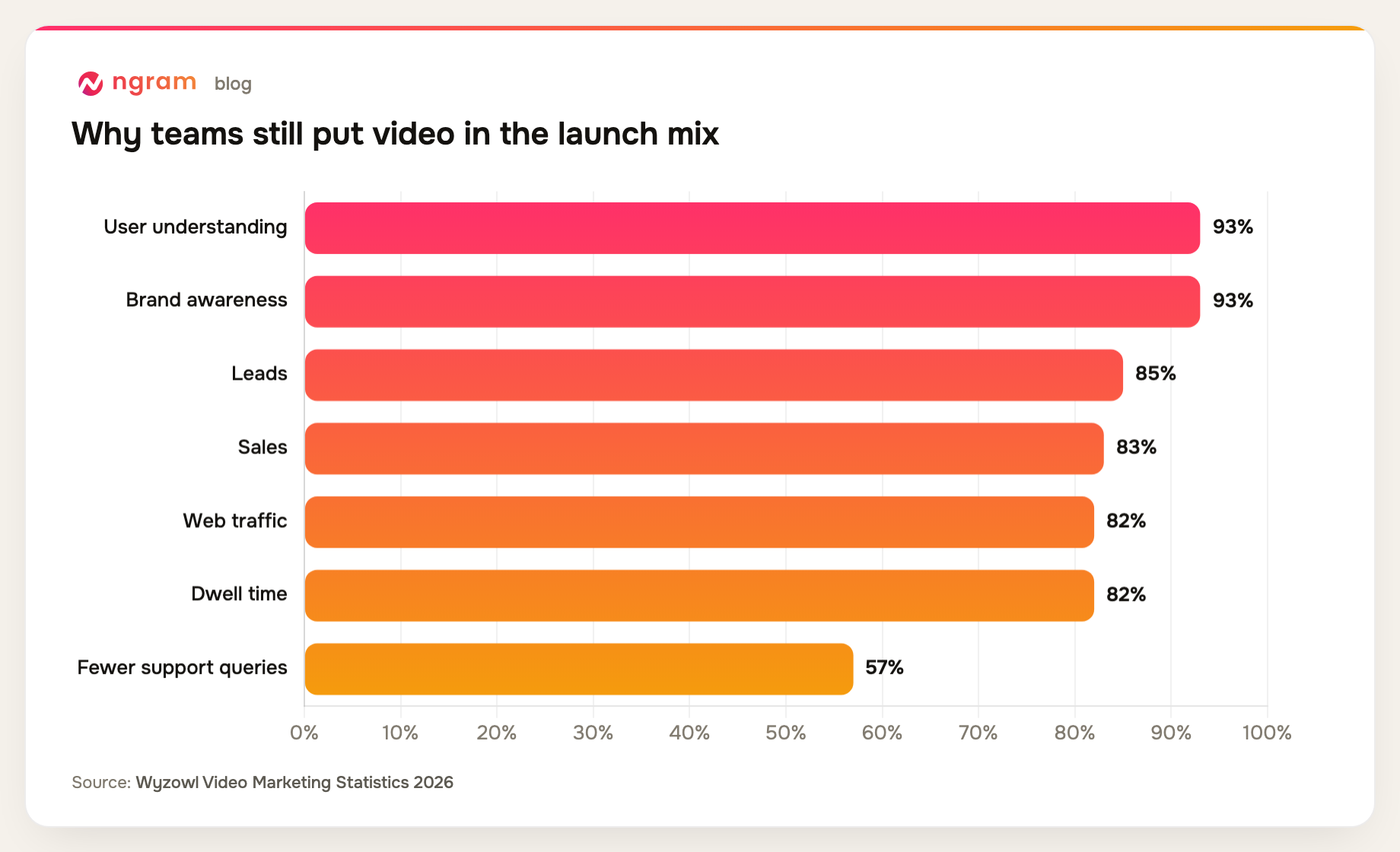
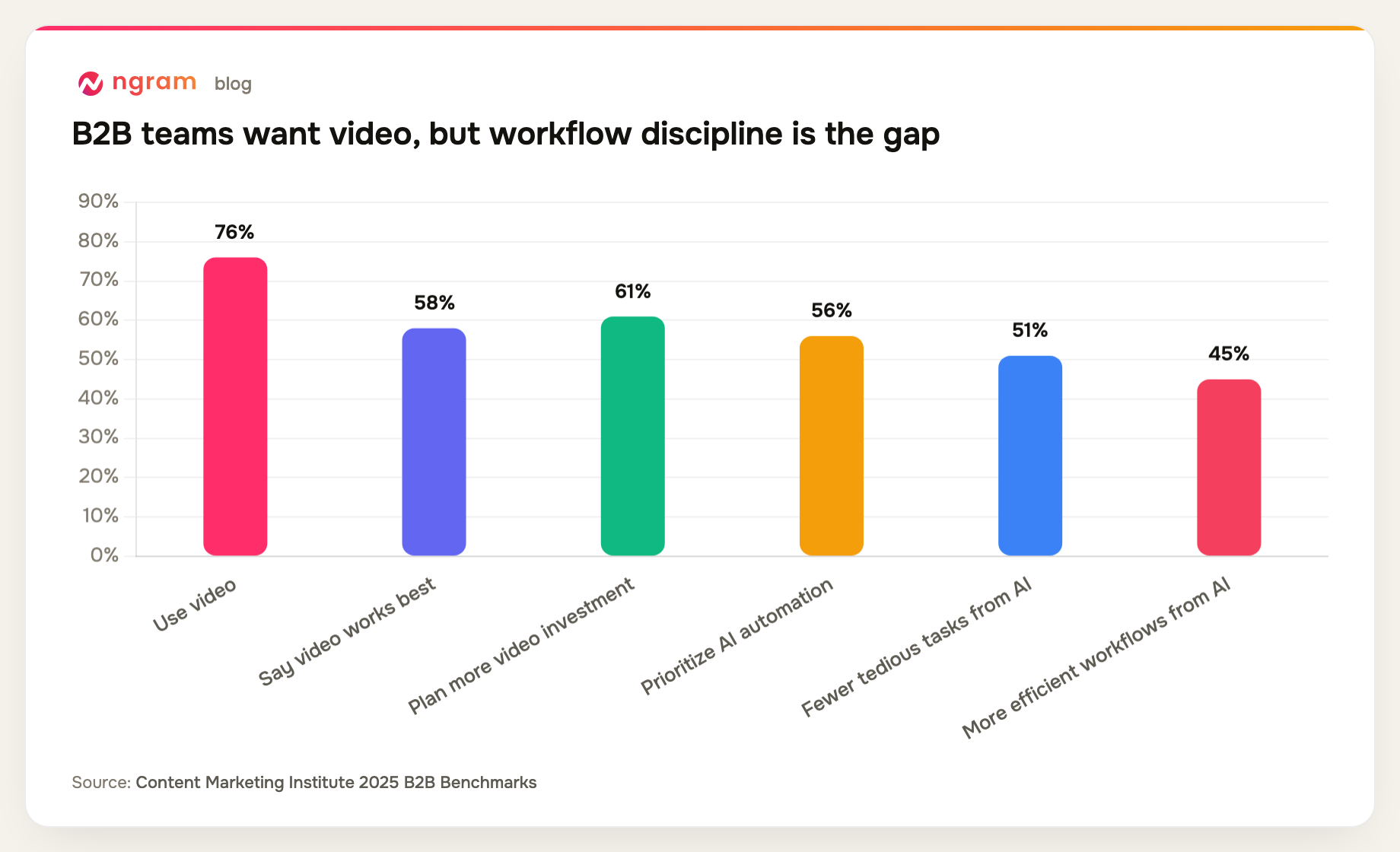
The format is also common enough that teams need a repeatable process. Wyzowl's 2026 report says 91% of businesses use video as a marketing tool, 93% of video marketers see it as important to their overall strategy, and 45% of video marketers have created teaser videos. The same report says 39% have created product demos, which is a useful contrast: demos prove the product; teaser videos create anticipation. Source: Wyzowl Video Marketing Statistics 2026.
Short-form video also has budget gravity. HubSpot reports that short-form video is the media format marketers use most, and that short-form video, long-form video, and live-streaming video are the top three ROI-driving content formats reported by marketers in its 2026 marketing statistics. Source: HubSpot marketing statistics.
For launch teams, that makes the teaser a review asset before it is a channel asset. It lets the team check the promise, tone, visual direction, and call to action while the full launch page, demo, and campaign copy are still moving.
What a Zapier product teaser video workflow should create
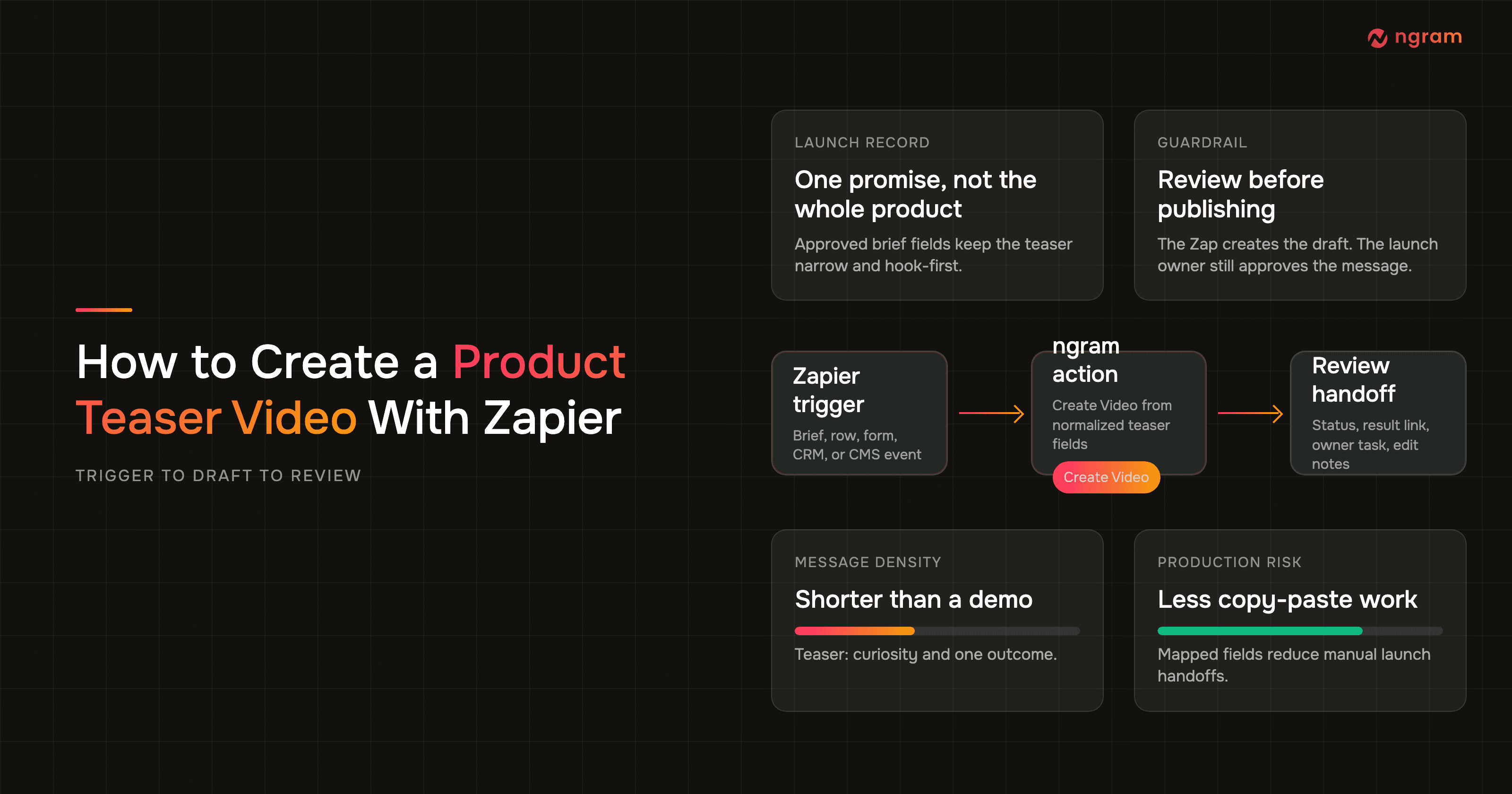
A good Zap for this use case has five parts: a trigger, normalized fields, the ngram Create Video action, a test or status step, and a review handoff. Zapier defines a Zap as a workflow with a trigger and one or more actions, and its own docs describe testing each step before publishing the Zap. Source: Zapier on Zaps, triggers, and actions.
For ngram-specific setup, start with the ngram Zapier integration. It is the public app surface for connecting Zapier to ngram. This guide uses the same proof assets captured for product launch and product demo workflows, then adapts the field map to a teaser video.
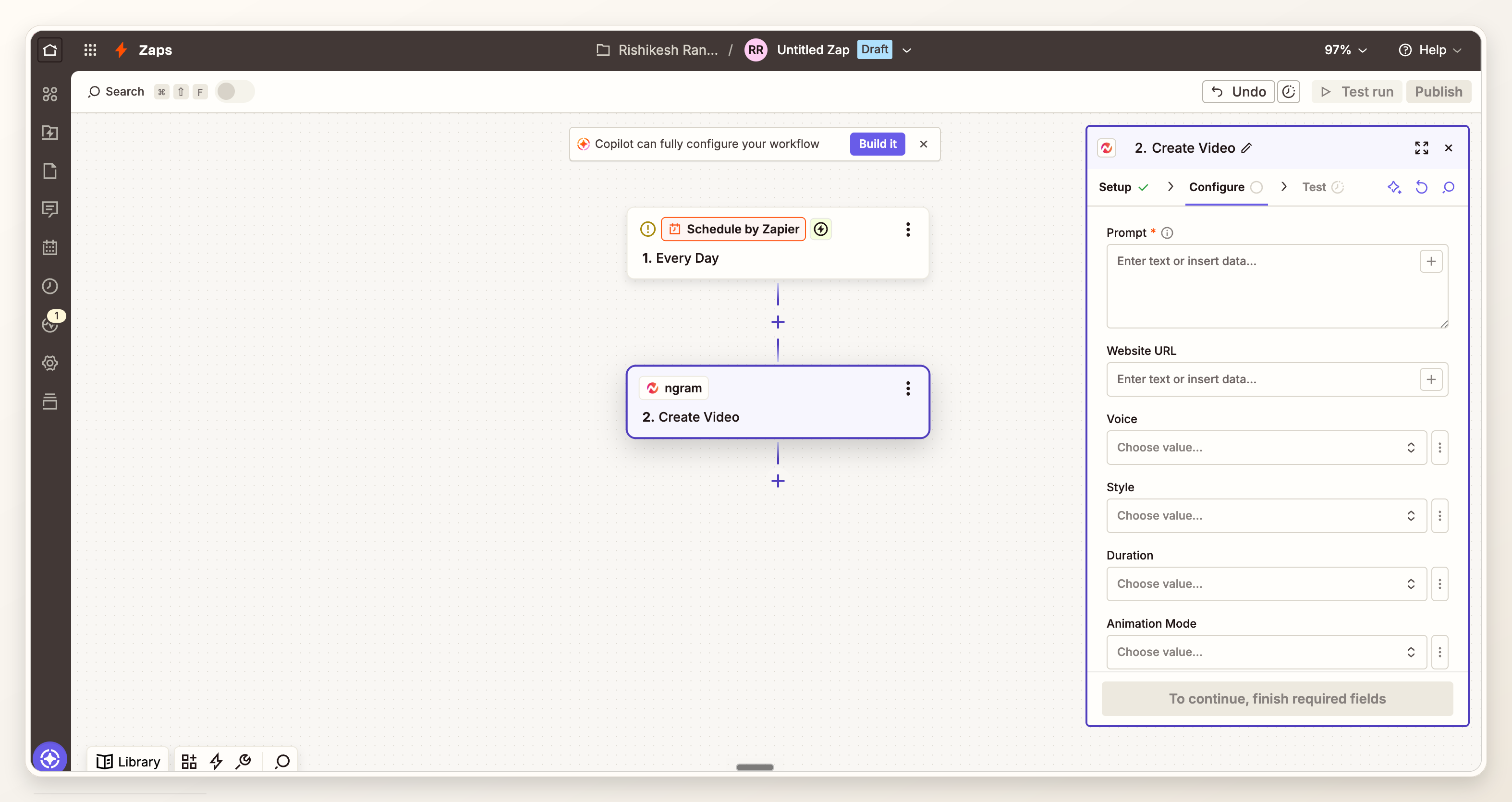
Do not overload the action with every field in the source system. A teaser video needs the launch name, audience, one promise, one tension point, approved source URL or short brief, desired length, tone, visual style, reviewer, and deadline. Everything else can stay in the source record.
Primary research: what the reused Zapier proof assets show
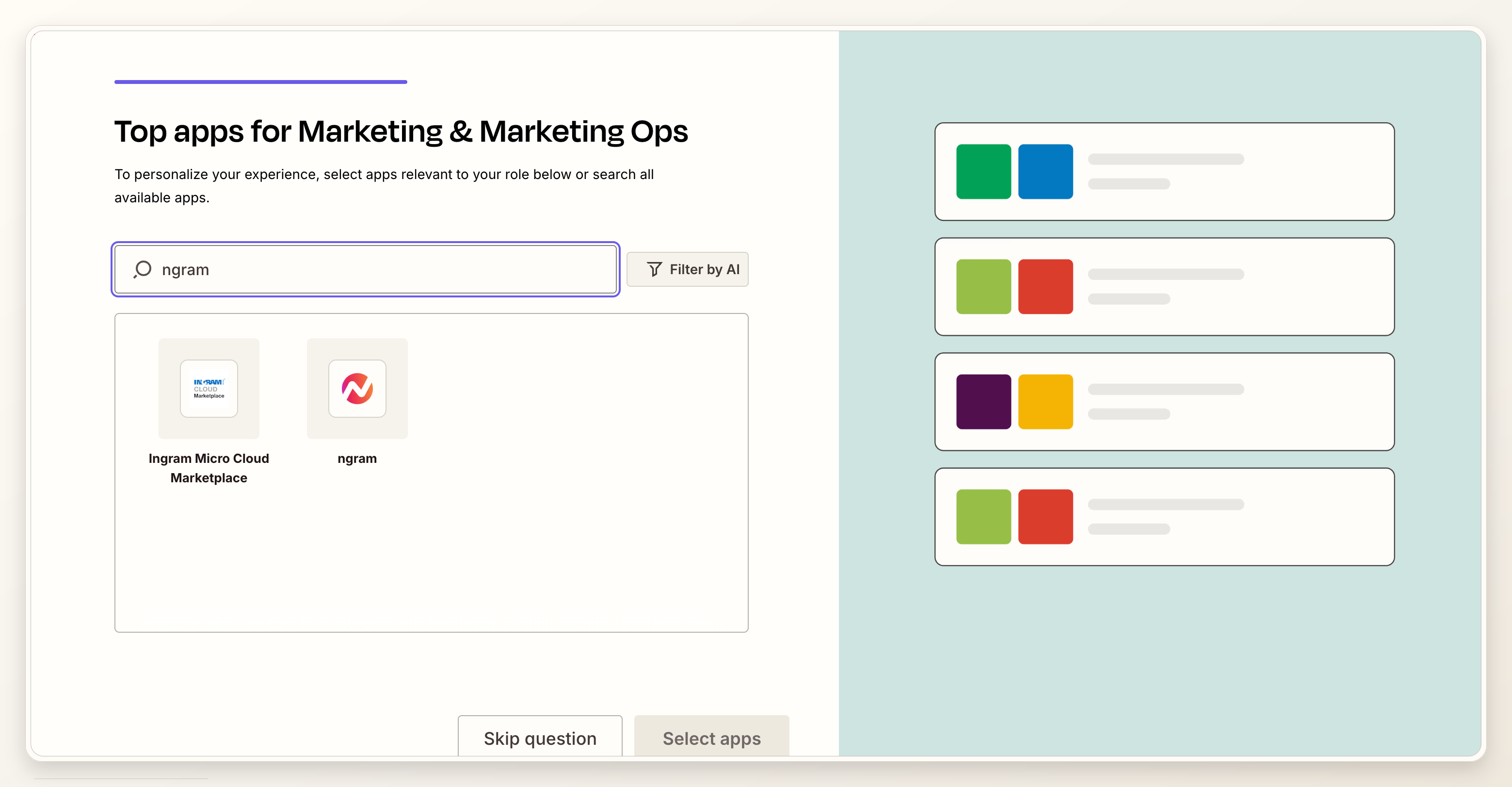
For this post, we reviewed four verified Zapier to ngram proof assets already captured for adjacent product launch and product demo workflows on July 10, 2026. The screenshots show ngram available in Zapier, a trigger plus ngram action workflow canvas, reusable Create Video field mapping for product use cases, and a result or status handoff. They do not show a Zapier UI that literally says teaser.
That matters because the teaser workflow is a narrower version of the same product workflow. The mechanics are verified, but the editorial judgment changes. Instead of asking ngram for a full product launch video, the prompt asks for a short teaser focused on curiosity, one promise, and reviewable draft output.
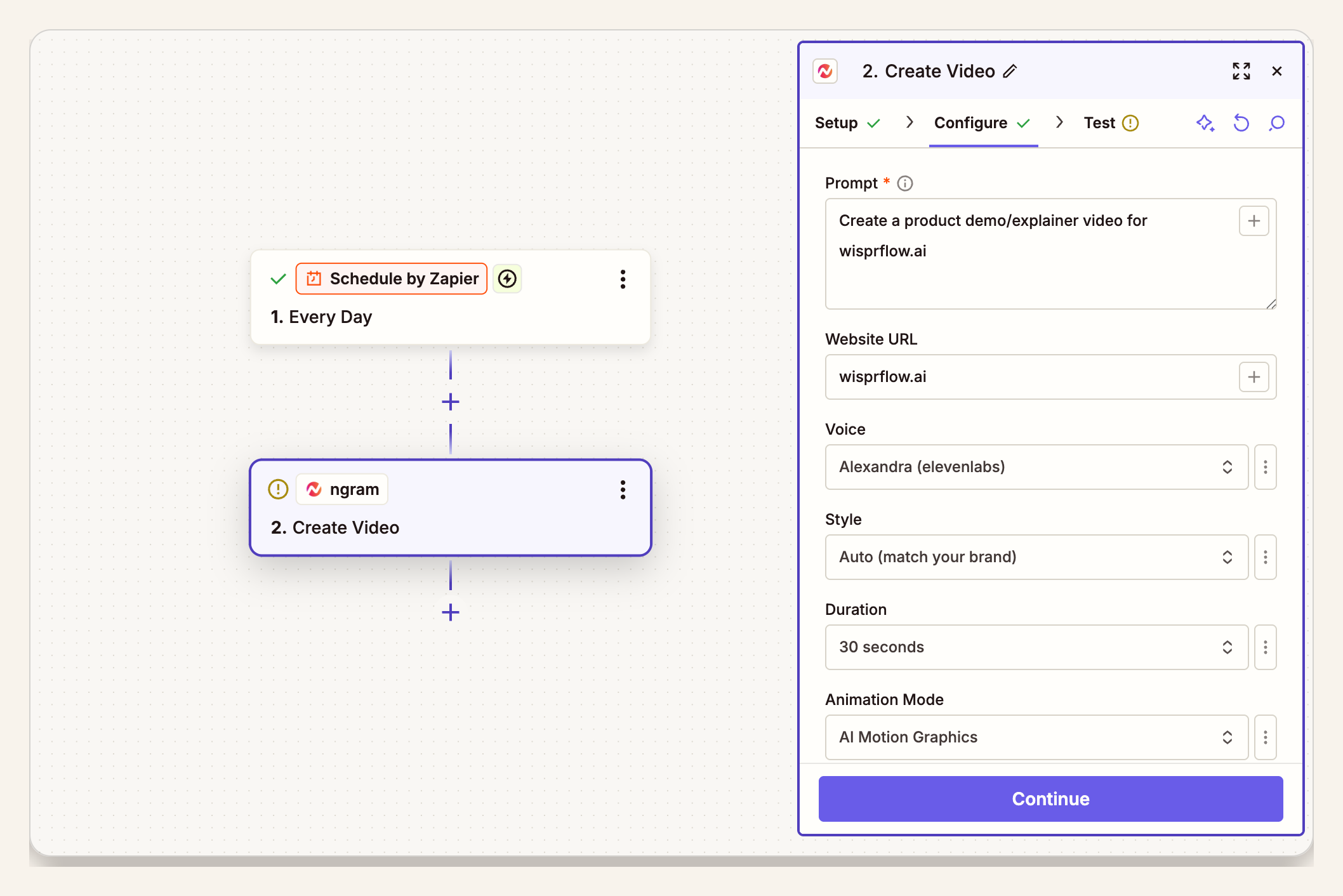
Methodology note: we treated the four screenshots as workflow proof, not teaser-specific UI proof. We grouped the visible mechanics into four reusable steps: app selection, workflow canvas, field mapping, and result handoff. The teaser-specific recommendations below come from the post brief, the ngram truth docs, and the field discipline a product teaser video needs.
Prerequisites before you build the Zap
- An approved trigger source: launch tracker, campaign brief, form response, CMS item, CRM record, or webhook event.
- A clear approval state, such as teaser-ready, PMM approved, or launch brief locked.
- A short source brief with product name, audience, one promise, launch date, product URL or source link, and review owner.
- A reviewer who can approve message accuracy before any distribution step.
- An ngram account connected inside Zapier.
If you need to draft teasers manually before wiring automation, use the teaser AI video maker first. Once the team agrees on the input pattern, move the same brief into Zapier.
Step 1: choose the trigger that means the teaser is ready
The trigger should mean the source is approved, not merely created. Good triggers include a campaign row moving to teaser-ready, a launch brief form submission with a required approval checkbox, a CMS item entering review, or a webhook from your launch tracker after PMM approval.
Avoid triggers like new row, new task, or updated record unless you add a filter. A teaser draft based on unfinished messaging creates review noise.
Step 2: normalize the fields for a product teaser video
Zapier's field mapping docs explain that mapped fields pull data from an earlier step into a later action, so each run uses the actual trigger record. Source: Zapier field mapping docs.
Normalize the source fields before they reach ngram. Use consistent names like product_name, audience, hook, promise, source_url, proof_constraints, tone, length_seconds, aspect_ratio, reviewer_email, and due_at. Keep the brief short enough for a reviewer to understand why the draft looks the way it does.
Step 3: connect ngram and add the Create Video action
In Zapier, add an action step after your trigger and select ngram. Zapier's action setup docs say an action runs after the trigger, and that you configure required fields, map fields from previous steps, and test the action before turning the Zap on. Source: Zapier action setup docs.
Choose Create Video. Then map your normalized teaser fields into the prompt or input fields. The prompt should say this is a teaser, ask for a short hook-first draft, and instruct ngram to avoid full demo pacing.
Step 4: map the teaser prompt
Use a prompt like this:
Create a 20 to 35 second product teaser video for {{product_name}}.
Audience: {{audience}}
One promise: {{promise}}
Hook: {{hook}}
Source URL or approved brief: {{source_url}}
Tone: {{tone}}
Visual style: {{visual_style}}
Do not make a full demo or explainer. Reveal only enough to create curiosity.
End with this CTA: {{cta}}
Send the result to {{reviewer_email}} for review.
If your team creates launch assets often, keep this prompt close to your product marketing workflow so the field names match how PMM already reviews launches.
Step 5: test with a real launch record
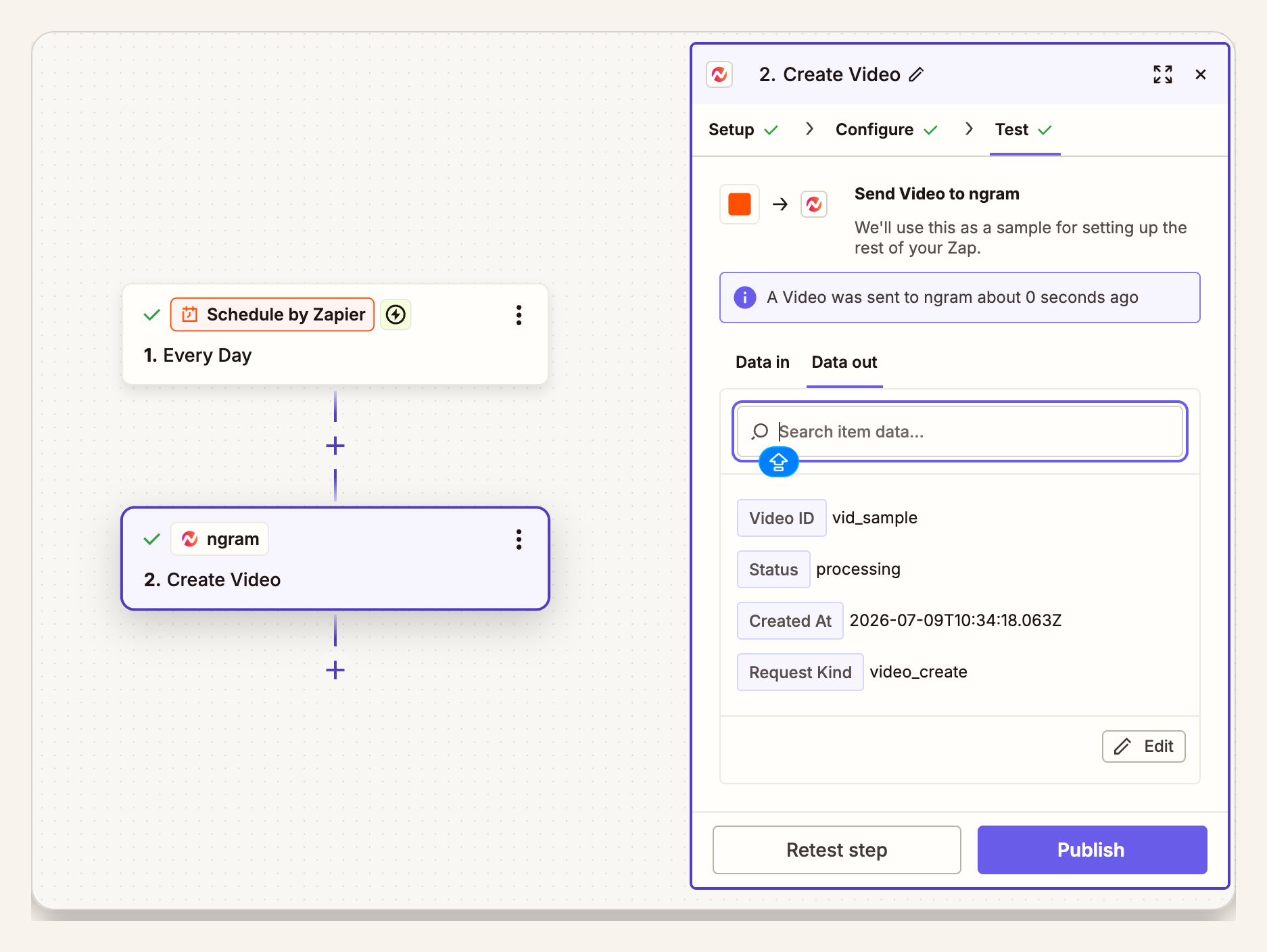
Use one approved launch record as the test. Check the Data in tab for field values and the Data out tab for the result returned by ngram. If the output feels like a launch video, shorten the desired length, narrow the promise, and add a line that says the draft should not explain the feature end to end.
This is also where you verify empty fields. A missing source URL, blank audience, or generic hook will create a generic teaser.
Step 6: route the result to review
The result handoff is the end of this workflow. Route the status, result link, source record, and reviewer notes back to the owner. That can be a task update, a Slack message, a CMS field, or a row update. Keep the next action as review, not upload.
For a launch campaign that needs multiple owned-channel assets after review, connect the approved teaser to your broader growth campaign video plan. The Zap should still stop at draft creation and review handoff.
Field map to copy
| Source field | Map to ngram | Why it matters for a teaser |
|---|---|---|
| product_name | Subject or prompt context | Keeps the teaser anchored to the right product. |
| audience | Audience instruction | Changes the hook for founders, buyers, users, or existing customers. |
| one_promise | Core message | Prevents the draft from becoming a full explainer. |
| hook | Opening scene direction | Controls the first few seconds. |
| source_url | Source material | Gives ngram approved copy and product context. |
| reviewer_email | Review handoff | Keeps human approval in the loop. |
QA checklist before you turn the Zap on
- The trigger only fires after approval, not on every draft edit.
- The teaser prompt includes one promise and one audience.
- The desired length is short enough for teaser pacing, usually 20 to 35 seconds for this workflow.
- The output routes to a reviewer with the source record attached.
- The Zap does not upload, post, or publish the video automatically.
- Failed or delayed runs create an owner-visible task instead of silently disappearing.
Common mistakes
- Using the Zap too early. If the source brief is not approved, the teaser becomes another draft to debate.
- Mapping every product field. Teasers get weaker when the prompt asks for a demo, launch video, pricing note, and explainer at once.
- Treating the first draft as final. A teaser still needs a product owner to check accuracy, tone, and what should stay hidden.
- Skipping status handling. If a run fails or takes longer than expected, the reviewer needs a visible handoff.
- Publishing from the Zap. Keep public distribution out of this workflow unless a separate, approved publishing process owns it.
FAQ
Can Zapier create a product teaser video automatically?
Zapier can trigger the workflow and send approved source fields into ngram's Create Video action. The safer pattern is automated draft creation followed by human review, not public distribution.
What should trigger the teaser video Zap?
Use a state change that means the launch story is approved. Examples include a campaign brief marked teaser-ready, a CMS item entering review, or a launch tracker row moving to PMM approved.
How is a teaser video different from a product demo?
A teaser video is shorter and narrower. It hints at the product promise before launch. A product demo shows how the product works and carries more proof.
What fields should I send to ngram?
Send product name, audience, one promise, hook, approved source URL or brief, tone, desired length, visual style, CTA, reviewer, and due date. Do not send every raw launch field unless the prompt needs it.
Should the Zap upload the teaser to YouTube or LinkedIn?
No. This guide is about creation and review. Keep publishing, scheduling, and upload decisions in a separate approved workflow.
How long should the teaser draft be?
For this Zapier workflow, ask for 20 to 35 seconds unless your channel owner has a stricter requirement. Wyzowl reports that 71% of people believe videos between 30 seconds and 2 minutes are most effective, but teasers usually sit near the shorter end of that range.