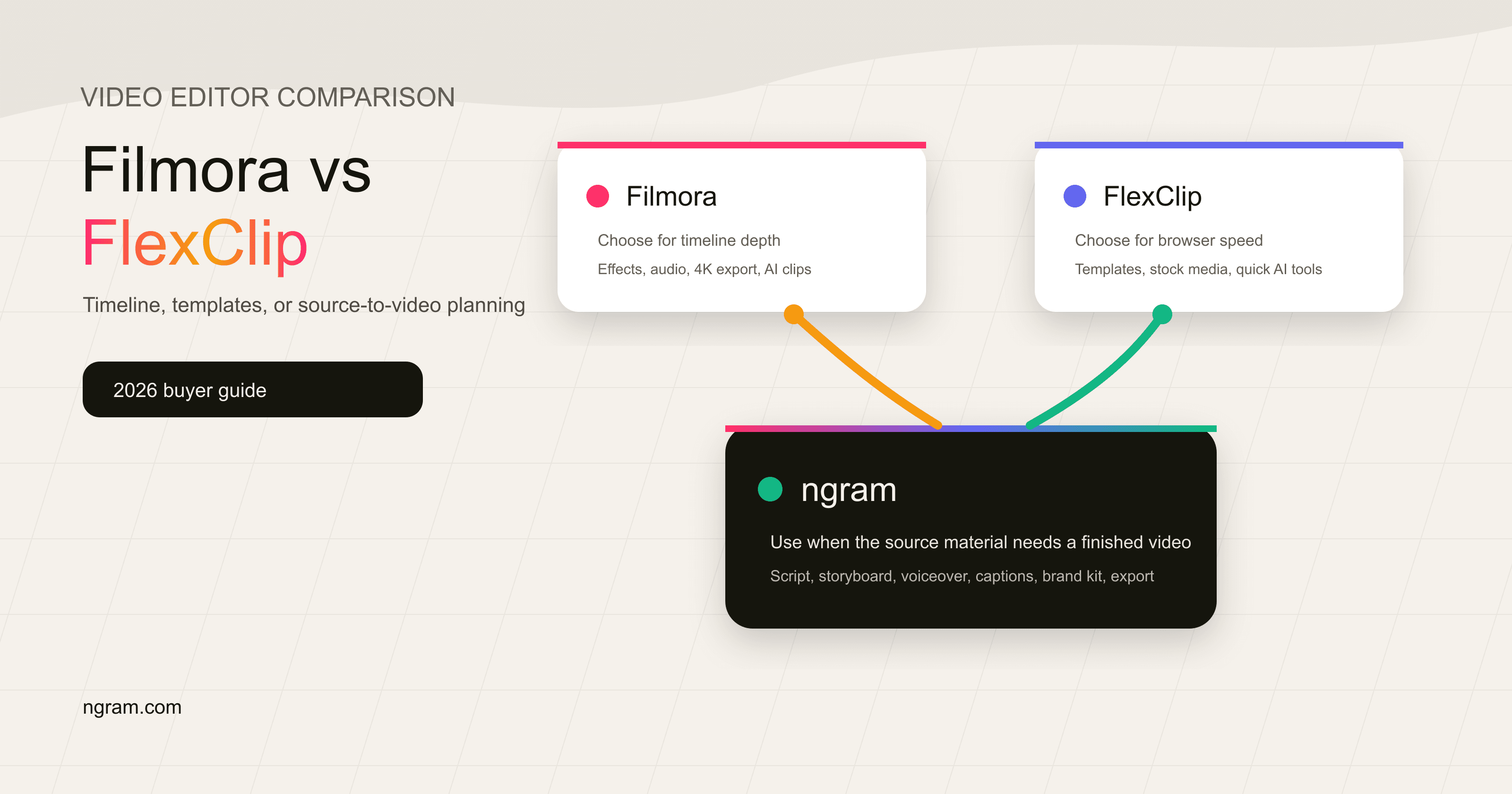


Search for "Filmora vs FlexClip" and you mostly find comparison grids. Those pages are useful for checking categories, but they do not explain the decision that matters: do you want a full timeline editor, a browser template editor, or a tool that turns source material into a finished business video?
Filmora and FlexClip both sit in the video-editor category, but they solve different editing jobs. Filmora is Wondershare's hands-on editor for creators who want timeline control, AI generation, effects, audio tools, and desktop or mobile apps. FlexClip is a browser-based editor for teams that want templates, stock media, quick AI tools, and a lighter path to social or marketing videos.
ngram belongs in this comparison as the third option for a narrower slice. If the job starts with a prompt, PDF, URL, deck, screenshots, or a screen recording and needs a script, storyboard, voiceover, captions, brand styling, and export, ngram is a stronger fit than either editor. If you want manual post-production, pick Filmora. If you want template-driven browser editing, pick FlexClip.
Filmora vs FlexClip at a glance
| Tool | Best for | Current public starting point | Main tradeoff |
|---|---|---|---|
| Filmora | Creators who want a timeline editor with AI generation, 4K export, effects, and audio control | Filmora Basic at US$49.99/yr, Advanced at US$59.99/yr | More editing depth, more manual production work |
| FlexClip | Small businesses, educators, and marketers making browser-based template videos | FlexClip Plus at US$11.99/mo billed annually, Business at US$19.99/mo billed annually | Faster template work, less timeline depth |
| ngram | Business teams turning source material into planned, narrated, branded videos | Free plan, Basic at $29/mo, Premium at $59/mo, Ultimate at $299/mo | Best when the video needs planning and production, not manual assembly |
Direct answer: Filmora wins for hands-on timeline editing and AI generation inside a creator editor. FlexClip wins for browser templates, stock media, and lightweight team video. ngram wins when the real job is a finished business video from source material.
Workflow and output
Filmora: timeline control for creators
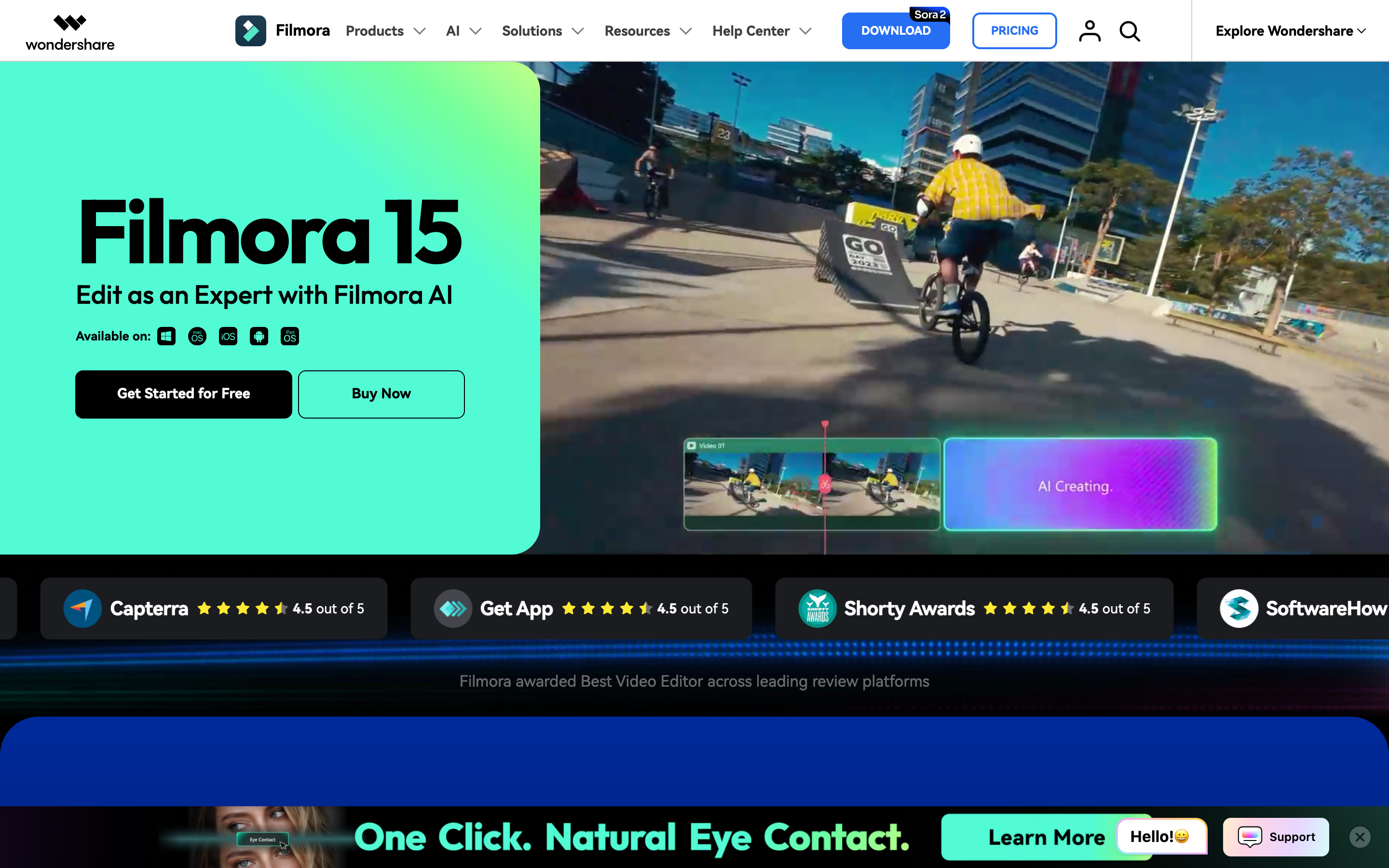
Filmora starts with the familiar editor model: import media, cut and arrange clips on a timeline, add effects, review, export. Wondershare's official video-editor page lists trimming, cropping, text, audio, effects, screen recording, planar tracking, multicam editing, chroma key, compound clips, speed ramping, silence detection, denoise, audio ducking, and plug-ins as part of the editing surface.
That makes Filmora the better pick when the video is the whole craft project. A YouTuber cutting a long episode, a creator layering music and transitions, or a filmmaker trying AI B-roll inside a timeline gets more room in Filmora than in FlexClip. The tradeoff is that someone still has to make timeline decisions scene by scene.
FlexClip: browser templates and quick assembly
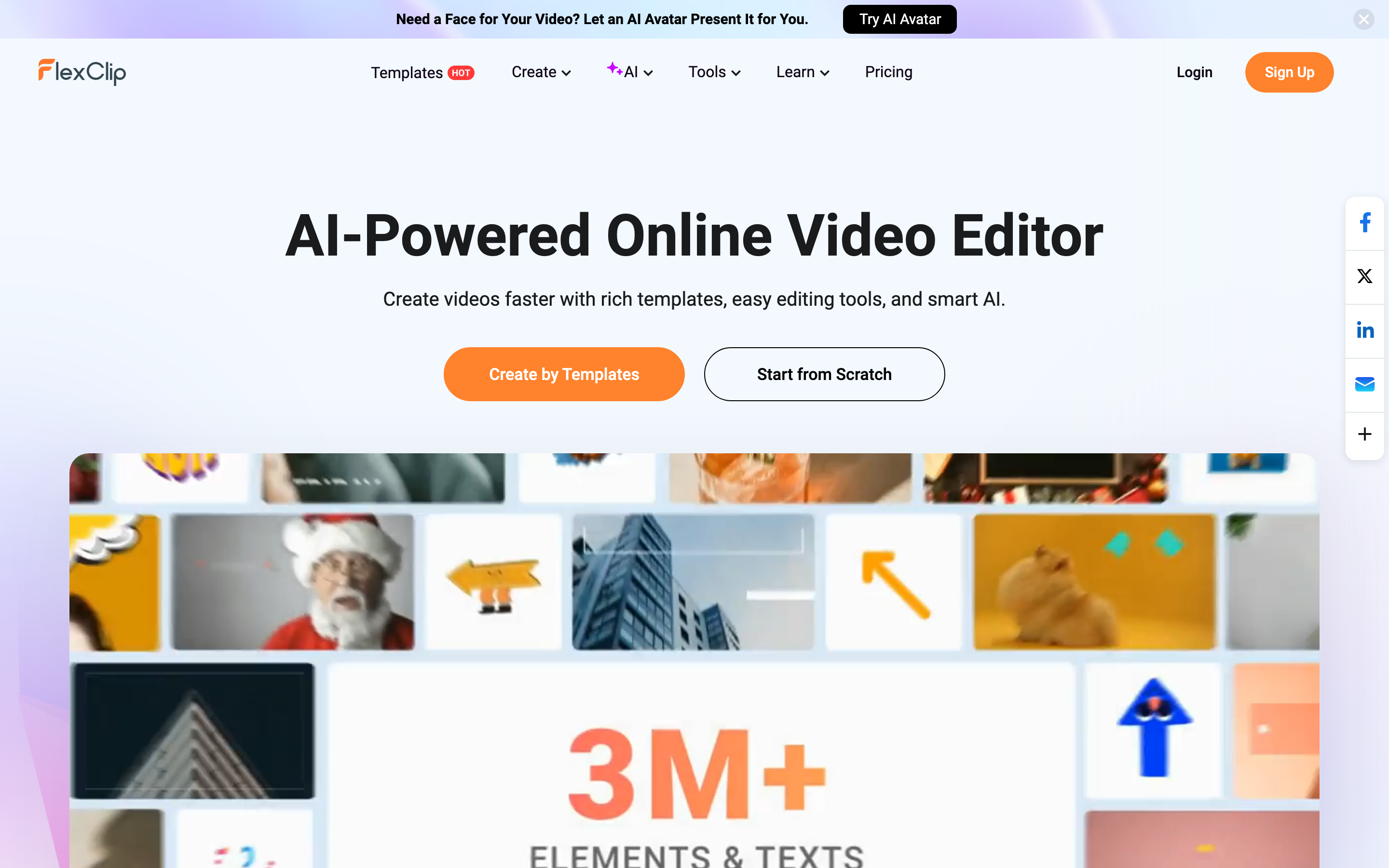
FlexClip starts with speed. Its homepage positions the product as an AI-powered online video editor built around templates, easy editing tools, and smart AI. FlexClip also promotes thousands of templates across business, marketing, intro/outro, slideshow, and social categories, plus a browser workspace for starting from a template or a blank canvas.
That makes FlexClip the better pick when the format is already obvious: a promo clip, school announcement, product slideshow, real estate video, quick explainer, or social post. The editor is closer to a template canvas than a full post-production suite, so the learning curve is lower and the ceiling is lower too.
Winner: Filmora for timeline output. FlexClip for template output. ngram for source-to-finished business videos where script and storyboard matter before the edit starts.
AI features and creative control
Filmora has the deeper AI generation story. Its AI Video Generator page says users can generate videos from text, images, or audio, choose models such as Seedance, Sora, and Veo, and then edit generated scenes with separate tracks for video, audio, and text. The official pricing page also ties the Advanced plan to monthly AI credits for paid AI features.
FlexClip has a broader set of lightweight AI utilities around online creation. Its product navigation lists AI video generator, AI text to video, AI auto subtitle, AI product URL to video, AI PPT to video, AI voice cloning, AI text to speech, AI background tools, object removal, image generation, and other media helpers. Its AI video generator page focuses on templates, stock media, footage, images, audio, and editable assets around the AI result.
The difference is control. Filmora puts AI output into a timeline. FlexClip puts AI output into a browser editor with templates and assets. ngram plans the video first: script, storyboard, scene direction, voiceover, captions, brand styling, and then edits through chat, visual chat, script editing, scene regeneration, canvas controls, or a timeline editor.
Winner: Filmora for AI generation tied to timeline editing. FlexClip for fast AI assists inside a browser editor. ngram for teams that want AI to plan the message before rendering the video.
Templates, assets, and brand work
FlexClip has the clearer template advantage. Its 2026 pricing guide says the product gives beginners a clear interface, basic editing tools, AI tools, and more than ten thousand templates. It also describes cloud collaboration, shared projects, custom branding on paid plans, stock media limits by plan, cloud storage, and hosted video space.
Filmora has a larger editing toolkit and a large asset library, but it feels more like a creator workstation. The official pricing page lists millions of creative assets, 4K export, watermark-free paid exports, continuous version upgrades, advanced editing features, cloud storage by tier, and AI credits on the Advanced plan. That is useful for the person finishing the edit, not necessarily the whole team building brand assets together.
ngram's brand fit is different again. Brand kits store logos, colors, fonts, motion style, screenshot style, voice and tone preferences, approved phrases, blocked phrases, CTAs, and example assets. Team workspaces and shared asset libraries keep generated videos reusable. Do not stretch that into unsupported claims: detailed watch-time analytics and scene-level analytics are not live today, and Public API v1 access uses self-service bearer API keys.
Winner: FlexClip for quick brand and template assembly. Filmora for creator assets and editing controls. ngram for on-brand business video systems built from real source material.
Pricing and value
Pricing is where the tools separate fast. Filmora's official shop currently lists Basic at US$49.99 per year and Advanced at US$59.99 per year. Basic includes watermark-free export, multiple export formats, 4K HD export, creative assets, and advanced editing features. Advanced adds monthly AI credits and larger cloud storage.
FlexClip's pricing guide lists a free plan with 720P export, watermarking, project limits, stock limits, and small AI quotas. Paid editor plans start at US$11.99 per month when billed annually for Plus and US$19.99 per month when billed annually for Business. The same guide says paid plans remove the watermark and differ by AI credits, cloud storage, stock media allowances, and hosted video space.
ngram is credit-based. The Free plan includes starter credits and watermarked 720p export. Basic starts at $29 per month, Premium at $59 per month, and Ultimate at $299 per month, with credits shared across video generation, AI editing, and exports. That pricing only makes sense when you value the production workflow: source ingestion, script, storyboard, voiceover, captions, brand styling, variants, and export.
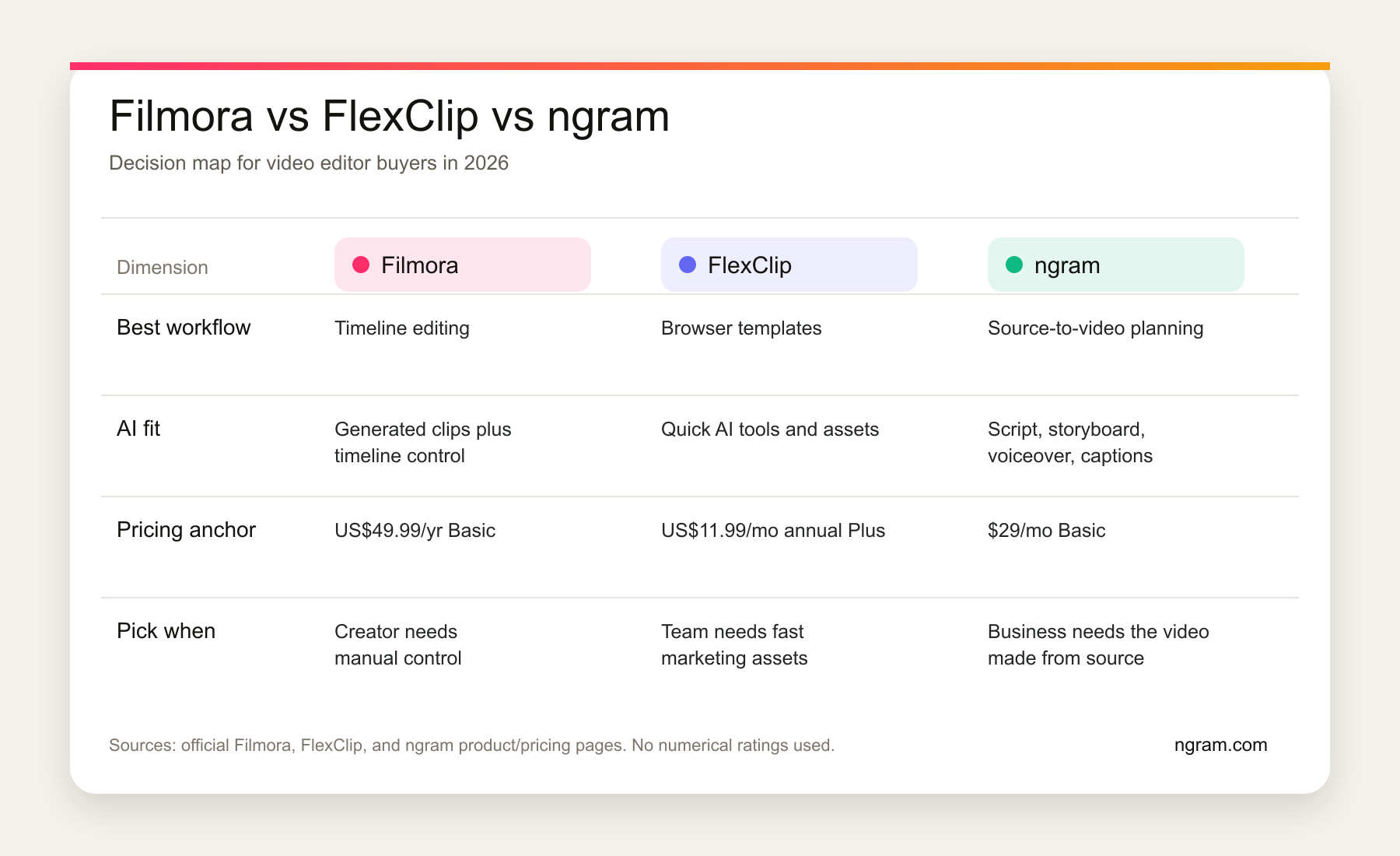
Winner: Filmora if annual creator pricing and timeline depth matter most. FlexClip if browser access and low monthly template work matter most. ngram if the value is turning raw business material into a finished video without building every scene by hand.
Where ngram fits
ngram is not a Filmora clone or a FlexClip clone. It is the better choice when the user does not want to start from a blank timeline or a template. A product marketer can paste a launch page, upload screenshots, add a rough screen recording, and ask ngram for a customer-facing launch video. ngram extracts the message, writes the script, builds the storyboard, generates captions and voiceover, applies brand direction, and keeps the result editable.
That is why the right comparison is not only editor versus editor. Filmora and FlexClip are strong when the user already knows what to assemble. ngram is stronger when the user has source material and needs the product to decide what the video should say, show, and emphasize.
Useful next reads: compare ngram vs Filmora, compare ngram vs FlexClip, or see ngram's AI video editing and script generation workflows.
Methodology and source notes
We used official product and pricing pages first: Filmora's video editor page, Filmora's AI video generator page, Filmora's shop page, FlexClip's homepage, FlexClip's AI video generator page, and FlexClip's 2026 pricing guide. We used Software Advice, G2, Capterra, and Reddit only to understand what comparison pages and users emphasize, not to publish review scores.
Gaps we found: FlexClip's live pricing surfaces are partly dynamic, and some public FlexClip pages use Pro, Plus, and Business labels inconsistently. We used FlexClip's dated 2026 pricing guide as the clearest official source and avoided plan claims that were not visible there. Filmora's public pages differ by country and promo timing, so we used the US pricing shown on Wondershare's official shop during this run.
Final verdict
Filmora vs FlexClip is not a one-winner comparison. Filmora is the better video editor when you want timeline depth, AI generation inside the edit, 4K export, effects, and audio control. FlexClip is the better editor when you want browser-based templates, stock media, quick AI assists, and small-team marketing videos.
Use ngram if neither question is quite right. When the job is to turn a product page, release note, PDF, deck, screenshot set, or screen recording into a polished narrated business video, ngram does the planning and production work first. Filmora and FlexClip edit video. ngram makes the video from the message.








