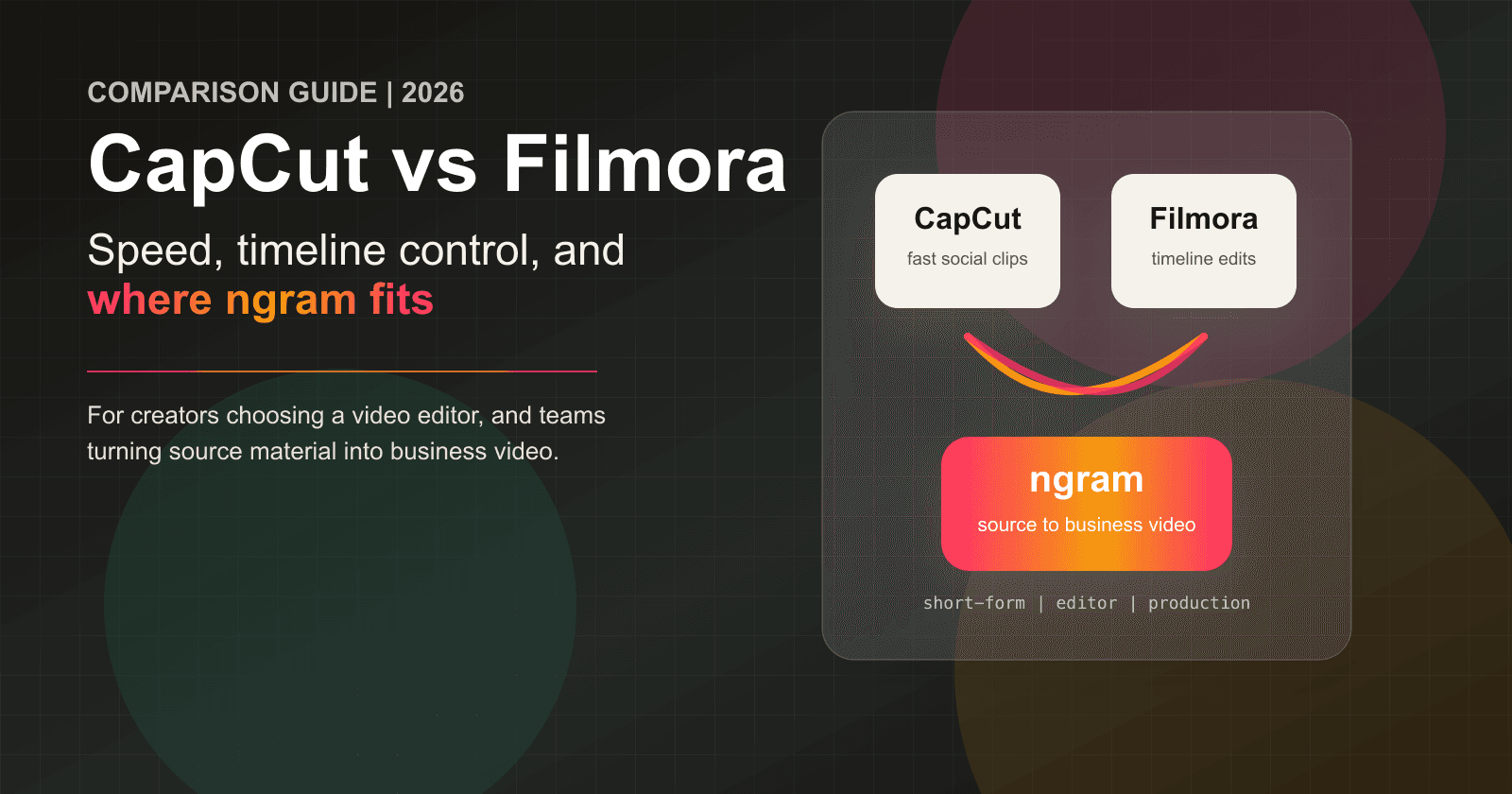


CapCut vs Filmora, or Filmora vs CapCut, is a speed-versus-control decision. Pick CapCut for fast mobile and short-form social edits. Pick Filmora for a more traditional timeline, broader desktop editing controls, and paid 4K export. Both are hands-on editors, so the better choice depends on how and where you edit.
CapCut is the faster social editing tool. It is built around mobile, desktop, and web workflows, with templates, auto captions, effects, quick trims, and the TikTok-adjacent muscle that makes short-form production feel light. Filmora is the deeper timeline editor. Wondershare sells it as a cross-platform editor with paid exports, stock media, effects, AI generation, audio tools, and enough controls for YouTube, tutorials, creator projects, and small marketing edits.
ngram belongs in this comparison as the third path for a narrower business-video job. If your real task is turning a product page, release note, PDF, deck, screenshot set, or screen recording into a scripted and branded video, ngram is the stronger fit. If you want a hands-on editor for clips, choose between CapCut and Filmora.
CapCut vs Filmora at a glance
| Tool | Best for | Current plan path | Main distinction |
|---|---|---|---|
| ngram | Finished branded business videos from prompts, files, URLs, decks, screenshots, and recordings | Basic from $29/mo; usage credits apply | Script and storyboard first |
| CapCut | Short-form social videos, mobile edits, captions, templates, and trend-driven clips | Standard and Pro; checkout varies by region, device, promotion, and account | Fast social workflow |
| Filmora | Creator and prosumer timeline editing with effects, audio tools, AI generation, and paid 4K exports | Basic, Advanced, and Perpetual; live prices and promotions vary | Timeline control plus AI tools |
The shortest verdict: CapCut is better for fast short-form social content. Filmora is better for creators who want more timeline control and paid export depth. ngram is better when a business team wants the video planned and produced from source material instead of assembled scene by scene.
Workflow and output: social speed versus timeline depth
CapCut: quick short-form editing across devices

CapCut starts from speed. CapCut's own Standard vs Pro guide describes it as a ByteDance video editor for mobile, desktop, and web, with auto captions, filters, templates, keyframe animation, chroma key, color grading, and a multi-layer timeline. CapCut's own Filmora comparison adds that CapCut PC is quicker for drag-and-drop editing and that AI auto-sync can save editing time.
That is the reason CapCut keeps winning creator workflows. A social manager can cut a vertical clip, add captions, use a template, resize for TikTok or Reels, and publish without thinking like a post-production editor. The tradeoff is that CapCut is optimized for speed and trend formats, so teams that need heavier timelines, desktop-oriented project management, or long creator edits often start looking at Filmora, DaVinci Resolve, Premiere Pro, or another editor.
Filmora: a fuller editor for people who still want ease
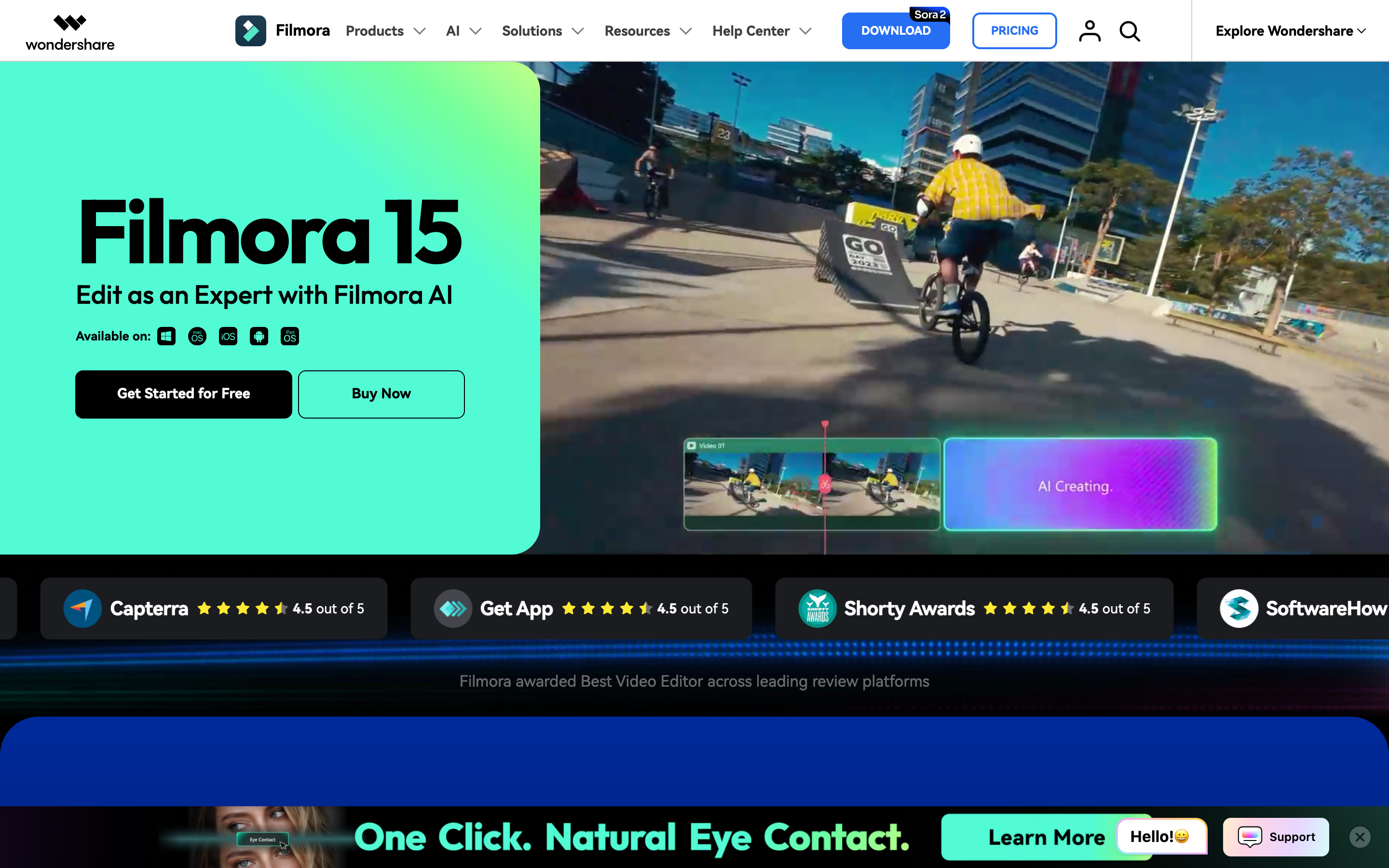
Filmora starts closer to a traditional editor. Wondershare positions Filmora as an all-in-one editor for desktop and mobile, with drag-and-drop editing, templates, transitions, music, overlays, effects, and a large creative resource library. Its pricing page lists export in multiple formats, watermark-free paid exports, 4K HD export, and advanced AI features on the paid tiers.
Filmora is not Premiere Pro, Final Cut Pro, or Resolve. That is part of the appeal. It gives beginners and intermediate creators enough control to polish YouTube videos, tutorials, ads, education content, and small business projects without turning every edit into a professional NLE course. Compared with CapCut, it asks for more time but gives more room for detailed edits.
Winner: CapCut for fast social clips. Filmora for deeper timeline edits. ngram for business videos where the hard part is deciding the message, script, storyboard, voiceover, captions, and brand treatment before editing starts.
AI features and creative control
CapCut's AI layer is strongest when it shortens social editing. The official CapCut pages mention AI-supported features, AI auto-sync, auto captions, templates, filters, and quick drag-and-drop editing. For a creator making shorts every week, that matters more than a long feature matrix.
Filmora's AI layer is broader and more timeline-centered. Wondershare's AI Text to Video page says Filmora supports Seedance 2.0, Sora 2, and Google Veo 3.1, with text-to-video, script-to-video, idea-to-video, prompt enhancement, multi-language prompts, and editable results. The same page lists short model clips, up to one-minute script-based assembly, automatic voiceover, captions, and post-generation editing inside Filmora's timeline.
The difference is where those AI outputs land. CapCut gets you to a publishable social clip fast. Filmora gives you more generated material and editor controls after the AI step. ngram takes a different route: it turns the source material into a planned business video, then lets the user revise through agentic chat, visual chat, the script editor, scene regeneration, canvas controls, or a timeline editor.
Winner: CapCut for quick AI-assisted social edits. Filmora for AI features tied to a timeline. ngram for business videos that need a script and storyboard before rendering.
Pricing and value in 2026
CapCut pricing is the messiest part of this comparison because checkout can vary by region, device, account, tax, and promotion. CapCut currently distinguishes Standard and Pro, but its own help center tells buyers to use the price shown at checkout rather than assume one universal monthly or annual figure.
Filmora's current individual plan structure is Basic, Advanced, and Perpetual. Paid plans export without the Filmora watermark and support 4K. Advanced includes 1,000 AI credits each month; Perpetual includes 1,000 credits and covers updates within Filmora 15 rather than every future major version. Because Wondershare runs regional and promotional pricing, confirm the live checkout before comparing cost.
ngram uses credits instead of a pure editor subscription. Basic is $29/mo, or $23.20/mo billed annually, with 3,000 credits per month. Premium is $59/mo and Ultimate is $299/mo. Credits cover usage-heavy work such as AI video generation and AI editing, with unlimited exports on every plan. That is more expensive than a low-cost editor if you only need to cut clips, but cheaper than production labor when the job includes planning, narration, captions, brand treatment, and an MP4 export.
Winner: compare the live CapCut and Filmora checkout in your region because promotions can reverse the price difference. Choose by workflow first; use ngram when saved production time matters more than a hands-on editor subscription.
Exports, platforms, and team fit
CapCut is strongest when the destination is social. It runs across mobile, desktop, and web, and its own pages emphasize templates and quick editing for TikTok, Instagram, YouTube, campaigns, ads, and brand storytelling. Export availability depends on the platform, device, project settings, and source footage; supported desktop systems can export up to 4K at 60 fps.
Filmora is stronger when the export comes from a fuller edit. Wondershare lists Windows, Mac, iOS, and Android support across its comparison pages, plus multi-format export, watermark-free paid export, 4K HD export, effects, audio tools, and creative assets. That gives Filmora a better fit for YouTube, course clips, tutorials, product explainers, and edited creator projects that need more than a fast template.
ngram fits business teams that need the message to become a finished video. It exports finished videos as MP4; prepare channel-specific cuts separately. It can publish hosted video pages and embed codes. Free exports are 720p with a watermark, Basic removes the watermark at 720p, and Premium and Ultimate support 1080p and 4K export.
Winner: CapCut for social-native publishing habits. Filmora for creator exports and fuller editing. ngram for turning one business source message into several finished video formats.
When to choose CapCut
Pick CapCut if your work is social-first. CapCut is the better fit for TikTok, Reels, Shorts, quick campaign cutdowns, meme-style edits, subtitles, templates, trend effects, and fast mobile changes. It is also the more natural choice when a creator wants to edit on a phone and finish on desktop or web without changing mental models.
Do not pick CapCut just because it is familiar. If your projects involve longer timelines, heavier audio work, deep AI generation, multi-step creator edits, or desktop-first finishing, Filmora gives you more room. If your job is a product launch video, a sales enablement asset, or a customer education walkthrough from source material, ngram is a better match than either editor.
When to choose Filmora
Pick Filmora if you want an editor first and AI around it. Filmora makes more sense for YouTube creators, educators, tutorial makers, small business marketers, and prosumer editors who want a timeline, effects, audio cleanup, AI video generation, stock media, captions, and 4K export in one product.
Do not pick Filmora if all you need is a quick vertical clip. CapCut will usually feel faster for that. Also do not pick Filmora if you need a professional post-production suite with advanced multicam, deep color work, or complex broadcast workflows. In that case, compare Premiere Pro, Resolve, or Final Cut Pro instead.
Where ngram fits if you skip both
Watch how ngram turns an idea into a finished video:
Use ngram when the starting point is a business message rather than a loose pile of clips. ngram accepts text prompts, PDFs, URLs, screenshots, screen recordings, raw video, decks, and Shopify product URLs. It extracts useful material, writes the script, builds the storyboard, plans scenes, applies the brand kit, adds captions, generates voiceover, and renders a video the user can revise in plain language.
That makes ngram the better third option for product launches, demo videos, changelog videos, training, sales enablement, customer education, support walkthroughs, internal updates, and social business videos. It does not replace CapCut for trend-driven mobile edits. It does not replace Filmora for people who want to shape every cut in a timeline. It replaces the planning and production work that usually happens before an editor becomes useful.
For product-specific context, read ngram vs CapCut and ngram vs Filmora. If you want the source-to-video workflow itself, the AI video generator page shows how ngram starts from prompts, files, URLs, and recordings.
Methodology and source notes
We rechecked official product, pricing, and export pages on 2026-08-05. For CapCut, that included the CapCut Standard vs Pro guide, the CapCut Pro cost help page, and CapCut's own Filmora vs CapCut comparison.
For Filmora, we checked the official Filmora shop, the Filmora product page, the Filmora AI Text to Video page, the Filmora Veo 3 page, and Wondershare's own CapCut vs Filmora comparison.
We also reviewed current SERP pages from OneTake AI, SourceForge, Findstack, Slashdot, SelectHub, Swell AI, and Reddit threads to understand the ranking pattern and user language. We did not use numerical review scores in this guide. Official product and pricing pages own factual claims; forum and review sources only informed workflow sentiment.
Final verdict
CapCut vs Filmora is not one tool beating the other across every use case. CapCut wins if you need fast social edits, mobile-first creation, templates, captions, and trend-friendly clips. Filmora wins if you want a fuller editor with timeline control, AI generation, audio tools, creative assets, watermark-free paid exports, and 4K output.
Use ngram if neither editor answers the real question. When the input is a business message and the output needs to be a finished narrated video, ngram does the planning and production work before the edit. CapCut and Filmora are good editors. ngram is the better pick when you need the video made from the message.








